Back To School Drawing Tablets for Art Students
Find back-to-school drawing tablets for art students to support digital sketching, illustration, and coursework. Compare drawing tablets by pen input, drawing area, and compatibility with your computer and creative software to find an option that fits your classes, workspace, and budget.










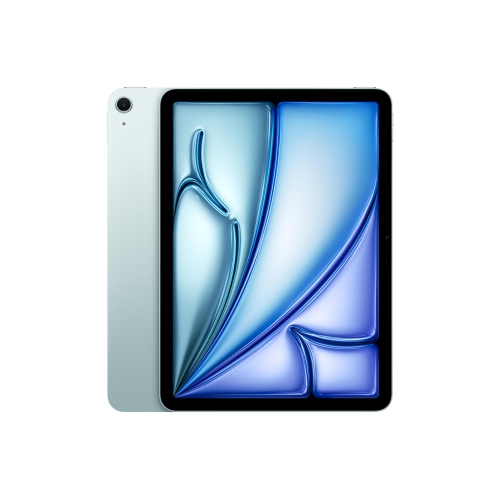

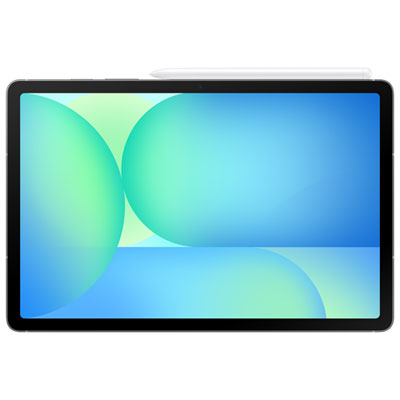
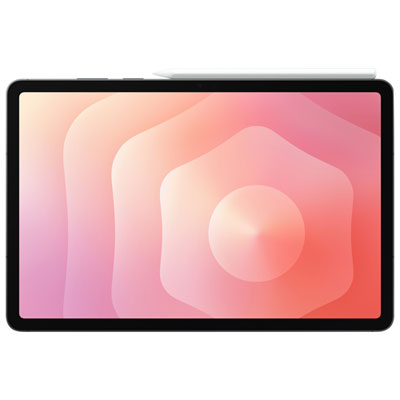
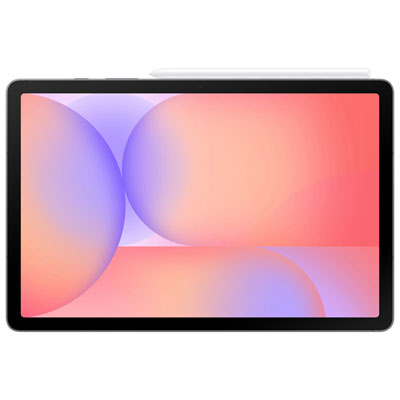


FAQ
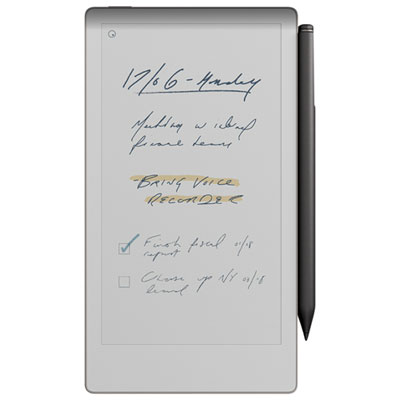
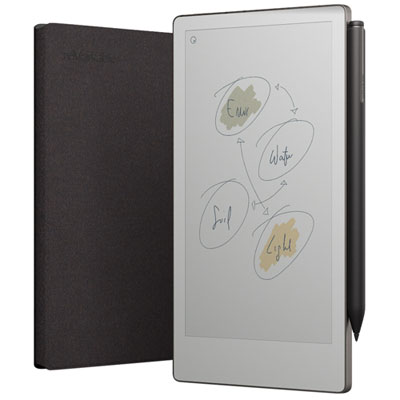
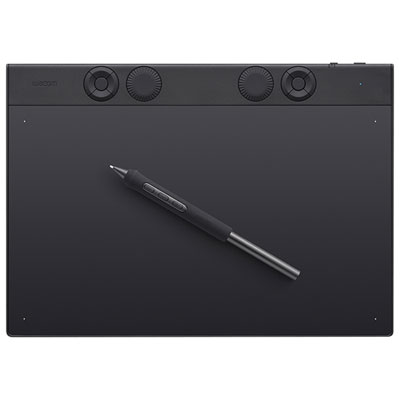
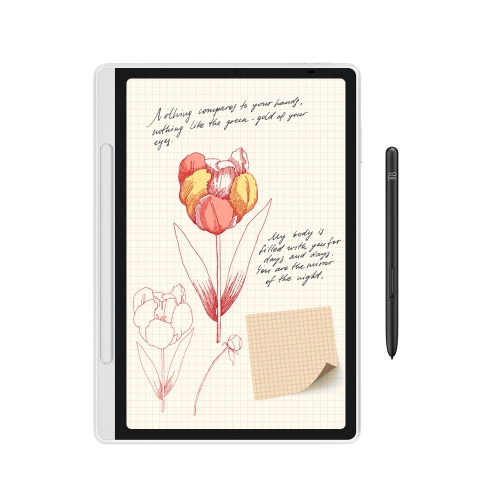
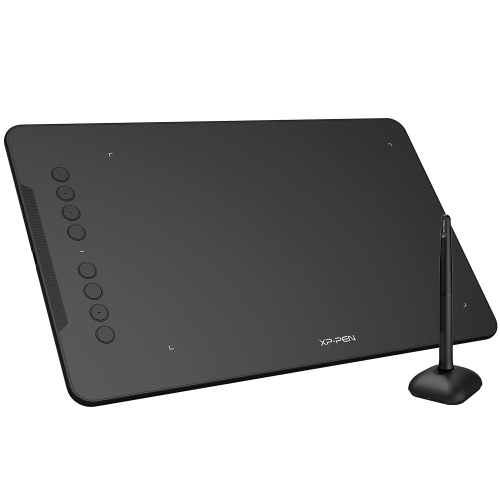
Screenless pen tablets connect to a computer and let you draw on the tablet while viewing your work on a monitor. Pen displays also connect to a computer, but let you draw directly on a built-in screen. Standalone drawing tablets run compatible art apps without a separate computer.
Consider pressure sensitivity, tilt support, customizable shortcut buttons, and stylus controls. These features offer different ways to adjust brush strokes and access drawing tools. Check your course requirements to see whether you need support for particular software or file formats.
Compatibility depends on the tablet, its drivers, your computer’s operating system, and the drawing software. Many pen tablets and pen displays work with desktop illustration and photo-editing programs, while standalone tablets use apps supported by their operating system. Confirm compatibility with the programs required for your classes.
Drawing tablets can support digital illustration, handwritten notes, and PDF annotation when paired with compatible software. You can keep sketches, lecture notes, and assignment feedback in digital notebooks or course folders. Available handwriting and annotation tools vary by app.
Common accessories include replacement stylus nibs, a compatible stand, a carrying case, and any cables or adapters needed to connect to your computer. A shortcut remote or keyboard can provide additional controls for drawing software. Check accessory compatibility with your tablet before choosing add-ons.
Top selling and popular products
Discover more categories related to Back To School Drawing Tablets for Art Students
Some products may be subject to Environmental Handling Fees (EHF) depending on your province. Learn more about EHFs.