Back To School High Resolution Drawing Tablets
Explore high-resolution drawing tablets for back to school, with options for digital art, design coursework, and visual note-taking. Compare resolution, pressure sensitivity, drawing area, and compatibility with your computer and creative software to find a tablet that suits your assignments and study space.




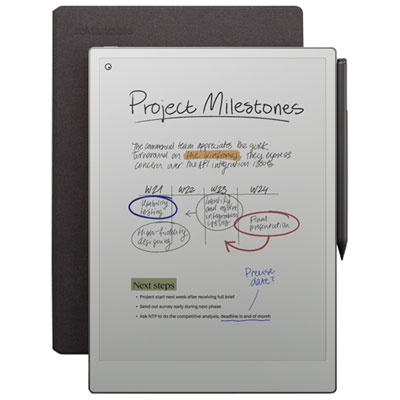

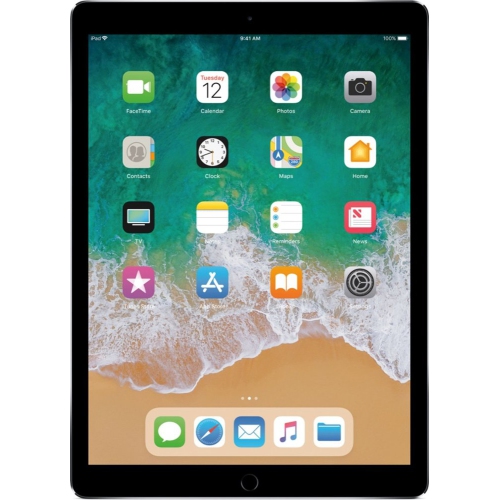



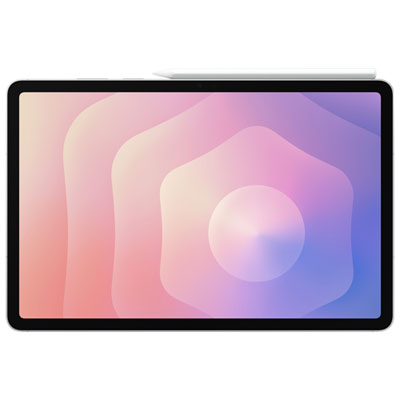
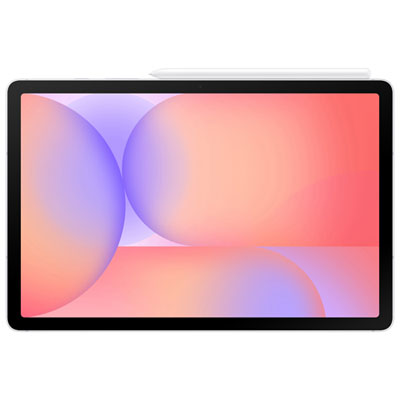

FAQ
For drawing tablets, resolution can refer to pen input or display detail. Pen resolution is often measured in lines per inch (LPI), which describes how finely the tablet registers pen positions. On models with a built-in display, screen resolution refers to the number of pixels used to show your artwork. These are separate specifications.
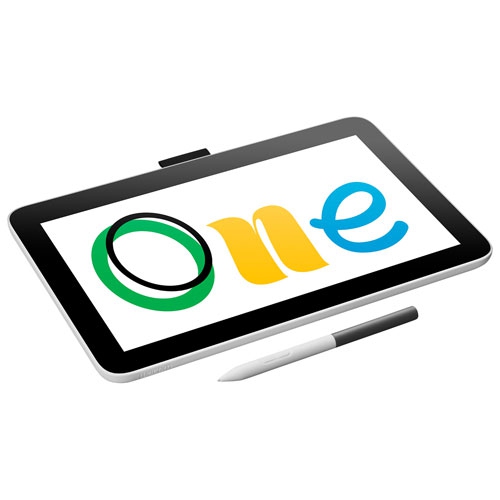
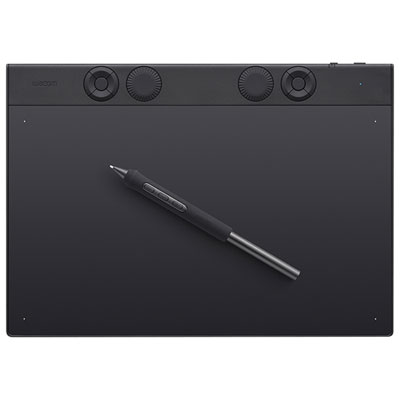
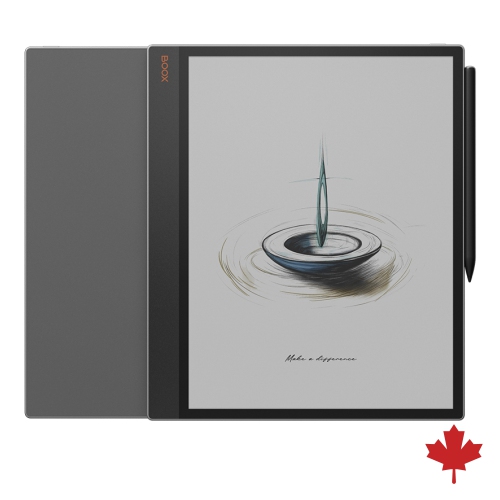
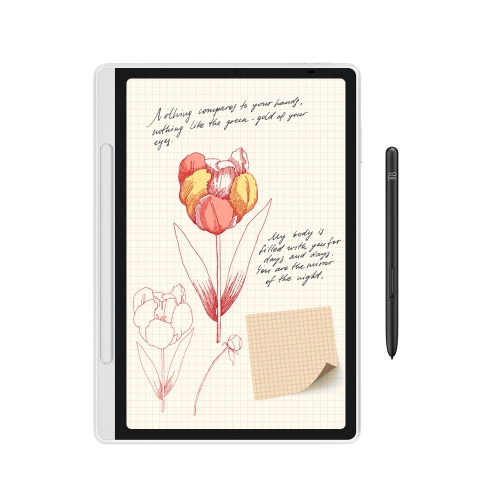
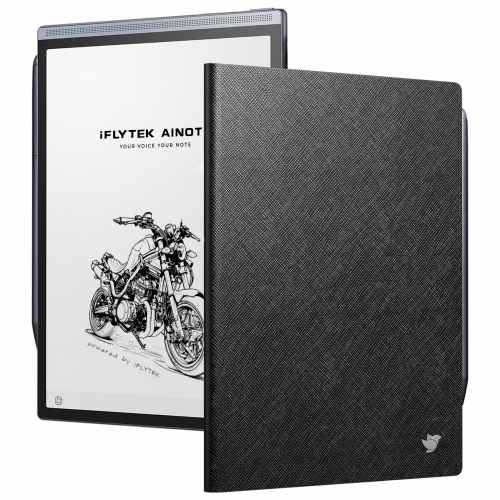
A pen tablet captures stylus input while you view your work on a connected computer. A pen display lets you draw directly on a screen but typically requires a computer to run creative software. A standalone drawing tablet has its own operating system and runs compatible apps without a separate computer.
Check that the drawing tablet supports your computer’s operating system and the apps required for your courses. Illustration, photo editing, animation, and note-taking apps can differ in their support for pressure sensitivity, tilt, and shortcut controls. Some tablets also require drivers, so confirm whether your school allows driver installation on school-managed computers.
Common stylus features include pressure sensitivity, tilt detection, programmable buttons, and an eraser function. Compatible apps can use pressure to vary line weight or opacity and tilt to change brush behaviour. Some pens operate without batteries, while others need charging or replacement batteries. Stylus compatibility varies by tablet.
Connection options vary by model. Screenless pen tablets may use USB or Bluetooth, while pen displays generally need connections for video, pen input, and power. Some pen displays support a single USB-C connection when the laptop’s port and cable support the required functions. Check the tablet’s connection requirements against your laptop’s available ports.
Top selling and popular products
Discover more categories related to Back To School High Resolution Drawing Tablets

Some products may be subject to Environmental Handling Fees (EHF) depending on your province. Learn more about EHFs.