Back To School Easy To Use Tablets

Find easy-to-use tablets for back to school that suit everyday learning tasks, from reading digital textbooks to taking notes and joining online classes. Compare screen sizes, storage capacity, and battery life, and check compatibility with required school apps to choose a tablet that fits your student’s needs.


Read More

Sort

Back To School Easy To Use Tablets

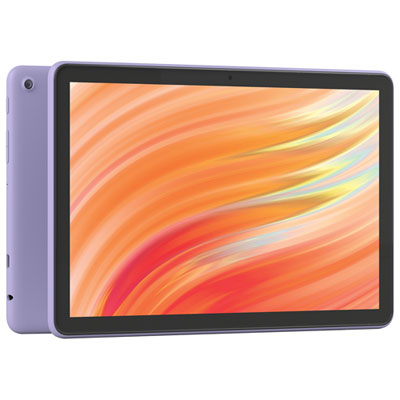
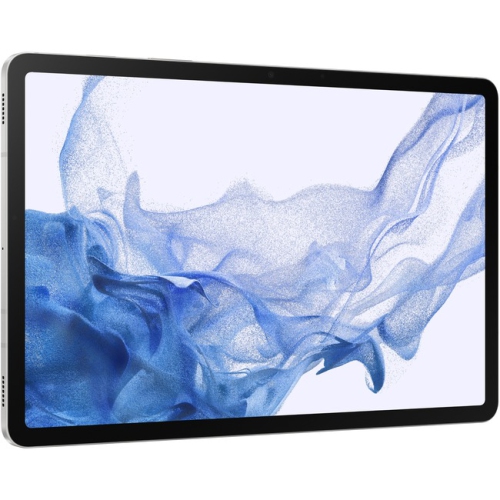
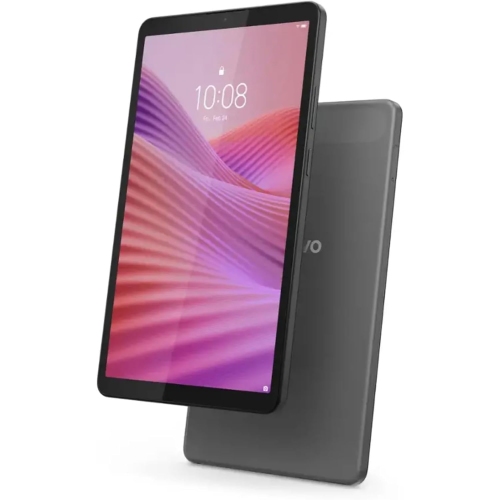
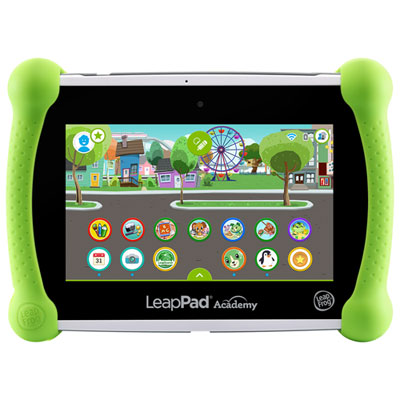
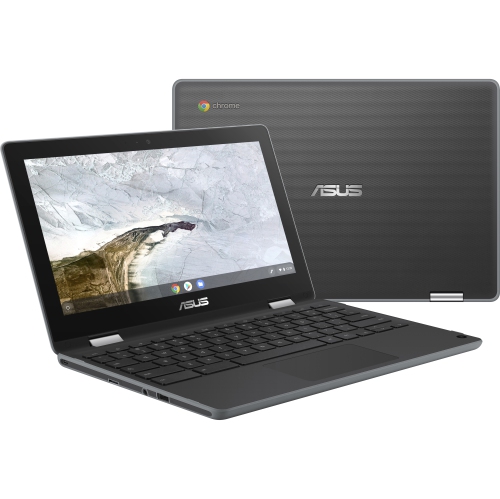
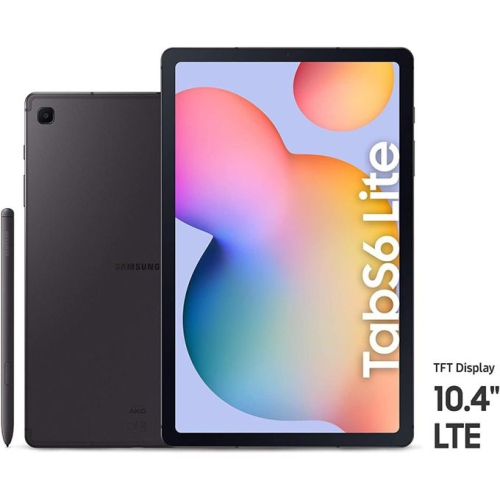
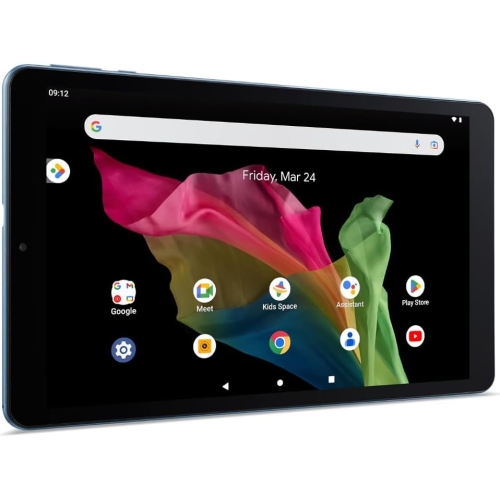
A tablet that feels familiar from the first tap can make the return to class a little smoother. The Back To School Easy To Use Tablets selection brings together options for students who want a straightforward way to read, learn, stay organized, and unwind between assignments. For a younger learner, that might mean opening a reading app at the kitchen table or practising spelling with a parent nearby. For a college or university student, it could mean checking a course outline on the bus, reviewing lecture slides over lunch, or keeping a digital planner close at hand. Clear menus, responsive touch controls, and an easy-to-read display all help make everyday tasks more comfortable. When choosing a tablet, think about who will use it most and what their school day actually looks like. A compact model may be easier to carry in an already-full backpack, while a larger screen gives textbooks, diagrams, and split-screen apps more breathing room. Screen brightness, adjustable text size, and accessibility features are also worth considering, especially for students who spend plenty of time reading on their devices.

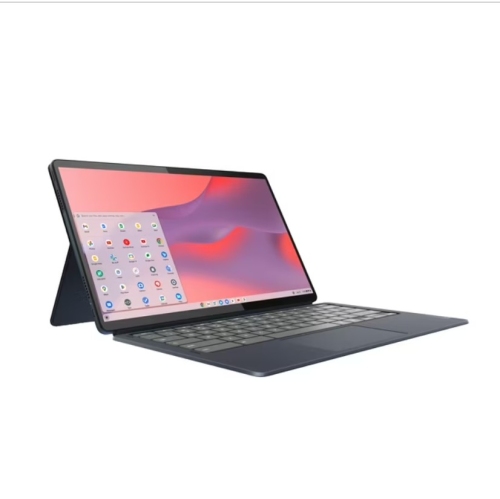
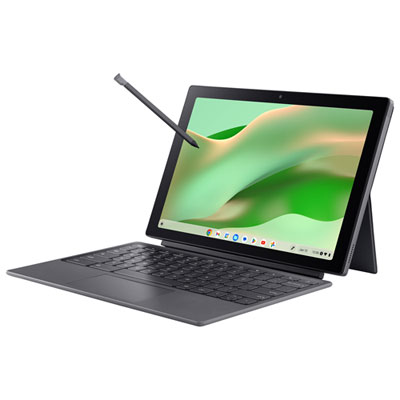
Ease of use goes beyond the home screen. A good fit starts with compatibility with the learning apps, school portals, and accounts a student already uses. Before choosing, check the school’s device requirements and whether essential apps offer the features needed on a tablet; some assignments, testing tools, and specialized software may still require a computer. For reading, browsing, video lessons, and everyday homework, look for smooth performance when moving between apps, enough storage for downloaded materials, and battery life suited to the student’s routine. Advertised battery life varies with use, so long video calls and higher screen brightness are worth factoring into expectations. Reliable Wi-Fi connectivity matters for online classes and submitting assignments, while offline access to saved notes and readings can be useful during a commute. If handwritten notes or drawing are part of the plan, confirm that the tablet supports a compatible stylus and whether it is included. A keyboard can make longer responses more comfortable to type, but compatibility, attachment options, and any separate accessory costs deserve a closer look before purchasing.

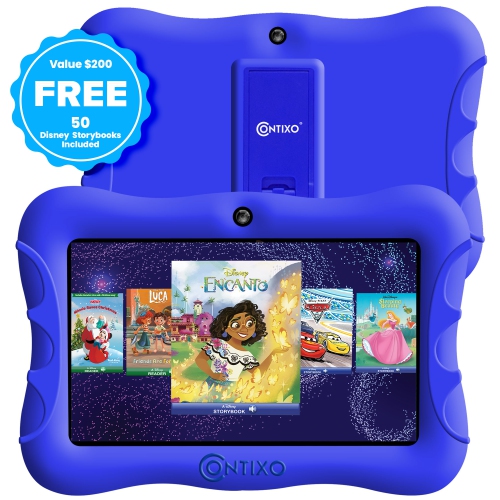
For families, a few thoughtful details can make a tablet much easier to live with throughout the school year. A protective case helps guard against everyday bumps, and a stable stand keeps the screen upright for a video lesson without a stack of books behind it. Younger students may benefit from parental controls, app approval settings, and screen-time tools, though the available features vary by device and account setup. Headphone compatibility and simple volume controls can help when one child is listening to a lesson while another is working nearby. Tablets can also be practical back-to-school gifts from parents, grandparents, or other family members, particularly when chosen around the recipient’s age, interests, and school requirements rather than screen size alone. Consider the full setup, including a case, any typing or writing accessories, and paid apps or subscriptions the student may need. The most useful choice is one that fits naturally into daily life: light enough to bring along, straightforward enough to use independently, and capable of handling the tasks that come up again and again, from the first morning timetable check to a final review before tomorrow’s class.

Read More

FAQ

Some products may be subject to Environmental Handling Fees (EHF) depending on your province. Learn more about EHFs.