Back To School Portable Tablets
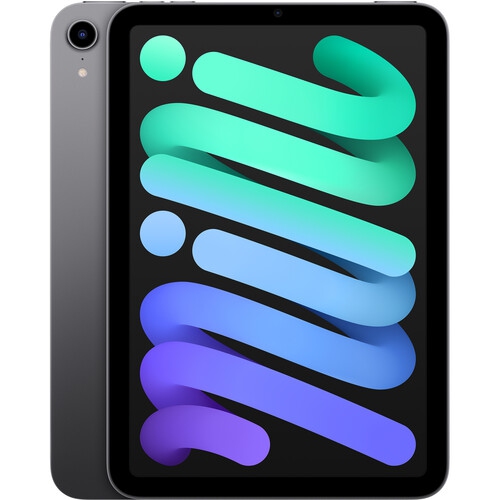
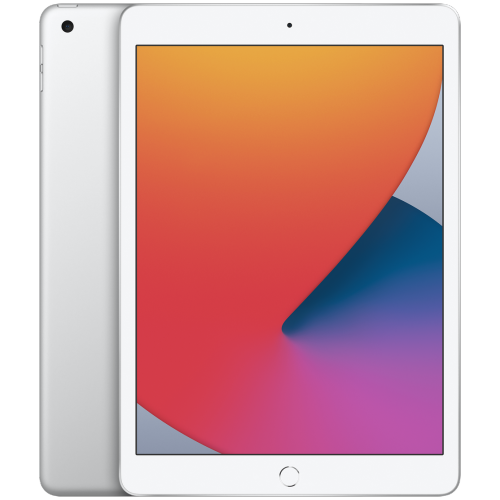
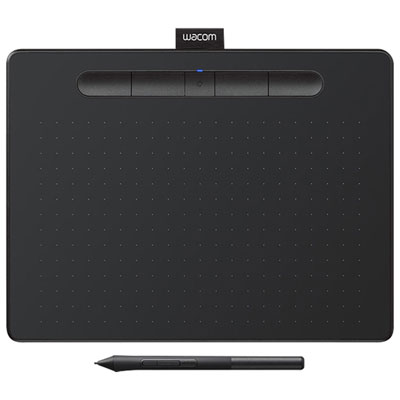
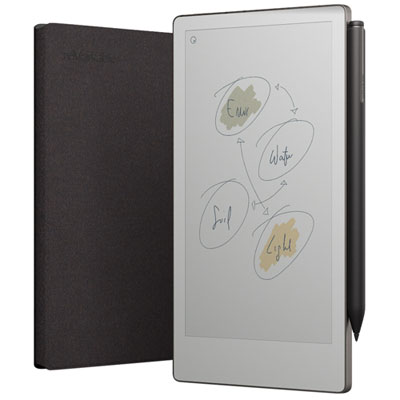
Find portable tablets for back to school that fit your study routine, whether you’re reading digital textbooks, taking notes or joining online classes. Compare screen sizes, storage capacity and battery life, and check keyboard and stylus compatibility to choose a tablet that’s easy to carry between home and class.












FAQ
Start with your school’s required apps, learning platform and device guidelines. Check the tablet’s operating system, keyboard and stylus compatibility, available ports and file-sharing options. Some courses require desktop software that may not be available on a tablet.
Many learning platforms, document editors and video-calling services offer tablet apps or browser access. Check whether your school’s required services support the tablet’s operating system and whether any assignments or assessments require a desktop browser.
Common accessories include keyboard cases, wireless keyboards, mice, styluses, stands and headphones. Compatibility varies by tablet model, so check the supported connection type and accessory requirements. Active styluses may require specific hardware support for features such as pressure sensitivity and palm rejection.
Wi-Fi tablets connect to the internet through wireless networks, such as those at home or on campus. Cellular-enabled tablets can also connect through a mobile carrier with a compatible SIM or eSIM and a data plan. Both types may connect through a phone’s hotspot when supported by the phone and mobile plan.
Students can use folders in a file-management app to group documents by course, assignment or term. Cloud storage services can sync files across compatible devices, while some apps allow documents to be downloaded for offline access. Check which file formats and storage services your school uses before setting up your folders.
Top selling and popular products
Discover more categories related to Back To School Portable Tablets
Some products may be subject to Environmental Handling Fees (EHF) depending on your province. Learn more about EHFs.