Back To School Efficient Laptop Cooling Pads

Find efficient laptop cooling pads for back to school to help manage heat during study sessions and coursework. Browse laptop cooling stands and pads with your laptop’s size and desk setup in mind, and compare airflow, fan noise, and height adjustment to find a practical fit for everyday studying.

Read More

Sort

Back To School Efficient Laptop Cooling Pads

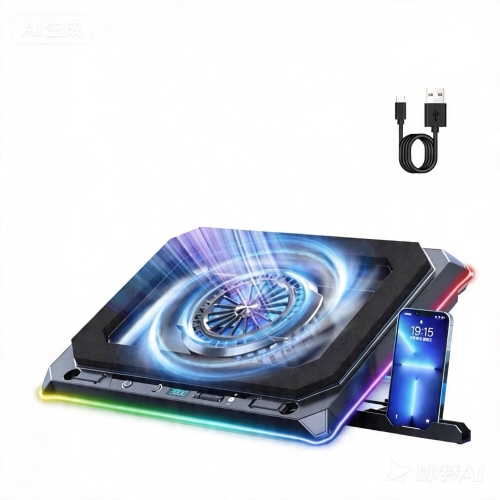
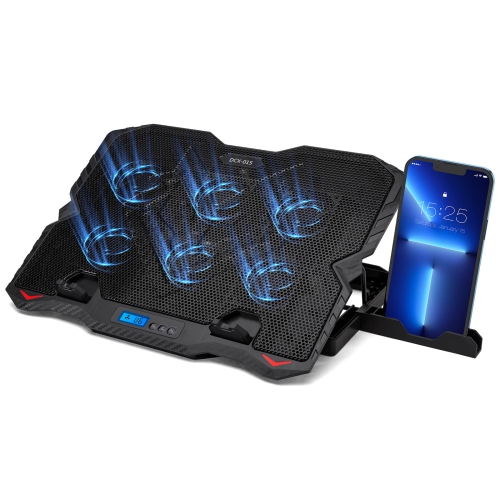
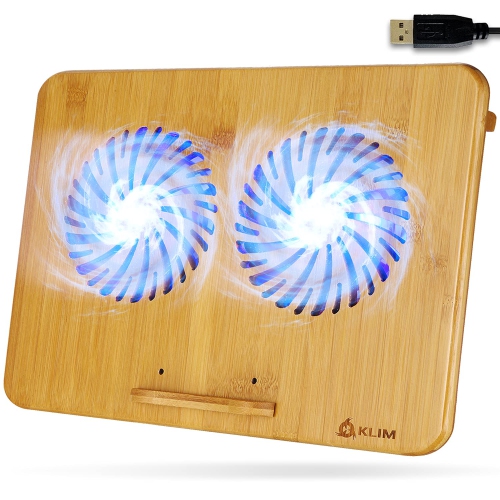
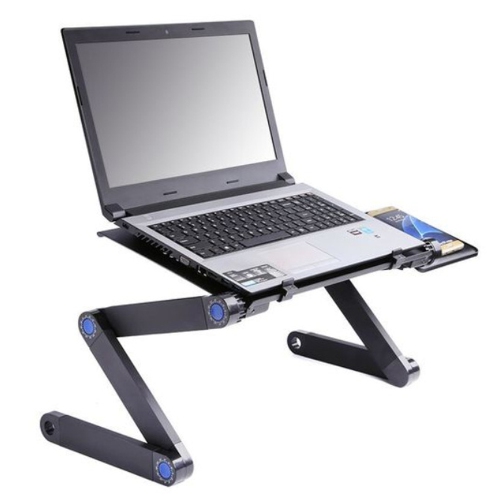
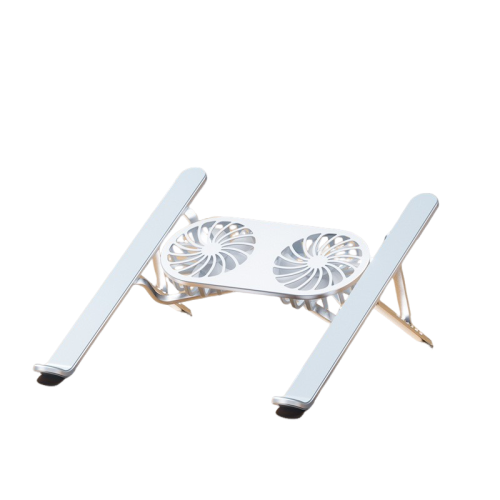
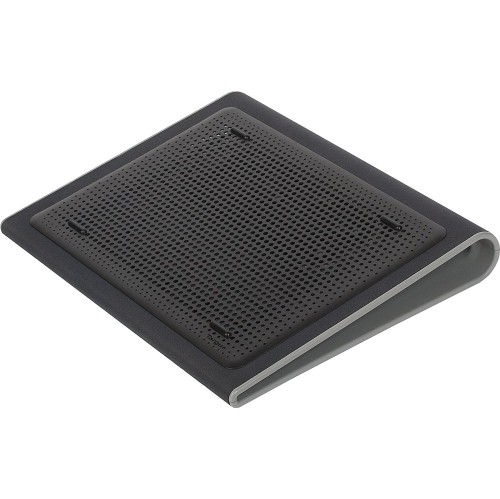
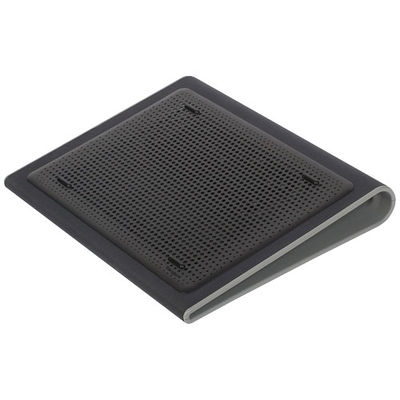
Back To School Efficient Laptop Cooling Pads bring a practical addition to the desks, study spaces, and residence rooms where a new term takes shape. Between video lectures, research tabs, spreadsheets, and the occasional gaming break, a laptop can spend much of the day switched on. A cooling pad helps air circulate around the underside of a compatible laptop, with many designs combining a raised platform and powered fans to support airflow during longer sessions. Picture an evening spent polishing a presentation, with class notes spread across the desk and a deadline drawing closer: a stable, well-ventilated setup is one less distraction. Cooling results vary with the laptop’s design, workload, and vent placement, so a pad is best viewed as a supporting accessory rather than a guaranteed performance upgrade. It can be particularly useful for students running demanding software, attending back-to-back online classes, or working on a laptop that has little clearance beneath its base.

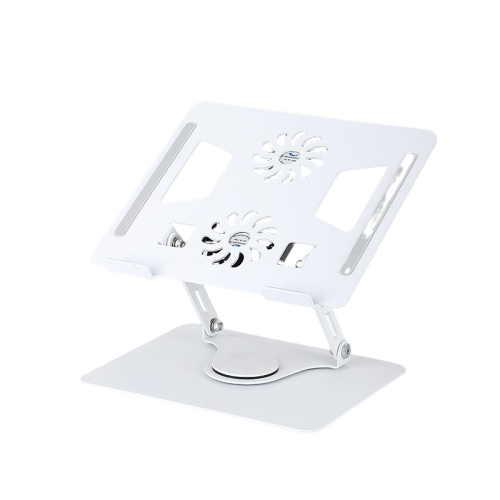
Finding the right fit starts with more than the laptop’s screen size. Check the cooling pad’s platform dimensions and weight capacity against the computer itself, especially for larger laptops that need firm support at every corner. The position of the laptop’s air intakes matters, too: fans should direct airflow towards suitable intake areas without obstructing exhaust vents. A perforated surface can help air move beneath the computer, while non-slip contact points and retaining stops help keep it steady when the platform is tilted. Adjustable fan speed is worth considering for a study routine that moves between quiet reading and heavier workloads. A lower setting may be preferable while reviewing notes in a shared room, while a higher setting may provide more airflow when needed, usually with additional sound. Fan count alone does not tell the whole story; placement, airflow, build quality, and noise levels all deserve attention. For USB-powered designs, check the connector type, cable length, and power requirements, along with whether a pass-through port is available for other accessories.

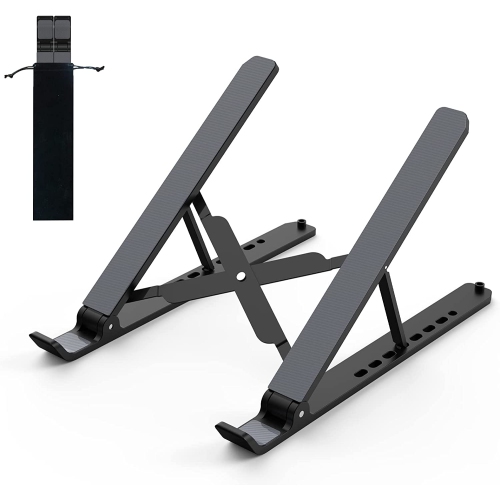
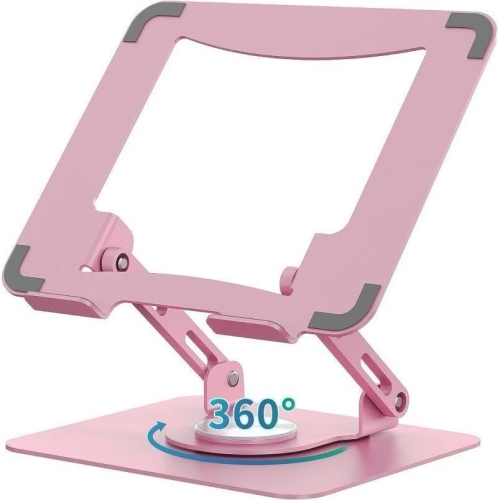
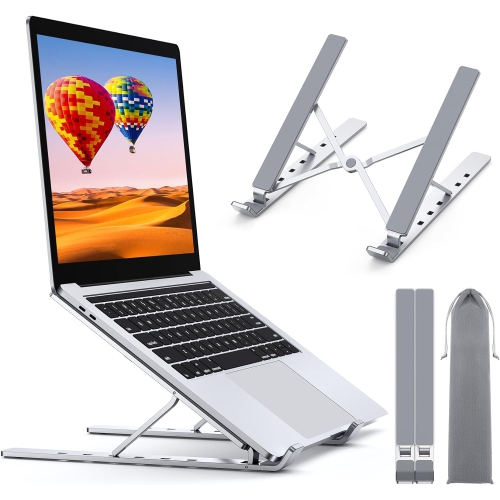
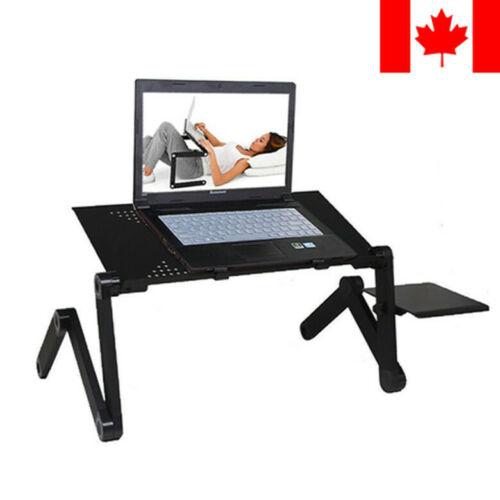
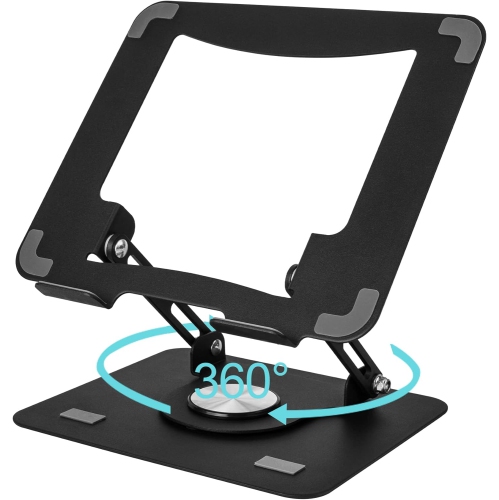
Comfort and portability can make just as much difference as cooling features once the semester gets busy. An adjustable angle can make the screen easier to view, although a steep typing position may not suit everyone’s wrists; for longer assignments, an external keyboard and mouse can make a raised laptop setup more comfortable. Students moving between home and campus may appreciate a slim, lightweight pad with foldaway supports, while someone with a dedicated desk may favour a larger platform with a wider range of height settings. Lighting controls are another small but useful detail, particularly when a desk shares space with a bed or when bright LEDs become distracting during an evening lecture. As a back-to-school gift, a cooling pad can be a thoughtful choice for a college or university student, a teen setting up a homework station, or an adult returning to classes, provided it fits their laptop and available workspace. For everyday use, place the pad on a firm, flat surface, keep its vents clear, and follow the manufacturer’s cleaning instructions. It should complement the laptop’s own cooling system, not replace maintenance or attention to persistent overheating.

Read More

FAQ

Some products may be subject to Environmental Handling Fees (EHF) depending on your province. Learn more about EHFs.