Back To School Laptop Cooling Pads

Back-to-school laptop cooling pads help improve airflow beneath your laptop during study sessions, online classes, and homework. Browse cooling pads with your laptop’s size and study setup in mind, and compare fan noise, power connections, and adjustable height options to find a practical fit for your desk.

Read More

Sort

Back To School Laptop Cooling Pads

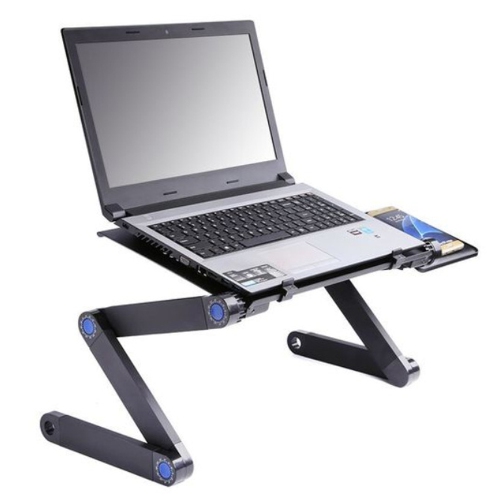
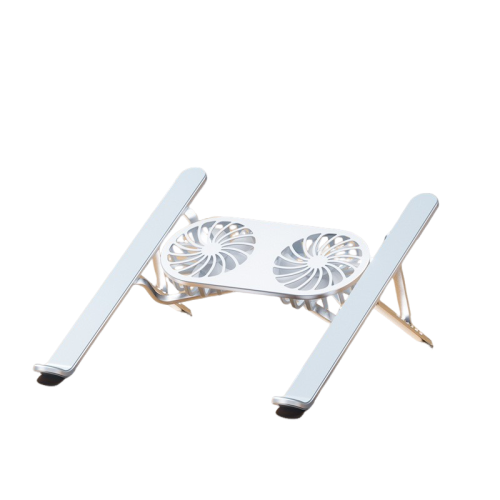
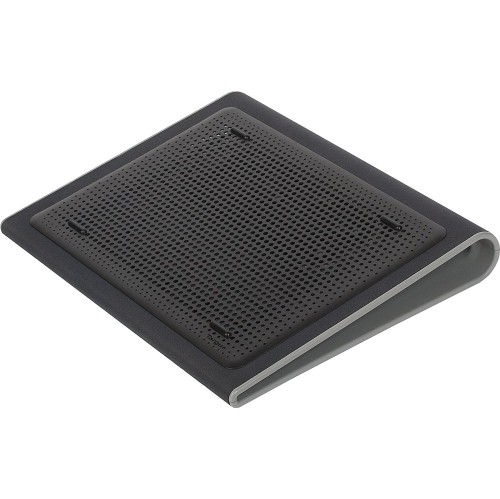
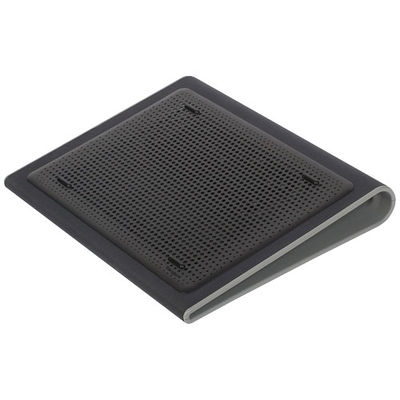
Back to School Laptop Cooling Pads bring a practical finishing touch to a student’s desk, giving a laptop a raised, ventilated surface for everything from morning lectures to late-night assignments. When a study session stretches from a quick reading response into an afternoon of research, video calls, and presentation work, airflow around the laptop can make a difference to how it handles heat. A cooling pad can help move air around the underside of a compatible laptop, particularly when its vents would otherwise sit close to the desk. It is not a replacement for clear vents or regular maintenance, and results depend on the laptop’s design, the workload, and the room temperature. Still, for students who regularly run demanding software, edit video, or switch from coursework to gaming, a well-matched cooling pad can be a useful addition to their setup. Even a compact desk shared with textbooks, a water bottle, and a stack of index cards can benefit from an accessory that gives the laptop a stable place to sit.

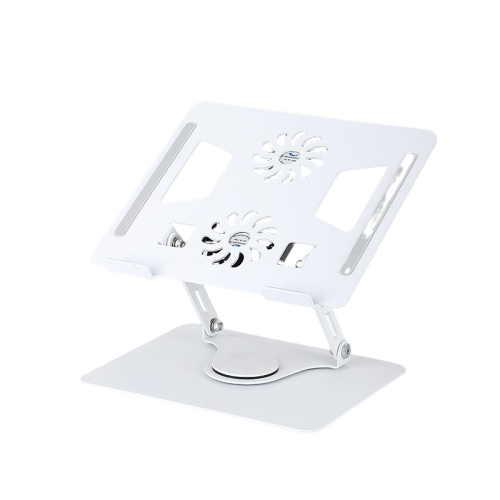
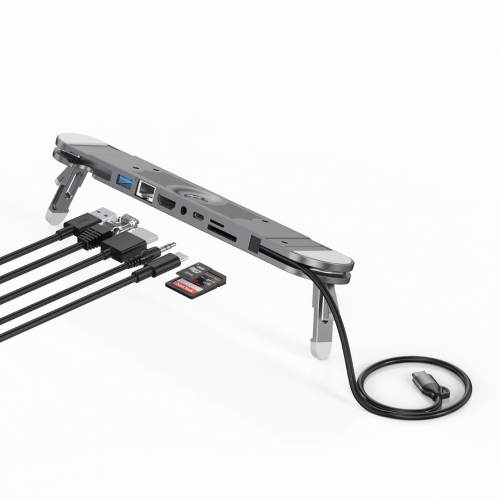
Fit is a good place to start when choosing a laptop cooling pad. Check the supported laptop dimensions and weight rather than relying on screen size alone: two laptops with the same display size can have quite different footprints. The platform should support the computer securely without blocking ports, while retaining stops or grips should keep it from sliding when the surface is tilted. Fan placement matters, too. A pad that directs air towards the laptop’s intake areas may be more useful than one whose fans sit beneath a mostly closed section of the base. Adjustable fan speeds offer flexibility when moving between light note-taking and heavier tasks, while published noise levels can help narrow the choices for a quiet bedroom or shared study space. Multiple fans do not automatically mean better cooling; airflow, positioning, and compatibility all contribute. For USB-powered models, check the connector type, cable length, and whether the pad includes a pass-through port. That detail can matter when a mouse, headset, and external drive are already competing for a limited number of connections.

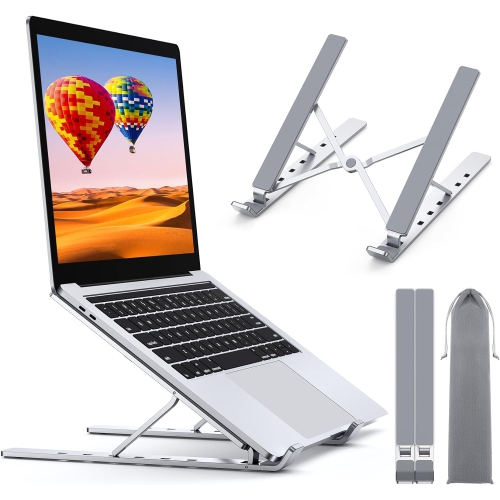
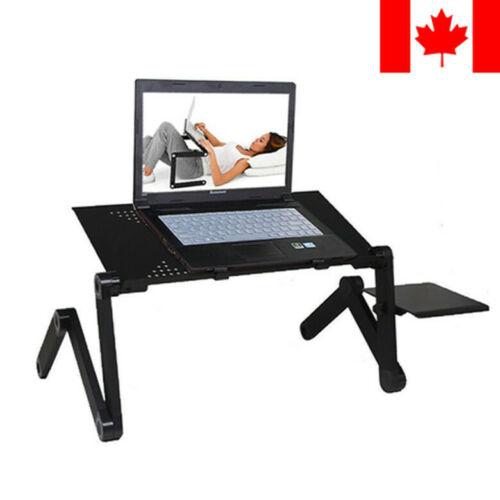
Comfort and portability deserve just as much attention as cooling features. Adjustable height and tilt can make the screen easier to view, although a steeper angle may be less comfortable for typing directly on the laptop. For longer stretches of work, pairing a raised laptop with a separate keyboard and mouse can make it easier to arrange the desk comfortably. Students carrying their setup between home, residence, and campus may prefer a slim, lightweight pad that folds flat, while someone with a dedicated workstation may value a larger platform with more adjustment options. Look for sturdy construction, accessible controls, and lighting that can be switched off if bright effects would distract a roommate during an evening study session. Use the pad on a firm, stable surface as directed by its manufacturer; bedding and soft cushions can still restrict airflow around the setup. As a back-to-school gift, a laptop cooling pad is especially practical when you know the recipient’s laptop size and study habits. It is the sort of accessory that can settle naturally into a daily routine, ready for the first class of the morning, the group project after dinner, and the final read-through before an assignment is submitted.

Read More

FAQ

Some products may be subject to Environmental Handling Fees (EHF) depending on your province. Learn more about EHFs.