Back To School Laptop Cooling Pads For Long Study Sessions
Back-to-school laptop cooling pads help manage heat during long study sessions, from taking lecture notes to working on assignments. Browse cooling pads and laptop cooling stands, comparing laptop size compatibility, fan setup, and height adjustment to find an option that fits your computer and study space.
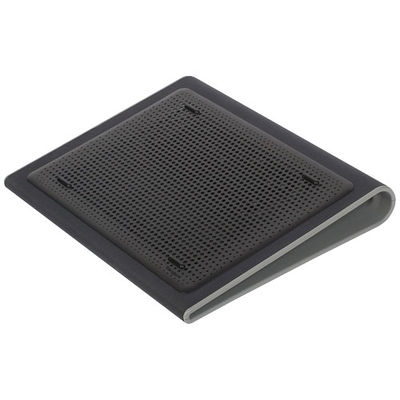
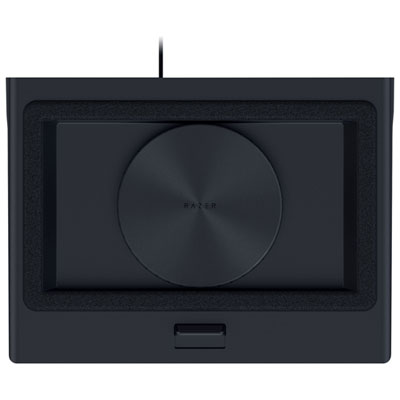
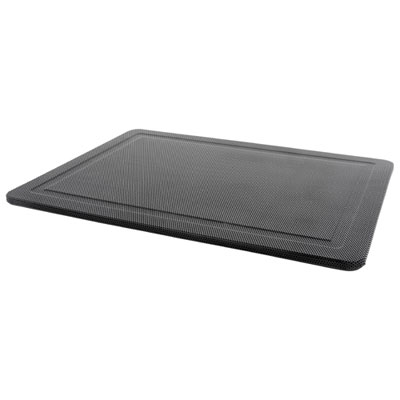
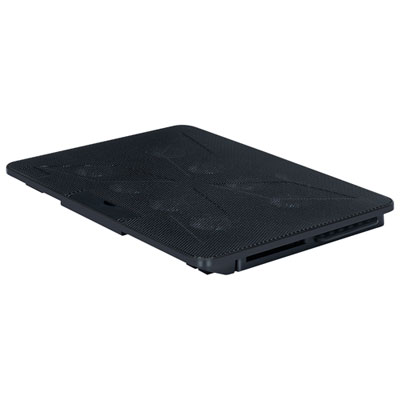
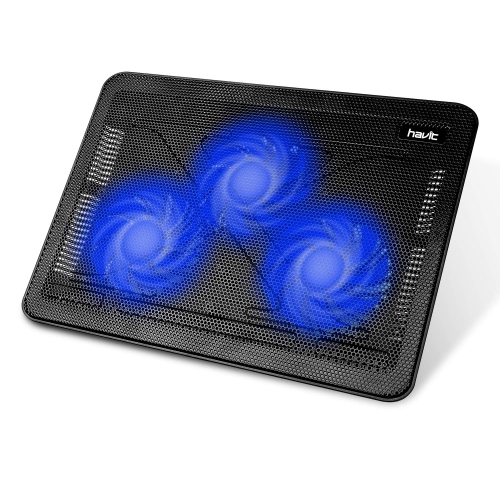
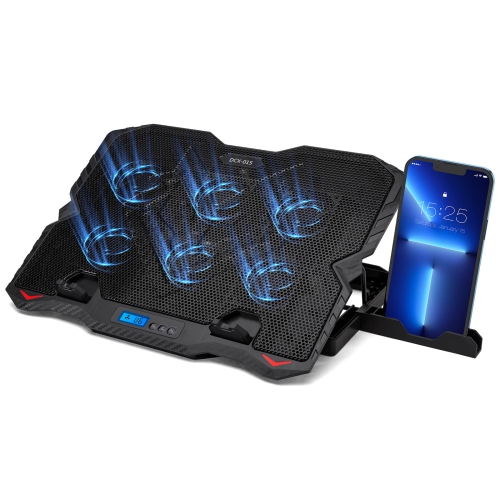

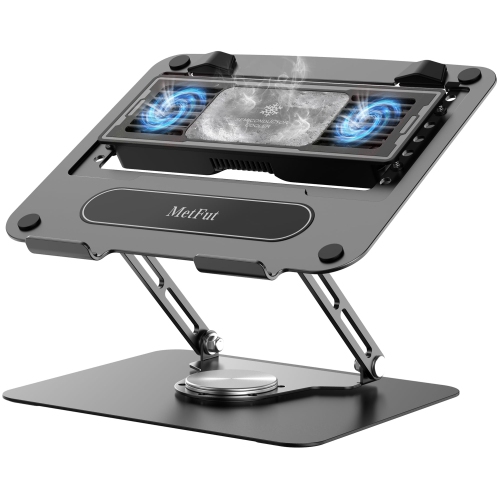
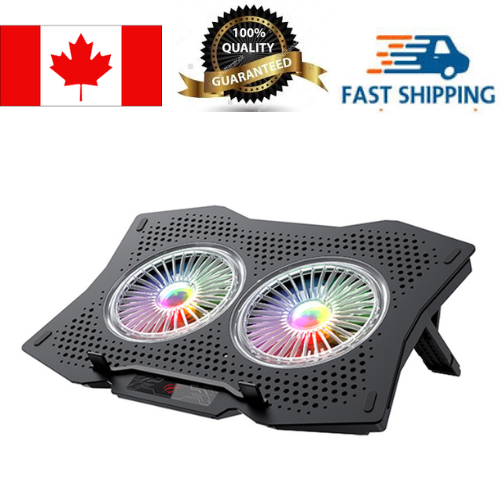
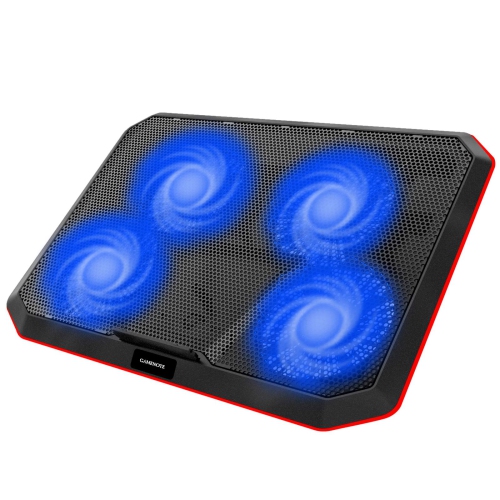
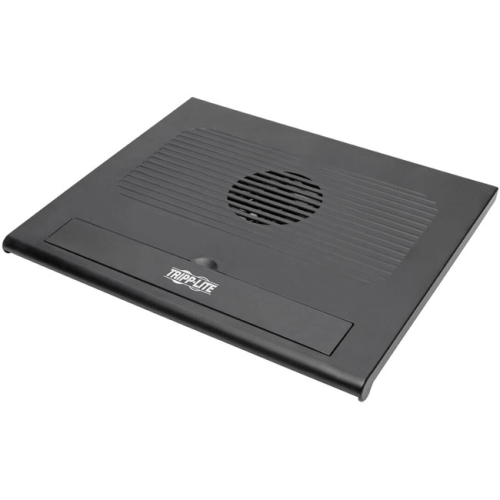
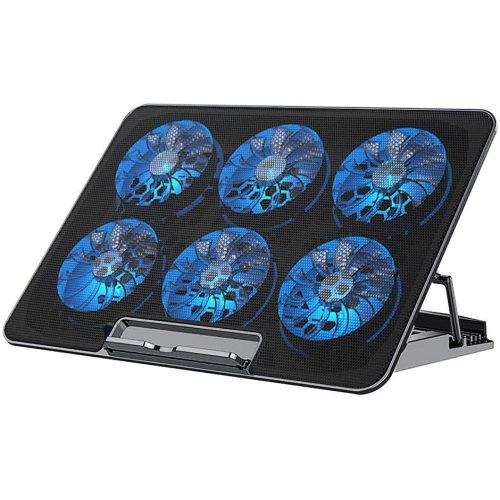
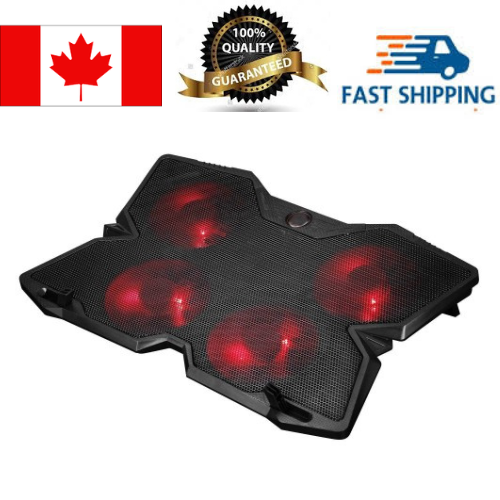
![HLD Wind - Laptop Cooling Pad - 11"- 19", Ps4 - [ 4 Fans ] - Light, Quiet Rapid Cooling Action - Ergonomic Ventilated Support](https://multimedia.bbycastatic.ca/multimedia/products/500x500/138/13811/13811145.jpg)
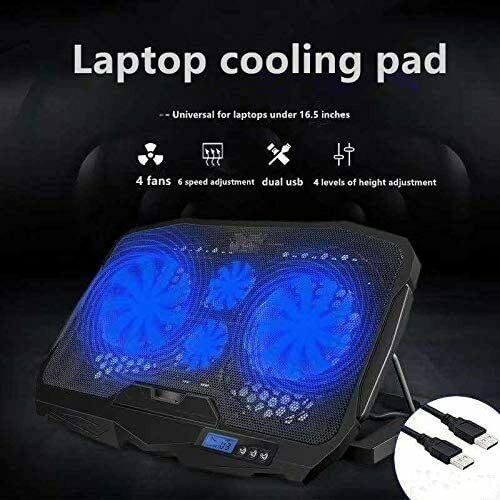
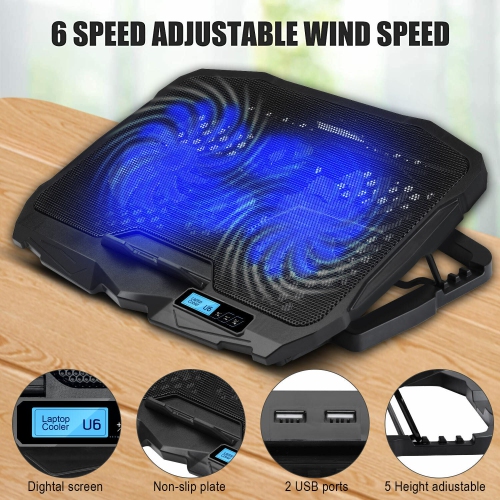
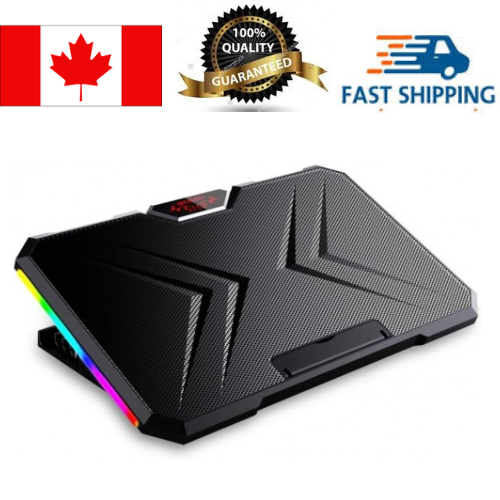
![YELLOW-PRICE 11-15.6Inch Laptop Cooling Pad [High Speed Quiet Fans, Lcd Screen, Button Control]](https://multimedia.bbycastatic.ca/multimedia/products/500x500/164/16497/16497772.jpeg)
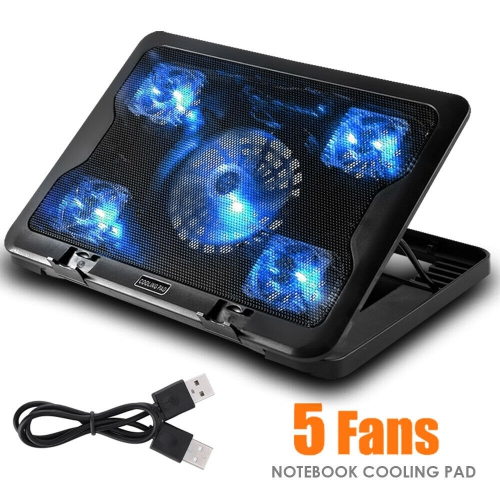

FAQ
Consider adjustable tilt settings, accessible fan controls, cable management and a front ledge that keeps your laptop in position. Think about how the pad will fit into your study setup, especially if you use an external keyboard or mouse.
Many laptop cooling pads draw power through a USB connection to your laptop. Some support a separate USB power source. Check the connection requirements and whether a cable is included, particularly if your laptop only has USB-C ports.
Fan noise varies by design and speed setting. For libraries, shared dorm rooms or recorded lectures, look for adjustable fan speeds and a listed noise rating. Descriptions such as “quiet” do not necessarily mean a pad is silent.
A lightweight design, foldable supports and a detachable or neatly stored cable can simplify packing. If you frequently switch between campus and home, consider how easily the pad can be packed alongside your other study essentials.
Lighting controls vary. Some cooling pads let you switch off the lights independently of the fans, while others link both functions to the same control. If you prefer a study desk without extra lighting, look for independent lighting controls or a model without lights.
Top selling and popular products
Discover more categories related to Back To School Laptop Cooling Pads For Long Study Sessions

Some products may be subject to Environmental Handling Fees (EHF) depending on your province. Learn more about EHFs.