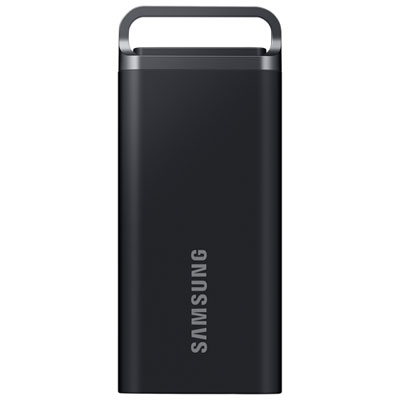
Back To School External Hard Drives

Back to school external hard drives give students extra space for assignments, research files, photos, and backups. Browse external storage options with your laptop’s connections, storage needs, and daily routine in mind, whether you need a portable drive for campus or extra storage for your study space.


Read More

Sort

Back To School External Hard Drives

Back to School External Hard Drives offer practical storage for the files that accumulate throughout a school year, from first-week reading lists to final projects and graduation photos. A laptop can fill up surprisingly quickly once lecture recordings, presentation slides, design files, and video assignments enter the mix. An external hard drive gives students room to keep completed work close at hand without leaving everything on their computer’s internal storage. Picture a desk covered with course outlines, a half-finished presentation on screen, and last term’s projects neatly filed on a separate drive rather than scattered across the desktop. For secondary school students, college and university students, and teachers preparing classroom materials, that extra space can make everyday file management more manageable. It is also a thoughtful, practical gift for someone heading to campus or setting up a study space at home, especially when chosen to suit the computer they already use.

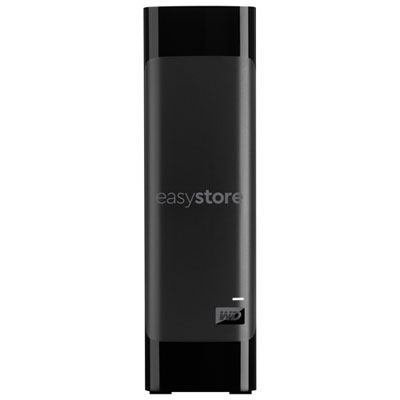
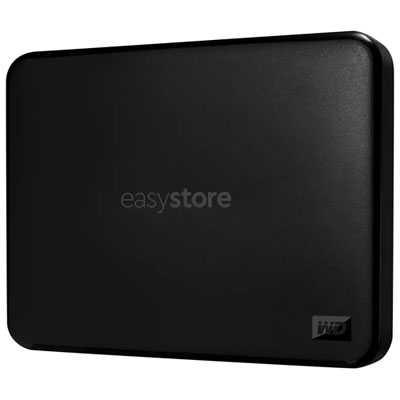
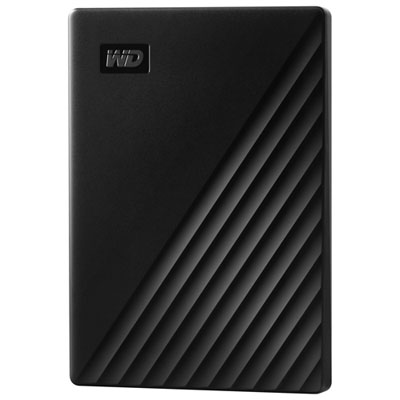
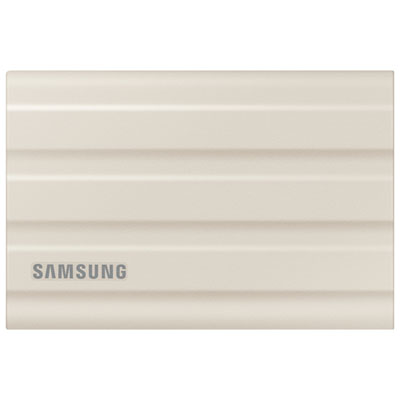
Capacity is a useful starting point, but the right fit depends on what a student actually saves. Essays, spreadsheets, and PDFs generally take up much less space than photography libraries, raw video footage, audio sessions, or large creative projects. Look beyond the first semester and leave room for several terms of coursework, personal files, and backups. Portability matters just as much when a drive travels between a bedroom desk, the library, and a computer lab. Compact, USB-powered models can be convenient for a backpack because they typically do not need a separate power adapter, while larger desktop drives may suit a permanent study setup where higher capacity takes priority over portability. Check the drive’s dimensions, power requirements, and included cable before choosing. The connector should match the student’s available ports, whether that means USB-A or USB-C, and a connector’s shape alone does not tell you its transfer speed. Actual performance depends on the drive, cable, and computer connection together. Compatibility with the computer’s operating system is another important detail: some drives arrive formatted for a particular system and may need reformatting for use elsewhere, a process that erases files already on the drive.

An external hard drive is particularly useful when it becomes part of a simple routine rather than something pulled out only when storage runs low. Keeping folders organised by course, term, and assignment makes it easier to find an earlier draft when a professor requests revisions or to pull together a portfolio near graduation. For files that would be difficult to replace, keep more than one copy; moving the only copy of an assignment off a laptop does not create a backup. Depending on compatibility, built-in backup tools or included software may help automate regular copies, though the drive usually needs to be connected for those backups to run. Students carrying sensitive research or personal documents may also want to look for password protection or encryption support. Treat a portable hard drive with care, particularly while it is operating, and safely eject it before unplugging it. A protective case and a consistent place in the school bag can help keep the drive and its cable together. Those small habits make external storage a dependable part of school life, whether it holds weekly coursework, a semester-long film project, or the photos worth keeping long after exams are finished.

Read More

FAQ

Some products may be subject to Environmental Handling Fees (EHF) depending on your province. Learn more about EHFs.