Back To School Portable Hard Drives
Back-to-school portable hard drives give students extra storage for assignments, research files, and backups. Browse external hard drives to find a capacity that suits your coursework, and check compatibility with your laptop and its available ports before choosing one to carry between home, class, and the library.







FAQ
A portable hard drive can hold documents, presentations, spreadsheets, PDFs, photos, videos and other course materials. You can also store project files from creative applications, though you may need the original software installed on your computer to open them.
Yes, provided the drive’s file system is compatible with both operating systems. For example, exFAT supports reading and writing files on Windows and macOS. Check the drive’s listed compatibility and file system before moving coursework between different computers.
Most portable hard drives connect through USB and draw power from that connection. Check whether your laptop has USB-A or USB-C ports, then match them to the drive’s included cable. Some combinations require a compatible adapter or a different cable.
Create a folder for each school year or term, then add separate folders for individual courses. Within each course, group files into assignments, lecture notes, readings and projects. Consistent file names that include the course code, assignment title and date can make browsing more straightforward.
A portable hard drive uses spinning magnetic disks to store files and typically connects through a cable. A USB flash drive uses flash memory with no moving parts and usually plugs directly into a USB port. Both appear as external storage on compatible computers.
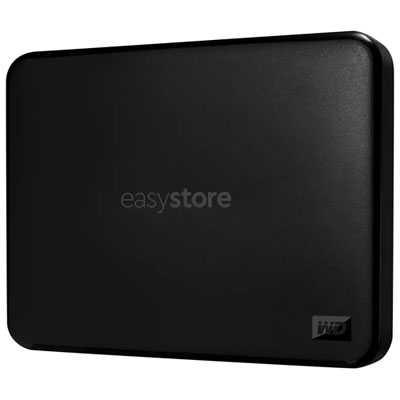
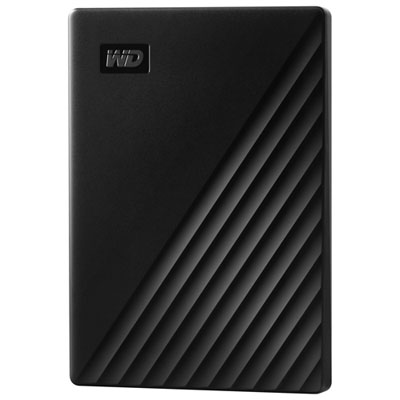
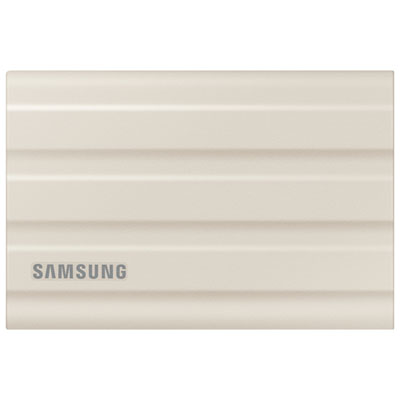
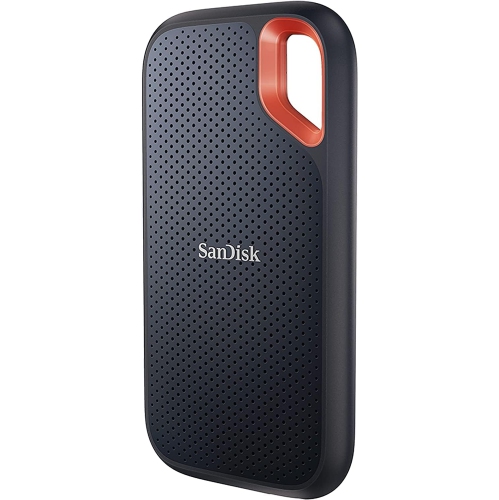
Top selling and popular products
Discover more categories related to Back To School Portable Hard Drives
Some products may be subject to Environmental Handling Fees (EHF) depending on your province. Learn more about EHFs.