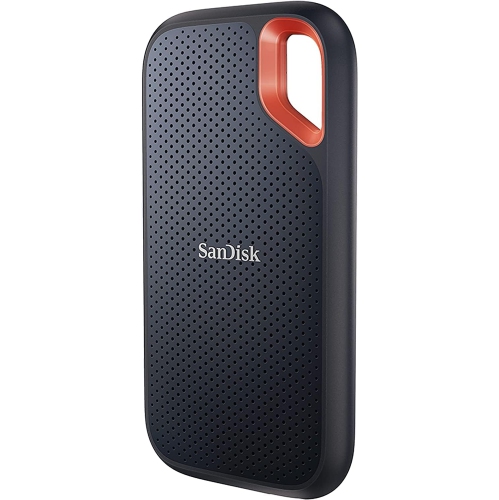
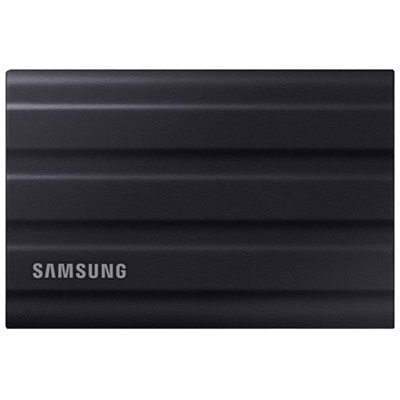
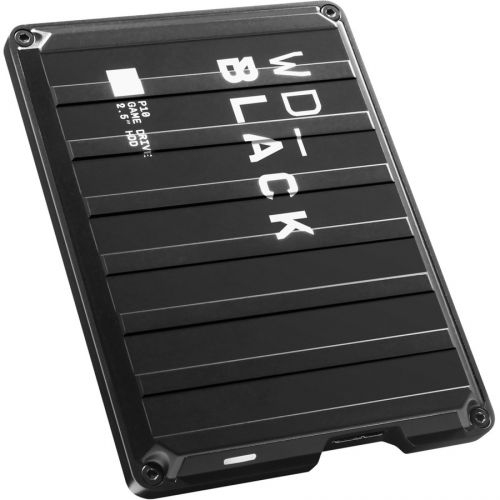
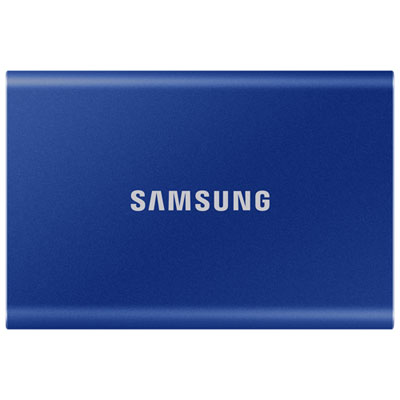
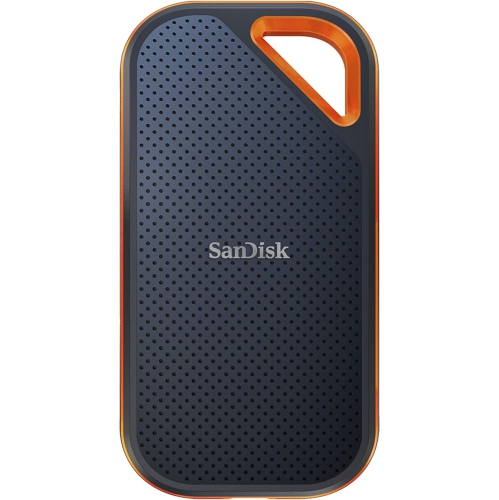
Back To School Portable External Hard Drives

Back-to-school portable external hard drives give students extra storage for assignments, projects, photos, and backups. Browse portable storage options with your laptop’s compatibility, connection type, and storage needs in mind, and choose a drive that’s easy to carry between home, class, and the library.


Read More

Sort

Back To School Portable External Hard Drives

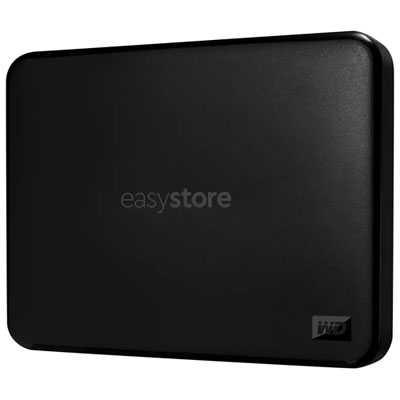
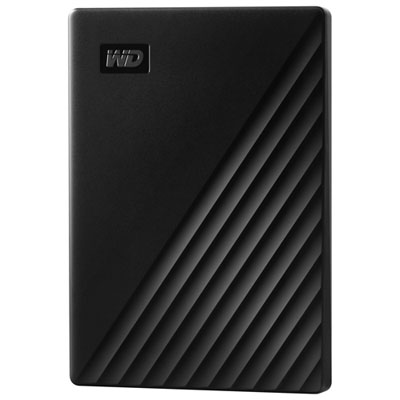
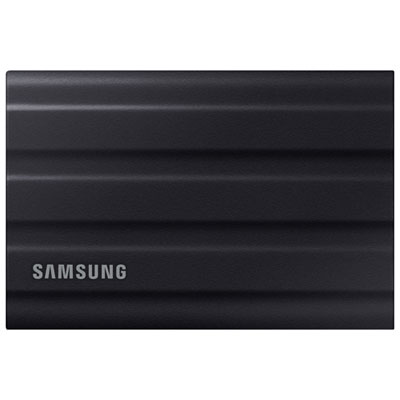
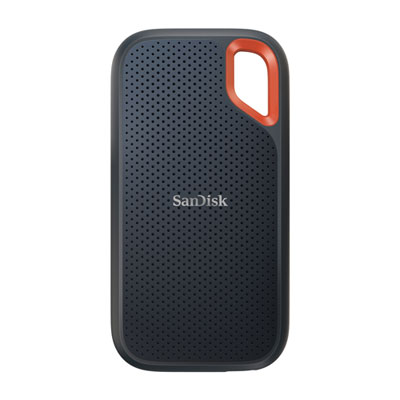
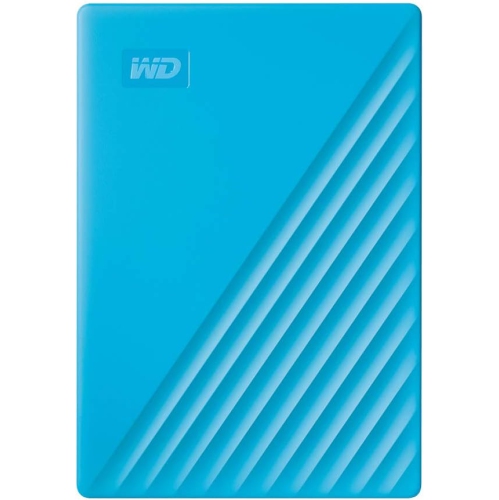
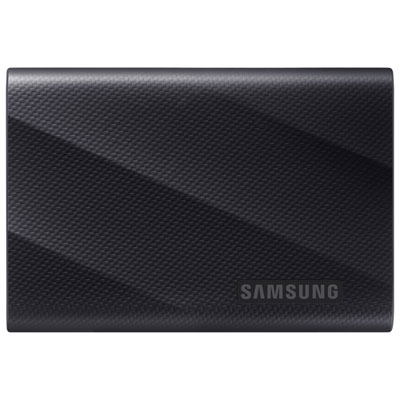
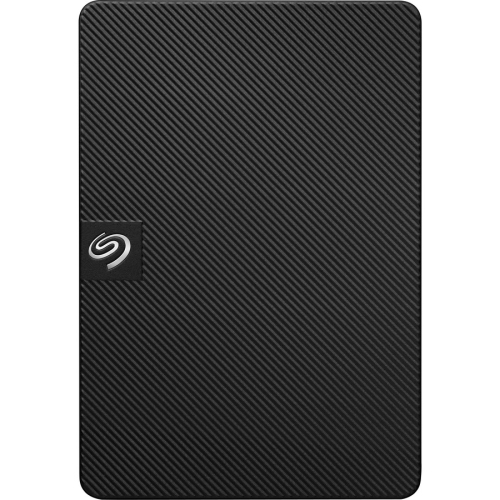
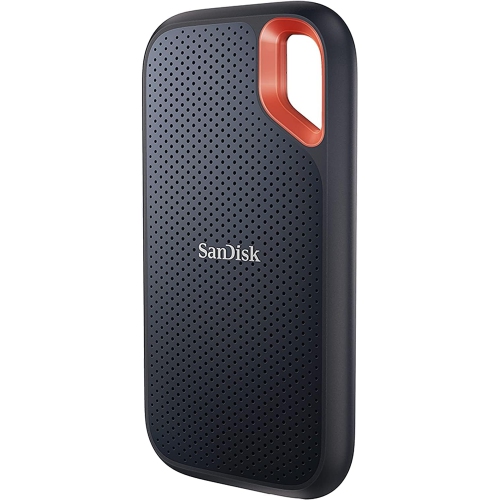
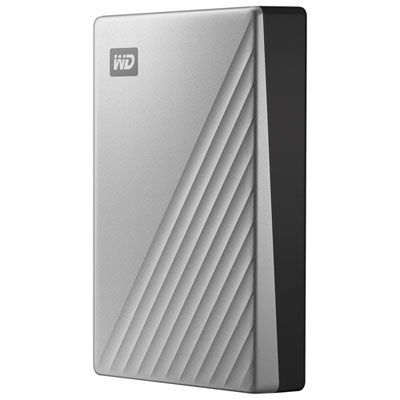
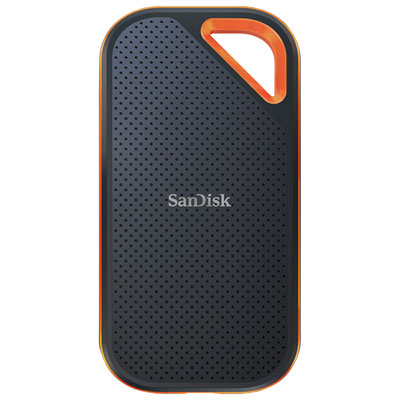
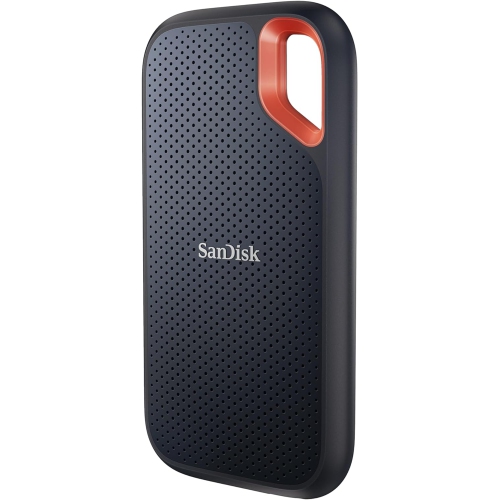
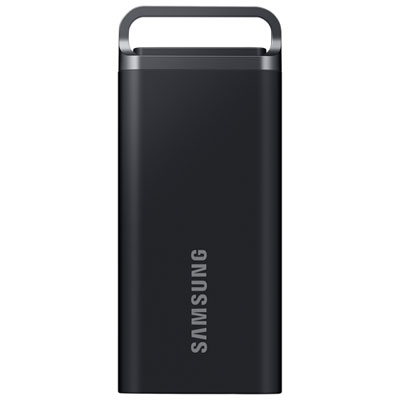
Back to School Portable External Hard Drives offer a practical way to make room for a new term’s assignments, research, and creative projects without replacing a laptop that still works well. As the semester fills up, so does storage: lecture recordings, scanned notes, presentation decks, and group project folders can quickly crowd the space needed for everyday tasks. A portable external hard drive gives students somewhere to keep those larger collections while leaving frequently used files on their computer. It can be especially useful for photography, film, design, and engineering students whose coursework includes high-resolution images, video footage, or sizeable project files. Even for students working mostly with documents, having a separate copy of a nearly finished essay can bring welcome reassurance during a busy week of deadlines. These drives also make thoughtful back-to-school gifts for students heading to college or university, particularly when paired with a protective carrying case that keeps the drive and its cable together in a packed school bag.

The right capacity depends on both the coursework ahead and the files a student already owns. Text documents and spreadsheets take up relatively little space, while recorded lectures, media libraries, and video assignments can require considerably more. Choosing some extra capacity beyond today’s needs leaves room for future semesters without immediately adding another device to the desk. Connection compatibility deserves just as much attention as storage space. Check the laptop’s available ports, the connector on the included cable, and whether an adapter will be needed; a USB-C connector alone does not establish how quickly files will transfer. Actual transfer speeds depend on the drive, the computer’s port, the connection standard, and the files being moved. Many portable hard drives draw power through their USB connection, which is convenient when desk outlets are already occupied, but power requirements should still be checked. Students moving between different operating systems should also confirm file-system compatibility, since a drive may need reformatting or additional software for full read-and-write access. Reformatting erases existing files, so anything already on the drive should be backed up first.

Everyday handling matters when storage travels from a bedroom desk to the library and back again. Look at the drive’s dimensions and weight alongside its capacity, especially if it will share a bag with textbooks, a laptop, and a lunch container. Portable hard drives contain moving parts, so a protective case can help during transport, but careful handling remains important: keep the drive on a stable surface while it is running, avoid knocks, and safely eject it before unplugging it. For students working on shared computers or carrying sensitive documents, password protection or encryption may be worth considering where supported. A simple folder system arranged by course and semester can make finding last month’s lab report much easier when exam season arrives. Just remember that moving a file off a laptop and onto a drive creates storage space, not a backup, if that becomes the only copy. Keeping important coursework in more than one location, and checking that saved copies open correctly, makes a portable external hard drive a useful part of a dependable school routine.

Read More

FAQ

Some products may be subject to Environmental Handling Fees (EHF) depending on your province. Learn more about EHFs.