Back To School High Performance Gaming PCs
Find back-to-school high-performance gaming PCs for coursework, multitasking, and gaming after class. Compare processors, graphics cards, memory, and storage across gaming desktops to choose a setup that fits your course requirements, favourite games, and budget.
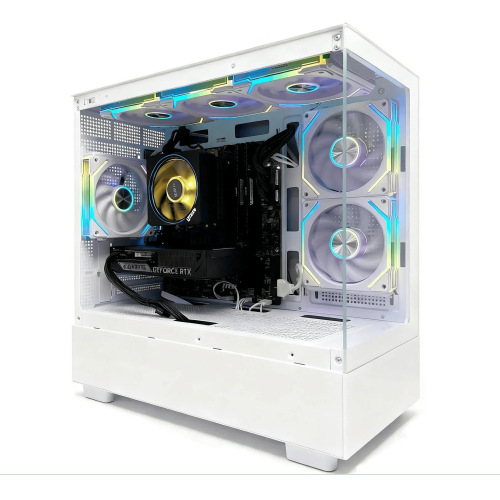
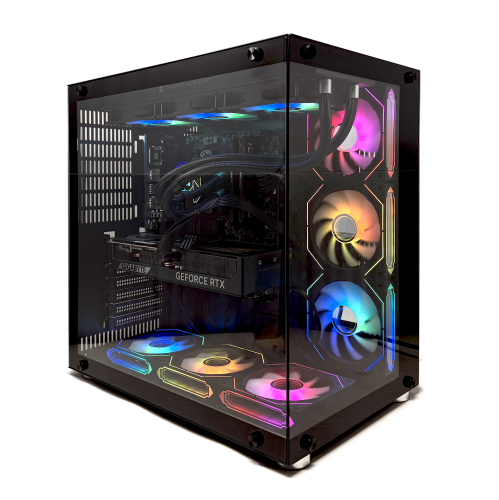
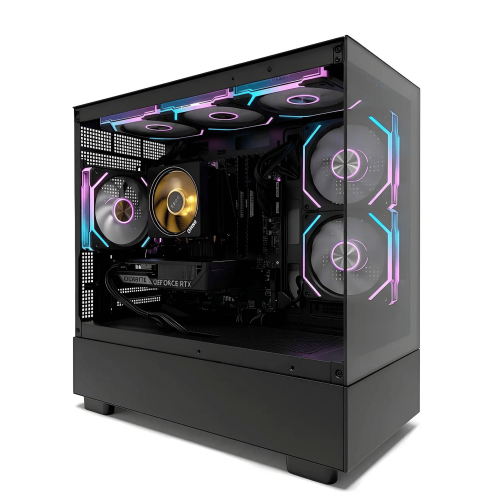
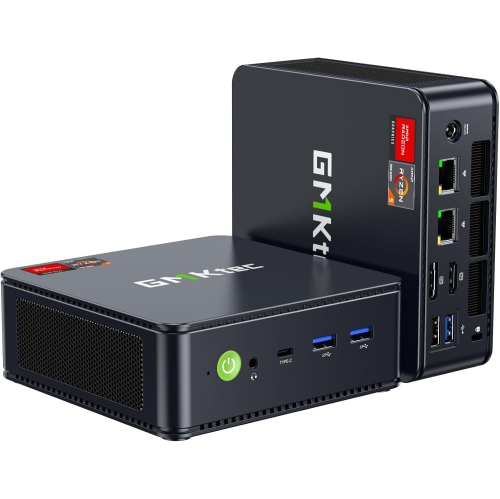
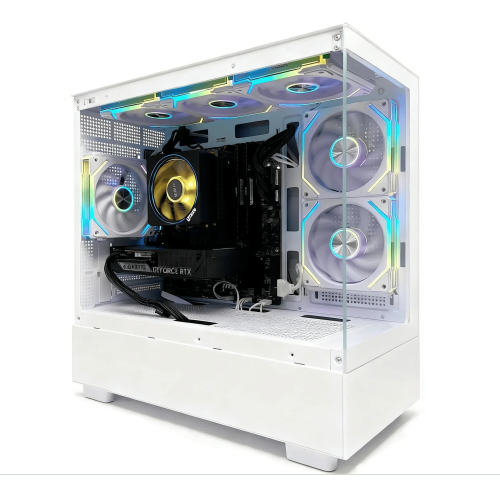
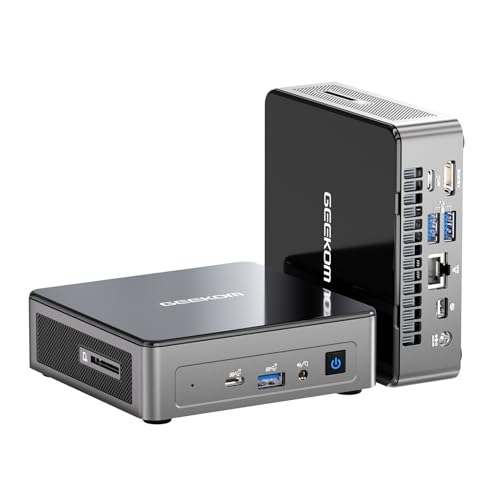
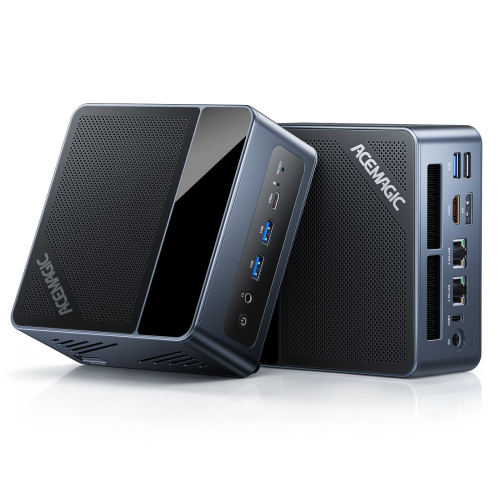
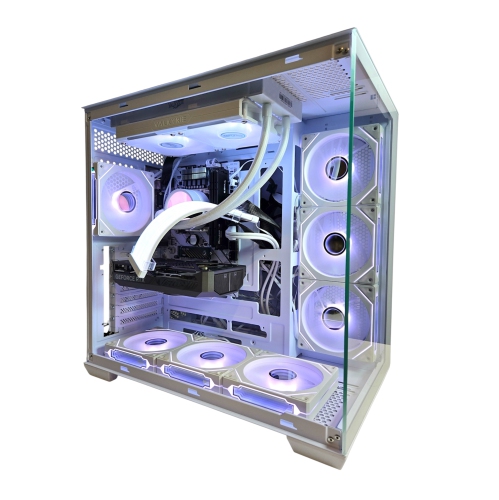
FAQ
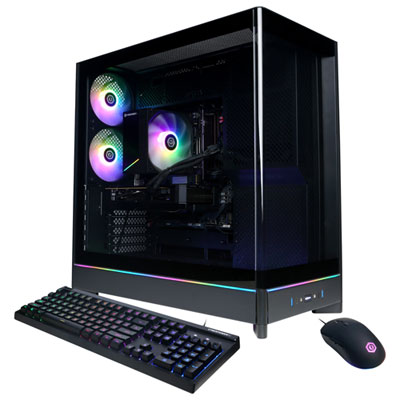
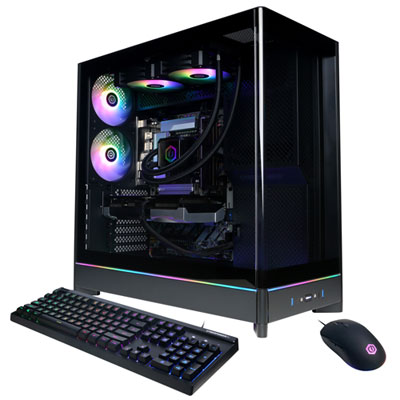
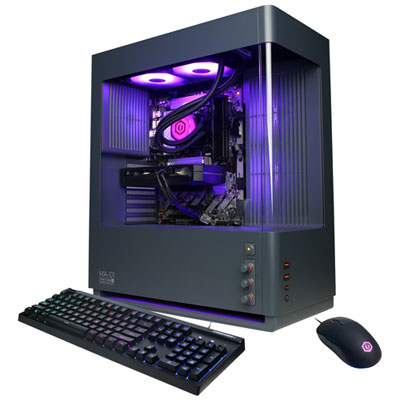
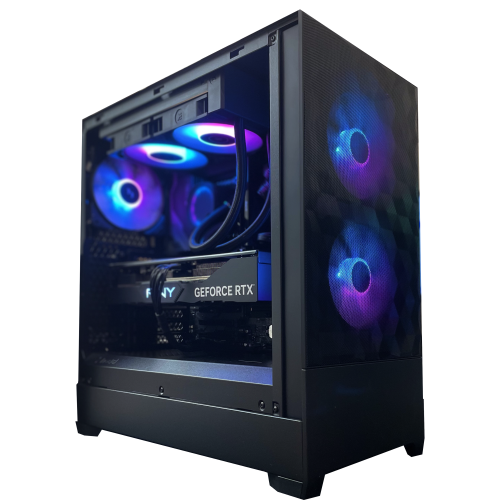
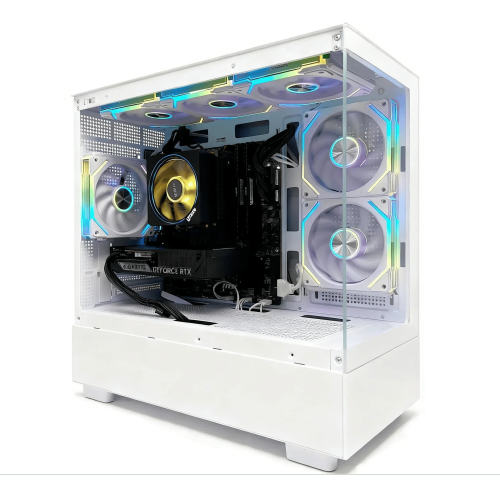
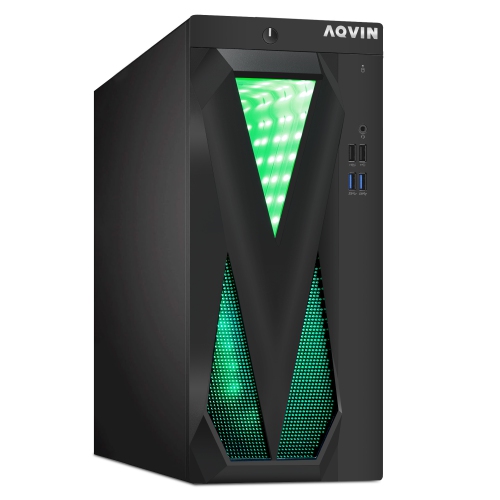
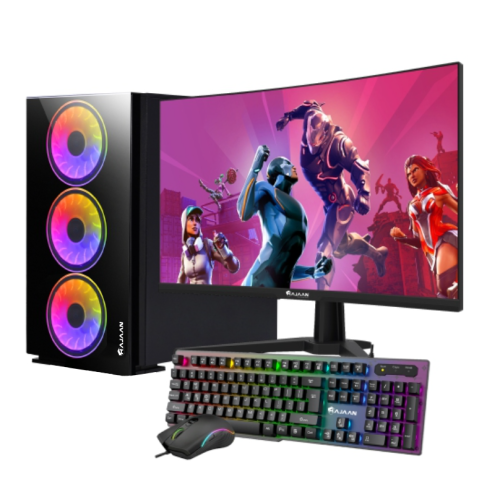
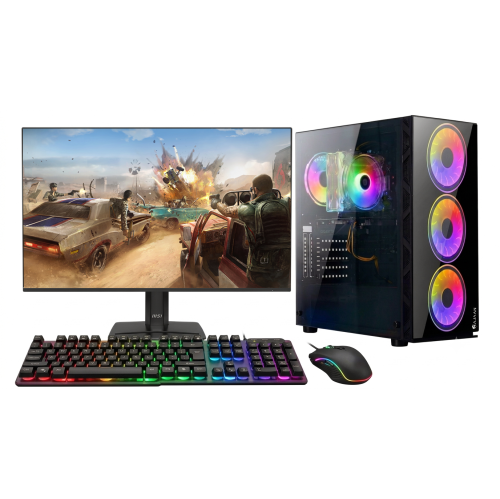
High-performance gaming PCs typically include a multi-core processor, a dedicated graphics card, an SSD and ample RAM. They also feature dedicated cooling hardware and connections for peripherals such as a keyboard, mouse, headset and monitor. Component specifications vary, so compare them with the requirements for your courses and favourite games.
RAM holds temporary data for applications that are currently open, while storage holds your operating system, games, assignments and other files. RAM capacity and SSD capacity are separate specifications. When planning for school, account for course software, game installations and project files.
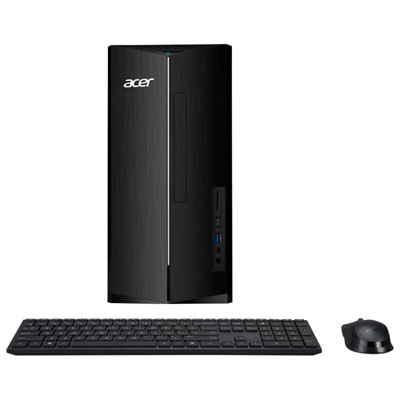
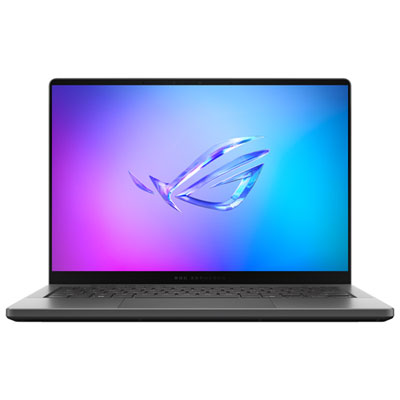
Gaming desktops use a separate monitor, keyboard and mouse, and many have replaceable internal components. Gaming laptops combine a display, keyboard, touchpad and battery in one portable device. Your choice may depend on whether you need to bring your computer to class or plan to keep it at a dedicated study station.
Common connections include USB-A and USB-C for accessories, HDMI or DisplayPort for monitors, and audio connections for wired headsets. Ethernet provides a wired network connection, while Wi-Fi and Bluetooth support wireless networking and compatible accessories. Check the connection types required by the devices you plan to use.
Review your program’s required operating system, processor, graphics hardware, RAM and available storage. Some courses specify particular applications or operating system versions, especially for engineering, design and media production. Also check whether your school provides software licences and whether your preferred games support the same operating system.
Top selling and popular products
Discover more categories related to Back To School High Performance Gaming PCs

Some products may be subject to Environmental Handling Fees (EHF) depending on your province. Learn more about EHFs.