Back To School Student Friendly Gaming PCs
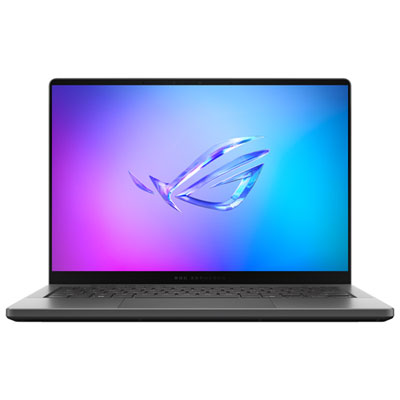
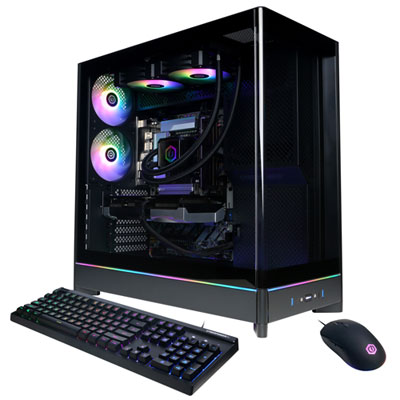
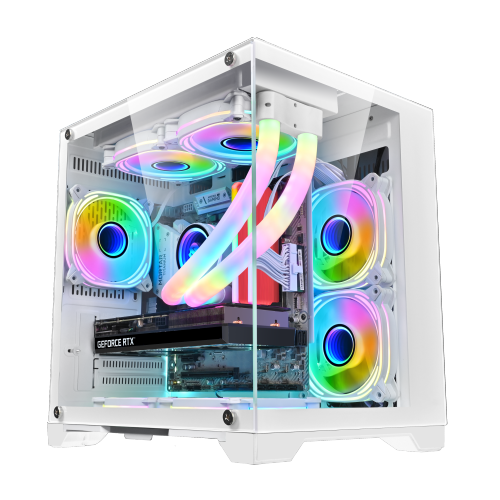
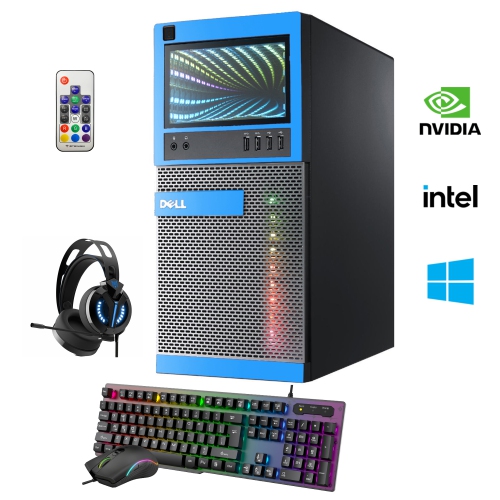
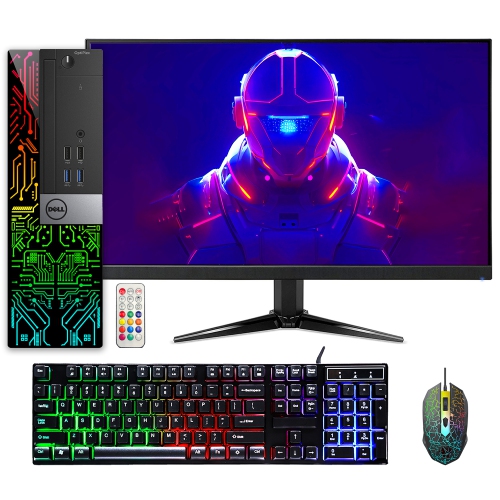
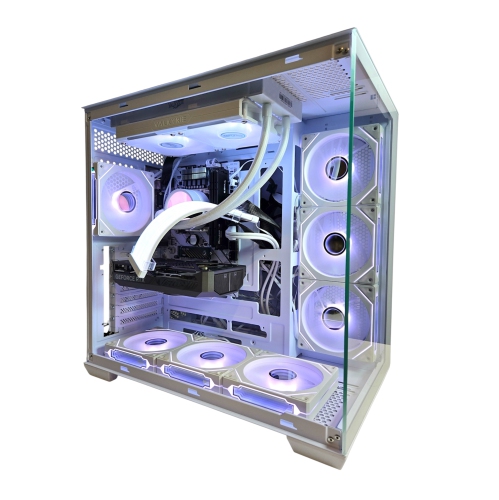
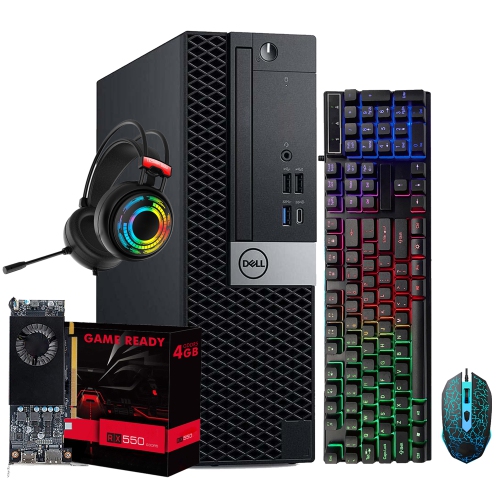
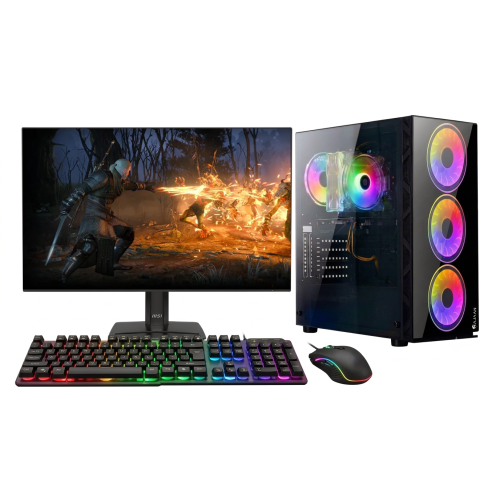
Find back-to-school gaming PCs that fit your student budget and make room for coursework and downtime. Browse gaming desktops and laptops, comparing processors, graphics cards, memory, and storage against the needs of your classes and favourite games. Consider a laptop for portability between lectures or a desktop for a dedicated study and gaming setup.
FAQ
Look for a recent multi-core processor, a dedicated graphics card, at least 16 GB of RAM, and an SSD. These components support a mix of schoolwork, multitasking, and gaming. Also check for Wi-Fi, Bluetooth, and ports for your monitor and peripherals, along with compatibility with software required by your courses.
A gaming desktop suits students who mainly study and play at a dedicated desk and want more options for upgrading components. A gaming laptop is useful for students who need to bring the same computer to lectures, study groups, and home. Consider how often you will carry your computer and whether you prefer built-in or separate peripherals.
Compare the PC’s operating system, processor, RAM, graphics card, and storage with the requirements published by your school or software provider. Engineering, design, and media courses may call for particular hardware or operating systems. Check your program’s requirements before choosing a computer rather than relying on the gaming label alone.
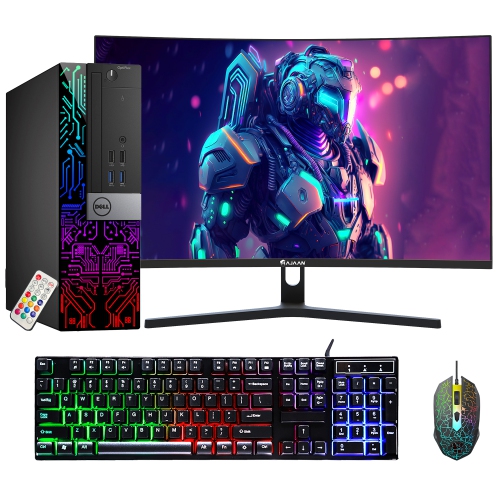
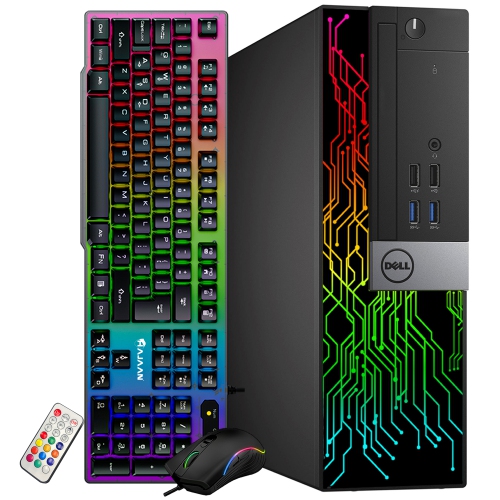
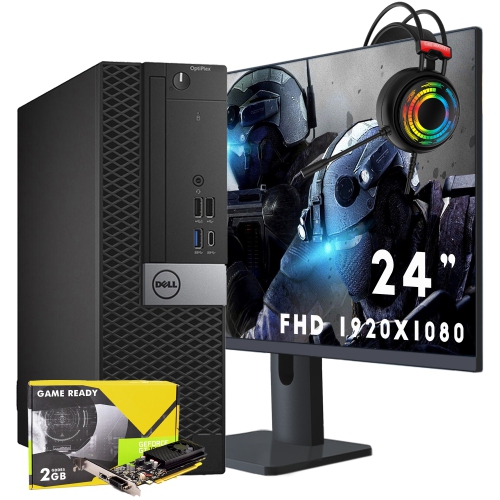
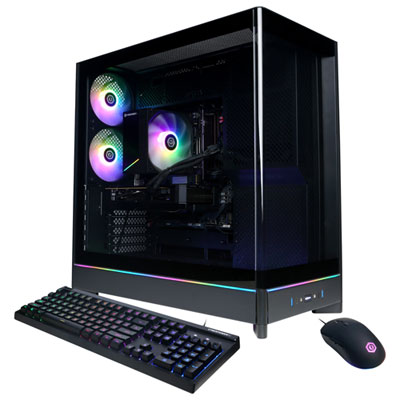
For a gaming desktop, start with a monitor, keyboard, and mouse if they are not included. A headset with a microphone is useful for online classes, group projects, and gaming chat, while a webcam can support video calls. An external drive can provide a separate place to keep copies of assignments and project files.
Many gaming desktops allow upgrades to RAM, storage, and graphics cards, though compatibility depends on the motherboard, power supply, and case. Gaming laptops usually offer fewer upgrade options, and some have memory or storage that cannot be replaced by the user. Check the manufacturer’s documentation to understand which components are upgradeable.
Top selling and popular products
Discover more categories related to Back To School Student Friendly Gaming PCs
Some products may be subject to Environmental Handling Fees (EHF) depending on your province. Learn more about EHFs.