Back To School Powerful Desktop PCs
Find powerful desktop PCs for back to school, with options for coursework, research, and demanding class projects. Compare processors, memory, and storage to choose a desktop computer that fits your study space, budget, and the software you need for your courses.


FAQ
Review the processor, RAM, storage type, graphics hardware and operating system. Compare these specifications with the published requirements for your course software, particularly for engineering, architecture, graphic design or video editing. Some programs require a dedicated graphics card or a specific operating system.
Choose an operating system that supports the applications required by your school or program. Windows is commonly used for coursework and specialized desktop software, while some programs support macOS or Linux. Check your department’s software requirements before choosing a desktop.
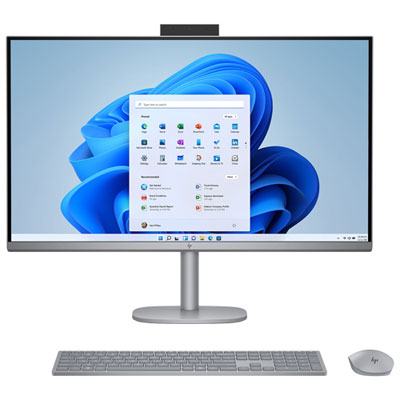
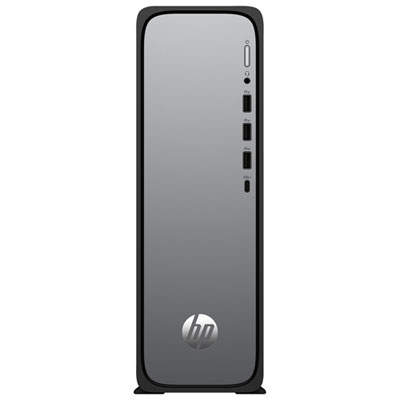
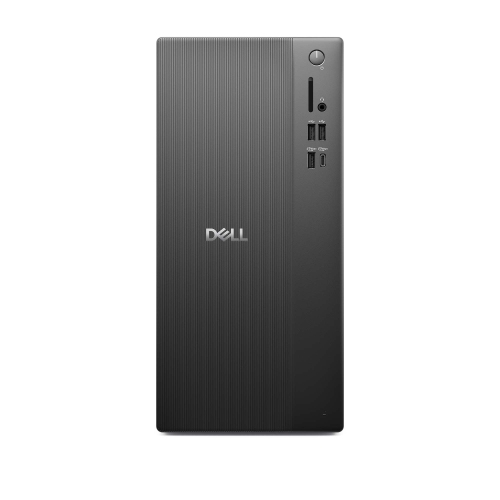
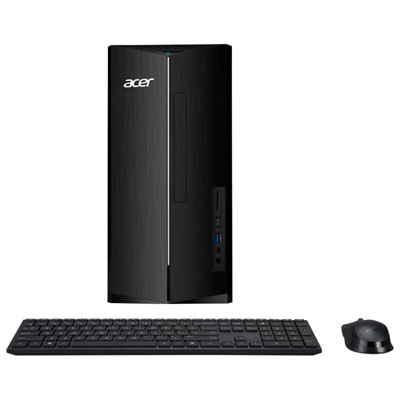
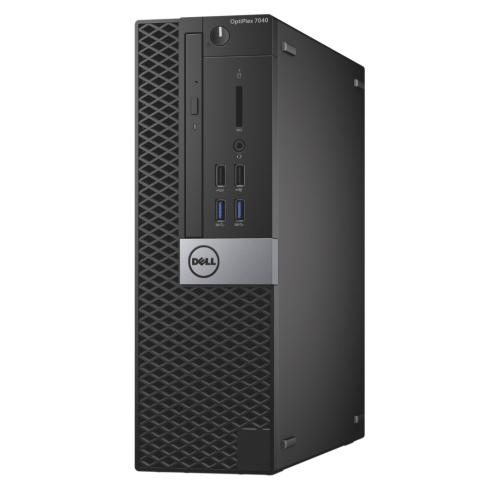
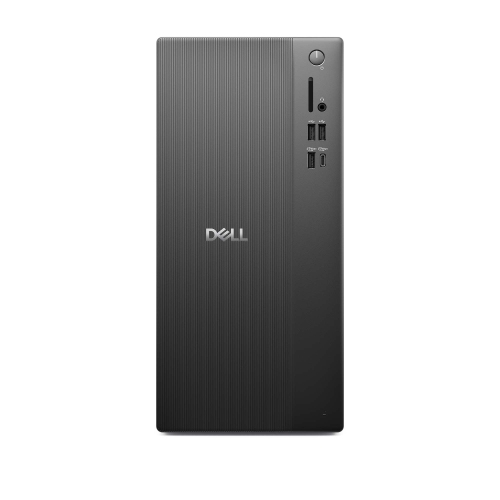
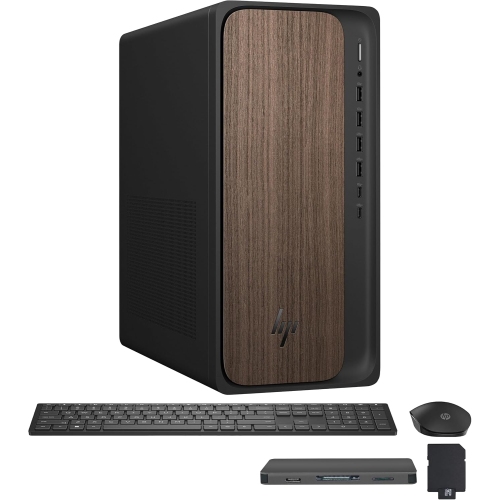
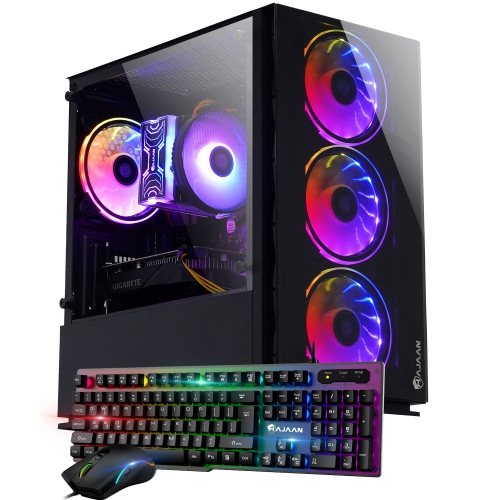
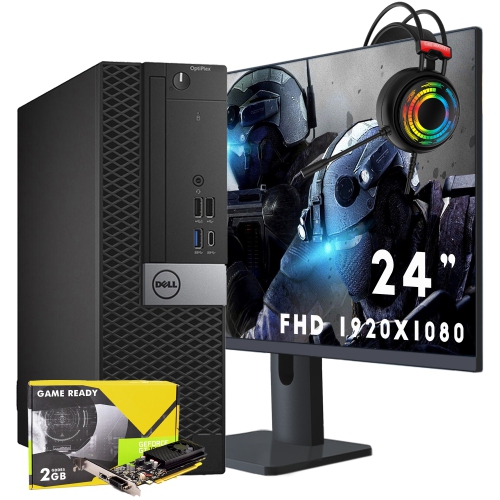
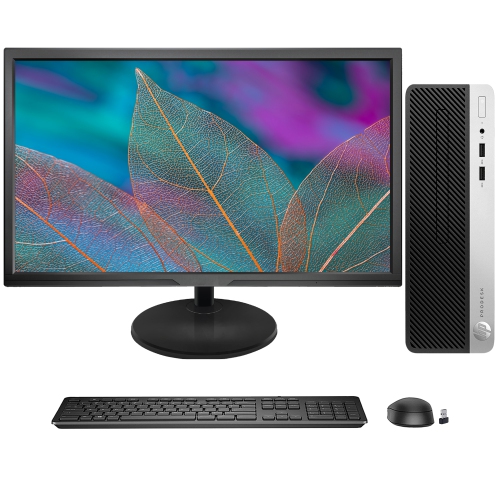
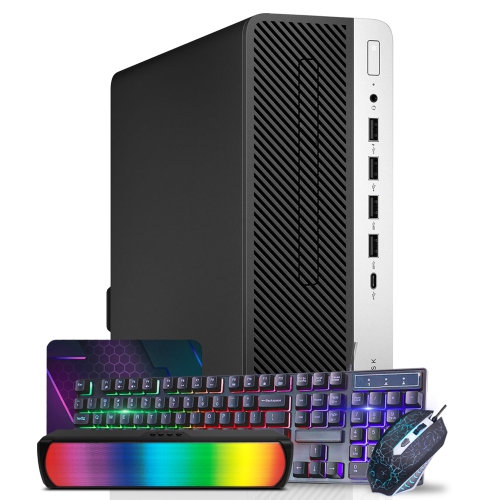
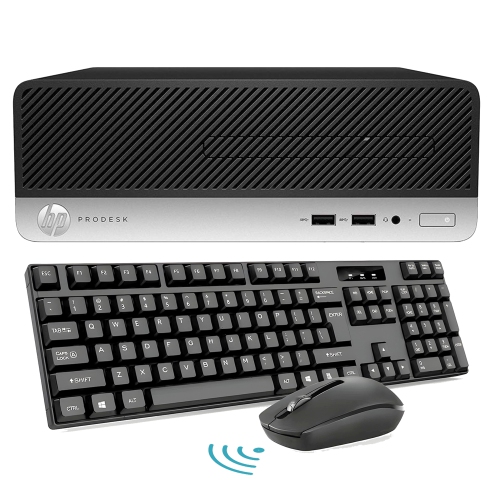
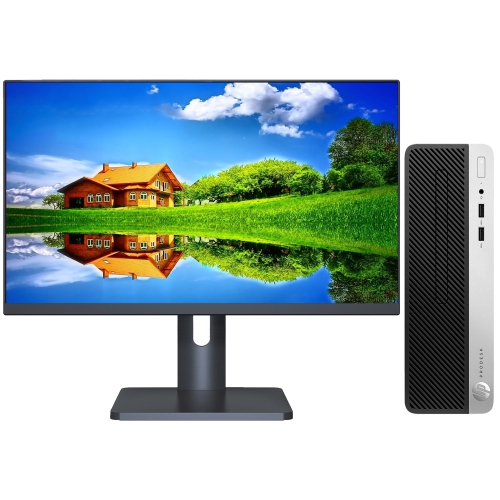
A desktop tower typically requires a separate monitor, keyboard and mouse, though included accessories vary. A webcam, microphone and headphones may also be needed for online classes and group meetings. All-in-one desktops integrate the display and computer, and some also include a webcam and speakers.
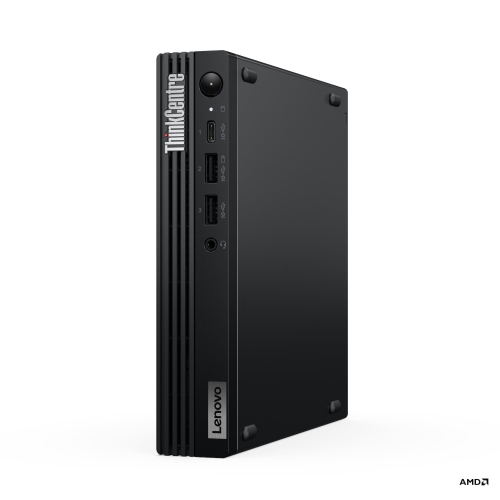
Check for USB-A and USB-C ports for accessories, HDMI or DisplayPort connections for monitors, and audio connections for headphones or speakers. Wi-Fi provides wireless network access, Ethernet supports a wired connection, and Bluetooth connects compatible wireless peripherals. These features vary by desktop, so review the listed specifications.
Many desktop towers allow upgrades to RAM, storage and graphics cards, but compatibility depends on the motherboard, power supply and case design. Compact and all-in-one desktops may have fewer upgrade options. Review the manufacturer’s documentation to understand which components can be replaced or added.
Top selling and popular products
Discover more categories related to Back To School Powerful Desktop PCs


Some products may be subject to Environmental Handling Fees (EHF) depending on your province. Learn more about EHFs.