Back To School Keyboard And Mouse Combos
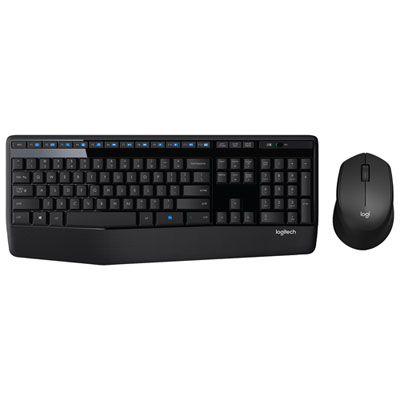
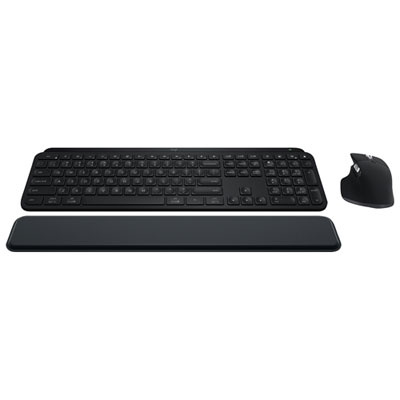
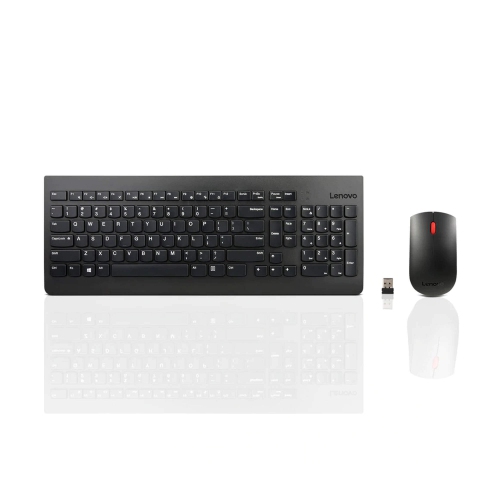
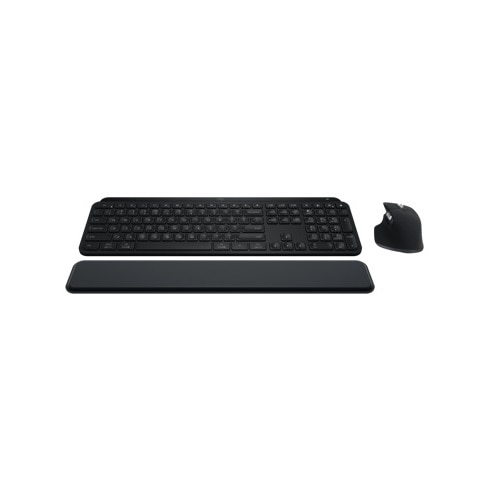
Back-to-school keyboard and mouse combos pair two study essentials for typing assignments, navigating coursework, and setting up a student workspace. Compare sets by connection type, keyboard layout, and mouse size to find a practical fit for your computer and desk, and check device compatibility before choosing.





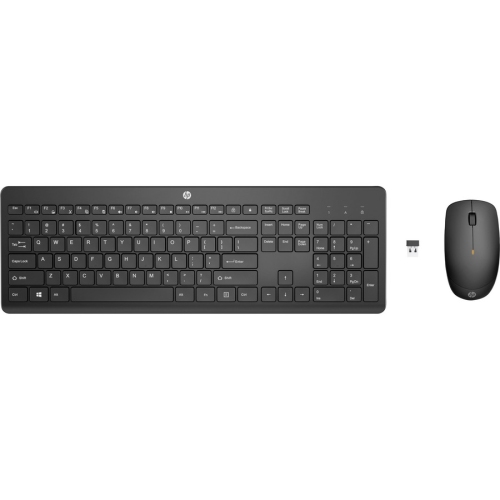
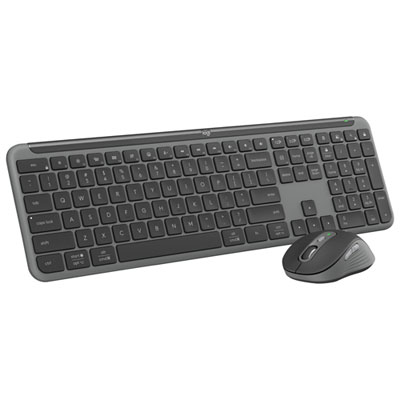
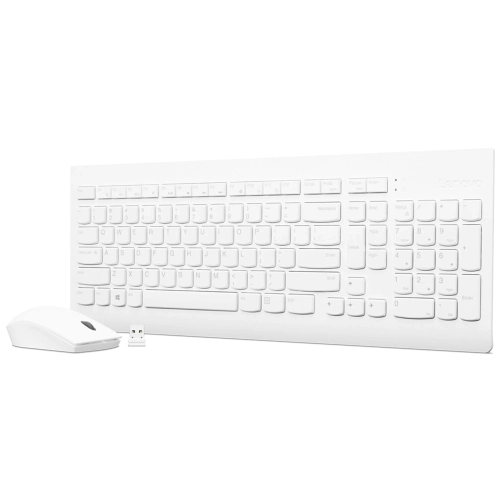
FAQ
Consider connection type, operating system compatibility, typing feel and mouse controls. Quiet keys can suit shared study spaces, while media keys provide quick access to volume and playback controls. Some wireless combos also include rechargeable batteries or battery status indicators.
Wired combos connect through USB cables and draw power from the connected device. Wireless combos use Bluetooth or a USB receiver and require batteries or charging. Some wireless sets connect both accessories through one receiver, leaving other USB ports available.
Many combos work with laptops and Chromebooks, but compatibility depends on the operating system and connection method. Check for stated support for Windows, macOS or ChromeOS, along with the required USB port or Bluetooth connection. Certain shortcut keys and customisation software may work only on specific operating systems.
Some combos support pairing with multiple devices and include buttons or switches to move between them. Check whether both the keyboard and mouse offer this feature, as their pairing options may differ. A combo that supports only one connection may need to be paired again or have its receiver moved when changing devices.
A dedicated number pad provides a separate set of keys for entering figures in spreadsheets and maths assignments. Arrow keys and navigation keys offer controls for moving through documents, while programmable mouse buttons can be assigned supported commands. For French coursework, check the keyboard language layout and your device’s input settings for accented characters.
Top selling and popular products
Discover more categories related to Back To School Keyboard And Mouse Combos
Some products may be subject to Environmental Handling Fees (EHF) depending on your province. Learn more about EHFs.