Back To School Keyboards for Productivity
Back-to-school keyboards for productivity help you tackle essays, take notes, and manage daily coursework. Browse keyboards for your study setup, comparing layouts, connection types, and device compatibility to find a fit for your laptop or desktop and the space available on your desk.










FAQ
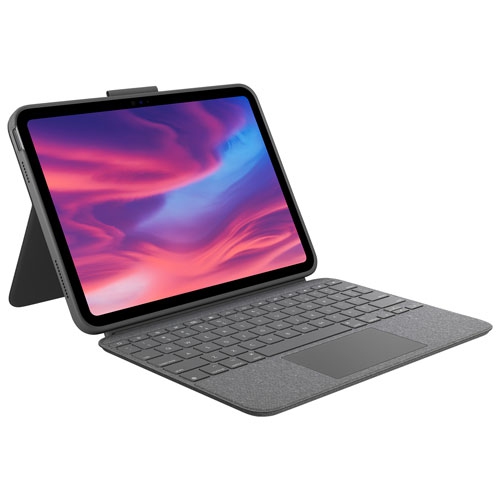
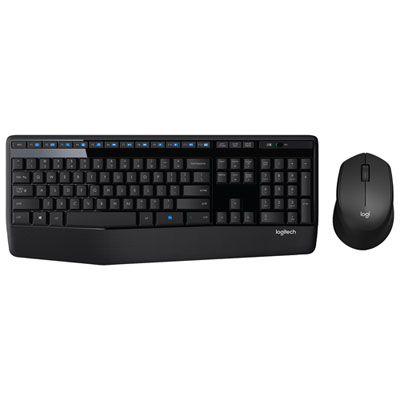
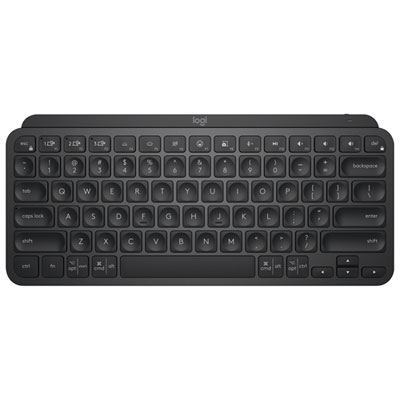
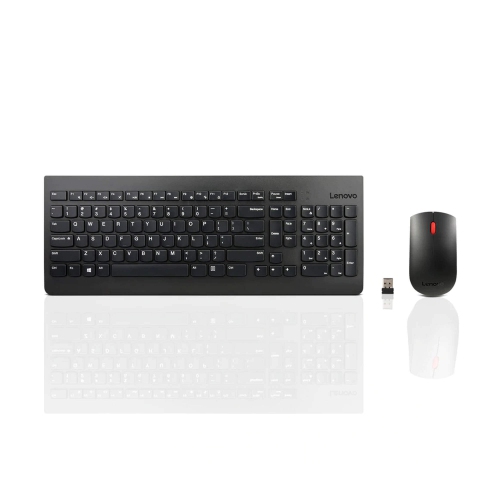
Keyboards for schoolwork can include backlit keys, dedicated media controls, programmable keys and numeric keypads. Some also offer multi-device pairing and customizable shortcut settings. Available features vary by keyboard and operating system.
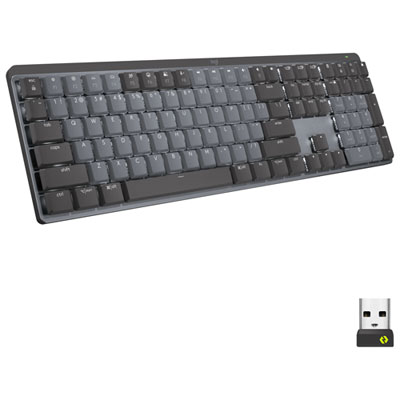
Mechanical keyboards use individual switches beneath the keys, with typing feel and sound varying by switch type. Membrane keyboards use a pressure-sensitive layer beneath the keys and typically have a softer typing feel. Both types are available with wired or wireless connections.
Wired keyboards typically connect through USB, while wireless keyboards use Bluetooth or a USB receiver. Bluetooth requires a compatible device, and a receiver requires a matching USB port or adapter. Wireless models use replaceable batteries or a rechargeable battery.
Common shortcuts include copying, pasting, undoing edits, saving documents and switching between applications. Many Windows and ChromeOS shortcuts use the Ctrl key, while macOS often uses the Command key. The exact key combinations depend on the operating system and application.
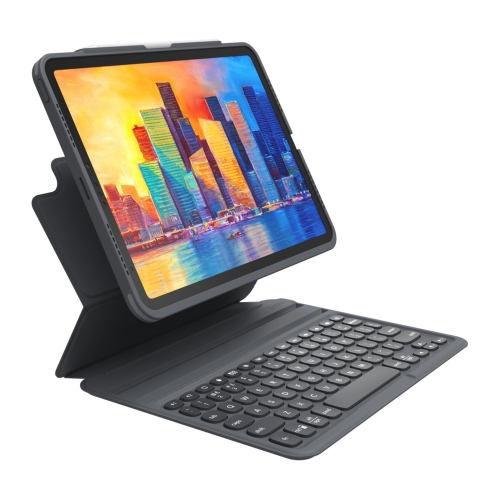
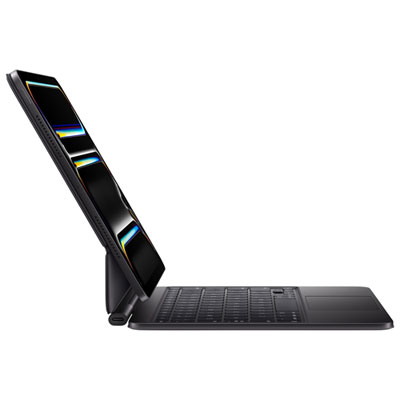
Some keyboards support multiple paired devices and include a button or key combination for switching between them. Check compatibility with each device’s operating system and connection type. Key labels, function keys and customization software may work differently across Windows, macOS, ChromeOS, iPadOS and Android.
Top selling and popular products
Discover more categories related to Back To School Keyboards for Productivity
Some products may be subject to Environmental Handling Fees (EHF) depending on your province. Learn more about EHFs.