Back To School Computer Keyboards
Find back-to-school computer keyboards for taking class notes, writing essays, and working on assignments. As you compare options, consider compatibility with your laptop or desktop, connection type, and keyboard size to choose a comfortable fit for your study space.













FAQ
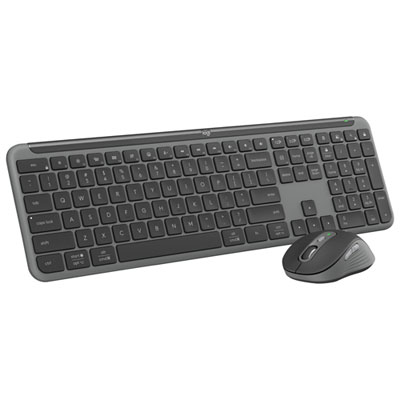
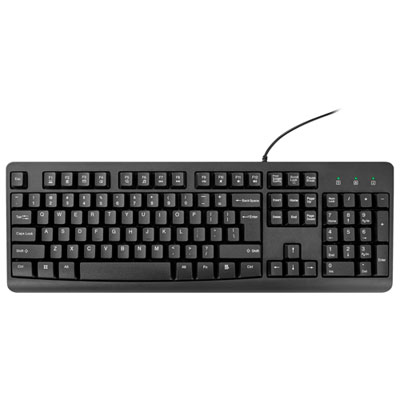
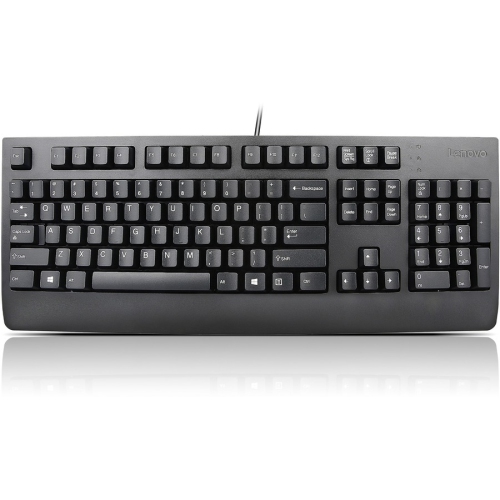
Computer keyboards can connect through a USB cable, Bluetooth, or a wireless USB receiver. Wired keyboards plug directly into a compatible port, while Bluetooth keyboards pair with supported devices. Keyboards with a wireless receiver require a compatible USB port.
Check the keyboard’s supported operating systems and connection requirements against your computer’s specifications. Some keyboards support Windows, macOS, and ChromeOS, while others have platform-specific features. On school-managed computers, settings may restrict Bluetooth pairing or the installation of software for custom controls.
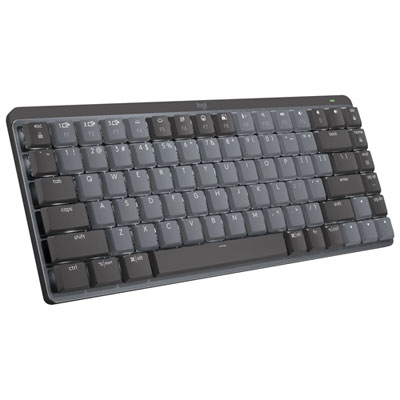
Mechanical keyboards use an individual switch beneath each key, with switch types that vary in feel and sound. Membrane keyboards typically use a pressure-sensitive membrane layer to register keystrokes. Both are available with features such as media controls and backlighting, depending on the model.
Common options include English QWERTY, Canadian French, and bilingual layouts. The printed key labels vary by layout, while your computer’s input settings determine which characters appear when you type. For coursework in both languages, check the key labels and available operating system input layouts.
Some wireless keyboards support pairing with multiple compatible devices, such as a laptop, desktop computer, or tablet. A dedicated button or key combination lets you switch between paired devices. Check the keyboard’s specifications for supported connections and device-switching features.
Top selling and popular products
Discover more categories related to Back To School Computer Keyboards
Some products may be subject to Environmental Handling Fees (EHF) depending on your province. Learn more about EHFs.