Back To School Lightweight Tablets
Lightweight tablets for back to school are easy to carry between classes and offer a portable way to read course materials, take notes, and manage assignments. Compare screen sizes, storage capacity, and battery life to find a fit for your school day, and check keyboard or stylus compatibility if you plan to type papers or write notes by hand.












FAQ
Consider battery life, storage, compatibility with school apps, and support for a keyboard or stylus. Multitasking features can help you switch between readings, notes, and assignments. Check your school’s device requirements, as some courses may require software that runs only on a laptop or desktop.
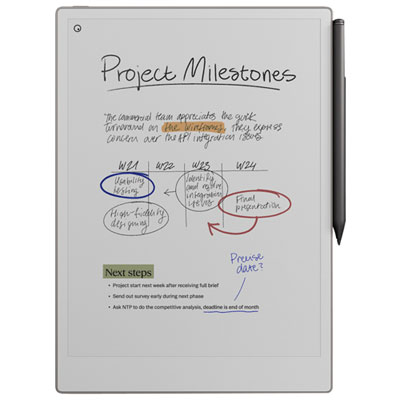
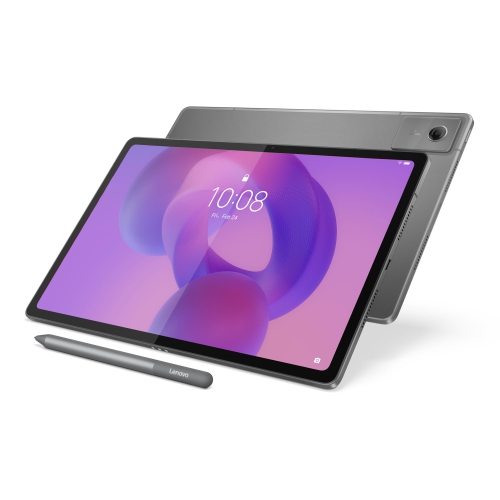
Many tablets support handwritten notes with a compatible stylus. Depending on the tablet and app, you can annotate PDFs, sketch diagrams, and convert handwriting into typed text. Check stylus compatibility and whether the stylus is included or sold separately.
A compatible keyboard can make typing assignments more comfortable, while a stand offers hands-free viewing during lessons. A stylus is useful for handwritten notes and diagrams, and headphones can help with listening activities. Check the tablet’s ports and wireless compatibility before choosing accessories.
You can often read downloaded textbooks, review saved PDFs, and write notes offline in supported apps. Download materials and enable offline access before leaving Wi-Fi coverage. Submitting assignments, joining online classes, and syncing files typically require an internet connection.
Create folders for each subject and use consistent file names that include the assignment topic and date. A note-taking app can keep class notes together, while a calendar app can track deadlines. If your school provides a cloud storage account, check whether it works with your tablet to access files across devices.
Top selling and popular products
Discover more categories related to Back To School Lightweight Tablets
Some products may be subject to Environmental Handling Fees (EHF) depending on your province. Learn more about EHFs.