Back To School Mini PCs
Back-to-school mini PCs offer a compact desktop option for study spaces, dorm rooms, and shared desks. Browse small-form-factor computers with your coursework in mind, comparing processors, memory, storage, and ports to find a fit for writing assignments, researching online, and connecting your monitor and other peripherals.

FAQ
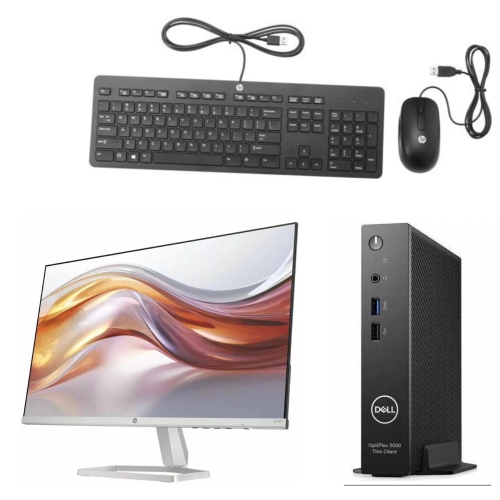
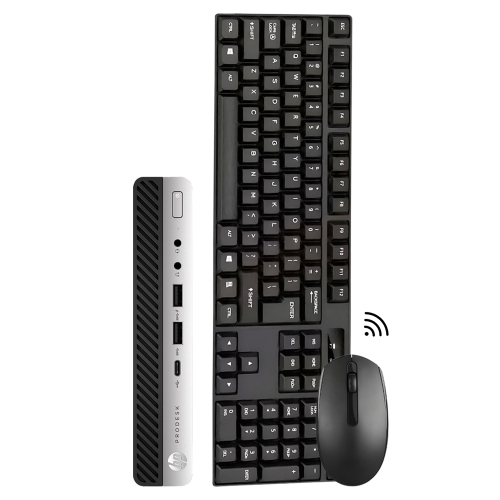
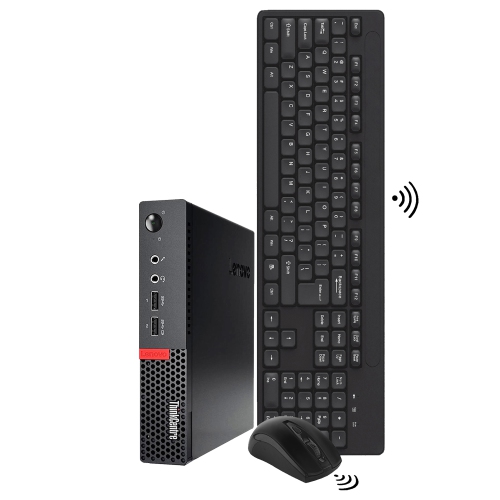
A typical mini PC setup includes a monitor, keyboard and mouse, which may be sold separately. Students may also want a webcam and a headset with a microphone for online classes. Check which accessories are included and whether they connect through USB, Bluetooth or another supported connection.
Mini PCs may come with Windows, ChromeOS or a Linux distribution, while some are sold without an operating system. Before choosing one for school, check the operating system requirements for your course software and any applications provided by your school.
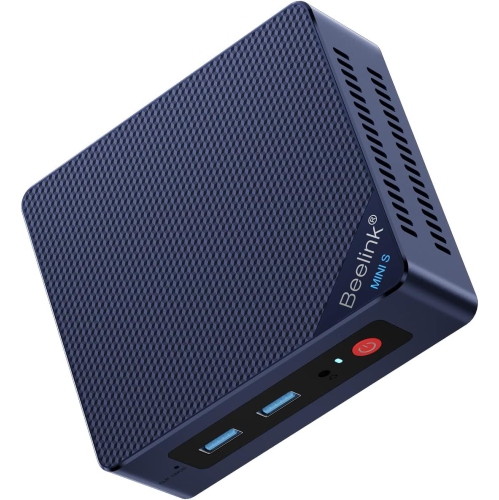
A barebones mini PC typically includes the case, motherboard and processor but may require you to add memory, storage and an operating system. A preconfigured mini PC generally includes those components already installed. Review the included components carefully, as configurations vary.
Memory, also called RAM, holds data that open applications are actively using. Storage keeps the operating system, applications, assignments and other files when the computer is turned off. Whether memory or storage can be upgraded depends on the mini PC’s design.
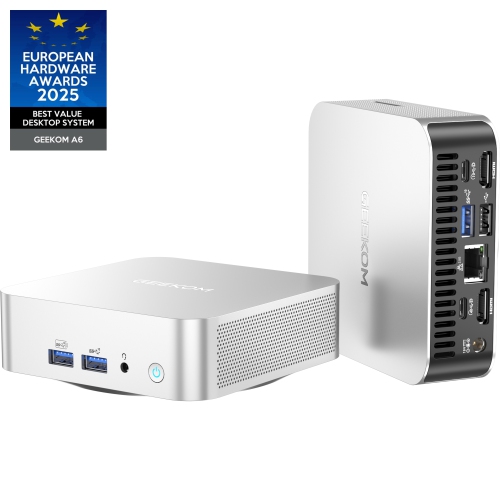
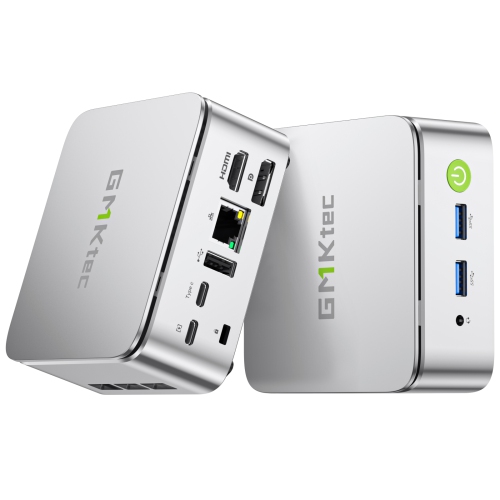
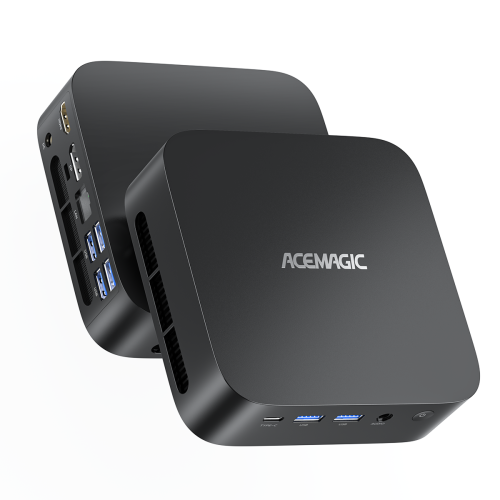
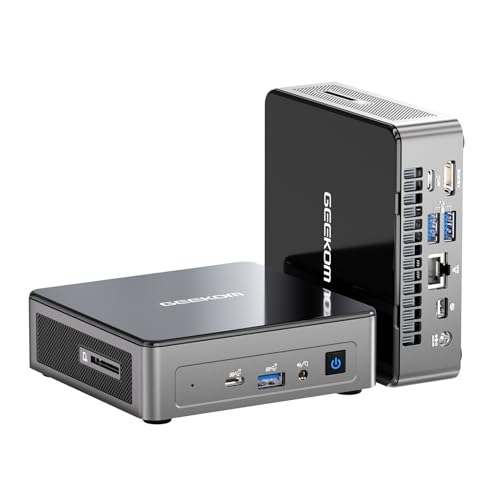
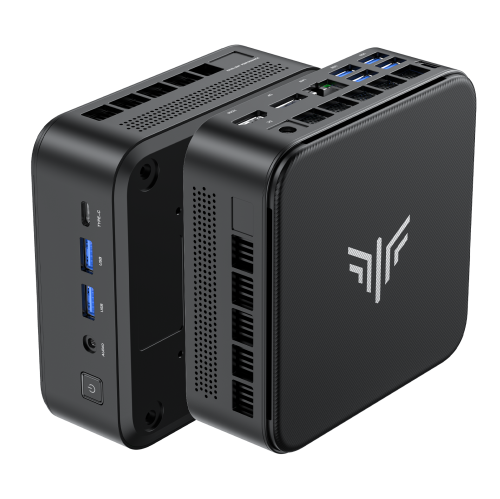
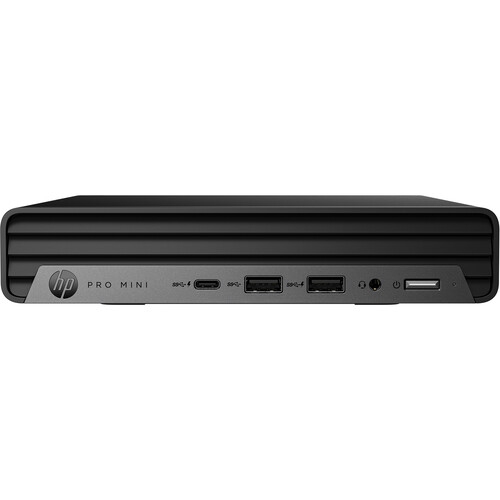
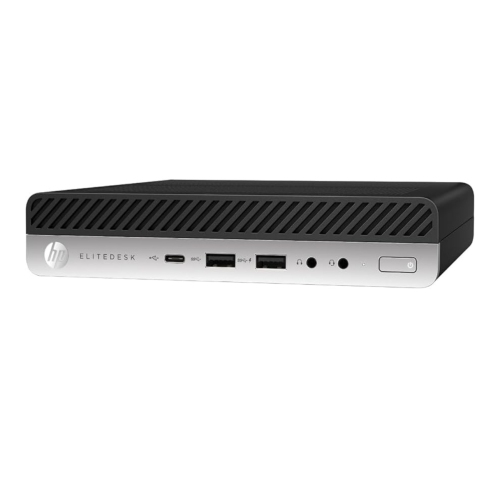
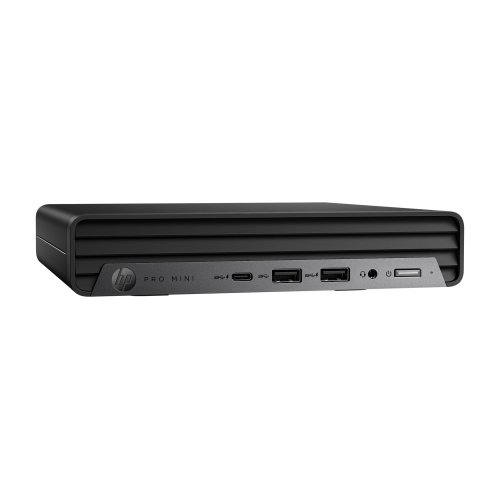
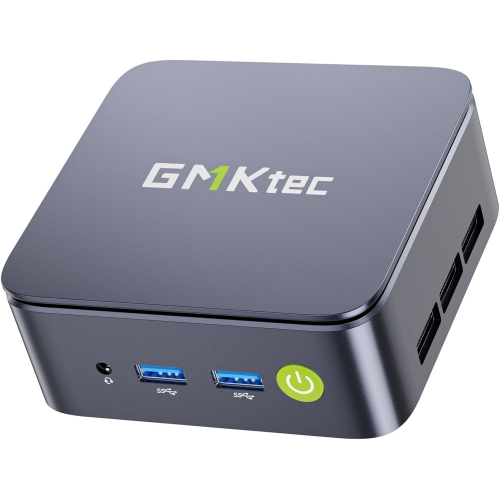
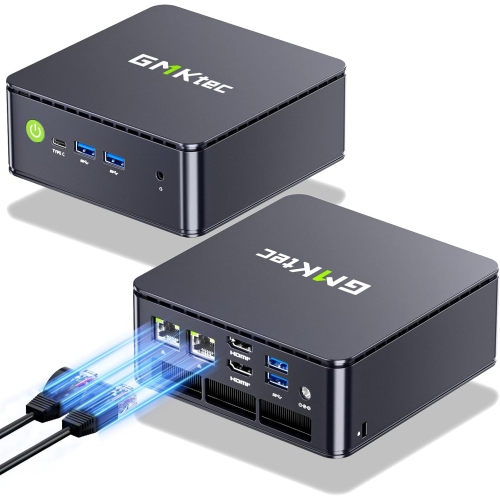
Check for HDMI or DisplayPort connections for a monitor, USB ports for accessories, and audio connections for headphones or speakers. Wi-Fi supports wireless network access, while Ethernet provides a wired connection. Some USB-C ports also support video output, but their features vary, so review the listed specifications.
Top selling and popular products
Discover more categories related to Back To School Mini PCs

Some products may be subject to Environmental Handling Fees (EHF) depending on your province. Learn more about EHFs.