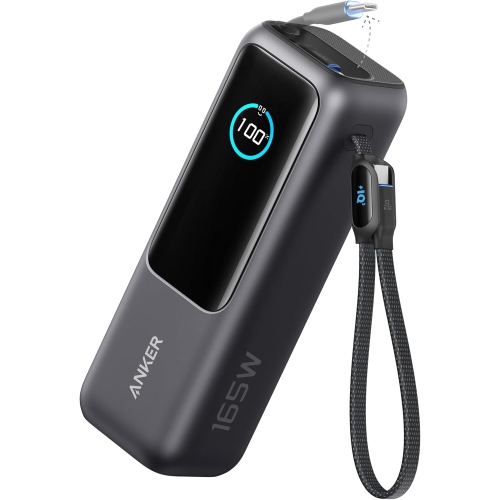
Back To School Multi-Device Charging Hub

Keep school-day devices charged with back-to-school multi-device charging hubs for a desk or study space. Browse options for connecting multiple devices in one place, and compare port types, the number of connections and power output to find a hub that suits your laptop, phone and other compatible essentials.
Sort

Back To School Multi-Device Charging Hub
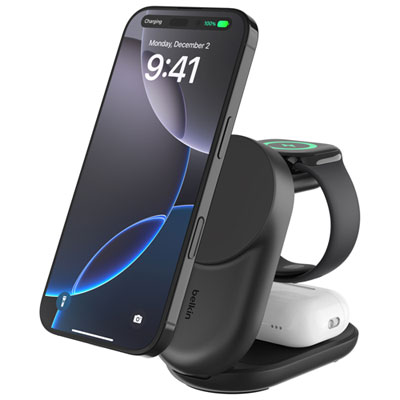
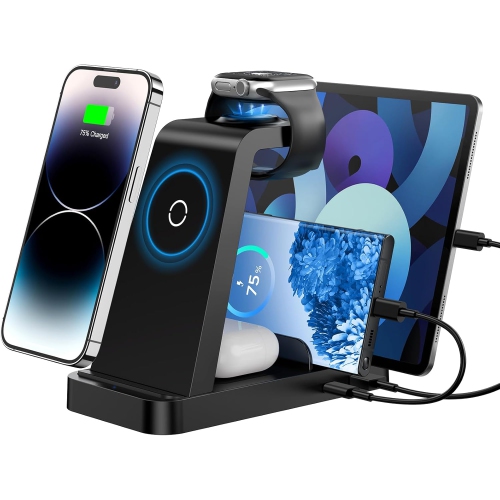
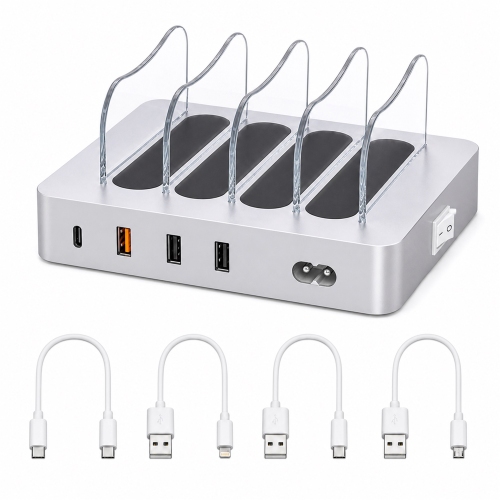
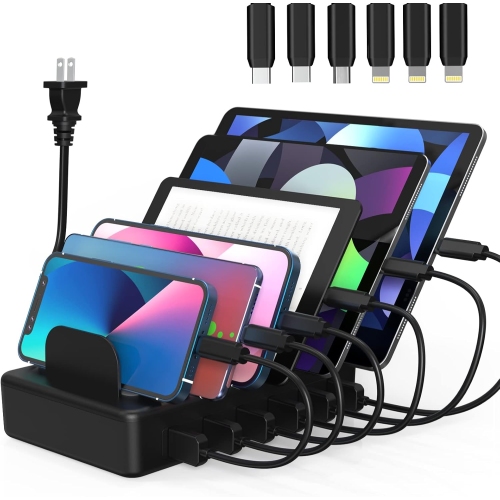
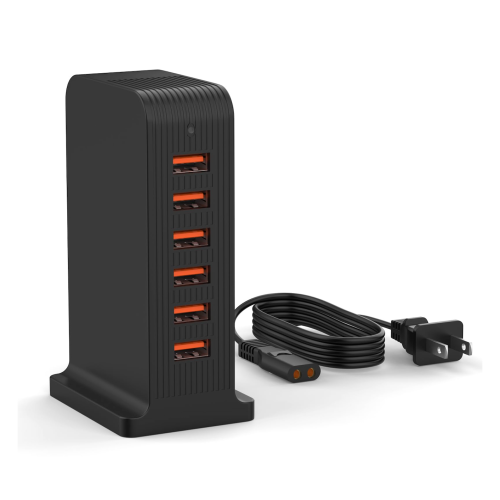
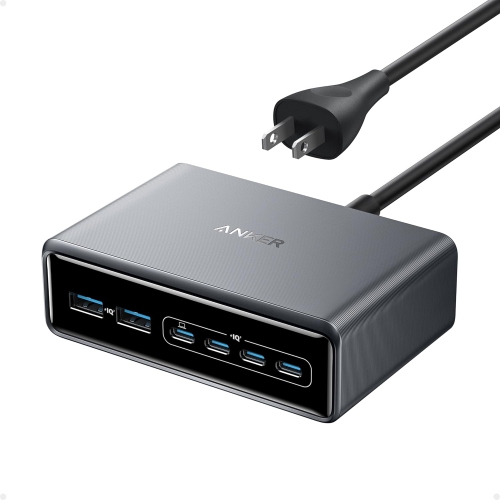
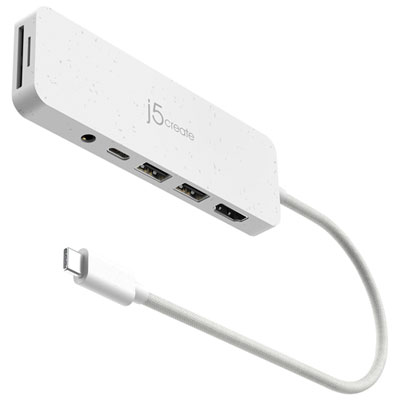
The Back To School Multi-Device Charging Hub collection brings together charging options for the devices that move through a busy school day. Between a laptop used for assignments, a tablet packed with reading material, a phone, and wireless earbuds, available outlets can disappear quickly. A multi-device charging hub gives those everyday essentials a shared home, whether that is the corner of a bedroom desk, a residence room nightstand, or a kitchen counter where everyone drops their bag after class. Picture the evening routine: tomorrow’s notes are open on the laptop, earbuds are charging after the bus ride home, and a phone is within reach for a study-group message. The right setup makes that routine easier to manage without scattering separate adapters across the room. For students sharing a small space, a compact hub can also help keep the main work surface clear for notebooks, textbooks, and the occasional late-night snack.
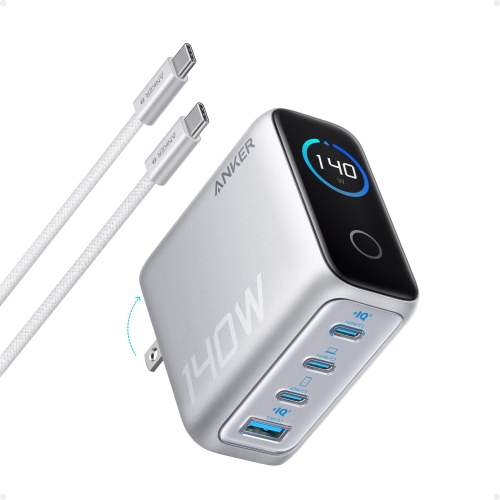
Choosing a charging hub starts with the devices that will actually use it. Port count matters, but the type of connection and available power matter just as much. USB-C ports are common on newer devices, while USB-A connections can still be useful for older cables and accessories. If a laptop is part of the setup, check its charging requirements against the hub’s supported output rather than assuming every USB-C port can supply enough power. Look at both the maximum output of an individual port and the total power available when several devices are plugged in; some hubs divide their output among connected devices, which can affect charging speeds. USB Power Delivery support may be important for compatible laptops, tablets, and phones, and the cable must also support the required power level. For wireless charging, confirm compatibility with each device and check whether a case, magnetic attachment, or camera bump could interfere with alignment. A wireless pad intended for a phone will not necessarily charge a smartwatch or every earbud case. Checking these details before buying helps avoid the frustration of discovering that one essential device still needs its own charger.

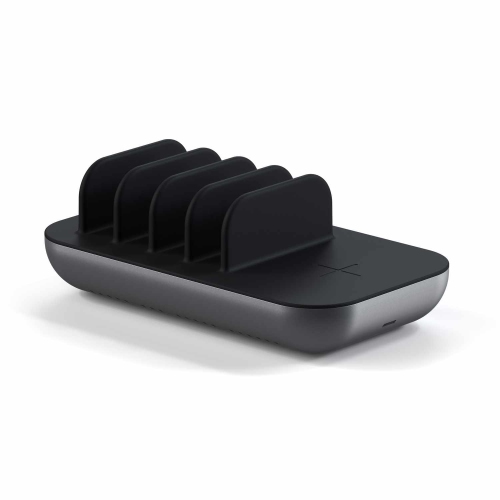
The physical layout deserves attention, too, especially when desk space is measured in the gap between a lamp and a stack of course materials. A hub with accessible ports can make it easier to swap cables without reaching behind furniture, while a stand-style design may keep a phone screen visible for calendar reminders. Consider the power cord length, the location of the nearest outlet, and whether charging cables or a power adapter are included. For a setup that travels between home and residence, size and weight may matter more than having a dedicated space for every device. For a shared family charging spot, clearly separated connections and enough capacity for simultaneous use can be more useful. Keep the hub on a firm, uncovered surface with room for airflow, away from bedding, papers, and spilled drinks. Multi-device charging hubs can also make practical back-to-school gifts for students moving into residence, commuters balancing classes and part-time work, or anyone building a more organized study space. Matching the hub to the recipient’s devices and daily routine makes it a thoughtful addition they can put to use from the first week of classes.

FAQ

Some products may be subject to Environmental Handling Fees (EHF) depending on your province. Learn more about EHFs.