Back To School Multi Device Charging Stations
Back-to-school multi-device charging stations help keep phones, tablets, and other study essentials charged in one place. Browse charging hubs and organizers with room for multiple devices, and compare port types, charging capacity, and device compatibility to find a setup that fits a student desk or shared study space.
FAQ
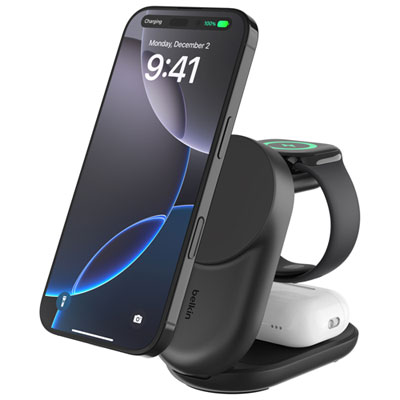
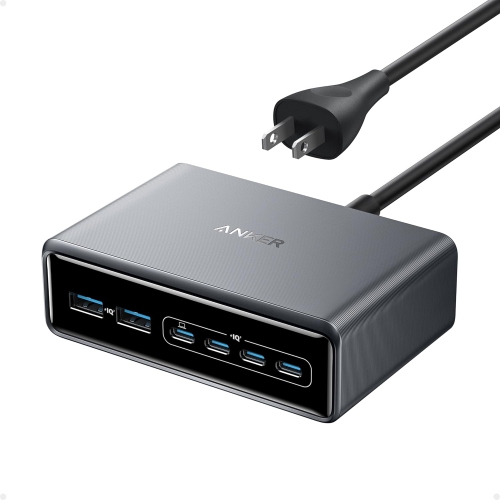
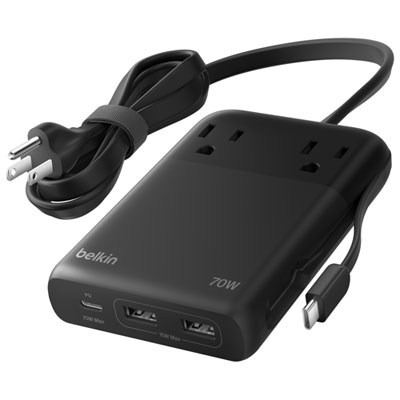
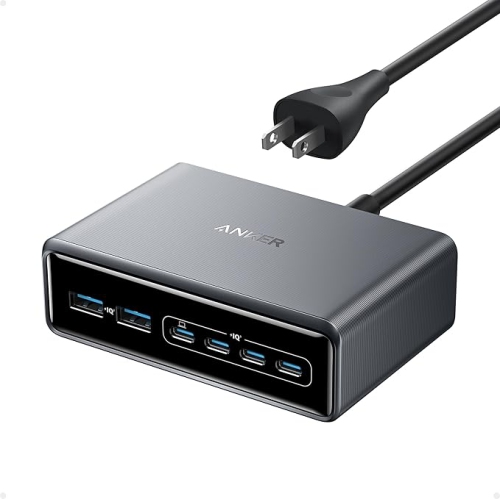
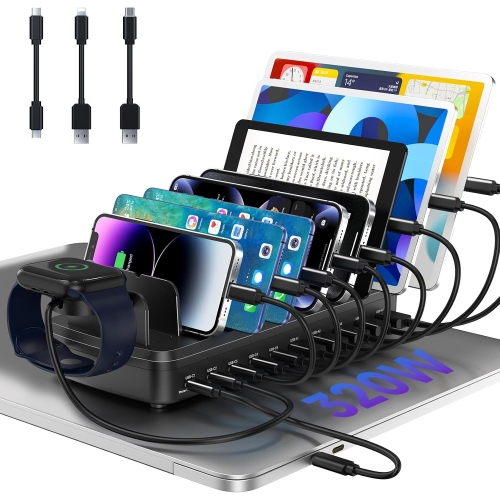
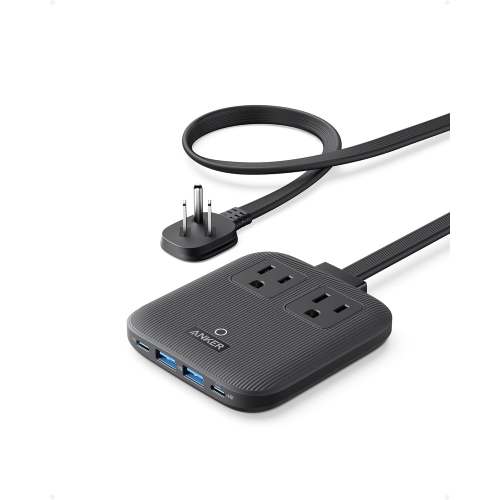
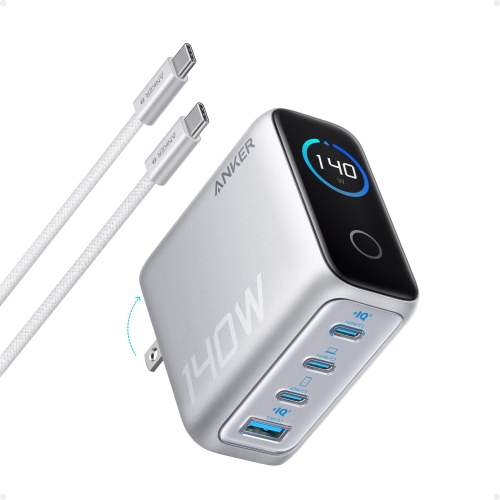
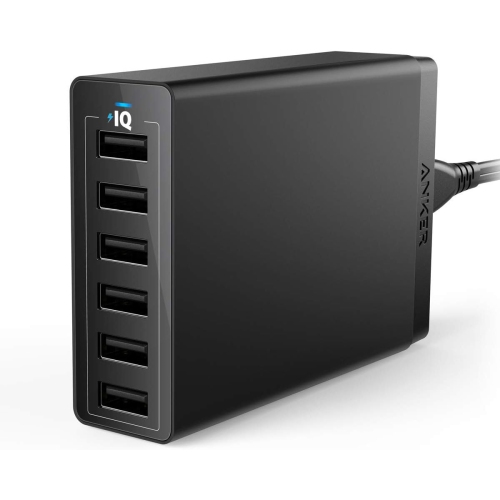
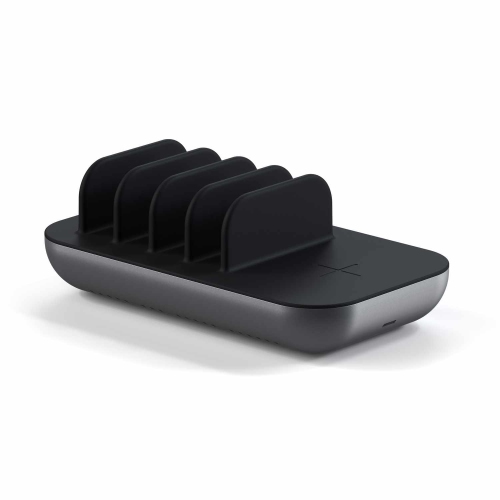
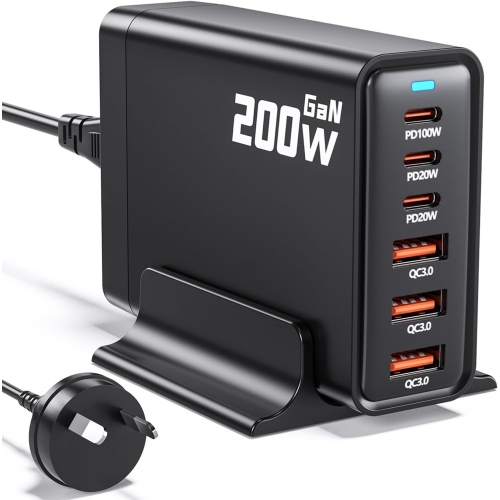
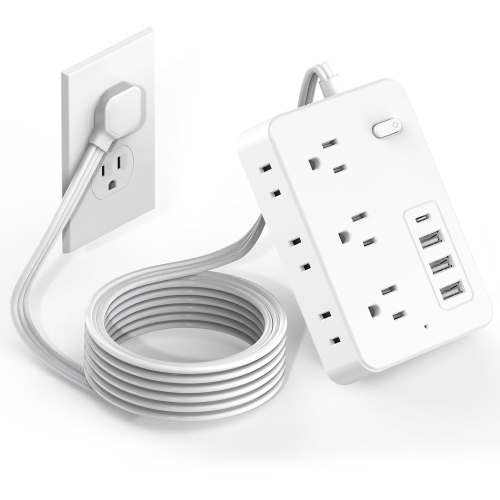
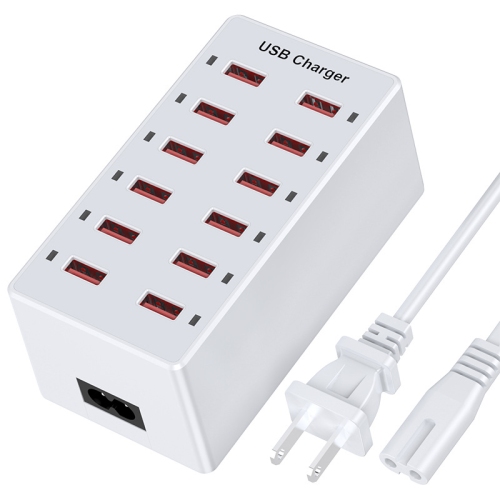
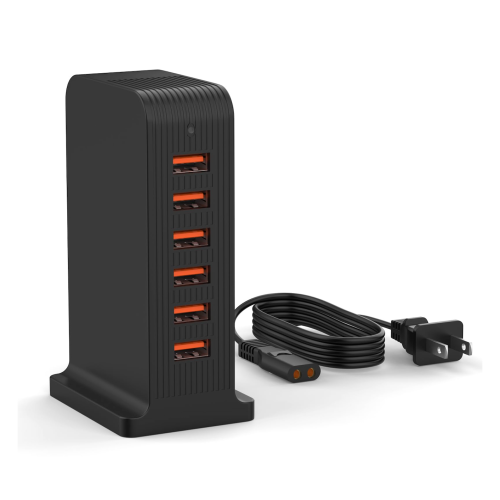
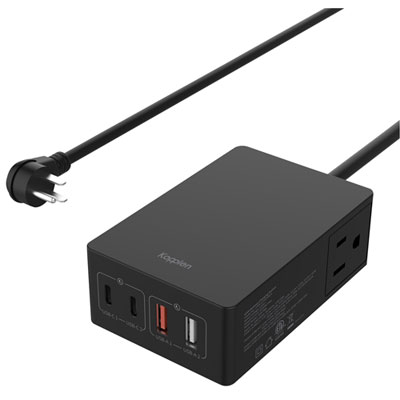
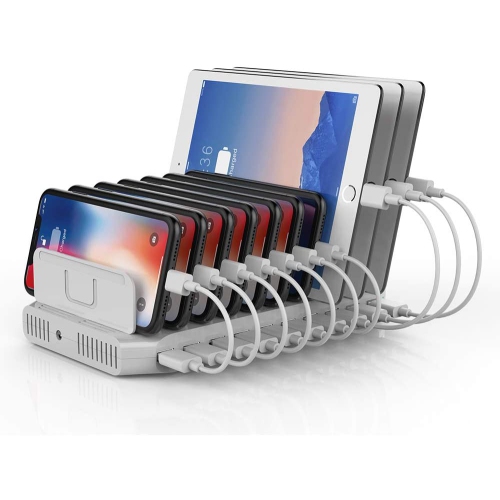
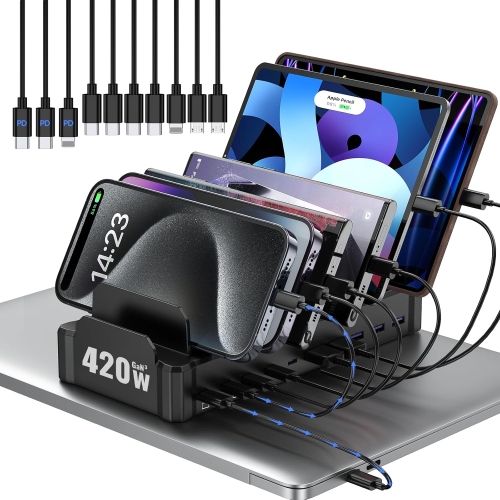
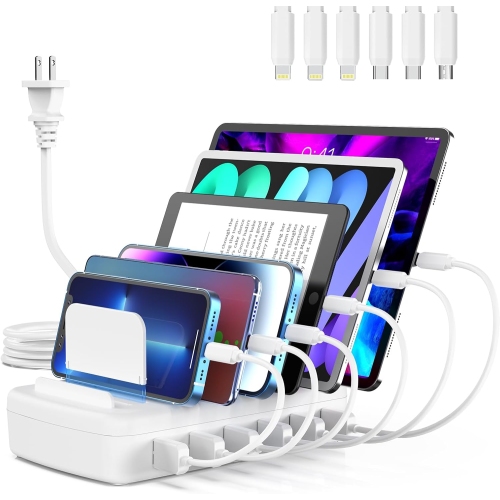
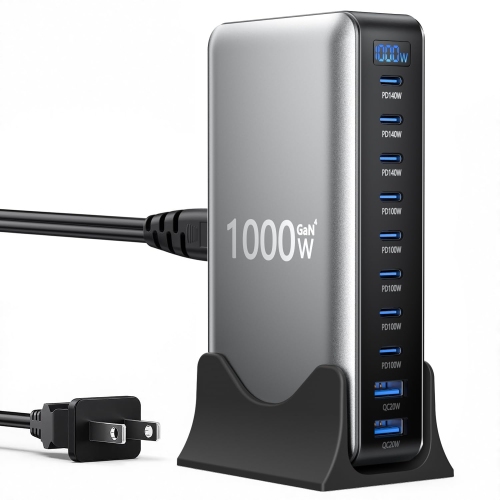
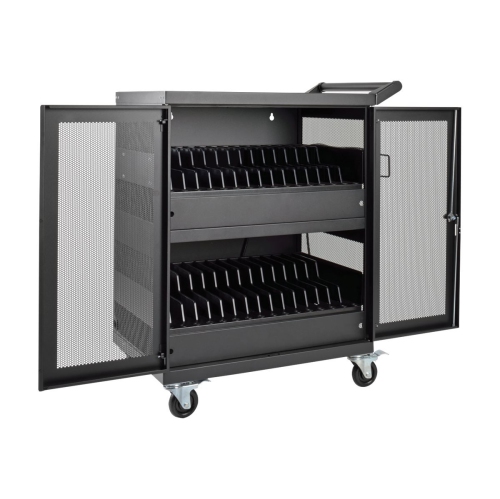
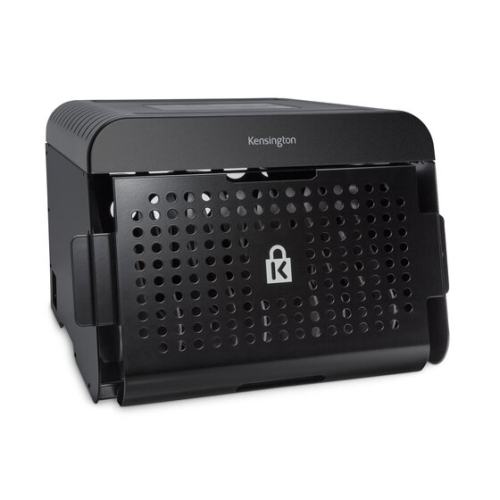
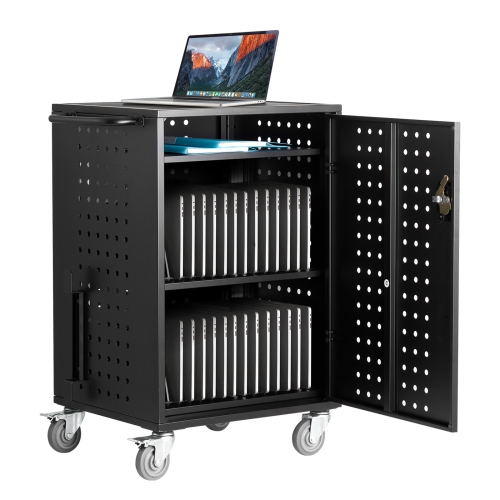
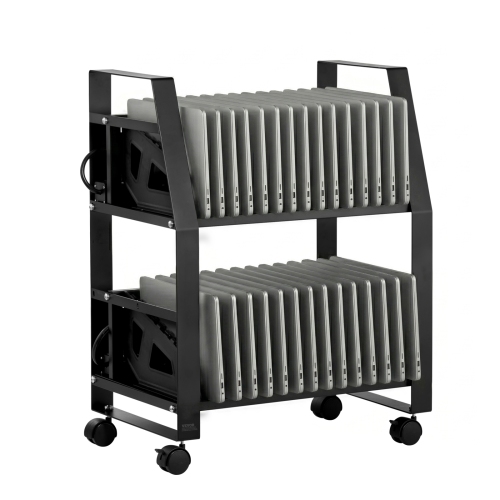
A multi-device charging station brings several charging connections together in one place for electronics such as phones, tablets, earbuds and compatible laptops. Common styles include desktop hubs with USB ports, stands with device slots and docks with wireless charging pads.
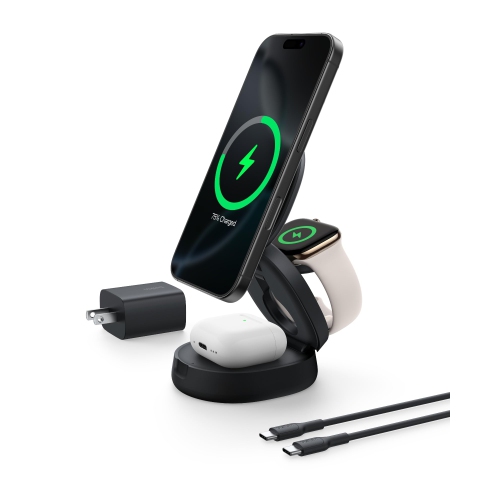
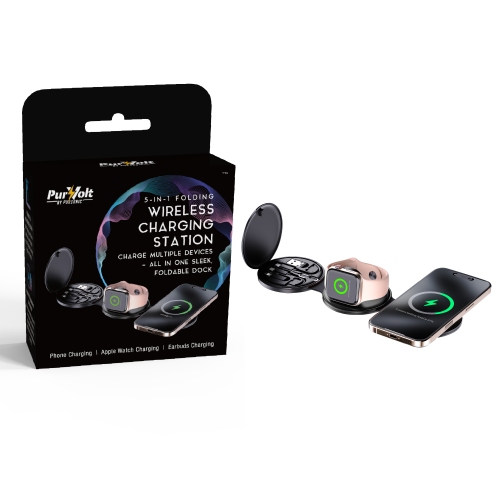
Wired stations connect to devices through charging cables, while wireless stations use designated pads or stands for compatible devices. Some stations combine USB ports with wireless charging areas for phones, earbuds or watches.
USB-A and USB-C ports are common, though the combination varies by station. Check the connector on each school device and whether it supports USB charging, especially for laptops that may require a dedicated power adapter.
Some charging stations include cable channels, built-in cable storage or separate slots for keeping devices upright. Others use integrated connectors or wireless charging surfaces, so the desk layout depends on the station's design and the devices being used.
Included accessories vary: some stations come with a power adapter or integrated cables, while others require separately supplied cables or an adapter. Review the package contents and connection requirements to know which accessories you will need for your school devices.
Top selling and popular products
Discover more categories related to Back To School Multi Device Charging Stations
Some products may be subject to Environmental Handling Fees (EHF) depending on your province. Learn more about EHFs.