Back To School Powerful Study PCs
Find powerful study PCs for back to school that can handle coursework, research, and multitasking. Browse computers for your study setup, and compare processors, memory, and storage to find a PC suited to your course software, assignments, and budget.








FAQ
Start with the hardware requirements listed for your courses and software. Compare the processor, RAM, solid-state drive (SSD) storage and graphics hardware. Engineering, design and media courses may require a dedicated graphics card, while other programs may specify a particular operating system.
RAM holds data that applications are actively using, while storage keeps your operating system, software and files after the PC is turned off. When comparing study PCs, check both the installed RAM and SSD capacity, along with whether either component can be upgraded.
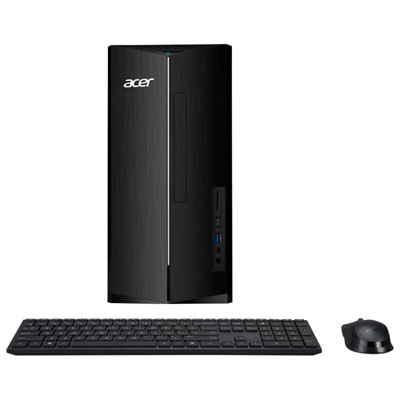
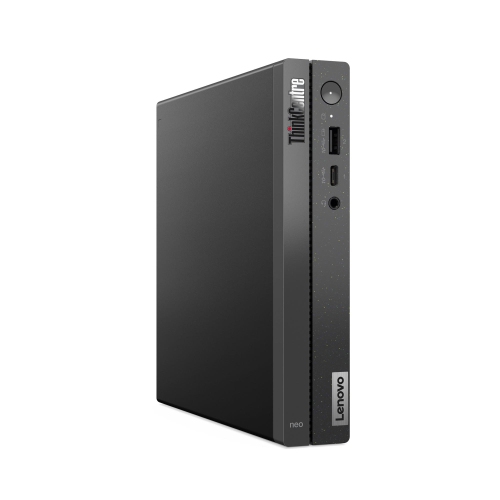
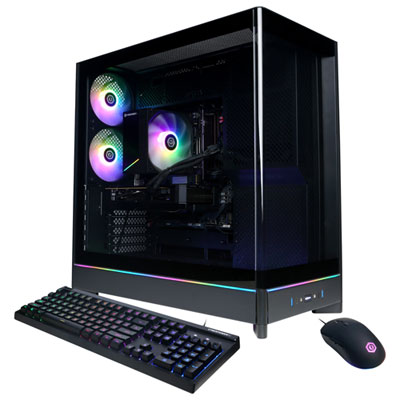
A laptop combines a computer, display, keyboard and battery for use between classes and at home. A desktop is designed for a dedicated workspace and typically requires a separate monitor, keyboard and mouse. Consider your campus routine, course requirements and whether you want upgradeable components.
Check for USB-A and USB-C ports for accessories, HDMI or DisplayPort for an external monitor, and an audio connection for wired headphones. Wi-Fi supports wireless networking, Bluetooth connects compatible accessories, and Ethernet provides a wired network connection. USB-C capabilities vary, so confirm support for charging or video output if you need those functions.
Review your school's technology requirements and each application's supported operating systems and hardware specifications. Check the required processor, RAM, available storage and graphics hardware. Some courses require Windows-specific applications or particular software versions, so confirm those details before choosing a PC.
Top selling and popular products
Discover more categories related to Back To School Powerful Study PCs
Some products may be subject to Environmental Handling Fees (EHF) depending on your province. Learn more about EHFs.