Back To School Webcams For Students

Find back-to-school webcams for students to use for online classes, study groups, and video calls. Browse webcams for a laptop or desktop, and compare video resolution, microphone features, mounting options, and device compatibility to find a fit for your study setup and budget.


Read More

Sort

Back To School Webcams For Students

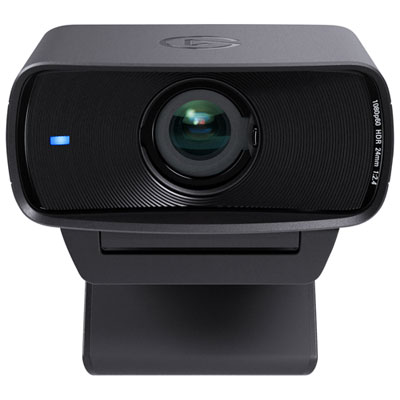
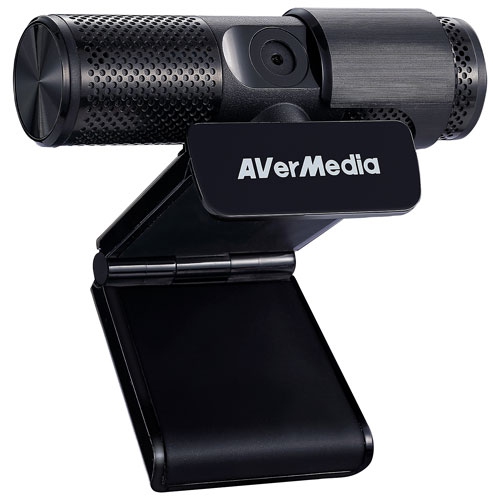
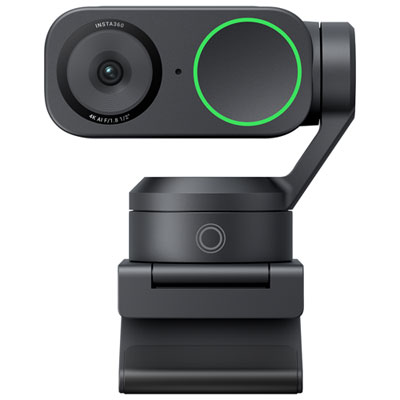
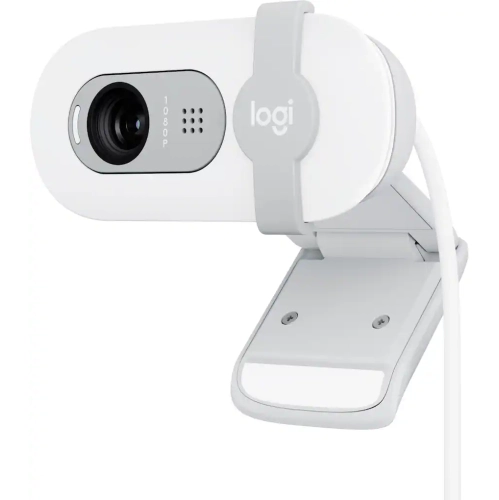
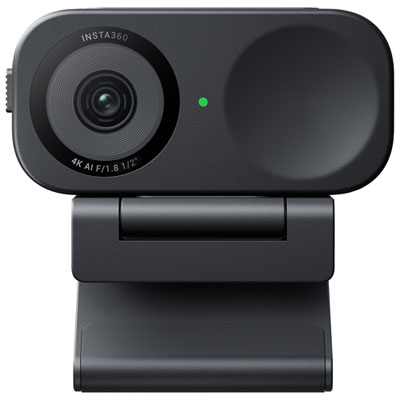
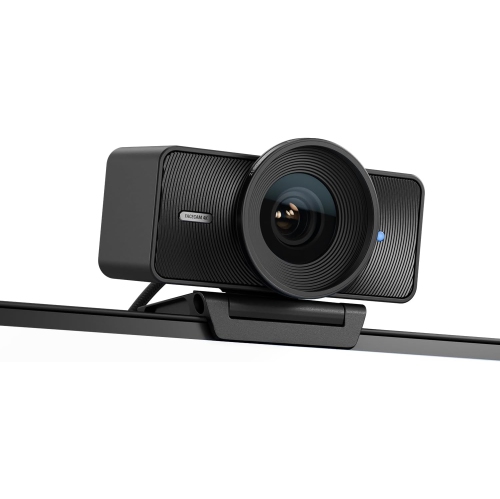
Back to School Webcams for Students brings together a useful addition to the study setup: a camera that helps make online learning feel a little more face-to-face. From joining a morning lecture at a bedroom desk to meeting a project group from a residence room, a dedicated webcam can make it easier to stay visible and engaged throughout the school year. It can also offer more flexibility than a built-in laptop camera, allowing students to place the lens at eye level while keeping notes, slides, and coursework open on a separate screen. For students taking remote classes, attending virtual office hours, practising presentations, or meeting with a tutor, that flexibility can make everyday conversations more comfortable. Picture a desk with a textbook open beside the keyboard and an assignment on the monitor: a webcam mounted above the screen helps keep the conversation in view without having to rearrange the whole workspace. It is a practical choice for secondary school, college, and university students, as well as anyone balancing coursework with a job or learning from home.

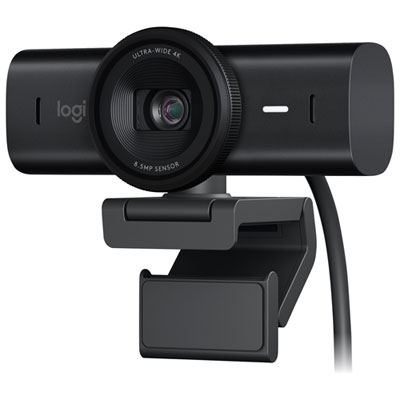
The right webcam depends as much on the study space as it does on the specifications. Full HD resolution is a useful starting point for clear video calls, while higher-resolution options may suit students who also film presentations or create content for class. Image quality still depends on lighting, connection quality, and the limits of the calling platform, so resolution alone does not tell the whole story. Autofocus can help keep a face sharp when someone shifts in their chair, and automatic light adjustment can be helpful when a desk sits away from a window. A wider field of view may suit a shared presentation or a demonstration, but a narrower view is often more practical for keeping the frame focused on one student rather than the rest of a busy room. For most classroom conversations, 30 frames per second is sufficient; a higher frame rate can make movement look smoother when supported by the software and connection. Built-in microphones are convenient for quick calls, though a headset or separate microphone may provide clearer speech in a shared room with nearby conversations or keyboard noise.

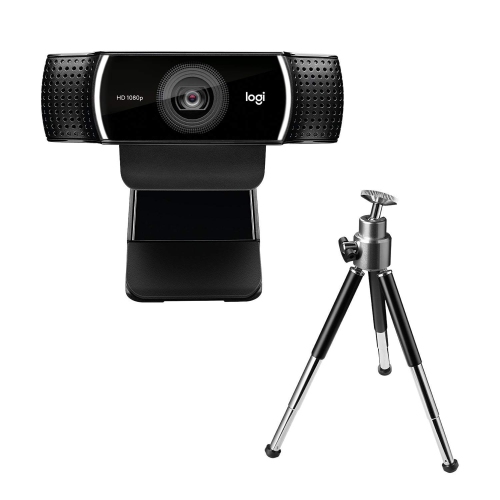
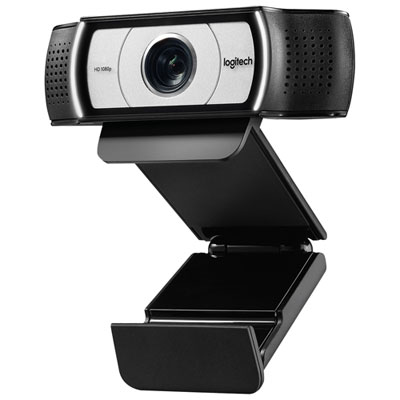
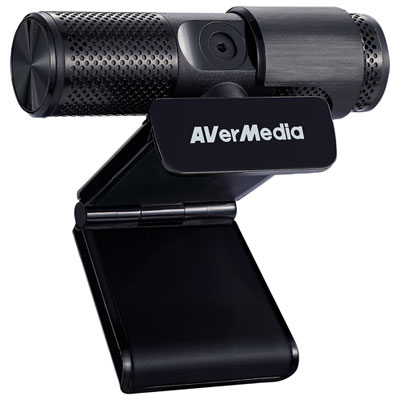
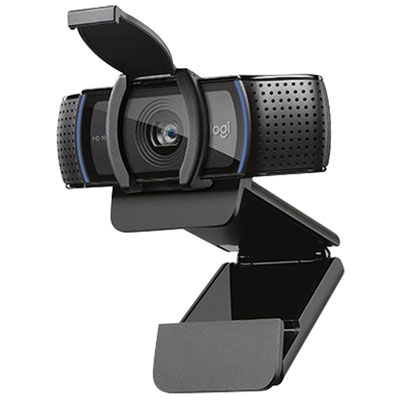
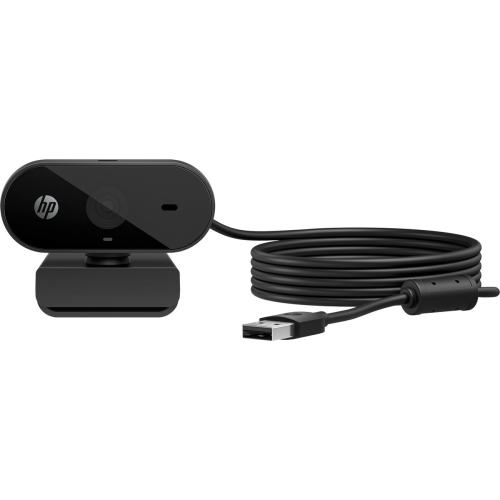
Compatibility and everyday handling deserve just as much attention as picture quality. Check the webcam’s connector, operating system requirements, and support for the platforms used by the school, especially if the student works on a Chromebook or a laptop with limited ports. A stable mounting clip, adjustable angle, and cable that comfortably reaches the computer can prevent small frustrations during a packed timetable. Students moving between home and campus may appreciate a compact design that slips easily into a laptop bag, while those with a permanent desk setup might prefer a tripod-compatible mount for more control over placement. A physical privacy shutter is a handy feature between calls, particularly when the study area is also a bedroom or shared living space. As a back-to-school gift, a webcam can be a thoughtful, practical option for a student whose current camera is awkwardly positioned or produces a dim picture. Pairing the choice with their actual routine—weekly seminars, tutoring sessions, group assignments, or virtual interviews—helps make it something they will use well beyond the first week of classes.

Read More

FAQ

Some products may be subject to Environmental Handling Fees (EHF) depending on your province. Learn more about EHFs.