Back To School WiFi Extenders For Dorm Rooms
Back-to-school Wi-Fi extenders for dorm rooms can help extend an existing wireless signal to your study space. Browse range extenders with different coverage and connection options, and compare compatibility with your network and devices. Before choosing, check whether your residence allows personal networking equipment and whether the extender supports its Wi-Fi sign-in requirements.

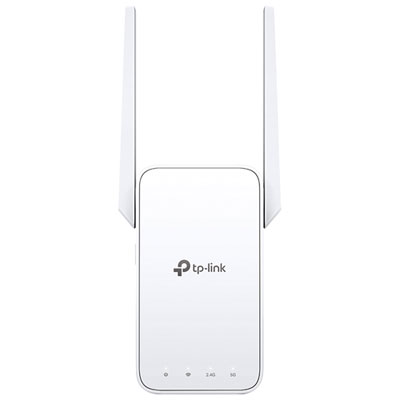
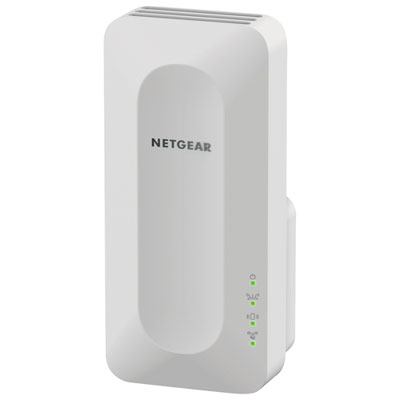
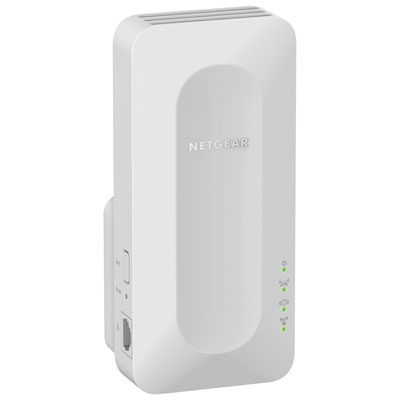
FAQ
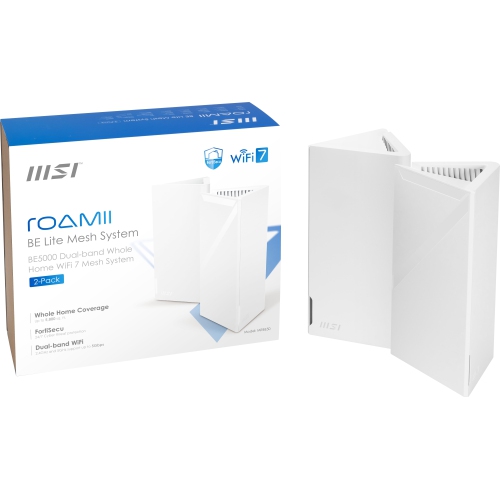
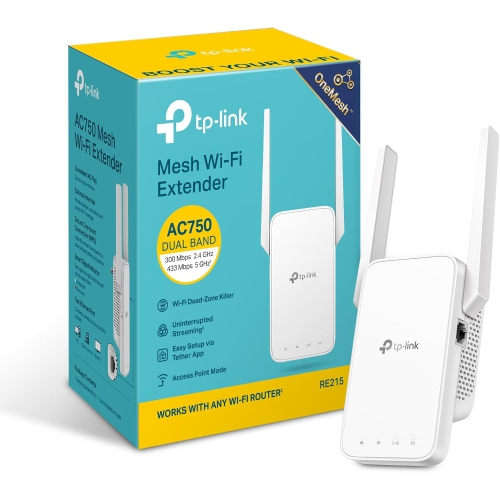
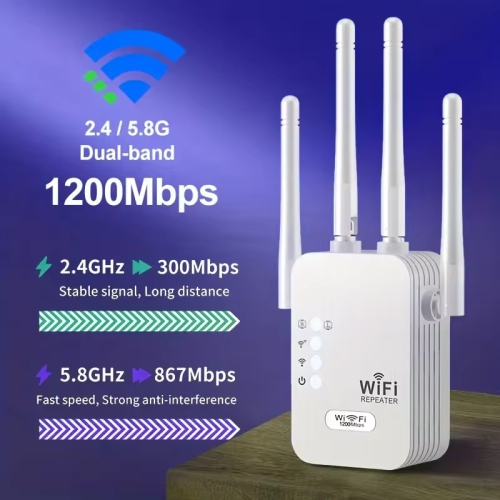
A dual-band Wi-Fi extender supports the 2.4 GHz and 5 GHz frequency bands. Models vary in how they use these bands to connect to the existing network and your devices. Your residence network determines which bands are available.
Compatibility varies. Campus networks may use a browser-based sign-in page, individual student credentials or device registration, which not every extender supports. Ask your residence IT team whether personal extenders are permitted and which connection methods the campus network requires.
Some extenders create a separate network name, also called an SSID, while others can use the same name as the existing network. Available options depend on the extender and network configuration. Follow your residence IT team's requirements when naming a personal network.
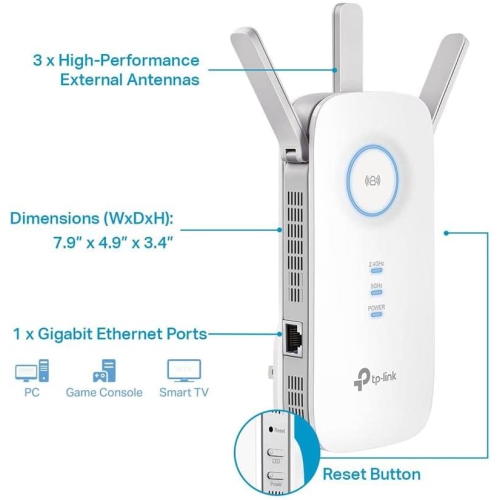
Depending on the model, an Ethernet port may connect a wired device, such as a computer or game console, to the extender. Some models also support access point mode, which uses a wired network connection to provide Wi-Fi. Using a dorm room Ethernet outlet for this purpose depends on campus rules and outlet access.
Have the residence network name, the campus connection instructions and any required login or device registration details ready. Some extenders also require an app or browser-based setup. Confirm with residence IT whether setup requires access to router settings, since students generally do not manage campus routers.
Top selling and popular products
Discover more categories related to Back To School WiFi Extenders For Dorm Rooms
Some products may be subject to Environmental Handling Fees (EHF) depending on your province. Learn more about EHFs.