Wi-Fi Range Extenders for Dorm
Maximize your internet coverage and enjoy seamless connectivity in your college room with Wi-Fi range extenders for dorm. Whether you’re streaming, studying, or gaming, a reliable connection is essential for campus life. Explore a selection of easy-to-use solutions designed to help eliminate dead zones and boost your signal strength throughout your living space. Find the right Wi-Fi range extender to keep all your devices connected and performing at their best during your time on campus.
Sort


Why extender placement and campus compatibility matter
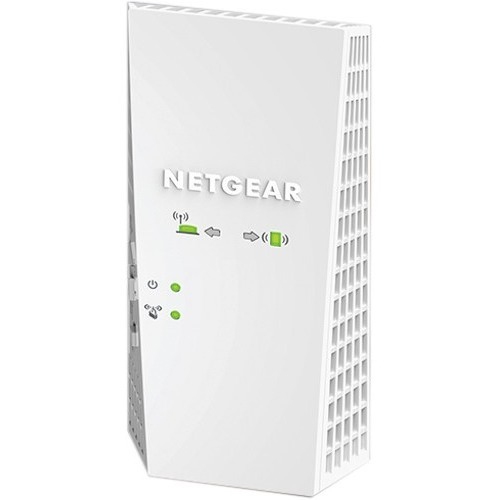
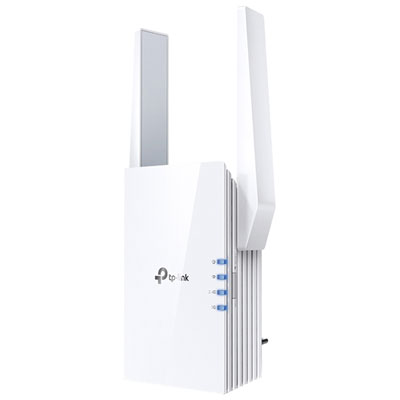
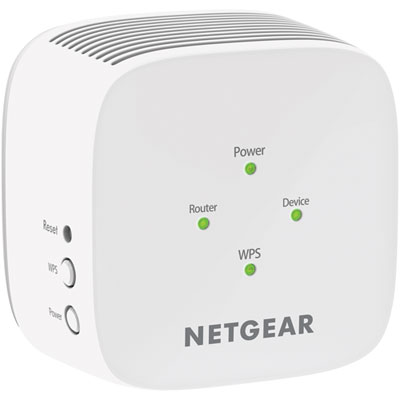
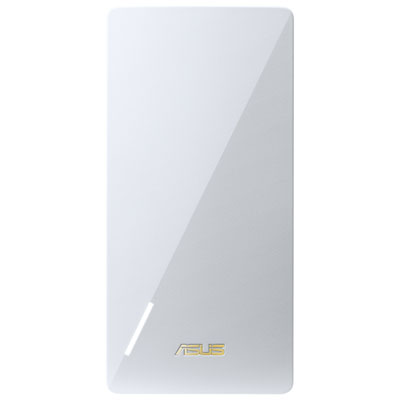
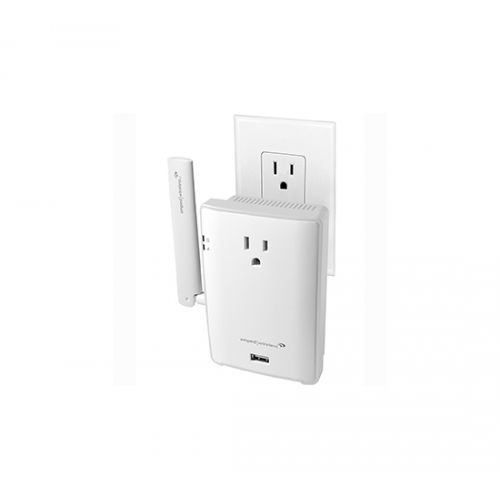
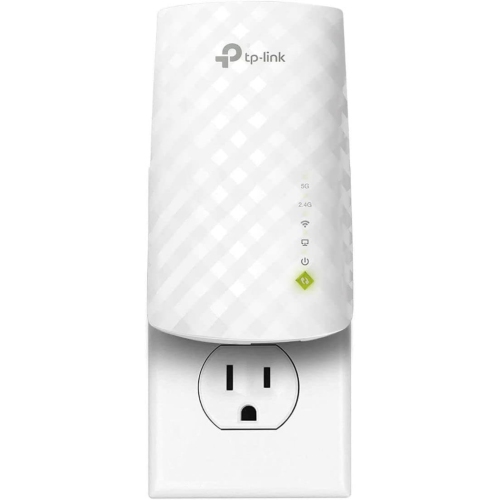
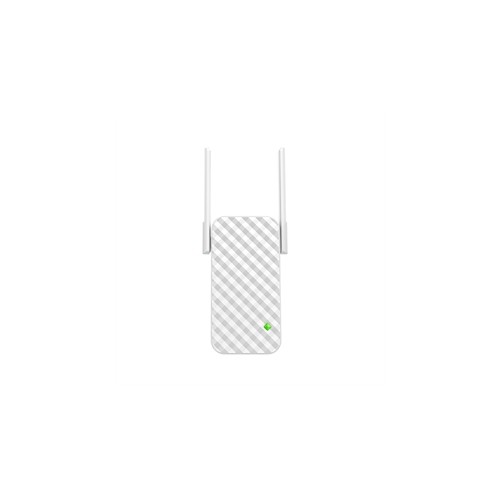
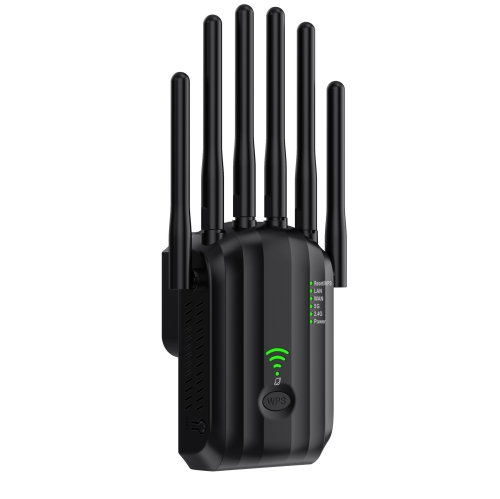
Wi-Fi range extenders for dorm rooms can help an existing wireless network reach a study desk, bed or other spot where reception is weak, provided the network allows and supports their use. Compact wall-plug designs are particularly useful in small rooms because they leave the desktop clear for a laptop, textbooks and a monitor. An extender receives a wireless signal and passes it along, so it needs a reliable connection to the original network rather than simply an empty outlet in the weakest coverage area. In a residence room where video calls work near the door but stall at a desk beside the window, an outlet between those locations may offer a useful placement option. The benefit depends on the building layout, nearby wireless traffic and the strength of the incoming signal. An extender cannot create internet access on its own, increase the capacity of a campus internet connection or resolve every slowdown on a busy shared network. Compatibility is especially important in student housing. Some residences permit personal networking equipment, while others restrict extenders because additional wireless transmissions can interfere with the managed network. Campus systems may also use enterprise authentication, device registration or a browser-based sign-in page that a typical home extender does not support. Residence network requirements therefore matter just as much as the extender’s wireless specifications. A model designed for a conventional home network is not automatically suitable for campus Wi-Fi, even if a phone or laptop connects without difficulty. Where a compatible connection is permitted, an extender can serve students attending online seminars, uploading assignments, calling family or streaming entertainment between study sessions. It can also help a roommate use a device farther from the original access point, although several active devices still share the available connection. For students in off-campus shared housing, compatibility with the household router and permission to adjust the network are similarly important considerations.
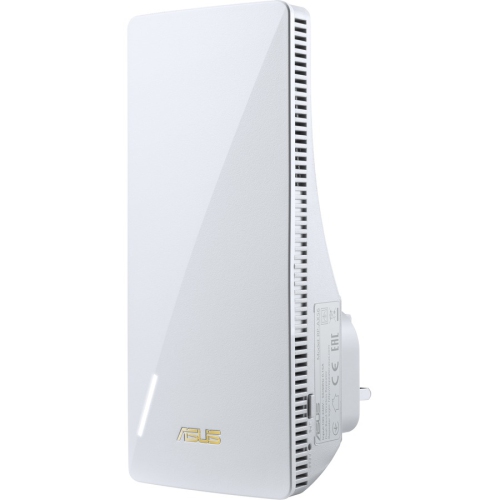
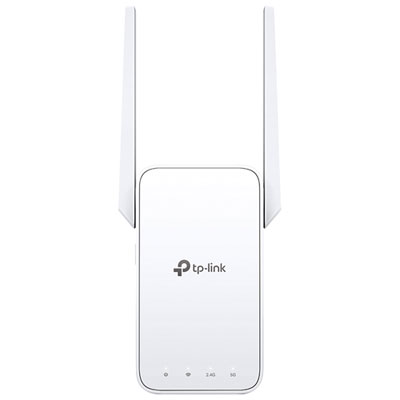
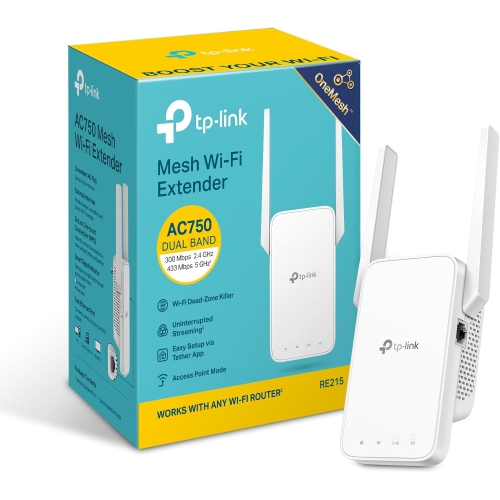
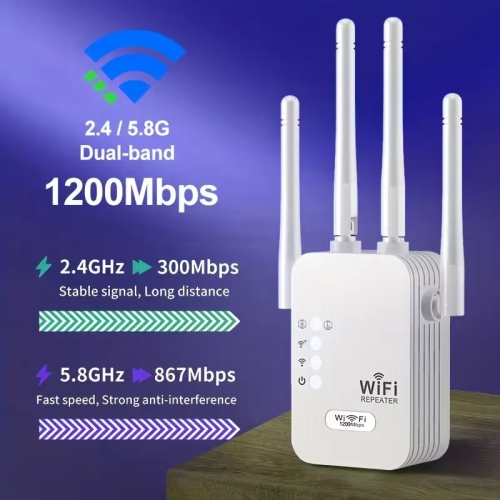
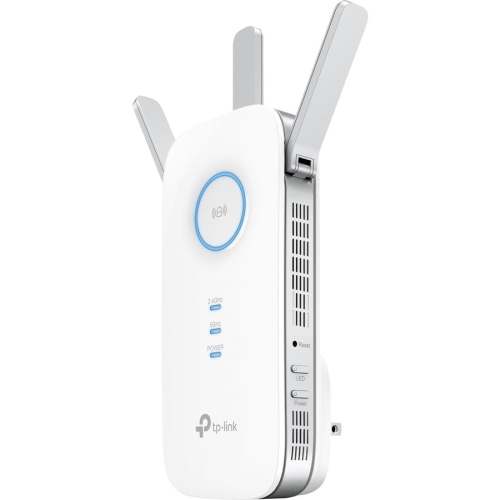
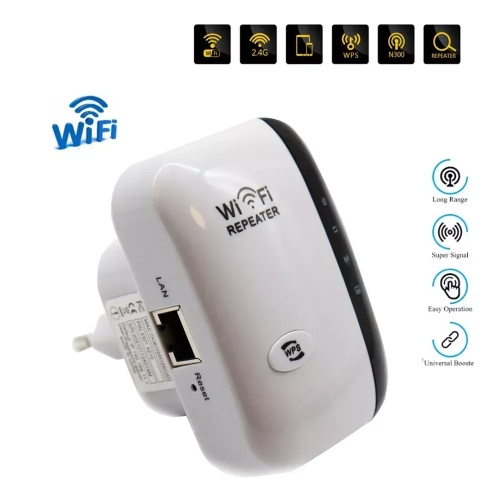
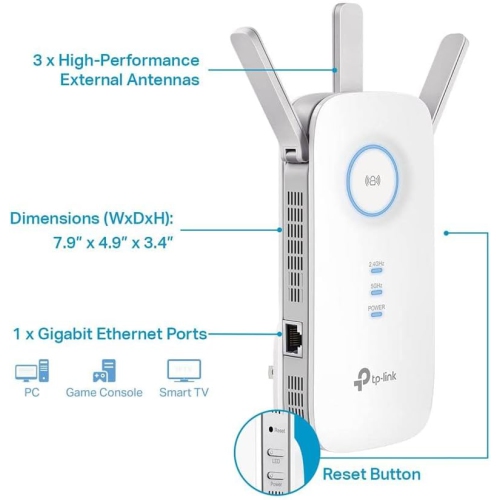
Wireless bands, supported standards and connection options help distinguish Wi-Fi range extenders that otherwise look much alike. Dual-band designs can use the 2.4 GHz and 5 GHz bands, offering flexibility when balancing reach with connection performance. The 2.4 GHz band generally reaches farther and passes through obstacles more readily, while 5 GHz can offer higher speeds over shorter distances when the signal is strong. Neither band guarantees a particular result through concrete walls, metal furniture or several neighbouring rooms. Support for Wi-Fi 6 may be useful alongside compatible equipment, but a newer standard alone does not overcome a weak link to the original network. Advertised wireless speeds also describe theoretical capabilities rather than the download speed every connected device will receive. The radio connection back to the router, network congestion and the capabilities of a student’s laptop or phone all affect everyday performance. Depending on the extender’s design, receiving and retransmitting traffic can reduce usable throughput, making a stable connection more meaningful than the largest speed figure on the packaging. Signal indicators can make placement easier to assess, especially when the only available sockets sit behind a bed or beside a wardrobe. An outlet in an open position is generally more useful than one hidden behind a metal cabinet, and nearby electronic equipment can add interference. Some designs include an Ethernet port for connecting a compatible desktop computer or game console by cable. That wired connection may remove the final wireless hop to the device, but it still depends on the extender’s connection back to the network. Access point mode is a separate feature that uses a wired network connection to provide Wi-Fi; it is relevant only where an authorized Ethernet connection and residence rules allow it. Likewise, seamless roaming or mesh features depend on compatible equipment and should not be assumed to work with a campus system. Straightforward setup controls, clear status lights and accessible security settings can make permitted day-to-day use easier without adding unnecessary complexity to a small shared space.
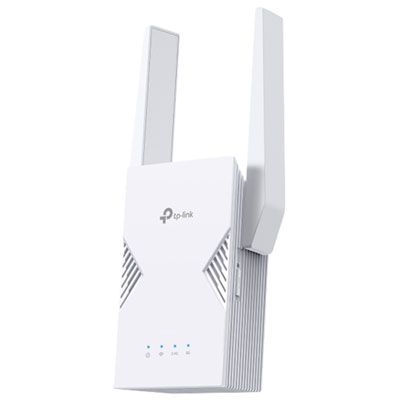
Physical fit matters when a room has limited outlets and every surface already has a purpose. A compact plug-in extender can keep cables off a crowded work surface, while its width and plug position determine whether the neighbouring socket remains accessible for a lamp or laptop charger. External antennas may need clearance beside furniture; designs with internal antennas can offer a tidier profile, though appearance alone does not indicate stronger reception. Lightweight plastic housings are common, with ventilation openings that need unobstructed space during use. An extender belongs away from bedding, damp areas and places where a chair, storage bin or dangling cable could knock it loose. Where the design includes adjustable antennas, careful handling helps protect their joints during a move between residences. A dimmable indicator light or a light-off setting can also be useful when the same small room serves as both a study area and a sleeping space. Routine care is usually simple: unplug the unit before cleaning, follow its care instructions and keep dust from accumulating around the vents without allowing moisture into the housing. Supported firmware updates and a protected administrator login are useful security considerations, particularly for equipment used in shared accommodation. A factory reset before passing an extender to another person helps remove saved network details, while a move to a different building may require fresh setup and another compatibility check. For students establishing a study space, back-to-school Wi-Fi extenders for dorm rooms can be practical accessories when the residence connection supports them. They can also make thoughtful gifts from family members who have confirmed the student’s network requirements rather than choosing on size or speed claims alone. The most suitable fit combines permitted network access, an effective placement option and features that match the student’s devices, whether the priority is a steady seminar connection at the desk or more dependable reception across a compact room.
Wireless bands, supported standards and connection options help distinguish Wi-Fi range extenders that otherwise look much alike. Dual-band designs can use the 2.4 GHz and 5 GHz bands, offering flexibility when balancing reach with connection performance. The 2.4 GHz band generally reaches farther and passes through obstacles more readily, while 5 GHz can offer higher speeds over shorter distances when the signal is strong. Neither band guarantees a particular result through concrete walls, metal furniture or several neighbouring rooms. Support for Wi-Fi 6 may be useful alongside compatible equipment, but a newer standard alone does not overcome a weak link to the original network. Advertised wireless speeds also describe theoretical capabilities rather than the download speed every connected device will receive. The radio connection back to the router, network congestion and the capabilities of a student’s laptop or phone all affect everyday performance. Depending on the extender’s design, receiving and retransmitting traffic can reduce usable throughput, making a stable connection more meaningful than the largest speed figure on the packaging. Signal indicators can make placement easier to assess, especially when the only available sockets sit behind a bed or beside a wardrobe. An outlet in an open position is generally more useful than one hidden behind a metal cabinet, and nearby electronic equipment can add interference. Some designs include an Ethernet port for connecting a compatible desktop computer or game console by cable. That wired connection may remove the final wireless hop to the device, but it still depends on the extender’s connection back to the network. Access point mode is a separate feature that uses a wired network connection to provide Wi-Fi; it is relevant only where an authorized Ethernet connection and residence rules allow it. Likewise, seamless roaming or mesh features depend on compatible equipment and should not be assumed to work with a campus system. Straightforward setup controls, clear status lights and accessible security settings can make permitted day-to-day use easier without adding unnecessary complexity to a small shared space.
Physical fit matters when a room has limited outlets and every surface already has a purpose. A compact plug-in extender can keep cables off a crowded work surface, while its width and plug position determine whether the neighbouring socket remains accessible for a lamp or laptop charger. External antennas may need clearance beside furniture; designs with internal antennas can offer a tidier profile, though appearance alone does not indicate stronger reception. Lightweight plastic housings are common, with ventilation openings that need unobstructed space during use. An extender belongs away from bedding, damp areas and places where a chair, storage bin or dangling cable could knock it loose. Where the design includes adjustable antennas, careful handling helps protect their joints during a move between residences. A dimmable indicator light or a light-off setting can also be useful when the same small room serves as both a study area and a sleeping space. Routine care is usually simple: unplug the unit before cleaning, follow its care instructions and keep dust from accumulating around the vents without allowing moisture into the housing. Supported firmware updates and a protected administrator login are useful security considerations, particularly for equipment used in shared accommodation. A factory reset before passing an extender to another person helps remove saved network details, while a move to a different building may require fresh setup and another compatibility check. For students establishing a study space, back-to-school Wi-Fi extenders for dorm rooms can be practical accessories when the residence connection supports them. They can also make thoughtful gifts from family members who have confirmed the student’s network requirements rather than choosing on size or speed claims alone. The most suitable fit combines permitted network access, an effective placement option and features that match the student’s devices, whether the priority is a steady seminar connection at the desk or more dependable reception across a compact room.
Top selling and popular products
-
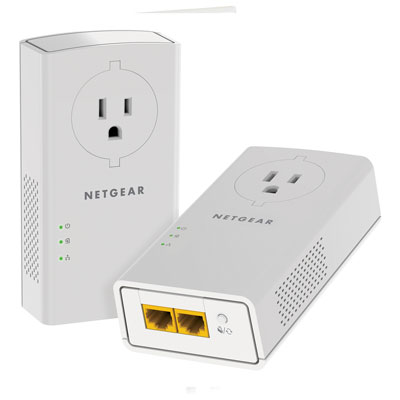 Your price for this item is $139.99
-
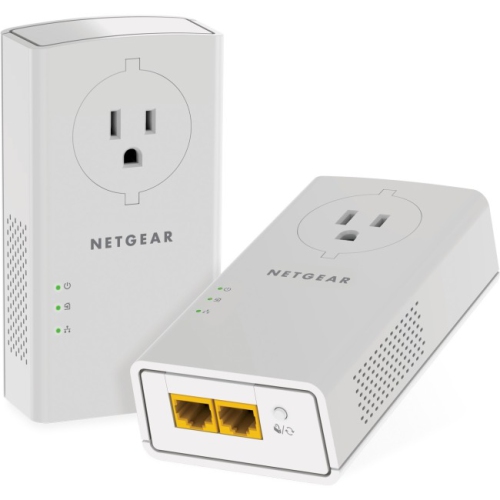 Your price for this item is $182.68
-
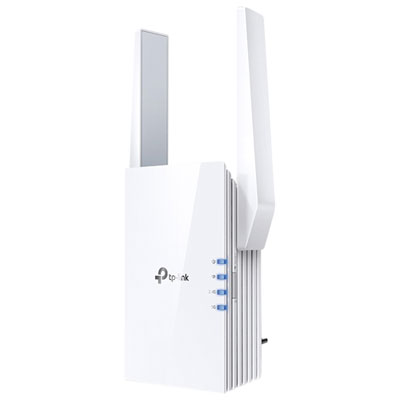 Your price for this item is $69.99
-
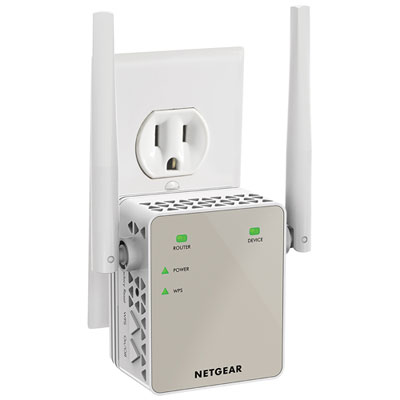 Your price for this item is $79.99
-
 Your price for this item is $45.78
-
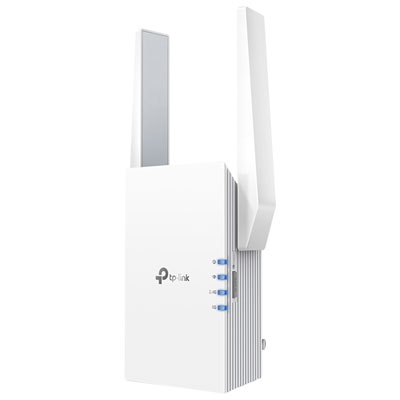 Your price for this item is $109.99
-
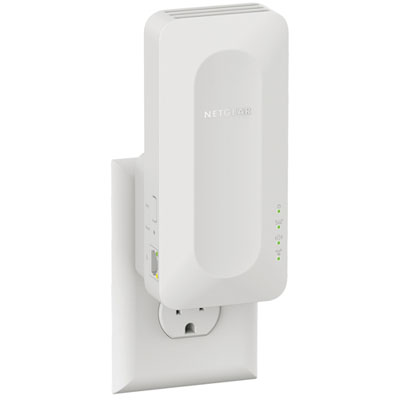 Your price for this item is $79.99
-
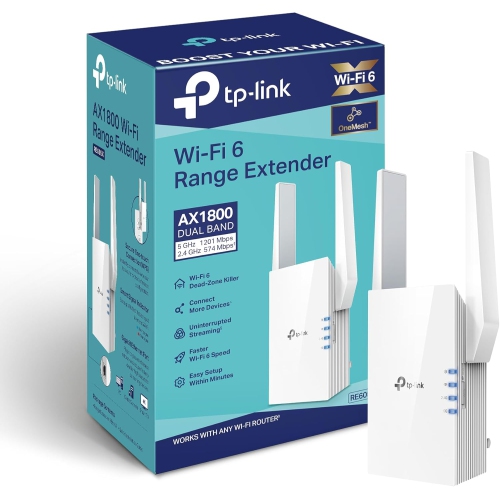 Your price for this item is $147.29
Discover more categories related to Wi-Fi Range Extenders for Dorm
Top Collections:
Pokemon Centers, Kindle Devices, Best Black Friday Deals This Year, Pokémon 30th Celebration Cards, Best Black Friday Deals On Electronics, Best Cameras for Sports Photography, Best Black Friday Deals On Apple Products, Canon G7X Cameras, iPhone 15 Apple, Candle Warmer Lights
Some products may be subject to Environmental Handling Fees
(EHF) depending on your province.
Learn more about EHFs.