Back To School Range Extenders & Powerline for Dorm Rooms
Back-to-school range extenders and powerline adapters for dorm rooms offer ways to improve Wi-Fi coverage or connect devices farther from your router. Browse options for extending a wireless signal or carrying a network connection through electrical wiring, and check compatibility with your dorm’s network rules, router access, and outlet setup before choosing.
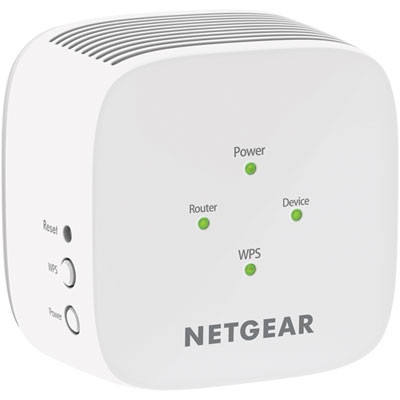
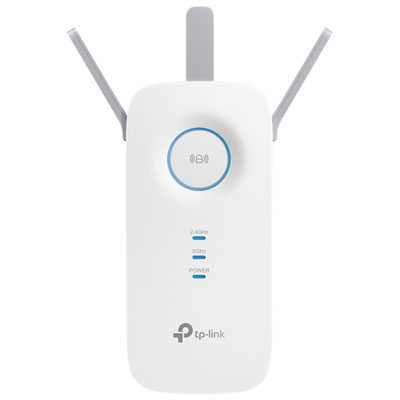
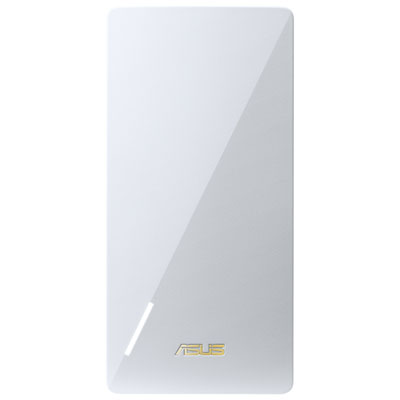

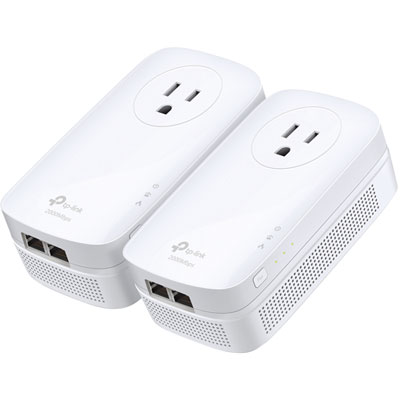
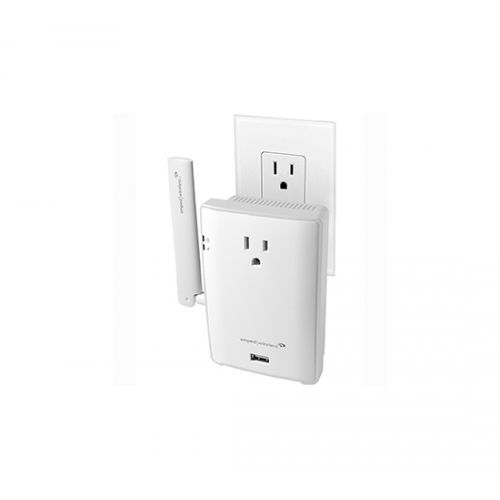
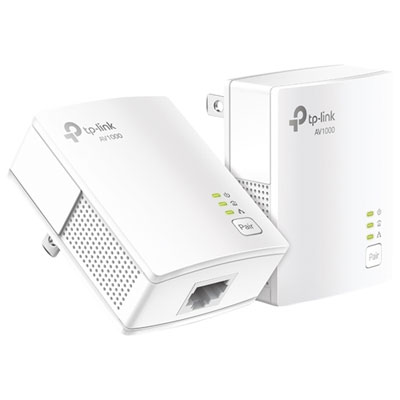
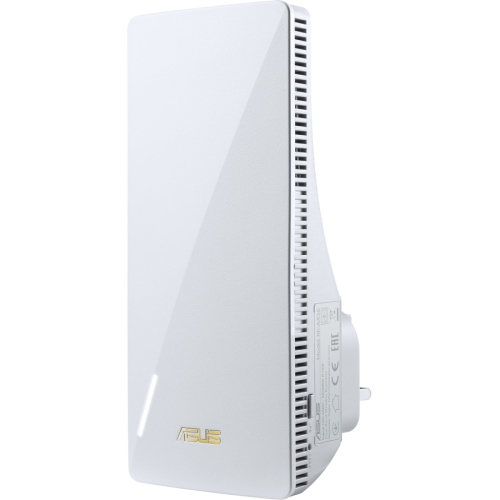
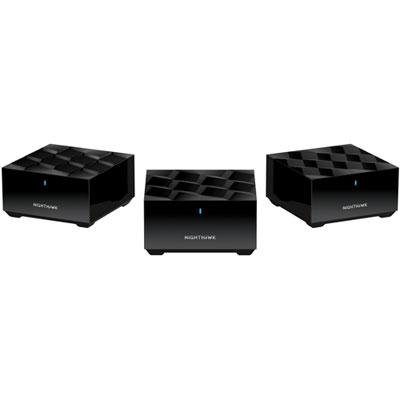
FAQ
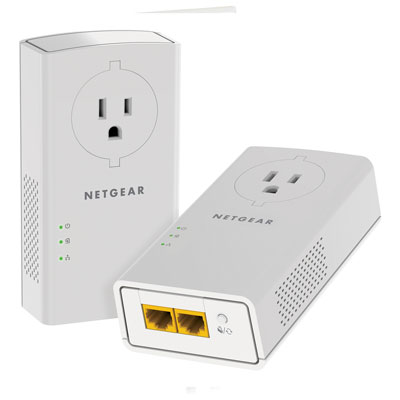
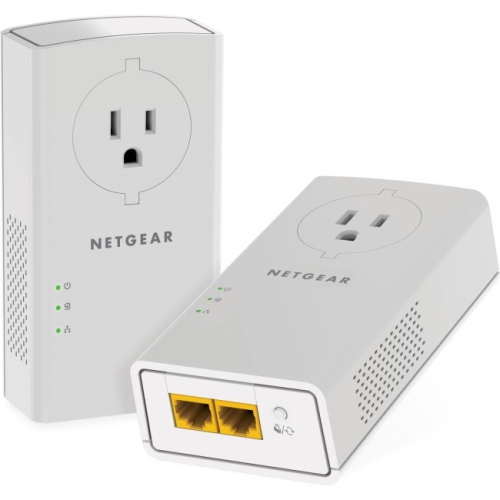
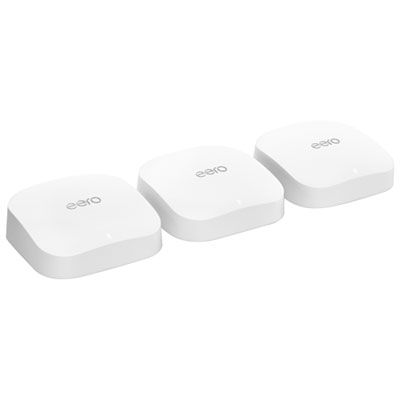
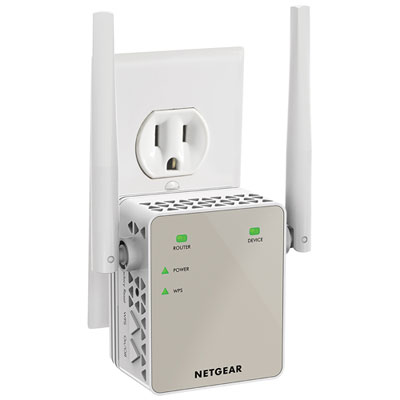
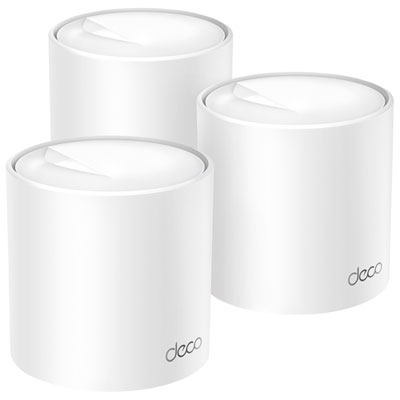
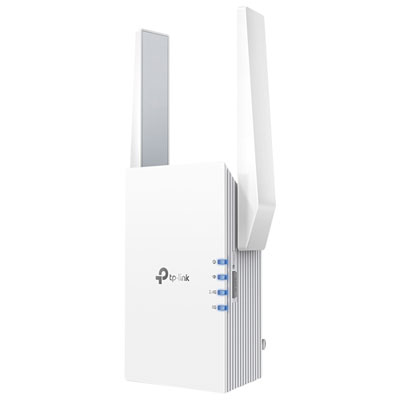
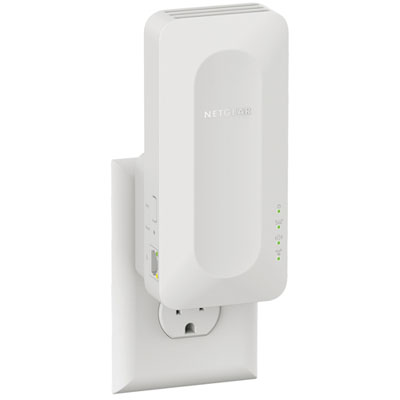
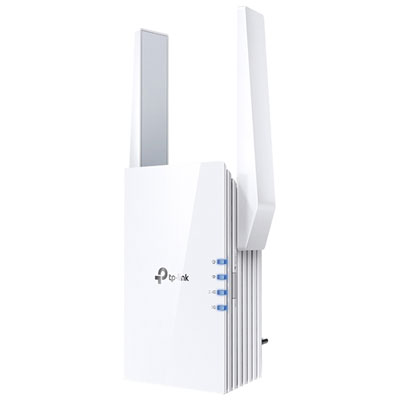
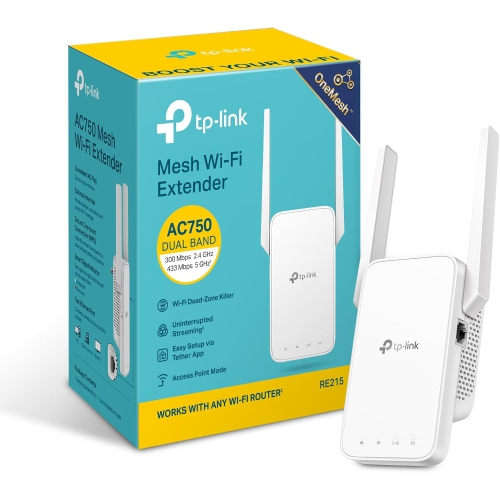
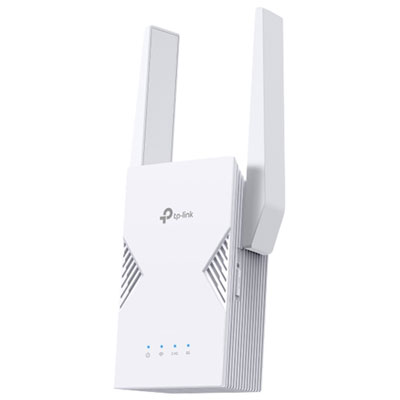
A Wi-Fi range extender connects to an existing wireless network and rebroadcasts its signal. A powerline adapter sends network data through a building’s electrical wiring. A typical powerline setup uses one adapter connected to the router and another at the location where you want a network connection.
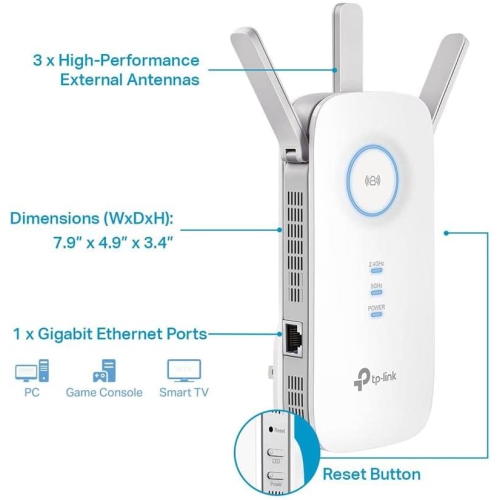
Range extenders provide Wi-Fi connections, and some also include Ethernet ports for wired devices. Powerline adapters may offer Ethernet ports, Wi-Fi, or both. Check the connection options when choosing equipment for a laptop, desktop computer, or other dorm-room devices.
Depending on the model and setup, a range extender may use the main router’s network name, also called an SSID, or a separate name. Powerline adapters with Wi-Fi may also offer these naming options. Ethernet-only powerline adapters do not broadcast a Wi-Fi network name.
Ask whether personal range extenders and powerline adapters are permitted, whether device registration is required, and which network sign-in method the residence uses. Also confirm whether you have access to a router or an approved Ethernet connection, since a typical powerline setup needs a wired connection to the existing network.
A starter kit typically includes two adapters: one for the router connection and one for another location, such as a desk. An add-on adapter is generally intended to join an existing powerline network. Package contents vary, and add-on adapters need to use a compatible powerline standard.
Top selling and popular products
Discover more categories related to Back To School Range Extenders & Powerline for Dorm Rooms
Some products may be subject to Environmental Handling Fees (EHF) depending on your province. Learn more about EHFs.