Back To School Wireless Printers For Dorm Room
Back-to-school wireless printers for dorm rooms make it easier to print assignments and class notes without a cable connection to your computer. Compare printer dimensions to find a fit for your desk, and check Wi-Fi compatibility, ink or toner costs, and whether you need colour printing or just black-and-white documents.





FAQ
It depends on your residence’s network rules. Some campus networks require device registration or restrict connections between devices. Check with campus IT before setting up your printer. If the network does not support wireless printing, a model with Wi-Fi Direct or USB connectivity may offer another way to print.
Many wireless printers support mobile printing through Apple AirPrint, Android printing services, or a manufacturer’s app. Compatibility varies by printer and mobile device. Depending on the connection method, you may need to join the same Wi-Fi network as the printer or connect through Wi-Fi Direct.
Inkjet printers use liquid ink and are commonly used for a mix of text documents, colour graphics, and photos. Laser printers use toner and are often chosen for text-heavy documents such as essays and lecture notes. Both types come in wireless models, while colour printing depends on the model.
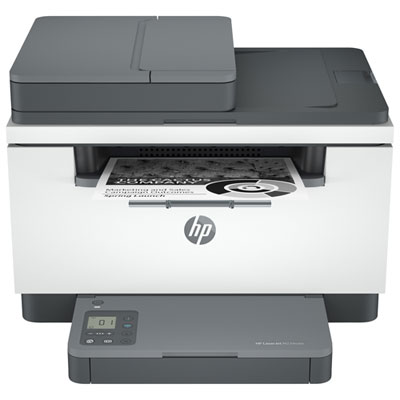
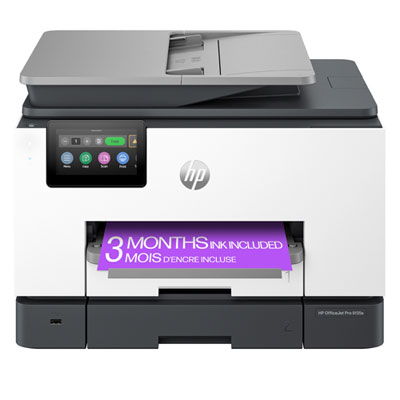
An all-in-one wireless printer typically combines printing, scanning, and copying, with some models also offering fax functions. For schoolwork, a scanner can turn handwritten notes or paper forms into digital files. Models with an automatic document feeder can scan multiple pages without placing each page on the scanner glass.
Models with automatic duplex printing can print on both sides without requiring you to turn the pages over. Other printers support manual two-sided printing, which involves reinserting the paper when prompted. Check your assignment’s formatting requirements before selecting two-sided printing.
Top selling and popular products
Discover more categories related to Back To School Wireless Printers For Dorm Room
Some products may be subject to Environmental Handling Fees (EHF) depending on your province. Learn more about EHFs.