Backlit Mechanical Keyboards
Looking to elevate your typing experience to a whole new level? Look no further than our collection of backlit mechanical keyboards. These cutting-edge keyboards combine the precision and tactile feedback of mechanical switches with the added bonus of vibrant backlighting, making them a must-have for gamers, programmers, and anyone who values both style and functionality. With a variety of options to choose from, you can find the perfect backlit mechanical keyboard to suit your needs and take your typing to new heights.
Sort











![GREEN SCENIC Side Engraved Black Ink [Wired] White Light - E-Sports Silver Axis Led Backlight Gaming Mechanical Keyboard In Blue](https://multimedia.bbycastatic.ca/multimedia/products/500x500/192/19282/19282627.jpeg)



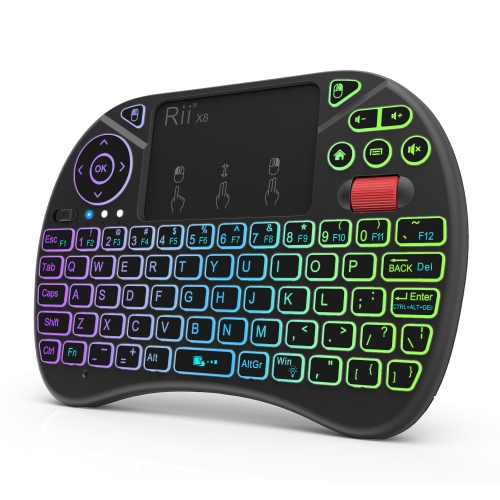
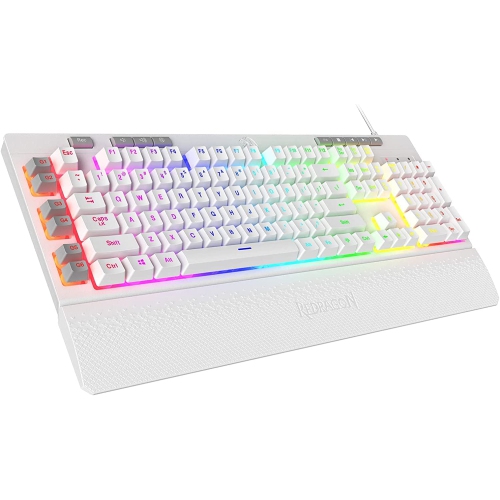
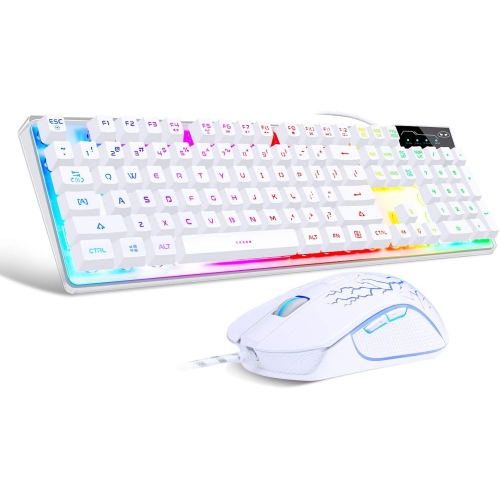
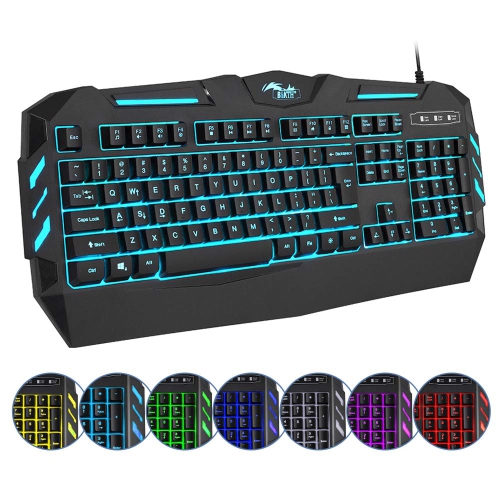
Why keycap design matters as much as brightness
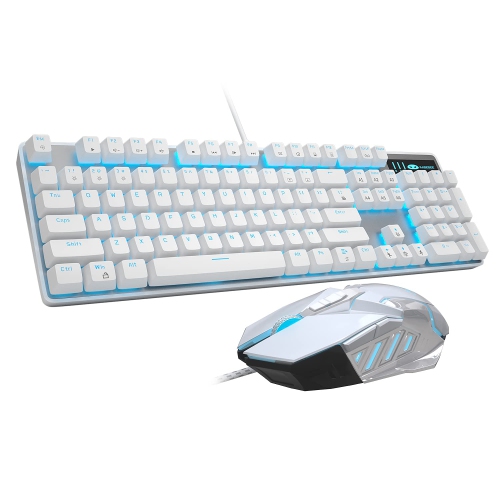
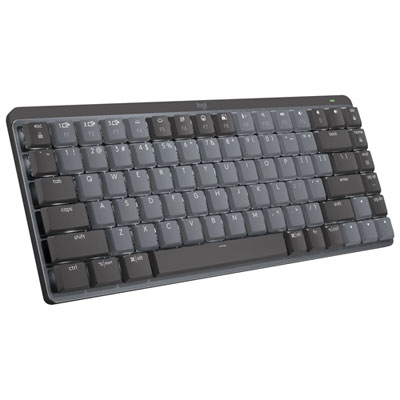
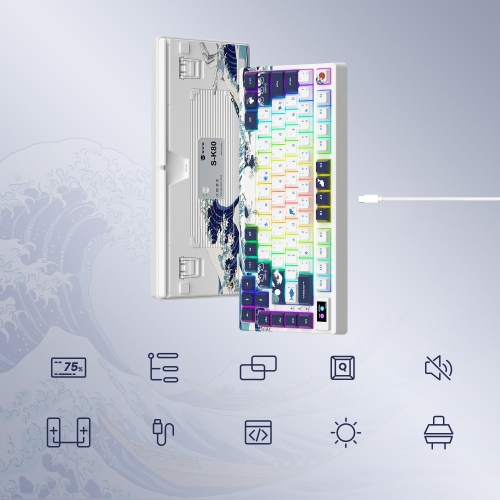
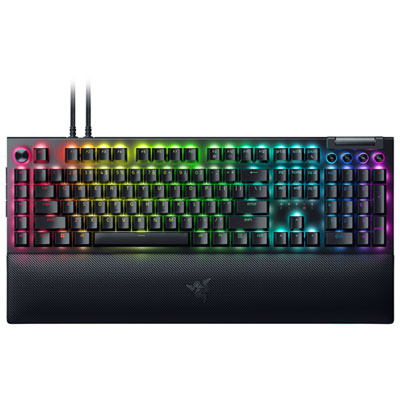
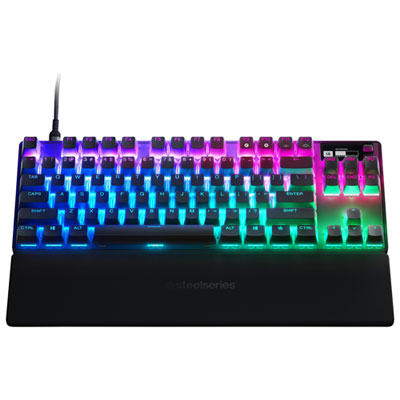
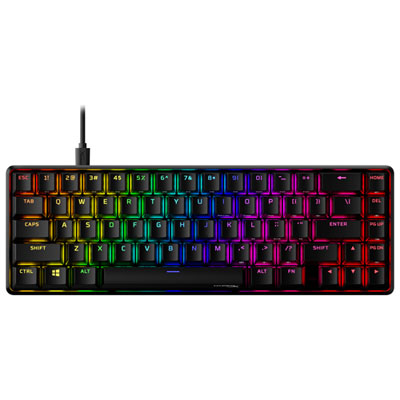
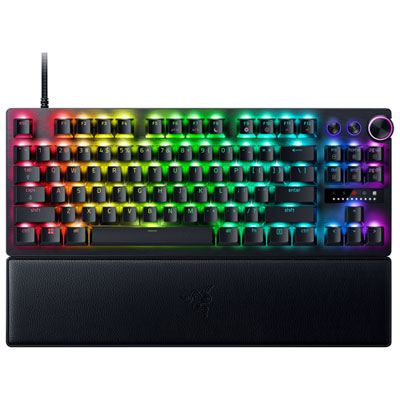
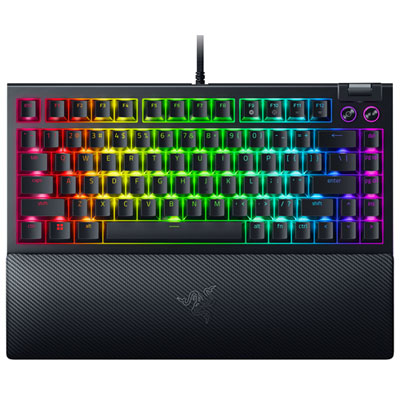
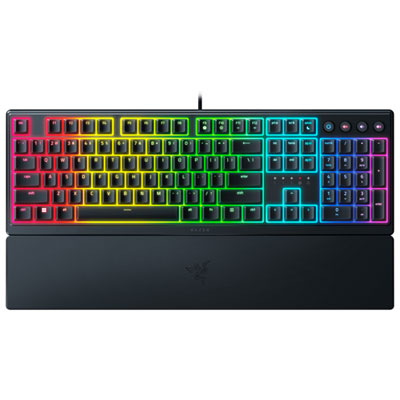
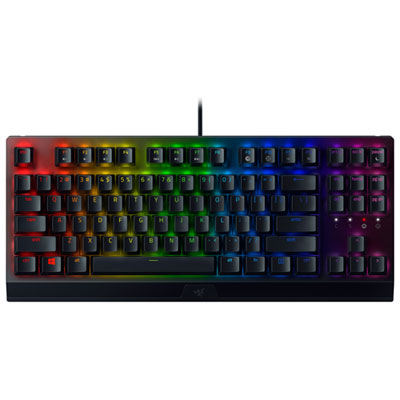
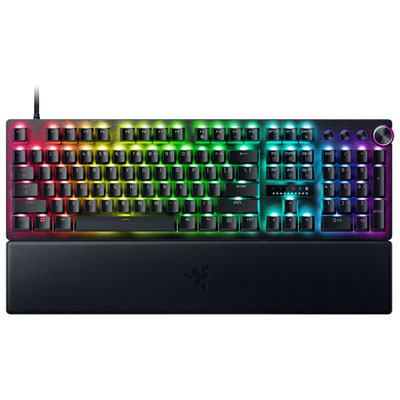
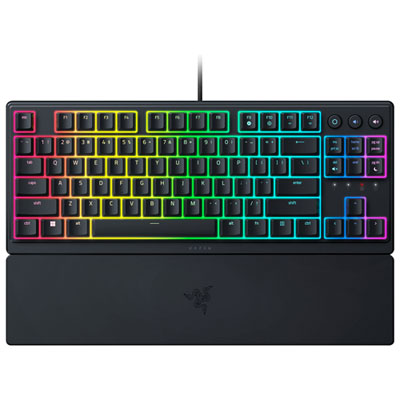
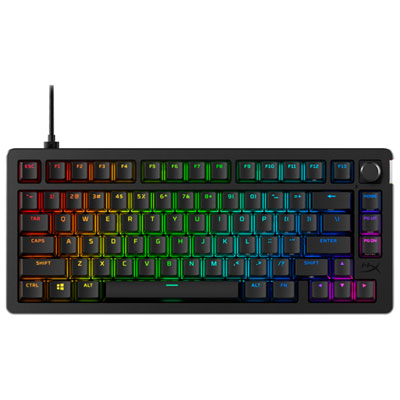
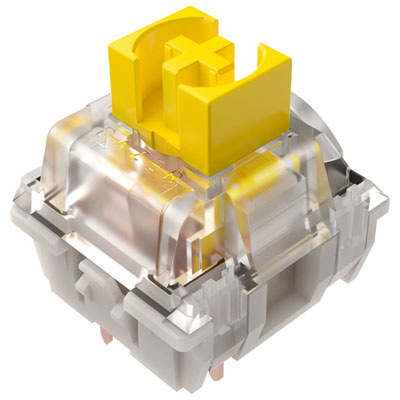
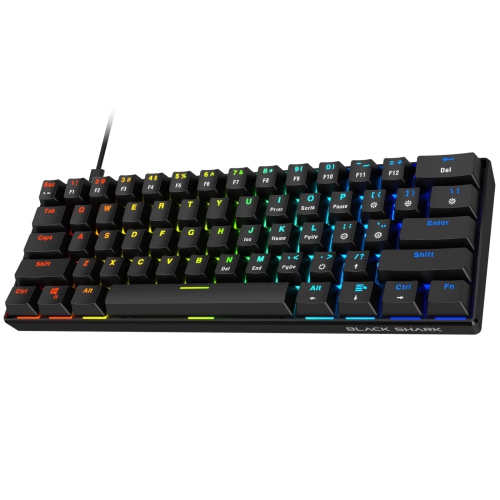
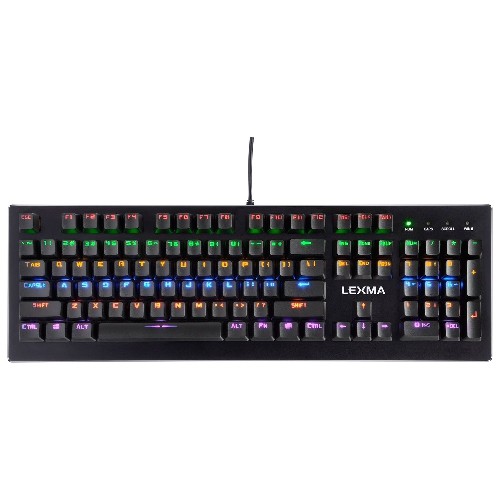
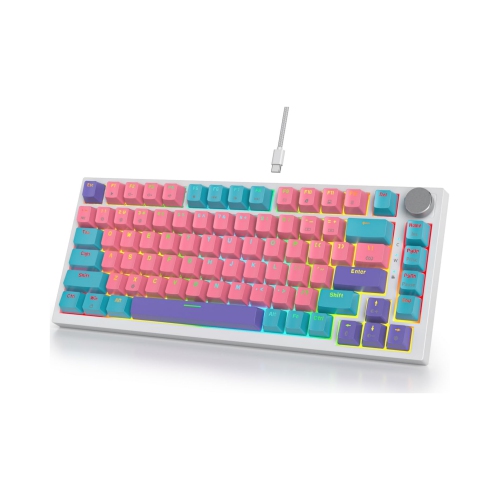
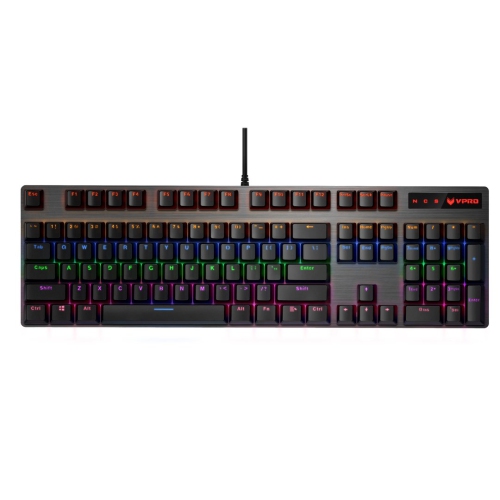
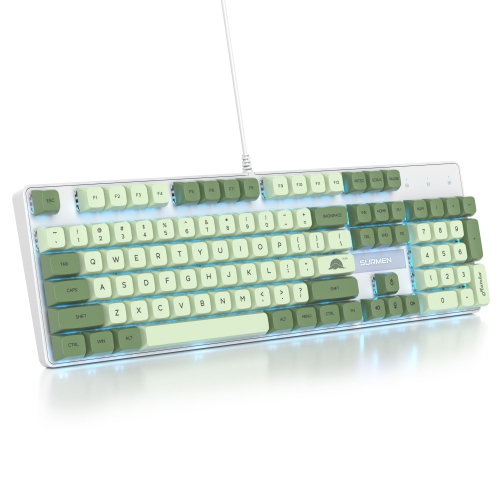
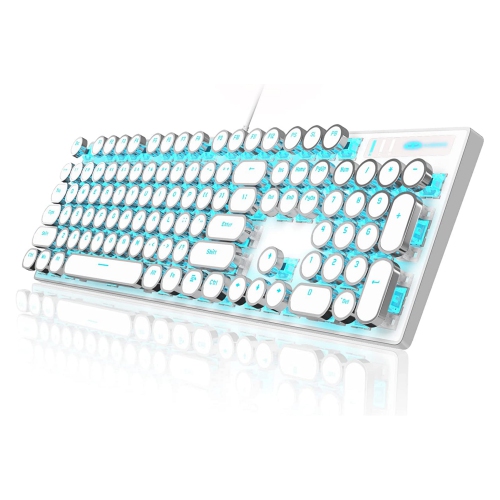
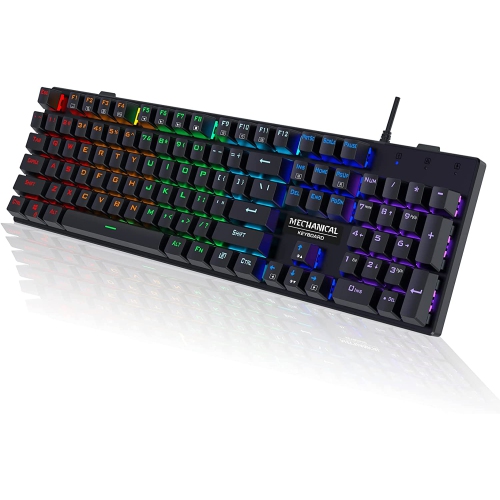
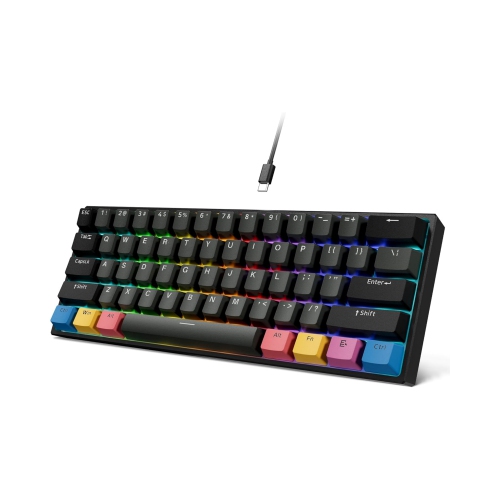
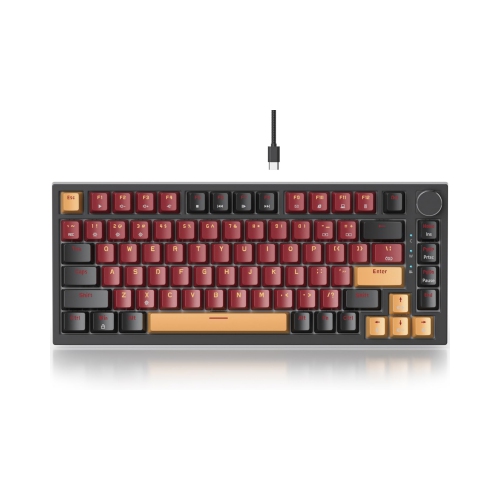
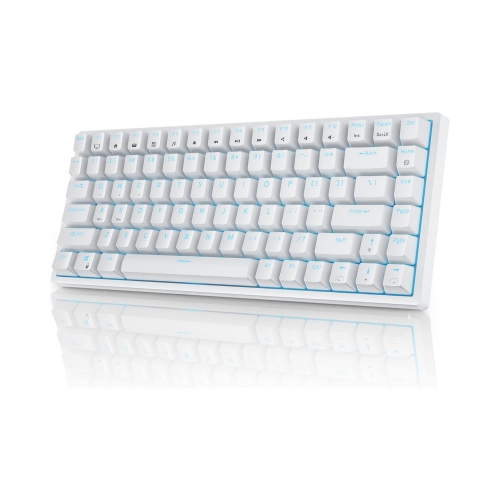
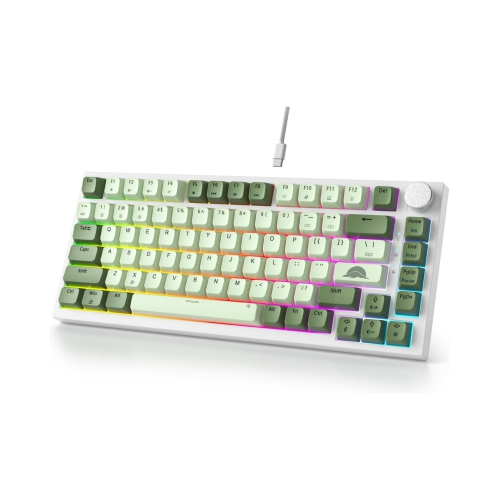
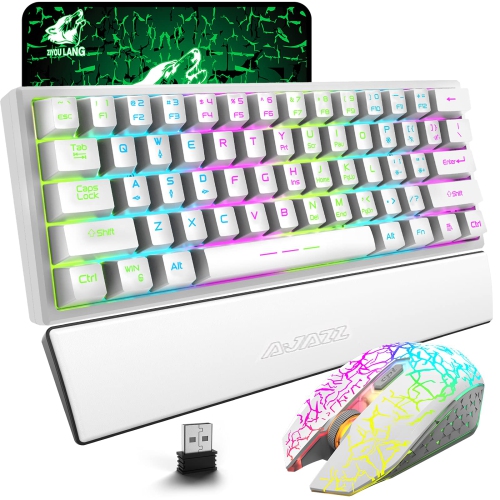
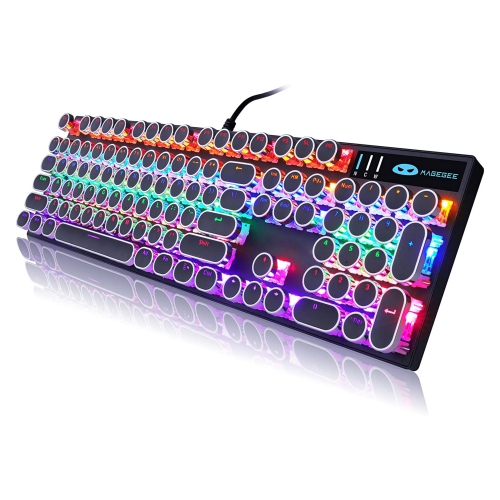
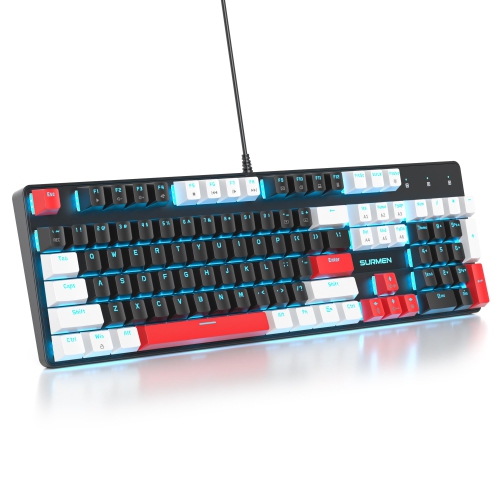
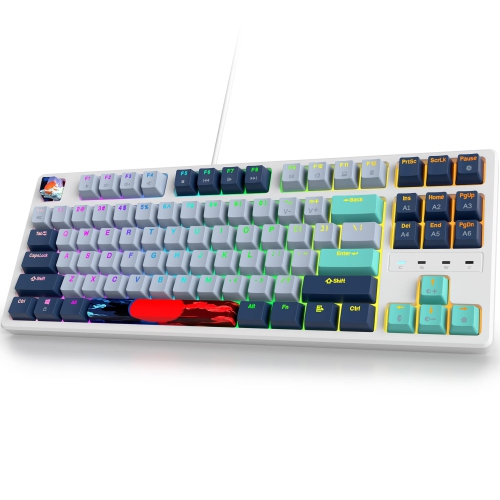
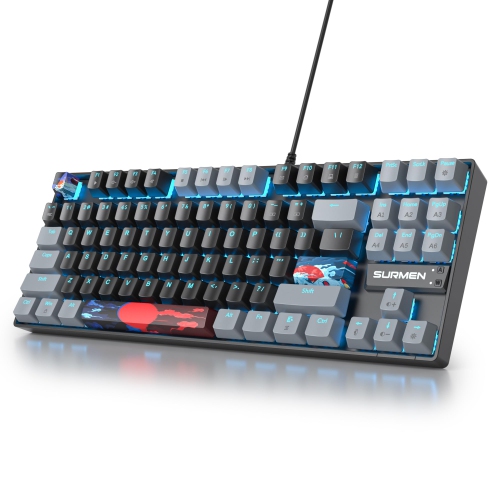
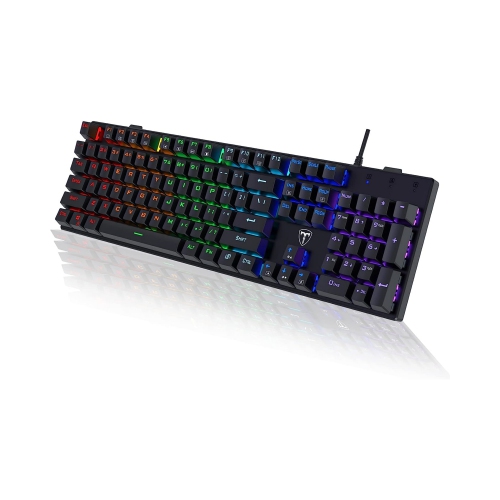
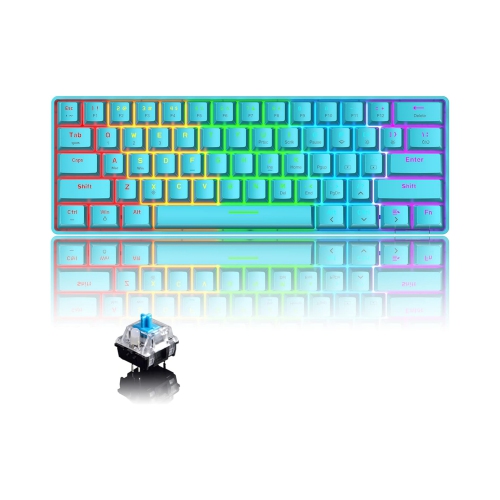
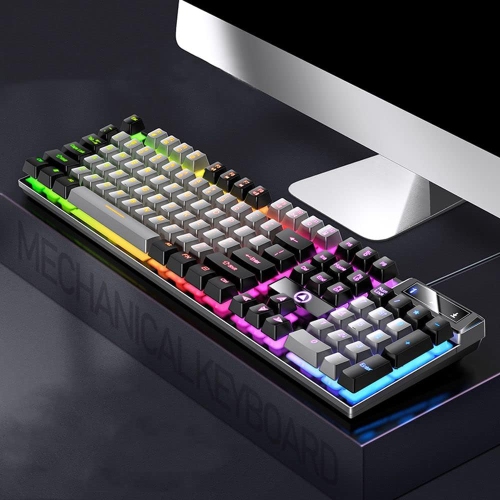
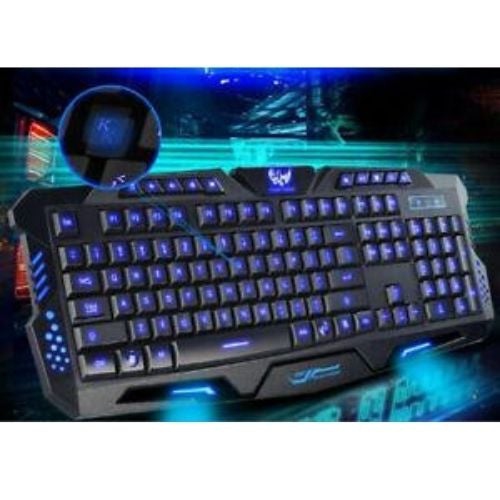
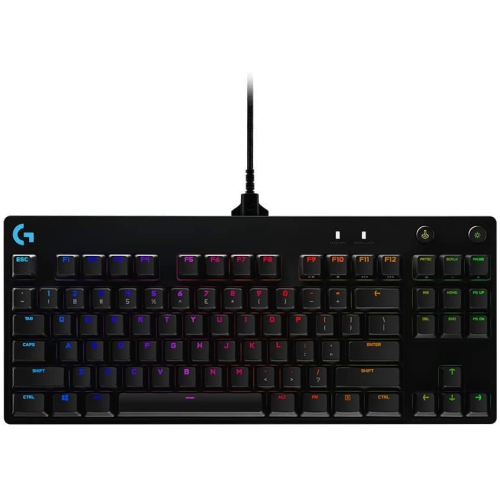
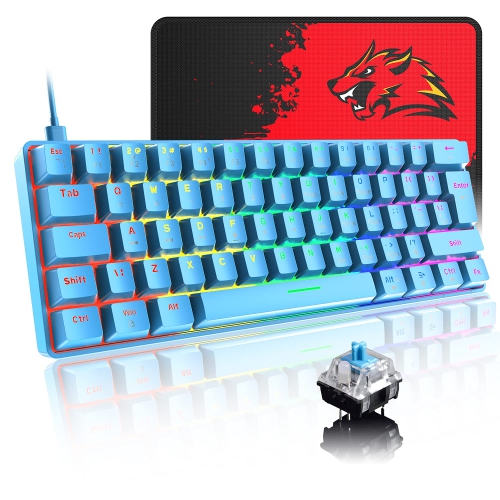
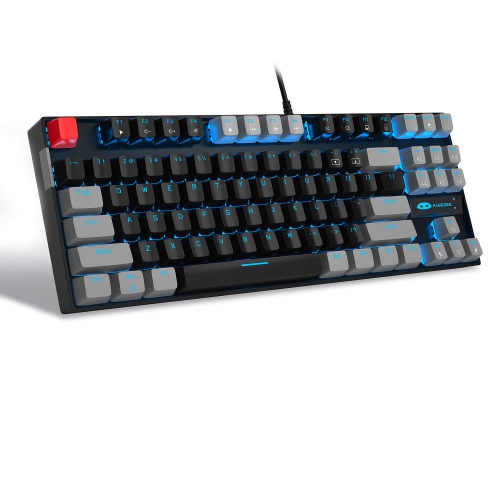
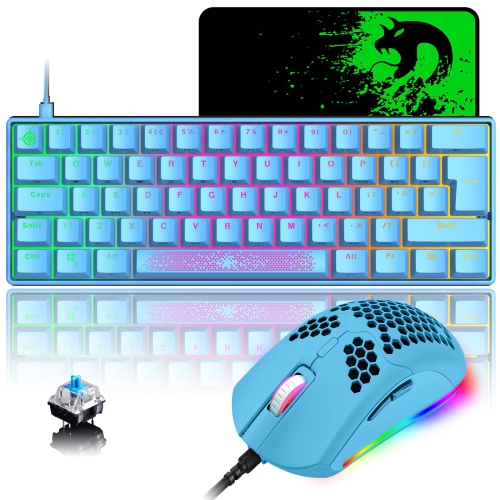
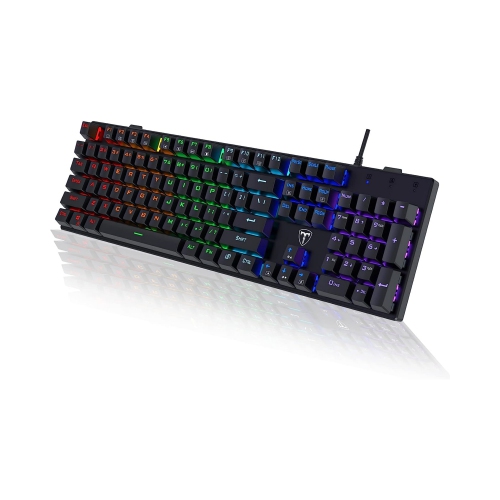
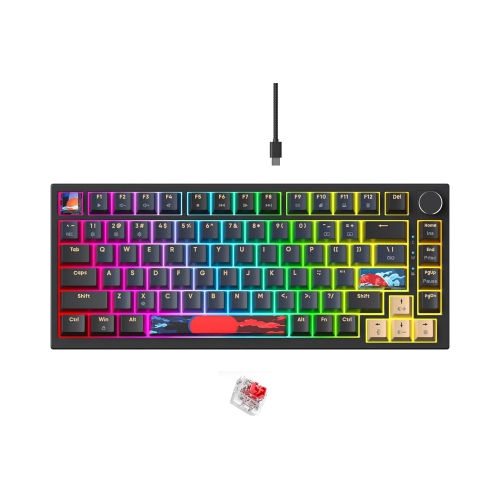
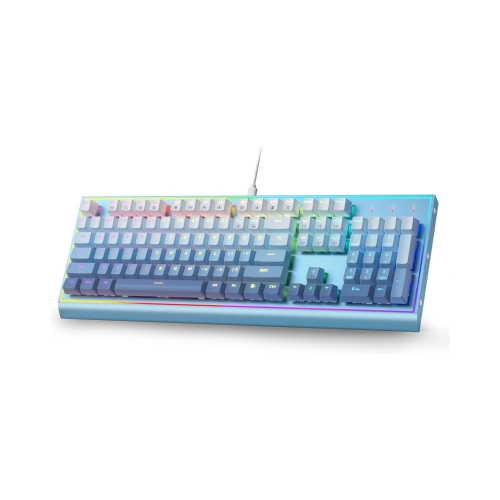
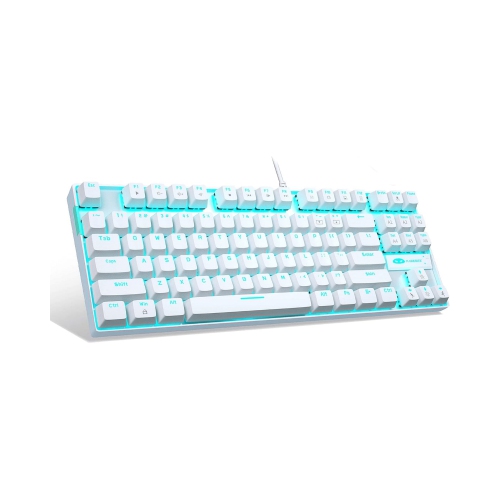
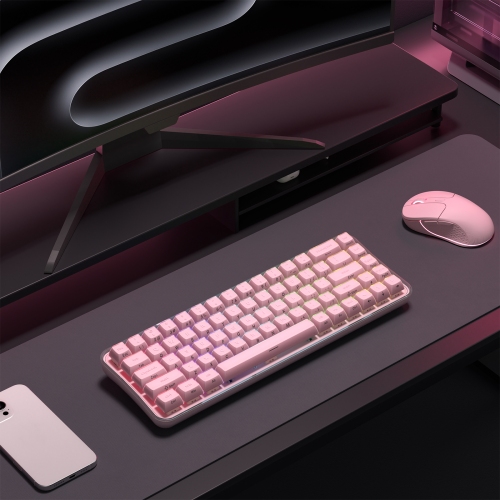
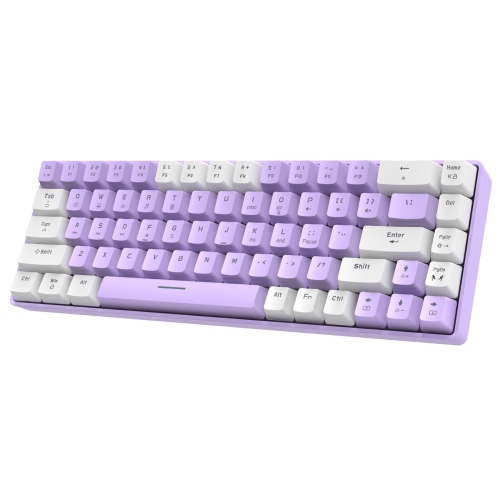
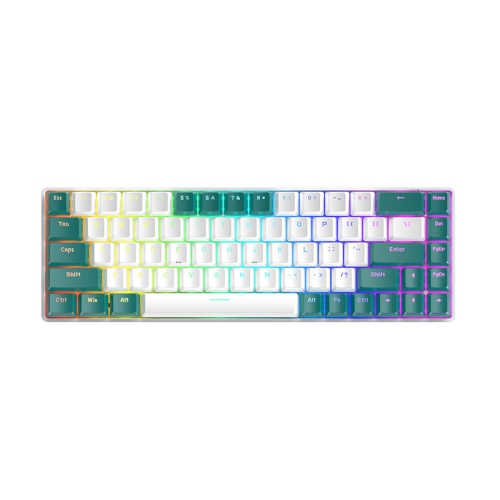
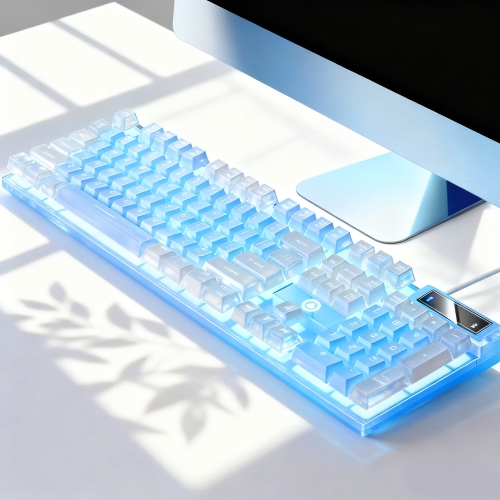
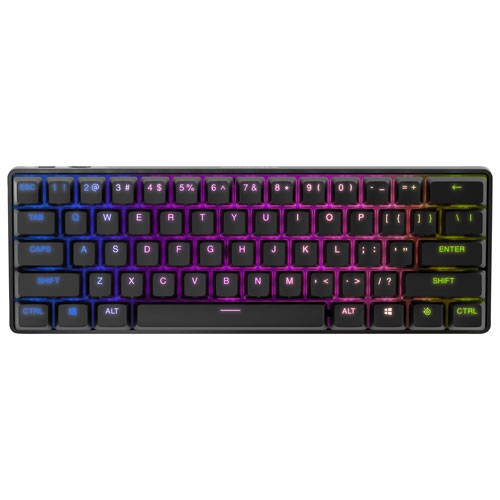
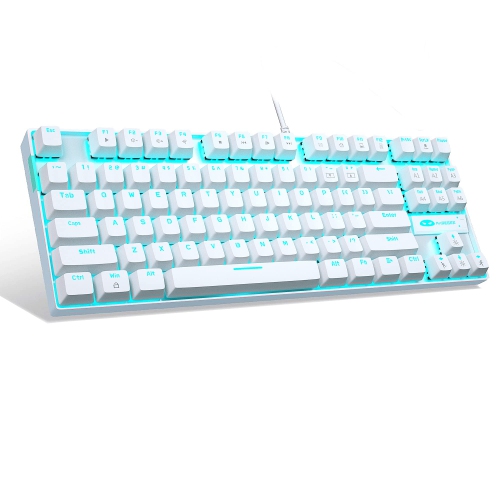
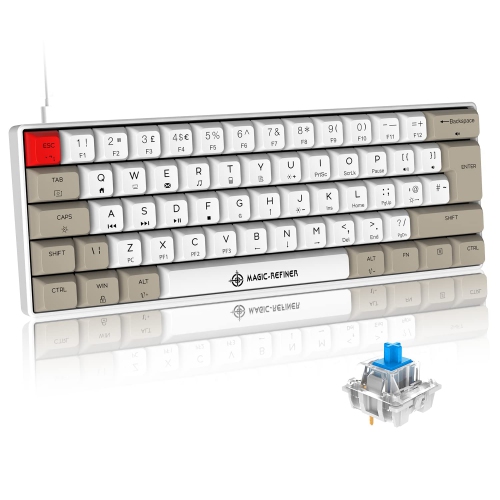
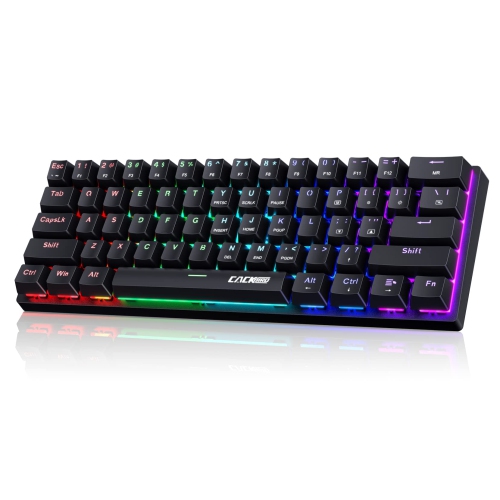
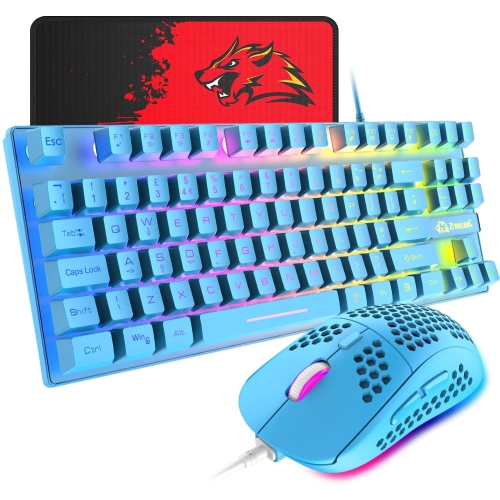
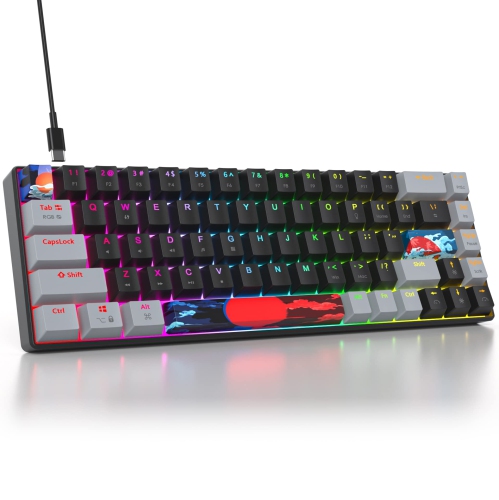
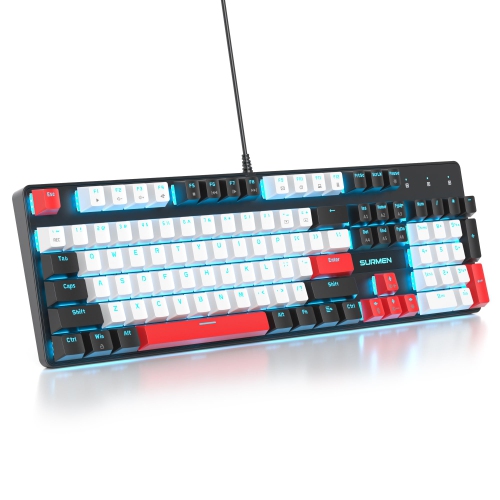
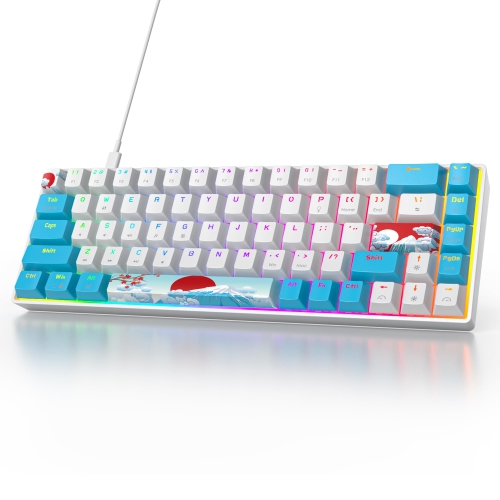
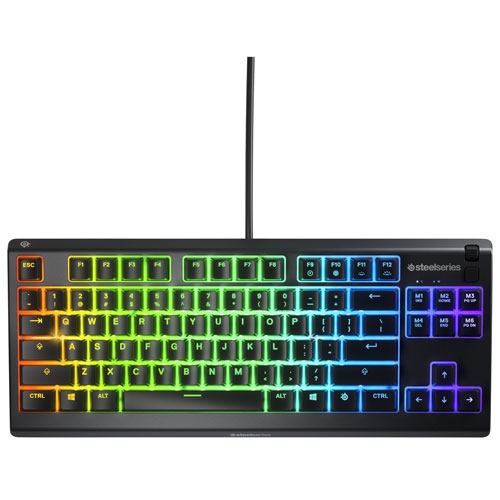
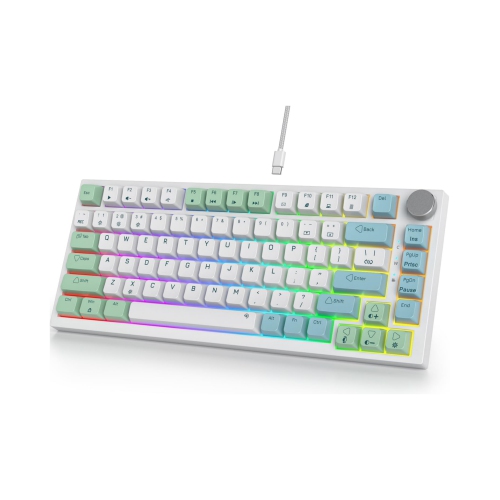
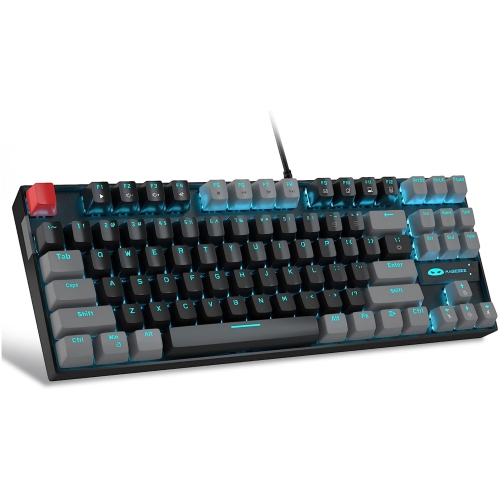
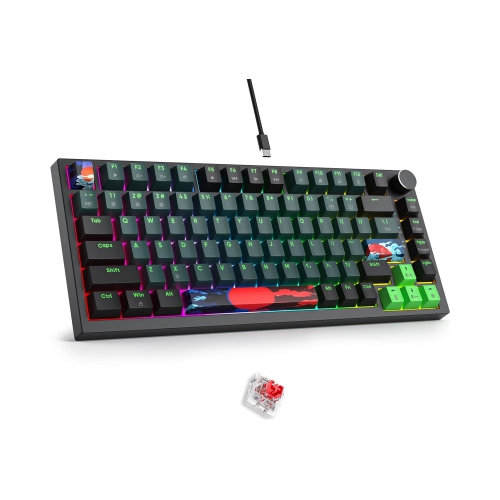
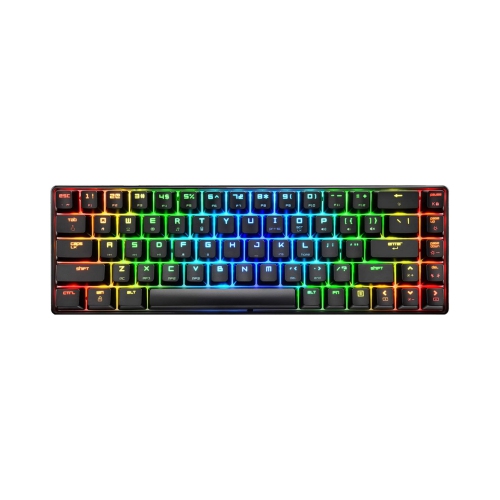
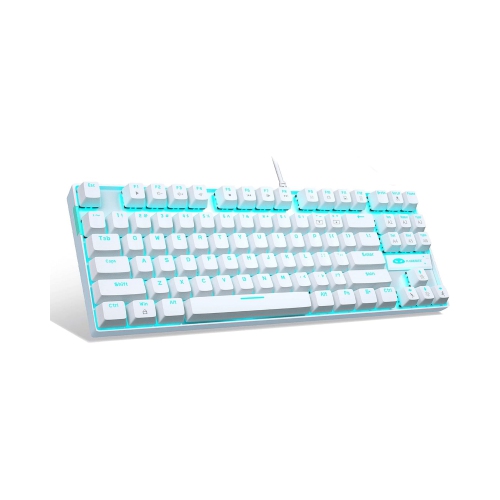
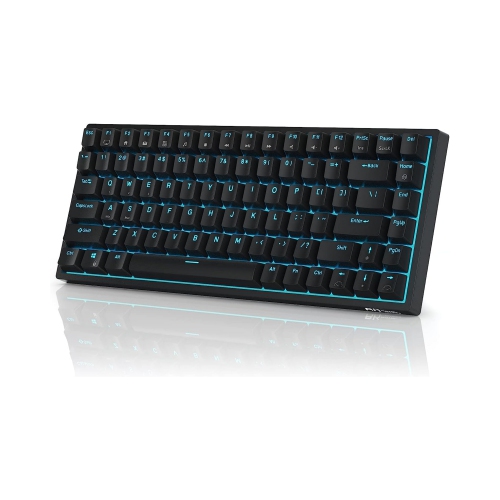
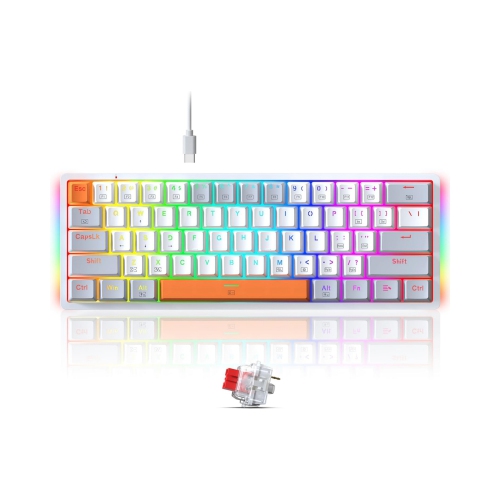
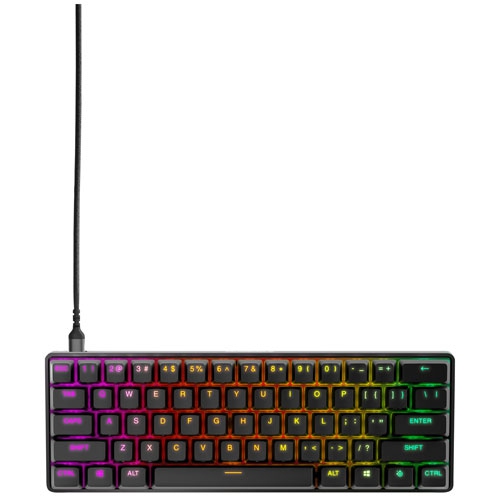
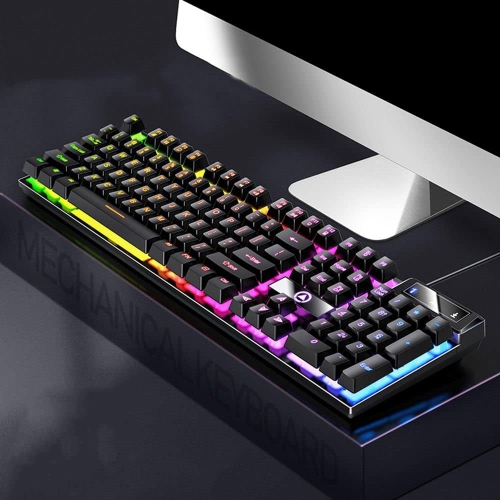
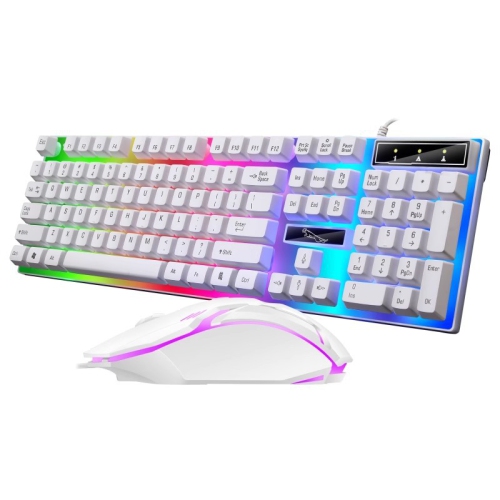
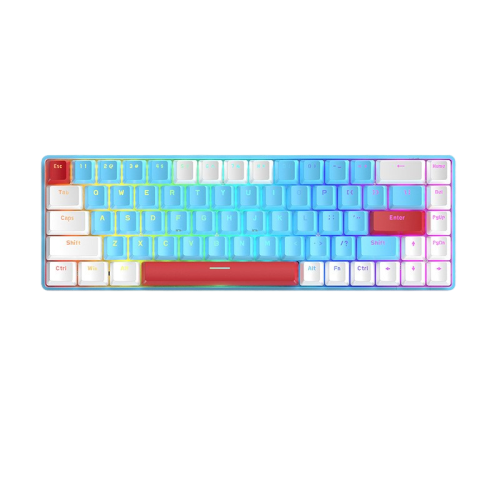
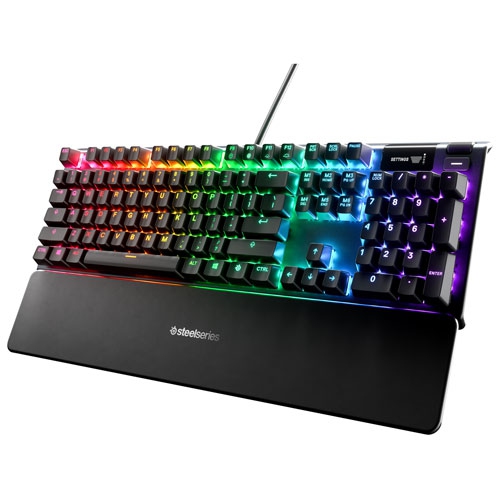
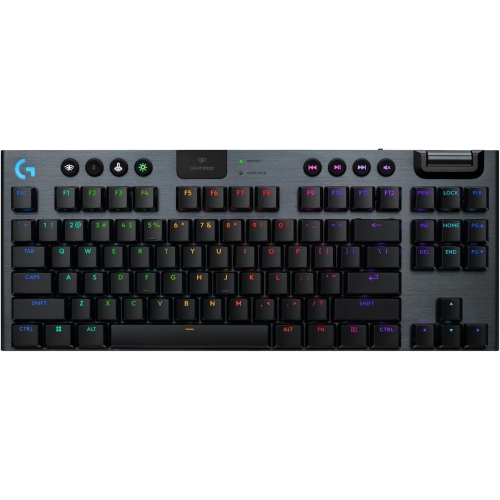
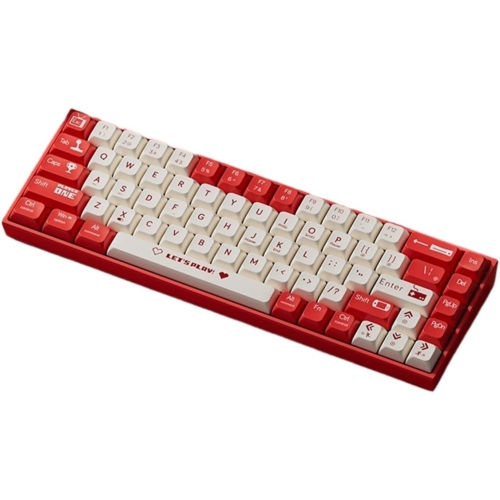
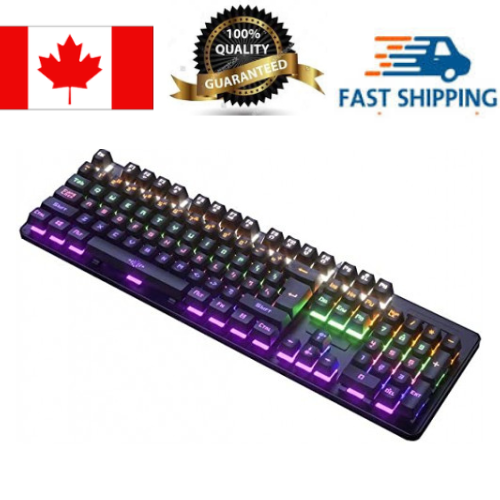
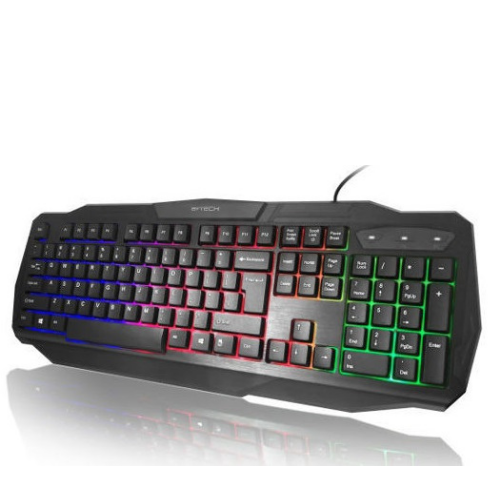
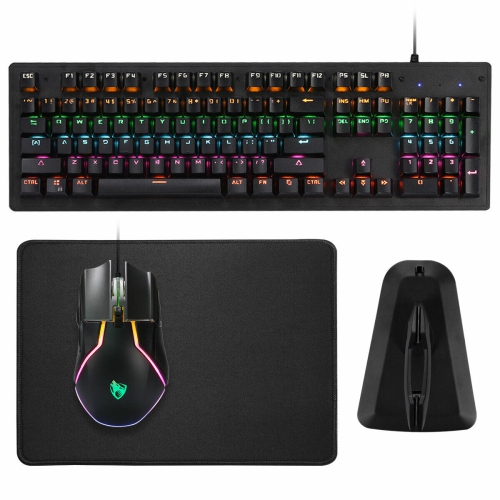
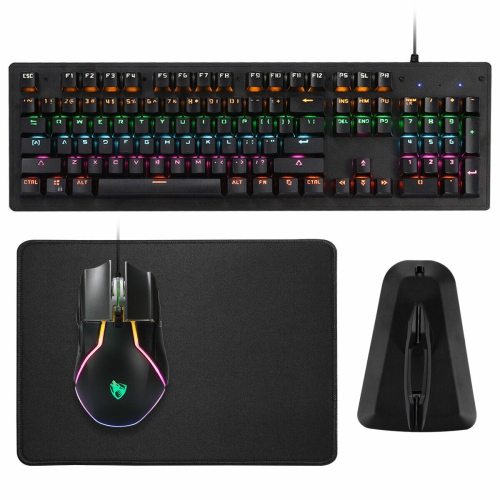
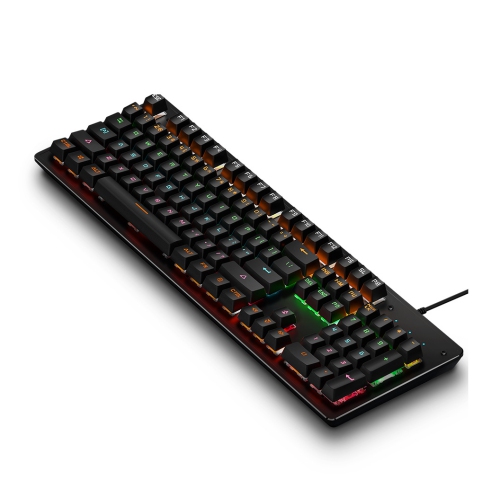
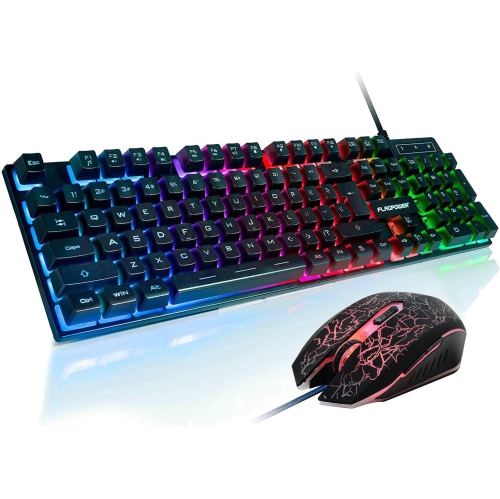
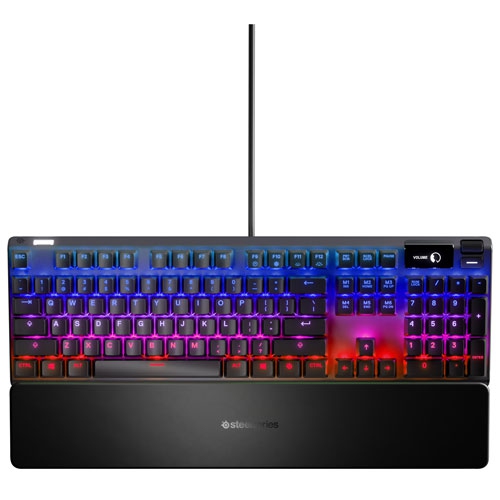
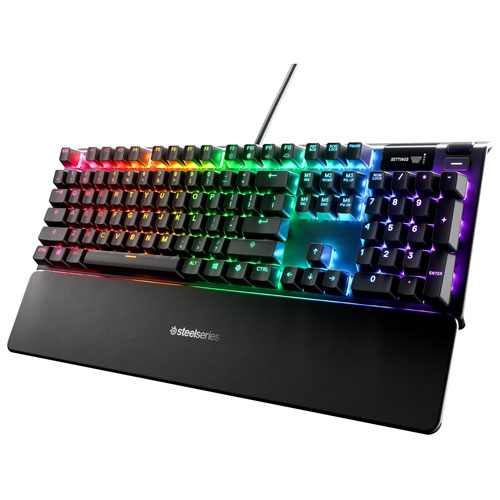
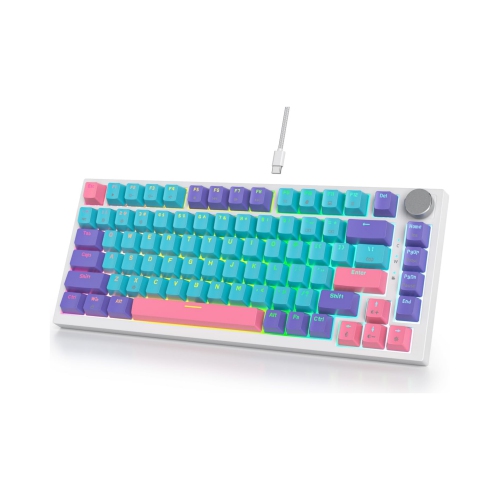
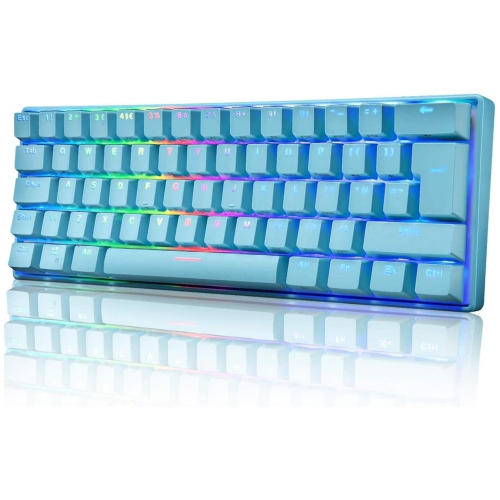
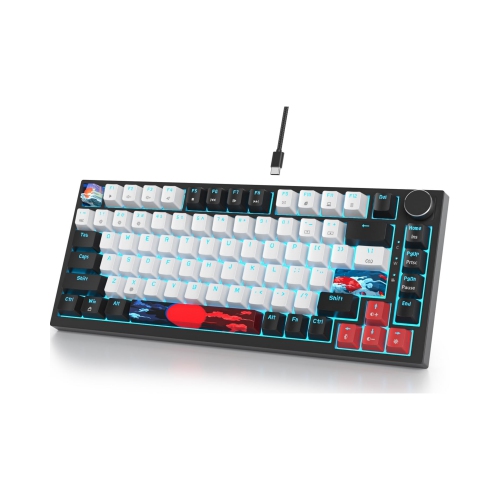
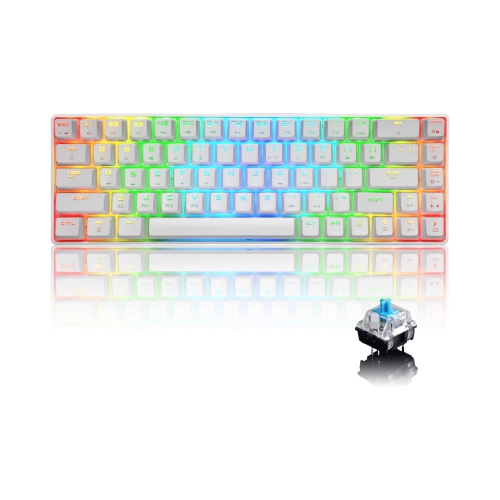
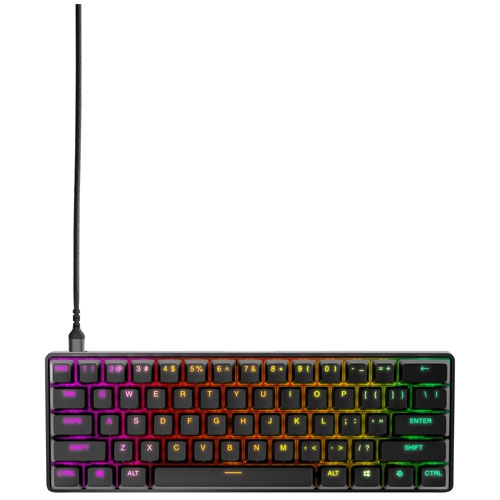
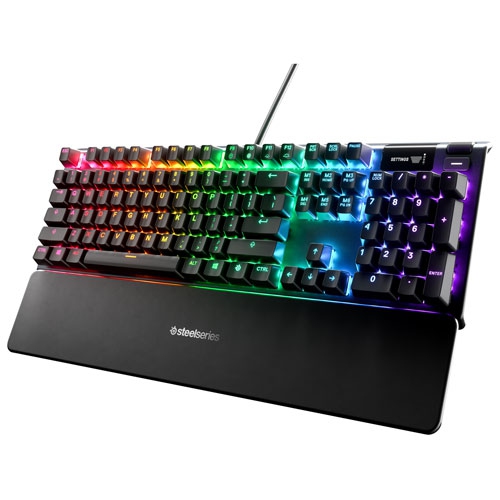
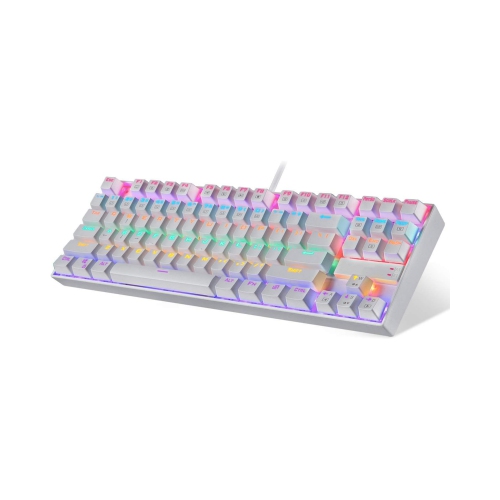
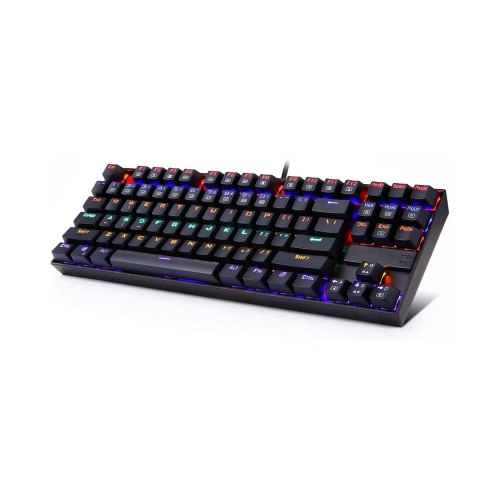
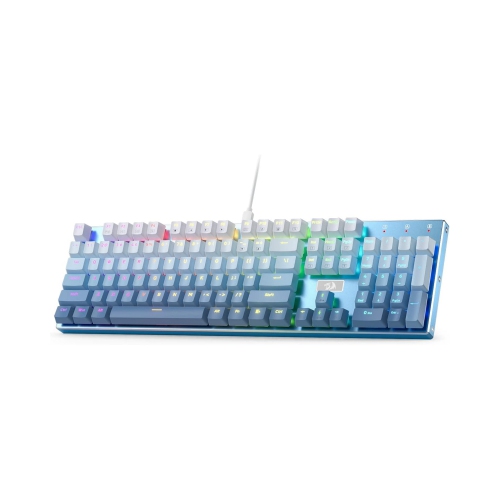
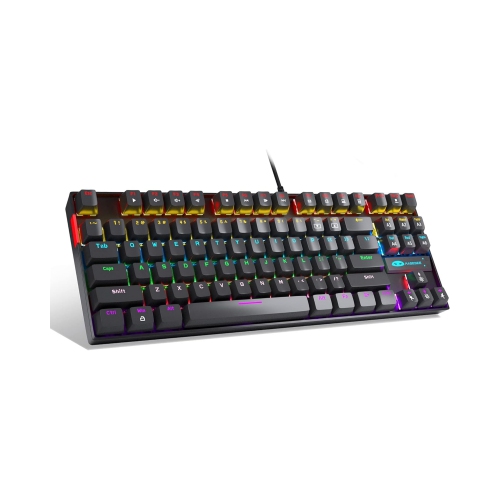
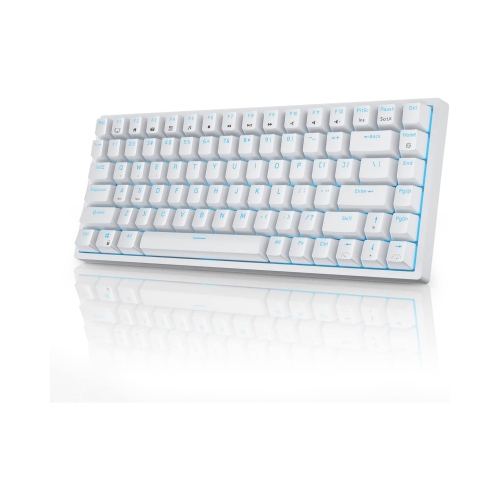
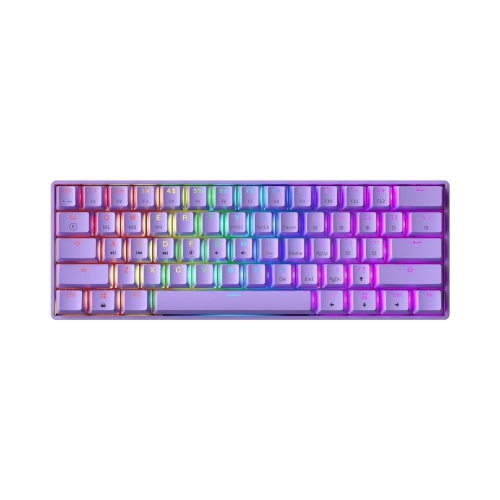
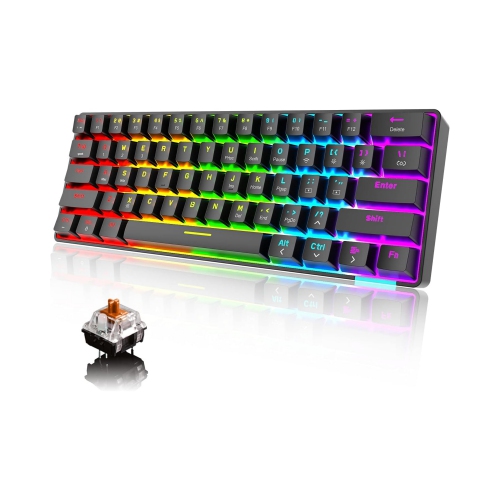
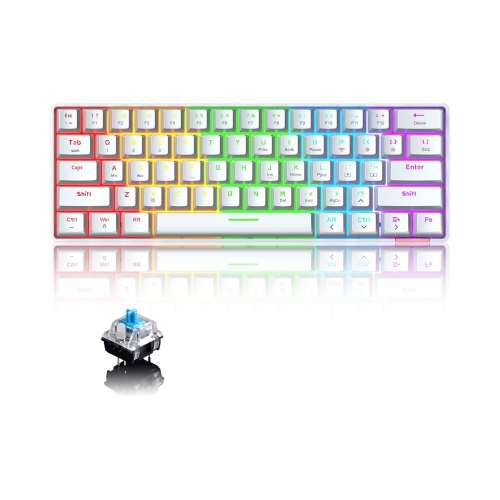
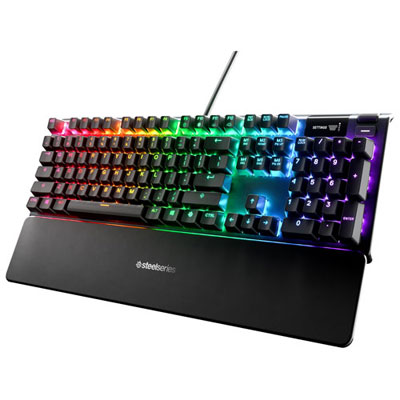
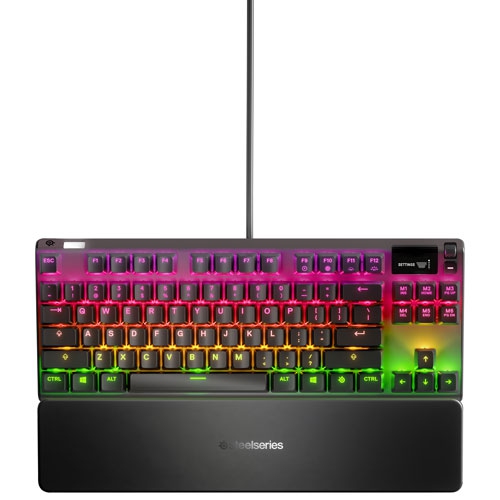
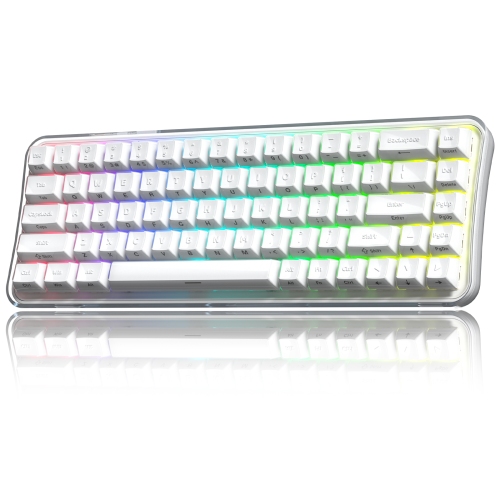
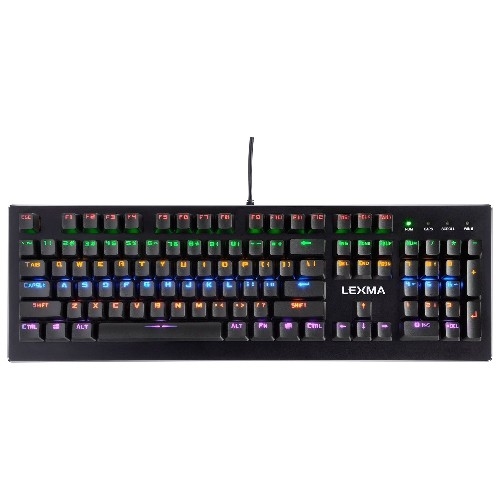
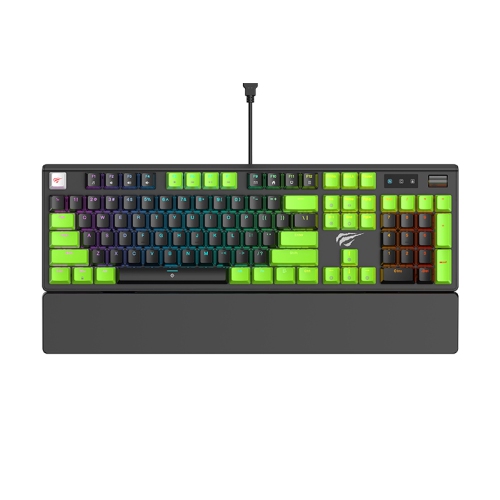
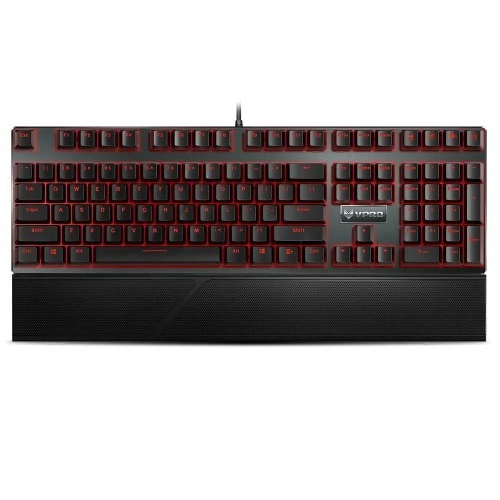
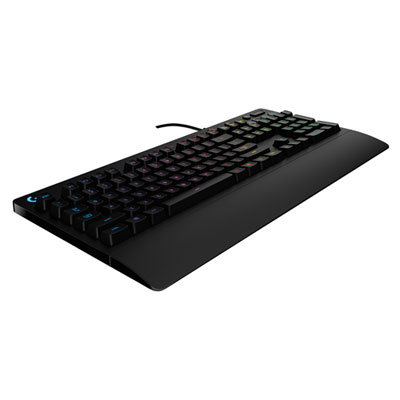
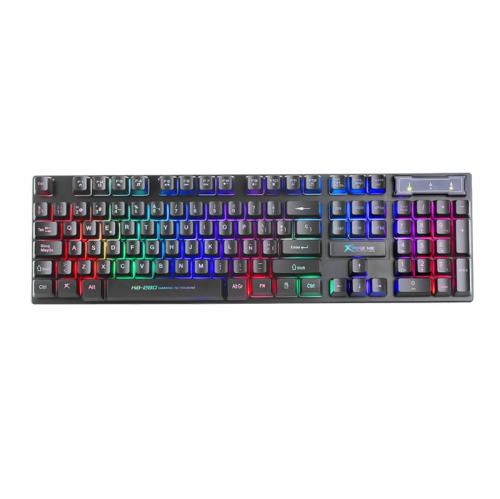
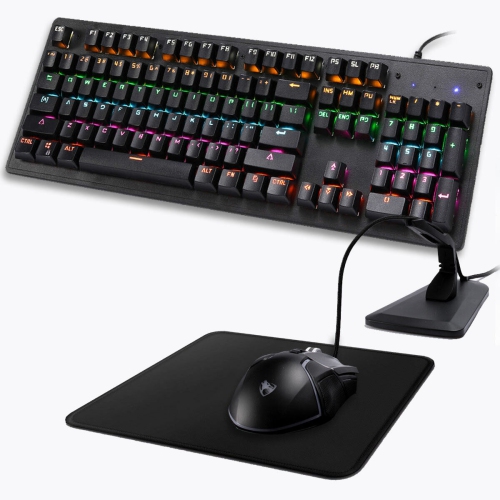
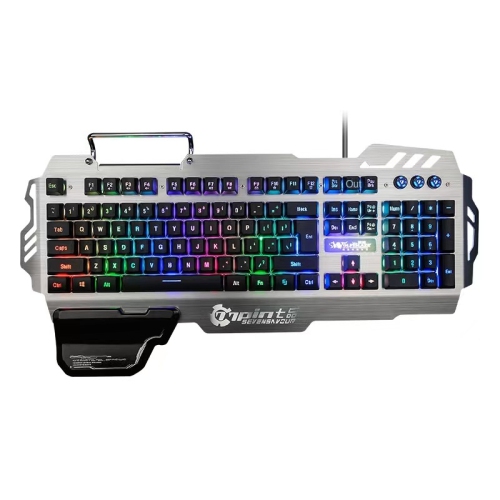
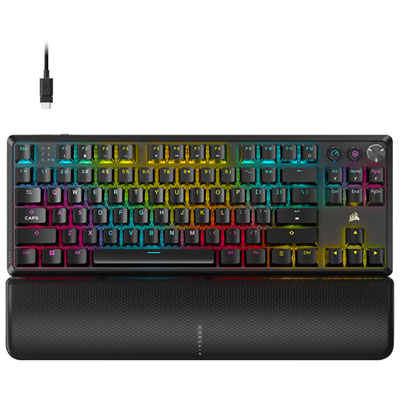
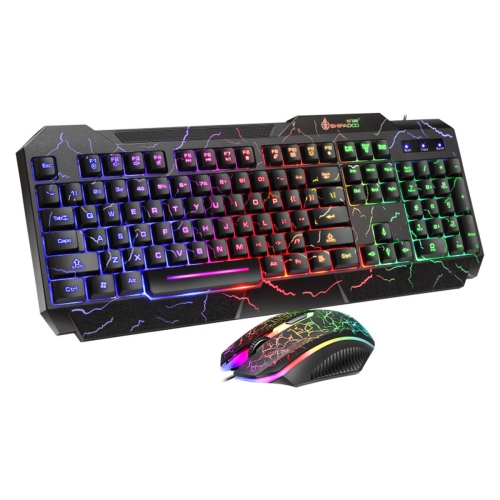
Backlit mechanical keyboards combine individual mechanical switches beneath the keys with built-in lighting, bringing distinct typing feedback and illuminated legends to a desk setup. They suit a wide range of everyday activities, from writing assignments and working through spreadsheets to playing games after dark. Unlike lighting that simply outlines a keyboard, backlighting shines beneath or through the keycaps; how clearly the letters appear depends on the keycap design and the position of the LEDs. Shine-through legends allow light to pass through the characters, while opaque keycaps may mainly show a glow around their edges. Single-colour backlighting creates a consistent appearance, while RGB lighting can offer a choice of colours and effects. Depending on the keyboard, adjustments may apply to the whole board, separate zones, or individual keys. Per-key lighting can make a cluster of gaming controls stand out or distinguish shortcuts used for editing and creative work. For a desk centred on a warm, uniform glow, red backlit keyboards offer a focused colour theme without requiring a multicolour effect. Adjustable brightness is useful when moving between daylight and a dimmer room, and a steady setting can feel less distracting than an animated pattern beside a work document. Lighting is only part of the experience, though. Linear mechanical switches move smoothly through the keystroke without a deliberate tactile bump, making them popular with people who prefer an even press for both gaming and typing. Tactile switches add a noticeable bump during the press, while clicky switches pair feedback with an intentional clicking sound. Neither lighting nor switch type alone determines typing comfort or gaming performance. The weight of each press, the distance the key travels, and the overall construction all contribute to how a keyboard feels during a long evening at the desk. Sound also varies considerably: a mechanical keyboard can produce anything from a muted tap to a crisp clack, so switch choice matters in a shared room or during voice calls.
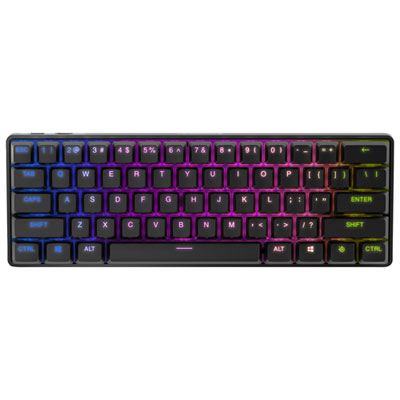
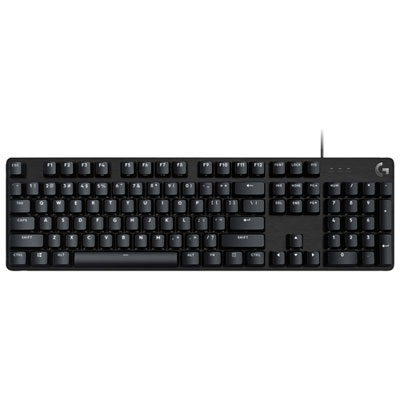
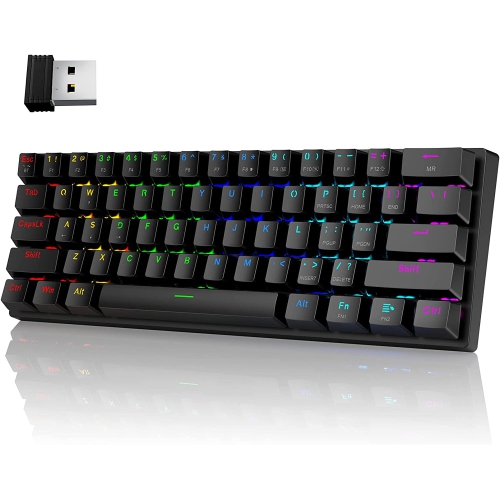
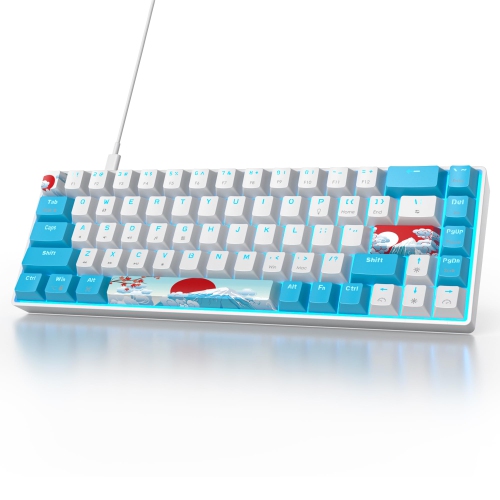
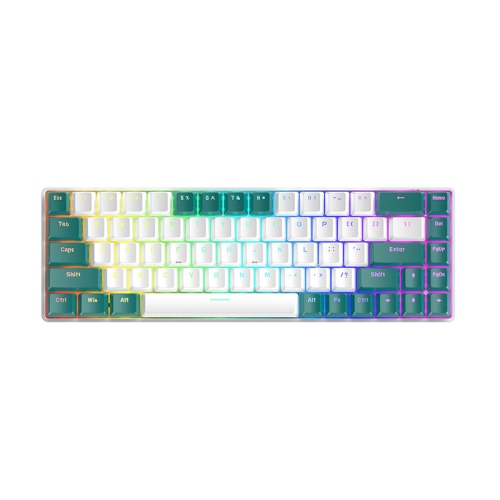
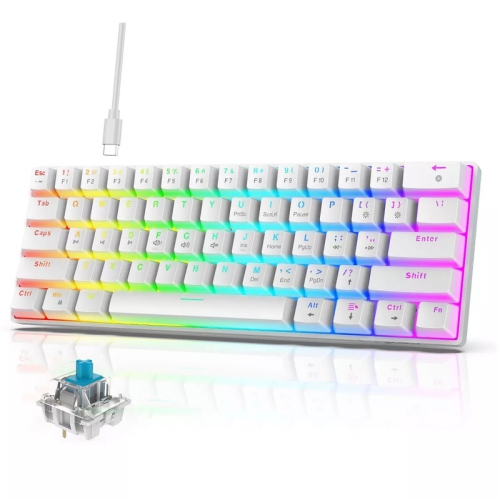
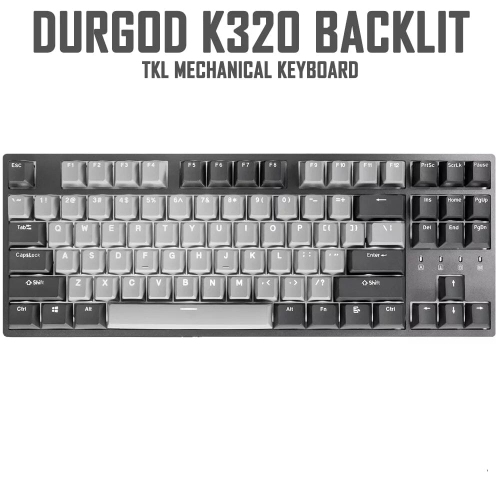
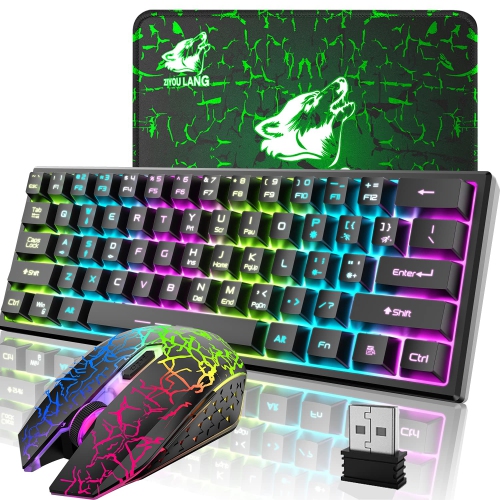
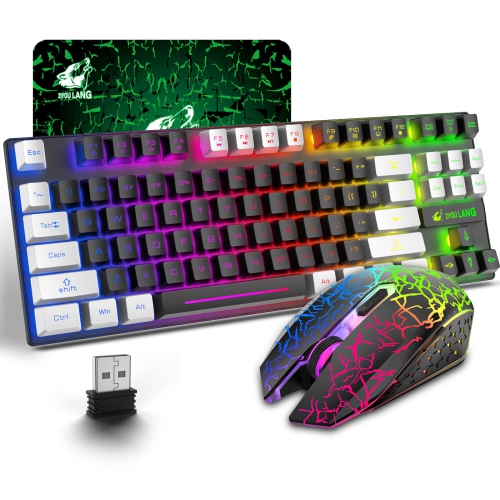
The size and layout of a backlit mechanical keyboard shape how comfortably it fits into daily routines. Full-size layouts include a number pad, which can be useful for entering figures, managing household accounts, or working in applications that rely on numeric shortcuts. Tenkeyless layouts remove that section while usually retaining a dedicated function row, arrow keys, and navigation controls. The narrower footprint leaves more room for mouse movement and can help keep the mouse closer to the body. Compact layouts save still more space, although some commands move to combinations accessed through a function key. A small keyboard can fit neatly beside a laptop or on a shallow desk, but the arrangement of arrow keys and frequently used shortcuts deserves attention when those controls are part of everyday work. Key spacing, board height, and typing angle matter as much as overall width. Low-profile designs generally use shorter switches and keycaps, while taller boards have a more pronounced shape that some typists prefer. A wrist rest may provide support between typing stretches, but it should suit the keyboard’s height rather than push the wrists upward. Connectivity adds another practical distinction. Wired USB connections provide a direct link without a keyboard battery to charge, while wireless designs reduce cable clutter and may make it easier to move between workspaces. Bluetooth can be convenient for compatible devices, and some wireless keyboards include a dedicated USB receiver with a connection designed for responsive input. Actual latency varies by model and connection mode, so wireless does not automatically mean slow, and a cable does not guarantee identical performance across every keyboard. Multi-device switching can be useful for moving between a computer and another compatible device. Operating-system support, key legends, and access to lighting software also vary. For Canadian households that type in both English and French, the physical key layout and preferred language settings are worth considering together. Programmable keys, media controls, and onboard memory can add convenience, particularly when saved lighting or shortcut settings need to remain consistent across compatible computers.
Materials and construction influence how a backlit mechanical keyboard handles repeated use, as well as its sound and appearance. Plastic cases are often lighter and easier to carry, while an aluminum frame or top plate can add weight and rigidity. Neither material tells the whole durability story: case assembly, switch mounting, stabilizers beneath larger keys, and the quality of the cable connection all play a part. Well-supported space bars and Enter keys tend to feel steadier when pressed near an edge, an easily noticed detail during frequent typing. Keycaps are commonly made from ABS or PBT plastic. ABS can provide a smooth finish and crisp legends, while PBT often has a textured surface and tends to resist the polished appearance that develops with use. Results vary with manufacturing quality and daily wear. Double-shot keycaps form their legends from a separate piece of plastic rather than a surface print, although double-shot construction does not necessarily mean the legends transmit light. On a backlit board, legend placement and transparency affect readability just as much as the lighting’s brightness. Some keyboards have hot-swappable switch sockets, allowing compatible switches to be replaced without soldering; others use soldered switches that are not intended for straightforward changes at home. Socket compatibility and manufacturer instructions remain important when making adjustments. Routine care is generally simple: disconnect the keyboard or switch it off before cleaning, remove loose dust with a soft brush, and wipe suitable exterior surfaces with a lightly dampened cloth. Liquid should never be sprayed directly into the keys, and removable keycaps should only be cleaned according to the manufacturer’s directions and refitted when fully dry. Keeping drinks away from the board helps prevent damage unless a stated protection rating specifically covers the exposure. For students, home-office workers, gamers, and people who spend hours writing, the most useful features are often the ones that match an established routine. As a gift, a backlit mechanical keyboard feels more personal when its layout, switch sound, connection options, and lighting suit the recipient’s desk, whether that means quiet typing in a shared space or clearly illuminated controls during the cooler months.
The size and layout of a backlit mechanical keyboard shape how comfortably it fits into daily routines. Full-size layouts include a number pad, which can be useful for entering figures, managing household accounts, or working in applications that rely on numeric shortcuts. Tenkeyless layouts remove that section while usually retaining a dedicated function row, arrow keys, and navigation controls. The narrower footprint leaves more room for mouse movement and can help keep the mouse closer to the body. Compact layouts save still more space, although some commands move to combinations accessed through a function key. A small keyboard can fit neatly beside a laptop or on a shallow desk, but the arrangement of arrow keys and frequently used shortcuts deserves attention when those controls are part of everyday work. Key spacing, board height, and typing angle matter as much as overall width. Low-profile designs generally use shorter switches and keycaps, while taller boards have a more pronounced shape that some typists prefer. A wrist rest may provide support between typing stretches, but it should suit the keyboard’s height rather than push the wrists upward. Connectivity adds another practical distinction. Wired USB connections provide a direct link without a keyboard battery to charge, while wireless designs reduce cable clutter and may make it easier to move between workspaces. Bluetooth can be convenient for compatible devices, and some wireless keyboards include a dedicated USB receiver with a connection designed for responsive input. Actual latency varies by model and connection mode, so wireless does not automatically mean slow, and a cable does not guarantee identical performance across every keyboard. Multi-device switching can be useful for moving between a computer and another compatible device. Operating-system support, key legends, and access to lighting software also vary. For Canadian households that type in both English and French, the physical key layout and preferred language settings are worth considering together. Programmable keys, media controls, and onboard memory can add convenience, particularly when saved lighting or shortcut settings need to remain consistent across compatible computers.
Materials and construction influence how a backlit mechanical keyboard handles repeated use, as well as its sound and appearance. Plastic cases are often lighter and easier to carry, while an aluminum frame or top plate can add weight and rigidity. Neither material tells the whole durability story: case assembly, switch mounting, stabilizers beneath larger keys, and the quality of the cable connection all play a part. Well-supported space bars and Enter keys tend to feel steadier when pressed near an edge, an easily noticed detail during frequent typing. Keycaps are commonly made from ABS or PBT plastic. ABS can provide a smooth finish and crisp legends, while PBT often has a textured surface and tends to resist the polished appearance that develops with use. Results vary with manufacturing quality and daily wear. Double-shot keycaps form their legends from a separate piece of plastic rather than a surface print, although double-shot construction does not necessarily mean the legends transmit light. On a backlit board, legend placement and transparency affect readability just as much as the lighting’s brightness. Some keyboards have hot-swappable switch sockets, allowing compatible switches to be replaced without soldering; others use soldered switches that are not intended for straightforward changes at home. Socket compatibility and manufacturer instructions remain important when making adjustments. Routine care is generally simple: disconnect the keyboard or switch it off before cleaning, remove loose dust with a soft brush, and wipe suitable exterior surfaces with a lightly dampened cloth. Liquid should never be sprayed directly into the keys, and removable keycaps should only be cleaned according to the manufacturer’s directions and refitted when fully dry. Keeping drinks away from the board helps prevent damage unless a stated protection rating specifically covers the exposure. For students, home-office workers, gamers, and people who spend hours writing, the most useful features are often the ones that match an established routine. As a gift, a backlit mechanical keyboard feels more personal when its layout, switch sound, connection options, and lighting suit the recipient’s desk, whether that means quiet typing in a shared space or clearly illuminated controls during the cooler months.
Top selling and popular products
-
 Your price for this item is $39.99
 -
 Your price for this item is $76.98
 -
 Your price for this item is $94.99
 -
 Your price for this item is $319.99
 -
 Your price for this item is $364.99
 -
 Your price for this item is $149.99
 -
 Your price for this item is $124
 -
 Your price for this item is $94.99
Discover more categories related to Backlit Mechanical Keyboards
Top Collections:
Pokemon Centers, Kindle Devices, Best Budget Office Chairs, Apple iPhones 16, Best Laptops for Writers, iPhone 15 Apple, Canon G7X Cameras, Refurbished Apple Laptops, Alarm Clock, Motorola Razr Phones
Some products may be subject to Environmental Handling Fees
(EHF) depending on your province.
Learn more about EHFs.