RGB Backlit Keyboards
Enhance your gaming experience with the vibrant and dynamic RGB backlit keyboards. Designed to illuminate your gaming setup, these keyboards boast an array of customizable lighting options that will transform your gaming sessions into a visual spectacle. With their sleek designs and ergonomic features, RGB backlit keyboards not only provide a stunning aesthetic but also offer comfortable and precise typing for both gaming enthusiasts and professionals alike. Elevate your gameplay to new heights with these cutting-edge keyboards that combine style, functionality, and performance seamlessly.
Sort

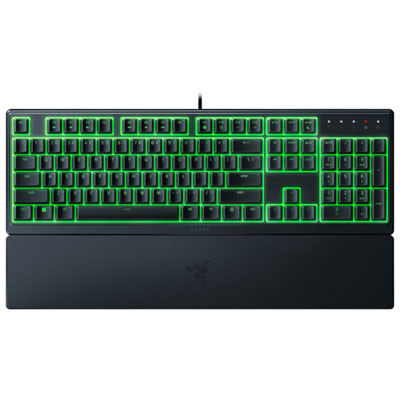
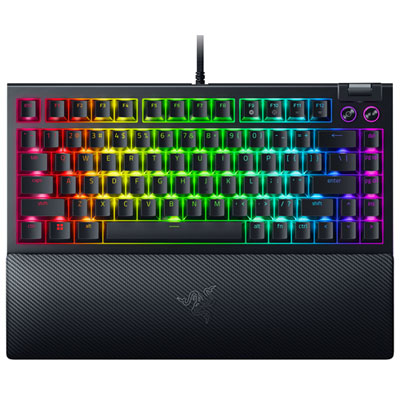
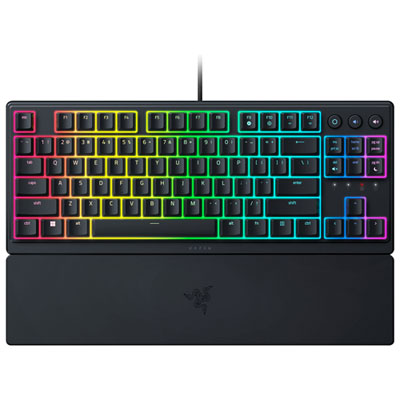
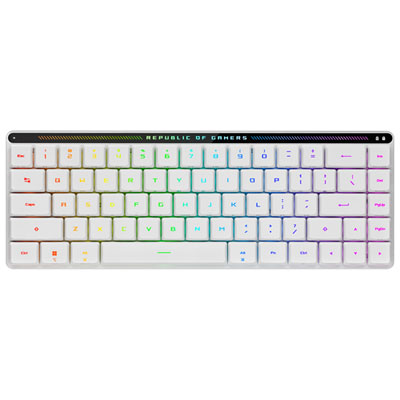
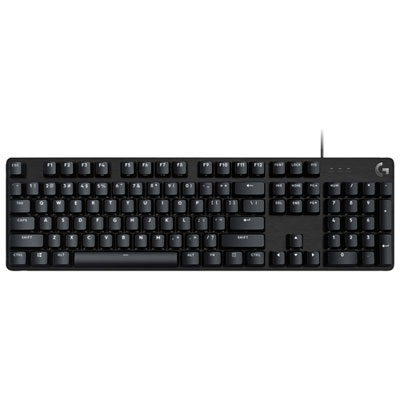
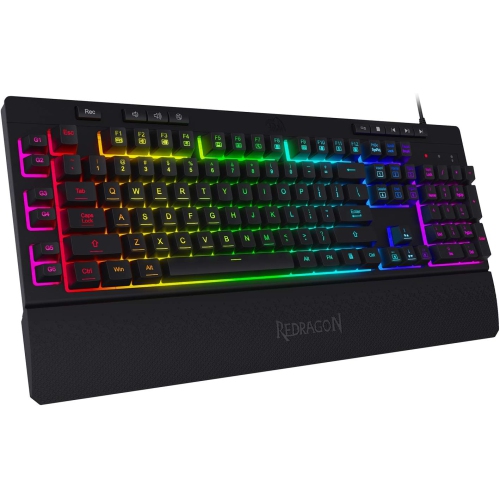
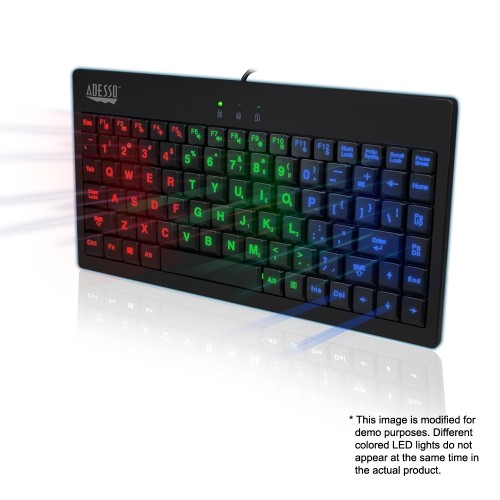
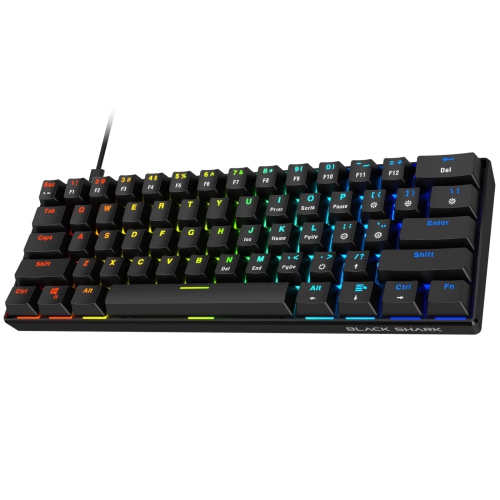
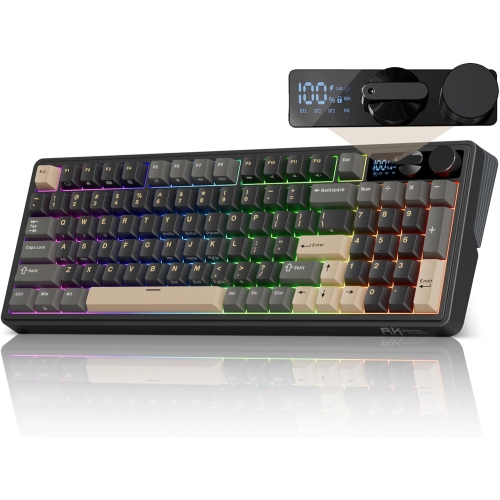

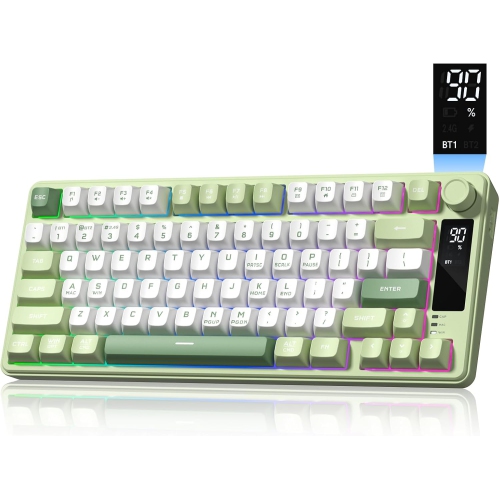
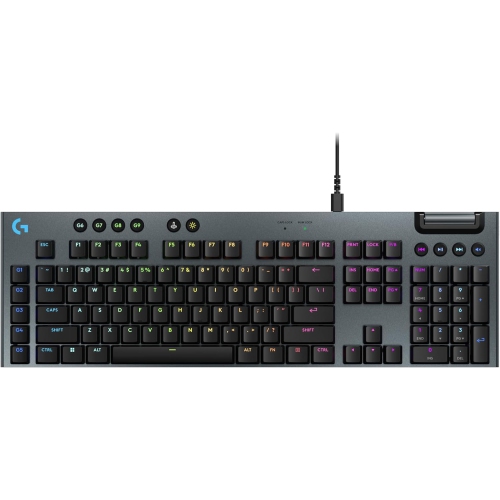
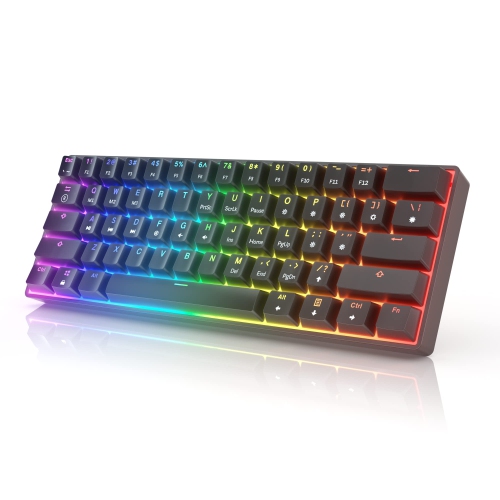
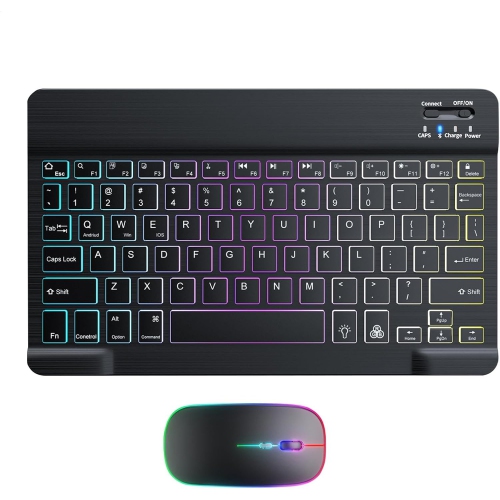
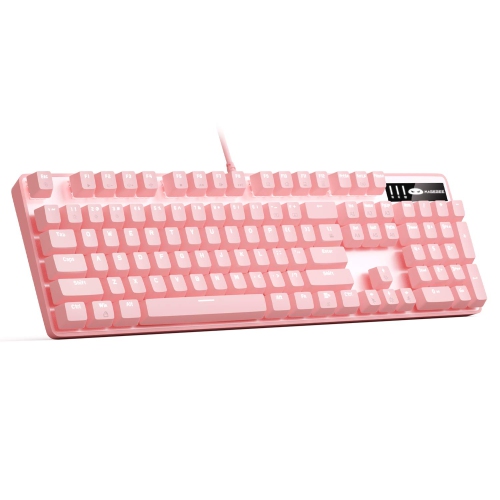
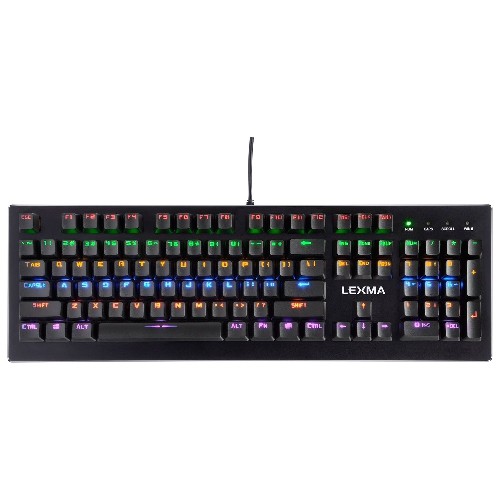
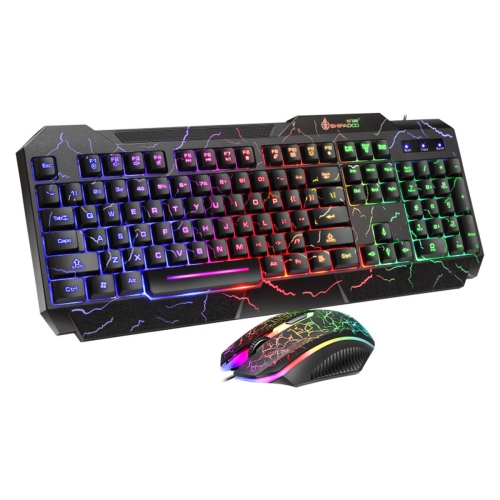
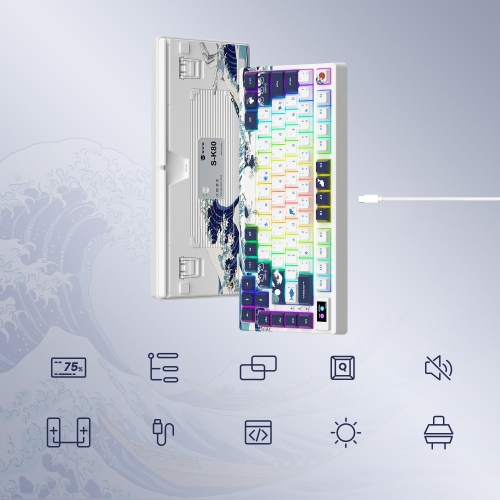

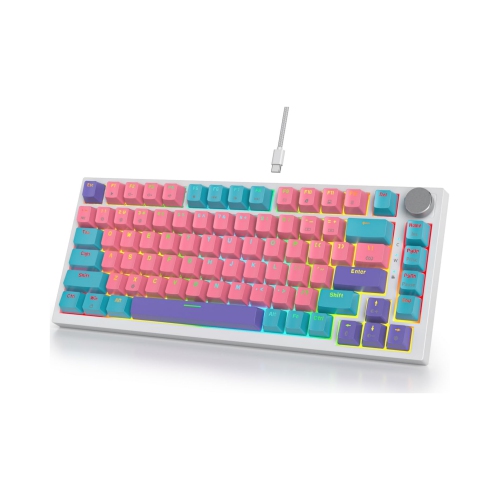
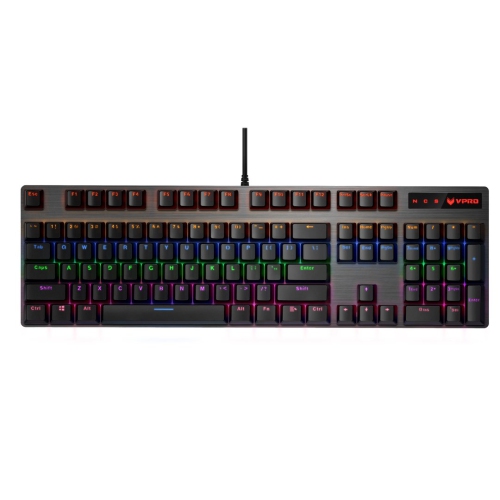
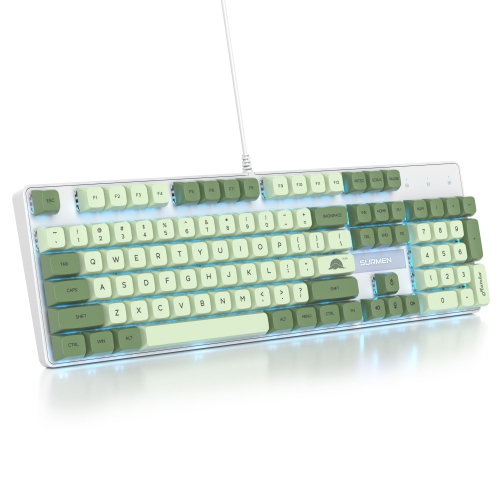
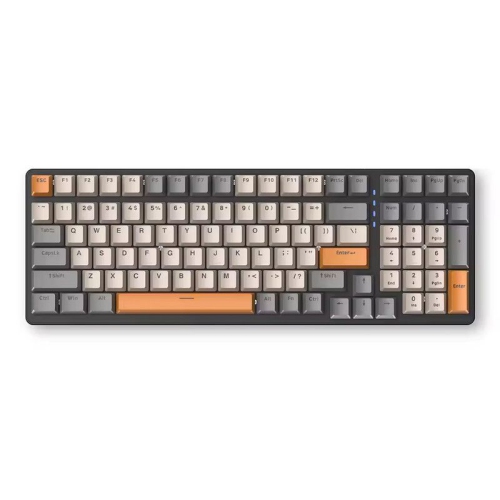
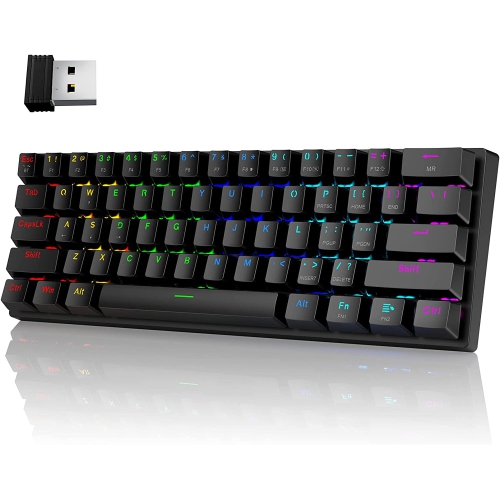
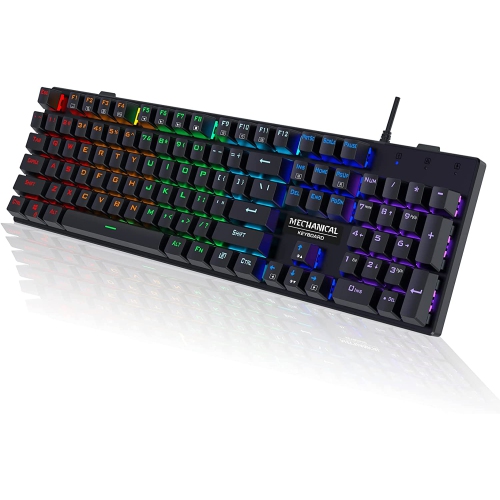
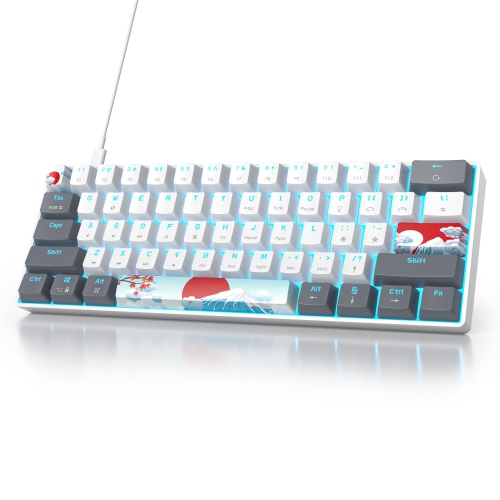
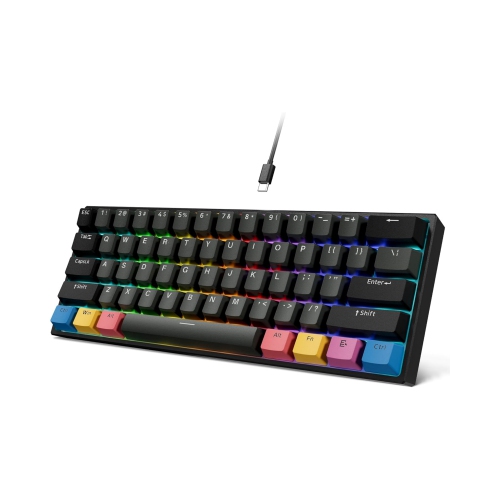
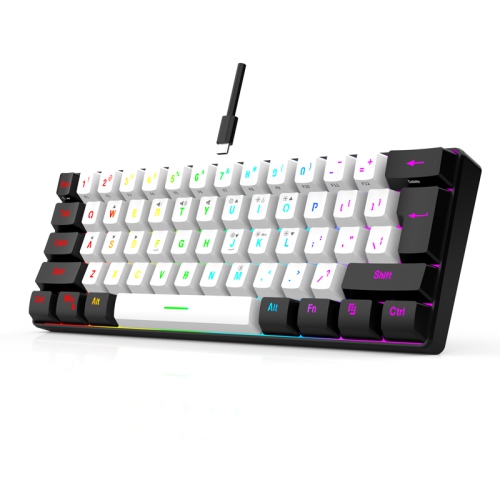
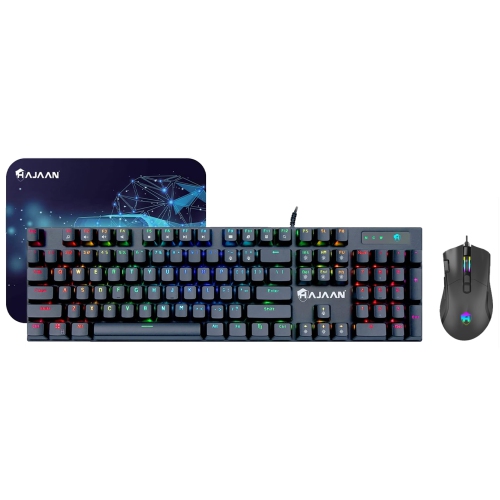
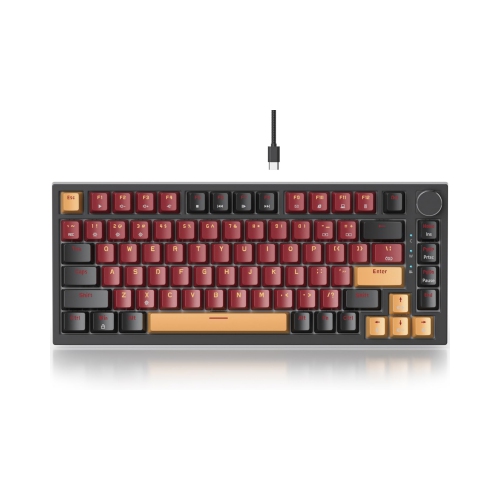

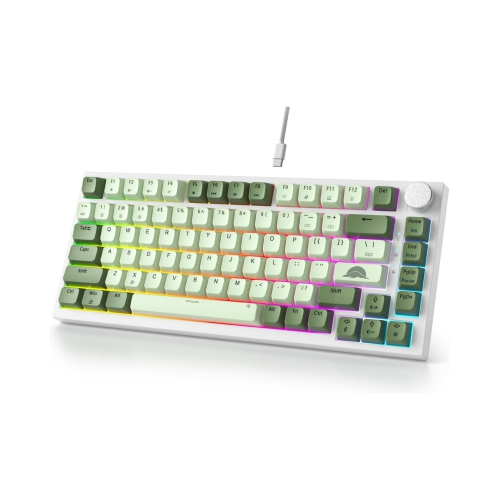
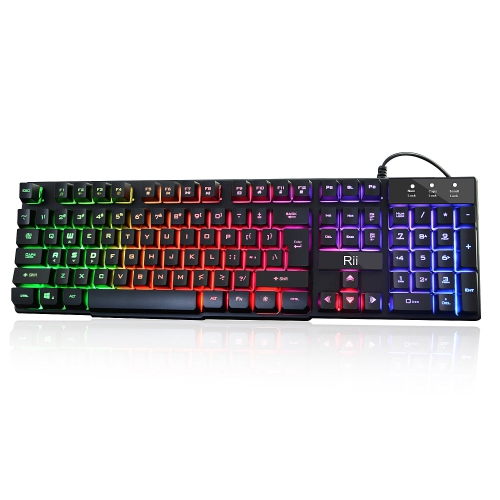
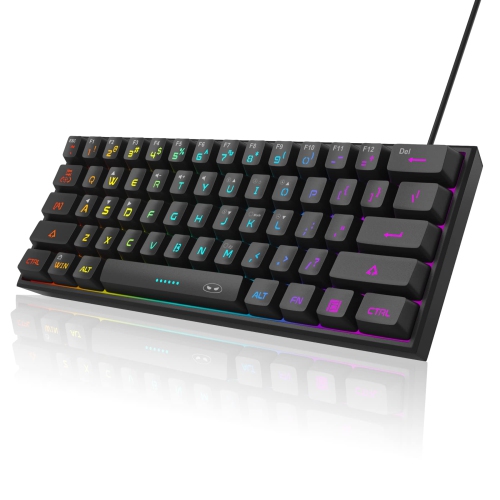
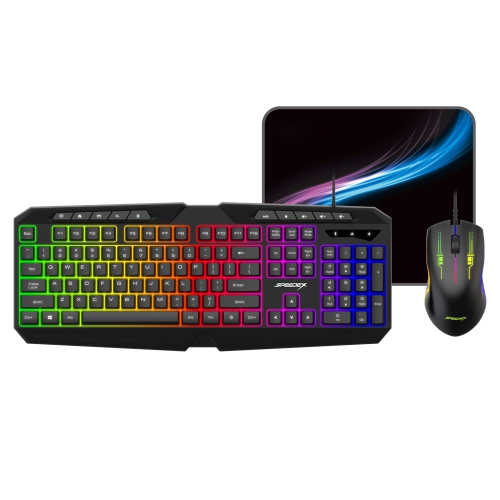
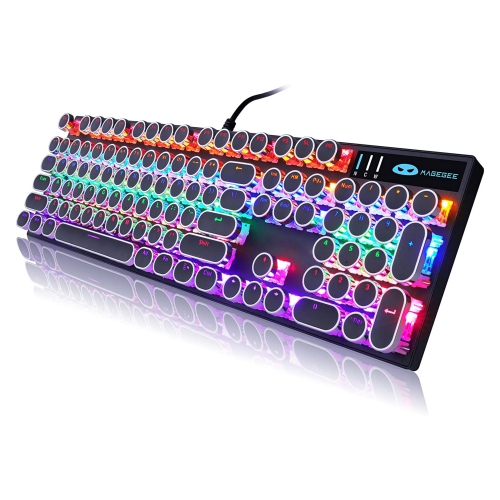
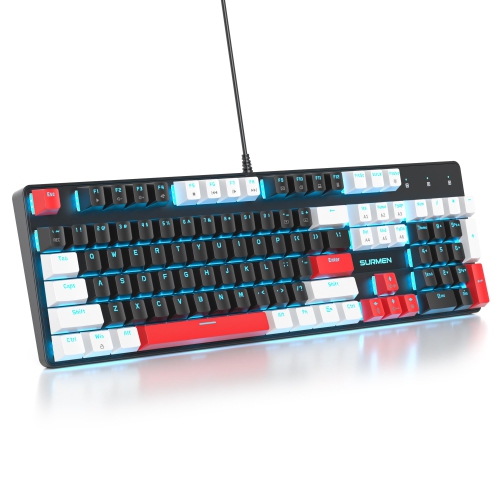
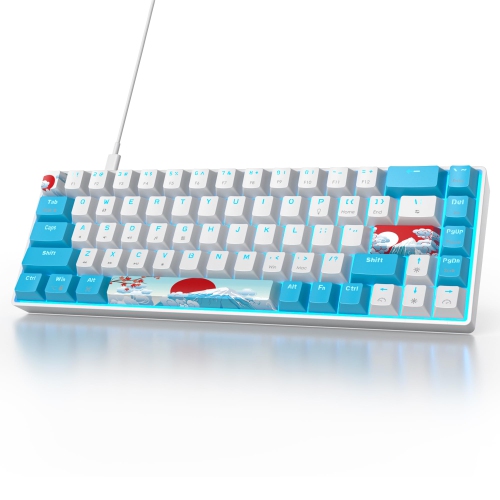
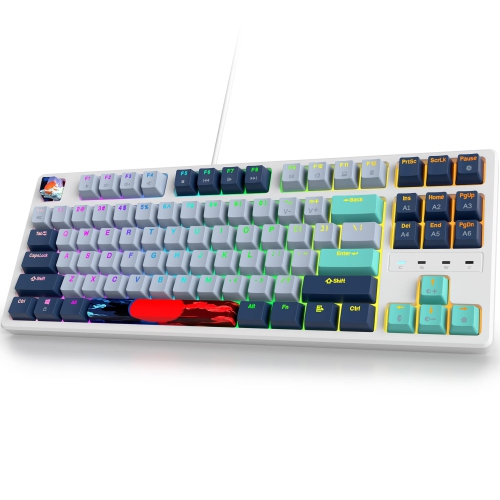
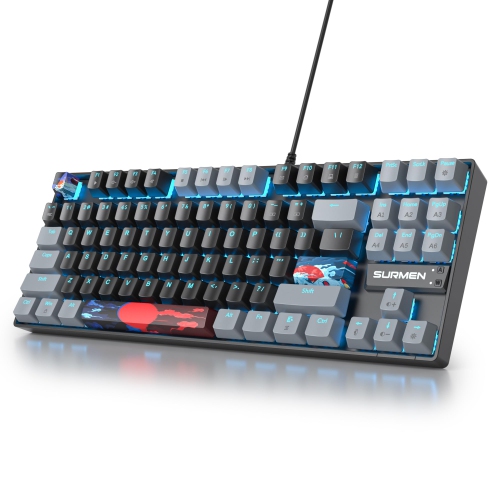
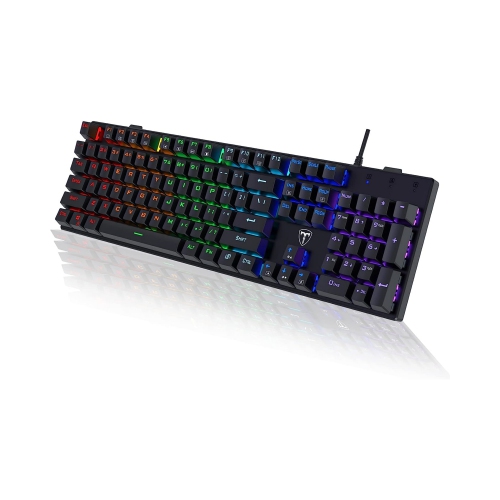
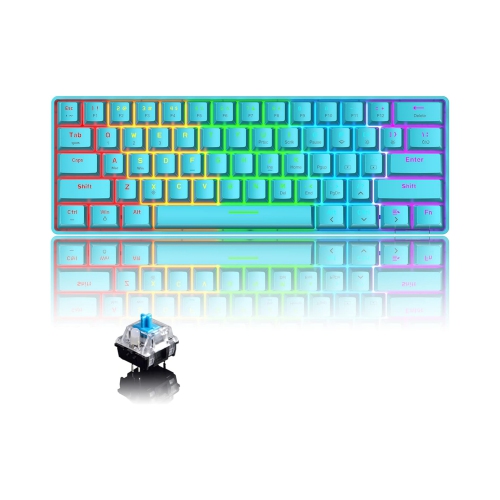
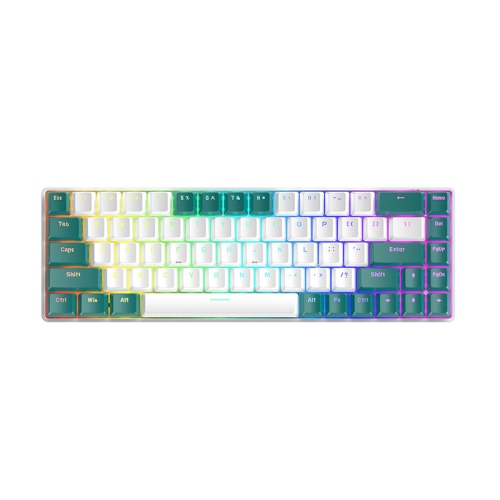
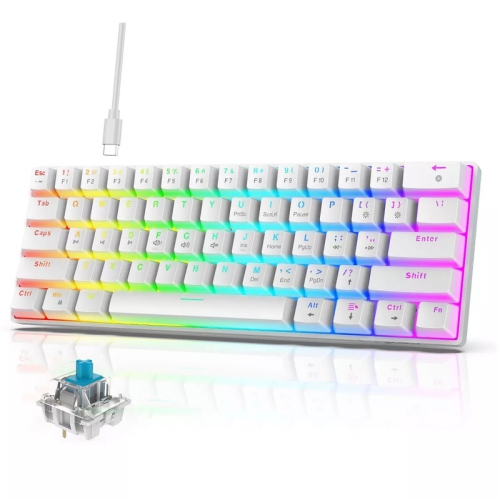
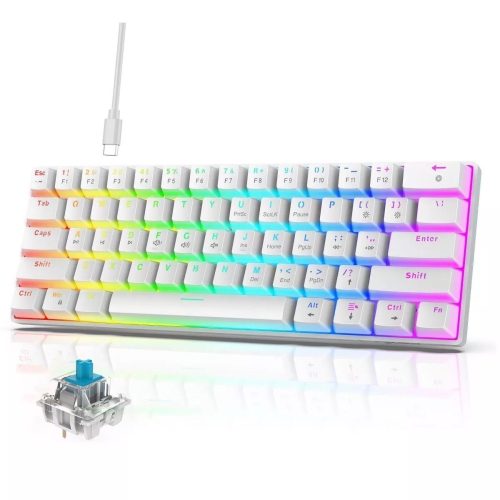
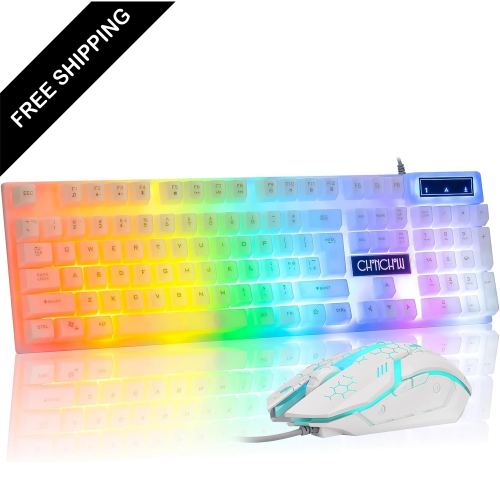
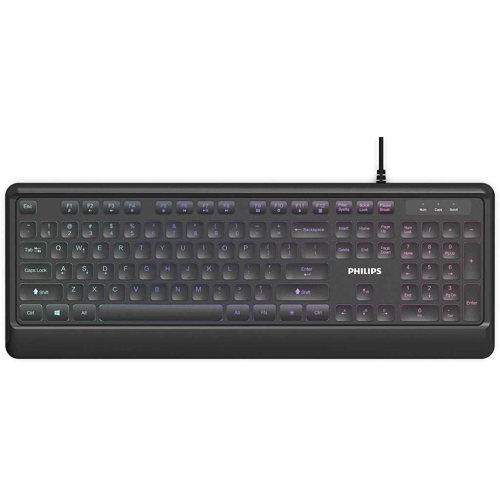
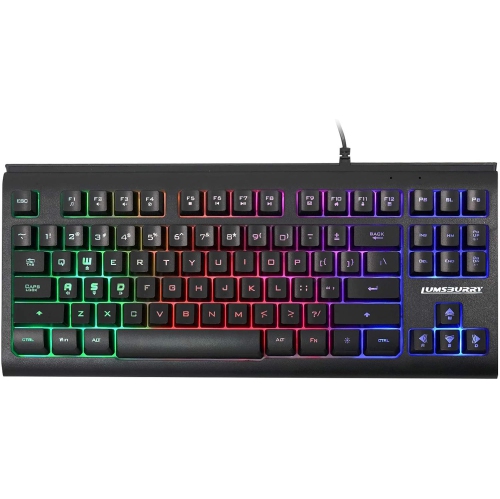
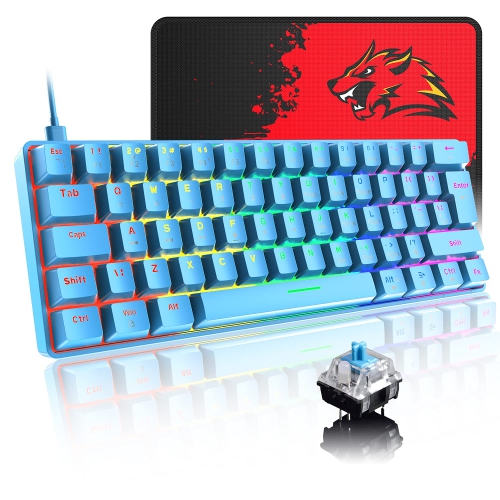
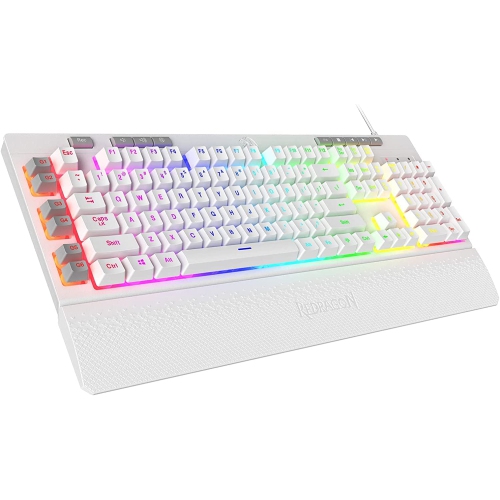
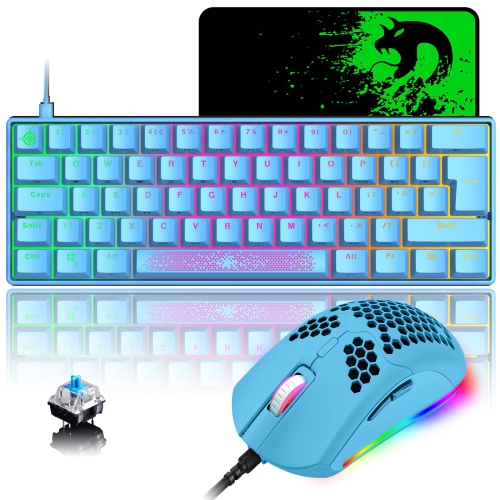
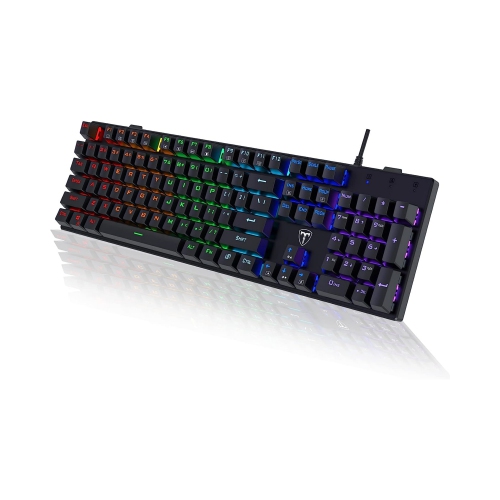

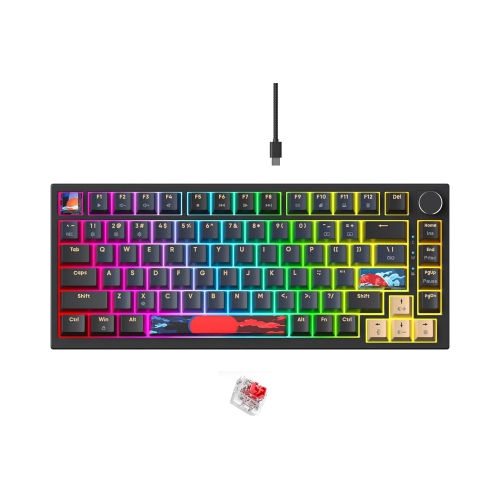

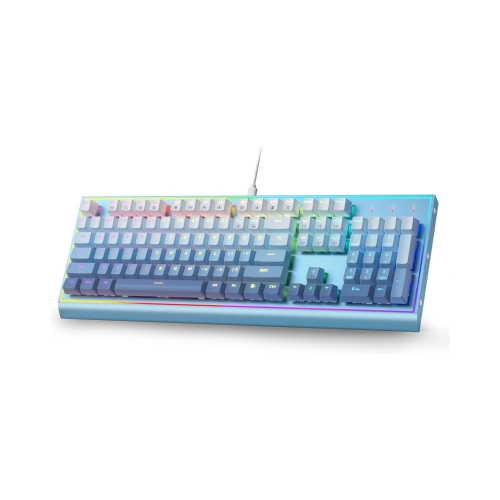
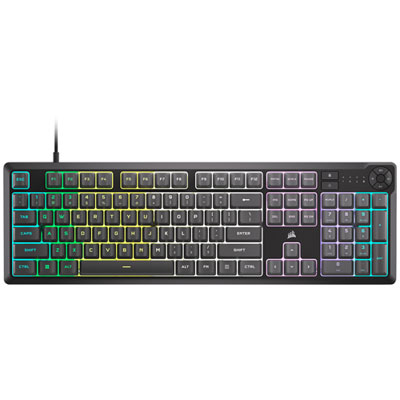
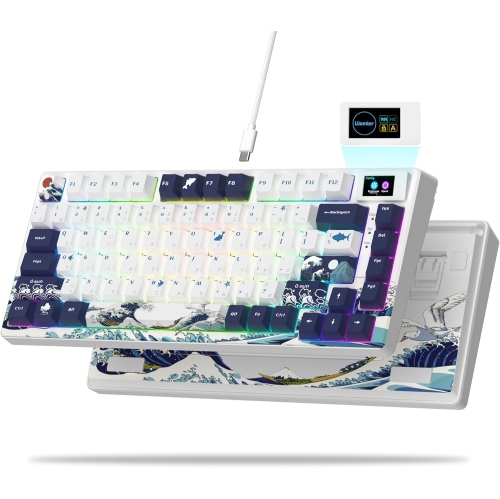
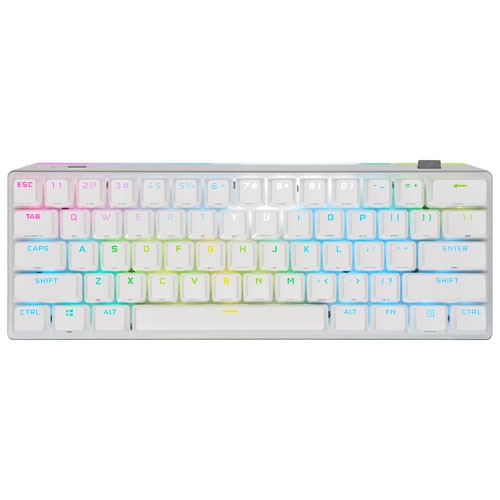
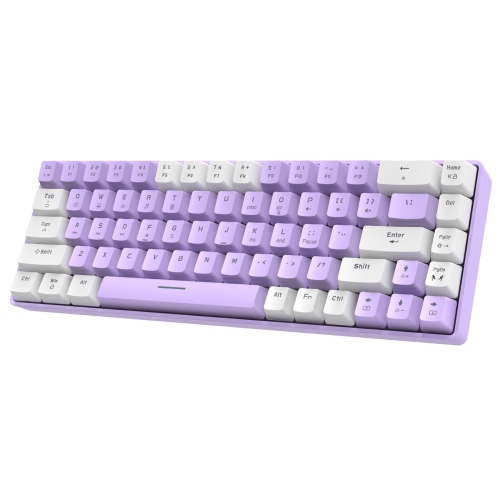
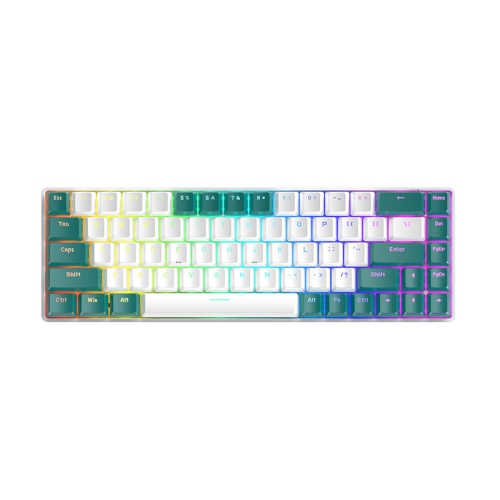
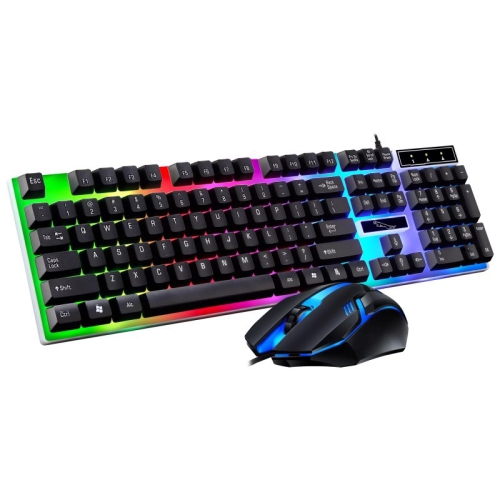
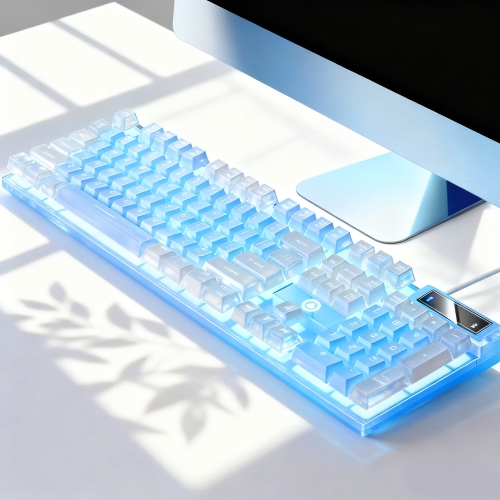
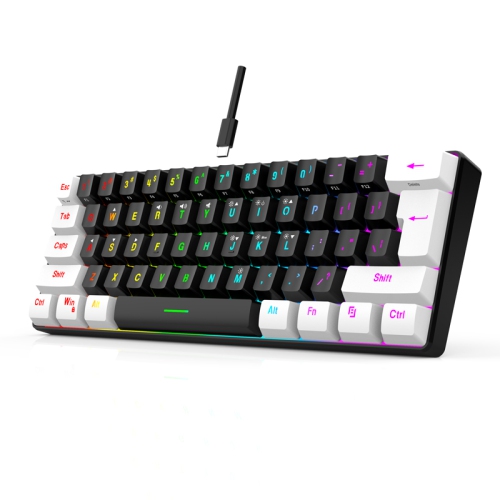

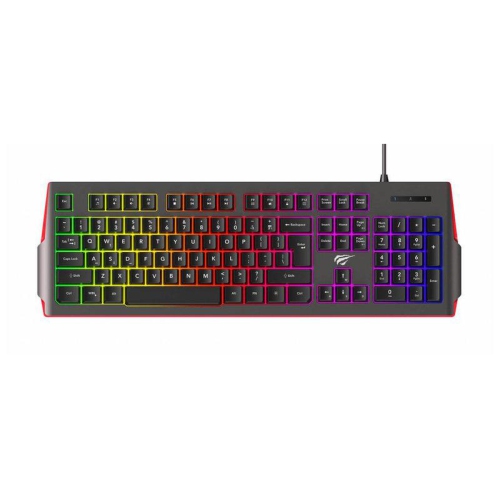
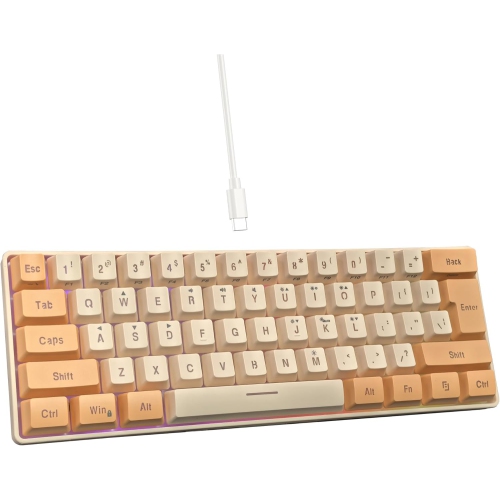
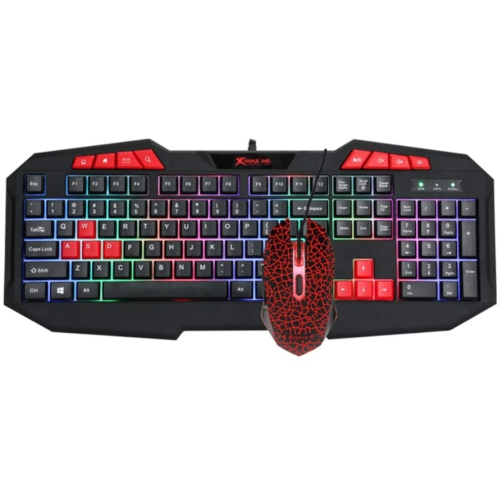
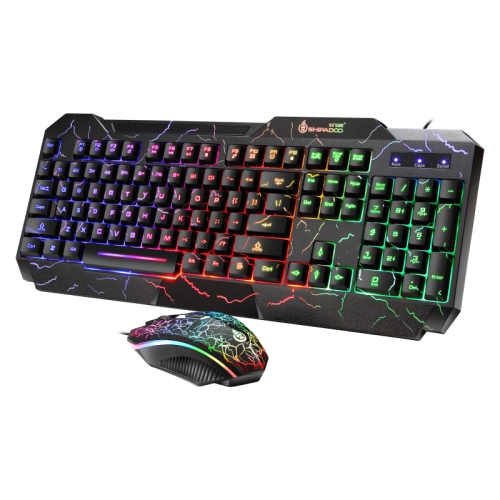
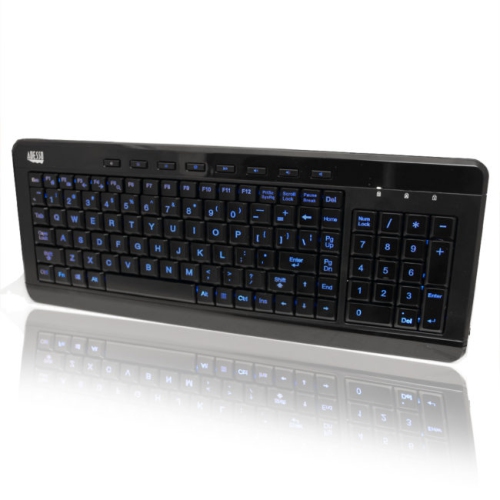
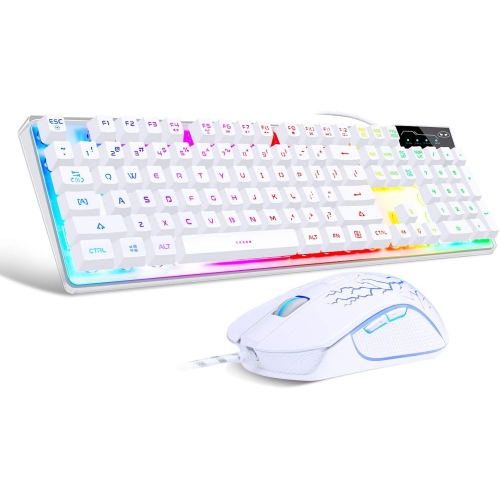
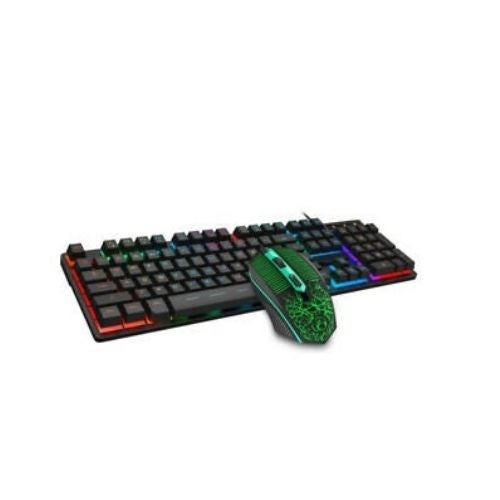
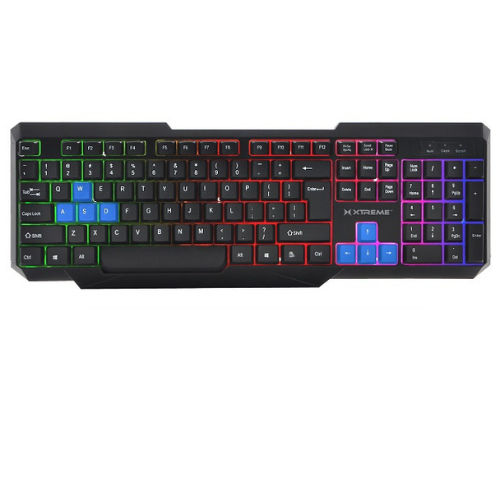
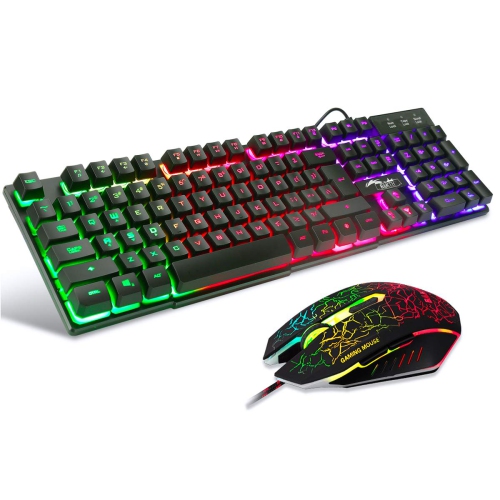
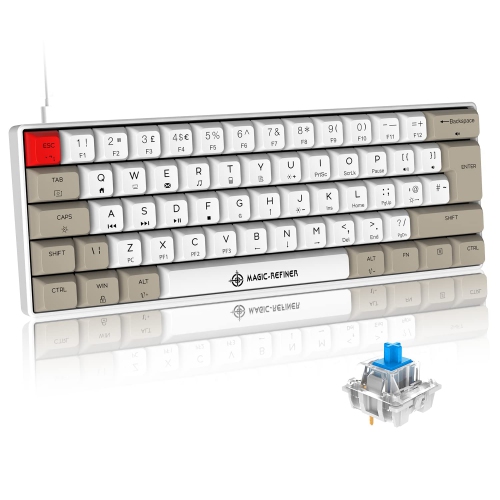
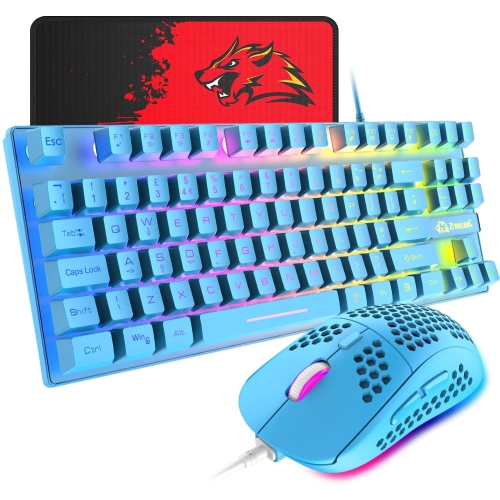
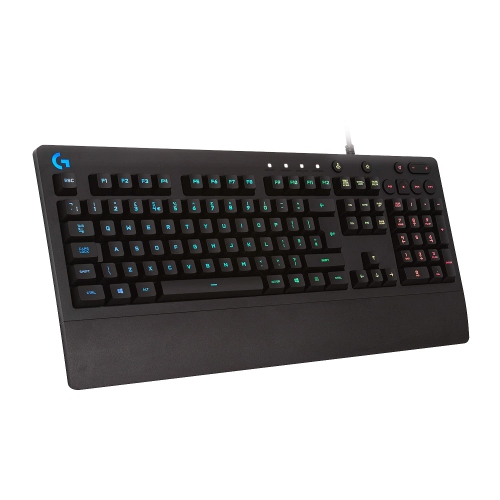
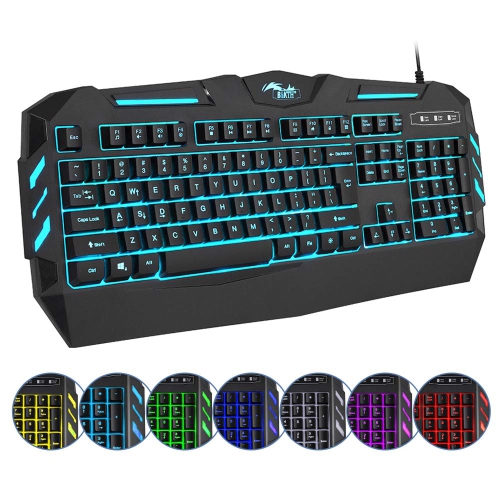
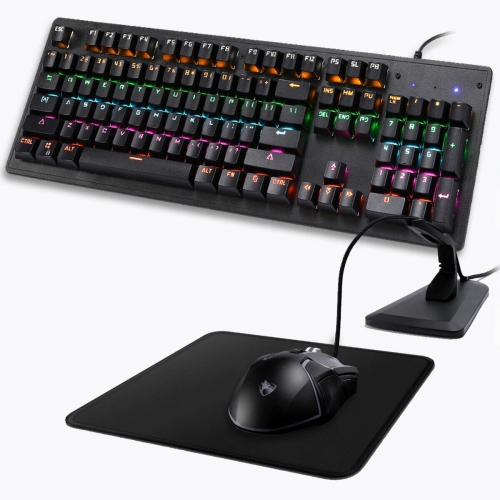
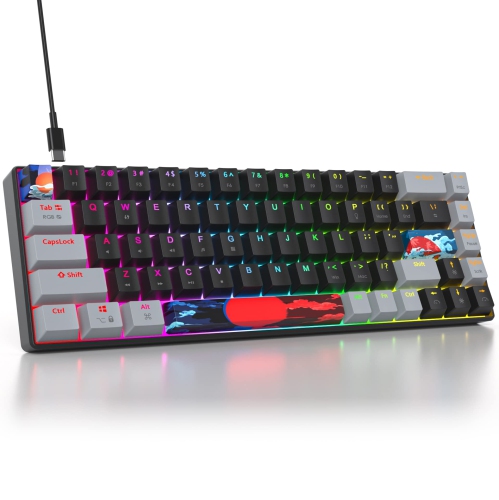
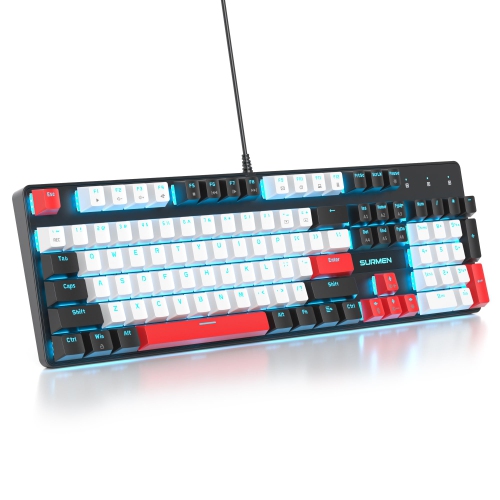
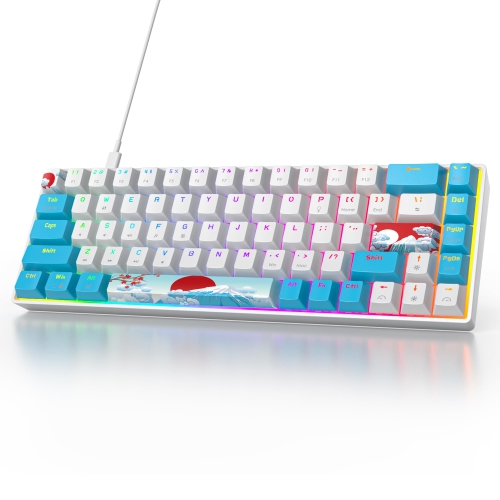
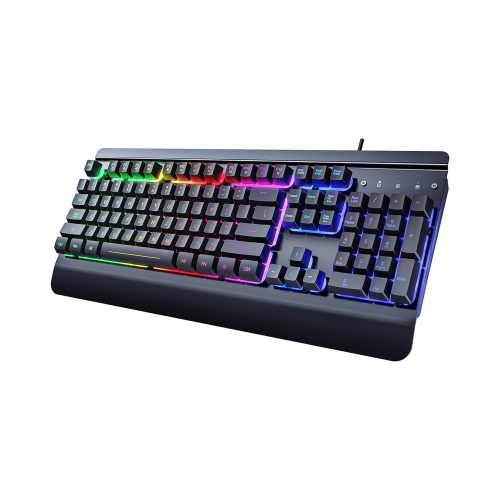

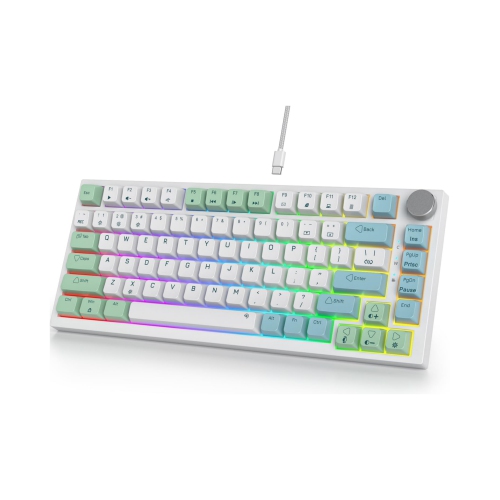


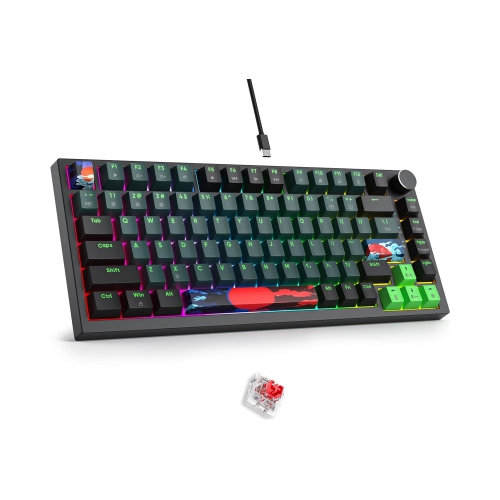
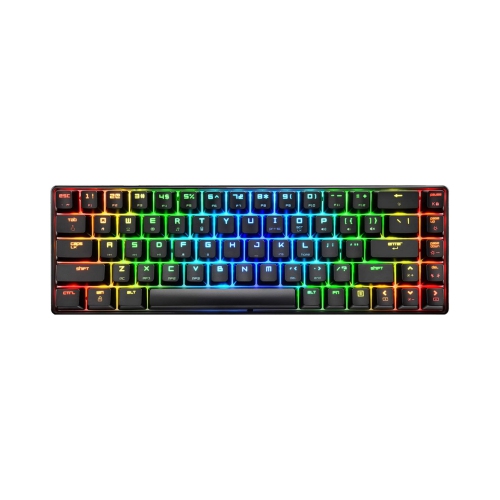
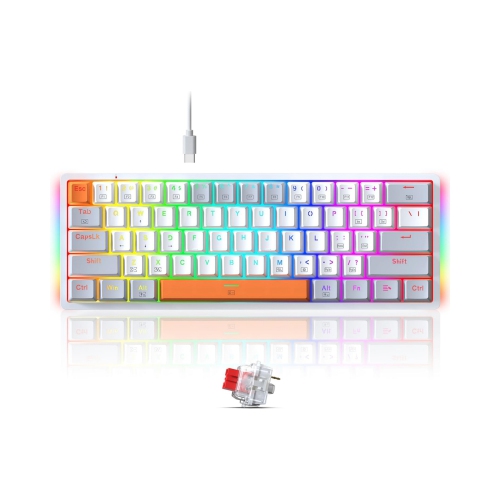
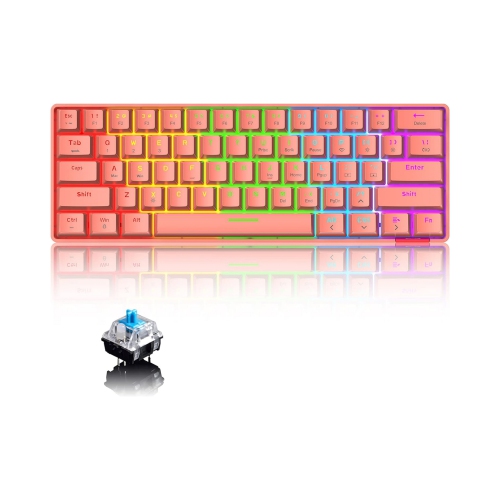
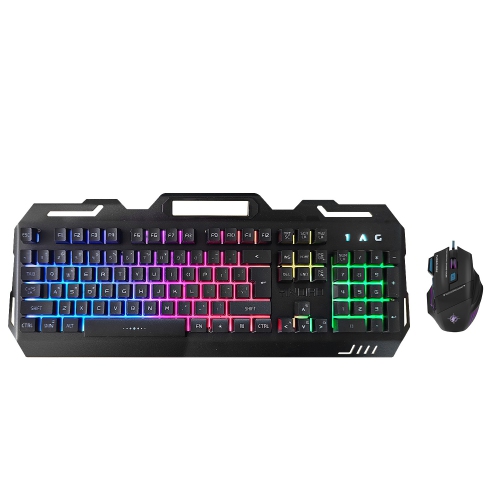
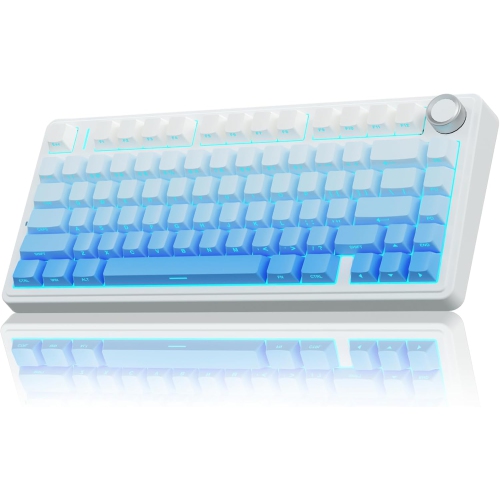
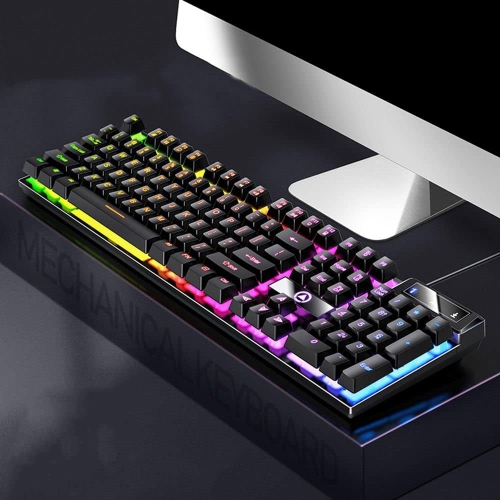
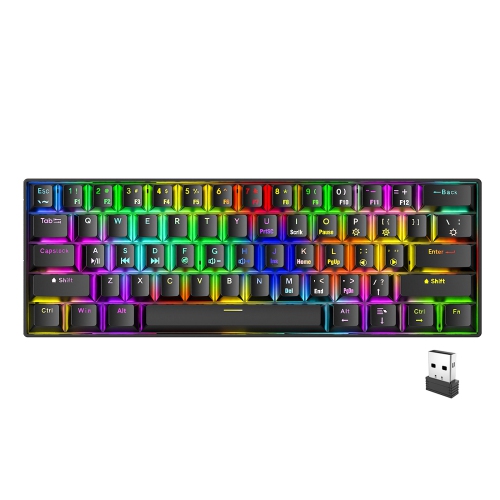

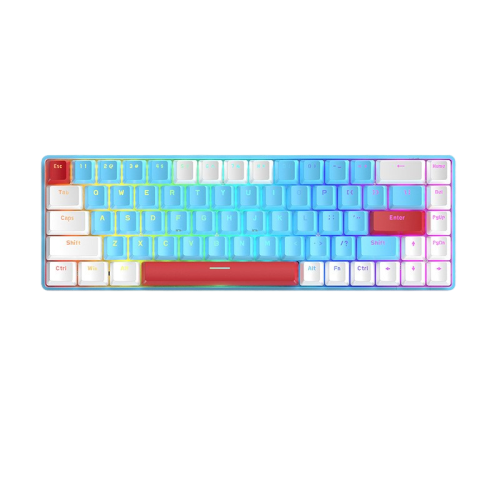
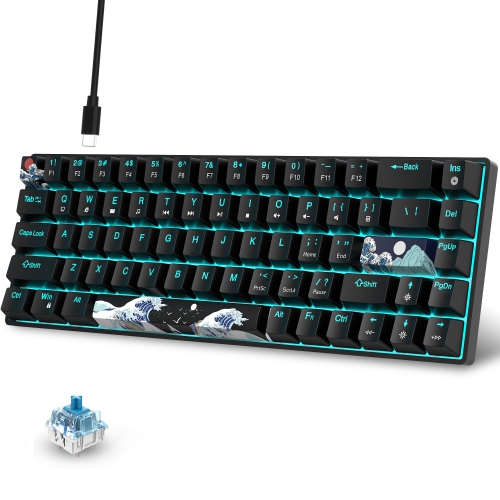
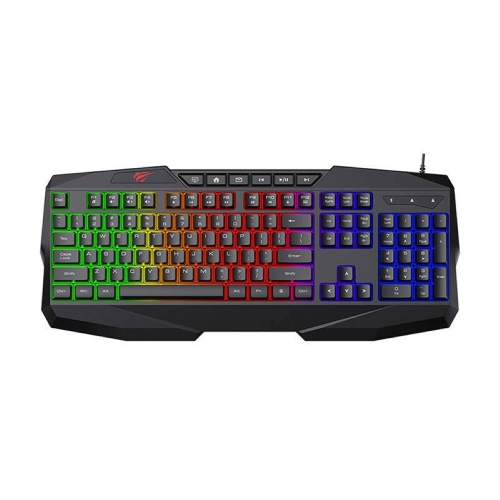
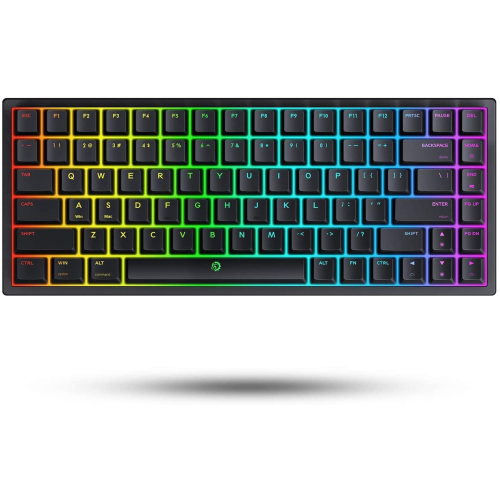

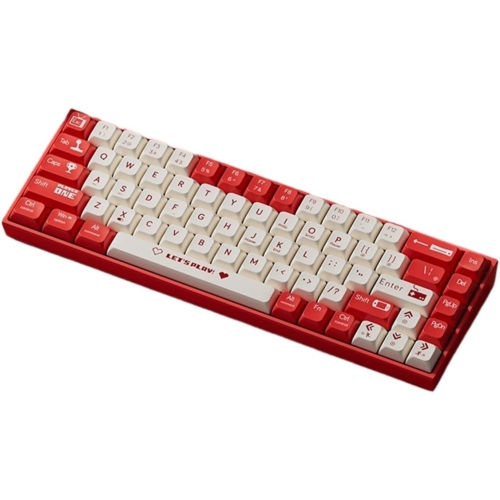
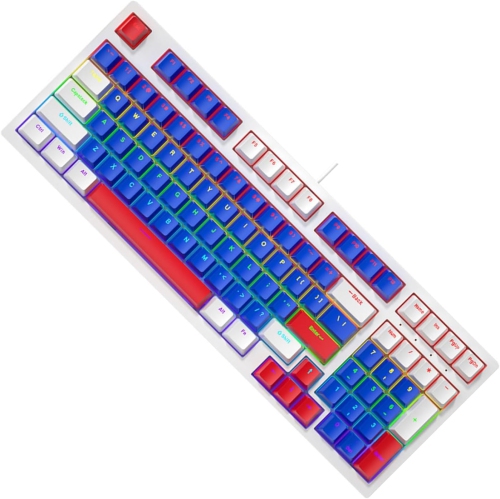
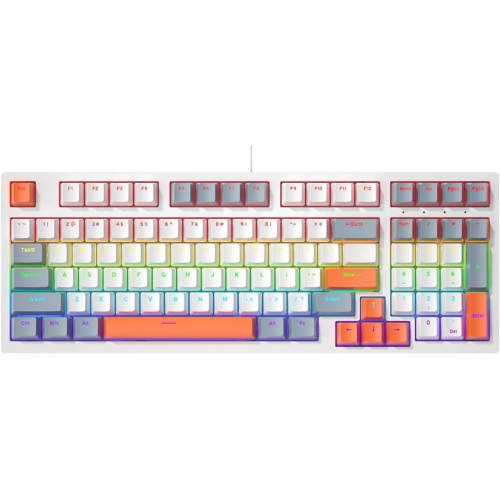
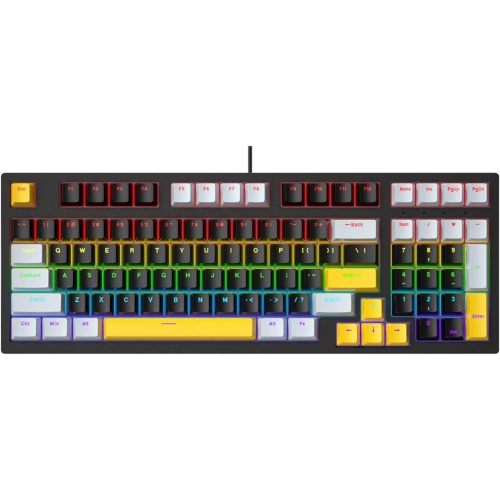
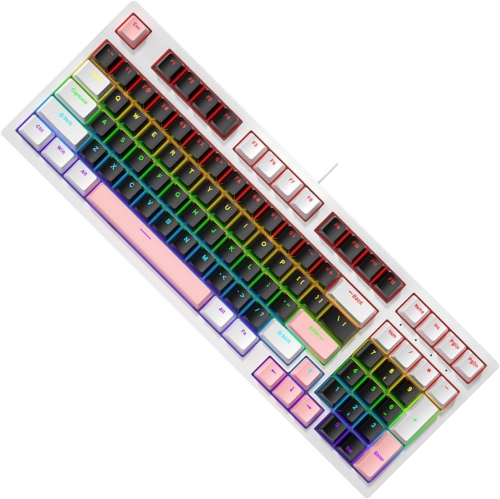
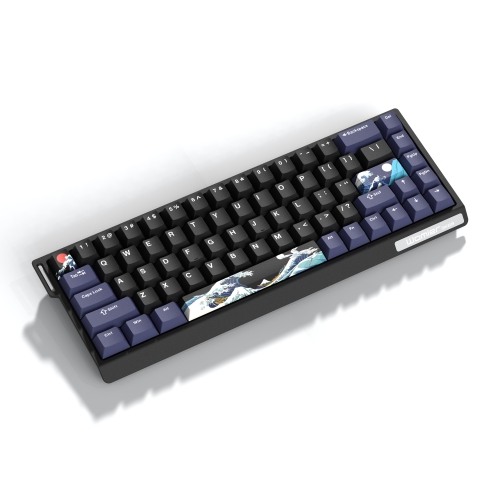
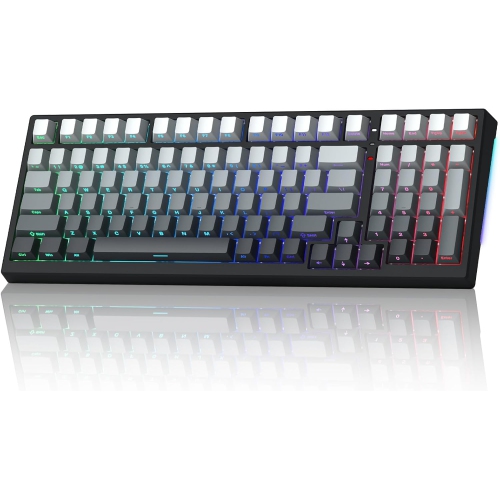
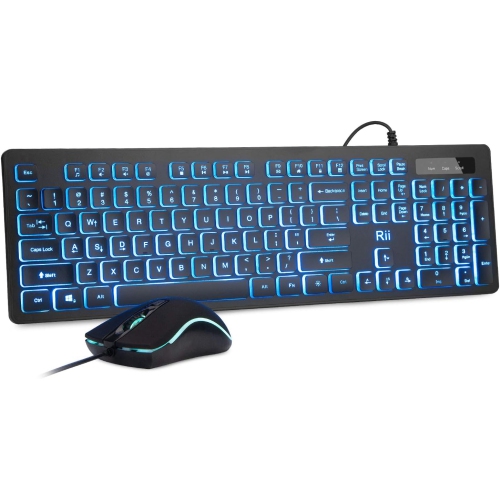
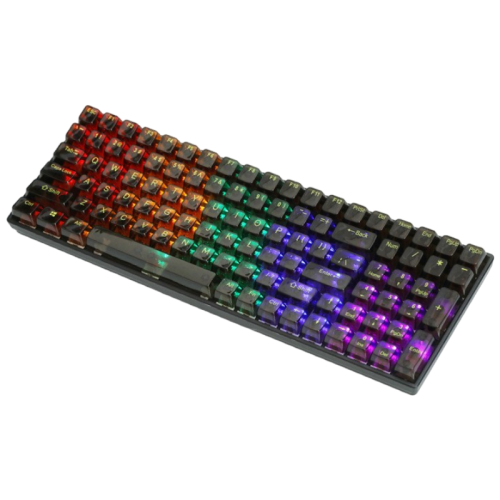
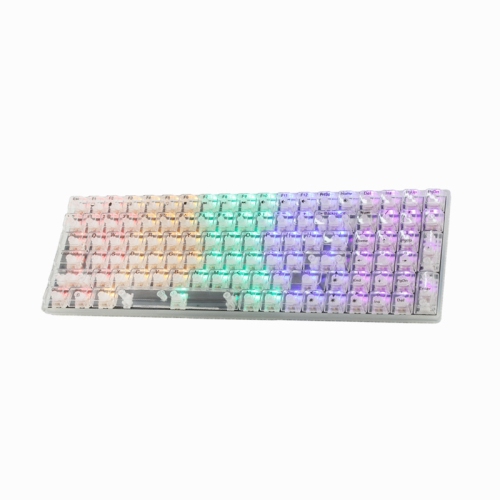
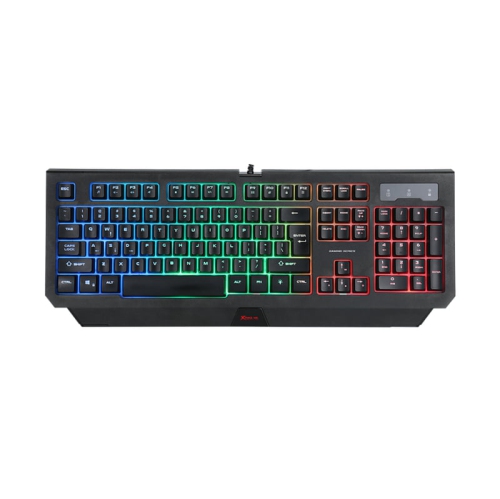
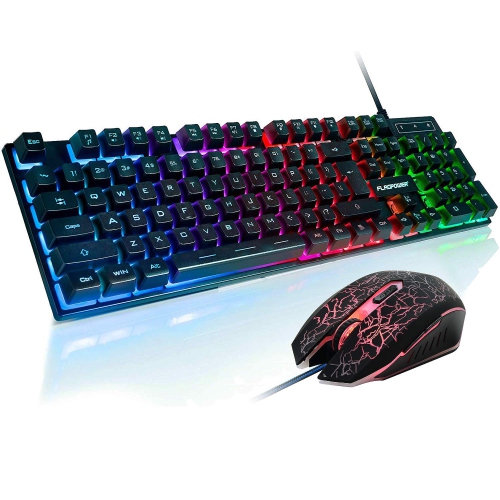
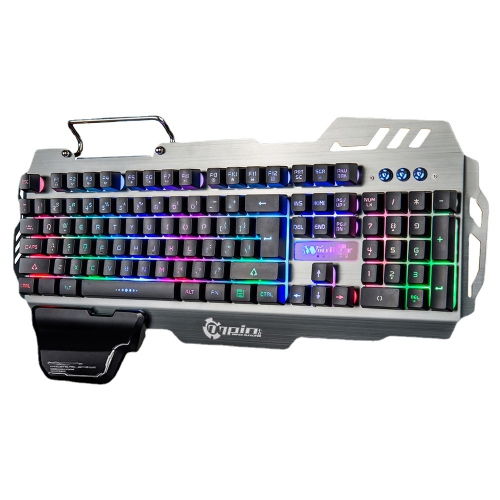
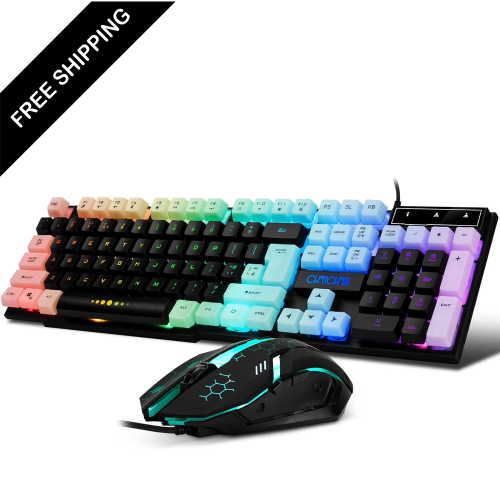
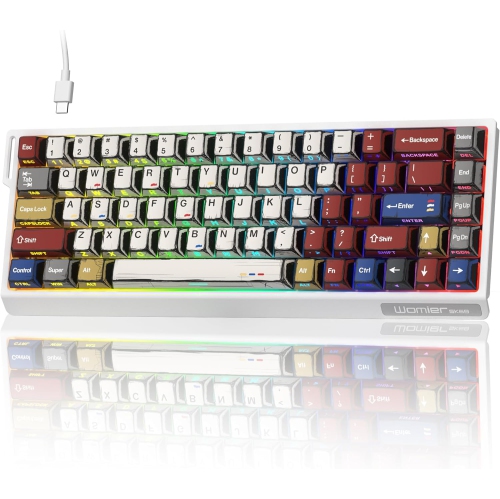
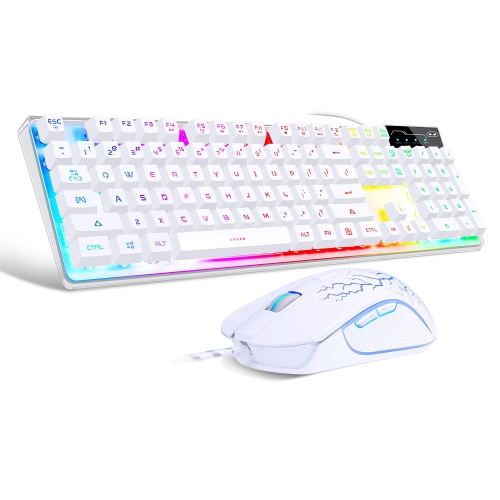
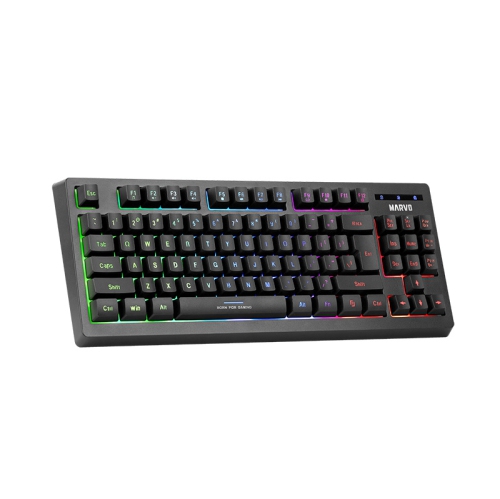
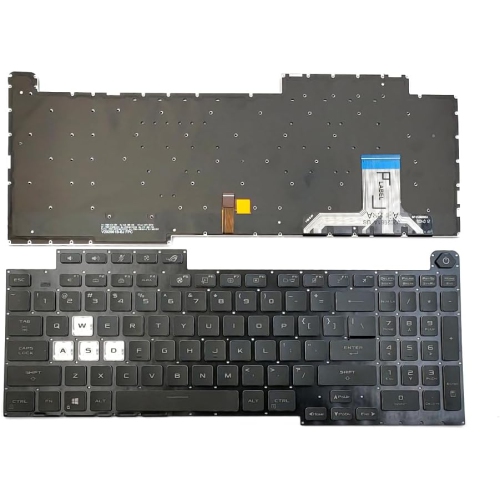
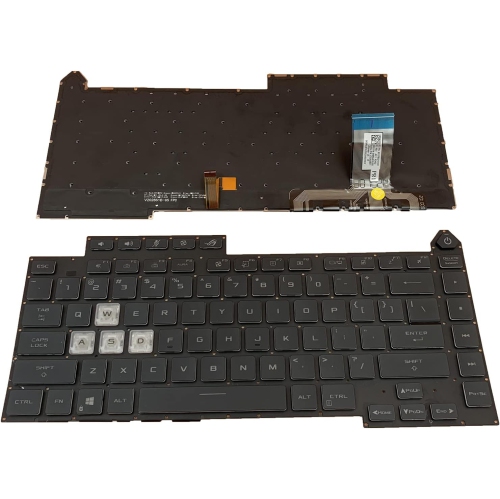
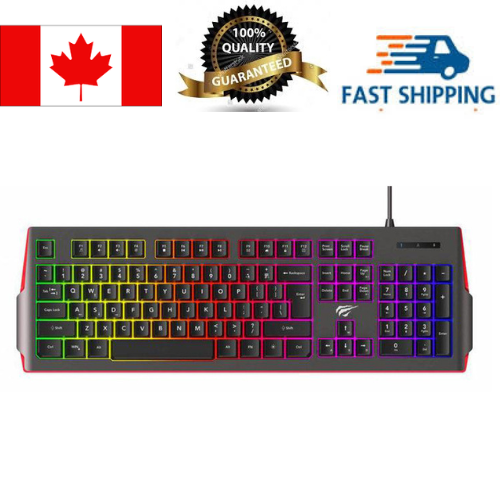
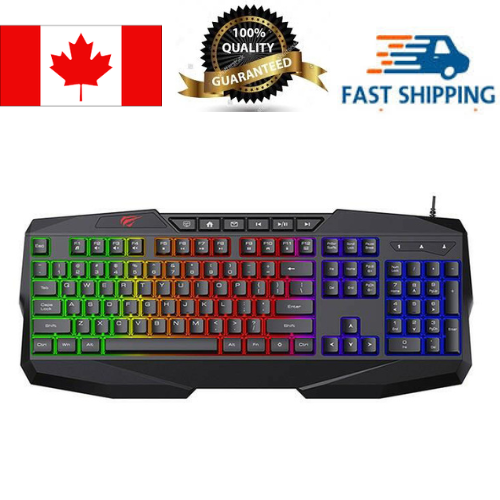
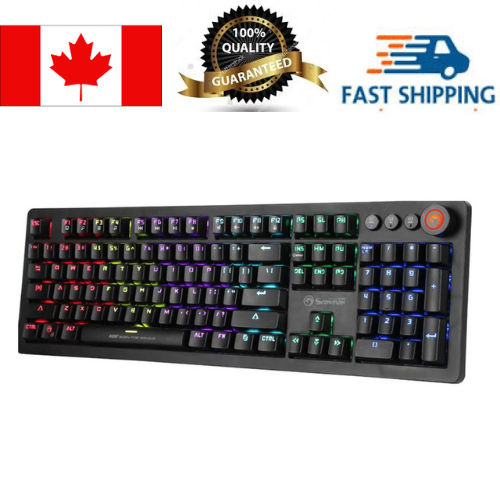
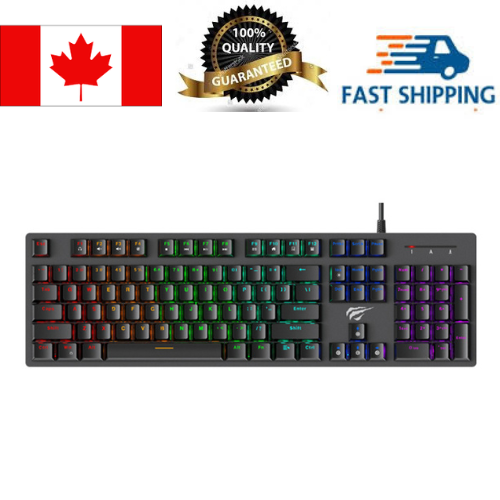
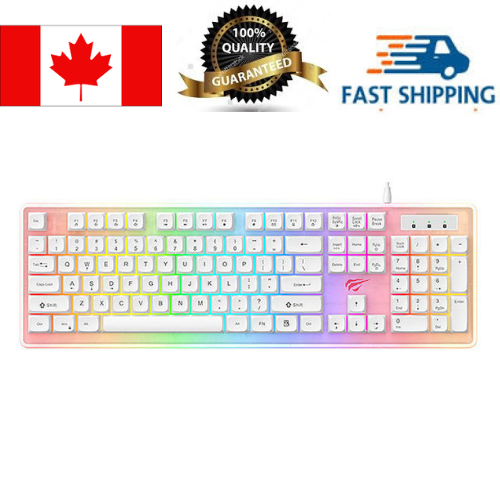
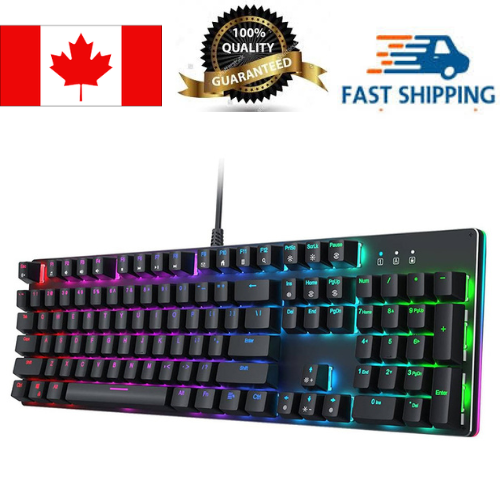
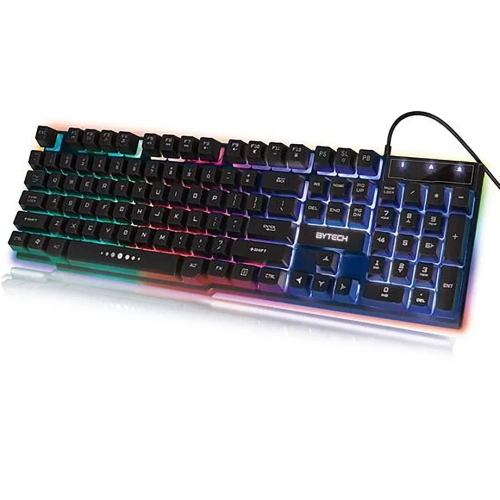

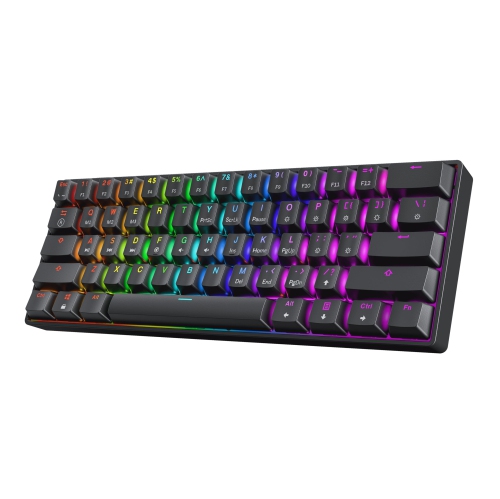
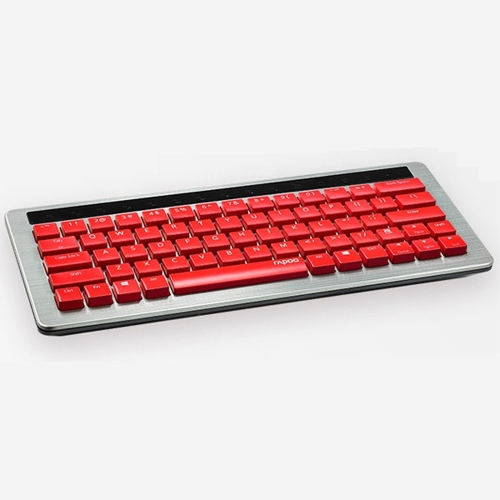
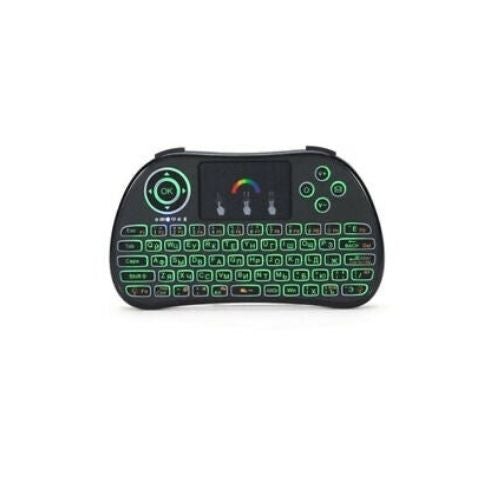
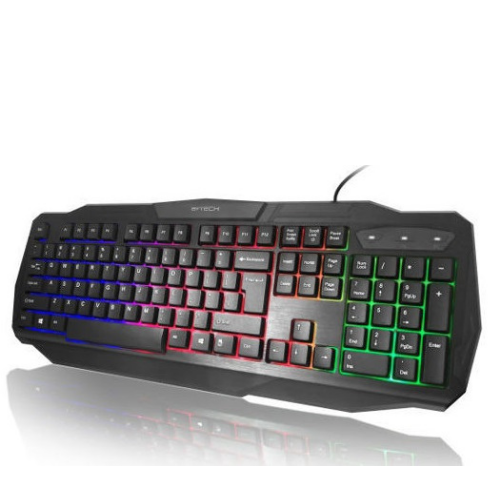
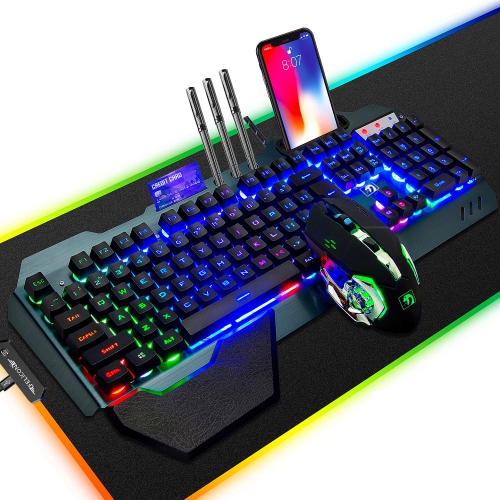
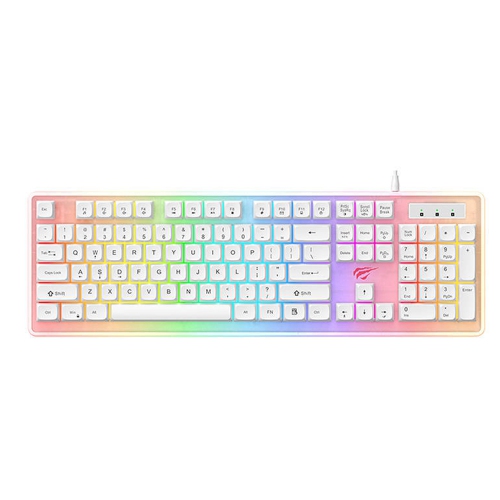

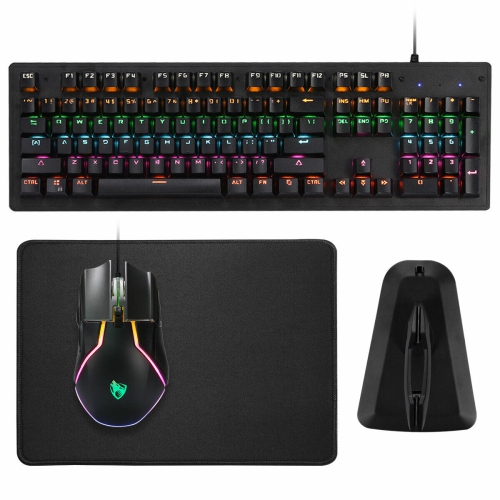
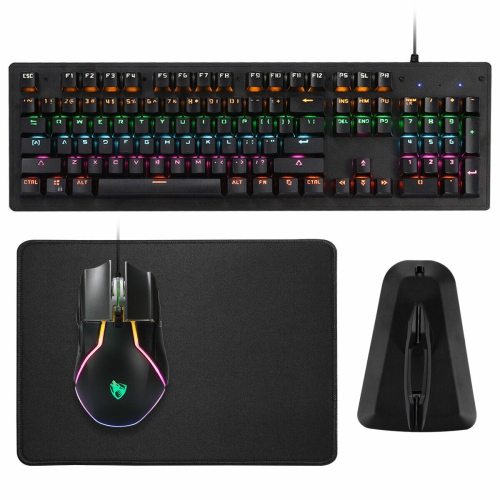
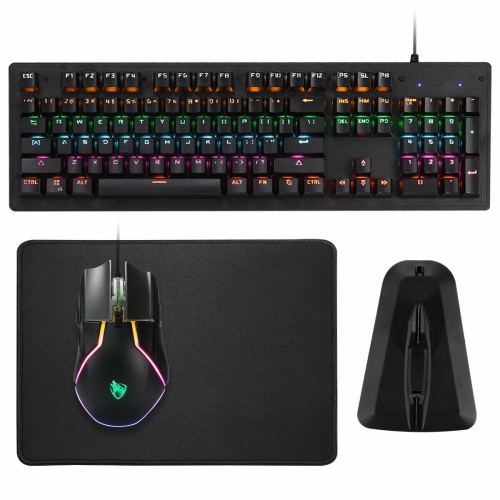
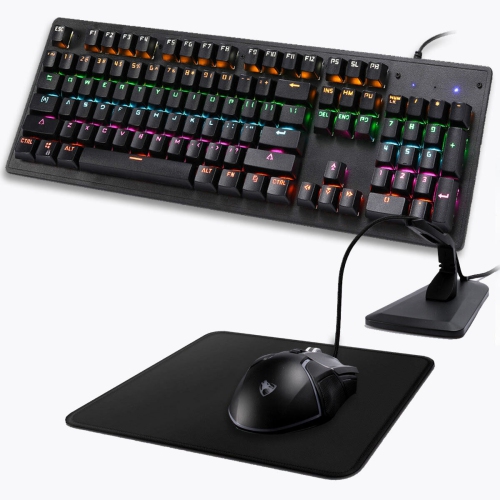
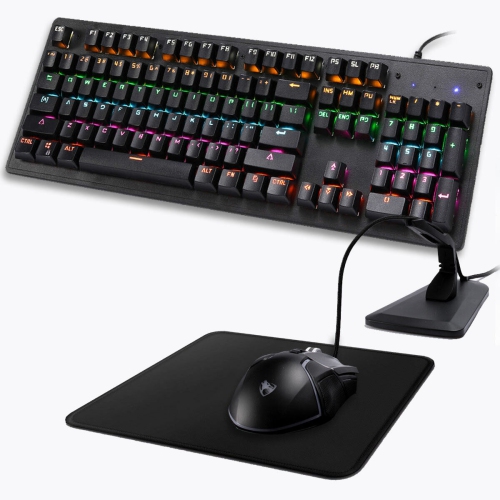
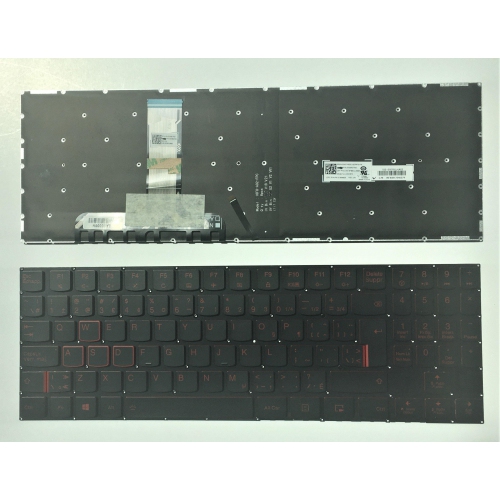
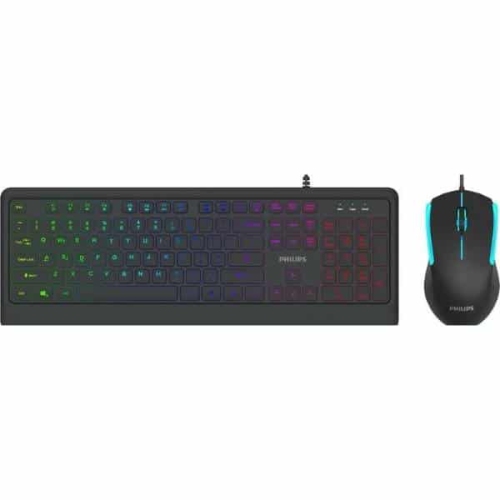
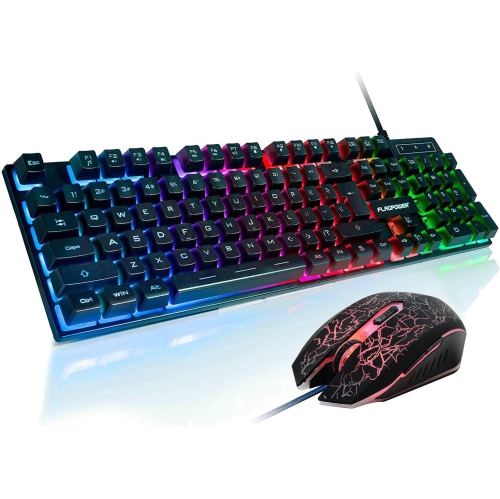
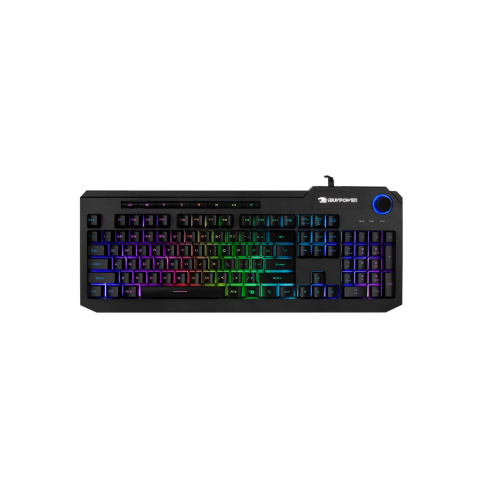
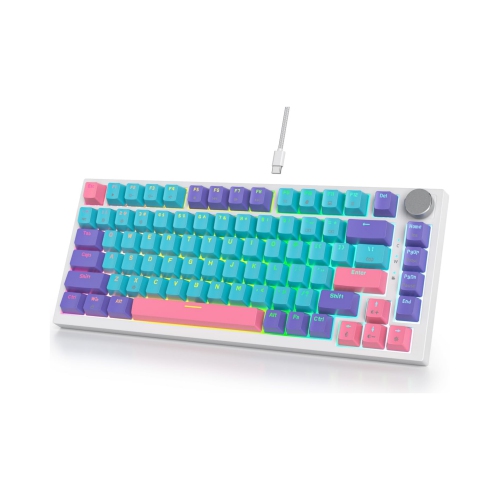
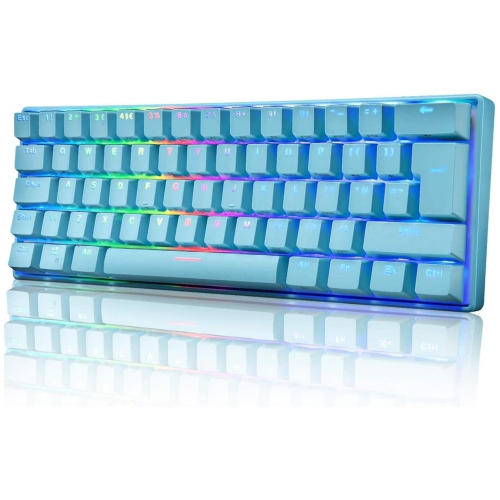
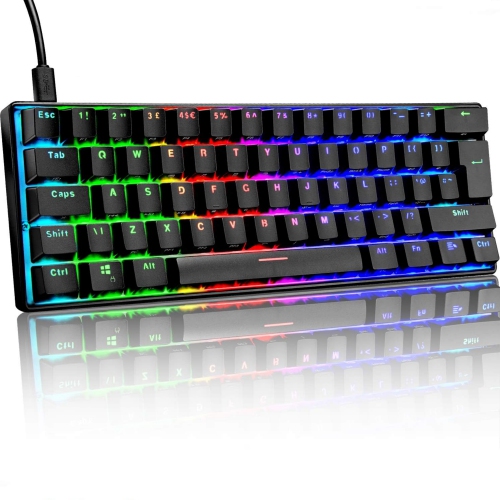
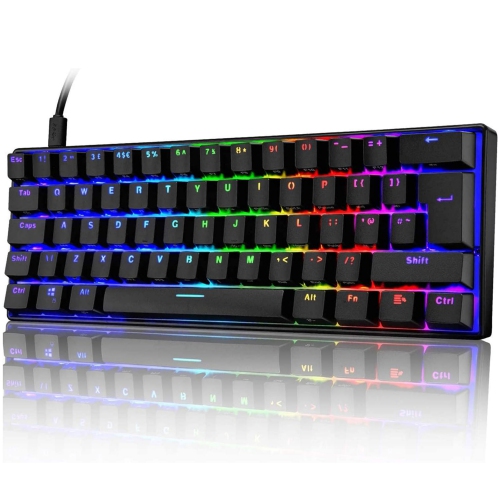
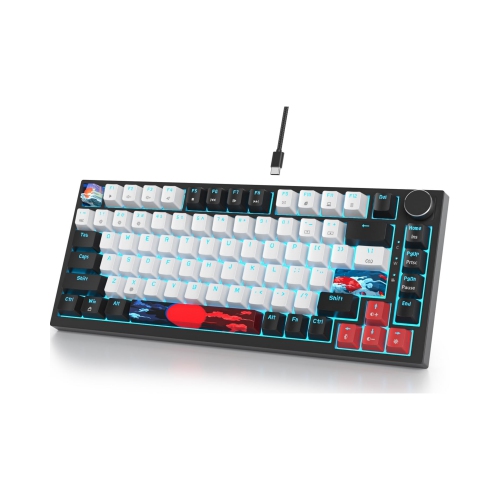

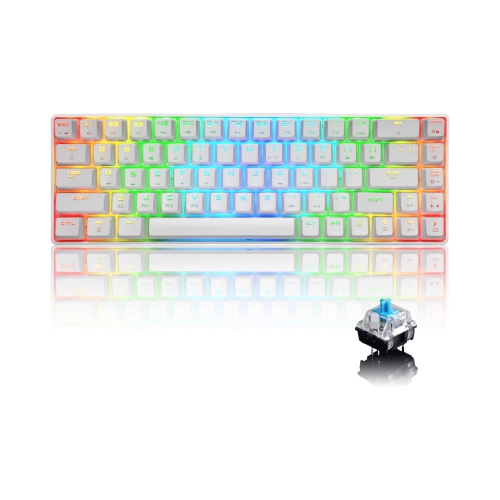
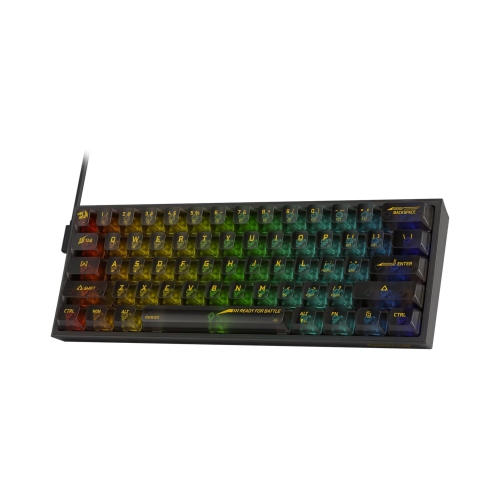
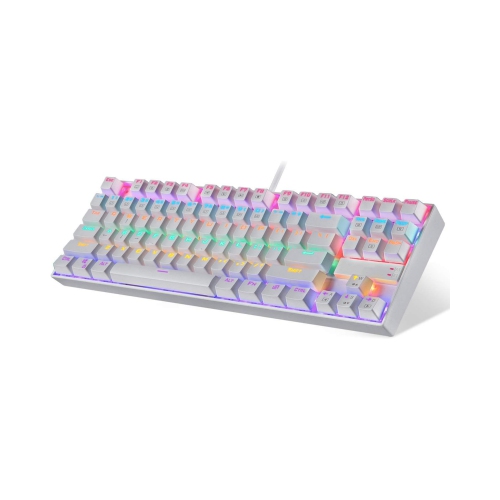
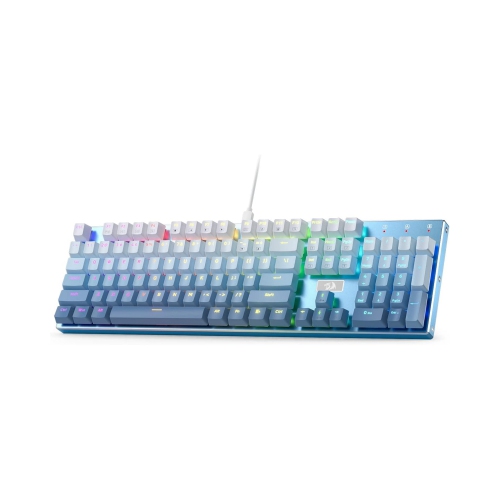
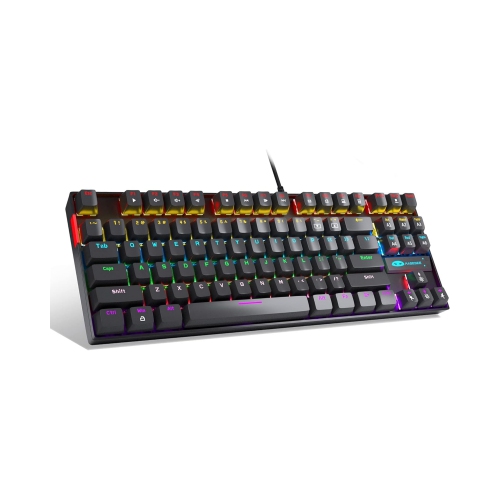
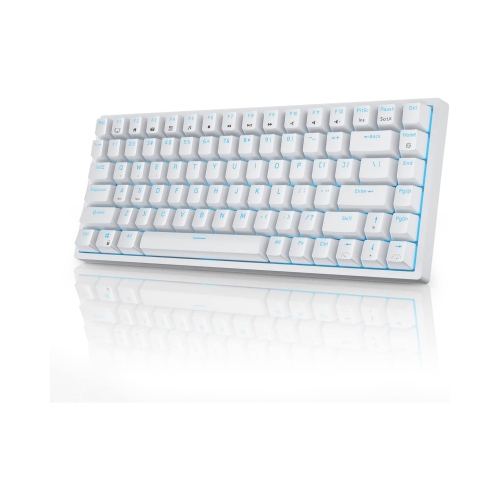
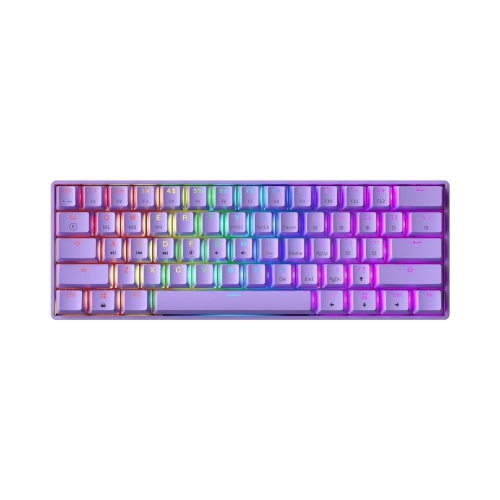
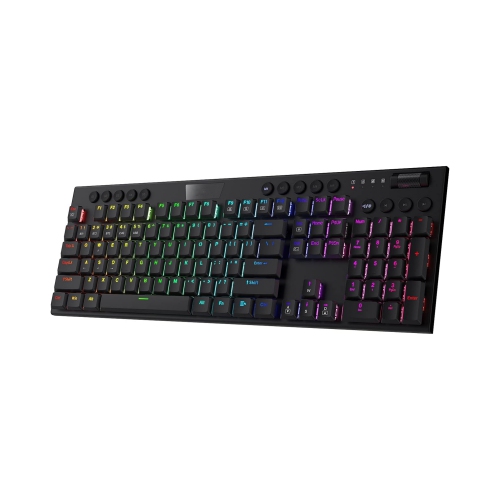

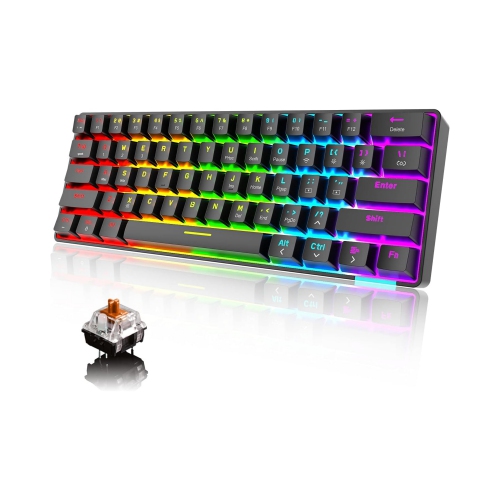

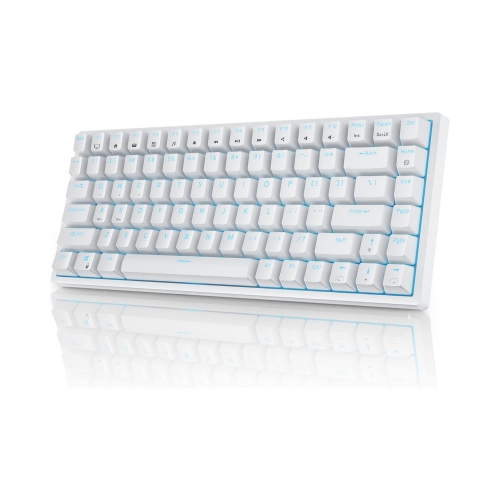
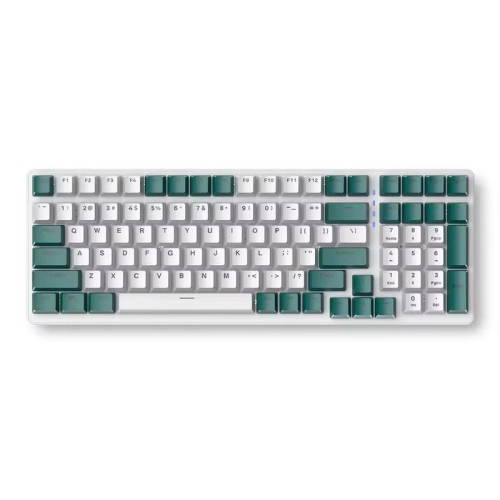
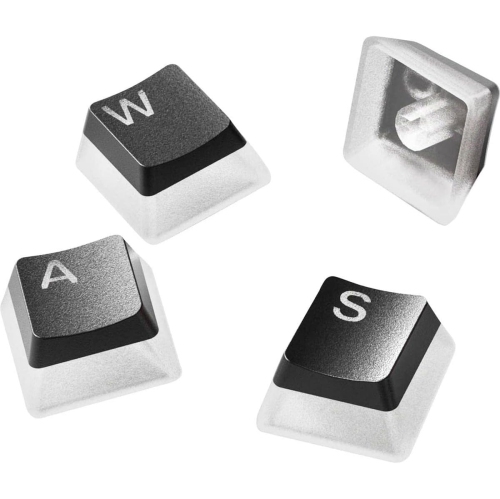
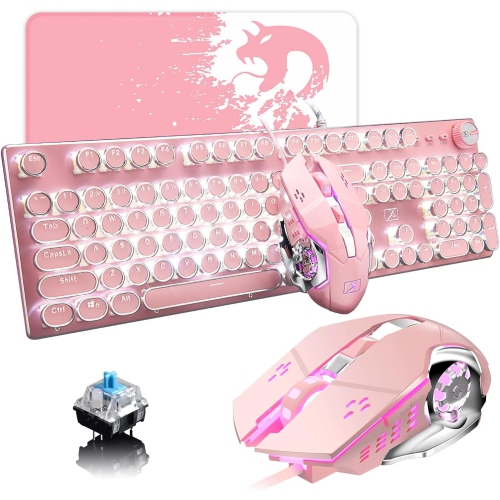
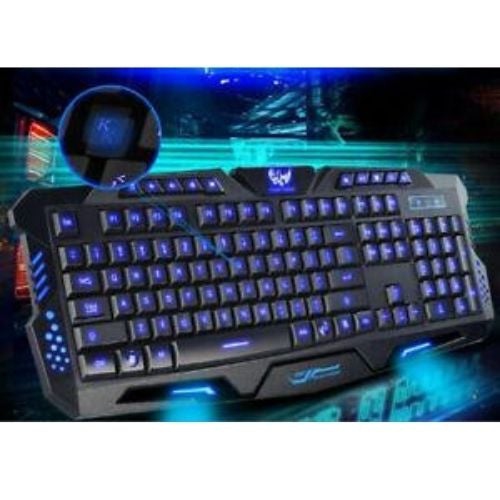
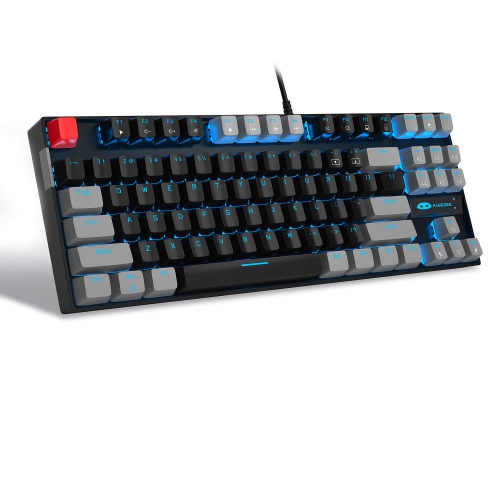

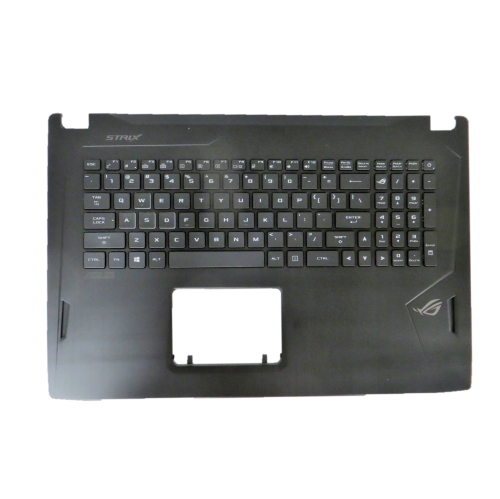
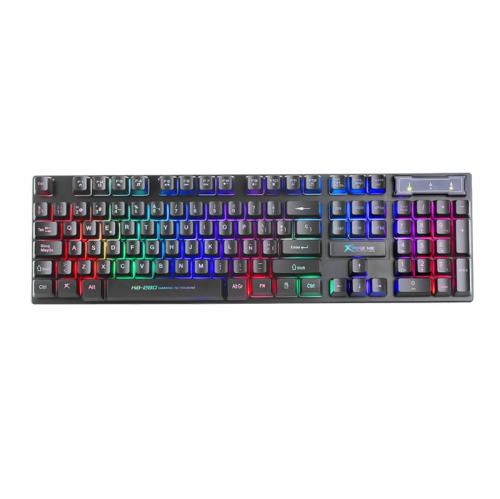
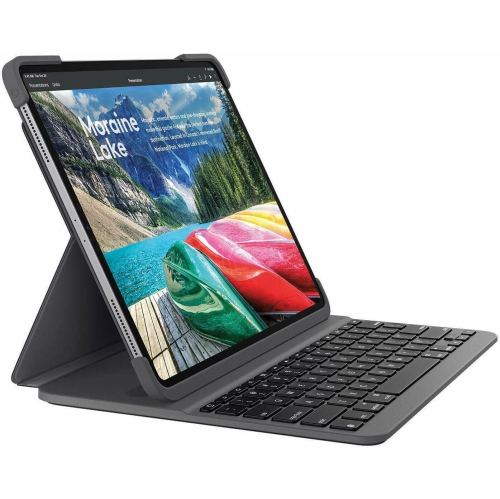
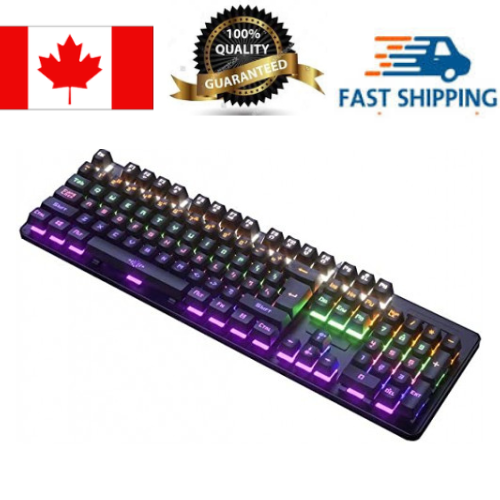
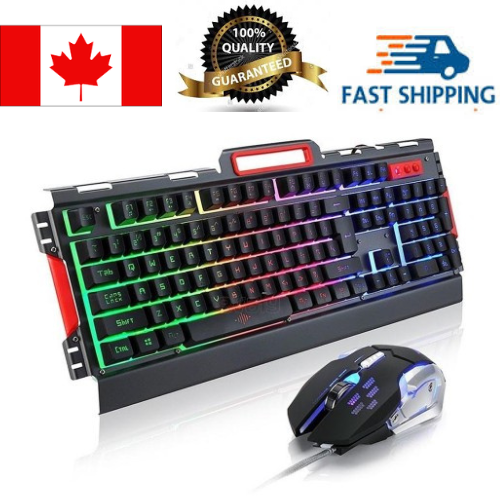
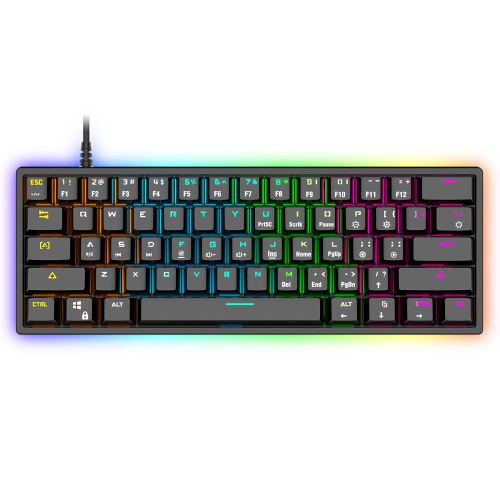
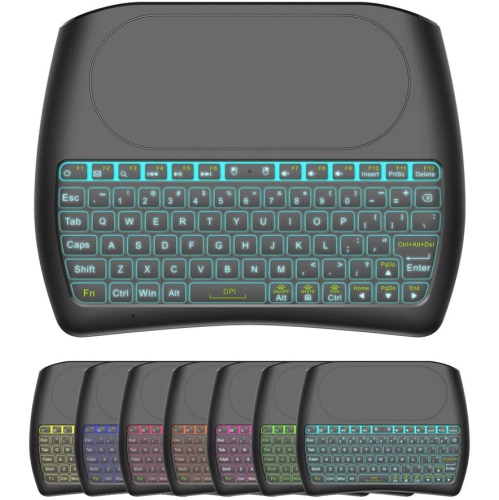
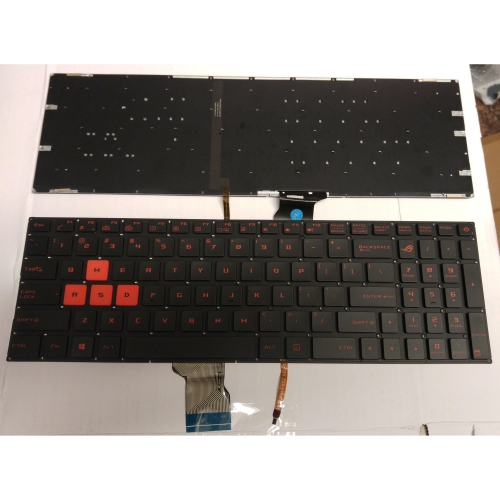
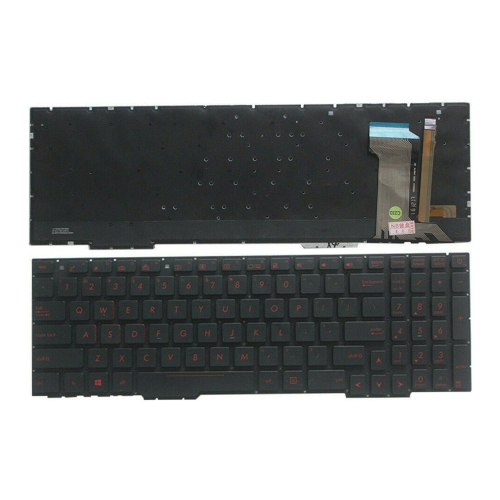
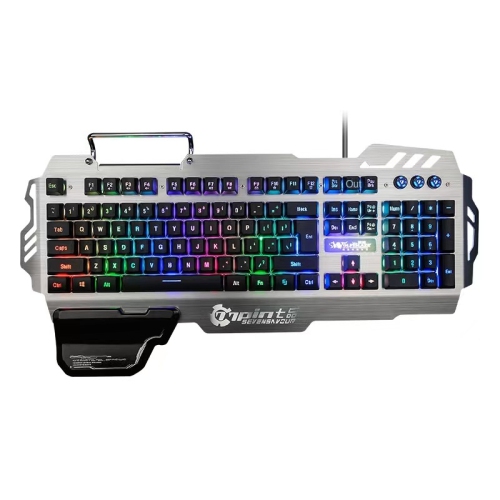
Lighting, switches, layouts, and connectivity shape everyday keyboard use
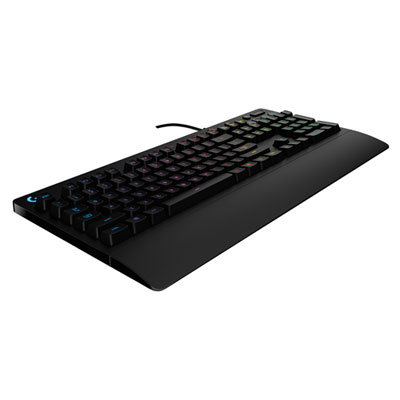
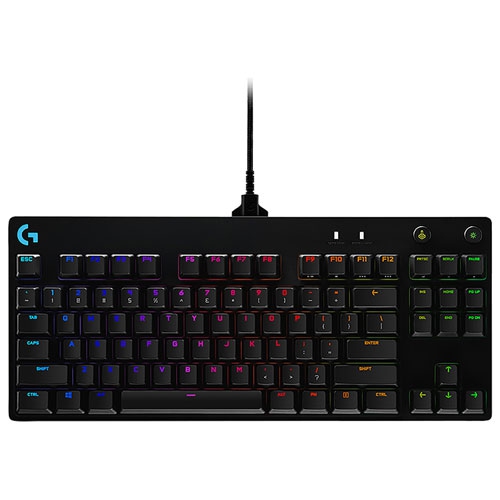
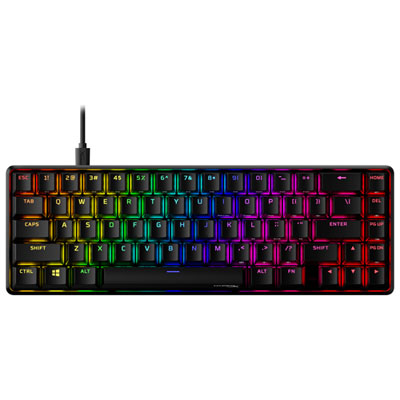
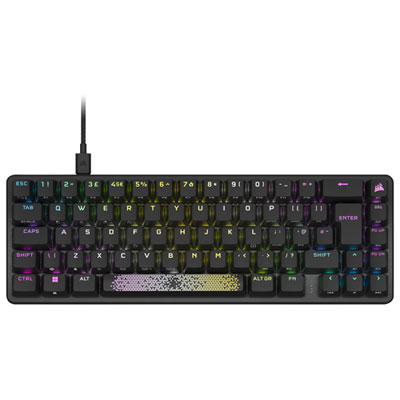
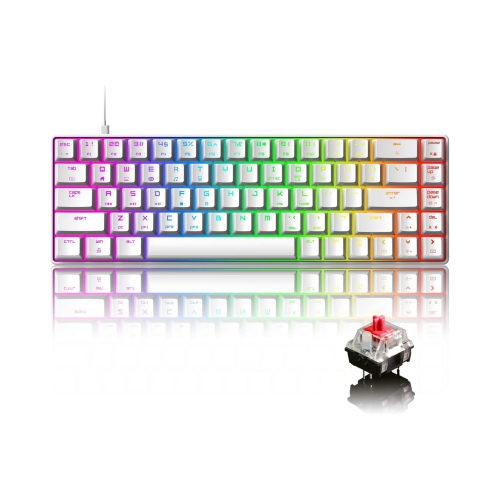
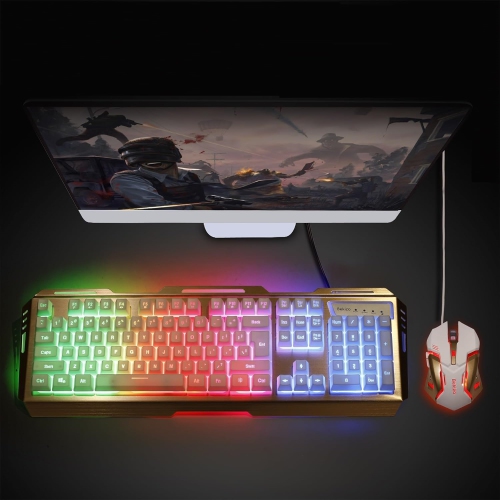
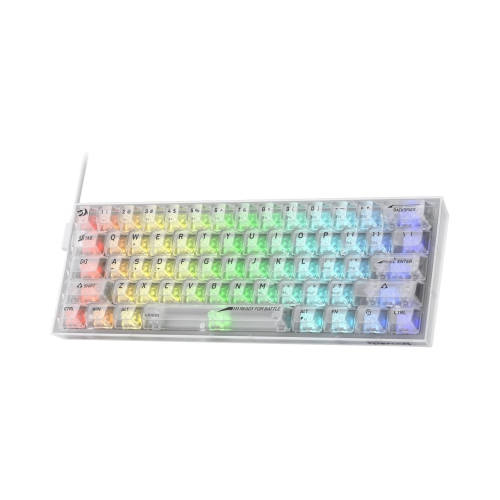
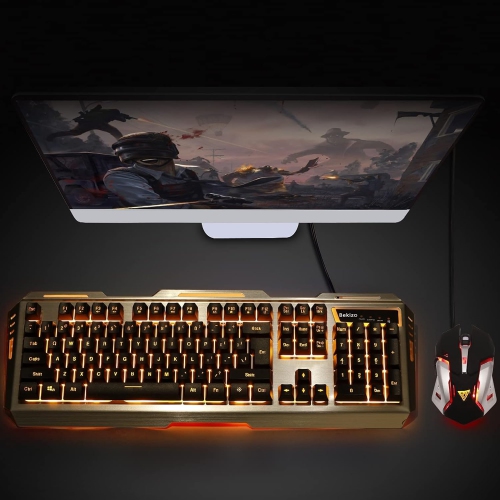
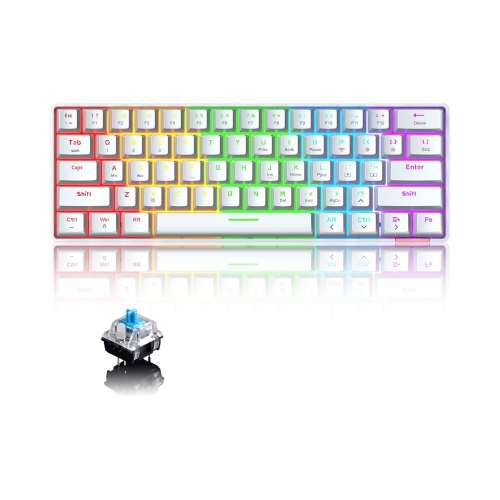
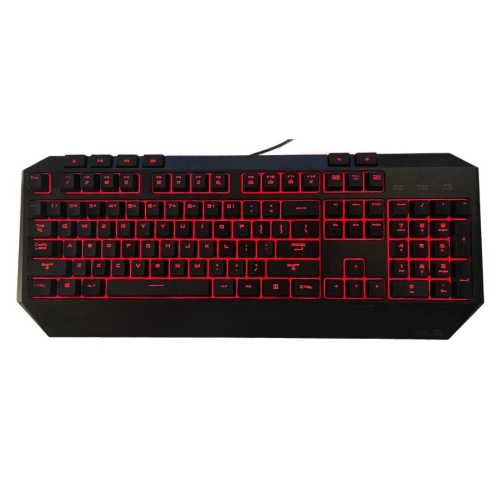
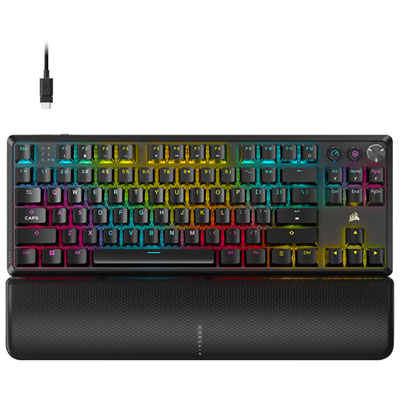
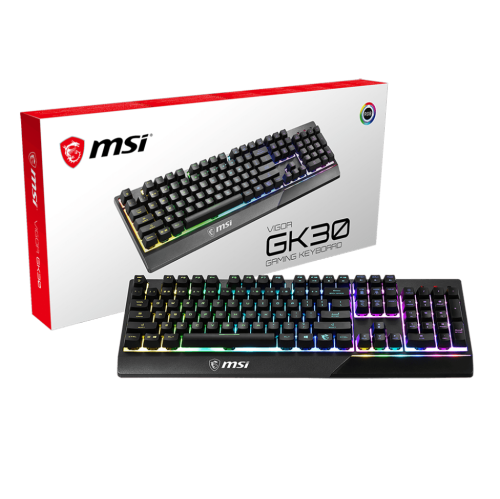
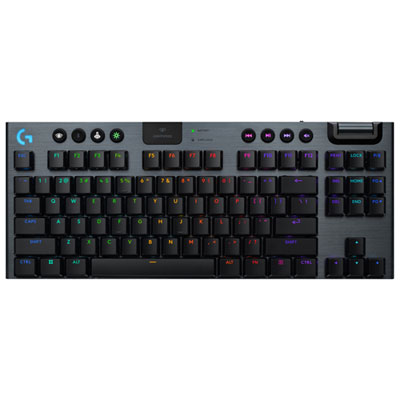
RGB backlit keyboards combine practical visibility with customizable lighting, making them a popular choice for gaming, work, study, and everyday computing. RGB stands for red, green, and blue, the three primary light colours used to create a broad spectrum of shades beneath or around the keys. Depending on the design, a keyboard may offer single-colour illumination, grouped lighting zones, or per-key RGB lighting that lets each key display its own colour. Lighting effects can include a steady glow, breathing fades, waves that travel across the keyboard, reactive flashes that respond to keystrokes, and profiles matched to different games or applications. Brightness and effect controls may be available through dedicated keyboard shortcuts, while more advanced customization is often handled through desktop software. A keyboard with zone lighting may divide the board into several sections, whereas per-key illumination provides finer control for highlighting movement keys, shortcuts, number pads, or frequently used commands. Backlighting can also make legends easier to see in a dim room, whether someone is playing after dark, finishing homework in the evening, or working at a desk while the rest of the household is asleep. For an overview of features and popular options to compare, browse Best RGB Keyboards.
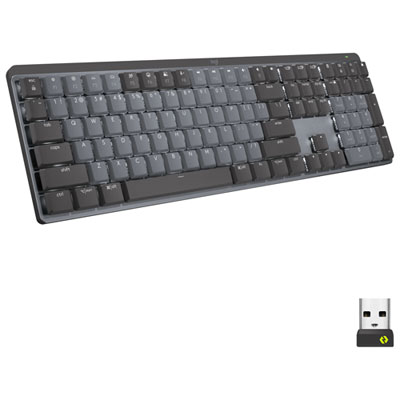
The switch type is one of the most important considerations because it affects sound, key feel, actuation, and long-term comfort. Mechanical switches use individual mechanisms beneath the keys and are commonly available in tactile, clicky, or linear styles. Tactile switches provide a noticeable bump when a key registers, which can make typing feel deliberate and responsive. Clicky switches add an audible click, creating the crisp sound many people associate with traditional mechanical keyboards, although they may be less suitable in a shared office or quiet bedroom. Linear switches move smoothly from top to bottom with little or no tactile bump and are often preferred for fast, repeated inputs. Membrane keyboards use a shared pressure layer instead of individual mechanical switches and typically offer a softer, quieter feel. They can be a comfortable fit for general typing, schoolwork, office tasks, or gaming where a low-noise setup is important. Key rollover and anti-ghosting features are also worth checking, particularly for games that require several keys to be pressed at once. A full-size layout includes the number pad and may suit people who enter figures regularly, while tenkeyless designs remove the number pad to create more room for a mouse. Compact layouts go further by reducing the footprint and sometimes combining functions on fewer keys, which can be useful for smaller desks or portable setups. Pay attention to the connection as well: wired USB models provide a direct connection with no need to recharge, while wireless keyboards can help reduce cable clutter and make it easier to move between a desktop, laptop, or compatible device. Some models offer both wired and wireless modes, giving users flexibility for gaming, work, and travel.
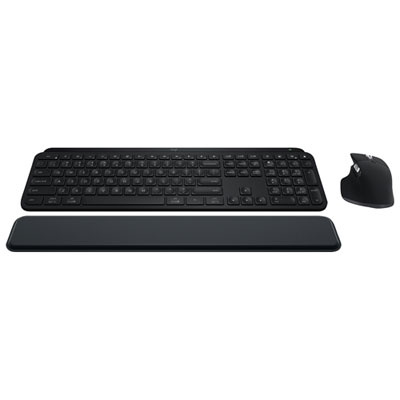
Durability, comfort, and software support can make a noticeable difference over months of daily use. Look for a sturdy frame, stable feet, a detachable or well-protected cable, and keycaps that are comfortable under the fingertips. Adjustable rear feet can change the typing angle, while a wrist rest may provide additional support during long sessions. The best height and angle depend on the user’s desk, chair, and posture, so it is helpful to keep wrists relaxed rather than sharply bent while typing. RGB controls are another practical detail: onboard shortcuts are convenient for changing brightness or cycling through effects without installing anything, while companion software can provide deeper control over colours, individual keys, profiles, macros, and synchronization with compatible desktop accessories. Check operating-system compatibility and consider whether the keyboard’s extra functions, such as media controls, a volume wheel, programmable keys, or a game mode, match the intended setup. RGB backlit keyboards can be thoughtful gifts for gamers, students setting up a first desk, streamers, remote workers, and anyone who enjoys personalizing a computer space. A compact illuminated keyboard can help a student create a more organized study station, while a full-size board with dedicated controls may suit someone who alternates between spreadsheets, music, and games. During the warmer months or cooler evenings, lighting can add a welcoming glow to a desk without taking over the room, and adjustable brightness makes it easy to keep the effect subtle when needed. Whether the priority is quiet typing, precise mechanical feedback, a compact footprint, extensive customization, or simple visibility after sunset, comparing layout, switches, connectivity, controls, and lighting capabilities helps narrow the selection to an RGB backlit keyboard that feels natural for the way it will be used.
The switch type is one of the most important considerations because it affects sound, key feel, actuation, and long-term comfort. Mechanical switches use individual mechanisms beneath the keys and are commonly available in tactile, clicky, or linear styles. Tactile switches provide a noticeable bump when a key registers, which can make typing feel deliberate and responsive. Clicky switches add an audible click, creating the crisp sound many people associate with traditional mechanical keyboards, although they may be less suitable in a shared office or quiet bedroom. Linear switches move smoothly from top to bottom with little or no tactile bump and are often preferred for fast, repeated inputs. Membrane keyboards use a shared pressure layer instead of individual mechanical switches and typically offer a softer, quieter feel. They can be a comfortable fit for general typing, schoolwork, office tasks, or gaming where a low-noise setup is important. Key rollover and anti-ghosting features are also worth checking, particularly for games that require several keys to be pressed at once. A full-size layout includes the number pad and may suit people who enter figures regularly, while tenkeyless designs remove the number pad to create more room for a mouse. Compact layouts go further by reducing the footprint and sometimes combining functions on fewer keys, which can be useful for smaller desks or portable setups. Pay attention to the connection as well: wired USB models provide a direct connection with no need to recharge, while wireless keyboards can help reduce cable clutter and make it easier to move between a desktop, laptop, or compatible device. Some models offer both wired and wireless modes, giving users flexibility for gaming, work, and travel.
Durability, comfort, and software support can make a noticeable difference over months of daily use. Look for a sturdy frame, stable feet, a detachable or well-protected cable, and keycaps that are comfortable under the fingertips. Adjustable rear feet can change the typing angle, while a wrist rest may provide additional support during long sessions. The best height and angle depend on the user’s desk, chair, and posture, so it is helpful to keep wrists relaxed rather than sharply bent while typing. RGB controls are another practical detail: onboard shortcuts are convenient for changing brightness or cycling through effects without installing anything, while companion software can provide deeper control over colours, individual keys, profiles, macros, and synchronization with compatible desktop accessories. Check operating-system compatibility and consider whether the keyboard’s extra functions, such as media controls, a volume wheel, programmable keys, or a game mode, match the intended setup. RGB backlit keyboards can be thoughtful gifts for gamers, students setting up a first desk, streamers, remote workers, and anyone who enjoys personalizing a computer space. A compact illuminated keyboard can help a student create a more organized study station, while a full-size board with dedicated controls may suit someone who alternates between spreadsheets, music, and games. During the warmer months or cooler evenings, lighting can add a welcoming glow to a desk without taking over the room, and adjustable brightness makes it easy to keep the effect subtle when needed. Whether the priority is quiet typing, precise mechanical feedback, a compact footprint, extensive customization, or simple visibility after sunset, comparing layout, switches, connectivity, controls, and lighting capabilities helps narrow the selection to an RGB backlit keyboard that feels natural for the way it will be used.
Top selling and popular products
-
 Your price for this item is $39.99
 -
 Your price for this item is $76.98
 -
 Your price for this item is $94.99
 -
 Your price for this item is $319.99
 -
 Your price for this item is $364.99
 -
 Your price for this item is $149.99
 -
 Your price for this item is $124
 -
 Your price for this item is $94.99
Discover more categories related to RGB Backlit Keyboards
Top Collections:
Pokemon Centers, Kindle Devices, Best Budget Office Chairs, Apple iPhones 16, Best Laptops for Writers, iPhone 15 Apple, Canon G7X Cameras, Refurbished Apple Laptops, Alarm Clock, Motorola Razr Phones
Some products may be subject to Environmental Handling Fees
(EHF) depending on your province.
Learn more about EHFs.