IP Routers
IP Routers are essential devices that help manage and direct network traffic in homes and businesses, ensuring seamless connectivity between multiple devices. Whether you're setting up a wireless network for streaming, gaming, or working from home, the right IP router can make all the difference in your online experience. Explore a wide selection of IP Routers designed to support various networking needs and enjoy reliable performance for all your connected devices. Find the ideal solution to keep your network running smoothly and efficiently.
Sort
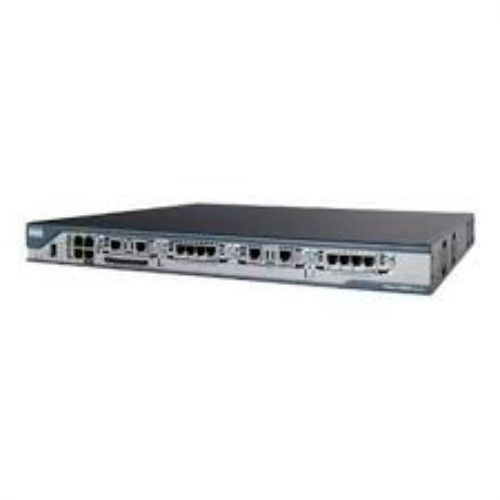
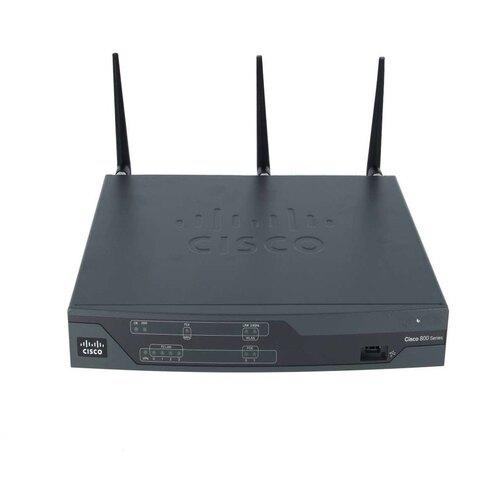
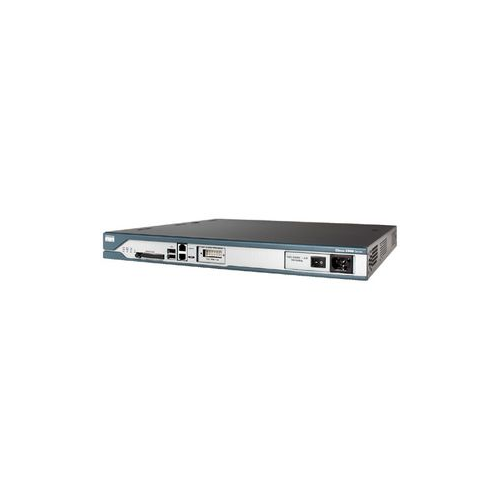
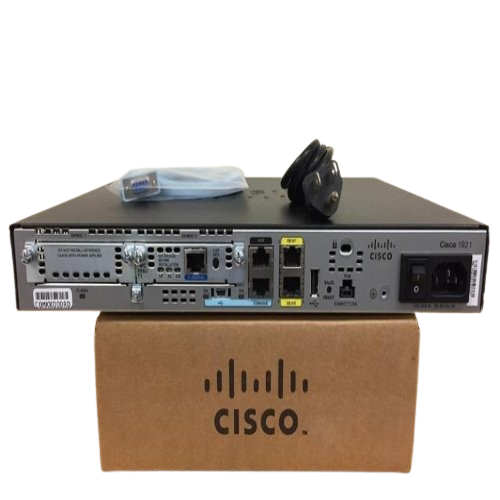

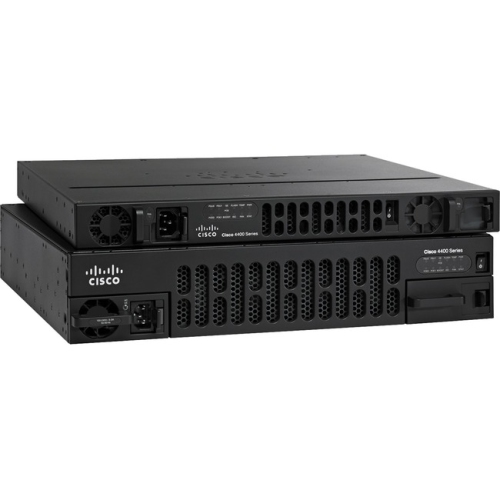
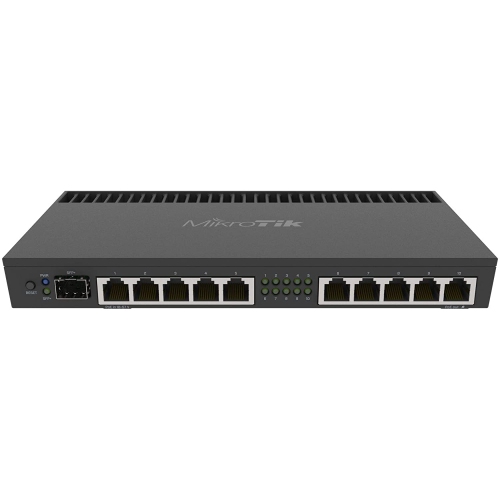
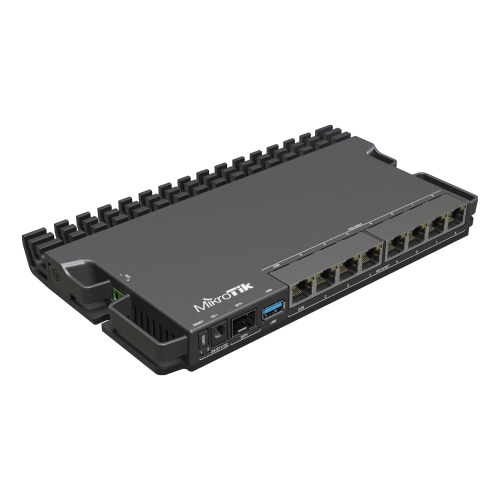
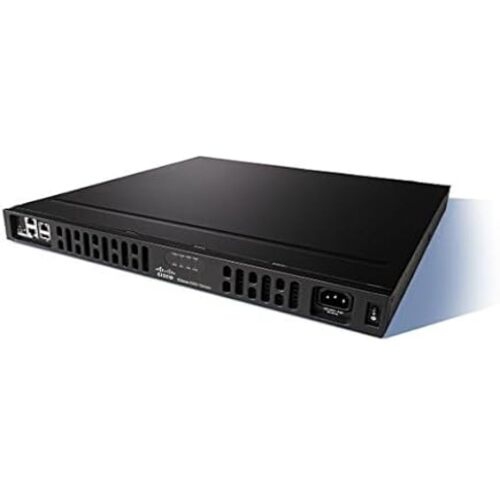
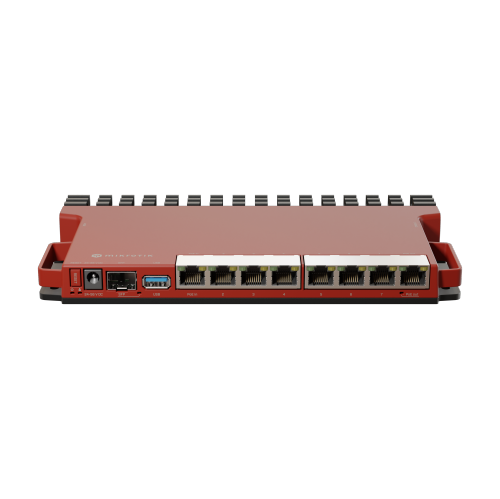
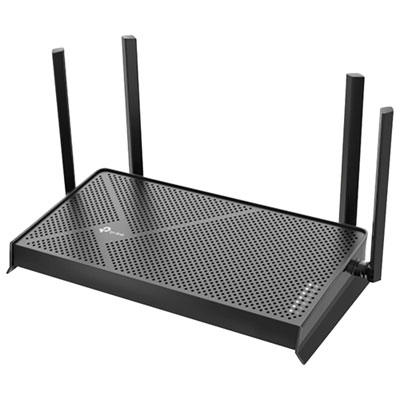
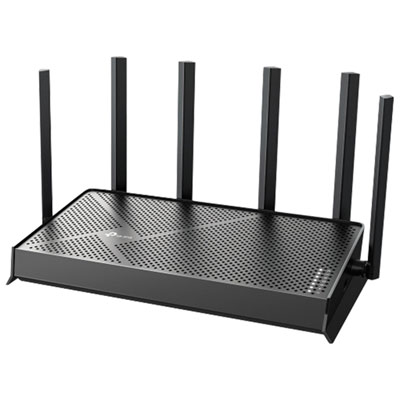

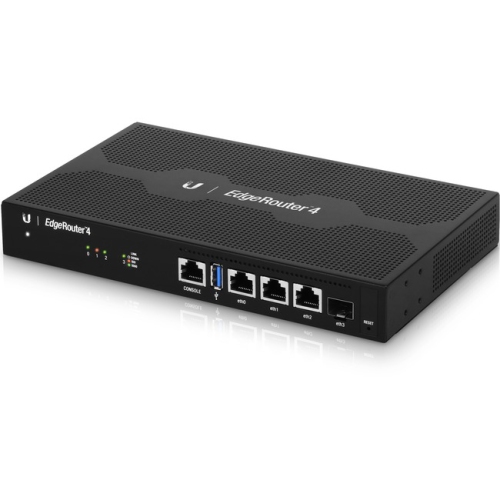
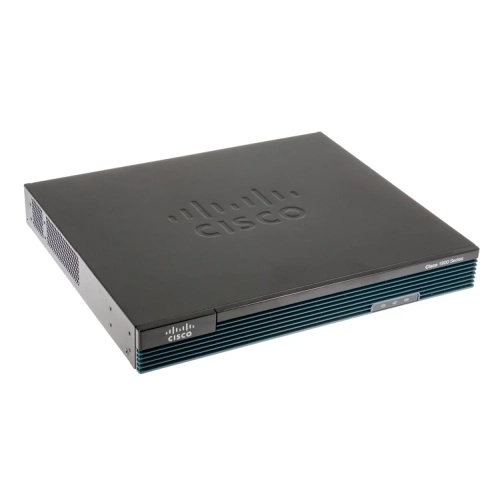

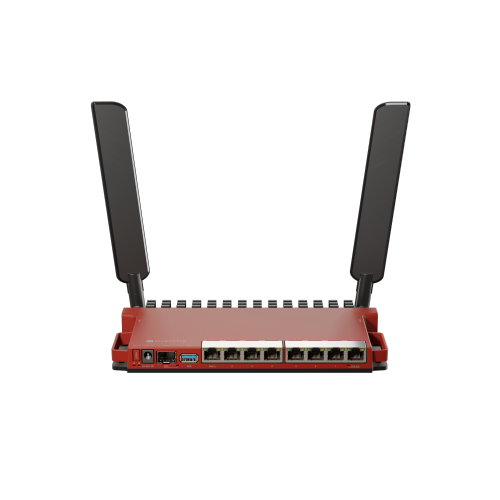
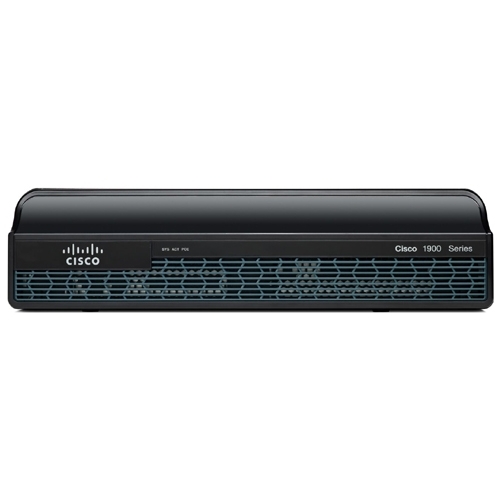
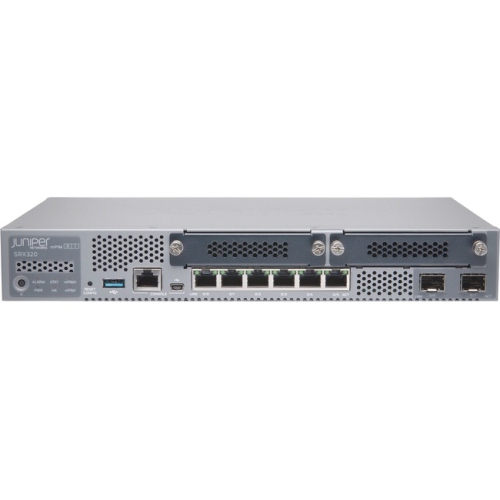
How router addresses and settings shape your network
IP routers direct data between networks, helping computers, phones, smart TVs, and other connected devices communicate with services beyond the home or office. A router’s private IP address, often shown as the default gateway in a device’s network settings, is the local address commonly used to reach its administration page. Common default router IP addresses include 192.168.1.1 and 192.168.0.1, although the correct address depends on the router, its configuration, and the network. That address is different from the public IP address associated with an internet connection, and it is not the same as a Wi-Fi network name or password. The administration page may provide access to network names, connected-device lists, password settings, and software updates; some routers also offer management through an app. Access usually requires a connection to the local network and the appropriate administrator credentials. For shoppers comparing IP routers, these management options are part of a broader role: keeping traffic moving between personal devices and the internet while providing control over how the network operates. A modem or optical network terminal connects to the internet provider’s service, while a router shares that connection across a local network. Some provider-supplied gateways combine several functions in one enclosure, so a separate router is not always necessary. Where a separate router is appropriate, compatibility with the existing connection and any provider requirements matters as much as wireless coverage. IP routing is not limited to Wi-Fi, either. Wired routers serve networks built around Ethernet connections, while wireless routers combine routing with a wireless access point. Both can suit everyday browsing, remote work, entertainment, or business use, depending on their connections and capabilities. Understanding that distinction helps separate the router’s networking function from the wireless signal that devices use to reach it.
The most useful router capabilities depend on the space, the internet service, and what happens across the network throughout the day. A household with video meetings in a spare bedroom, streaming in the living room, and online gaming elsewhere places different demands on a router than a small apartment with a few connected devices. Wireless coverage is affected by layout, wall construction, placement, and interference, not just the coverage figure printed on packaging. A central location on an open shelf can be more effective than a corner behind a television or inside a metal cabinet. For larger homes or difficult layouts, routers that support a compatible mesh system can extend coverage through additional nodes, although performance still depends on how those nodes connect to one another. Ethernet ports remain valuable for desktop computers, game consoles, storage devices, and other equipment that benefits from a steady wired connection. The speed of both the internet-facing port and the local network ports can matter, particularly when the internet plan or internal file transfers exceed gigabit speeds. Advertised wireless speeds describe theoretical capabilities rather than a guaranteed download rate for each device; actual results also depend on the connected device, signal conditions, network traffic, and internet service. Dual-band and tri-band designs provide different ways to distribute wireless connections, while support for newer Wi-Fi standards is most useful when connected devices can take advantage of them. Traffic-prioritization features may help manage a busy connection during a video call or gaming session, but they cannot add bandwidth beyond the service itself. For a home office or small business, additional considerations include support for IPv6, network segmentation, and virtual private network connections. These features vary by router, and their value depends on the intended setup. Straightforward management may be more useful for a shared household, while detailed controls can suit someone managing separate work devices, visitors, and connected equipment.
Security and ongoing upkeep are important parts of choosing an IP router because it sits at the boundary between a private network and other networks. A built-in firewall, supported wireless encryption, administrator controls, and a clear software-update process all deserve attention. WPA3 support can strengthen wireless security when compatible devices are used, while older equipment may require a different supported configuration. A guest network can give visitors internet access without sharing the main Wi-Fi credentials; whether it also prevents access to local devices depends on the router’s isolation settings. Shoppers seeking more control over access rules, network separation, or remote connections can also explore Security Routers for related networking options. Feature names alone do not tell the whole story: the ease of changing a password, reviewing connected devices, or receiving update notifications can make a meaningful difference over time. Automatic updates, where supported, can reduce routine maintenance, though the manufacturer’s support period and update policies remain worth checking. Physical design matters as well. Router housings are commonly made from plastic or metal, with ventilation openings and either internal or external antennas. A compact design may fit neatly on a shelf, while a larger enclosure can require more room for cables and airflow. Wall-mounting support can be useful where desk space is limited, provided the installation follows the manufacturer’s directions. Durability is helped by stable placement, unobstructed vents, and cables arranged so that an accidental tug does not pull the router off its surface. Exterior cleaning should follow the care instructions, without allowing liquid into ports or openings. For renters, families, remote workers, and small offices, the right balance is usually a router that fits the existing connection, reaches the spaces where devices are used, and offers controls that are practical to maintain. Reliable networking comes from that fit between hardware, placement, service, and everyday needs—not from a single headline specification.
Top selling and popular products
-
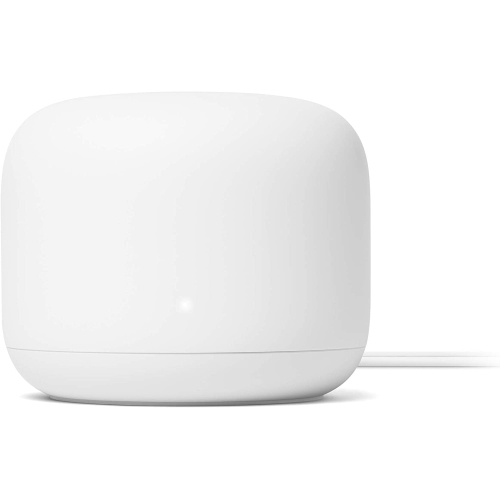 Your price for this item is $99.99
-
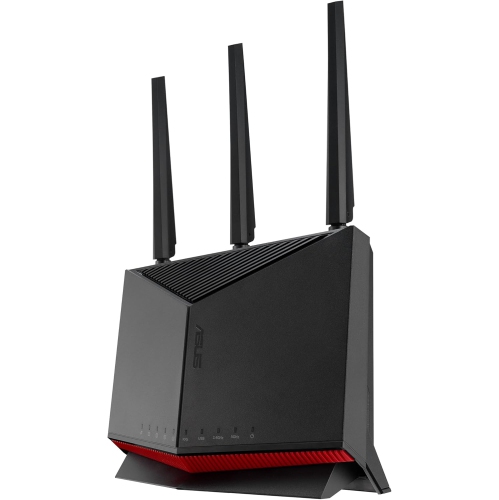 Your price for this item is $490.72
-
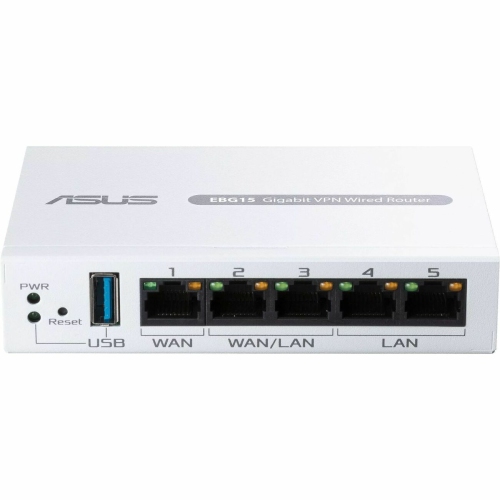 Your price for this item is $128.99
-
 Your price for this item is $629.99
-
 Your price for this item is $175.11
-
 Your price for this item is $79.75
-
 Your price for this item is $971.99
-
 Your price for this item is $292.68
Discover more categories related to IP Routers
Top Collections:
Best Black Friday Deals This Year, Best Black Friday Deals On Electronics, Kindle Devices, Pokemon Centers, Best Black Friday Deals On Apple Products, Best Cameras for Sports Photography, Dyson Airwrap, Pokémon 30th Celebration Cards, Apple iPhone 17 Pro, Canon G7X Cameras
Some products may be subject to Environmental Handling Fees
(EHF) depending on your province.
Learn more about EHFs.