Best 14 Inch Chromebook

Find your next everyday laptop with our best 14-inch Chromebooks, ranked by customer review ratings. Whether you’re studying, streaming, or browsing, a 14-inch screen offers a balance of viewing space and portability. Explore the top-rated options to find a Chromebook that fits your needs and budget.

Read More

What to look for in the best 14-inch Chromebooks

1. Processor and Memory

Choose a processor suited to your workload, whether you mainly browse the web or juggle video calls and multiple apps. Aim for at least 8 GB of RAM for smoother multitasking.

2. Display and Design

A Full HD display keeps text and images sharp on a 14-inch screen, while an anti-glare finish can help reduce reflections. Consider a touchscreen or a 2-in-1 design if you want to take notes, draw or use the device in tablet mode.

3. Battery Life and Connectivity

Compare battery-life estimates and weight if you plan to carry your Chromebook between classes, work or home. Check for Wi-Fi compatibility and the ports you need, such as USB-C for charging or connecting a compatible display.

4. App Compatibility and Update Support

Confirm that your essential apps work on ChromeOS, especially if you rely on software designed for Windows or macOS. Check the model’s automatic update expiry date to understand how long it will receive automatic software and security updates.
Citrus catapult arrow
  1. 1

    LENOVO 14E 14" Touchscreen Chromebook - Amd A4-9120 - 4GB Ddr4 - 32GB Flash Memory - Chromeos - In Gray

    About this product

    A 14" Chromebook with Full HD display, AMD A4 processor, 4GB RAM, and 32GB flash storage.

    What customers like

    • Fast performance
    • Good screen quality
    • Great value for the price
    • Lightweight and portable
    • Easy to use and set up
    (23)
    $383.68
    SAVE $15
    Your price for this item is $383.68
  2. 2

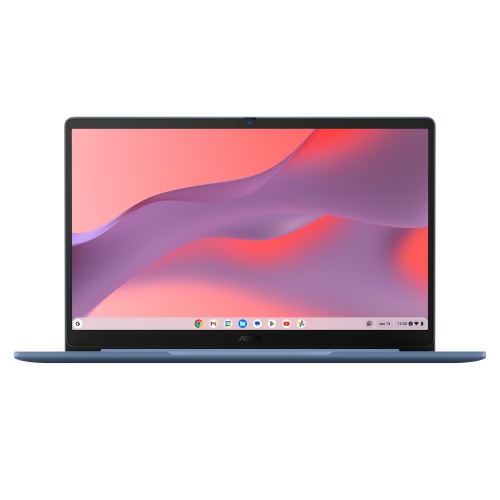
    ASUS Chromebook Cx14 14" Fhd Touchscreen - Intel Celeron N4500 - 8GB Lpddr4X - 128GB Emmc - Chromeos - - Bilingual In Grey

    About this product

    A durable ChromeOS laptop with a 14" Full HD display, Intel Celeron processor, and 128GB storage.

    $479.00
    SAVE $120
    Your price for this item is $479
  3. 3

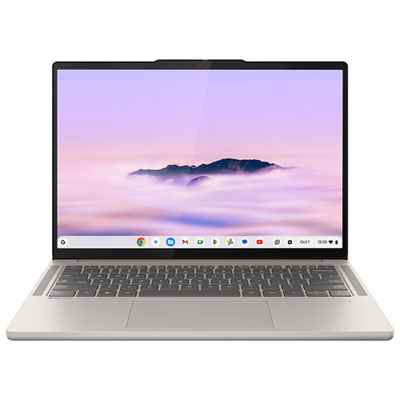
    Lenovo Chromebook Plus 14" OLED Touchscreen Chromebook - MediaTek Kompanio Ultra 910 - 16GB LPDDR5x - 256GB SSD - ChromeOS - Seashell

    About this product

    A sleek seashell-coloured laptop with a 14" OLED touchscreen, MediaTek Kompanio Ultra 910, and 16GB RAM.

    What customers like

    • Stunning OLED touchscreen display
    • Excellent battery life
    • Lightweight and portable design
    • Fast and smooth performance
    • Comfortable backlit keyboard
    (153)
    $999.99
    SAVE $350
    Your price for this item is $999.99
  4. 4

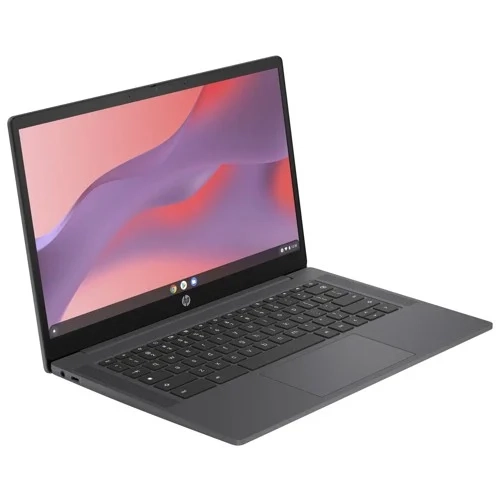
    HP Chromebook 14" HD Laptop (Intel Celeron N4500, 4GB Ram, 64GB Emmc, Chrome Os) - Modern (14A-Ne1013Dx) In Grey

    About this product

    A sleek grey laptop featuring an Intel Celeron processor, 14" HD display, 4GB RAM, and Chrome OS.

    What customers like

    • Smooth and reliable performance
    • Comfortable and responsive keyboard
    • Affordable with excellent value
    • Easy setup and user-friendly
    • Lightweight and portable
    (1,429)
    $406.99 Your price for this item is $406.99
  5. 5

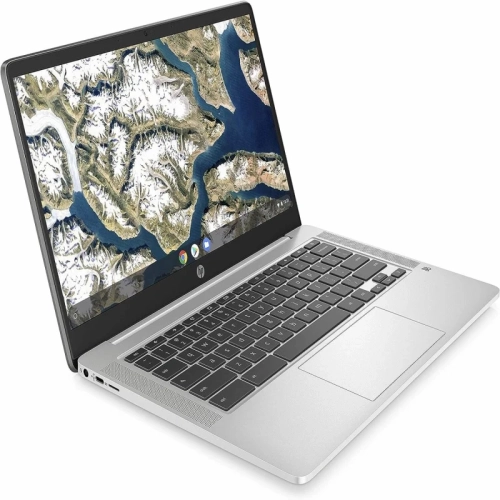
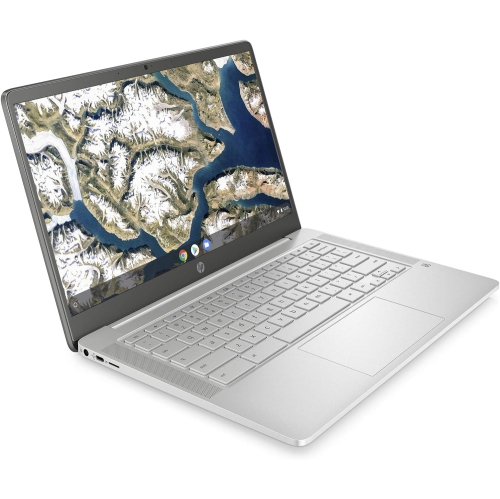
    HP 14A 14" Chromebook - Intel N100 - 8GB - 128GB Flash - Intel Uhd - Chromeos - - Brand New In Silver

    About this product

    A versatile 14-inch Chromebook offering reliable performance for everyday computing and web browsing tasks.

    What customers like

    • Good value for the price
    • Clear image quality and sound
    • Attractive appearance and colour
    • Easy to use
    • Reliable performance for everyday tasks
    (50)
    $420.89
    SAVE $45
    Your price for this item is $420.89
  6. 6

    HP 14A 14" Chromebook - Intel Celeron N4020 - 4GB Lpddr4 - 32GB Emmc - Chromeos - In Silver

    About this product

    A 14-inch Chromebook with Intel Celeron processor, 4GB RAM, and 32GB storage for seamless productivity and entertainment.

    $299.99 Your price for this item is $299.99
  7. 7

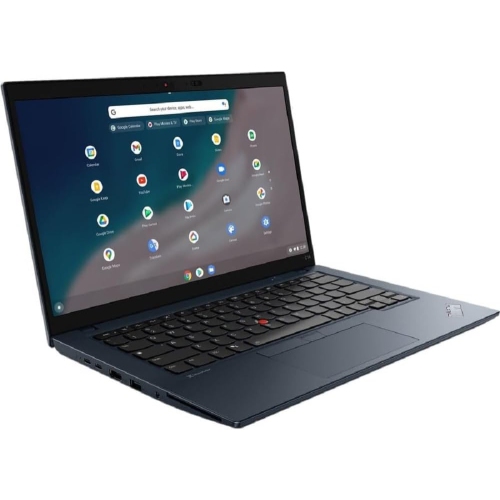
    LENOVO Refurbished (Excellent) - Thinkpad C14 Chromebook 14" Fhd - I5-1245U - 8GB - 256GB SSD - Chrome Os - Grey/black - 2 Years Warranty

    About this product

    A powerful Chromebook featuring a 14" FHD display, Intel i5 processor, 8GB RAM, and 256GB storage.

    $785.00
    SAVE $274
    Your price for this item is $785

A roomy screen without the larger laptop footprint

The best 14-inch Chromebooks balance a comfortable screen, responsive everyday performance, and a size that is easy to carry between a desk, classroom, and kitchen table. A 14-inch display, measured diagonally, gives documents and websites room to breathe without taking up as much bag space as a larger laptop. That makes this format useful for students working on assignments, people handling browser-based work, and households that need a straightforward computer for email, video calls, and streaming. The strongest fit depends on how the laptop will be used: clear text and a comfortable keyboard matter for long writing sessions, while screen quality and speakers become more noticeable during films or online lessons. Full HD resolution or higher can make small lettering and spreadsheet details easier to distinguish than on a lower-resolution panel of the same size. Aspect ratio also affects the experience. A taller display shows more of a document or webpage at once, which can mean less scrolling through research notes or lengthy forms. An anti-glare finish helps reduce distracting reflections, while a glossy touchscreen may suit someone who prefers tapping through photos or moving directly around a page. Brightness, viewing angles, and colour reproduction vary between displays, so resolution alone does not describe the whole picture. OLED panels can offer deep blacks and strong contrast, while a good IPS panel can provide consistent viewing angles for sharing the screen with someone sitting nearby. Touch input is useful for certain activities but is not essential for writing, browsing, or managing files. For many people, the appeal of a 14-inch Chromebook is simply having enough space to keep a reference document beside a draft, then closing the lid and slipping the computer into a backpack. Slim screen borders can keep the overall footprint compact, although laptops with the same display size can still differ noticeably in width, depth, and weight.

A Chromebook centres on browser-based computing, with support for compatible apps and connected services that varies by model and account settings. It is particularly well suited to writing documents, attending online classes, keeping a calendar, shopping online, and watching videos. Performance depends on the processor, memory, storage, and the demands of the apps being used together. Someone who keeps a few tabs open has different needs from a student switching between a video lesson, a presentation, and several research sources. For regular multitasking, 8 GB of RAM is a useful starting point, while 16 GB can provide more headroom for heavier browser sessions and supported apps. A capable processor helps keep navigation responsive, but a faster chip does not automatically make a laptop the better choice if its keyboard, screen, or battery falls short of daily needs. Storage deserves attention even when much of the work happens online. Downloaded films, offline documents, photos, and app files all take up local space, and the operating system uses part of the stated capacity. Storage technology can also affect responsiveness when opening apps or moving larger files. A memory card slot, where included, can help with certain file-storage tasks, but it does not increase system memory. Offline work is possible in supported apps when it has been set up beforehand; some features still require an internet connection. Anyone relying on specialist desktop software should confirm compatibility rather than assume a Chromebook runs the same programs as another type of computer. School and workplace requirements can also include particular testing tools, account controls, or remote-access arrangements. Automatic updates and built-in security features help simplify routine upkeep, although each model has a defined support period that is worth checking. Battery-life claims are another point of comparison rather than a promise for every activity. Screen brightness, video calls, wireless connections, and demanding apps can all affect how long a charge lasts. For a day spent moving between rooms, a balance of battery endurance and convenient charging can matter more than a headline performance specification.

Physical design shapes how a 14-inch Chromebook feels after hours of use and how well it fits into a daily routine. A traditional clamshell laptop provides a familiar setup for typing, while a convertible with a 360-degree hinge can fold into tent or tablet positions. Tent mode can keep the keyboard out of the way during a video lesson, and a fold-back screen can make touch-based reading or sketching more natural. Shoppers interested in those flexible designs can explore best 2-in-1 Chromebooks, with attention to hinge stability, touch support, and whether a compatible pen is included or sold separately. A convertible remains a laptop-sized device, so its weight matters when holding it rather than resting it on a table. Chassis materials commonly include plastic, metal, or a combination of both. Metal can provide a firm feel, while well-designed plastic can keep weight manageable; construction quality, hinge design, and protection during transport matter alongside the material itself. A padded sleeve should fit the laptop’s actual dimensions, not just its advertised screen size. Carrying the computer in a separate compartment helps prevent keys, chargers, and other hard objects from rubbing against the lid. For cleaning, a soft microfibre cloth and the manufacturer’s care directions help protect the screen and finish, and liquids should never be sprayed directly onto the laptop. Day-to-day comfort also comes from details such as key spacing, trackpad accuracy, and a backlit keyboard for dim indoor spaces. A clear webcam and well-positioned microphones are valuable for remote meetings and family calls. Wi-Fi capability, USB-A and USB-C ports, an audio connection, and support for an external display determine how easily existing accessories fit into the setup; USB-C charging and video output should be verified for the particular model. As a gift for a student or family member, a 14-inch Chromebook makes the most sense when its app compatibility, portability, and input options match the recipient’s habits. The best choice is the one that handles those everyday tasks comfortably without adding unnecessary bulk or leaving an important requirement unmet.
Read More

FAQ

Some products may be subject to Environmental Handling Fees (EHF) depending on your province. Learn more about EHFs.