Best 24 Inch Monitors
Find the best 24 inch monitors for work, gaming, and everyday browsing, ranked by customer review ratings. Whether you’re setting up a home office or upgrading your desk, explore options with sharp visuals, smooth performance, and versatile connectivity to find the right fit for your space and budget.
What to look for in the best 24-inch monitors
1. Resolution and Image Clarity
2. Panel Type and Colour
3. Refresh Rate and Response Time
4. Connectivity and Adjustability
-
1
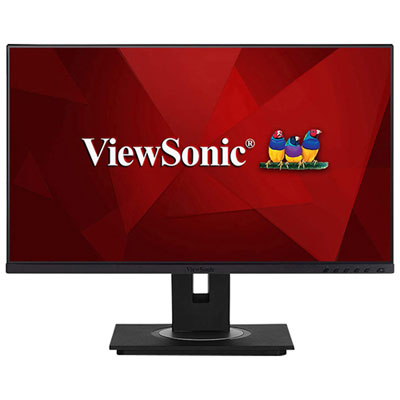
ViewsSonic 24" 1080p HD IPS LED Monitor (VG2456)
About this product
A black IPS LED monitor delivering vibrant 1080p visuals, smooth 5ms response, and multiple viewing presets.
(4)$360.99 Your price for this item is $360.99 -
2
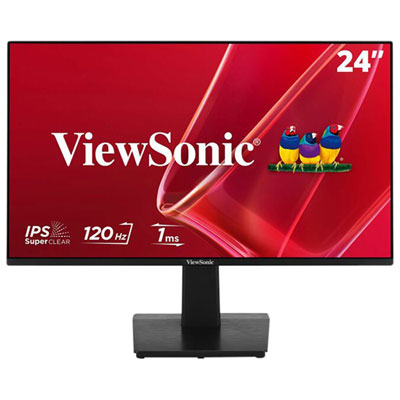
Viewsonic 24" 1080p HD IPS LCD Monitor (VA2448-MH) - Flicker-Free/Blue Light - 120Hz
About this product
A 24-inch IPS monitor offering smooth 120Hz visuals, wide viewing angles, and eye-comfort features.
(3)$150.99 Your price for this item is $150.99 -
3
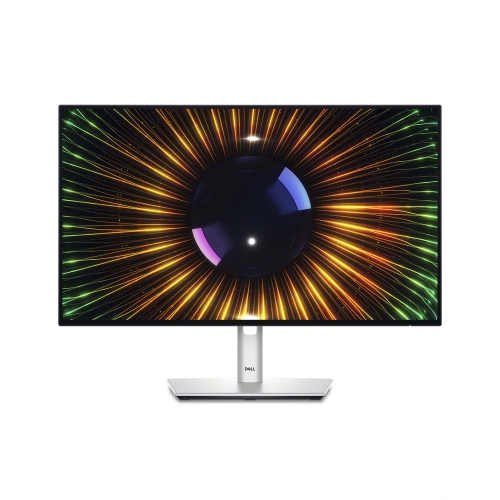
DELL Ultrasharp 24" 1080P HD Ips Lcd Monitor (U2424H) - Light - 120Hz In Blue
About this product
A high-resolution 24-inch monitor offering vibrant visuals and advanced connectivity for professional use.
(3)$379.67Your price for this item is $379.67SAVE $37 -
4

LENOVO Thinkvision E24Q-30 23.8" Wqhd 100Hz 6Ms Gtg Ips Led Monitor - Raven - (63Ecgar2Us) In Black
About this product
A sleek black IPS LED monitor offering QHD resolution, 100Hz refresh rate, and vibrant 99% sRGB colour.
(3)$270.99Your price for this item is $270.99SAVE $47 -
5
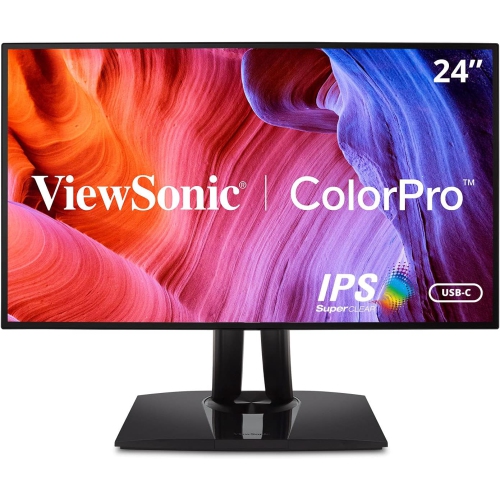
VIEWSONIC Vp 24" 1080P HD Ips Lcd Monitor (Vp2468A)
About this product
A frameless Full HD IPS monitor with 75Hz refresh rate and 5ms response time for vivid visuals.
(2)$479.79 Your price for this item is $479.79 -
6
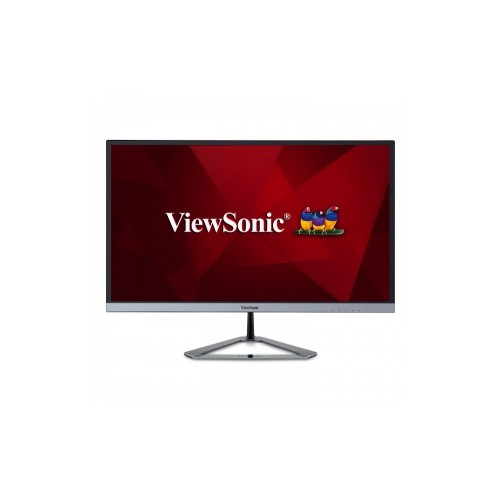
VIEWSONIC Vx2476 24" 1080P HD Ips Led Monitor (Vx2476-Smhd) - Flicker-Free/blue Light - 75Hz - In Silver
About this product
A sleek silver monitor featuring Full HD resolution, 75Hz refresh rate, and SuperClear IPS technology.
What customers like
(20)$193.99Your price for this item is $193.99SAVE $34 -
7
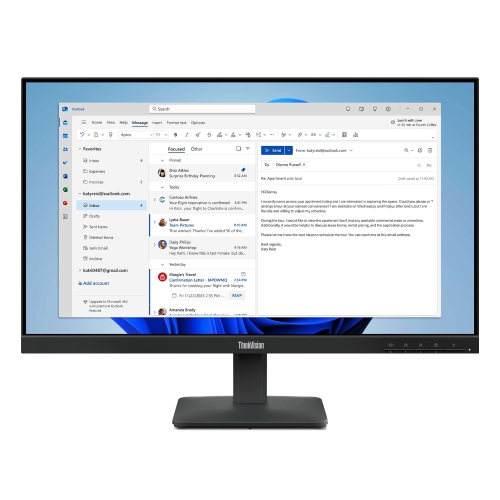
LENOVO Thinkvision 23.8" Monitor (S24-4E) - Flicker-Free/blue Light - 100Hz
About this product
A 23.8-inch monitor offering crisp visuals, ideal for work or entertainment setups.
(10)$289.00Your price for this item is $289SAVE $10 -
8
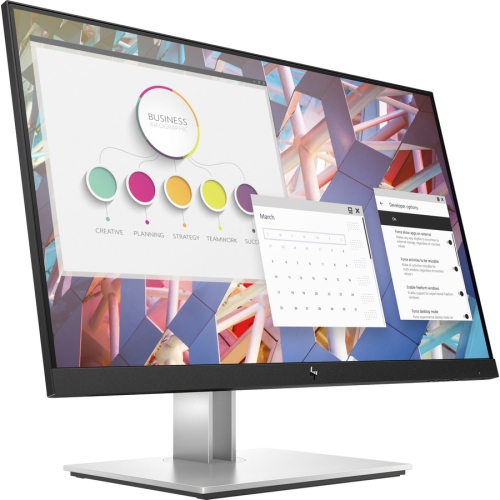
HP E24 G4 24" 1080P HD Ips Lcd Monitor (9Vf99A9#aba) - Low Light - No Stand In Blue
About this product
A 24" IPS widescreen monitor with 1080p resolution, HDMI, VGA, DisplayPort, and built-in USB hub.
What customers like
(0)$169.89Your price for this item is $169.89SAVE $116 -
9
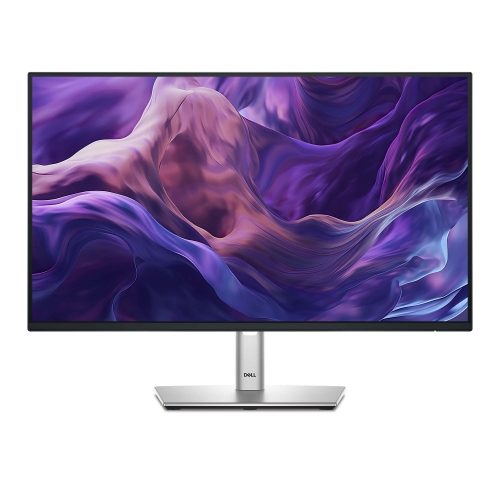
DELL 24" 1080P HD Ips Led Monitor (P2425H)
About this product
A sleek monitor offering vibrant visuals and reliable performance for work or entertainment.
(15)$244.99Your price for this item is $244.99SAVE $105 -
10
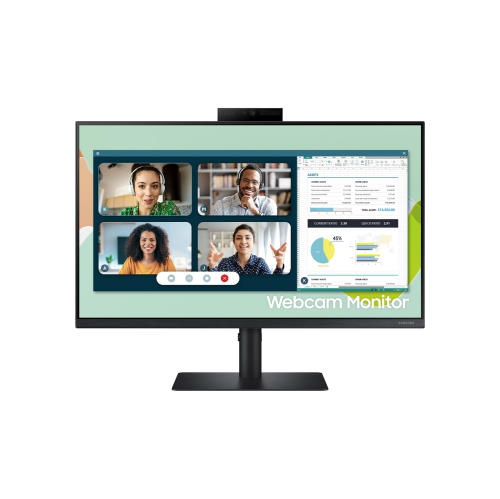
SAMSUNG 24" Fhd 75Hz 5Ms Gtg Flat Ips Lcd Amd Freesync Gaming Monitor (Ls24A400Venxza) - In Black
About this product
A sleek black monitor featuring Full HD resolution, 75Hz refresh rate, AMD FreeSync, and a retractable webcam.
What customers like
(52)$174.99 Your price for this item is $174.99
FAQ
Common panel types include IPS, VA and TN. IPS panels are known for wide viewing angles and consistent colours, VA panels typically offer higher contrast ratios, and TN panels often prioritize fast pixel response times. Panel type is one factor to consider alongside resolution, refresh rate and connectivity.
HDMI and DisplayPort are common connections for carrying video and audio from a computer to a monitor. Some monitors also offer USB-C with video input, USB data transfer and laptop charging. USB-C features vary, so check the monitor specifications and your computer’s port capabilities.
Refresh rate, measured in hertz (Hz), indicates how frequently a monitor updates the displayed image. Common options include 60 Hz, 100 Hz, 144 Hz and higher. The refresh rates available to you depend on the monitor, your computer’s graphics hardware, the connection and the selected resolution.
An adjustable stand is supplied with the monitor and may offer tilt, swivel, height or pivot adjustments. A VESA-compatible monitor has mounting holes for attachment to a compatible monitor arm or wall mount. Stand adjustments and mounting compatibility vary by model.
Some monitors include built-in speakers, while others require separate speakers or headphones. An HDMI or DisplayPort connection can carry audio, but that does not mean the monitor has speakers. Check the specifications for built-in audio and headphone output options.
Top selling and popular products
Discover more categories related to Best 24 Inch Monitors

Some products may be subject to Environmental Handling Fees (EHF) depending on your province. Learn more about EHFs.