Best 34 Inch Ultrawide Monitors
The best 34-inch ultrawide monitors give you more room to work, play, and enjoy your favourite content. Whether you’re comparing documents side by side, managing multiple apps, or diving into a game, a wider screen can help you see more at once. Explore the monitors below, ranked by user review ratings, to find an option that suits your setup and priorities.
What to look for in the best 34-inch ultrawide monitors
1. Resolution and Screen Shape
2. Panel Type and Image Quality
3. Refresh Rate and Gaming Features
4. Connectivity and Ergonomics
-
1
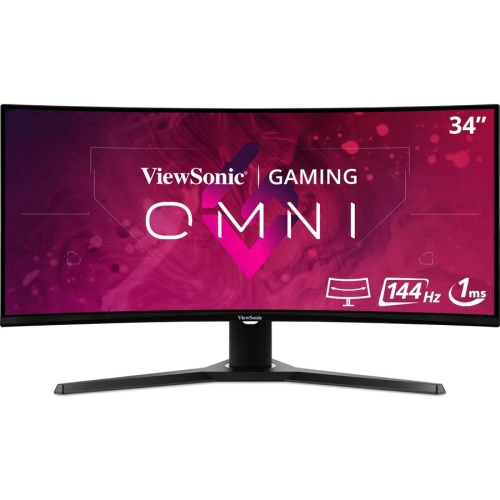
VIEWSONIC Omni 34" Ultrawide Curved 1440P Uwqhd Led Gaming Monitor (Vx3418-2Kpc) - Freesync Premium - 144Hz
About this product
An ultrawide curved LED monitor featuring 1440p resolution, 1ms response, 144Hz refresh, and FreeSync Premium.
(10)$453.68Your price for this item is $453.68SAVE $45 -
2
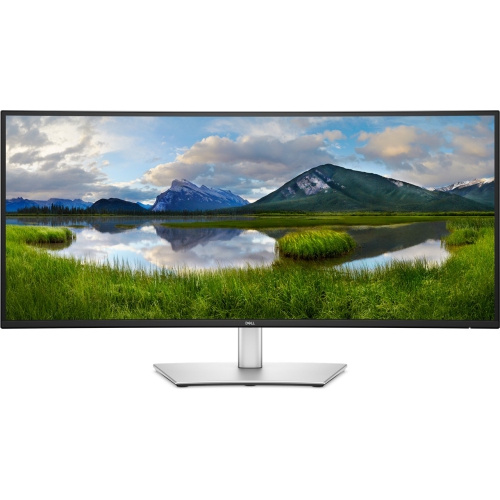
DELL Pro 34 Plus 34" Ultrawide 1440P Uwqhd Ips Lcd USB-C Hub Monitor (P3425We)
About this product
A curved ultra-wide monitor with USB-C connectivity, built-in hub, and crisp, immersive visuals.
(6)$980.04Your price for this item is $980.04SAVE $98 -
3
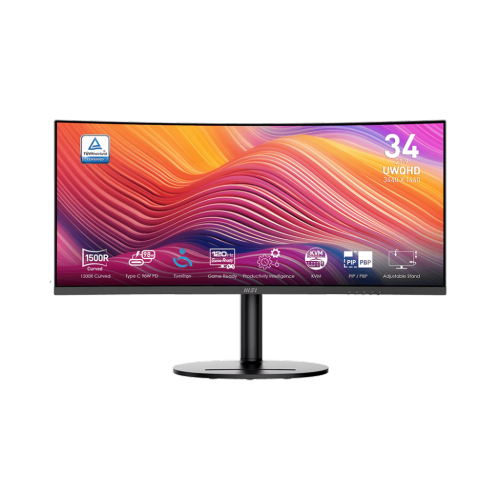
MSI Modern 34" Ultrawide Curved Uwqhd Va Led Monitor (Md342Cqp) - 120Hz - HDr Ready - Freesync Premium
About this product
A black curved UWQHD monitor with 120Hz refresh rate, 1ms response, Adaptive-Sync, and USB-C power delivery.
(3)$479.99 Your price for this item is $479.99 -
4
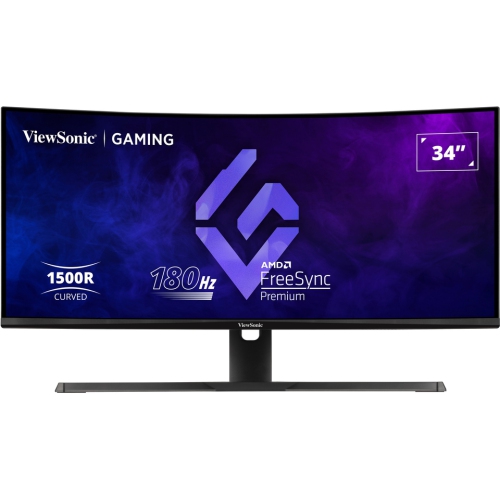
VIEWSONIC 34" Ultrawide Curved 1440P Wqhd Va Led Gaming Monitor (Vx3418-2K) - Freesync Premium - 1Ms Gtg - 180Hz - HDr10
About this product
An ultrawide curved VA LED monitor with 180Hz refresh rate and 1ms response time for immersive gaming.
(3)$400.99Your price for this item is $400.99SAVE $76 -
5
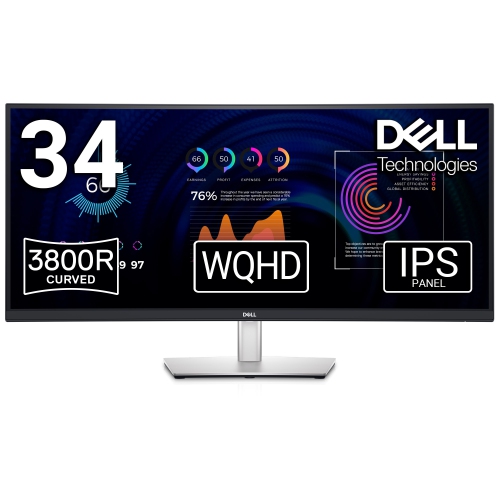
DELL 34" Ultrawide Curved 1440P Wqhd Ips Lcd Video Conferencing Monitor (P3424Web)
About this product
A curved monitor designed for seamless video conferencing with immersive visuals and advanced connectivity options.
(1)$1,176.14Your price for this item is $1176.14SAVE $117 -
6
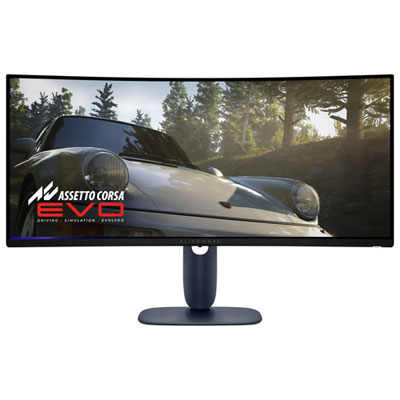
Open Box - Alienware 34" Ultrawide 1440p WQHD QD-OLED Gaming Monitor (AW3425DW) - G-Sync/FreeSync - 0.03ms GTG - 240Hz - HDR
About this product
An ultrawide curved gaming monitor with Quantum Dot-OLED, 240Hz refresh rate, and adaptive sync technology.
(1)$844.99 Your price for this item is $844.99 -
7

Samsung 34" Ultrawide UWQHD Curved Monitor (LS34A654UBNXGO) - HDR10 - FreeSync
About this product
An ultrawide curved black monitor delivering WQHD resolution, 21:9 aspect ratio, and 90W USB-C charging.
(13)$660.99 Your price for this item is $660.99 -
8

Samsung 34" Ultrawide Curved 1440p UWQHD VA LED Monitor (LS34C650TANXGO) - 100Hz - HDR10 - FreeSync - Warm White
About this product
A warm white curved VA LED monitor featuring WQHD resolution, 100Hz refresh rate, and FreeSync technology.
What customers like
(448)$799.95 Your price for this item is $799.95 -
9
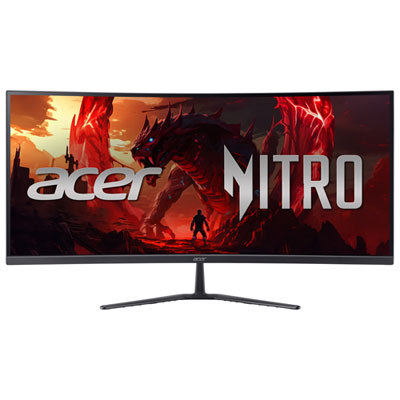
Acer Nitro 34" Curved UWQHD VA LED Gaming Monitor (ED340CUR X0bmiipx) - FreeSync Premium - 0.5ms GTG - 200Hz
About this product
A curved WQHD gaming monitor in black with 200Hz refresh rate, 0.5ms response, and FreeSync Premium.
What customers like
(322)$329.99Your price for this item is $329.99SAVE $40 -
10
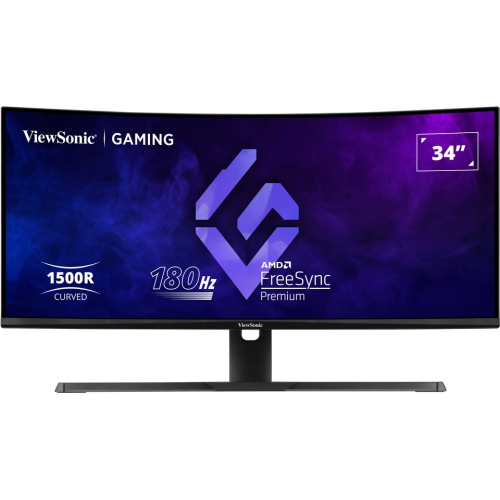
VIEWSONIC 34" Ultrawide Curved Uwqhd Mva Led Gaming Monitor (Vx3418-2Kpc) - Freesync Premium - 1Ms Gtg - 180Hz
About this product
An ultrawide curved gaming monitor with WQHD resolution, 180Hz refresh rate, and 1ms response time.
(10)$420.99Your price for this item is $420.99SAVE $73
FAQ
Common panel types include IPS, VA, and OLED. IPS panels typically offer wide viewing angles and consistent colours, VA panels generally provide strong contrast, and OLED panels feature individually lit pixels for deep blacks and fast pixel response times.
Refresh rate, measured in hertz (Hz), describes how often a monitor updates its image each second. Response time, measured in milliseconds (ms), describes how quickly pixels change between colours or shades. Both specifications are relevant when comparing ultrawide monitors for gaming.
HDMI and DisplayPort are common video connections. Some ultrawide monitors also offer USB-C with video input and laptop charging, plus USB ports for peripherals. Check that your computer, cable, and monitor support the resolution and refresh rate you plan to use, as USB-C capabilities vary.
Picture-by-Picture displays video from two sources side by side, while Picture-in-Picture places one source in a smaller window over the other. These features are available on select ultrawide monitors and can display content from a desktop and laptop at the same time.
Adaptive sync allows a monitor’s refresh rate to vary with the frames supplied by a compatible graphics card. AMD FreeSync and NVIDIA G-SYNC are common technologies associated with this feature. Support can depend on the monitor, graphics card, connection type, and refresh rate range.
Top selling and popular products
Discover more categories related to Best 34 Inch Ultrawide Monitors
Some products may be subject to Environmental Handling Fees (EHF) depending on your province. Learn more about EHFs.