Best iMac for Video Editing
Find the right desktop computer to bring your video projects to life. Ranked by customer review ratings, this selection helps you compare options for everything from quick clip edits to detailed productions. Look for powerful processors, ample memory, and sharp displays to support smooth playback, efficient rendering, and precise edits.
What to look for in the best iMacs for video editing
1. Chip and Graphics Performance
2. Unified Memory
3. Display and Workspace
4. Storage and Connectivity
-
1
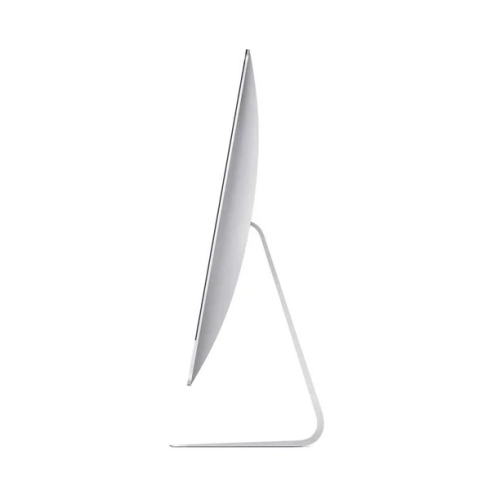
APPLE Refurbished (Good) - Imac 21.5-Inch, Core I7 - 3.6 Ghz - 16GB Ram, 256GB SSD - Keyboard-Mouse- ( 2017) Mac Os - Ventura(Grade A)
About this product
A refurbished desktop featuring a 3.6GHz Core i7, 16GB RAM, 256GB SSD, and macOS Ventura.
(1)$585.00Your price for this item is $585SAVE $615 -
2
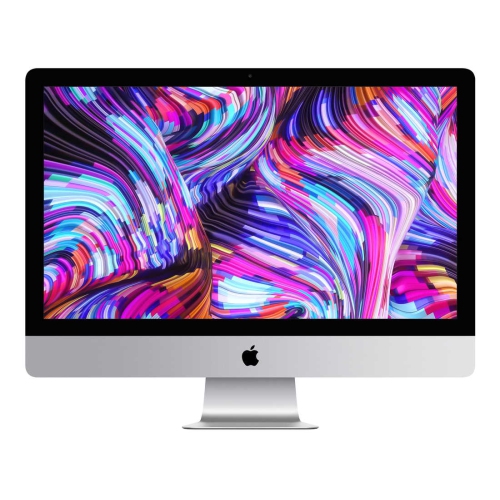
APPLE (Refurbished - Excellent) Imac 21.5-Inch (Retina 4K) 3.6Ghz Quad Core I3 (2019) Mrt32Ll/a 8 GB & 256 GB Flash HD 4096 X 2304 Display Mac Os
About this product
A refurbished desktop featuring a 21.5" Retina 4K display, quad-core i3 processor, and 256GB flash storage.
(1)$849.77Your price for this item is $849.77SAVE $150 -
3
APPLE Refurbished (Excellent) – Imac 27" 5K Retina (2019) Desktop – (Intel Core I9-9900K / 16 GB Ram / 512 GB SSD / Radeon Pro 580X 8GB / Macos
About this product
A powerful silver desktop featuring a 5K Retina display, Intel Core i9, 16GB RAM, and Radeon Pro graphics.
(1)$1,299.77Your price for this item is $1299.77SAVE $500 -
4
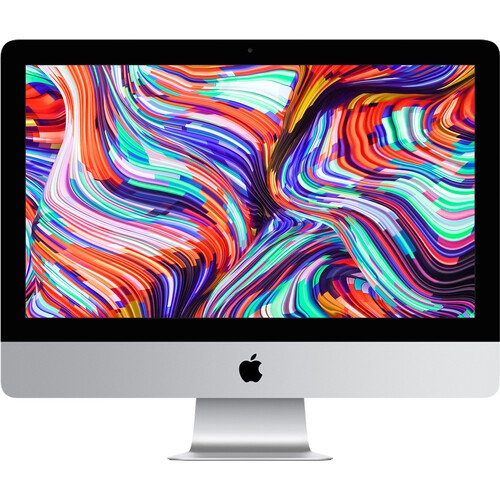
APPLE Refurbished Excellent - Imac 21.5" 4K Display Mhk23Ll/a (2019) Intel Core I3 Quad Core 3.6Ghz-Radeon Pro 555X 8GB Ram 1Tb SSD - 1 Year
About this product
A sleek silver desktop featuring a 21.5" 4K Retina display, 8GB RAM, and 1TB SSD storage.
(1)$849.77Your price for this item is $849.77SAVE $450 -
5
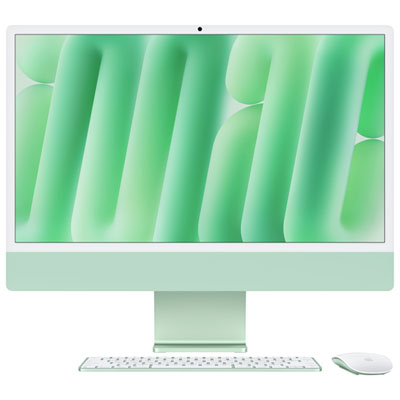
Apple iMac 24" (Fall 2024) - Green (Apple M4 Chip / 8-Core GPU / 16GB RAM / 256GB SSD) - English
About this product
A sleek green all-in-one desktop featuring an M4 chip, 8-core GPU, 16GB RAM, and 256GB SSD.
What customers like
(48)$2,099.99 Your price for this item is $2099.99 -
6
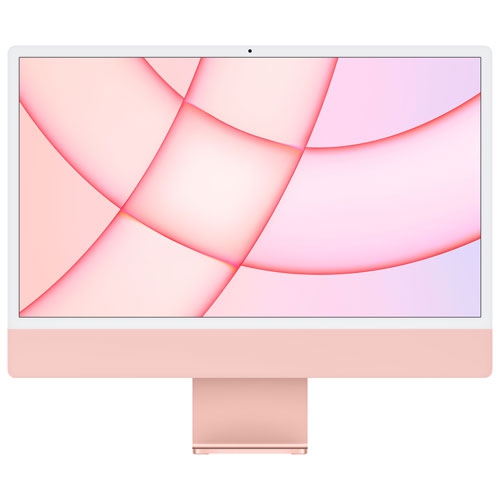
APPLE Imac 24" (Spring 2021) - ( M1 Chip / 8-Core Gpu / 512GB SSD / 8GB Ram) - English - In Pink
About this product
A sleek pink desktop featuring an M1 chip, 8-core GPU, 512GB SSD, and 8GB RAM.
What customers like
(97)$1,649.97Your price for this item is $1649.97SAVE $350 -
7
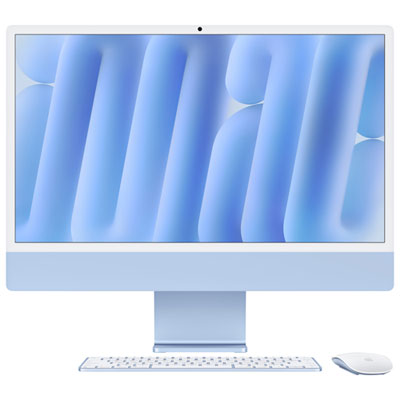
Apple iMac 24" (Fall 2024) - Blue (Apple M4 Chip / 8-Core GPU / 16GB RAM / 256GB SSD) - French
About this product
A blue 24" iMac with M4 chip, 8-core GPU, 16GB RAM, and 256GB SSD for seamless multitasking.
(2)$2,099.99 Your price for this item is $2099.99 -
8
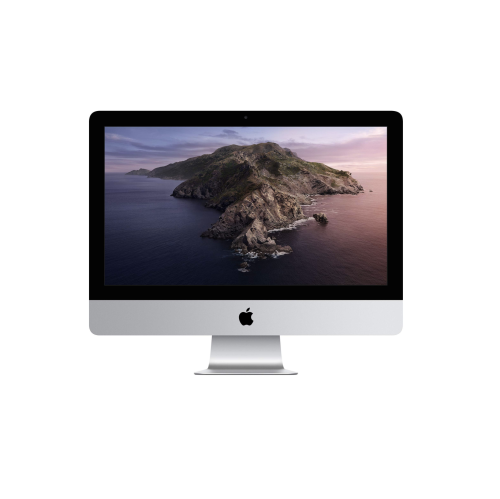
APPLE Refurbished (Excellent) - 2019 Imac w Retina 4K Display (21.5-Inch, 3.0Ghz 6-Core I5, 8GB Ram, 1Tb Storage) Amd Radeon Pro 560X 4GB Mrt42Ll/a
About this product
A refurbished desktop featuring a Retina 4K display, 6-core i5 processor, 8GB RAM, and 1TB storage.
(1)$849.99Your price for this item is $849.99SAVE $149 -
9
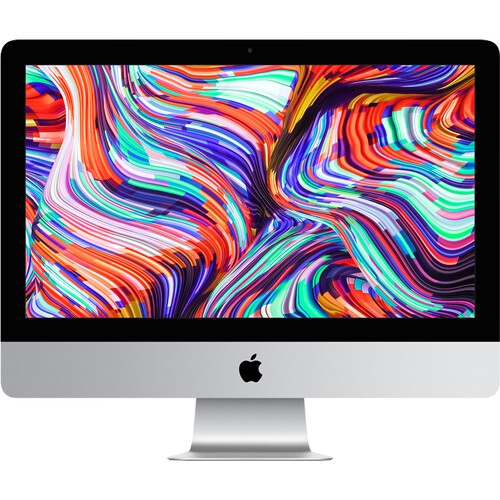
APPLE Refurbished Excellent - Imac 21.5" 4K Display Mhk23Ll/a (2019) Intel Core I3 Quad Core 3.6Ghz-Radeon Pro 555X 16GB Ram 512GB SSD - 1 Year
About this product
A powerful silver desktop featuring a 21.5" 4K Retina display, 16GB RAM, and 512GB SSD storage.
(1)$849.77Your price for this item is $849.77SAVE $350
FAQ
iMac supports macOS video editing applications such as iMovie, Final Cut Pro, Adobe Premiere Pro and DaVinci Resolve. These applications offer different editing tools, licensing options and workflow features. Check the application's macOS and hardware requirements before choosing.
Apps described as native to Apple silicon are designed to run directly on Apple's chip architecture. Some older Intel-based applications require Rosetta translation. Plug-ins, effects and other editing tools have their own compatibility requirements, so check them separately from your main editing application.
On an Apple silicon iMac, unified memory is shared by the CPU, GPU and other chip components. Editing applications use it for tasks involving footage, timelines and effects. Unified memory is different from storage and cannot be upgraded after purchase.
Consider the connections required by your external drives, camera accessories, audio equipment and additional displays. Depending on the iMac configuration, connections may include Thunderbolt, USB and Ethernet. Some accessories require an adapter, dock or separate card reader, so check the available ports and supported connection standards.
Proxy files are alternative copies of original footage used during editing. Supported applications let you switch between proxies and original media, then use the originals for the final export. Proxy creation, file naming and media linking settings depend on the editing software.
Top selling and popular products
Discover more categories related to Best iMac for Video Editing


Some products may be subject to Environmental Handling Fees (EHF) depending on your province. Learn more about EHFs.