Best Back To School Laptops For Online Classes And Remote Learning

Get ready for the school year with the best back-to-school laptops for online classes and remote learning, ranked by user review ratings. Whether you’re joining virtual lessons, collaborating on group projects, or tackling assignments, explore options to help you stay connected and productive. Consider battery life, webcam quality, and performance to find a laptop that fits your coursework and budget.

Read More

What to look for in back-to-school laptops for online classes and remote learning

1. Performance and Software Compatibility

Check your school’s software requirements before choosing an operating system. A recent processor and at least 8 GB of RAM can handle everyday coursework, while 16 GB offers more room for multitasking across video calls, browser tabs and assignments.

2. Webcam, Microphone and Connectivity

Look for a clear webcam, a built-in microphone and reliable Wi-Fi for participating in online classes. A headphone connection or Bluetooth support lets you use a headset, while USB and HDMI ports can help you connect study accessories and an external display.

3. Display and Typing Comfort

A Full HD or higher-resolution display makes text and lesson materials easier to read, while an anti-glare screen can reduce distracting reflections. Consider a 14-inch to 16-inch screen for balancing workspace and portability, along with a comfortable keyboard for longer assignments.

4. Battery Life and Portability

Choose a lightweight laptop with enough battery life for studying between outlets or moving between home and campus. Video calls can drain the battery faster than basic browsing, so compare battery estimates carefully and consider the size and weight of the charger.
Citrus catapult arrow
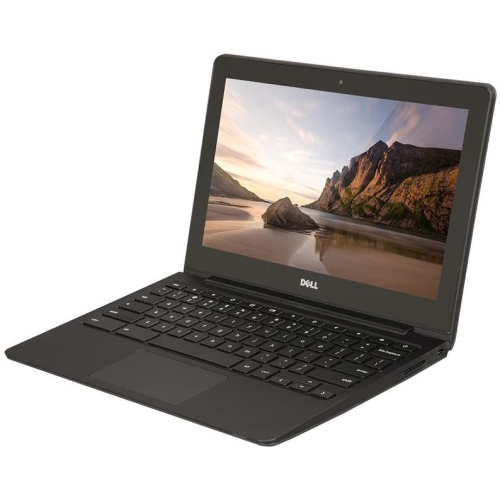
  1. 1

    About this product

    A durable 11.6" Chromebook with Intel Celeron processor, 16GB SSD, 4GB RAM, and built-in webcam.

    (1)
    $299.00 Your price for this item is $299
  2. 2

    About this product

    A refurbished platinum tablet featuring an 8th Gen Intel Core i5, 128GB storage, and Windows 10.

    What customers like

    • Versatile 2-in-1 functionality
    • Lightweight and highly portable
    • Strong performance and speed
    • High-quality display and touch response
    • Excellent battery life
    (1,268)
    $699.00 Your price for this item is $699
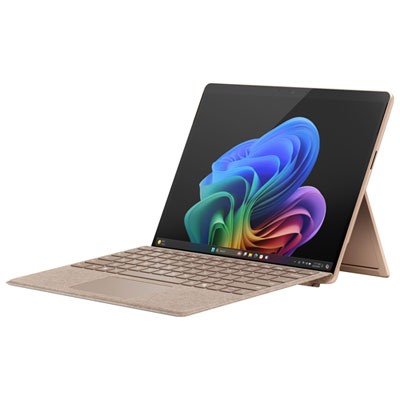
  3. 3

    About this product

    An ultra-portable dune-coloured tablet with Snapdragon X Plus, 16GB RAM, 512GB storage, and AI-powered Copilot features.

    What customers like

    • Long battery life
    • Beautiful design and colour
    • Versatile hybrid functionality
    • Fast performance and powerful processor
    • Lightweight and portable
    (91)
    $2,149.99 Your price for this item is $2149.99
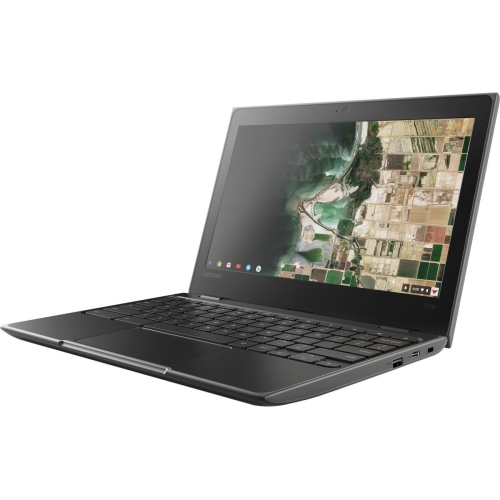
  4. 4

    About this product

    A durable black Chromebook with 11.6" display, 4GB RAM, and Chrome OS for classroom use.

    What customers like

    • Long battery life
    • Durable and rugged build
    • Affordable price
    • Fast performance and quick startup
    • Lightweight and portable
    (1,284)
    $499.99
    SAVE $200
    Your price for this item is $499.99
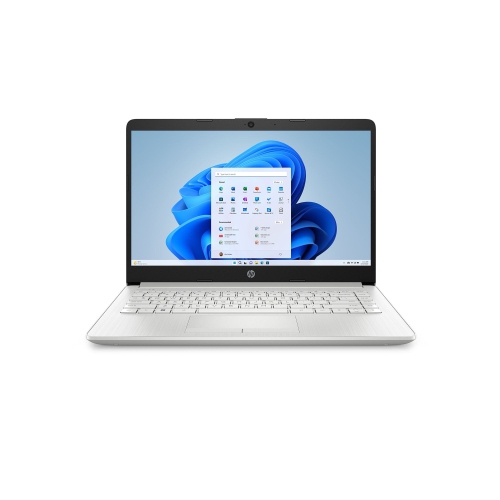
  5. 5

    About this product

    A lightweight silver laptop featuring an Intel N4120 processor, 4GB RAM, 64GB storage, and Windows 11.

    What customers like

    • Good value for the price
    • Fast performance for basic tasks
    • Suitable for school, work, and online classes
    • Includes Microsoft Office and useful software
    • Lightweight and portable
    (5)
    $300.00 Your price for this item is $300
  6. 6

    About this product

    A lightweight black Chromebook with Celeron N3450, 4GB RAM, 32GB eMMC, and Chrome OS.

    $250.00 Your price for this item is $250
  7. 7

    About this product

    A lightweight Chromebook with a 14-inch FHD IPS display, offering crisp visuals for work or study.

    $109.98 Your price for this item is $109.98
  8. 8

    About this product

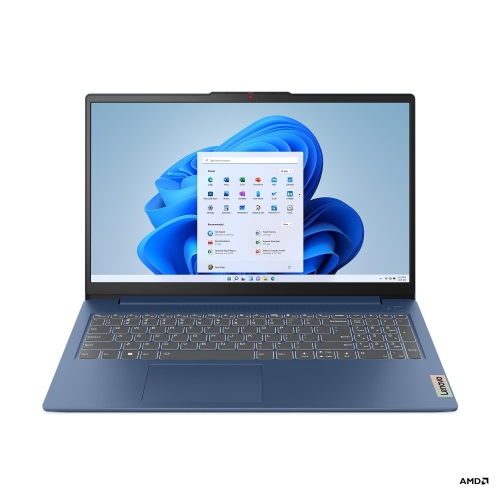
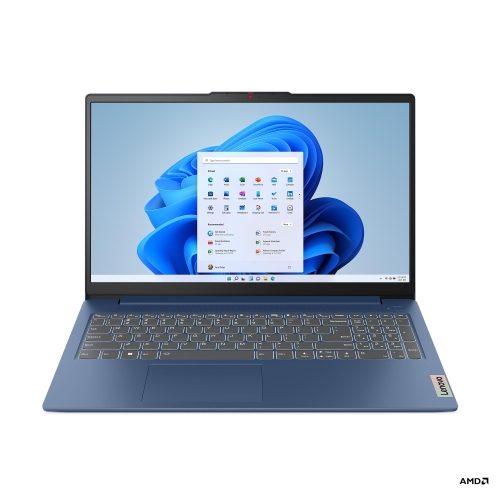
    A blue laptop with AMD Ryzen 5, 8GB RAM, 1TB SSD, numeric keypad, and Wi-Fi 6 connectivity.

    $819.99
    SAVE $560
    Your price for this item is $819.99
  9. 9

    About this product

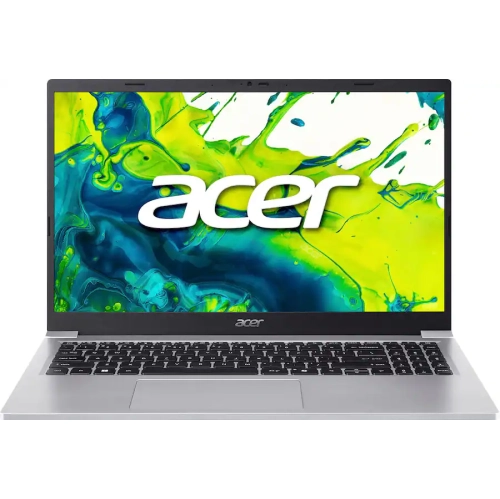
    A lightweight silver laptop featuring Intel Core 3, 16GB RAM, 1TB SSD, and Windows 11 S Mode.

    $839.99
    SAVE $480
    Your price for this item is $839.99
  10. 10

    About this product

    A blue laptop with AMD Ryzen 5, 8GB RAM, 512GB SSD, numeric keypad, and Wi-Fi 6 connectivity.

    $679.99
    SAVE $520
    Your price for this item is $679.99

Best Back To School Laptops For Online Classes And Remote Learning

The best back-to-school laptops for online classes and remote learning suit the work a student actually does, from joining live lessons and writing essays to running course-specific software. For everyday schoolwork, a capable processor, enough memory for multitasking, and responsive storage matter more than any single headline specification. A typical study session might include a video call, several research tabs, a presentation, and a document open at once. For light, browser-based tasks, 8 GB of RAM can be sufficient, while 16 GB offers more room for overlapping assignments and applications. Students working with large datasets, design tools, or video projects may need additional memory and stronger processing performance, depending on their program’s requirements. A solid-state drive helps applications launch quickly and makes opening locally stored files feel responsive. Storage needs vary: documents take up relatively little space, but downloaded lectures, media projects, and specialist software can fill a drive much faster. A 256 GB SSD can suit document-focused work with online storage, while 512 GB or more provides extra space for larger files and offline access. These specifications are useful starting points rather than a guarantee that every application will run well. Compatibility with the school’s learning platform, exam software, and required programs is equally important, particularly for courses involving engineering, architecture, coding, or creative production. Some programs require a particular operating system or processor architecture, and browser access alone may not cover every assignment. Dedicated graphics can matter for certain 3D and media workloads, but they are not usually necessary for essays, spreadsheets, or streaming a lesson. Secondary students, college and university students, and adults returning to education can all have different requirements. A laptop intended as a back-to-school gift is most useful when it matches the recipient’s course requirements and preferred way of working. The right fit supports both scheduled classes and the quieter work between them, whether that means annotating a reading at the kitchen table or finishing a group project from a residence room.

For remote learning, the screen, keyboard, webcam, and microphone shape the daily experience just as much as the internal hardware. A 13-inch or 14-inch display is often a practical balance between a manageable size and enough space for coursework, especially for students who move between home and campus. A 15-inch or 16-inch display provides more room for side-by-side windows, making it easier to follow a lecture while taking notes without repeatedly switching between applications. Full HD resolution or higher generally gives text and shared slides useful clarity, although comfortable scaling and brightness still matter. An anti-glare finish can help reduce distracting reflections near a window or under overhead lighting. Students reading lengthy articles or reviewing spreadsheets may also appreciate a taller display shape that shows more content vertically. A clear webcam helps during presentations, tutorials, and group discussions; 1080p resolution is a useful feature, but lighting and camera placement also affect the image. Sitting with light in front rather than a bright window behind can make facial expressions easier to see. Microphone quality matters when answering a question or presenting from a shared room, and a headset connection offers another option when household noise becomes distracting. A physical webcam shutter adds a simple way to cover the camera between calls. For students typing throughout the day, well-spaced keys, readable key markings, and a responsive touchpad help make repeated tasks less tiring. A backlit keyboard can be useful during study sessions in a dim room, though adequate room lighting remains important. Touchscreens and convertible hinges offer different ways to interact with lessons, especially when sketching diagrams or marking up readings with a compatible pen. These features are optional rather than essential for every student. Collections of back-to-school laptops for virtual classrooms bring together portable computers suited to digital coursework, where clear communication, comfortable input, and practical screen space can make a noticeable difference across a full timetable.

A student laptop also needs to fit the spaces and routines around schoolwork. Weight becomes more noticeable when a computer shares a backpack with textbooks, lunch, and a charger, so the overall carrying load matters as much as the laptop’s dimensions. Battery life is useful during lessons away from a power outlet, but actual runtime changes with screen brightness, video calls, wireless activity, and the software in use. Manufacturer estimates are best treated as a reference rather than a promise of identical results during every class. Charging options deserve attention as well: some laptops support charging through USB-C, but both the port and charger must support the required power level. Other connections can simplify a home study setup. An HDMI port or compatible display adapter makes it possible to connect a larger screen, while suitable USB ports support a mouse, keyboard, or external storage. Wi-Fi performance depends on the laptop, router, signal strength, and internet service together; a newer wireless standard alone cannot resolve a weak connection throughout the home. For long writing sessions, a raised screen with a separate keyboard and mouse can make a small desk more comfortable to use. Build quality matters when the same computer travels regularly between rooms, transit stops, and classrooms. Aluminium and plastic housings can both serve students well, with durability depending on construction, hinge design, and handling rather than material alone. A correctly sized padded sleeve helps protect the finish from scratches and cushions minor bumps inside a bag. Keeping drinks away from the keyboard, leaving ventilation openings uncovered, and using the laptop on a firm surface help prevent avoidable problems. A soft, lint-free cloth and cleaning methods approved by the manufacturer are appropriate for routine care. Automatic updates, a strong sign-in method, and regular file backups also help keep coursework accessible and personal information protected. With these everyday details covered, a laptop can support changing assignments and study locations throughout the school term, from a morning online seminar to an evening spent revising notes.
Read More

FAQ

Some products may be subject to Environmental Handling Fees (EHF) depending on your province. Learn more about EHFs.