Best Bluetooth Keyboards for Mac
Find the best Bluetooth keyboards for Mac, ranked by user review ratings to help you compare options with confidence. Whether you’re working, studying, or tackling everyday tasks, explore wireless keyboards and look for the Mac compatibility, typing comfort, and layout that suit your setup.
What to look for in Bluetooth keyboards for Mac
1. Mac Compatibility
2. Layout and Typing Comfort
3. Bluetooth Connectivity
4. Battery Life and Charging
-
1
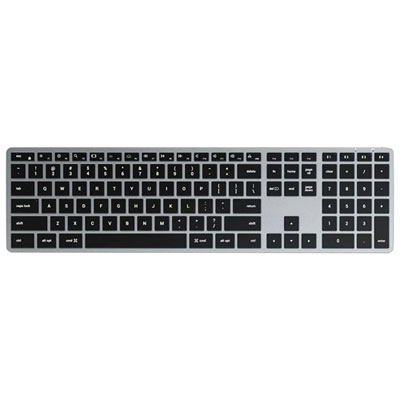
Satechi Slim X3 Bluetooth Full-Size Keyboard for Mac/iOS - Silver - English
About this product
A backlit, multi-device Bluetooth keyboard with numeric keypad for comfortable typing on Mac/iOS devices.
What customers like
(51)$119.99 Your price for this item is $119.99 -
2
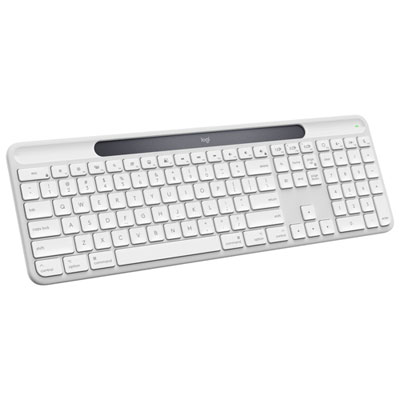
Logitech Signature Slim Solar+ K980 Bluetooth Keyboard for Mac - Off-White - EN - Only at Best Buy
About this product
A sleek off-white Bluetooth keyboard powered by solar or artificial light for uninterrupted, long-lasting use.
What customers like
(22)$99.99Your price for this item is $99.99SAVE $40 -
3
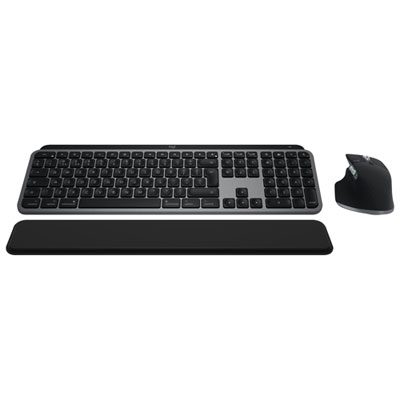
Logitech MX Keys S Bluetooth Combo for Mac/Ipad - Space Grey
About this product
A space grey wireless keyboard and mouse combo offering smart illumination, quiet clicks, and precise 8K DPI control.
(20)$299.99 Your price for this item is $299.99 -
4
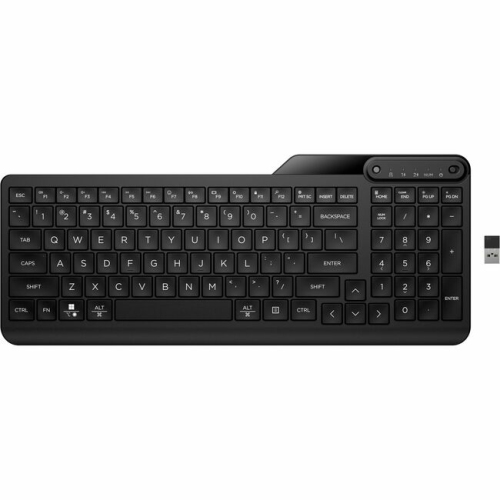
HP 475 475 Dual-Mode Wireless Keyboard (7N7B9Aaaba)
About this product
A jet black wireless keyboard with Bluetooth, USB connectivity, and hot keys for microphone mute and emoji.
(17)$54.20Your price for this item is $54.20SAVE $5 -
5
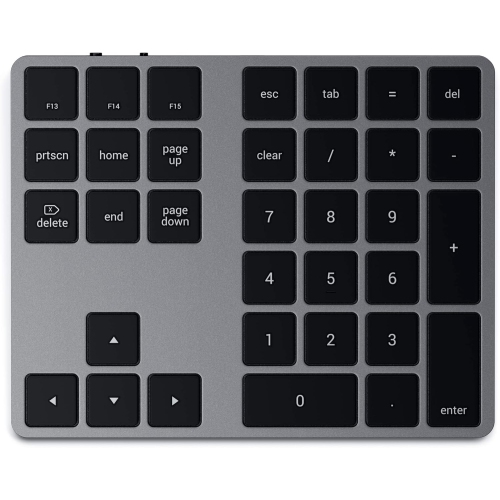
SATECHI Bluetooth Extended Numeric Keypad - Slim Rechargeable 34-Key Numberpad for M2/m1 Macbook Pro/air, Ipad Pro/air, Mac Mini, Imac (Space Gray)
About this product
A slim, rechargeable Bluetooth keypad in space gray with 34 keys, including MacOS shortcuts and navigation arrows.
(12)$34.99Your price for this item is $34.99SAVE $40 -
6
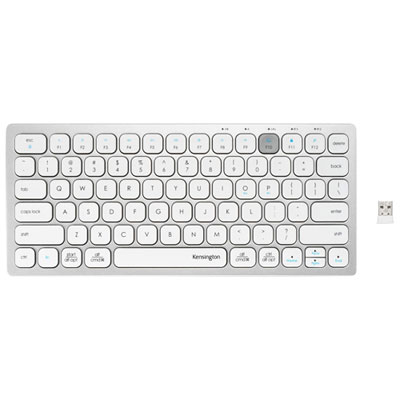
Kensington Dual Wireless Bluetooth Compact Keyboard - Silver - English
About this product
A compact silver keyboard offering dual wireless connectivity, scissor keys, and compatibility with multiple operating systems.
(5)$39.99 Your price for this item is $39.99 -
7
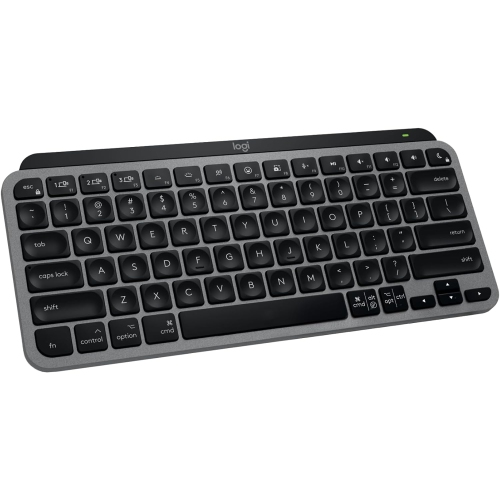
LOGITECH Mx Keys Mini for Mac- In Grey
About this product
A compact wireless keyboard in grey with backlit keys, Bluetooth connectivity, and USB-C charging for Mac devices.
(2)$79.00Your price for this item is $79SAVE $20 -
8
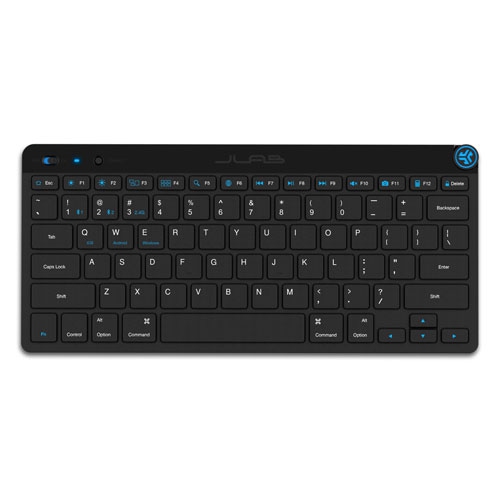
JLAB Refurbished (Good) Go Bluetooth Wireless Keyboard
About this product
A compact wireless keyboard with 78 soft-touch keys, compatible with Mac, Android, and Windows devices.
(1)$22.99Your price for this item is $22.99SAVE $7 -
9
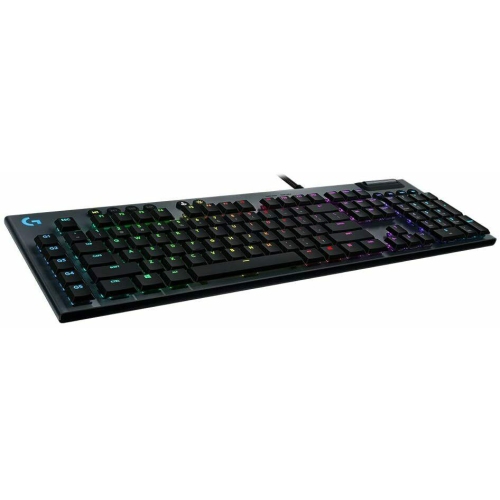
LOGITECH Refurbished (Good) G815 Lightsync RGB Mechanical Gaming Keyboard PC & Mac Gl Clicky Switch
About this product
A refurbished mechanical gaming keyboard with GL Clicky switches and customizable Lightsync RGB for PC and Mac.
(1)$139.99Your price for this item is $139.99SAVE $160 -
10
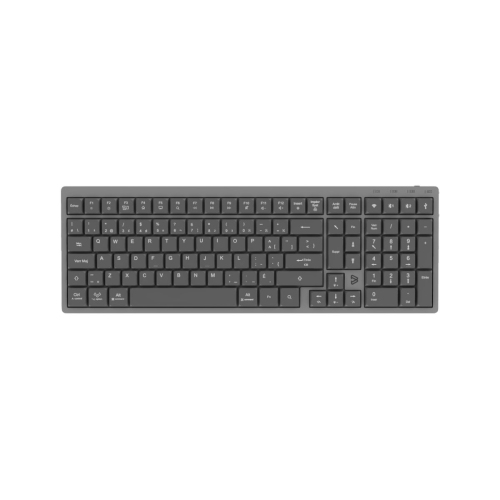
BLUEDIAMOND Wireless Low Profile Mechanical Keyboard Bluetooth & 2.4G Connectivity Windows & Mac Compatible - French Layout
About this product
A sleek low-profile mechanical keyboard with French layout, wireless connectivity, white LED backlighting, and USB-C charging.
(1)$94.99 Your price for this item is $94.99
FAQ
Look for stated macOS compatibility and check whether the keyboard requires a particular macOS version. Some models also use optional software to customize keys or shortcuts, so check that software’s Mac requirements if you plan to use those features.
Turn on the keyboard and put it in Bluetooth pairing mode using the manufacturer’s instructions. On your Mac, open System Settings, select Bluetooth, and choose the keyboard from the available devices. If a pairing code appears, type it on the keyboard and press Return.
Mac layouts include Command and Option keys, while Windows layouts typically have Windows and Alt keys. Mac-focused keyboards may also include macOS shortcut labels for functions such as Spotlight and media controls. Many Windows-layout Bluetooth keyboards support basic typing on a Mac, and modifier keys can be reassigned in macOS keyboard settings.
Some Bluetooth keyboards store pairings for multiple devices, such as a Mac, an iPad, and another computer. These models usually have dedicated buttons or key combinations for switching between paired devices. Check the keyboard’s supported operating systems and number of saved pairings.
Bluetooth keyboards commonly use either replaceable batteries or a built-in rechargeable battery. Rechargeable models typically charge through a USB cable, although the connector type varies. A charging port does not necessarily support wired typing, so check whether the keyboard also offers a USB connection mode.
Top selling and popular products
Discover more categories related to Best Bluetooth Keyboards for Mac

Some products may be subject to Environmental Handling Fees (EHF) depending on your province. Learn more about EHFs.