Best Budget-Friendly Bluetooth Mice
Find the best budget-friendly Bluetooth mice for everyday browsing, work, and study without stretching your budget. Ranked by user review ratings, this selection makes it easy to explore affordable wireless options and compare features such as comfort, battery life, and device compatibility to find the right fit for your setup.
What to look for in budget-friendly Bluetooth mice
1. Bluetooth Compatibility
2. Comfort and Size
3. Battery Life
4. Everyday Features and Value
-
1
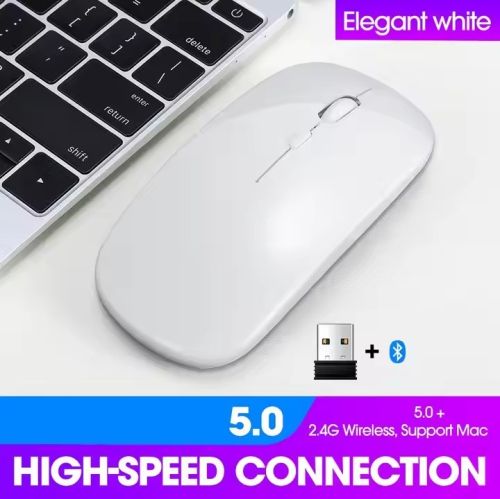
NAVOR Wireless Rechargeable Silent Ergonomic Mouse Slim Dual Model Bluetooth & USB 2.4G for PC Laptop Imac Mac Pro, Desktop Computer, Chromebook
About this product
A white wireless ergonomic mouse featuring silent operation, dual Bluetooth and USB connectivity, and adjustable DPI settings.
(1)$18.89Your price for this item is $18.89SAVE $21 -
2
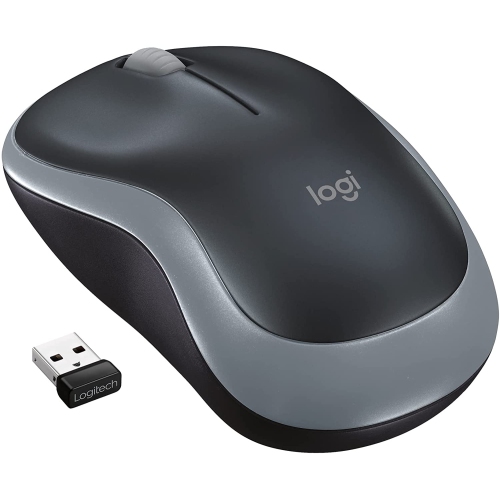
LOGITECH M185 Wireless Mouse (Grey)
About this product
A compact grey wireless mouse offering reliable performance and precise optical tracking for everyday use.
(1)$13.99Your price for this item is $13.99SAVE $10 -
3
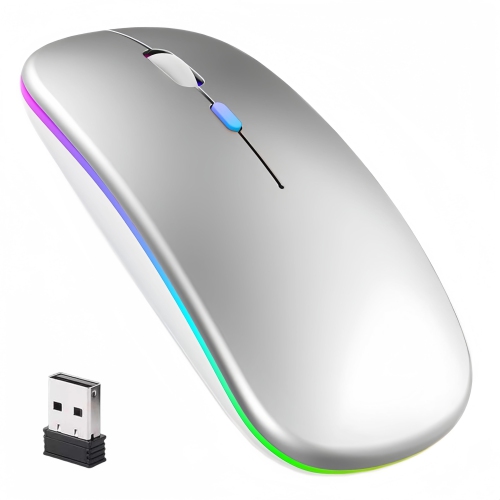
BISBISOUS Wireless Mouse, Led Rechargeable Laptop Mouse, Portable Office Computer Mice Dual Mode Connection
About this product
A silent, lightweight wireless mouse with LED lighting, rechargeable battery, and dual mode connection for portability.
(1)$18.99Your price for this item is $18.99SAVE $18 -
4
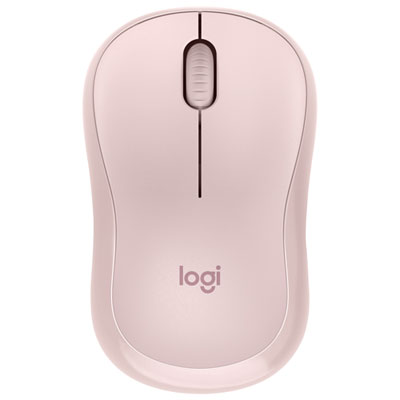
Logitech M220 Silent 1000 DPI Wireless Optical Mouse - Rose
About this product
A wireless rose mouse offering silent clicks, 1000 DPI precision, and ambidextrous comfort for any user.
What customers like
(1,078)$19.99Your price for this item is $19.99SAVE $5 -
5

Logitech M340 1000 DPI Wireless Optical tracking Mouse - Floral Bouquet
About this product
A lightweight wireless mouse with Silent Touch Technology and a vibrant floral bouquet design for quiet use.
What customers like
(152)$17.99 Your price for this item is $17.99 -
6
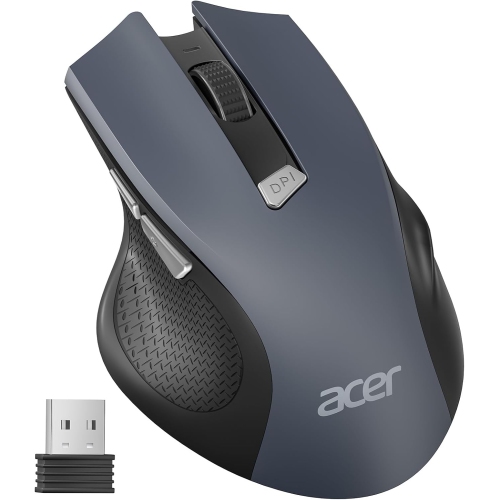
ACER Wireless Mouse for Laptop, 2.4Ghz Computer Mouse Wireless With USB Receiver, Portable Cordless Mice, 3 Adjustable Dpi Ergonomic USB Mice -
About this product
A portable cordless mouse with 2.4GHz wireless connectivity, six buttons, and three adjustable DPI settings.
What customers like
(34)$18.99Your price for this item is $18.99SAVE $8 -
7
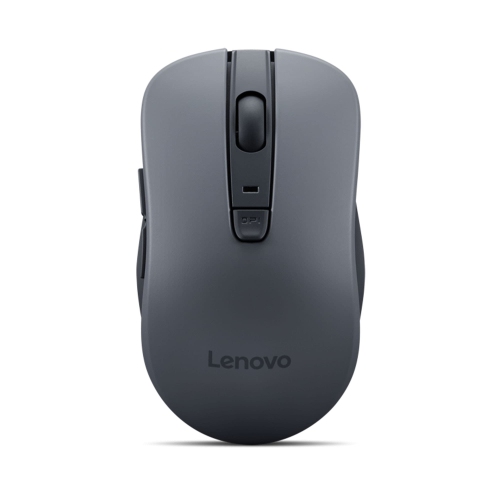
LENOVO Wl310 Bluetooth Silent Mouse
About this product
A wireless Bluetooth mouse featuring silent clicks for a quiet and comfortable computing experience.
What customers like
(54)$18.99Your price for this item is $18.99SAVE $6 -
8
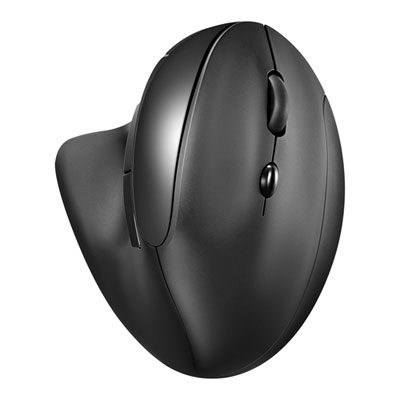
Insignia 6-Button Bluetooth Ergonomic Mouse - Black - Only at Best Buy
About this product
An ergonomic black Bluetooth mouse featuring six buttons, optical tracking, and a comfortable vertical design.
What customers like
(137)$19.99Your price for this item is $19.99SAVE $20 -
9
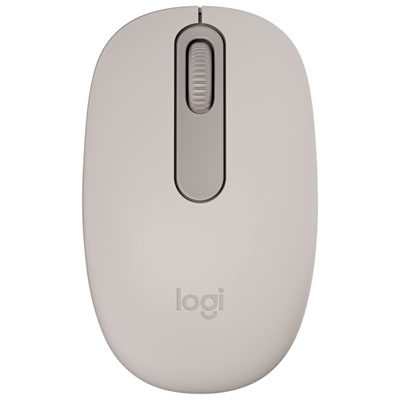
Logitech M196 Wireless Optical Bluetooth Ambidextrous Mouse - Sand - Only at Best Buy
About this product
A sand-coloured wireless Bluetooth mouse offering precise optical tracking and ambidextrous comfort for everyday use.
What customers like
(20)$19.99 Your price for this item is $19.99 -
10
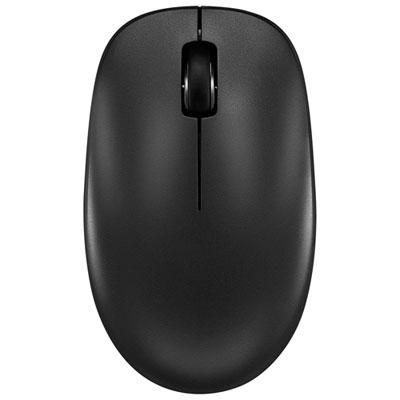
Insignia Wireless Ambidextrous Optical Mouse - Black - Only at Best Buy
About this product
An ambidextrous black wireless mouse with Bluetooth connectivity, silent buttons, and adjustable 1,600 DPI precision.
What customers like
(7)$19.99 Your price for this item is $19.99
FAQ
Look for compatibility with your operating system, a button layout that suits your habits, and your preferred battery type. Adjustable pointer sensitivity, programmable buttons, and multi-device pairing are useful extras to compare.
A Bluetooth mouse pairs directly with a device that supports Bluetooth, leaving USB ports available for other accessories. A wireless mouse with a USB receiver uses a separate adapter plugged into your device. Some mice offer both connection options.
Turn on the mouse and activate its pairing mode, then open your computer’s Bluetooth settings. Enable Bluetooth, choose the option to add a device, and select the mouse from the list. Pairing steps can vary, so check the mouse’s included instructions.
Some Bluetooth mice can store pairings for multiple devices and let you switch between them using a button or selector. This feature is not included on every model, so check for multi-device pairing support if you plan to use one mouse with several computers or tablets.
Bluetooth mice may use replaceable batteries or a built-in rechargeable battery. Models with replaceable batteries require the battery type specified by the manufacturer, while rechargeable models typically charge through a cable. Charging connections and the ability to use the mouse while charging vary by model.
Top selling and popular products
Discover more categories related to Best Budget-Friendly Bluetooth Mice
Some products may be subject to Environmental Handling Fees (EHF) depending on your province. Learn more about EHFs.