Best Computers for Microsoft Office
Finding the best computers for Microsoft Office can help you tackle documents, spreadsheets, presentations, and email with ease. Whether you’re working, studying, or managing everyday tasks, look for responsive performance, ample memory, and enough storage for your files. Explore the computers below, ranked by user review ratings, to find an option that fits your needs and budget.
What to look for in computers for Microsoft Office
1. Processor and Memory
2. Operating System and Office Compatibility
3. Storage Capacity
4. Screen, Keyboard, and Connectivity
-
1
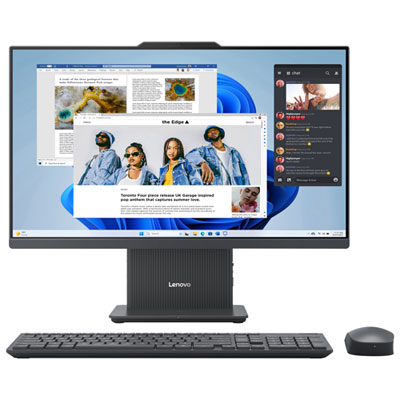
Lenovo IdeaCentre All-in-One Desktop 23.8" FHD Touch - Luna Grey - Intel Core 5 210H, 16GB Memory, 512GB SSD, Win 11
About this product
A sleek Luna Grey all-in-one PC featuring a Full HD touchscreen, Intel Core 5, and Wi-Fi 6.
(15)$1,499.99Your price for this item is $1499.99SAVE $500 -
2
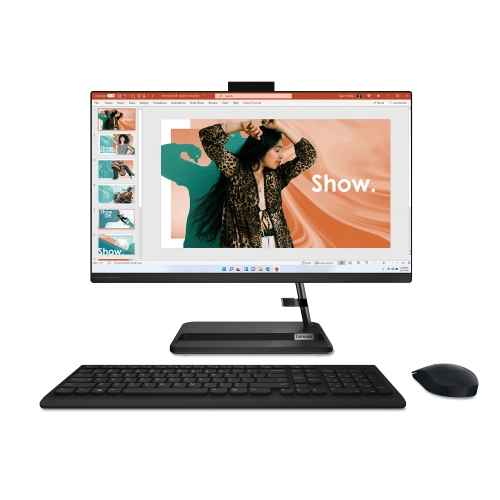
LENOVO Ideacentre 3I All-In-One Desktop 23.8" Fhd Touch, Intel Core I5-1240P, 16GB Ram, 256GB SSD
About this product
An all-in-one desktop featuring a 23.8" FHD IPS touchscreen, Intel i5 processor, and 16GB RAM.
(2)$1,799.00Your price for this item is $1799SAVE $100 -
3
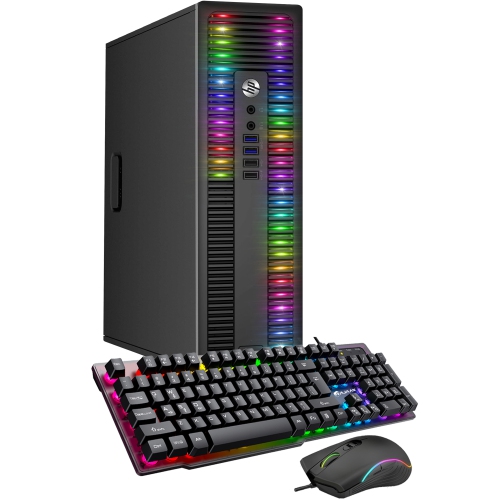
HP Refurbished (Excellent) - Elitedesk Desktop - Intel Core I7, 16GB Memory, 256GB SSD, Win 11 Pro
About this product
A refurbished desktop featuring an AMD A-Series processor, 8GB RAM, 256GB SSD, RGB lighting, and Wi-Fi.
(1)$499.99Your price for this item is $499.99SAVE $80 -
4
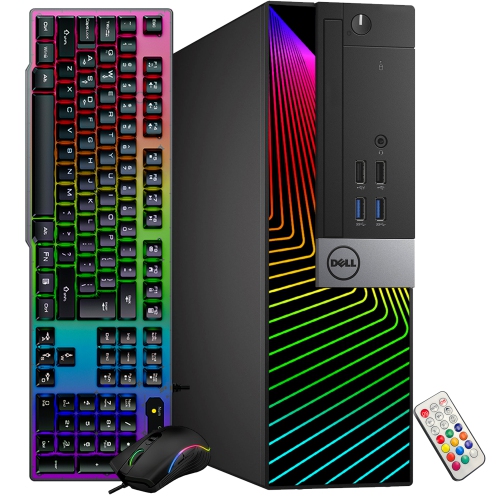
DELL Refurbished (Good) - Optiplex Desktop - Intel Core I5, 8GB Memory, 256GB SSD, Win 11 Pro, RGB + Keyboard & Mouse
About this product
A refurbished desktop PC featuring customizable RGB lighting, Intel Core i5 processor, 8GB RAM, and Wi-Fi.
(1)$259.99Your price for this item is $259.99SAVE $70 -
5
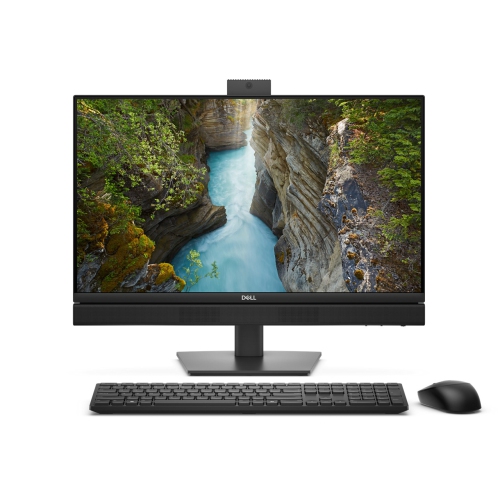
DELL Pro Qc24251 All-In-One Desktop 24" Fhd - Intel Core Ultra 5 235T, 16GB Memory, 512GB SSD, Win 11 Pro
About this product
A sleek silver all-in-one desktop featuring Intel Core Ultra 5, 16GB RAM, and Windows 11 Pro.
(1)$1,797.97Your price for this item is $1797.97SAVE $1802 -
6
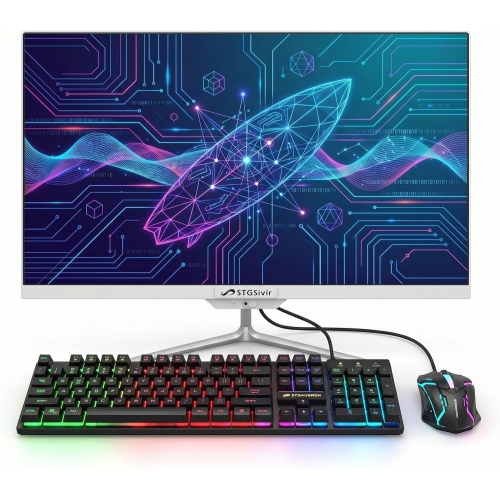
STGSIVIR All-In-One Desktop 23.8" Fhd - Intel Core I7, 16GB Memory, 512GB SSD, Win 11 Home
About this product
An all-in-one desktop featuring a 23.8" FHD display, Intel Core i7, 16GB RAM, and 512GB SSD.
(1)$565.99Your price for this item is $565.99SAVE $1500 -
7
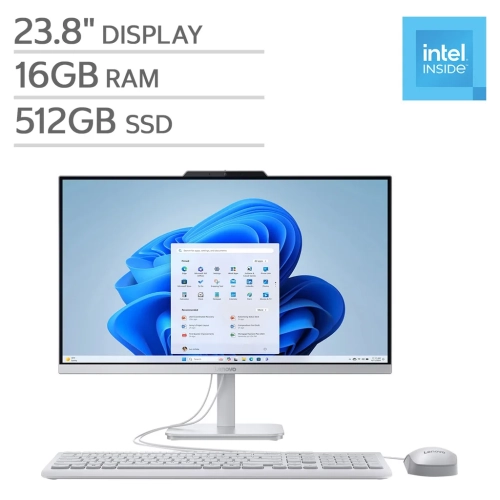
LENOVO - A100 All-In-One Desktop 23.8" Fhd - Intel N100, 16GB Memory, 512GB SSD, Win 11
About this product
An all-in-one desktop featuring an Intel N100 processor, 16GB RAM, 512GB storage, and FHD display.
What customers like
(216)$745.00Your price for this item is $745SAVE $155 -
8
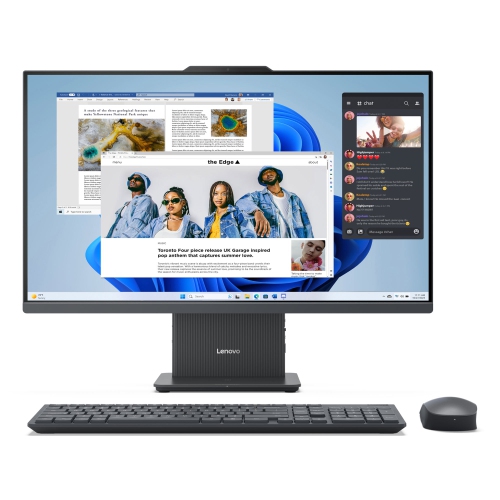
LENOVO Ideacentre Aio All-In-One Desktop 27" Fhd - Intel Core I7-13620H, 16GB Memory, 512GB SSD
About this product
A sleek all-in-one desktop featuring a 27" IPS display, 13th Gen Intel Core i7, and 512GB SSD.
What customers like
(247)$1,699.99Your price for this item is $1699.99SAVE $199 -
9
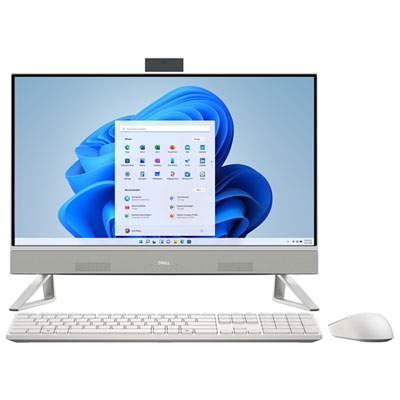
Dell All-in-One Desktop 24" FHD - White - Intel Core 5 120U, 16GB Memory, 512GB SSD, Win 11
About this product
An all-in-one white PC featuring a 24" touchscreen, Intel Core 5 processor, 16GB RAM, and 512GB SSD.
(7)$1,099.99Your price for this item is $1099.99SAVE $680 -
10
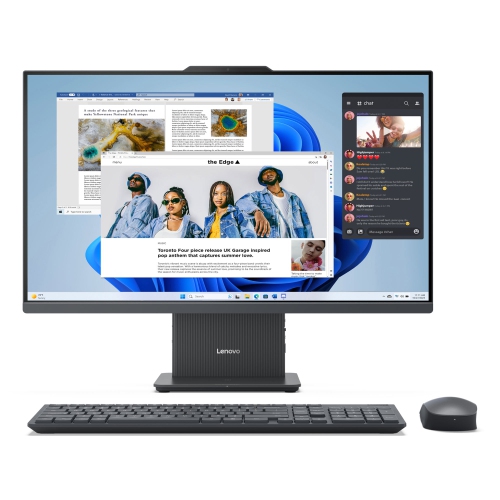
LENOVO Ideacentre Aio Amd Desktop, 27" Fhd Ips 14Ms, Ryzen 7 7735Hs, 16GB, 1Tb SSD
About this product
A 27" FHD IPS all-in-one desktop with Ryzen 7 processor, Radeon 680M, 16GB RAM, and 1TB SSD.
What customers like
(120)$1,498.99Your price for this item is $1498.99SAVE $647
FAQ
A laptop is a practical choice if you work between home, school and the office. A desktop suits a dedicated workspace where you prefer a separate monitor, keyboard and mouse. For either type, check that the operating system supports the Office apps you plan to use.
Microsoft offers desktop versions of Word, Excel, PowerPoint and Outlook for both Windows and macOS. Some features, add-ins and apps differ between platforms; for example, Microsoft Access is available for Windows only. Check compatibility if your work relies on specific templates, macros or business tools.
Microsoft Office is not included with every computer. Some computers have apps preinstalled but require a separate licence or Microsoft 365 subscription, while others include a trial or a bundled licence. Check the listing details to confirm what is included and whether activation is required.
Installed desktop Office apps generally let you create and edit locally saved files offline after setup and activation. An internet connection is needed for downloading apps, updates, cloud syncing and online collaboration. Microsoft 365 also requires periodic internet access to verify your subscription, while browser-based Office apps require internet access.
Choose connections that match your workspace. USB ports support accessories, while HDMI or a USB-C port with video output can connect an external monitor. Wi-Fi provides wireless internet access, Ethernet supports a wired connection, and Bluetooth lets you pair compatible keyboards, mice and headsets. Check individual port capabilities if you plan to use a docking station.
Top selling and popular products
Discover more categories related to Best Computers for Microsoft Office

Some products may be subject to Environmental Handling Fees (EHF) depending on your province. Learn more about EHFs.