Best Laptops for Excel
The best laptops for Excel help you manage spreadsheets, analyse data, and tackle complex calculations with ease. Look for a fast processor, ample RAM, and a comfortable keyboard to keep your workflow running smoothly. Ranked by user review ratings, the laptops below can help you find the right fit for everyday budgeting, detailed reports, or data-heavy projects.
What to look for in laptops for Excel
1. Processor Performance
2. Memory and Storage
3. Display and Keyboard
4. Excel Compatibility
-
1
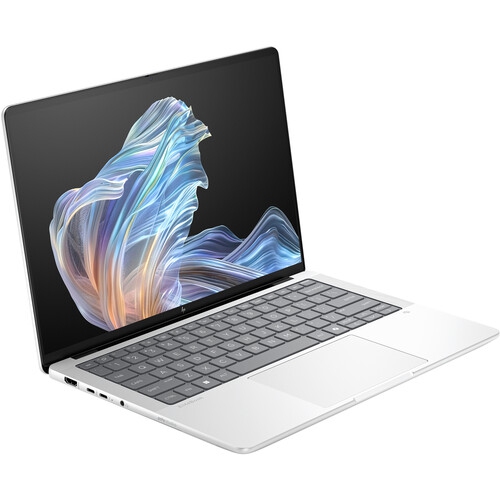
HP Elitebook X G1A 14" 120Hz Oled Touchscreen Laptop - Amd Ryzen Ai 9 Hx 375 - 32GB Lpddr5X - 1Tb SSD - Windows 11 Pro - Glacier In Silver
About this product
A powerful Glacier Silver touchscreen laptop featuring AMD Ryzen AI 9, 32GB RAM, and 1TB SSD.
(2)$2,928.99Your price for this item is $2928.99SAVE $517 -
2
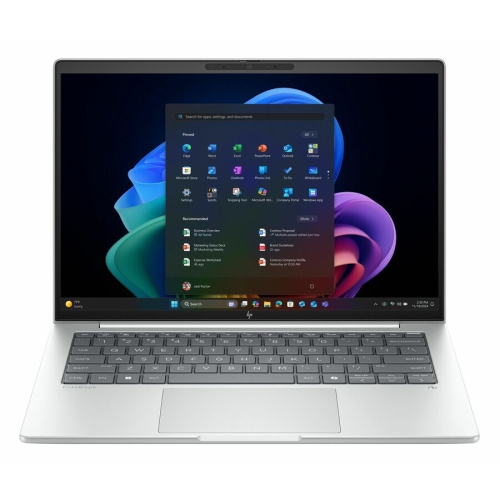
HP Elitebook 8 G1I 14" Touchscreen Laptop - Intel Core Ultra 5 228V - 32GB - 512GB SSD - Windows 11 Pro - Glacier Aluminum In Silver
About this product
A sleek Glacier Silver aluminium laptop featuring a 14" WUXGA touchscreen, Intel Core Ultra 5, and 32GB RAM.
(0)$2,099.99Your price for this item is $2099.99SAVE $322 -
3
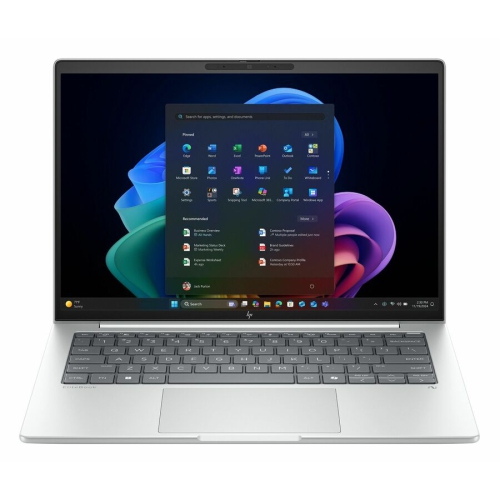
HP Elitebook 8 G1I 16" Touchscreen Business Laptop - Intel Core Ultra 7 258V - 32GB Lpddr5X - 1Tb SSD - Windows 11 Pro - Glacier Aluminum In Silver
About this product
A sleek glacier silver aluminium laptop with a 16" touchscreen, Intel Core Ultra 7, and 1TB SSD.
(10)$3,219.99Your price for this item is $3219.99SAVE $125 -
4
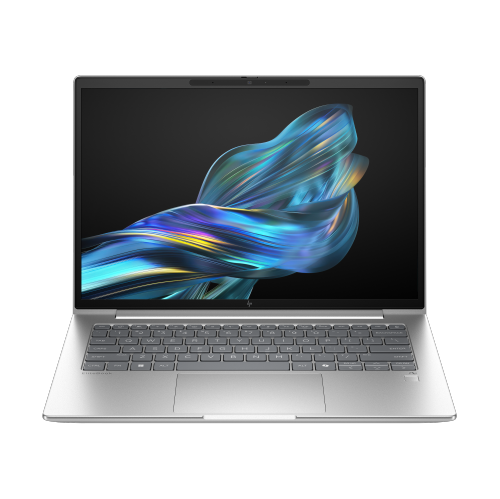
HP Elitebook 6 G1Q 14" Laptop - Snapdragon X Plus - 32GB Ram - 1Tb SSD - Windows 11 Pro - In Silver
About this product
A sleek Pike Silver laptop featuring a Snapdragon X Plus processor, 32GB RAM, and 1TB SSD.
(0)$2,414.99Your price for this item is $2414.99SAVE $448 -
5
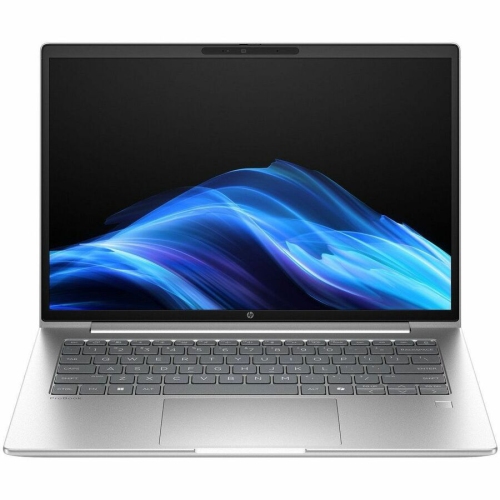
HP Elitebook 8 G1A 16" Touchscreen Business Laptop - Amd Ryzen Ai 7 350 - 32GB Ram - 1Tb SSD - Windows 11 Pro - In Silver
About this product
A powerful Glacier Silver touchscreen notebook featuring AMD Ryzen AI 7, 32GB RAM, and 1TB SSD.
(7)$3,242.33Your price for this item is $3242.33SAVE $324 -
6
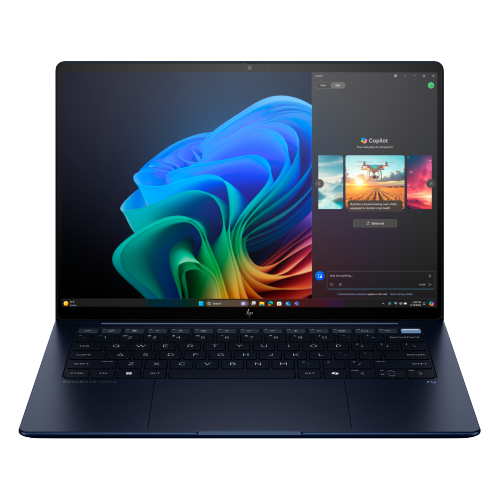
HP Elitebook Ultra G1I 14" Touchscreen Laptop - Intel Core Ultra 7 258V - 32GB - 512GB SSD - Windows 11 Pro - In Blue
About this product
An Atmosphere Blue touchscreen notebook featuring a 2.8K display, Intel Core Ultra 7, and 32GB RAM.
(8)$3,222.78Your price for this item is $3222.78SAVE $322 -
7
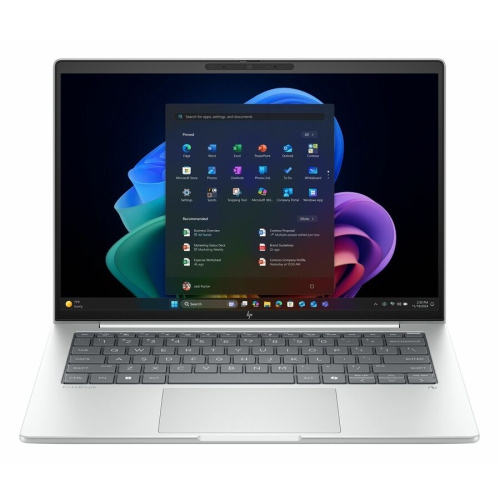
HP Elitebook 8 G1I 16" Touchscreen Business Laptop - Intel Core Ultra 5 228V - 32GB - 512GB SSD - Windows 11 Pro - Glacier Aluminum In Silver
About this product
A sleek glacier silver aluminium laptop with a 16" WUXGA touchscreen, Intel Core Ultra 5, and 32GB RAM.
(0)$2,129.99Your price for this item is $2129.99SAVE $260 -
8

HP Elitebook 840 14" Business Laptop -Pike (Intel Ultra 5-125U/16GB Ram/512GB SSD/win 11 Pro)-(A6Sy7Ut#aba) In Silver
About this product
A sleek 14" laptop featuring Intel Core Ultra 5, 16GB RAM, 512GB SSD, and Windows 11 Pro.
What customers like
(0)$2,846.21 Your price for this item is $2846.21 -
9
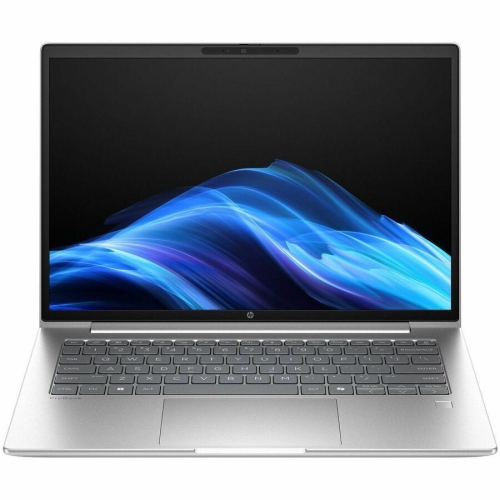
HP Elitebook 8 G1A 16" Touchscreen Business Laptop - Amd Ryzen Ai 7 350 - 32GB - 512GB SSD - Windows 11 Pro - In Silver
About this product
A powerful glacier silver touchscreen notebook with AMD Ryzen AI 7, 32GB RAM, and Windows 11 Pro.
(7)$2,589.99Your price for this item is $2589.99SAVE $50 -
10
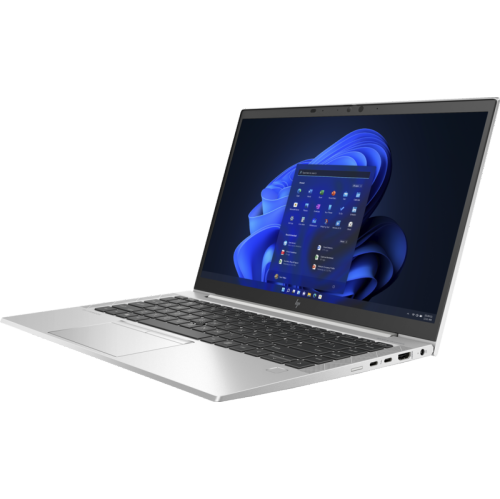
HP Refurbished(Excellent) Elitebook 840 G6 14" Intel Core I5 8Th /16G/256GB SSD/windows 11 Professional
About this product
A refurbished laptop featuring Intel Core i5, 16GB RAM, 256GB SSD, and Windows 11 Professional.
(3)$439.00Your price for this item is $439SAVE $160
FAQ
Excel is available for both Windows and macOS, but some features differ. Windows offers broader support for Power Pivot, certain Power Query capabilities and some business add-ins. A MacBook supports everyday spreadsheet tasks, formulas, charts and PivotTables. If your work relies on particular add-ins or data connections, check their operating system requirements before choosing.
A laptop does not automatically include a licence for the full desktop version of Excel. Some include a Microsoft 365 trial, while others require a separate subscription or an Office licence that includes Excel. Excel for the web is also available with a Microsoft account, though its features differ from the desktop application.
A dedicated graphics card is generally unnecessary for Excel. Integrated graphics support standard spreadsheet use, including charts and dashboards. For calculation-heavy workbooks, the processor and available memory are usually more relevant than a dedicated graphics card.
Consider a keyboard with clearly separated arrow keys, accessible function keys and comfortable key travel. A numeric keypad can be useful for frequent number entry, and a backlit keyboard helps make keys visible in dim rooms. You can also connect an external keyboard or numeric keypad to suit your workflow.
HDMI or a USB-C port with video output lets you connect an external monitor for viewing worksheets alongside other documents. USB ports support accessories such as a mouse, keyboard or external drive. If you plan to use a docking station, confirm that the laptop supports the dock’s connection type and display requirements.
Top selling and popular products
Discover more categories related to Best Laptops for Excel


Some products may be subject to Environmental Handling Fees (EHF) depending on your province. Learn more about EHFs.