Best DDR3 RAM
Find the best DDR3 RAM for your compatible desktop or laptop with options ranked by user review ratings. Whether you’re upgrading an older computer or adding memory for smoother multitasking, compare capacities, speeds, and form factors to find the right fit. Check your system’s memory requirements before choosing, as DDR3 RAM is not interchangeable with DDR4 or DDR5.
What to look for in DDR3 RAM
1. System Compatibility
2. Memory Capacity
3. Speed and Latency
4. Module Configuration and Reliability
-
1
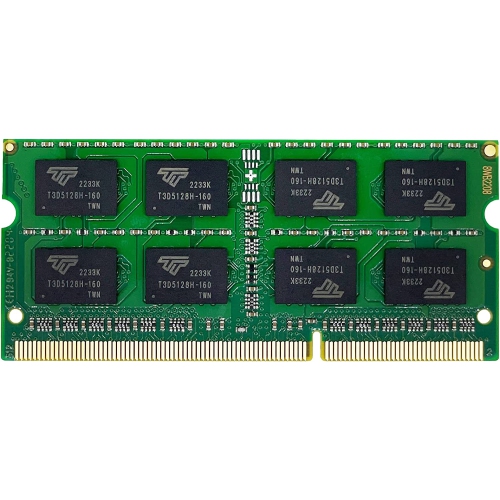
HLD 8GB Ddr3 1333Mhz PC3-10600 Non-Ecc Unbuffered 1.5V Cl9 2Rx8 Dual Rank 204 Pin Sodimm Laptop Notebook PC Computer Memory Ram Module Upgrade (8GB)
About this product
An 8GB DDR3 1333MHz SODIMM RAM module offering reliable, non-ECC, unbuffered memory for laptops.
$46.96Your price for this item is $46.96SAVE $9 -
2
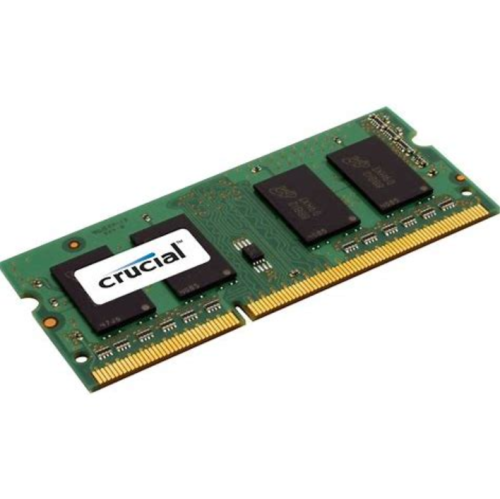
GENERIC RAM Refurbished (Good) Memory Sdram 2GB Ddr3 1066 Sodimm
About this product
A refurbished 2GB DDR3 1066 SODIMM SDRAM module for enhanced laptop memory performance.
$10.99Your price for this item is $10.99SAVE $9 -
3
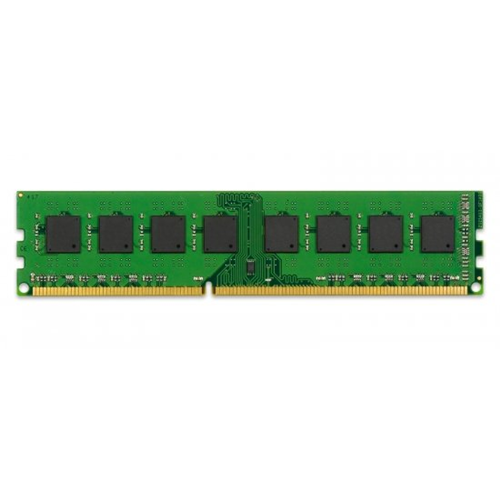
KINGSTON - 8GB Ddr3 PC3-12800 1600Mhz Ram Memory (Kcp316Nd8/8)
About this product
An 8GB DDR3 RAM module delivering 1600MHz speed for enhanced desktop performance and reliability.
$97.99Your price for this item is $97.99SAVE $20 -
4
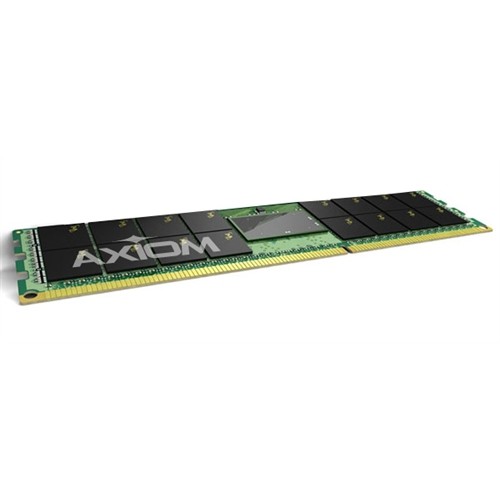
AXIOM MEMORY 64GB Ddr3 1600Mhz Memory (Ax31600L11A/64G)
About this product
A high-performance 64GB DDR3 1600MHz LRDIMM delivering increased bandwidth and reduced power consumption for servers.
$550.99Your price for this item is $550.99SAVE $95 -
5
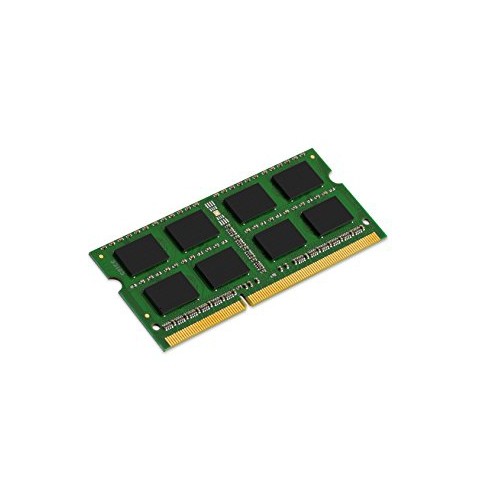
KINGSTON 8GB Ddr3 1600Mhz Desktop Memory (Kcp316Sd8/8)
About this product
An 8GB DDR3 desktop memory module offering 1600MHz speed for reliable multitasking and performance.
$154.68 Your price for this item is $154.68 -
6
KINGSTON Hyperx 8GB Ddr3 1333Mhz Desktop Memory (Kvr1333D3N9/8G)
About this product
An 8GB DDR3 desktop memory module with 1333MHz speed, CL9 latency, and gold contact fingers.
$74.99 Your price for this item is $74.99 -
7
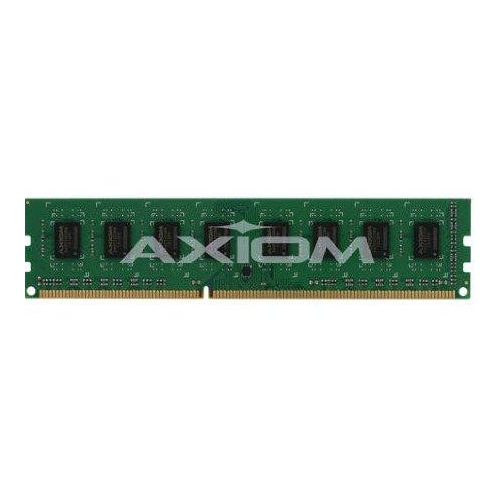
AXIOM MEMORY 8GB Ddr3-1600 Low Voltage Ecc Udimm for Dell - A6960121
About this product
An 8GB DDR3-1600 low voltage ECC UDIMM designed for reliable Dell computer performance.
$204.68 Your price for this item is $204.68 -
8
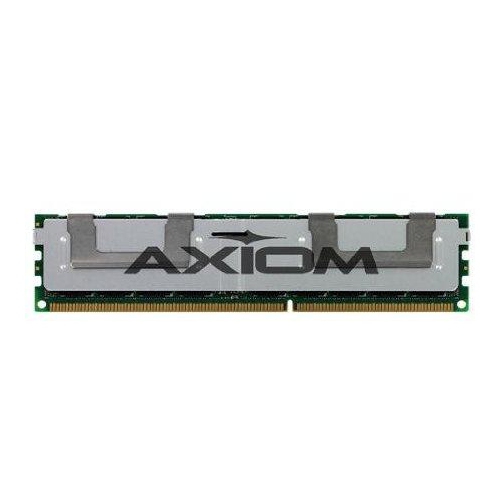
AXIOM MEMORY 16GB Ddr3-1866 Ecc Rdimm for Dell - A7187318
About this product
A high-performance 16GB DDR3-1866 ECC RDIMM designed for enhanced reliability in Dell servers.
$255.68 Your price for this item is $255.68 -
9
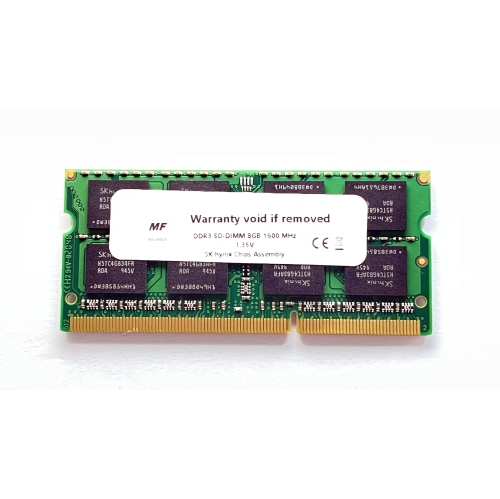
MF NO LABELS Ddr3 So-Dimm 8GB 1600Mhz High-Performance Laptop Ram
About this product
An 8GB DDR3 SO-DIMM laptop RAM module delivering high performance at 1600MHz speed.
$58.99 Your price for this item is $58.99 -
10
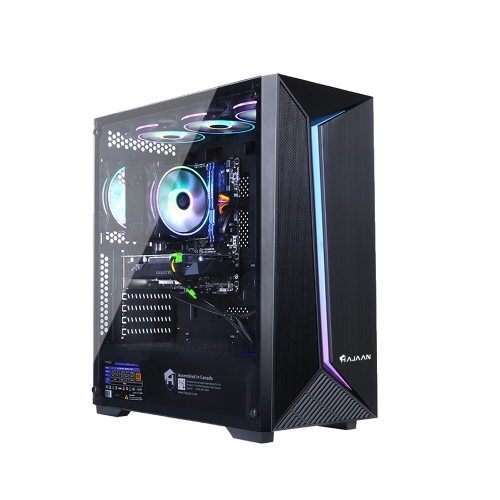
HAJAAN Thunder T40 Gaming PC Tower - Gtx 1650 4GB, Intel Core I7, 16GB Memory, 256GB SSD, Win 10
About this product
A powerful desktop featuring an Intel i7 processor, 16GB RAM, 256GB SSD, and GTX 1650 graphics.
$2,329.99Your price for this item is $2329.99SAVE $620
FAQ
Check your computer or motherboard documentation for the supported memory generation, module type, voltage and error-correction requirements. DDR3 compatibility depends on both the motherboard and processor, so match the listed specifications before choosing memory.
No. DDR3 and DDR4 use different electrical specifications and connector layouts, including different notch positions. They are not interchangeable, and a motherboard must explicitly support the memory generation you install.
Standard DDR3 typically operates at 1.5 V, while DDR3L supports operation at 1.35 V. Many DDR3L modules also support 1.5 V, but compatibility depends on the module and computer specifications. If your computer requires DDR3L, choose memory that explicitly meets that requirement.
ECC stands for error-correcting code, a memory feature that can detect and correct certain data errors. Non-ECC memory does not include this feature. ECC support requires a compatible processor and motherboard. Also check whether your system requires registered or unbuffered memory, as these are separate specifications.
XMP stands for Extreme Memory Profile. It stores preset memory frequency, timing and voltage settings on a module. On compatible systems, these profiles can be selected through the BIOS or UEFI. Not all DDR3 modules or motherboards support XMP.
Top selling and popular products
Discover more categories related to Best DDR3 RAM
Some products may be subject to Environmental Handling Fees (EHF) depending on your province. Learn more about EHFs.