Fastest DDR3 RAM
Upgrade your computer's speed and performance with the fastest DDR3 RAM available. Whether you're a gamer, a content creator, or simply looking to improve your multitasking capabilities, investing in high-speed DDR3 RAM can make a noticeable difference. With its lightning-fast data transfer rates and impressive bandwidth, this type of RAM is designed to handle even the most demanding tasks with ease. Discover the power of fast DDR3 RAM and take your computing experience to new heights.
Sort

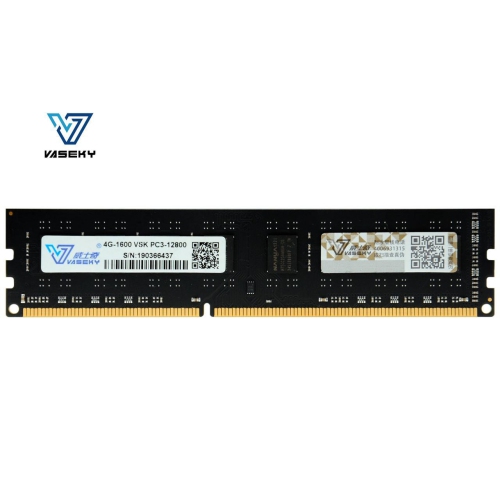
What to know about speed, compatibility, and capacity
Fastest DDR3 RAM is designed for older desktop and laptop platforms that use DDR3 SDRAM, offering a way to improve memory bandwidth without replacing the entire computer. DDR3 is no longer used in most new systems, but it remains relevant for compatible PCs built around earlier Intel and AMD processors, especially computers used for legacy gaming, media playback, home office work, light content creation, and enthusiast experimentation. When comparing speed ratings, the number after “DDR3” refers to the effective data-transfer rate in megatransfers per second, commonly shown as DDR3-1600, DDR3-1866, DDR3-2133, or higher. Standard JEDEC specifications for DDR3 reached 2133 MT/s, while selected performance kits used Intel Extreme Memory Profile, or XMP, settings to reach approximately 2400, 2666, 2800, 3000, and in rare cases up to 3133 MT/s out of the box. These extreme ratings were typically intended for enthusiasts with a compatible processor, motherboard, and integrated memory controller. Specialised overclocking results have gone beyond retail specifications, with highly modified systems and advanced cooling reaching far higher frequencies, but those figures should not be treated as normal operating speeds for a home computer. For everyday tasks, the practical difference between a reliable DDR3-1600 kit and a much faster kit may be modest, particularly when the computer’s processor, graphics card, storage drive, or software is the main performance limitation. Faster memory can help in bandwidth-sensitive workloads, integrated-graphics gaming, selected creative applications, compression, and benchmarking, but it cannot compensate for an incompatible platform or an underpowered CPU.
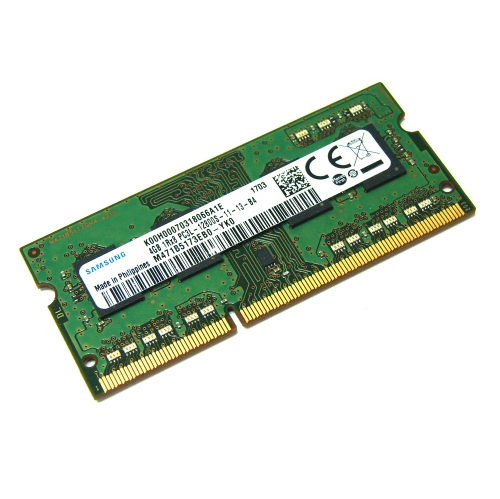
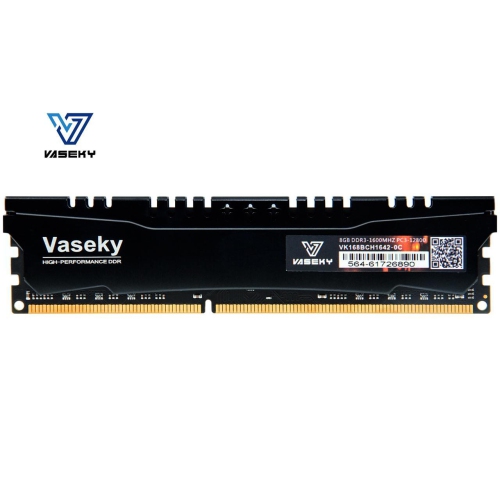
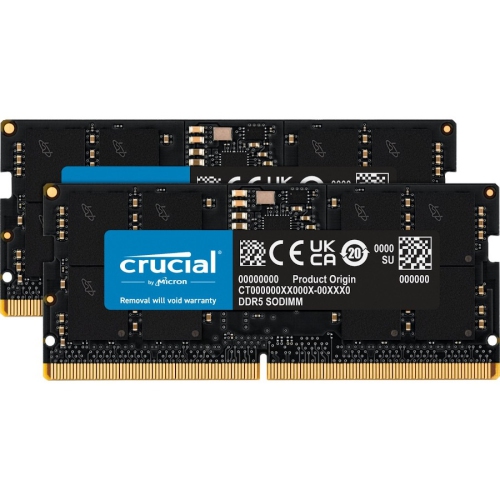
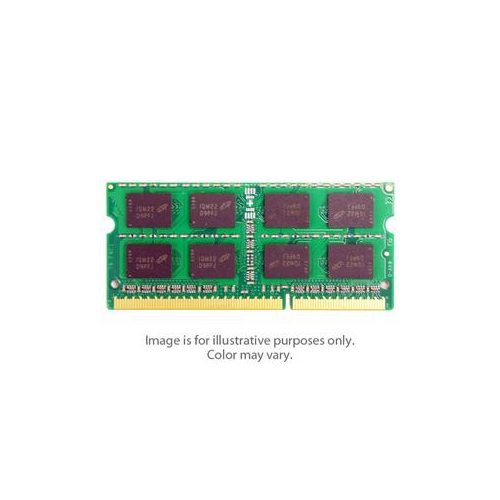
Compatibility should be the first consideration when selecting the fastest DDR3 RAM for a particular computer. DDR3, DDR3L, and DDR2 are different memory standards and are not interchangeable, even when the modules appear similar. Desktop systems generally require full-size 240-pin DIMMs, while many notebooks and compact computers use shorter 204-pin SO-DIMMs. Check the computer or motherboard documentation for the supported memory type, maximum capacity, maximum speed, supported voltage, and number of available slots before purchasing. A board may accept a fast module but automatically run it at a lower supported speed, which is normal and does not indicate a fault. The processor’s integrated memory controller also influences the achievable result, and some systems may not boot at advertised overclocked settings without manual adjustments. For this reason, a faster-rated kit is not always the best match; a slightly lower-speed kit that runs reliably at the system’s supported settings can provide a smoother ownership experience than an ambitious rating that requires extensive tuning. Capacity matters as well. A matched 2-module kit can enable dual-channel operation when the motherboard supports it, increasing memory bandwidth compared with a single module of the same total capacity. Users should also compare timings, often written as values such as CL9, CL10, or CL11, along with operating voltage. Lower latency can help offset some of the benefit of a higher frequency, so speed and timings should be considered together rather than viewed in isolation. Additional features such as heat spreaders may assist with physical protection and appearance, but they do not guarantee higher performance or compatibility, and tall modules can interfere with large CPU coolers.
The fastest DDR3 RAM is most useful for people upgrading a compatible older desktop, restoring a legacy gaming computer, or tuning a system for software that benefits from increased memory bandwidth. A computer that feels sluggish when several browser tabs, office applications, photo tools, or background services are open may benefit more from additional capacity than from a small increase in frequency. Likewise, a system using integrated graphics may see more value from dual-channel memory and adequate capacity because the graphics processor shares system RAM. Gamers working with older titles can pair a suitable DDR3 kit with a compatible processor and graphics card to maintain a balanced configuration, while hobbyists may appreciate the flexibility to test XMP profiles and compare performance settings. Memory can also be a practical gift for someone maintaining a family computer, upgrading a home workstation, or keeping a favourite older PC useful for schoolwork and everyday tasks. Before giving or buying a kit, confirm the recipient’s exact computer model or motherboard, since a high-speed desktop kit will not fit a notebook, and a module with the wrong voltage or memory layout may not operate properly. Installation is generally straightforward: shut down and unplug the computer, remove the side panel or memory cover, align the notch in the module with the slot, and press evenly until the retaining clips lock into place. After installation, verify the total capacity and operating speed in the system information or firmware menu. If an XMP profile is available, it can be enabled through the motherboard’s firmware, but stability should be checked with normal applications and memory-testing software. When a system becomes unstable, lowering the memory speed, using the default profile, or selecting a configuration listed on the motherboard’s compatibility documentation is often the sensible solution. For shoppers comparing older DDR3 technology with newer memory standards, Fastest DDR5 RAM offers a separate look at current-generation performance, although DDR5 modules cannot be installed in a DDR3 motherboard. The right choice is ultimately the fastest compatible configuration that delivers dependable operation, suitable capacity, and a balanced fit with the rest of the computer.
Compatibility should be the first consideration when selecting the fastest DDR3 RAM for a particular computer. DDR3, DDR3L, and DDR2 are different memory standards and are not interchangeable, even when the modules appear similar. Desktop systems generally require full-size 240-pin DIMMs, while many notebooks and compact computers use shorter 204-pin SO-DIMMs. Check the computer or motherboard documentation for the supported memory type, maximum capacity, maximum speed, supported voltage, and number of available slots before purchasing. A board may accept a fast module but automatically run it at a lower supported speed, which is normal and does not indicate a fault. The processor’s integrated memory controller also influences the achievable result, and some systems may not boot at advertised overclocked settings without manual adjustments. For this reason, a faster-rated kit is not always the best match; a slightly lower-speed kit that runs reliably at the system’s supported settings can provide a smoother ownership experience than an ambitious rating that requires extensive tuning. Capacity matters as well. A matched 2-module kit can enable dual-channel operation when the motherboard supports it, increasing memory bandwidth compared with a single module of the same total capacity. Users should also compare timings, often written as values such as CL9, CL10, or CL11, along with operating voltage. Lower latency can help offset some of the benefit of a higher frequency, so speed and timings should be considered together rather than viewed in isolation. Additional features such as heat spreaders may assist with physical protection and appearance, but they do not guarantee higher performance or compatibility, and tall modules can interfere with large CPU coolers.
The fastest DDR3 RAM is most useful for people upgrading a compatible older desktop, restoring a legacy gaming computer, or tuning a system for software that benefits from increased memory bandwidth. A computer that feels sluggish when several browser tabs, office applications, photo tools, or background services are open may benefit more from additional capacity than from a small increase in frequency. Likewise, a system using integrated graphics may see more value from dual-channel memory and adequate capacity because the graphics processor shares system RAM. Gamers working with older titles can pair a suitable DDR3 kit with a compatible processor and graphics card to maintain a balanced configuration, while hobbyists may appreciate the flexibility to test XMP profiles and compare performance settings. Memory can also be a practical gift for someone maintaining a family computer, upgrading a home workstation, or keeping a favourite older PC useful for schoolwork and everyday tasks. Before giving or buying a kit, confirm the recipient’s exact computer model or motherboard, since a high-speed desktop kit will not fit a notebook, and a module with the wrong voltage or memory layout may not operate properly. Installation is generally straightforward: shut down and unplug the computer, remove the side panel or memory cover, align the notch in the module with the slot, and press evenly until the retaining clips lock into place. After installation, verify the total capacity and operating speed in the system information or firmware menu. If an XMP profile is available, it can be enabled through the motherboard’s firmware, but stability should be checked with normal applications and memory-testing software. When a system becomes unstable, lowering the memory speed, using the default profile, or selecting a configuration listed on the motherboard’s compatibility documentation is often the sensible solution. For shoppers comparing older DDR3 technology with newer memory standards, Fastest DDR5 RAM offers a separate look at current-generation performance, although DDR5 modules cannot be installed in a DDR3 motherboard. The right choice is ultimately the fastest compatible configuration that delivers dependable operation, suitable capacity, and a balanced fit with the rest of the computer.
Top selling and popular products
-
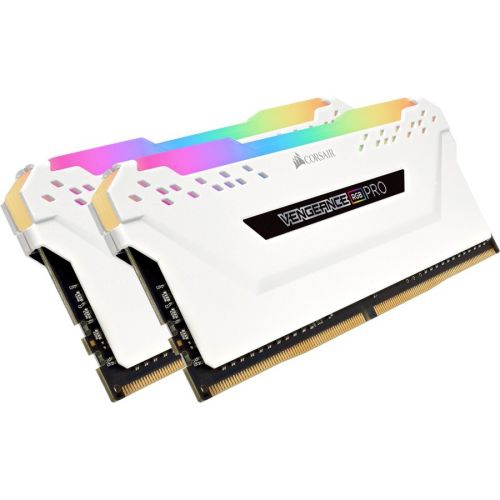 Your price for this item is $307.68
 -
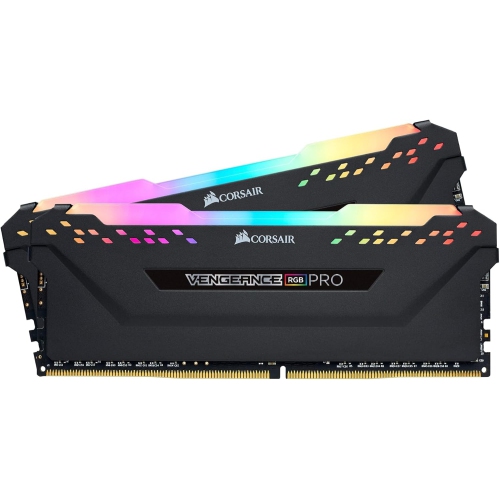 Your price for this item is $329.99
 -
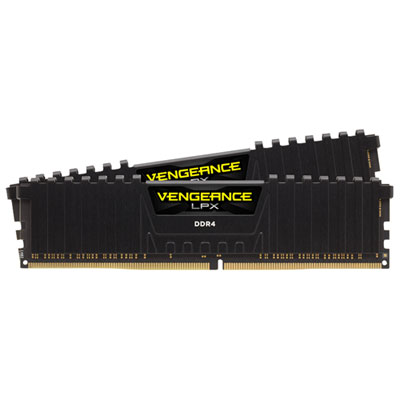 Your price for this item is $406.98
 -
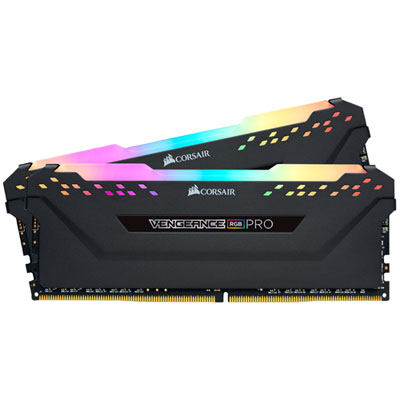 Your price for this item is $450.99
 -
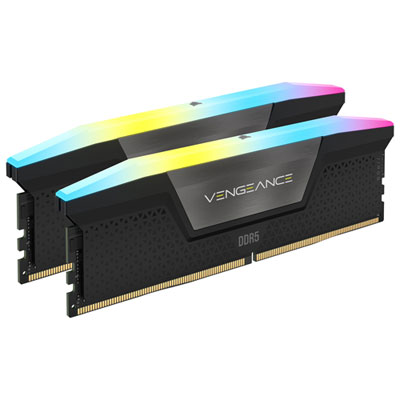 Your price for this item is $799.99
 -
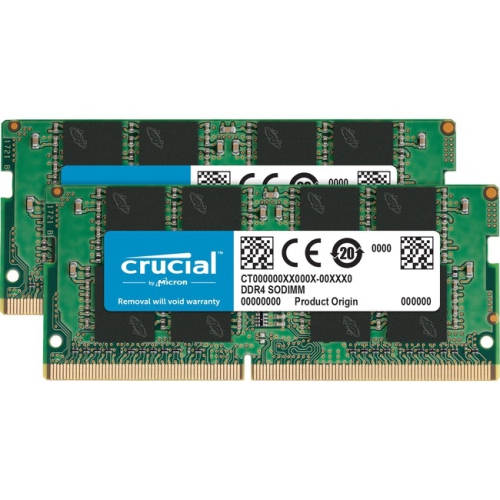 Your price for this item is $379.99
 -
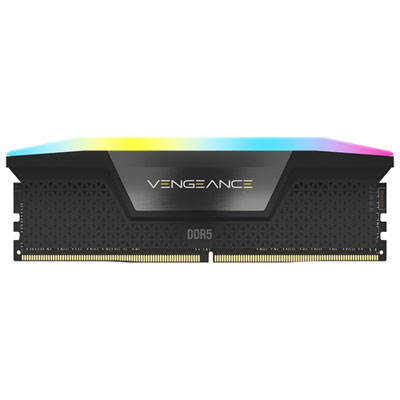 Your price for this item is $1793.99
 -
 Your price for this item is $1039.68
Discover more categories related to Fastest DDR3 RAM
Top Collections:
Pokemon Centers, Kindle Devices, Best Budget Office Chairs, Apple iPhones 16, Best Laptops for Writers, iPhone 15 Apple, Canon G7X Cameras, Refurbished Apple Laptops, Alarm Clock, Motorola Razr Phones
Some products may be subject to Environmental Handling Fees
(EHF) depending on your province.
Learn more about EHFs.