Best Ergonomic Accessories for WFH Setup
Make working from home more comfortable with the best ergonomic accessories for your WFH setup, ranked by customer review ratings. Whether you’re refining a dedicated home office or making the most of a compact workspace, explore options designed to support better posture, reduce strain, and keep everyday essentials within easy reach. Find the right fit for your space and workday with insights from fellow shoppers.
What to look for in ergonomic accessories for WFH setups
1. Adjustability and Support
2. Keyboard and Mouse Design
3. Workspace Fit and Compatibility
4. Everyday Ease of Use
-
1
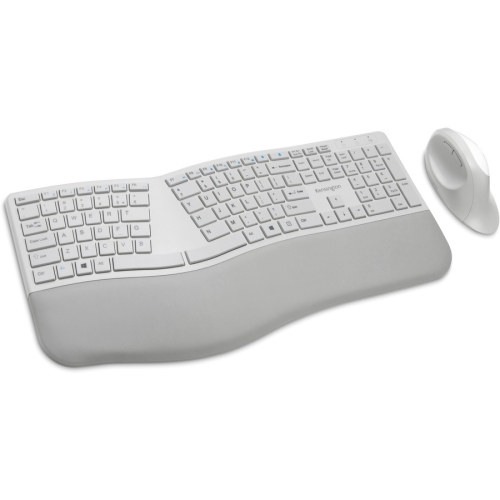
KENSINGTON Pro Fit Ergonomic Wireless Keyboard And Mouse - (K75407Us) In Grey
About this product
An ergonomist-approved grey wireless keyboard and mouse set with split design and built-in wrist support.
(1)$98.79 Your price for this item is $98.79 -
2
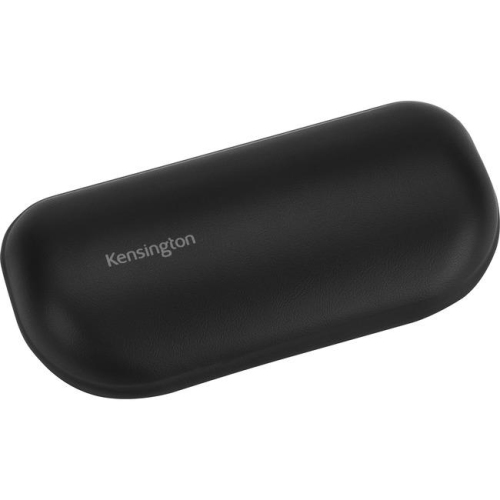
ACCO Ergosoft Wristrest Stndr Mouse (8589652802)
About this product
A gel-cushioned wrist rest with an ultra-soft, easy-to-clean exterior for ergonomic mouse support.
(1)$34.79 Your price for this item is $34.79 -
3
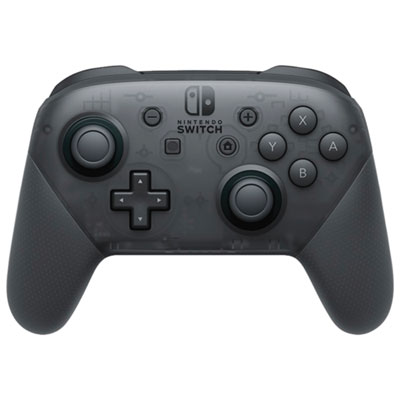
Nintendo Switch Pro Controller
About this product
A black ergonomic controller featuring dual analog sticks and a long-lasting rechargeable battery for comfortable gaming.
What customers like
(13,805)$99.99 Your price for this item is $99.99 -
4
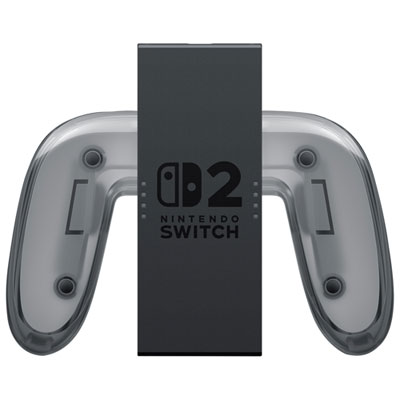
Nintendo Switch 2 Joy-Con 2 Charging Grip
About this product
A versatile charging grip that lets you play and charge Joy-Con 2 controllers with customizable button mapping.
What customers like
(115)$49.99 Your price for this item is $49.99 -
5
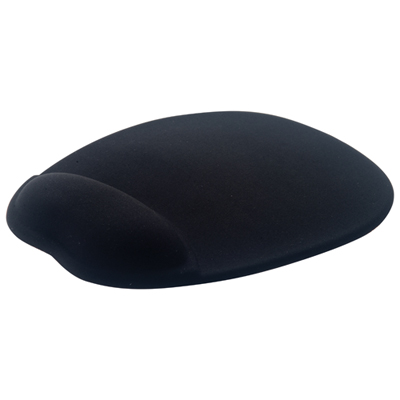
Insignia Memory Foam Mouse Pad - Black - Only at Best Buy
About this product
A black memory foam mouse pad with ergonomic support and a non-slip rubber backing for comfort.
What customers like
(2,763)$19.95 Your price for this item is $19.95 -
6
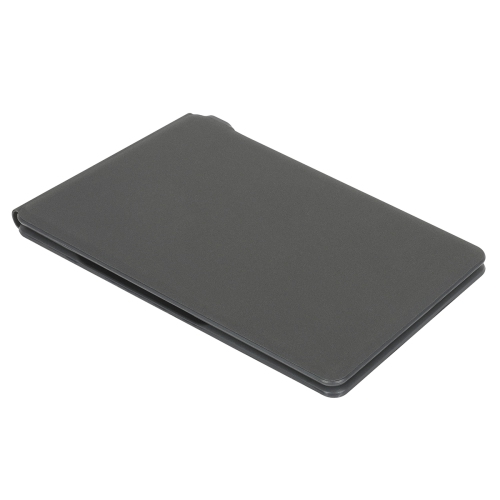
TARGUS Ergonomic Foldable Bluetooth Antimicrobial Keyboard
About this product
An ergonomic, foldable Bluetooth keyboard featuring antimicrobial protection and multi-device compatibility for on-the-go typing.
What customers like
(255)$51.99Your price for this item is $51.99SAVE $9 -
7
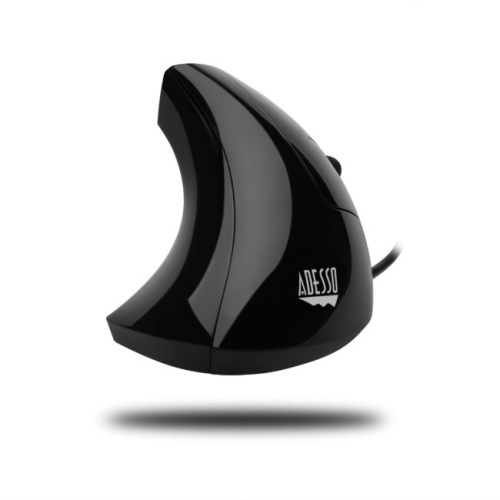
ADESSO Imouse E1 Vertical Ergonomic Optical Mouse
About this product
A vertical ergonomic optical mouse designed to minimize wrist pain and provide better forearm support.
What customers like
(34)$50.99 Your price for this item is $50.99 -
8
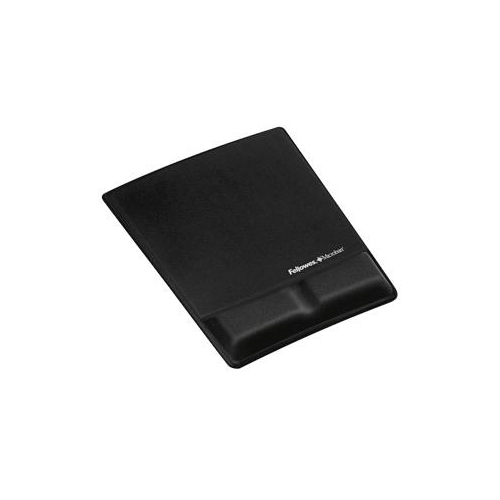
FELLOWES Mouse/wrist Pad - (9181201) In Black
About this product
A black memory foam mouse pad with wrist support that relieves pressure and enhances mouse performance.
(4)$64.68 Your price for this item is $64.68 -
9
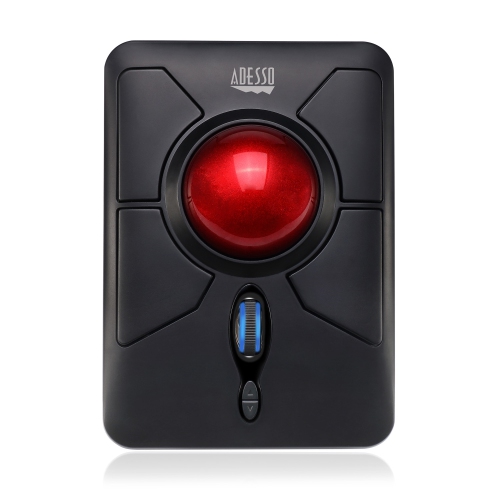
ADESSO Wireless Ergonomic Trackball Mouse - (Imouse T50)
About this product
A wireless ergonomic trackball mouse that provides comfortable navigation and precision control.
$76.99Your price for this item is $76.99SAVE $13 -
10

Comfortable Mouse Pad Wrist Support Silicone Gel Wrist Rest Ergonomic Mouse Mat
About this product
A silicone gel mouse pad with ergonomic wrist support for comfortable, strain-free computer use.
$20.00 Your price for this item is $20
FAQ
Common accessories include ergonomic keyboards, vertical mice, monitor arms, laptop stands, wrist rests and adjustable footrests. Your selection can reflect whether you work primarily on a laptop, use separate monitors or switch between sitting and standing.
Ergonomic keyboards include split, curved and tented designs. Split keyboards separate the keys into two sections, while tented models angle those sections upward towards the centre. Other features to compare include integrated palm rests, programmable keys and wired or wireless connectivity.
A vertical mouse has an angled body and moves across the desk to control the pointer. A trackball stays in place while you rotate a ball with your thumb or fingers. Both types may offer customisable buttons, adjustable pointer sensitivity and wired or wireless connections.
A monitor stand provides a raised platform that rests on your desk and may include storage compartments. A monitor arm attaches to a desk or wall and typically offers tilt, swivel and height adjustments. When choosing an arm, check your monitor’s mounting pattern and weight against the arm’s stated compatibility.
Features to compare include adjustable height, tilt settings, textured surfaces and removable covers. Some footrests remain stationary, while others have a rocking base. Adjustment controls and surface materials also vary between models.
Top selling and popular products
Discover more categories related to Best Ergonomic Accessories for WFH Setup

Some products may be subject to Environmental Handling Fees (EHF) depending on your province. Learn more about EHFs.