Ergonomic Desk Accessories
Enhance your workspace with our selection of ergonomic desk accessories. Whether you're working from home or in the office, these essential tools are designed to optimize comfort and productivity. From adjustable monitor stands to wrist rests and cable management solutions, we have everything you need to create an ergonomic setup that supports your well-being.
Sort
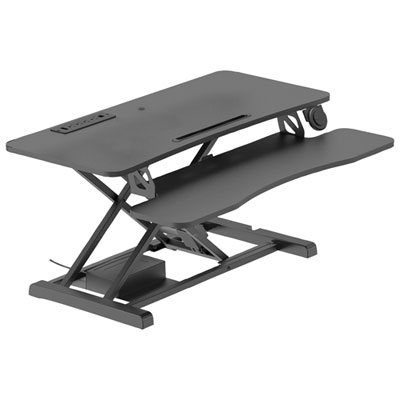
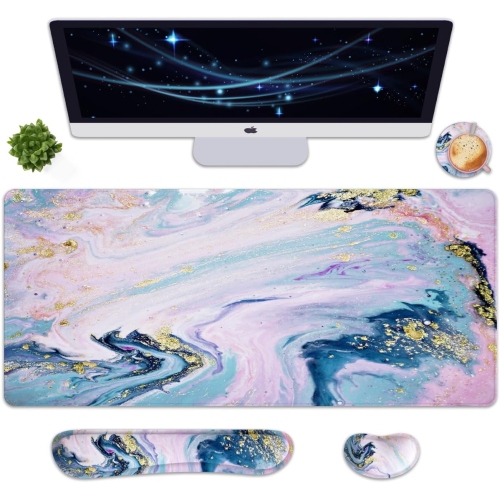
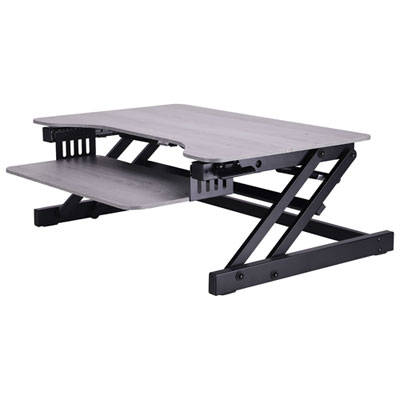
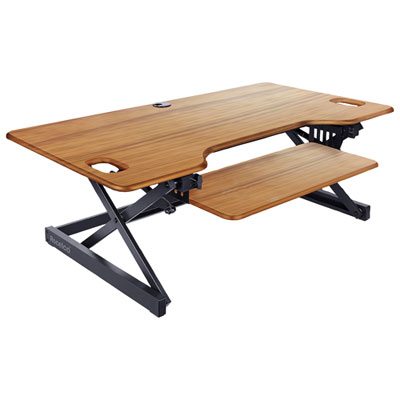




















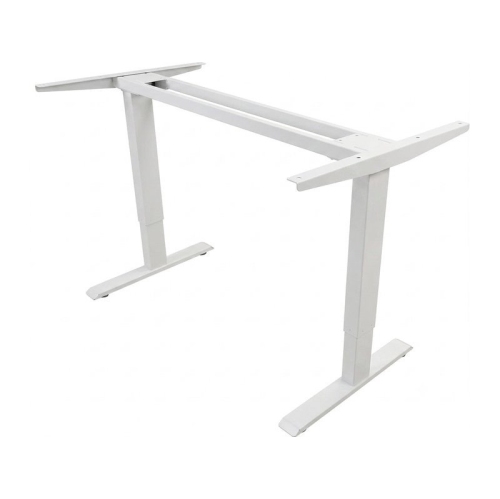
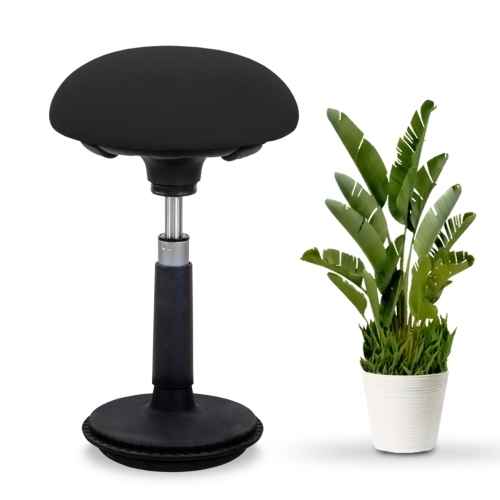
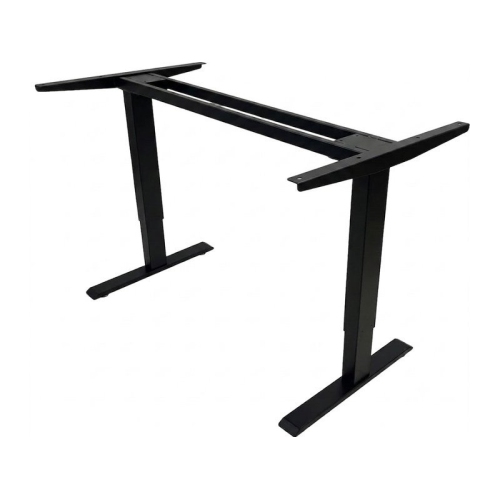
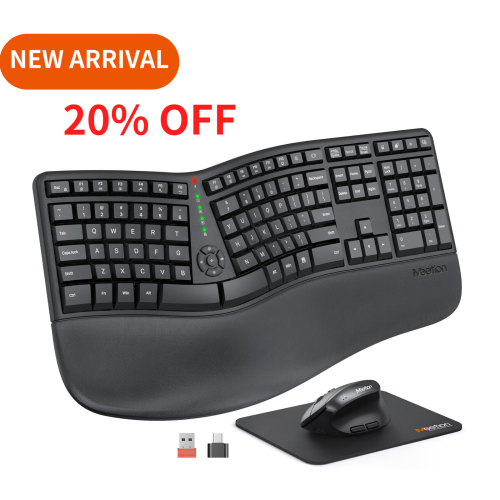
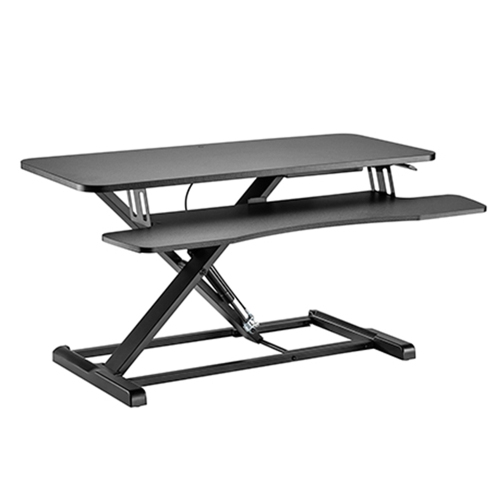
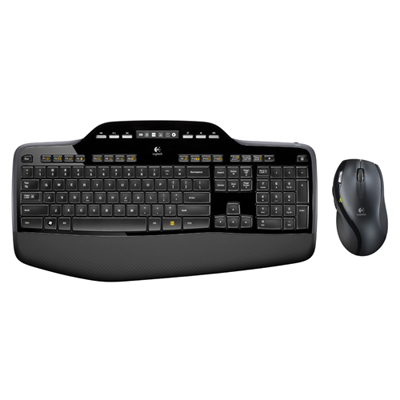
Small adjustments can support a more comfortable workspace
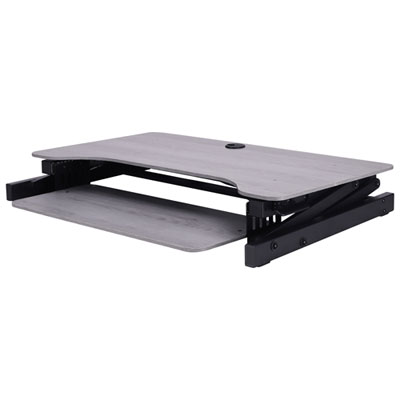
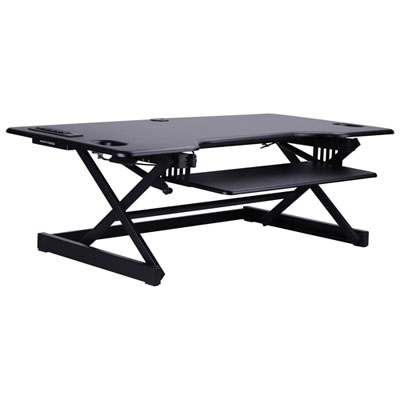
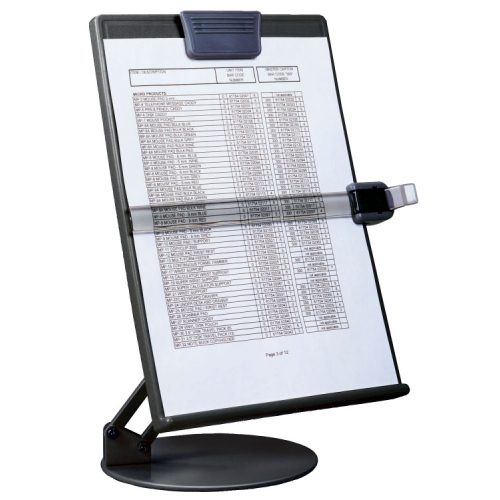
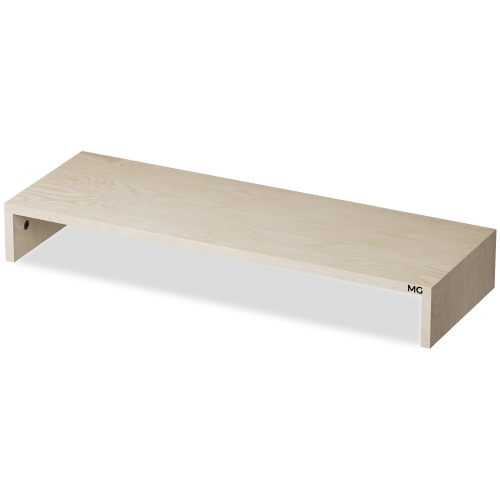
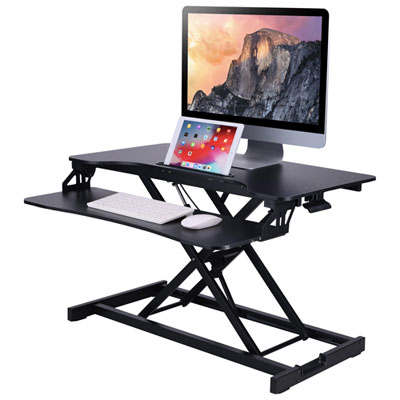
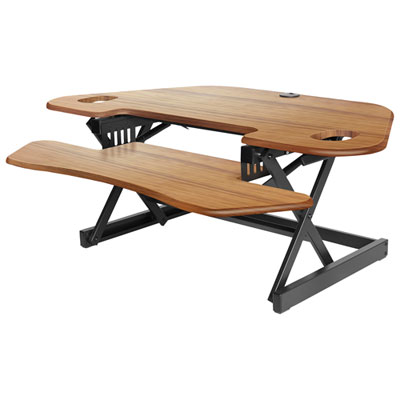
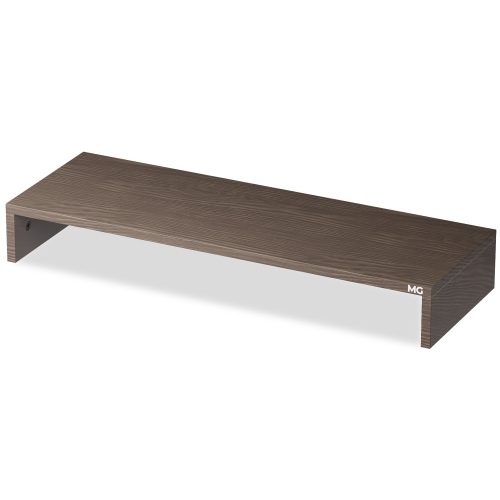
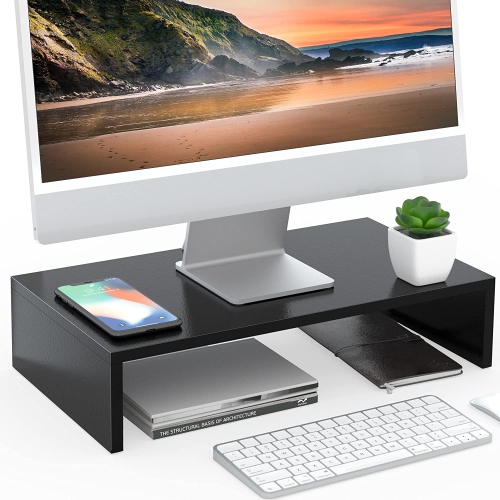
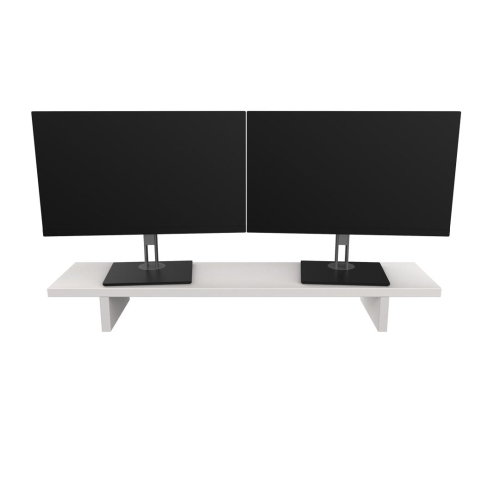
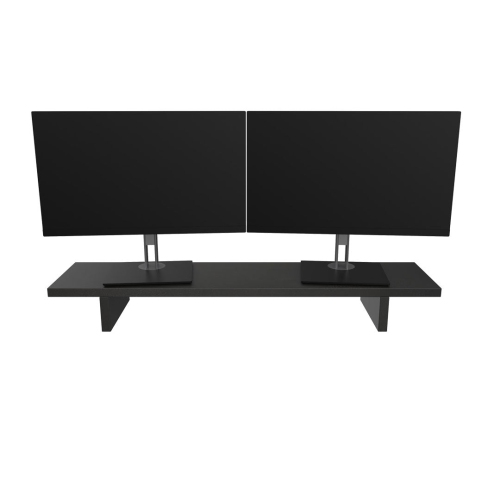
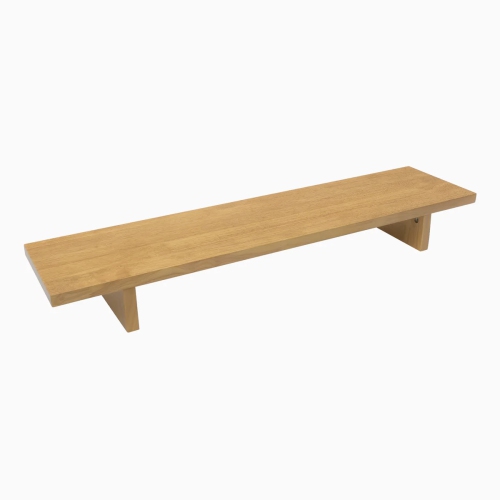
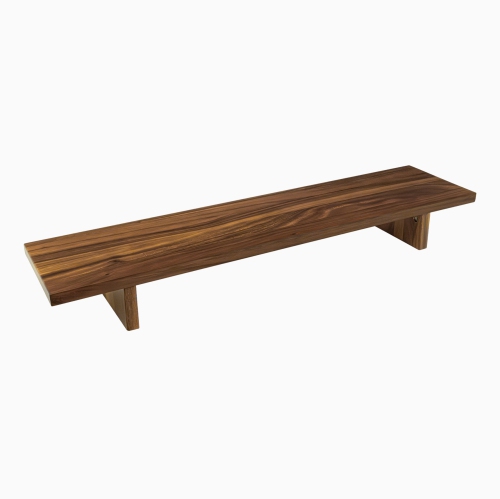
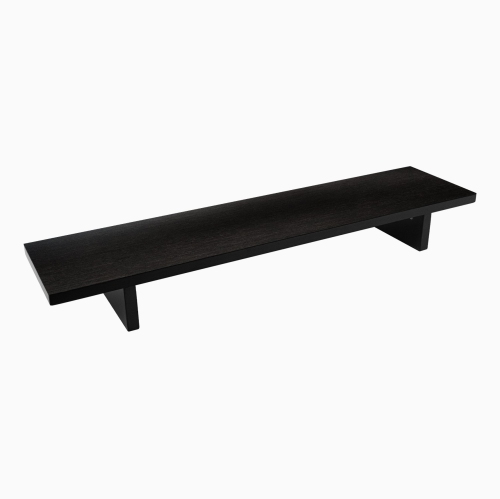
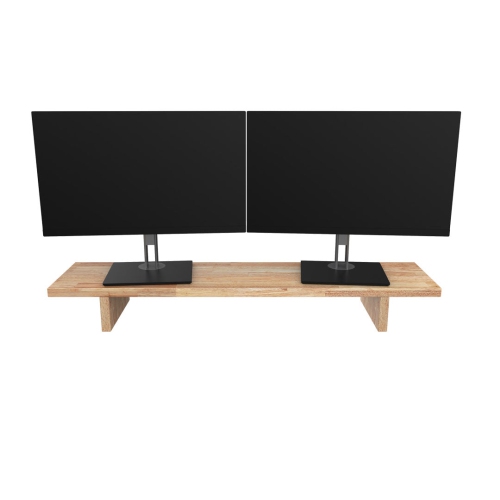
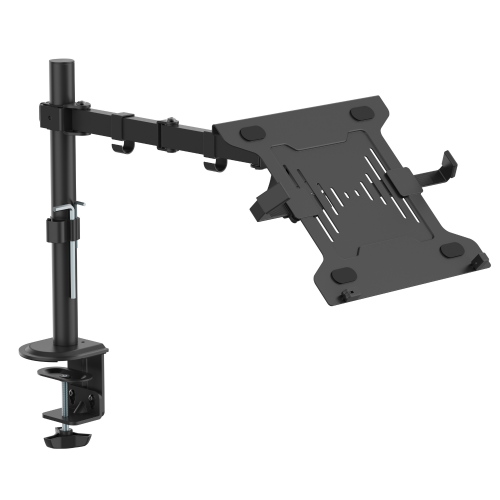
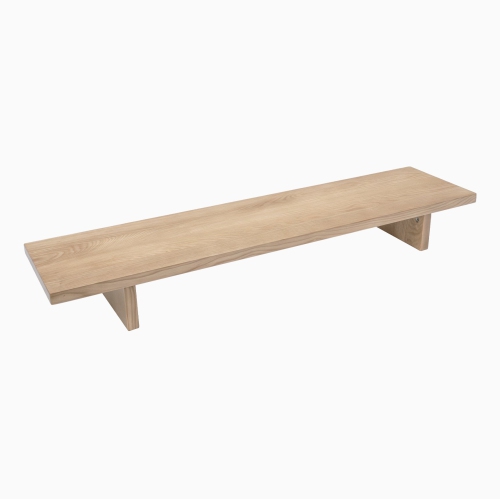
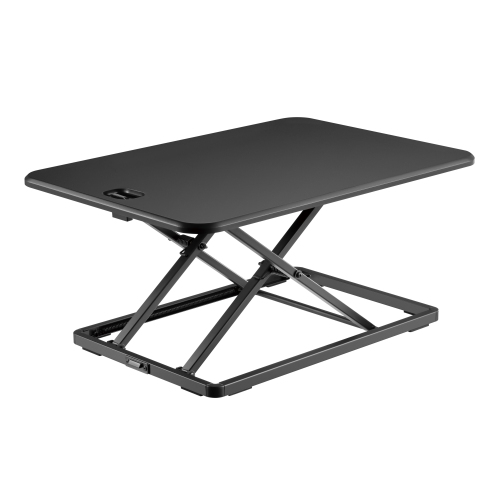
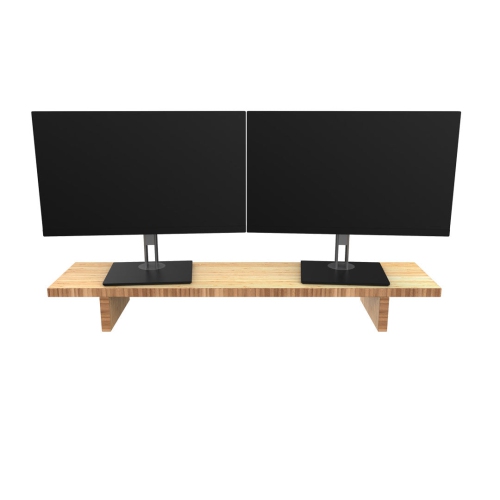
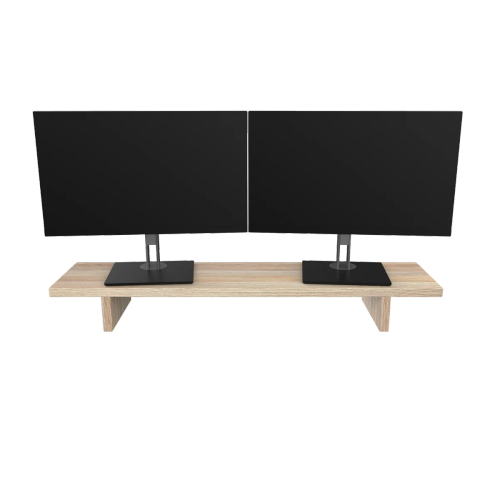
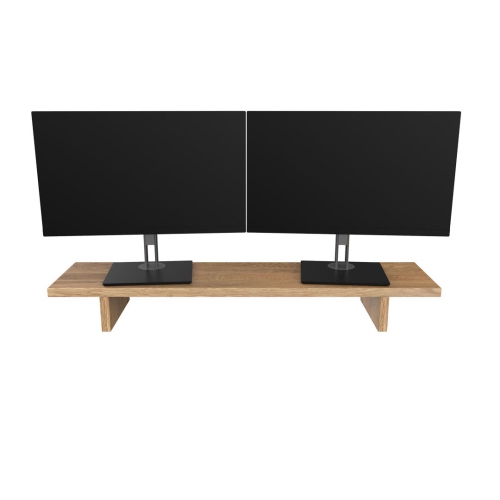
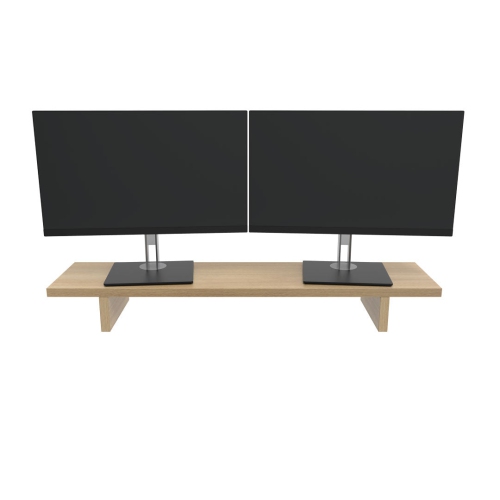
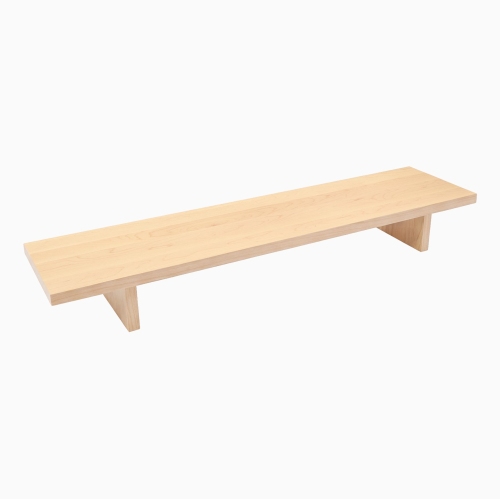
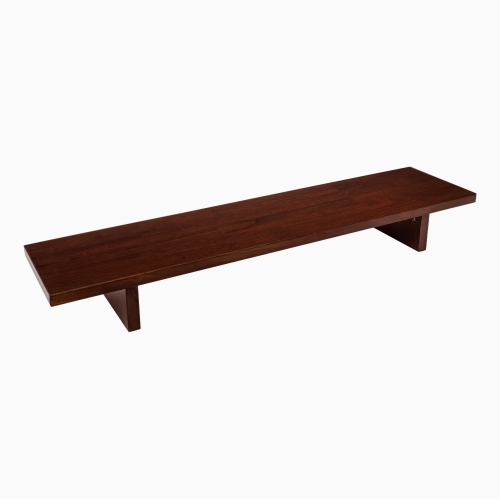
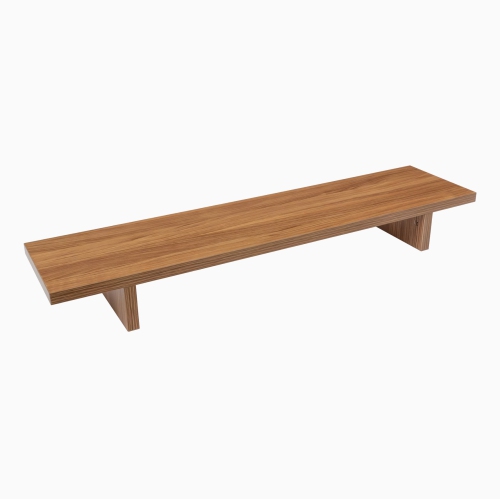
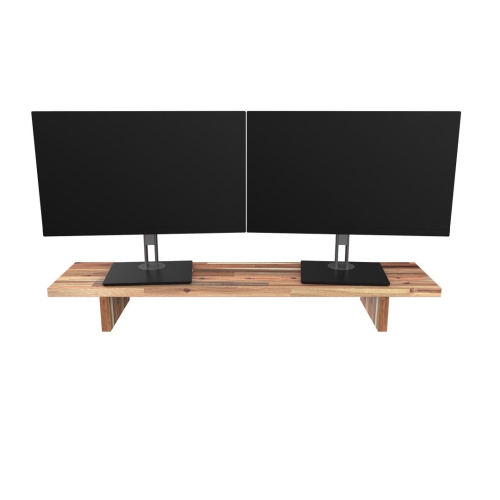
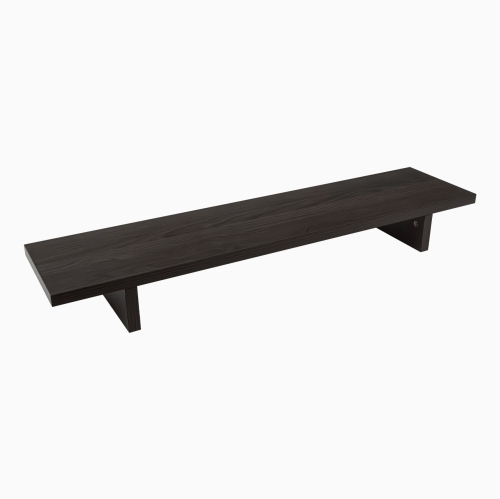
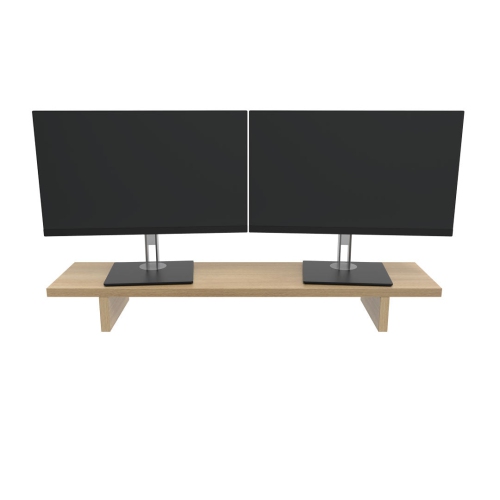
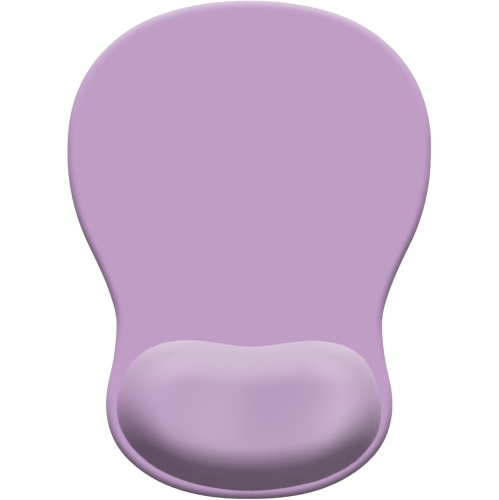
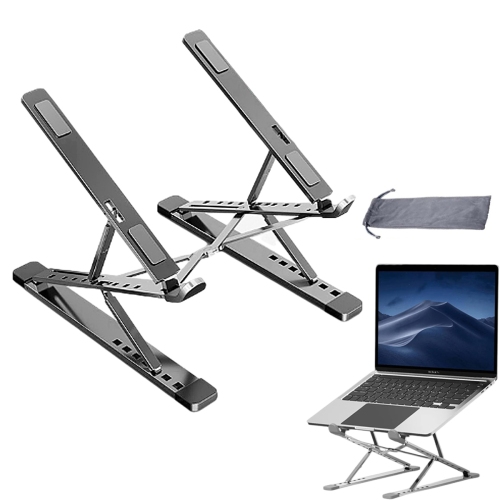
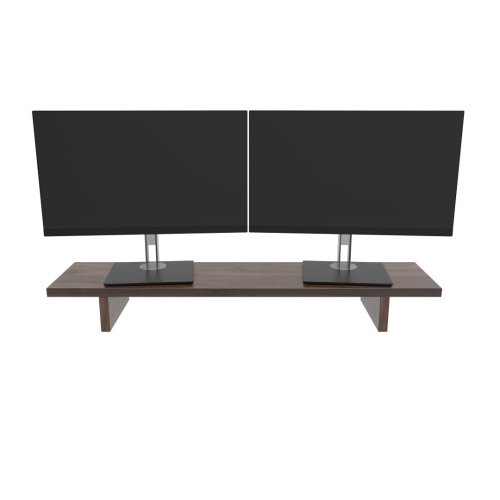
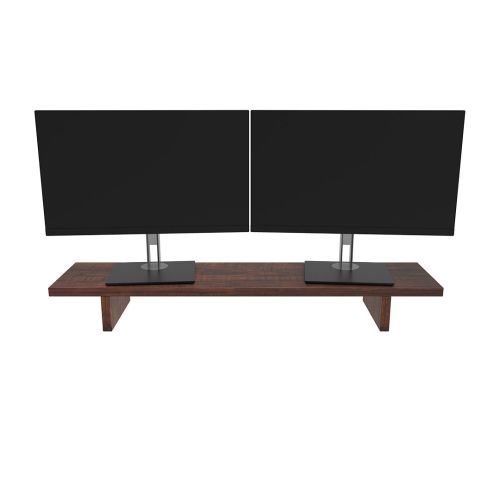
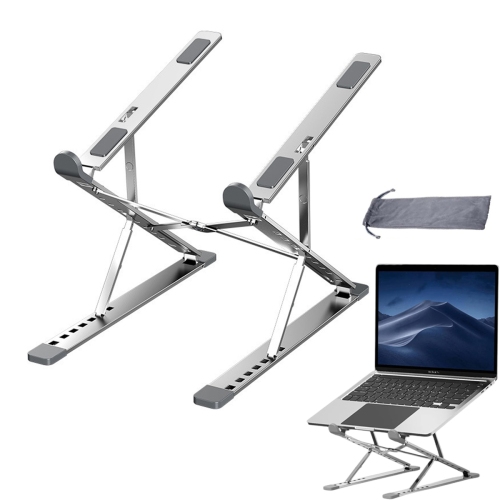
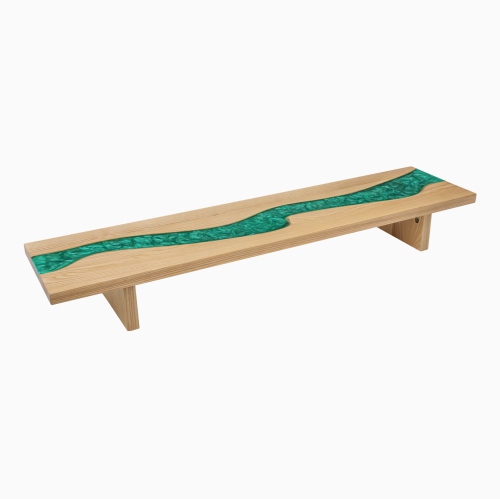
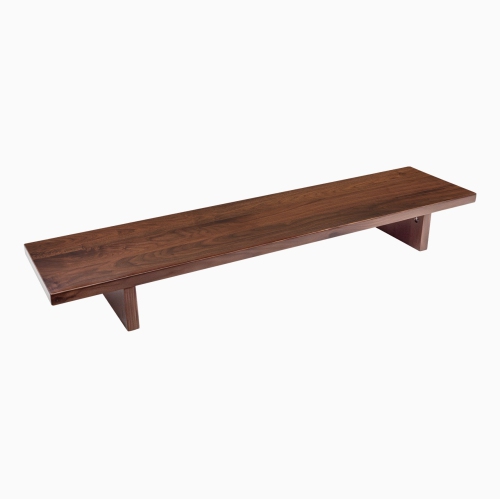
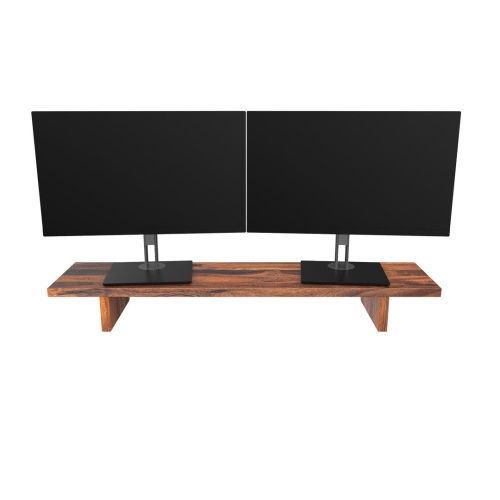
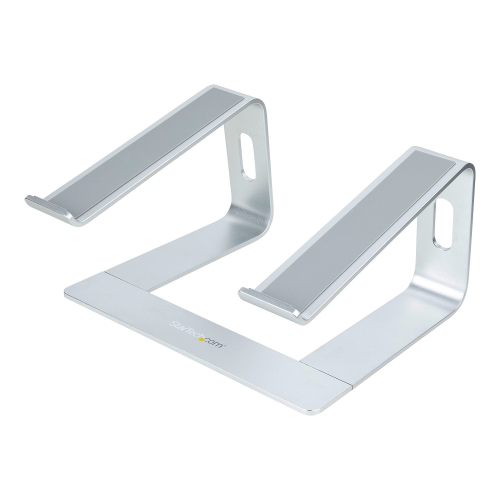
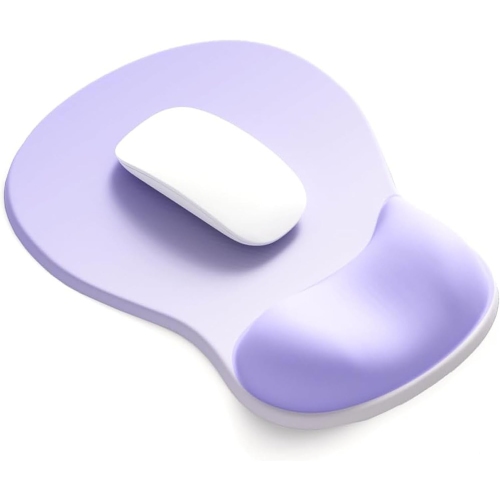
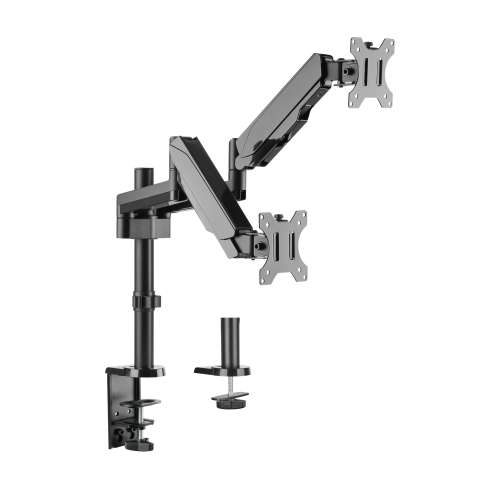
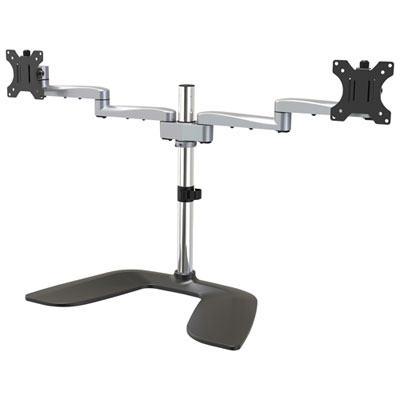
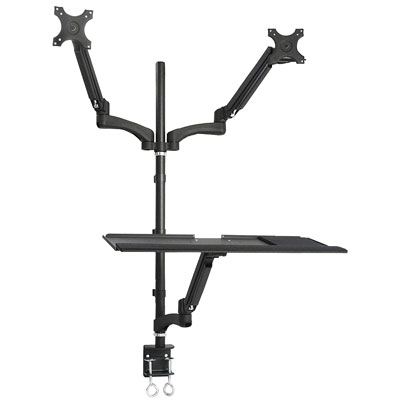
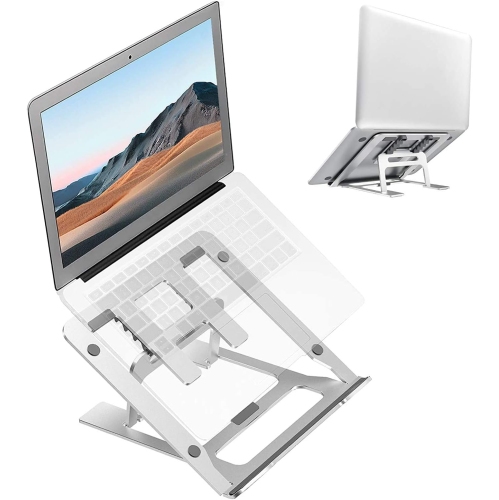
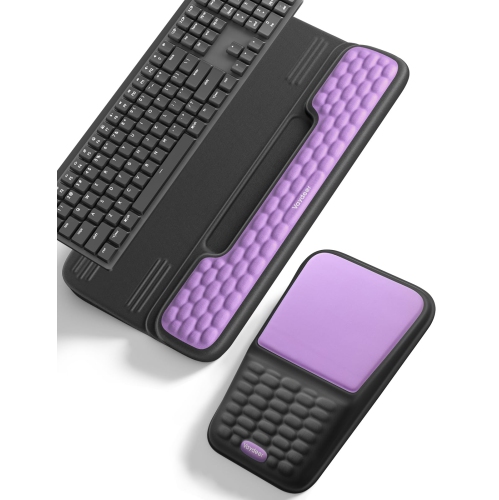
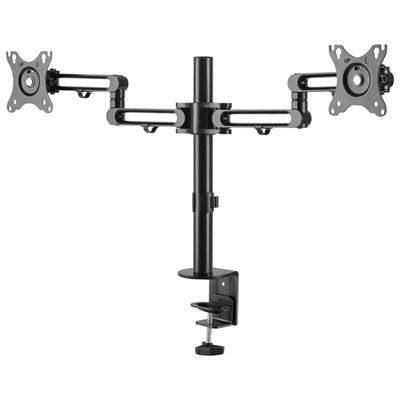
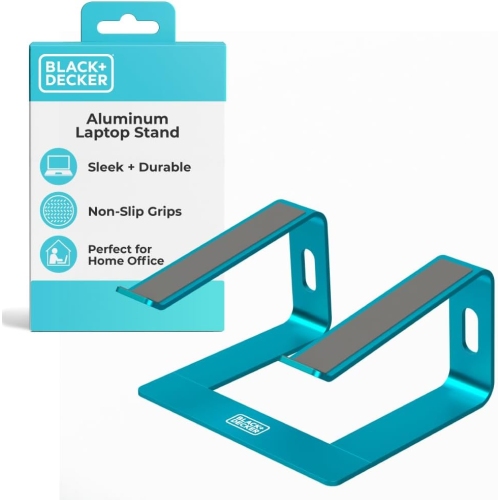
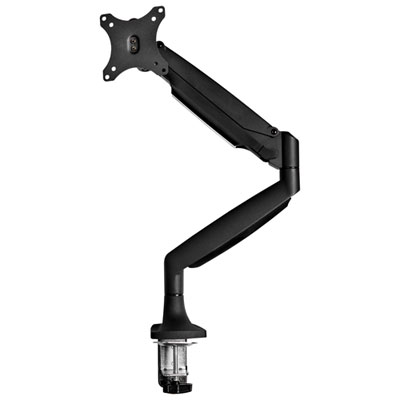
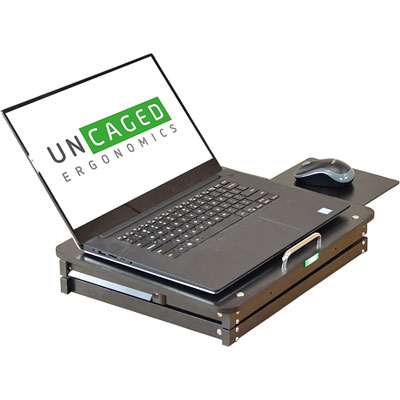
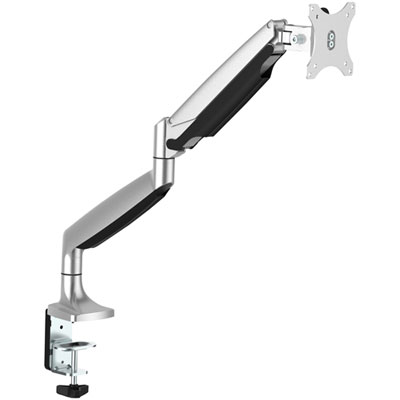
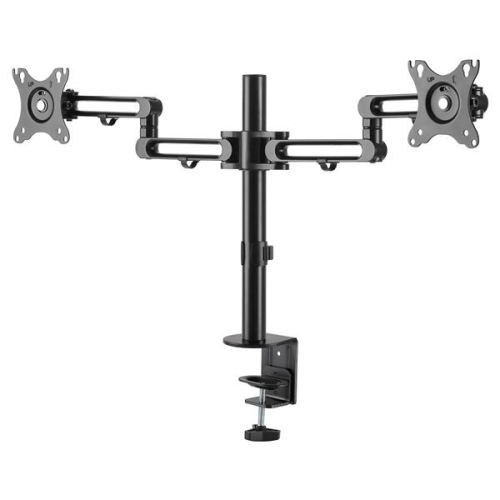
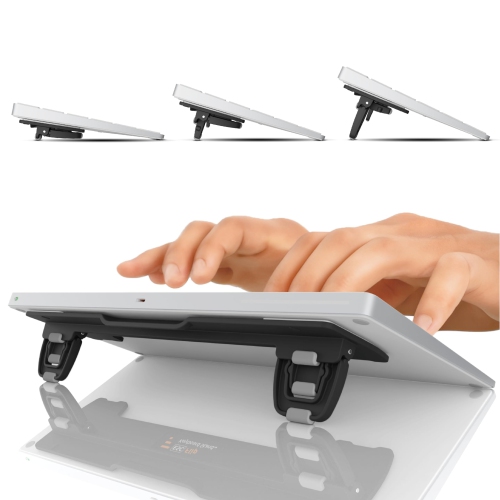
Ergonomic desk accessories can help create a more comfortable, adaptable workspace for computer work, studying, gaming, creative projects and everyday household tasks. Rather than changing your entire desk or chair, a few well-chosen additions can adjust the height, angle and placement of the equipment you use most. A monitor arm, for example, can lift a screen closer to eye level and allow it to tilt, swivel or rotate as your setup changes. This can be especially useful when sharing a desk, working with more than one display or moving between sitting and standing. A laptop stand can raise a portable computer so its screen is easier to view, although it is generally best paired with an external keyboard and mouse so your hands can remain at a comfortable height. Document holders serve a similar purpose for printed notes, cookbooks, textbooks or reference material by positioning pages beside the screen instead of requiring repeated twisting between the desk and monitor. When choosing an accessory, consider the dimensions and weight of your equipment, the thickness and shape of your desktop, the available clearance beneath it and whether you need a temporary arrangement or a more permanent installation. Clamp-on designs can be convenient for renters, shared workstations or anyone who prefers not to drill into a desk, while mounts with adjustable tension and cable management can help keep the surface orderly. Compatibility matters as well: check monitor mounting standards, laptop size limits, keyboard dimensions and the range of adjustment before making a selection. An accessory should fit naturally into the way you work, leaving enough room for your mouse, notebooks, lighting and other essentials. For a broader selection of products designed to support a comfortable home workspace, explore Home Office Ergonomic Accessories.
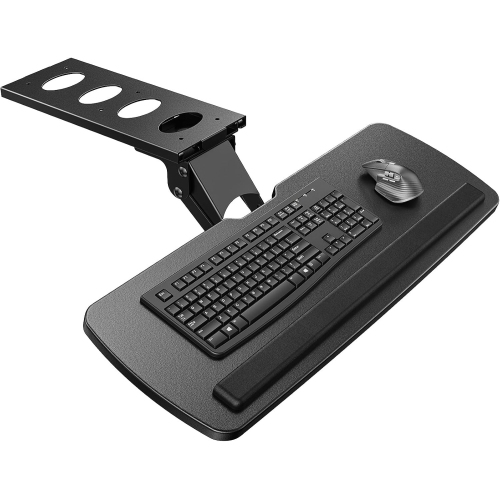
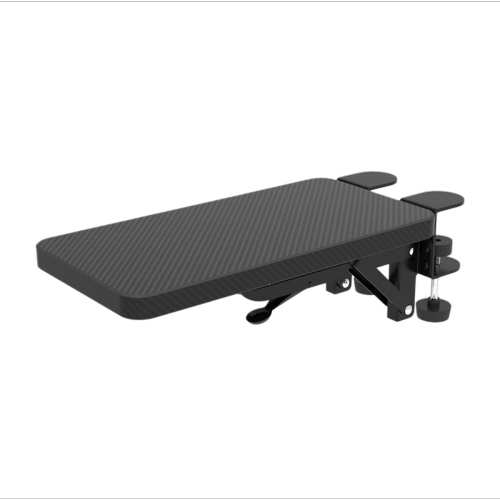
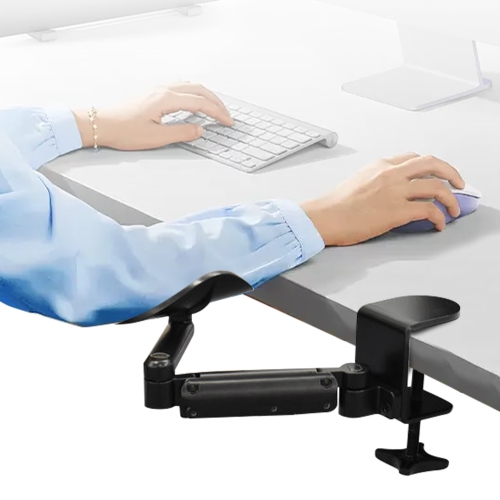
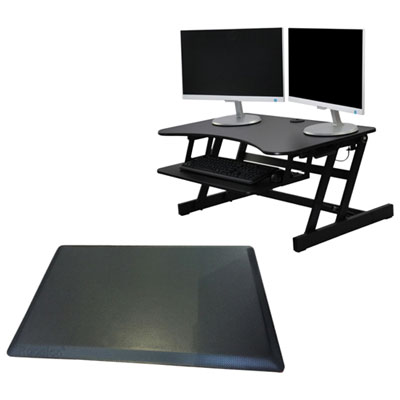
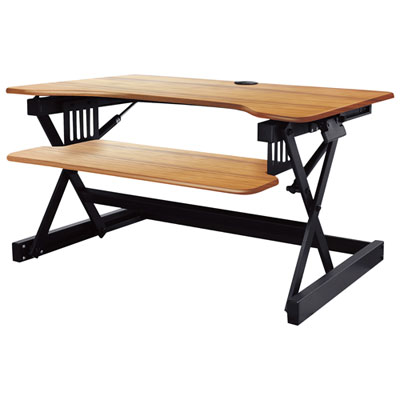
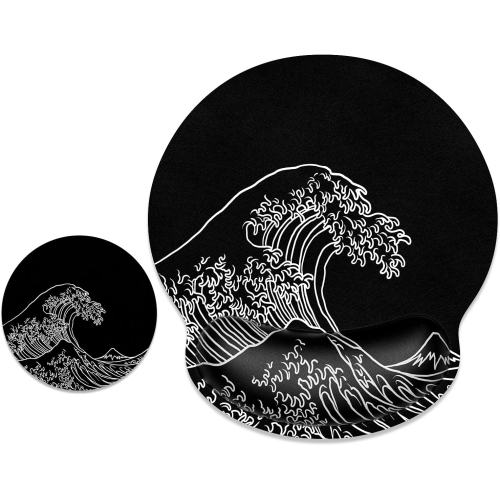
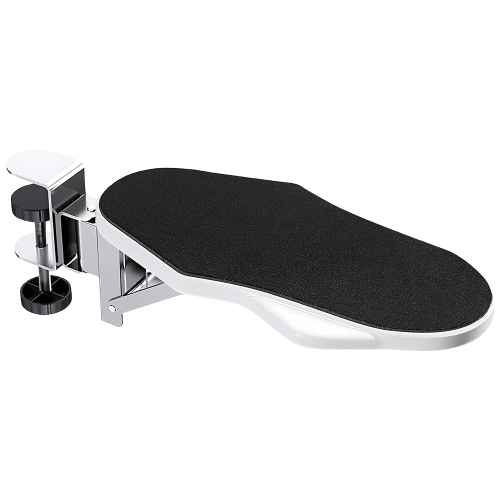
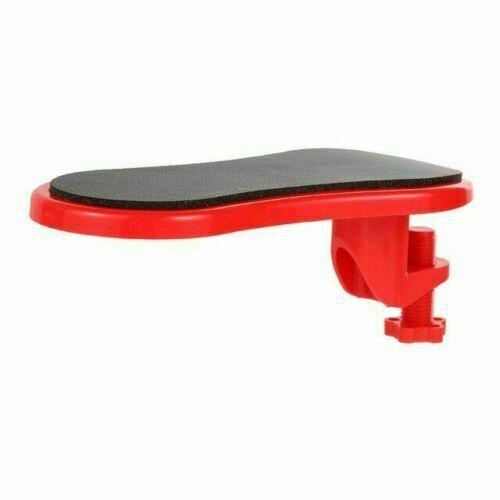
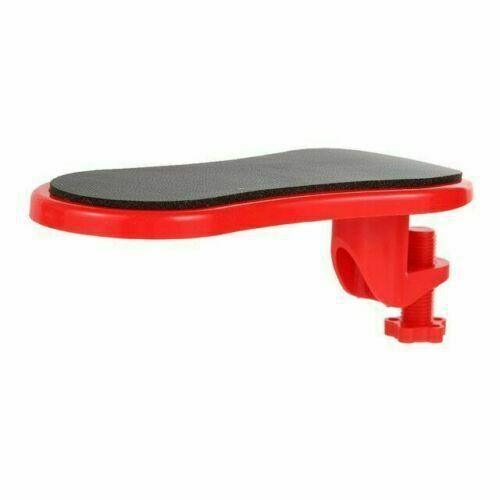
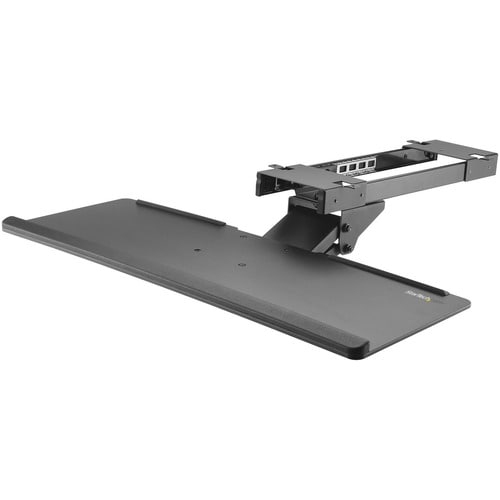
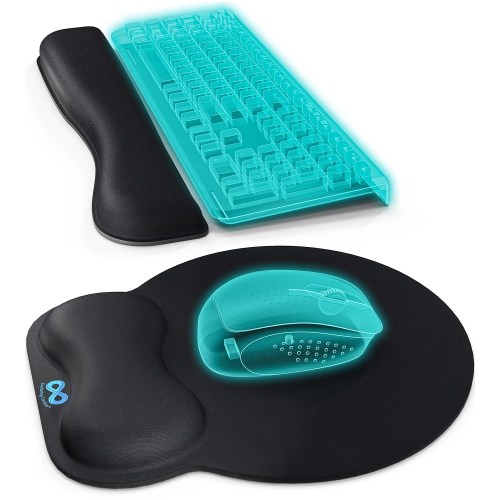
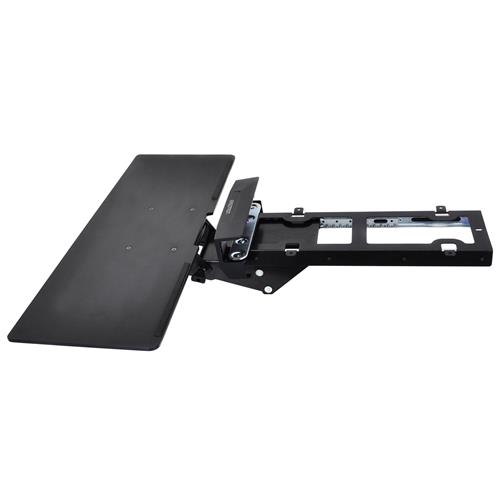
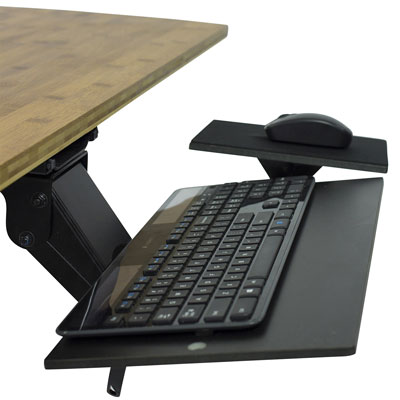
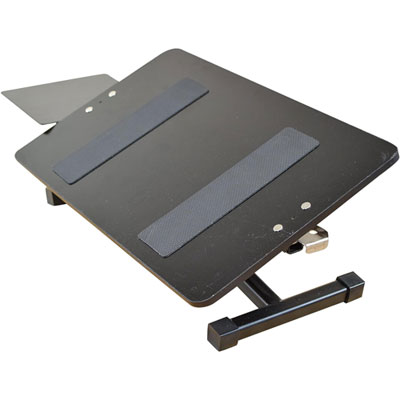
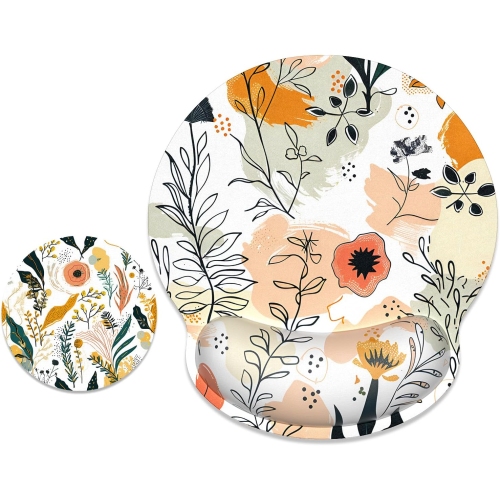
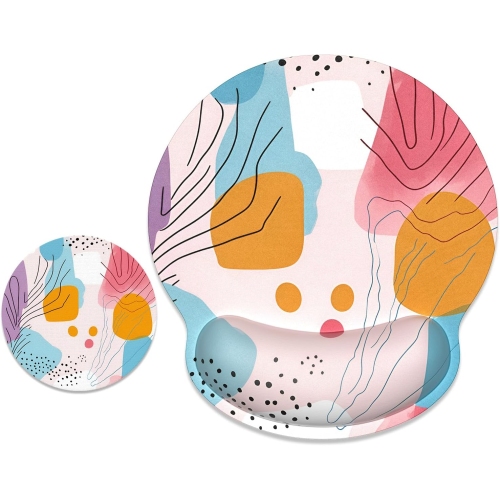
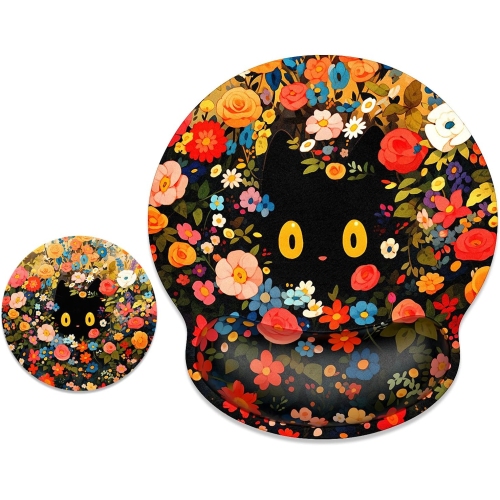
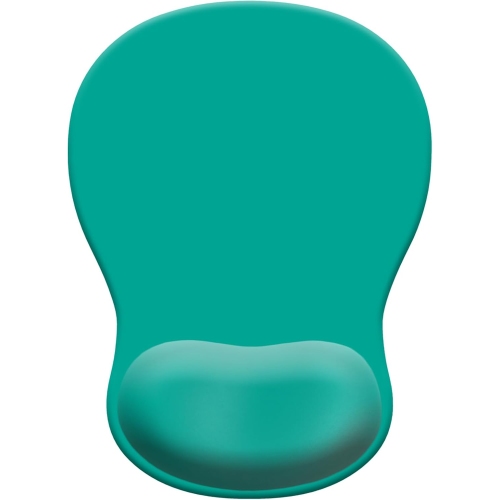
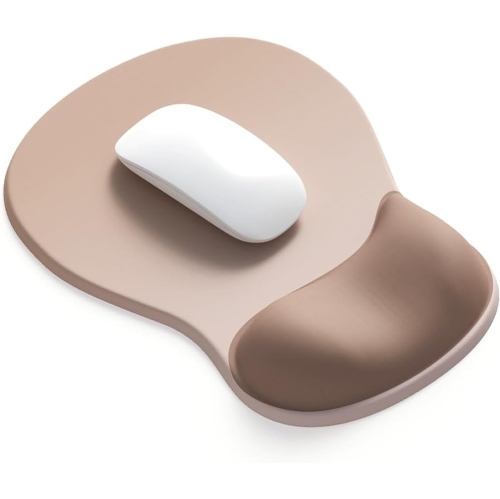
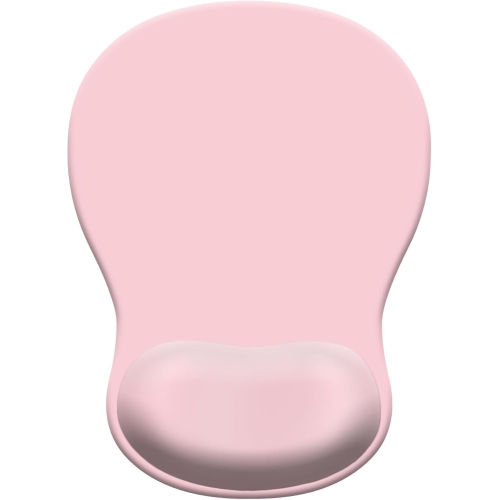
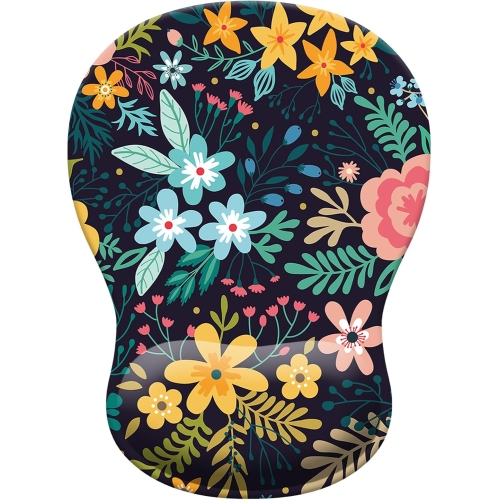
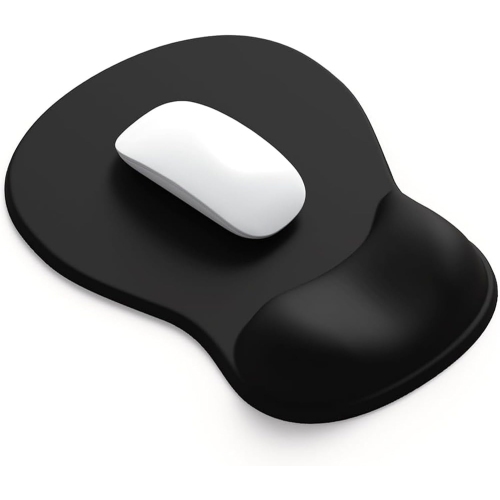
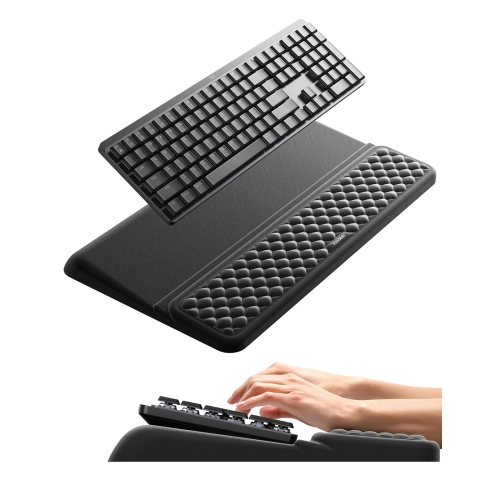
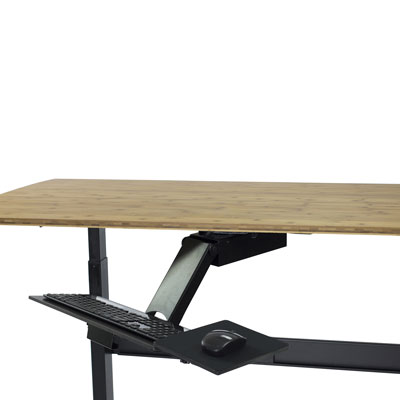
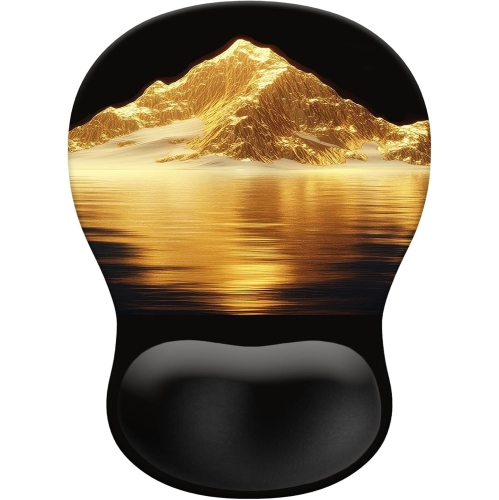
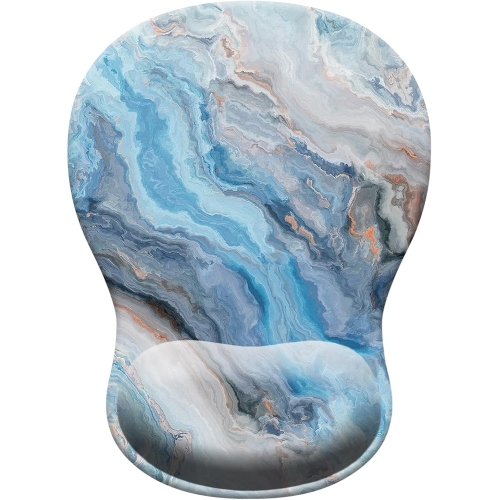
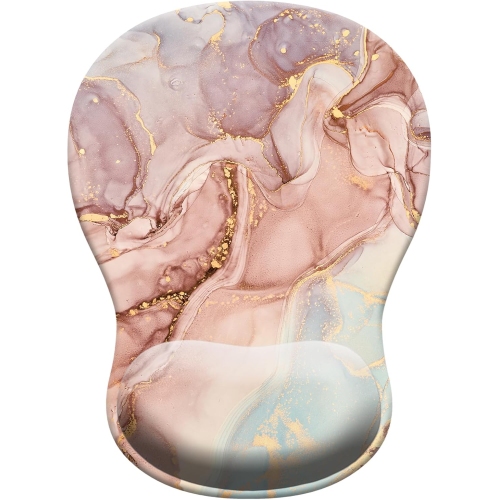
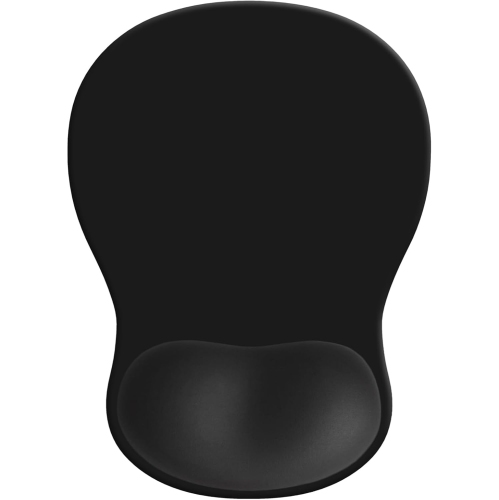
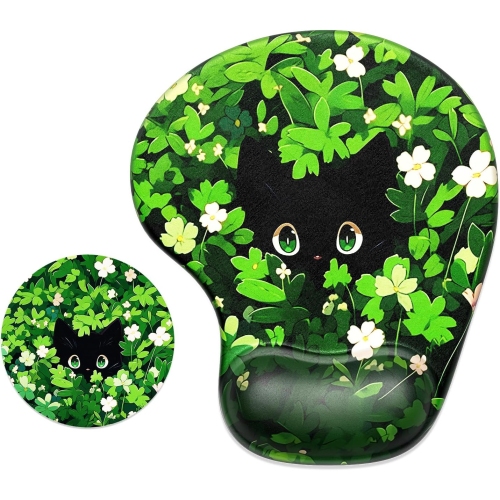
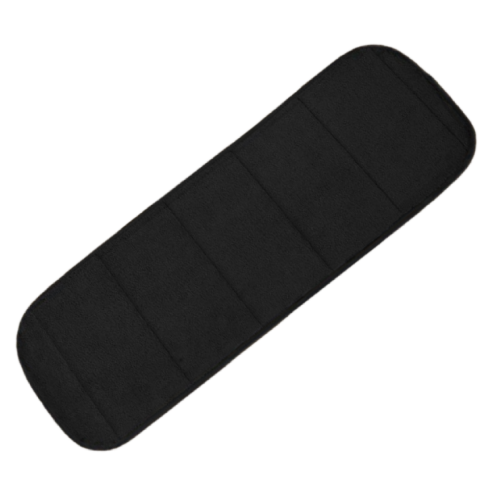
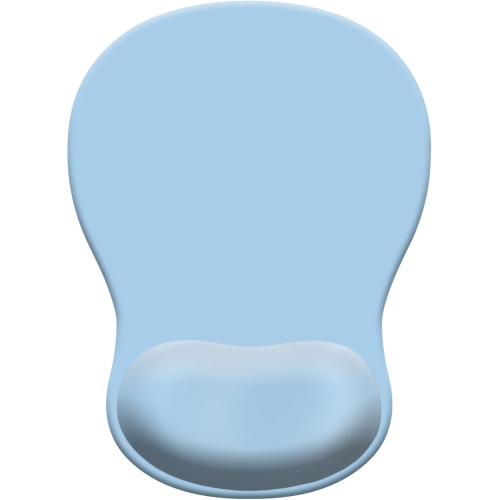
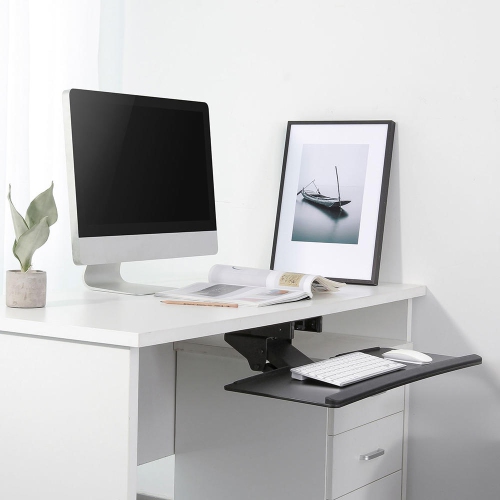
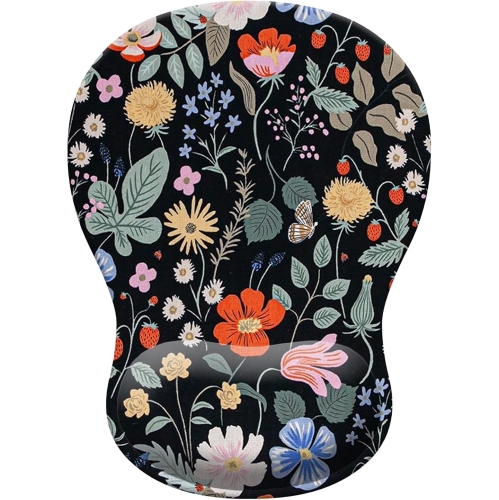
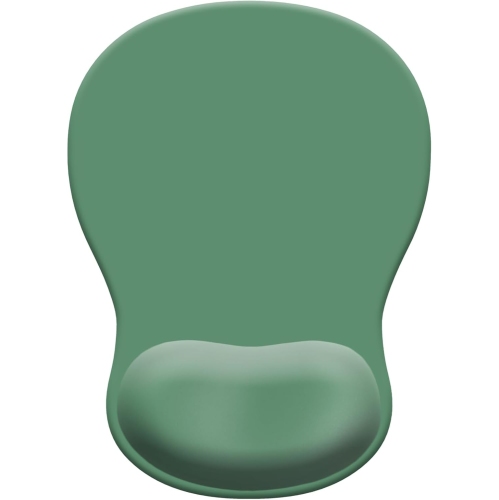
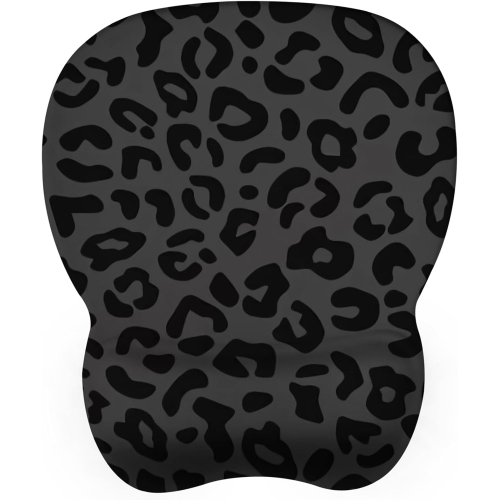
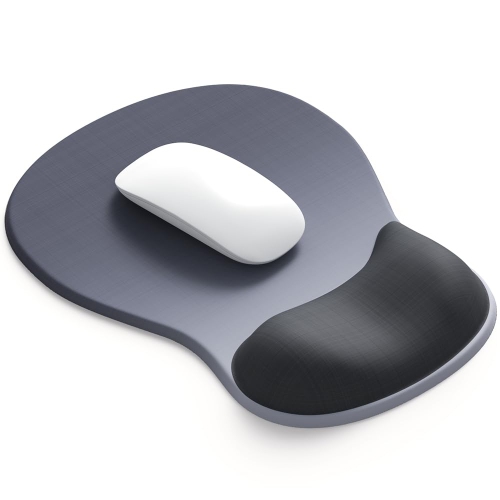
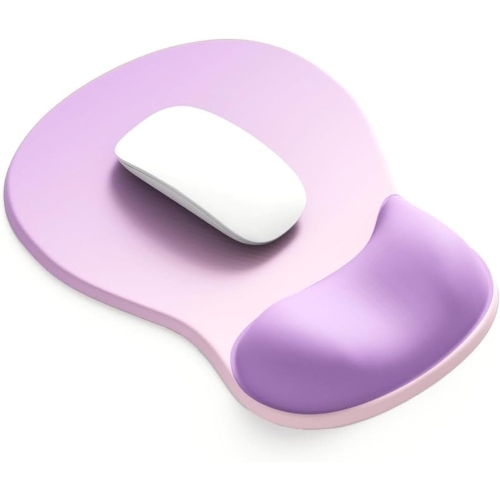
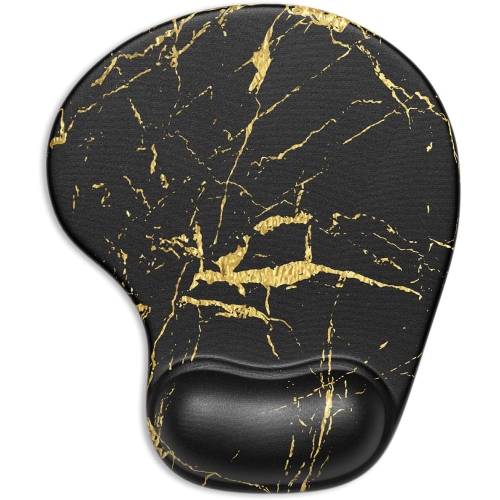
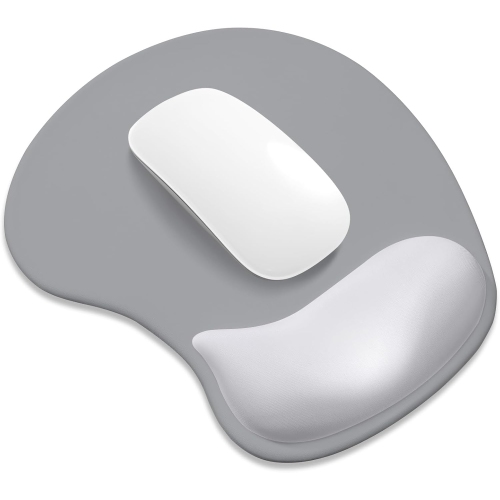
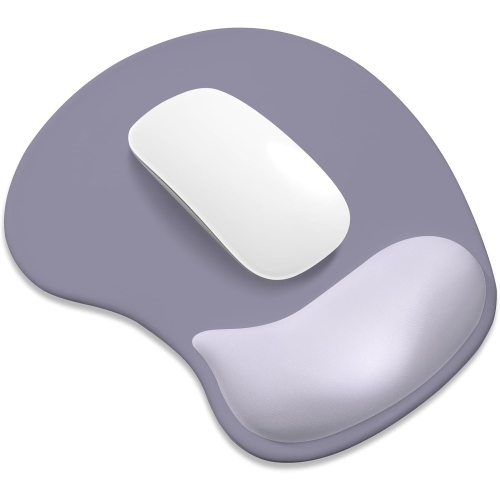
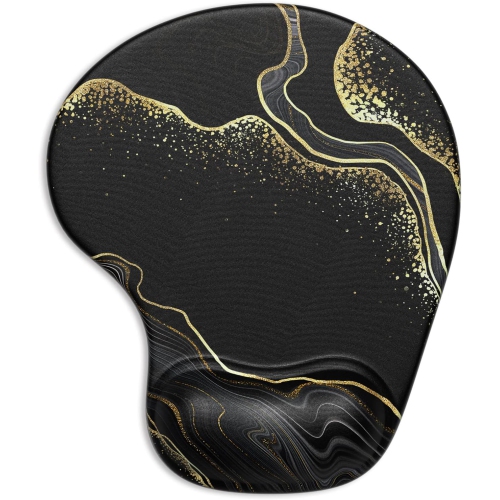
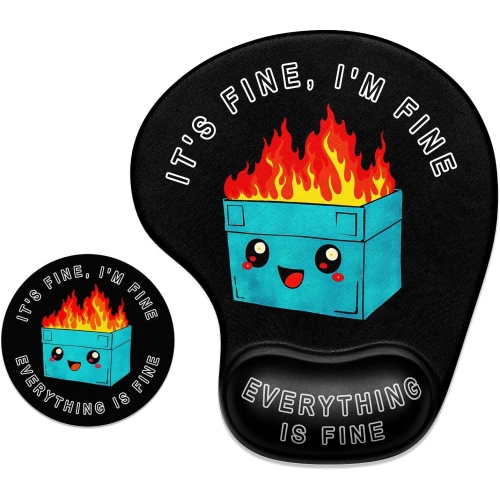
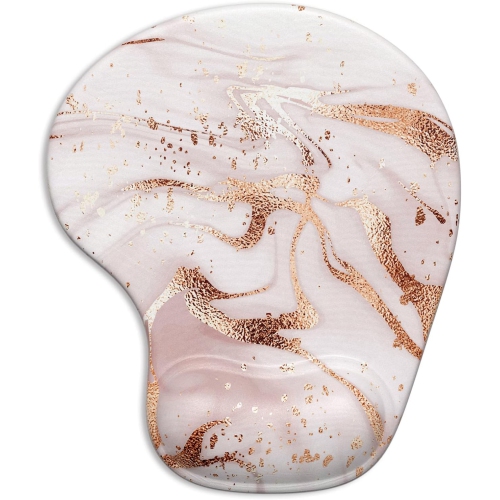
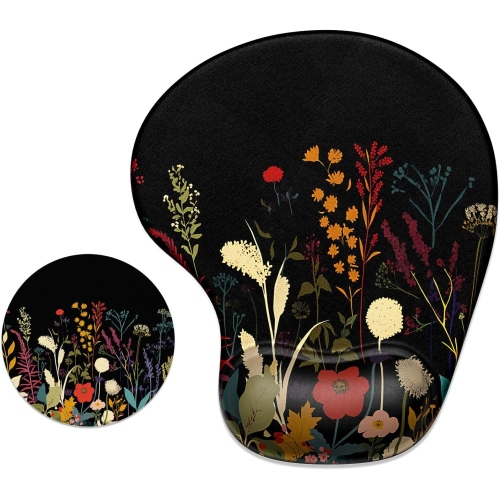
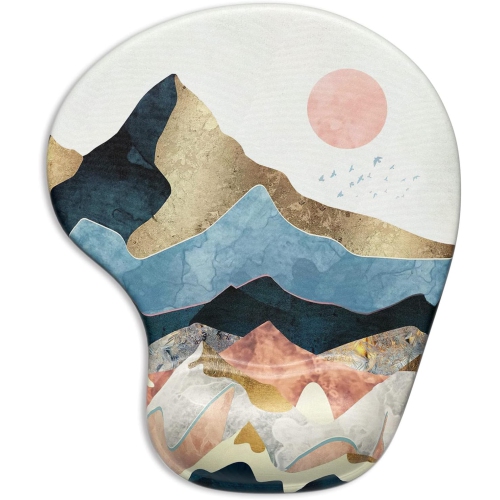
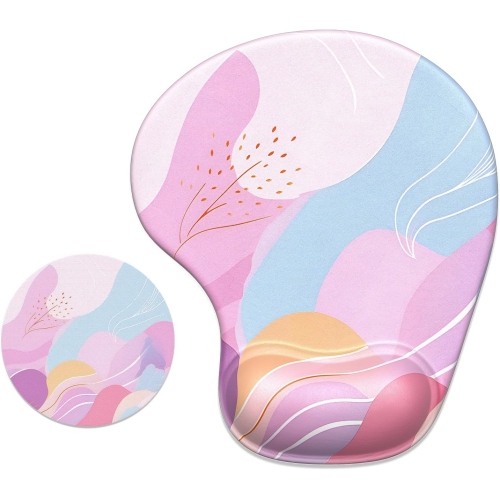
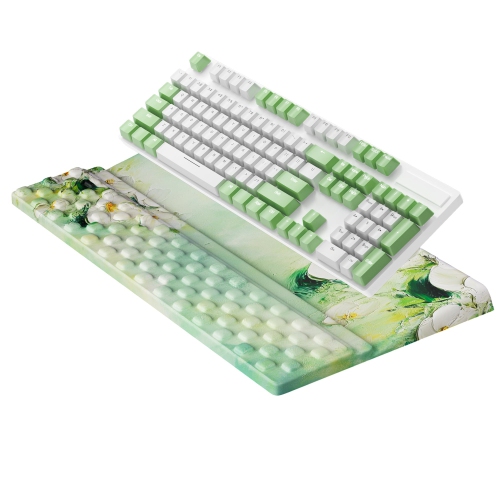
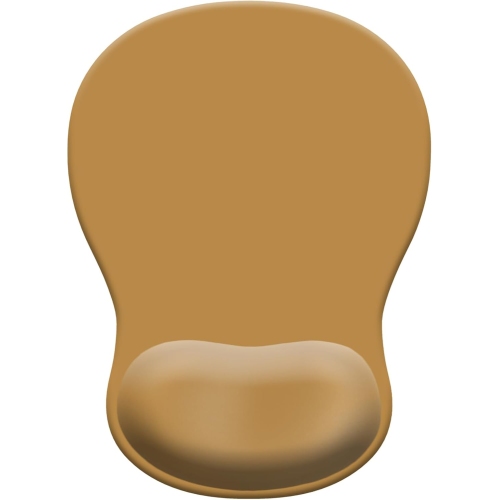
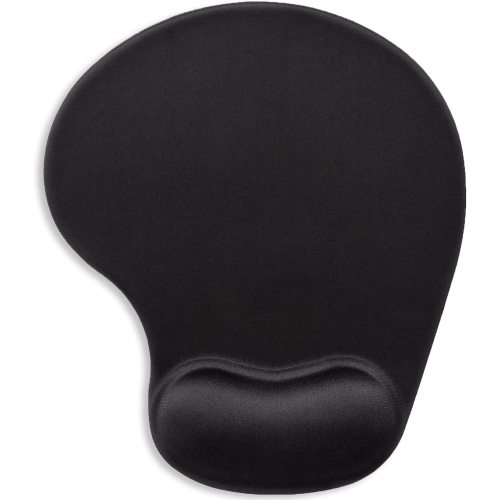
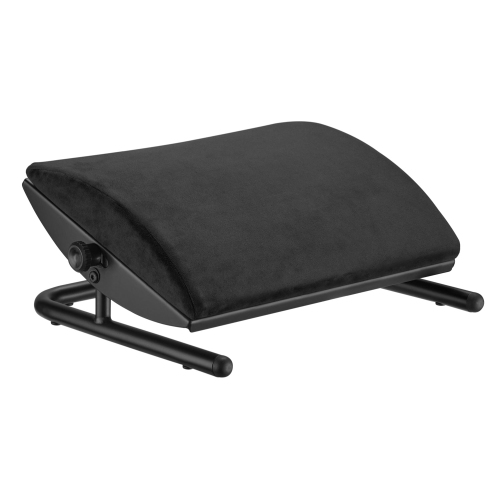
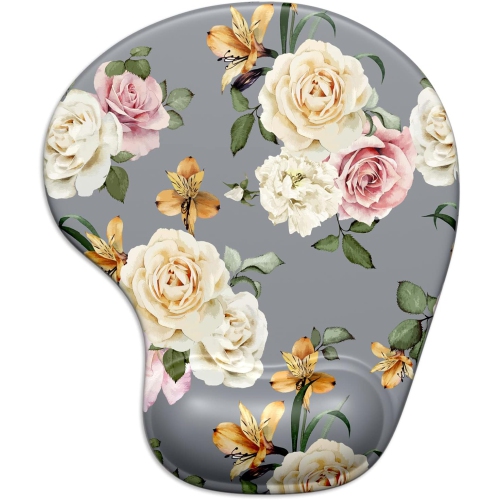
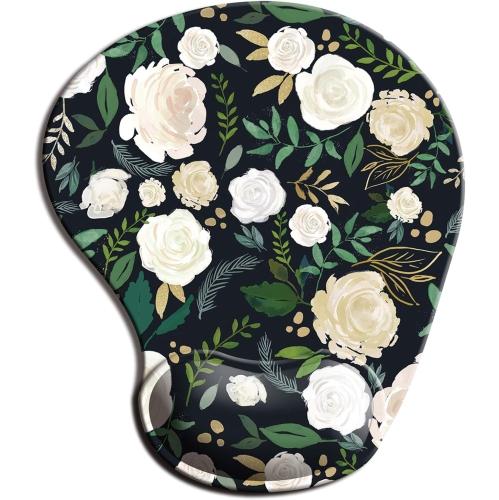
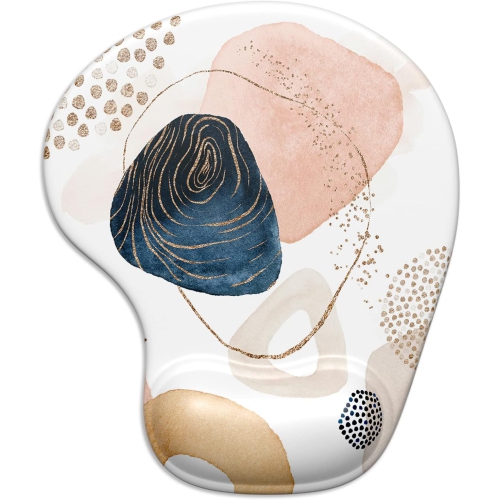
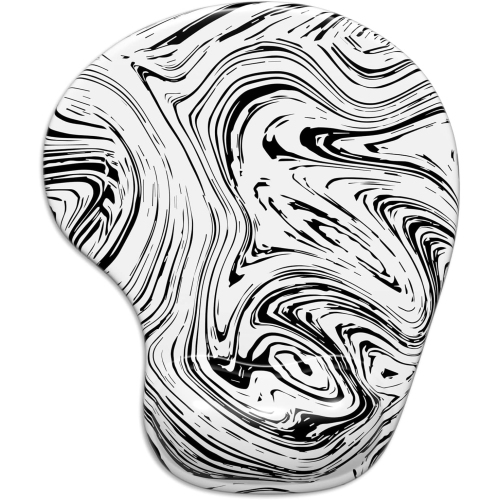
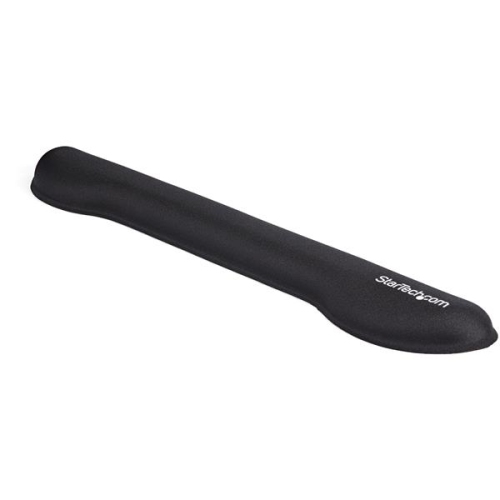
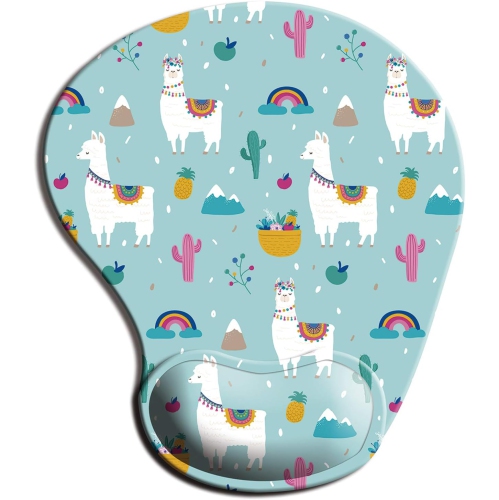
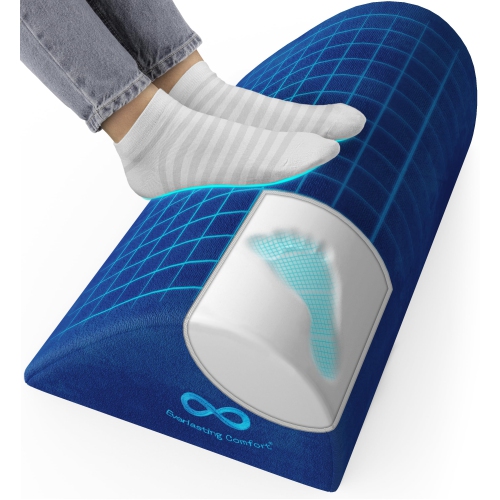
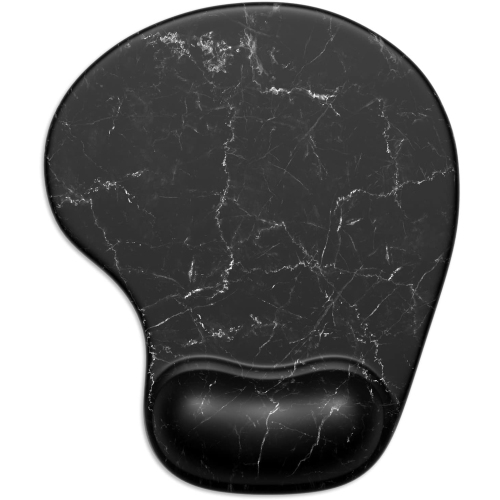
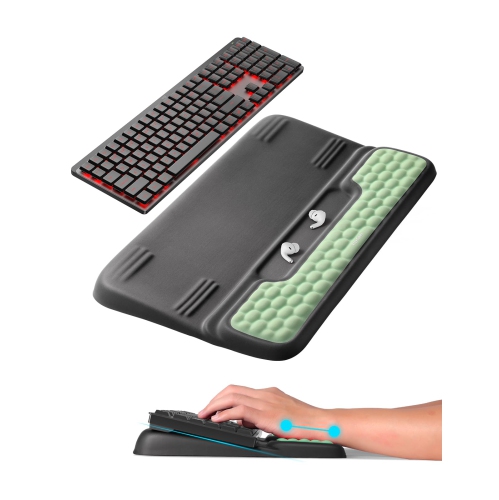
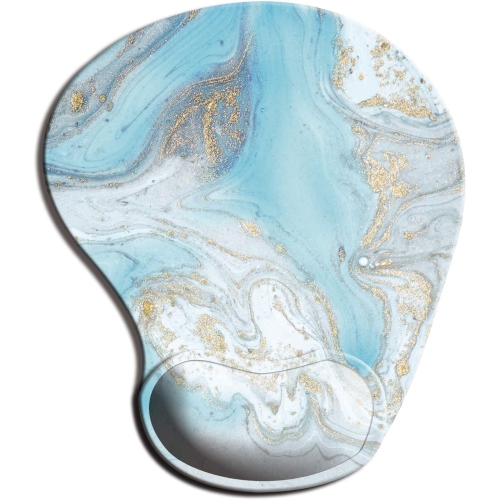
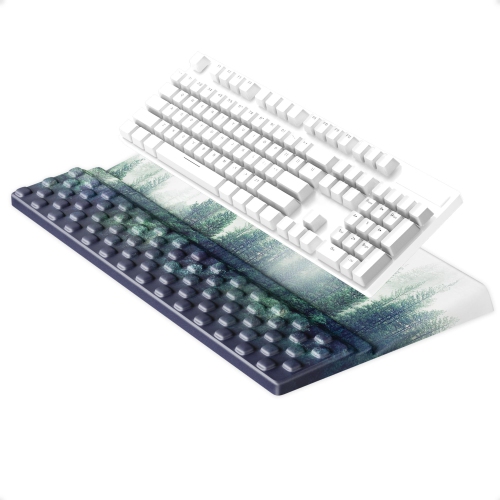
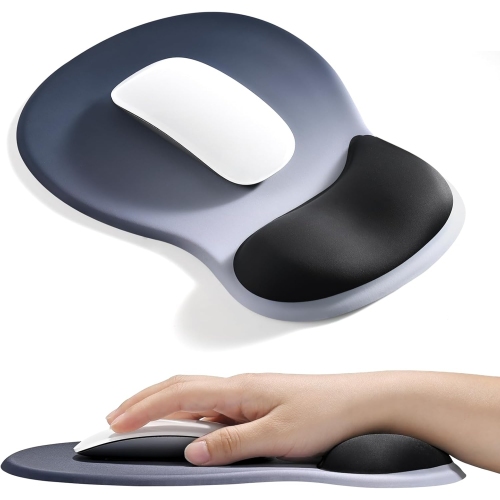
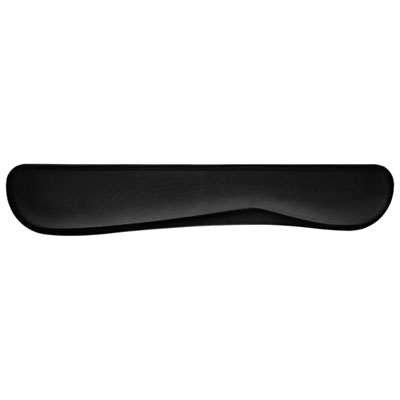
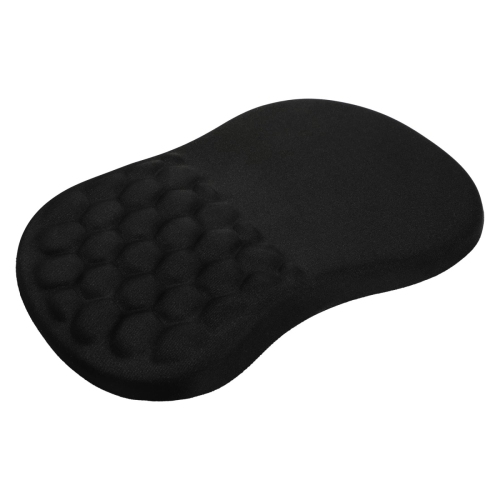
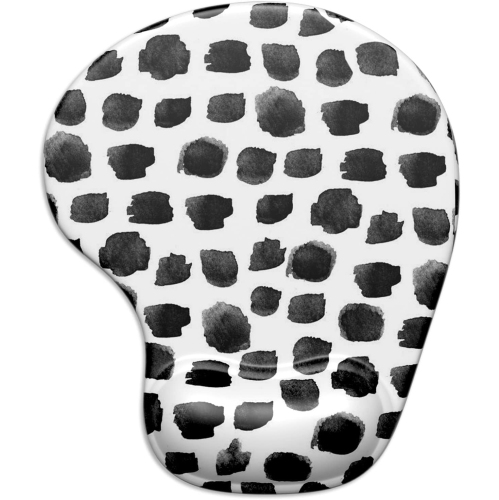
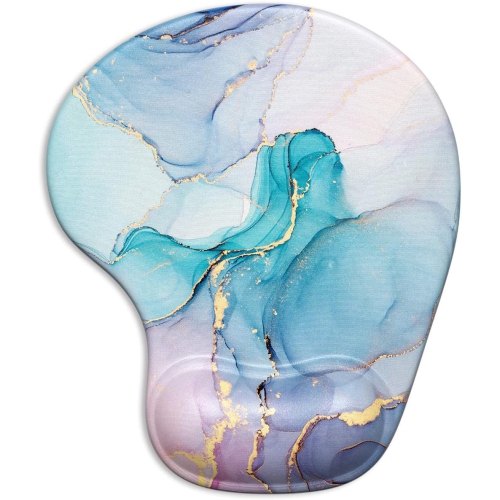
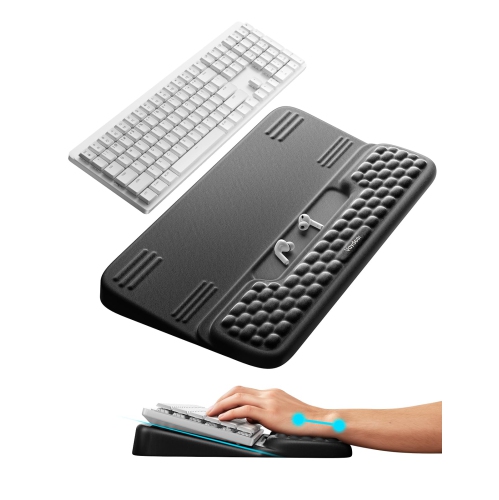
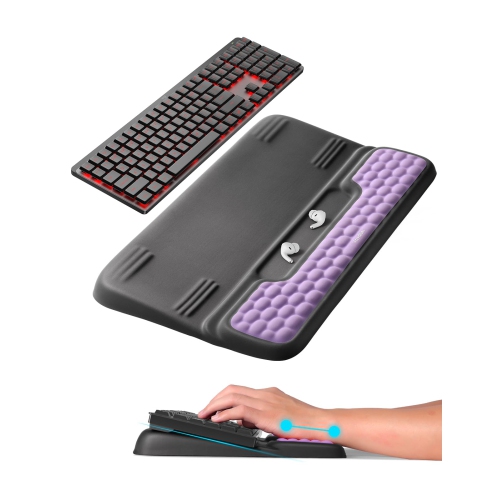
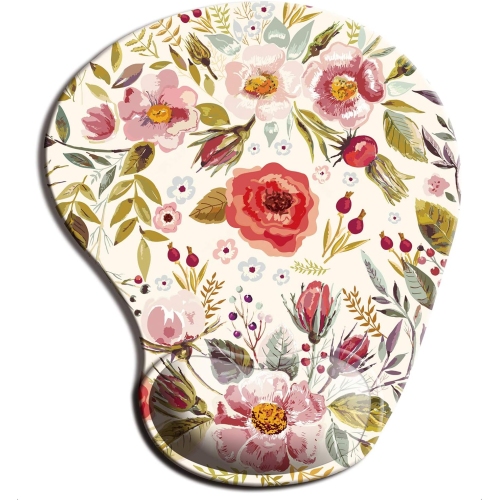
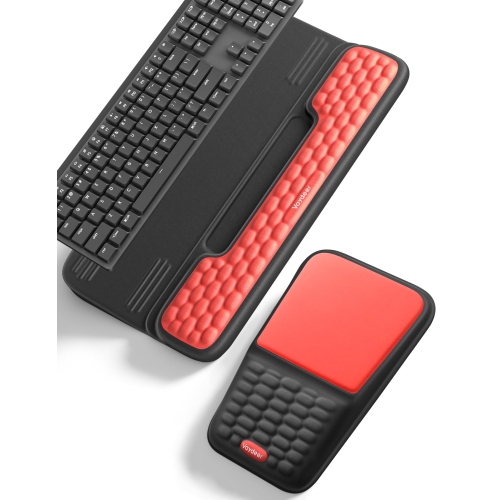
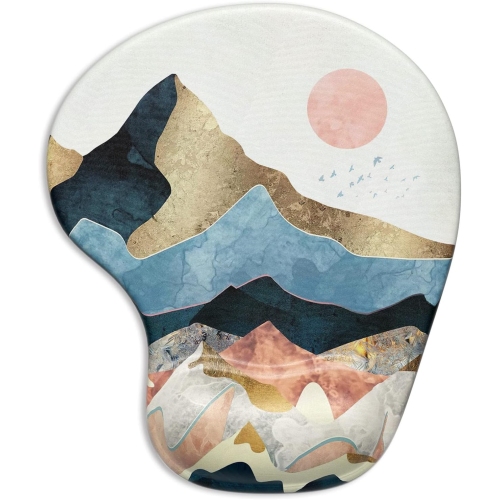
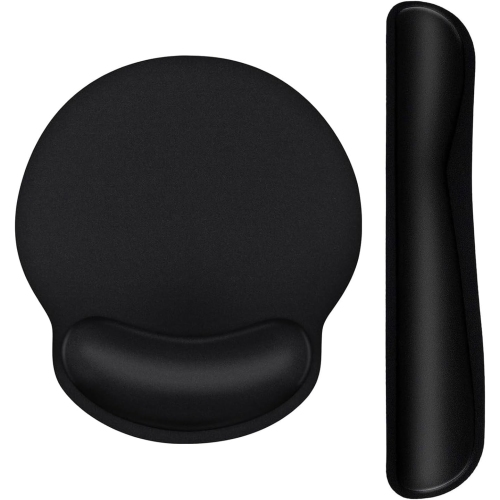
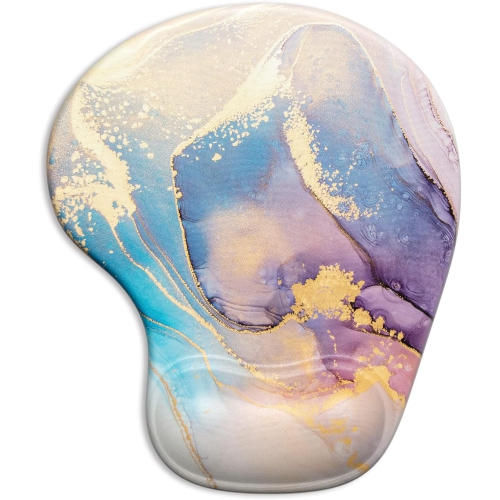
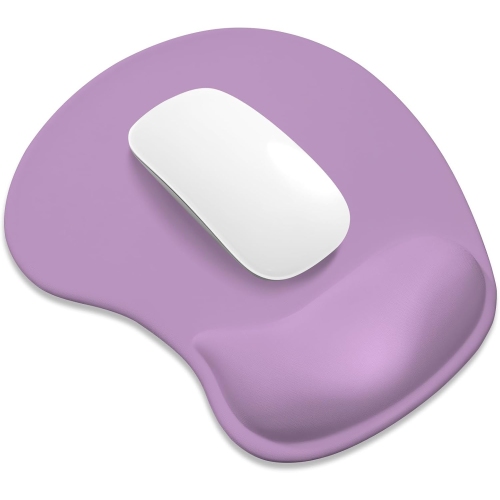
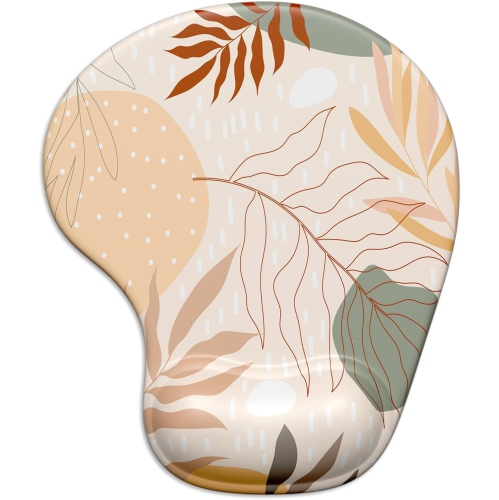
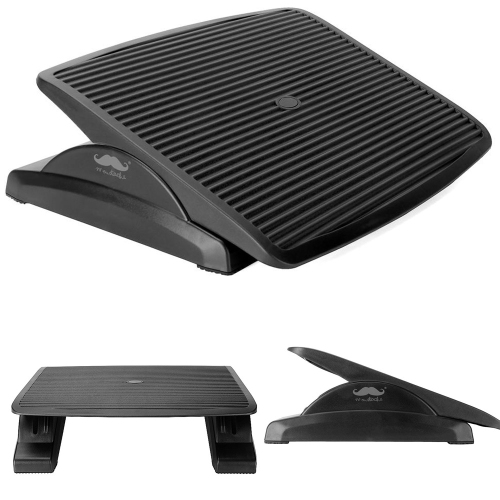
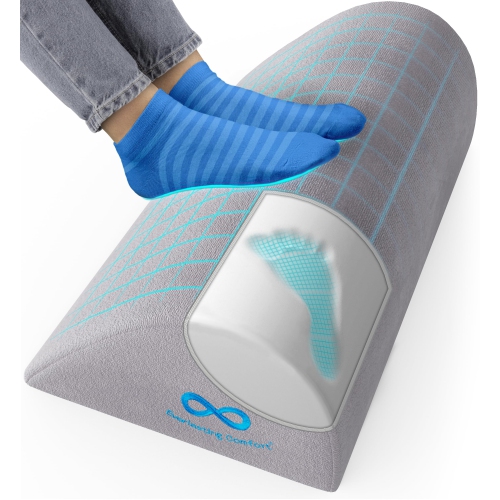
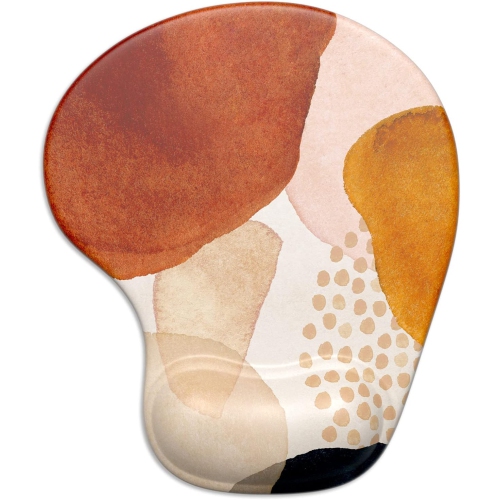
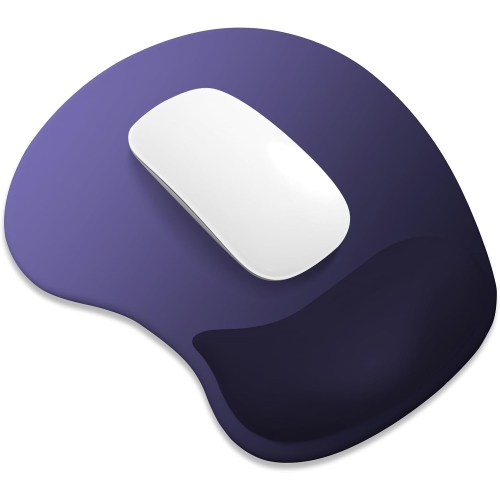
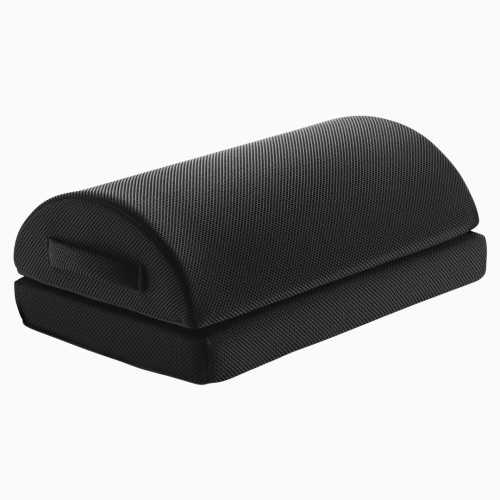
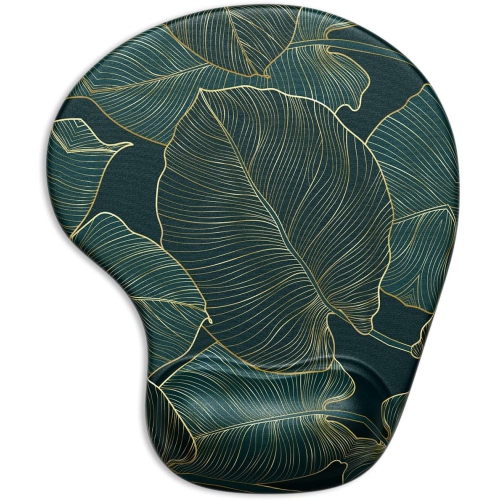
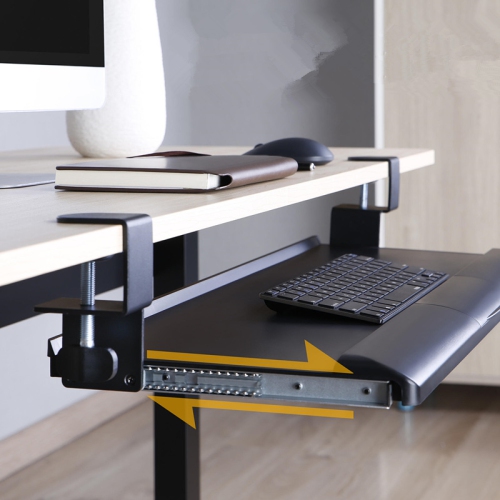
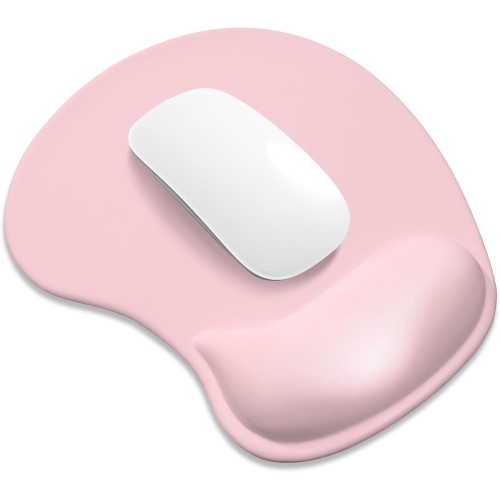
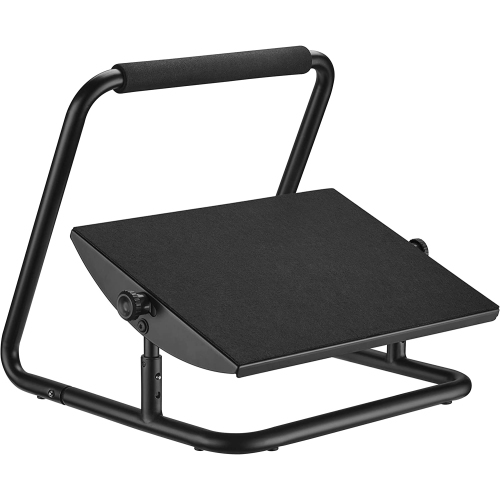
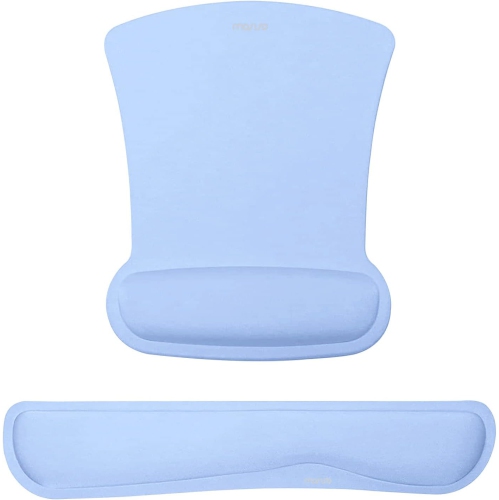
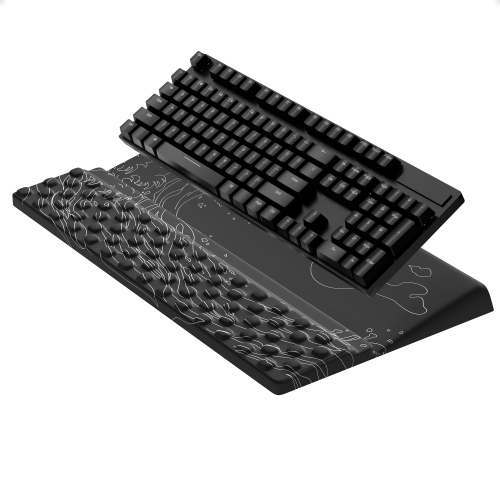
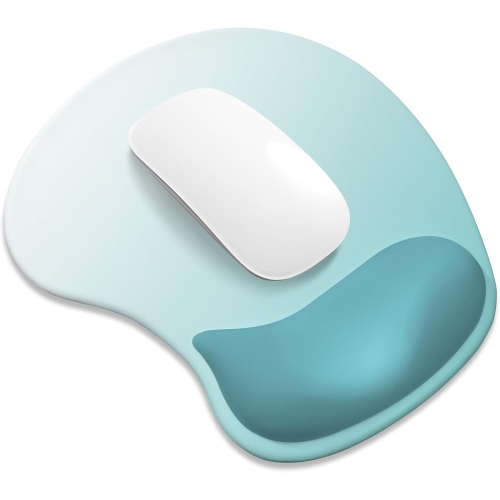
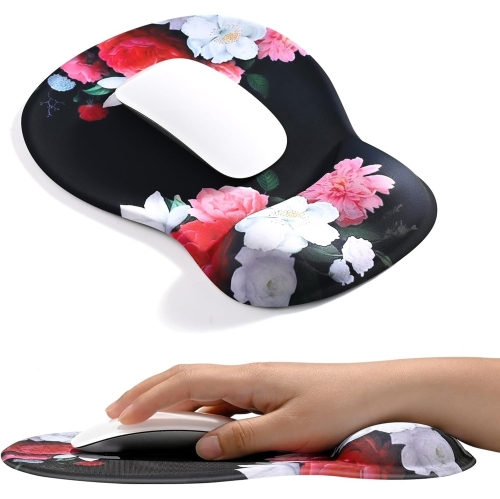
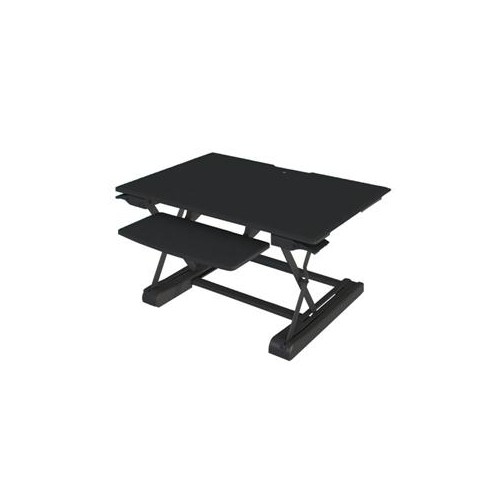
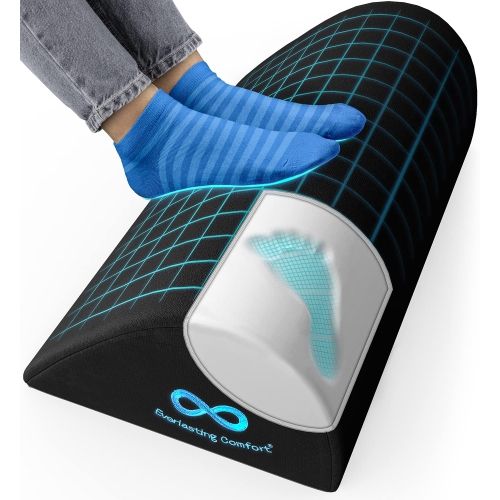
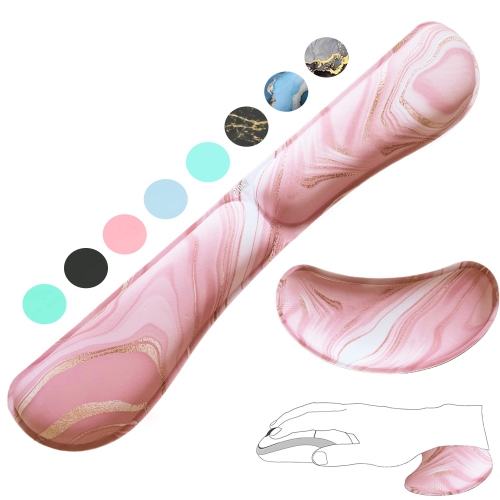
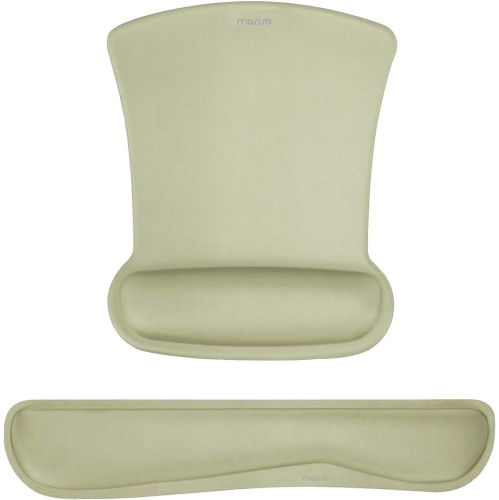
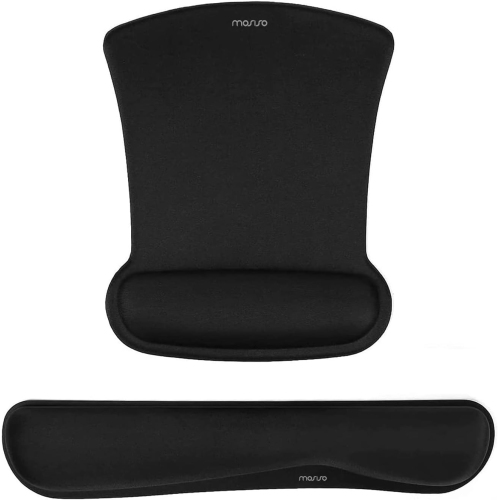
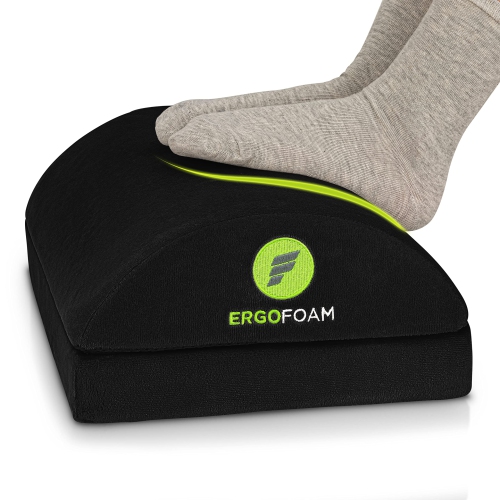
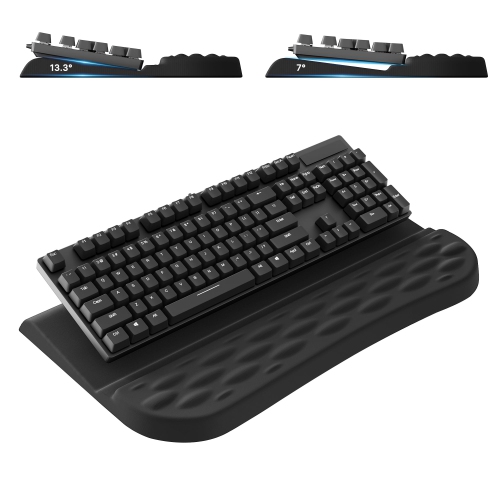
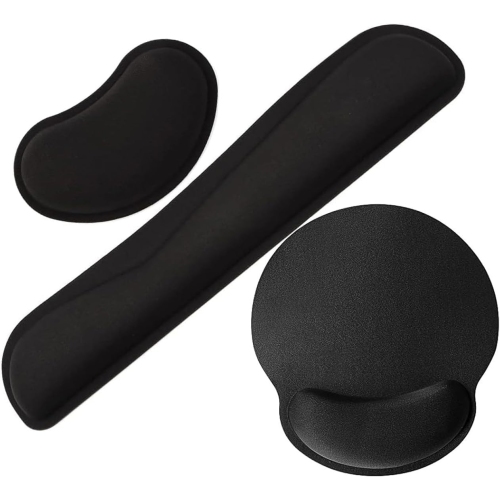
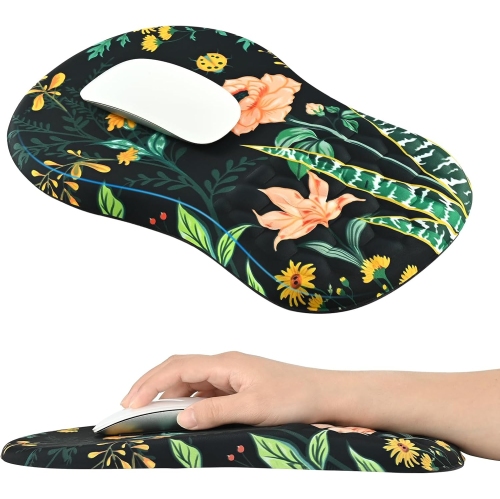
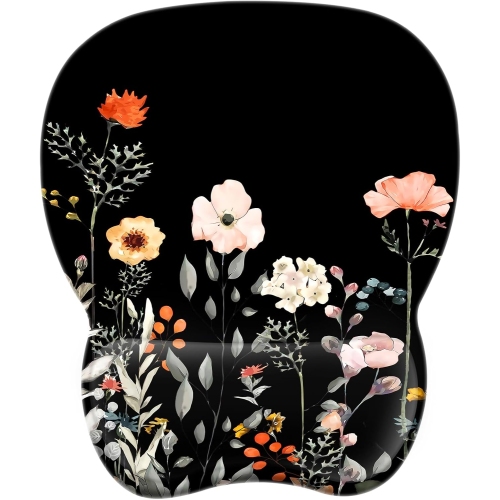
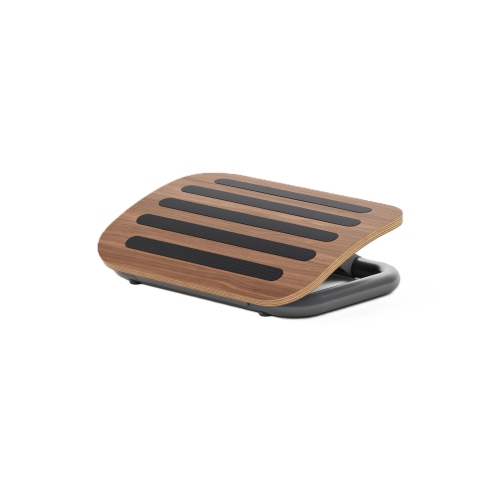
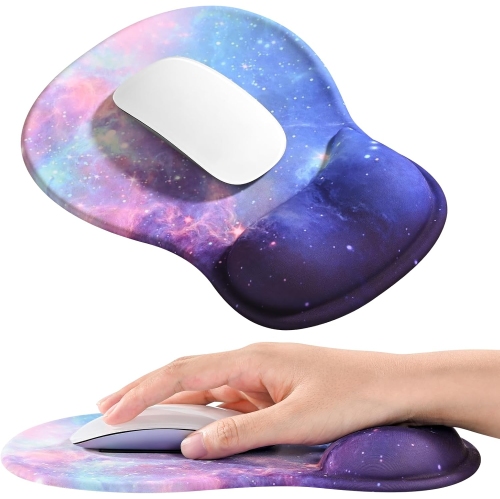
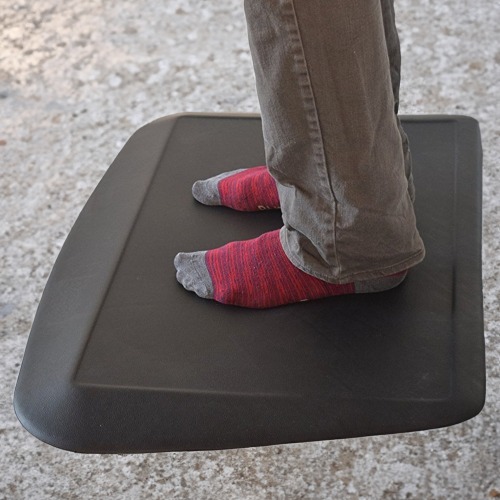
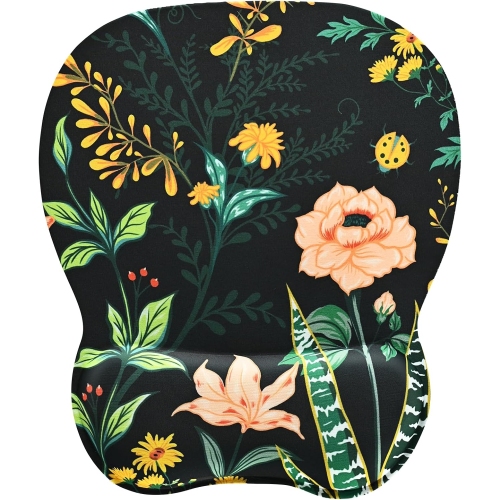
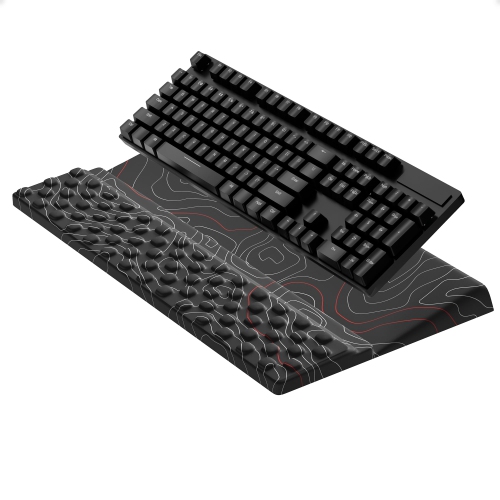
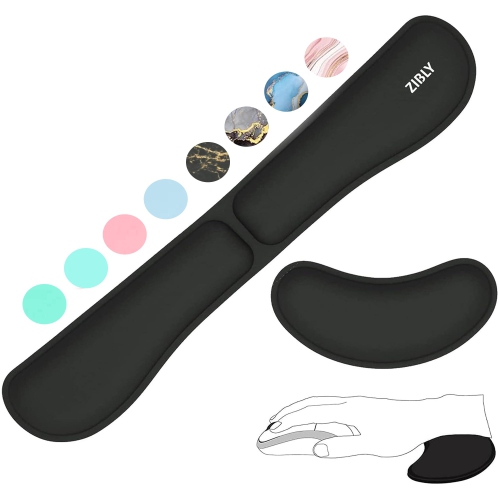
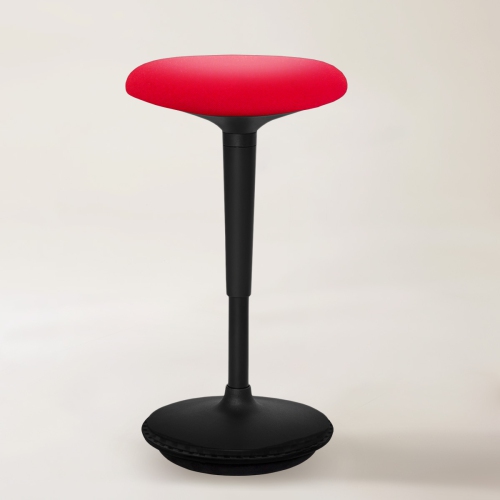
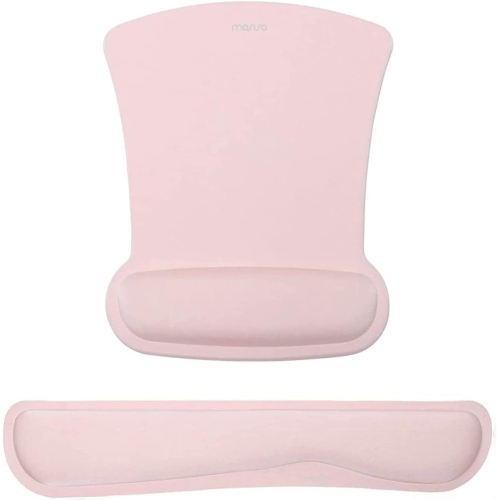
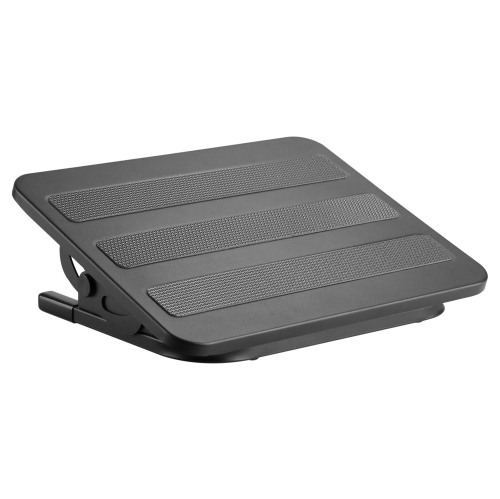
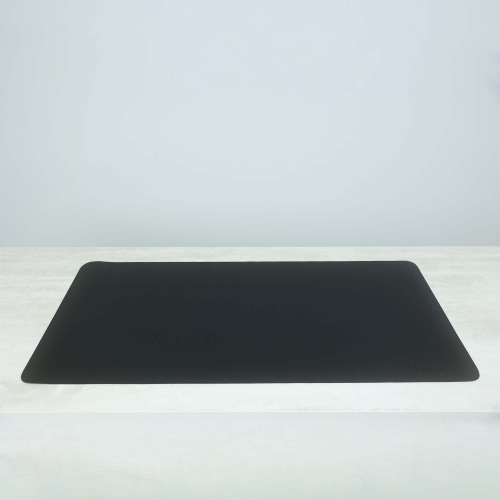
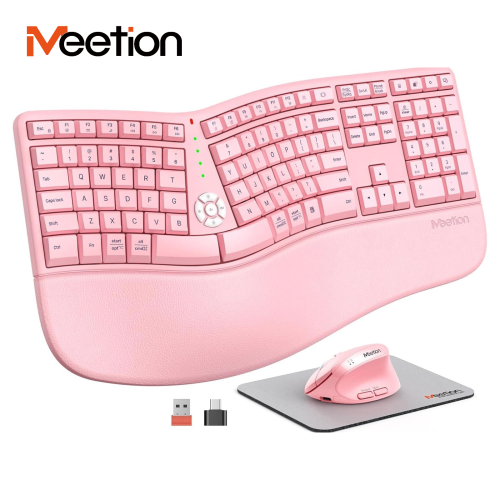
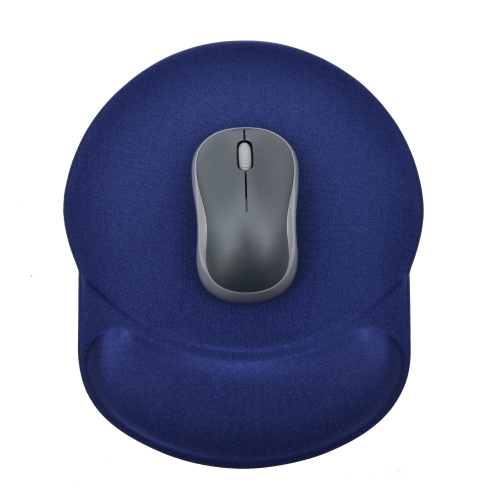
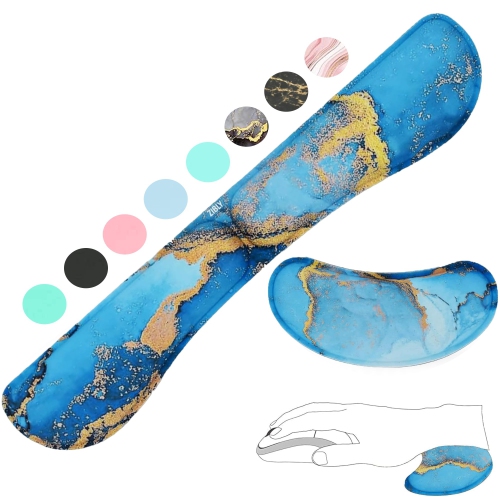
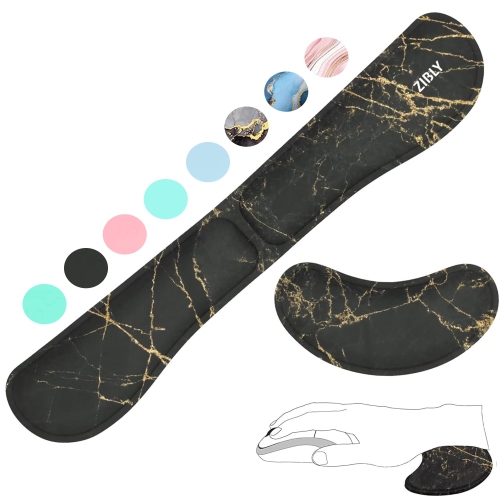
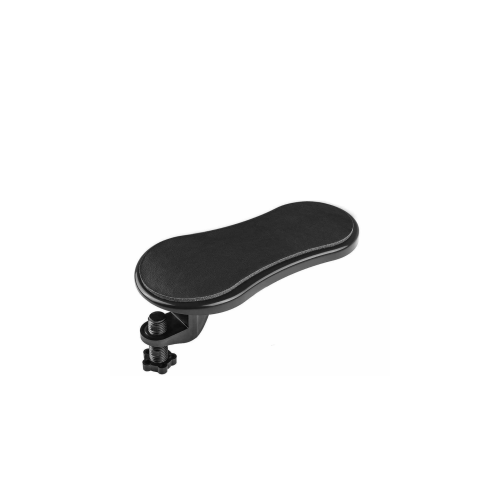
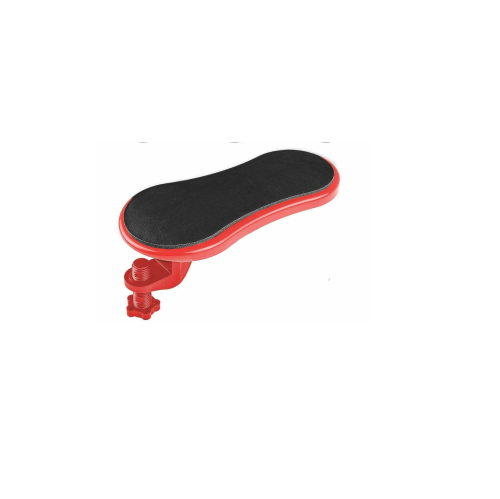
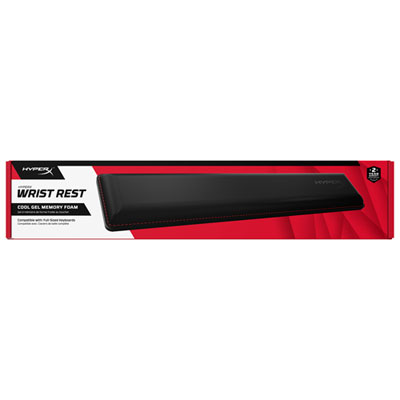
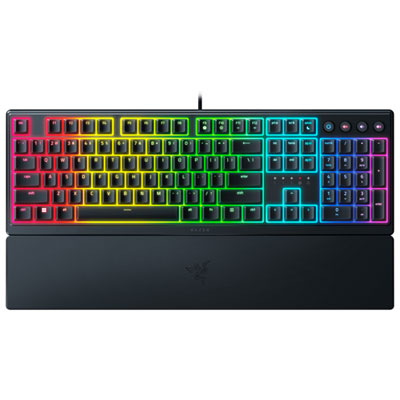
Comfort at the desk also depends on the position of your hands, arms, back and feet. An ergonomic keyboard tray can place a keyboard and mouse below the main desktop surface, helping keep the shoulders relaxed and the wrists closer to a neutral position. Wrist rests may provide a cushioned place for the palms during pauses between keystrokes, while clamp-on armrests can offer additional support for the forearms when a chair or desk does not provide the right fit. A lumbar cushion can add focused support to the lower back of a standard office chair, and its size, firmness and attachment method are worth considering so it stays in place throughout the day. If your chair is too high for your feet to rest flat, an under-desk footrest can create a steadier base and give you the option to adjust your leg position. Look for a surface with enough room for both feet, a stable base and, where useful, a rocking or angled design that lets you shift position. Anti-fatigue mats are suited to standing desks and workstations where you spend extended periods on your feet; cushioning and surface texture can make the area feel more supportive while also defining your standing zone. These accessories can be useful for home offices, student desks, reception areas, craft rooms and flexible workspaces, as well as for people who divide their time between a desk and other tasks. They can also make practical gifts for a student setting up a study corner, a remote worker refreshing a spare-room office, a family member who enjoys PC gaming or anyone preparing a workspace for cooler months spent indoors. Start with the part of your setup that feels least comfortable, then look for an accessory that offers useful adjustment without crowding the desk. Small changes, such as raising a display, supporting the feet or bringing the keyboard to a more natural level, can make a workspace feel more personal and easier to use from the first task of the day through the last.
Comfort at the desk also depends on the position of your hands, arms, back and feet. An ergonomic keyboard tray can place a keyboard and mouse below the main desktop surface, helping keep the shoulders relaxed and the wrists closer to a neutral position. Wrist rests may provide a cushioned place for the palms during pauses between keystrokes, while clamp-on armrests can offer additional support for the forearms when a chair or desk does not provide the right fit. A lumbar cushion can add focused support to the lower back of a standard office chair, and its size, firmness and attachment method are worth considering so it stays in place throughout the day. If your chair is too high for your feet to rest flat, an under-desk footrest can create a steadier base and give you the option to adjust your leg position. Look for a surface with enough room for both feet, a stable base and, where useful, a rocking or angled design that lets you shift position. Anti-fatigue mats are suited to standing desks and workstations where you spend extended periods on your feet; cushioning and surface texture can make the area feel more supportive while also defining your standing zone. These accessories can be useful for home offices, student desks, reception areas, craft rooms and flexible workspaces, as well as for people who divide their time between a desk and other tasks. They can also make practical gifts for a student setting up a study corner, a remote worker refreshing a spare-room office, a family member who enjoys PC gaming or anyone preparing a workspace for cooler months spent indoors. Start with the part of your setup that feels least comfortable, then look for an accessory that offers useful adjustment without crowding the desk. Small changes, such as raising a display, supporting the feet or bringing the keyboard to a more natural level, can make a workspace feel more personal and easier to use from the first task of the day through the last.
Top selling and popular products
-
 Your price for this item is $9.99
 -
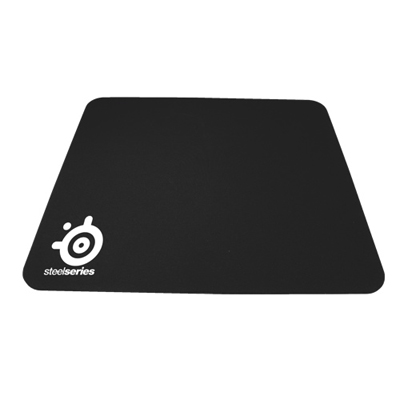 Your price for this item is $14.99
 -
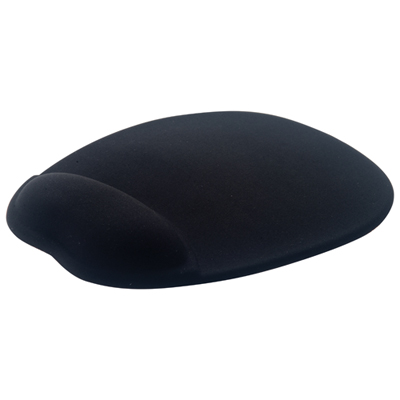 Your price for this item is $19.99
 -
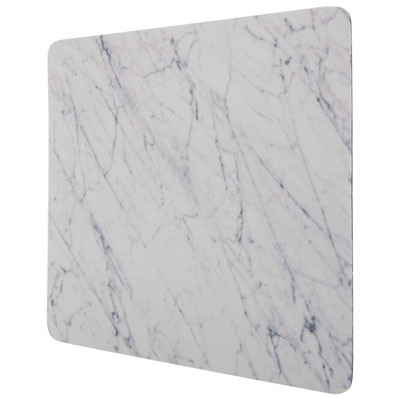 Your price for this item is $9.99
 -
 Your price for this item is $7.99
 -
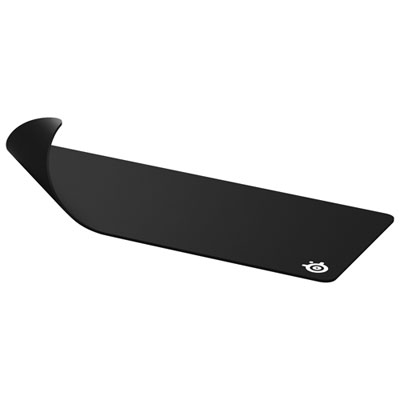 Your price for this item is $49.99
 -
 Your price for this item is $7.99
 -
 Your price for this item is $19.99
Discover more categories related to Ergonomic Desk Accessories
Top Collections:
Pokemon Centers, Best Cameras for Sports Photography, Kindle Devices, Samsung Galaxy Phones, Canon G7X Cameras, Pokémon 30th Celebration Cards, Refurbished Apple Laptops, iPhone 15 Apple, Laptops for Students, Budget Smartphones
Some products may be subject to Environmental Handling Fees
(EHF) depending on your province.
Learn more about EHFs.