Best Ergonomic Keyboard And Mice
Find the best ergonomic keyboards and mice for your setup, ranked by user review ratings to help you compare customer favourites. Designed to support more natural hand and wrist positions, ergonomic options can make everyday typing and navigation more comfortable—whether you’re working, studying or browsing.
What to look for in ergonomic keyboards and mice
1. Ergonomic Design
2. Fit and Comfort
3. Connectivity and Compatibility
4. Controls and Everyday Use
-
1
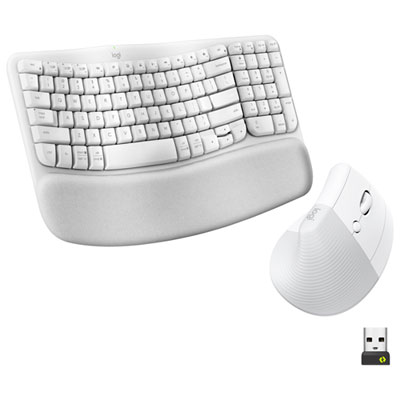
Logitech Wave Keys Bluetooth Membrane Full-Size Ergonomic Keyboard & Mouse Combo -White - EN -Only at Best Buy
About this product
A white ergonomic keyboard and mouse combo featuring a wavy keyframe and cushioned palm rest for comfort.
What customers like
(44)$149.99Your price for this item is $149.99SAVE $10 -
2
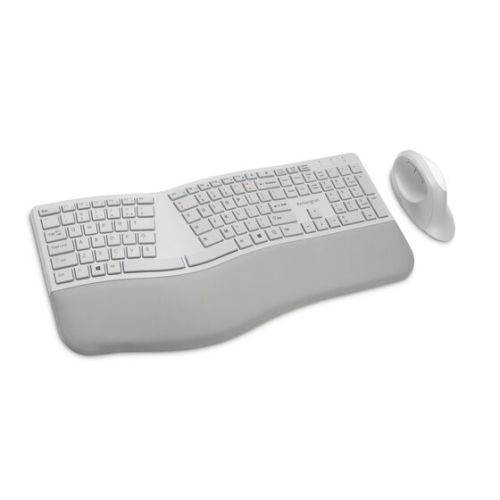
KENSINGTON Pro Fit Wireless Ergonomic Keyboard & Mouse Combo - - (75407) In Gray
About this product
A gray wireless ergonomic keyboard and mouse combo with split design, wrist support, and dual connectivity.
$80.99Your price for this item is $80.99SAVE $14 -
3
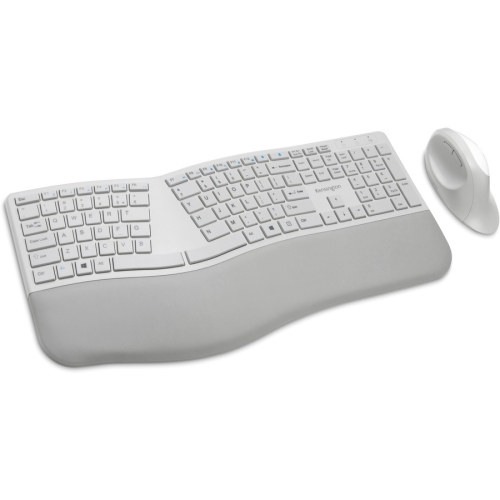
KENSINGTON Pro Fit Ergonomic Wireless Keyboard And Mouse - (K75407Us) In Grey
About this product
An ergonomist-approved grey wireless keyboard and mouse set with split design and built-in wrist support.
(1)$98.79 Your price for this item is $98.79 -
4
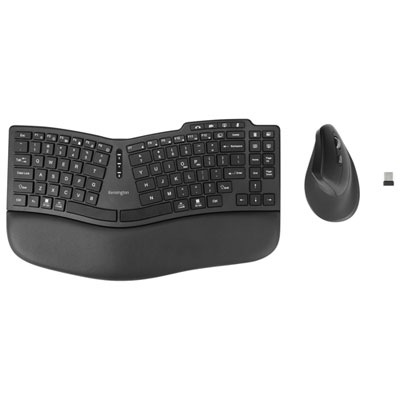
Kensington Pro Fit Ergo KM675 EQ Bluetooth Ergonomic Keyboard & Mouse Combo
About this product
An ergonomic Bluetooth keyboard and vertical mouse combo featuring a curved layout, wrist pad, and silent switches.
(1)$99.99 Your price for this item is $99.99 -
5
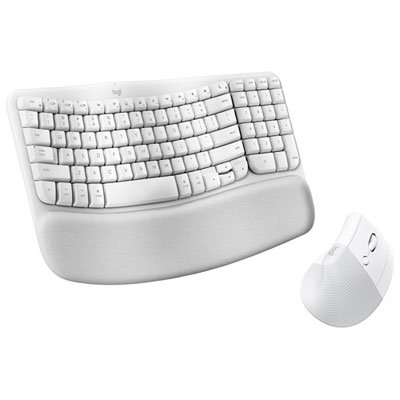
Logitech Wave Keys Bluetooth Membrane Full-Size Ergonomic Keyboard & Mouse Combo for Mac - White - EN -Only at Best Buy
About this product
A white ergonomic keyboard and mouse combo designed for Mac, featuring Mac-specific keys and precise control.
What customers like
(26)$149.99Your price for this item is $149.99SAVE $10 -
6
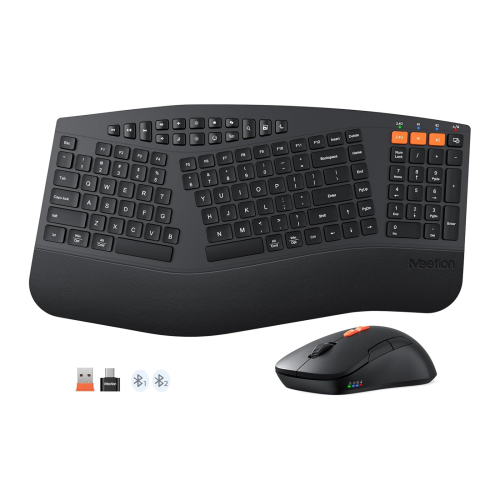
MEETION Ergonomic Wireless Keyboard & Mouse — Leather Palm Rest, Multi-Device, Adjustable Tilt, for Windows/mac
About this product
An ergonomic wireless keyboard and mouse set with a leather palm rest, adjustable tilt, and multi-device connectivity.
$43.99Your price for this item is $43.99SAVE $25 -
7

Logitech MK850 Bluetooth Optical Ergonomic Keyboard & Mouse Combo
About this product
An ergonomic keyboard and mouse combo with cushioned palm rest and ultra-fast scroll, ideal for multitasking.
What customers like
(3,644)$129.99 Your price for this item is $129.99 -
8
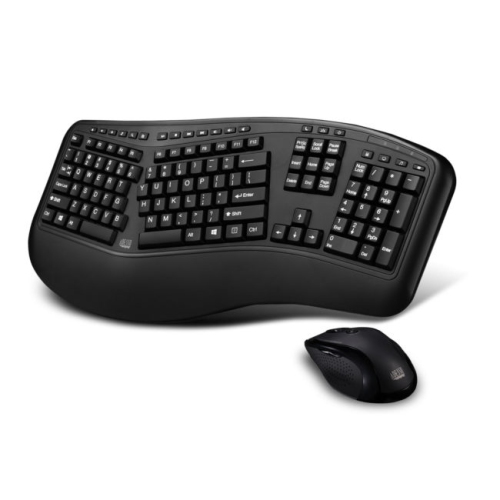
ADESSO Truform Wireless Laser Ergonomic Keyboard & Mouse Combo - (Wkb-1500GB)
About this product
An ergonomic wireless keyboard and mouse combo designed for comfortable, natural hand and wrist positioning.
What customers like
(25)$99.35 Your price for this item is $99.35 -
9
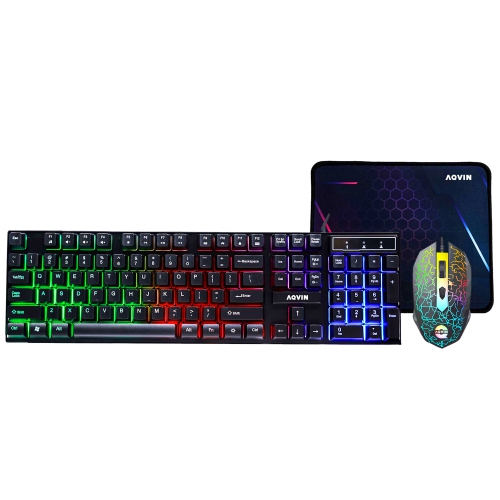
AQVIN RGB Gaming Keyboard And Mouse Combo w Pad for Gamers ~ Multimedia And Anti-Ghosting Capability Keys ~ Ergonomic Design - Up to 3200 Dpi
About this product
An ergonomic RGB keyboard and mouse combo with anti-ghosting keys, multimedia controls, and up to 3200 DPI.
(1)$29.99Your price for this item is $29.99SAVE $20 -
10
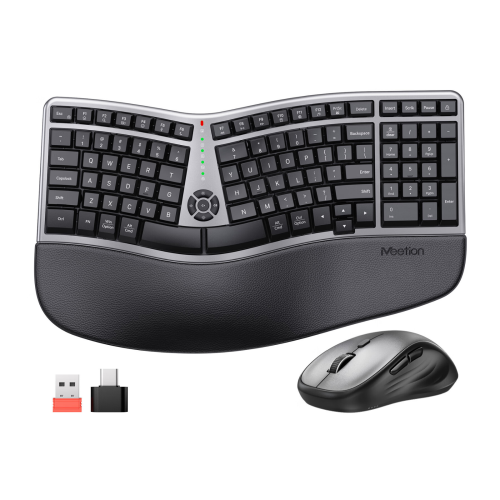
MEETION Wireless Ergonomic Keyboard And Mouse Combo — Curved Compact Layout, Cushioned Palm Rest, 4 Dpi Mouse, for Windows/mac
About this product
An ergonomic wireless keyboard and mouse combo featuring a curved palm rest, split key design, and precision mouse.
$39.99Your price for this item is $39.99SAVE $39
FAQ
Ergonomic keyboards often feature split key layouts, curved key rows, adjustable tenting angles or integrated palm rests. Ergonomic mice may have vertical grips, angled bodies, thumb rests or trackball controls. Designs vary, so compare the layout and input style with your preferences.
Common options include wired USB, Bluetooth and wireless connections through a USB receiver. Some models support multiple connection methods or let you switch between paired devices. Check whether your computer has the required USB port or Bluetooth support.
Many ergonomic keyboards and mice support Windows, macOS or ChromeOS, though compatibility varies by model. Basic typing and pointer controls may work across several systems, while shortcut keys, programmable buttons and customization software may require a particular operating system.
Ergonomic keyboards are available with membrane, scissor-switch and mechanical key mechanisms. These differ in key travel, tactile feel and typing sound. Mechanical options can include linear, tactile or clicky switches, while some keyboards use low-profile keys.
Depending on the model, options may include remappable keys, programmable mouse buttons, adjustable pointer sensitivity and saved profiles. Some keyboards also have adjustable split positions or tenting angles. Software-based settings and onboard profile storage vary by device.
Top selling and popular products
Discover more categories related to Best Ergonomic Keyboard And Mice
Some products may be subject to Environmental Handling Fees (EHF) depending on your province. Learn more about EHFs.