Logitech Ergonomic Keyboard and Mice
Enhance your workspace with the Logitech Ergonomic Keyboard and Mouse collection, designed to support comfort and productivity throughout your day. Whether setting up a home office or upgrading your current setup, these devices offer a reliable solution for everyday computing needs. Discover options crafted to help you work efficiently, all while enjoying the trusted quality of Logitech Ergonomic Keyboard and Mouse products.
Sort
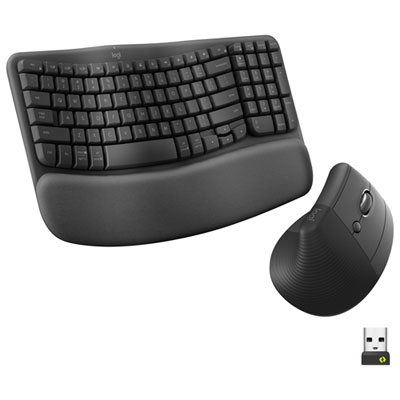
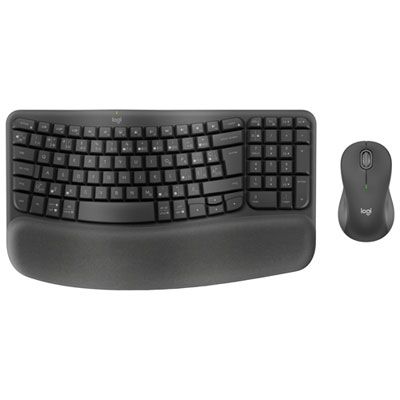
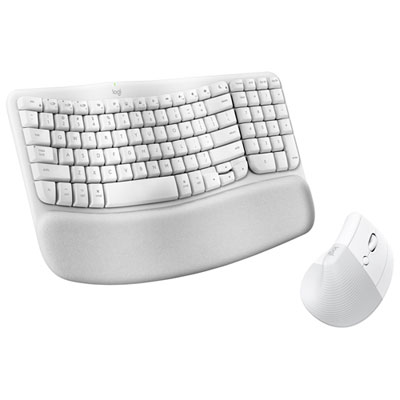
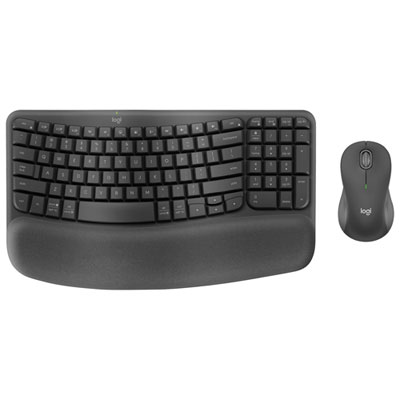
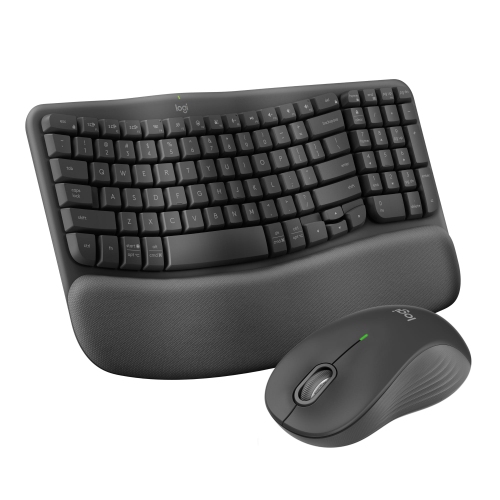
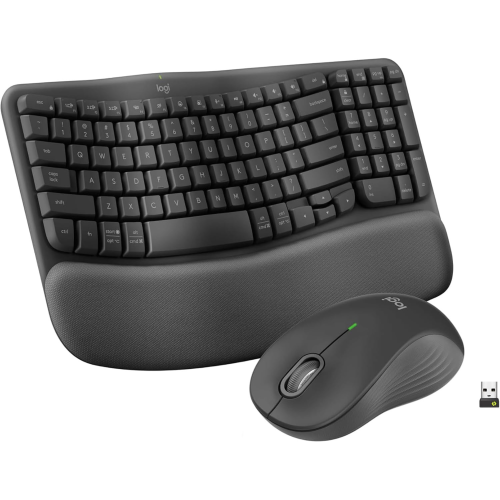
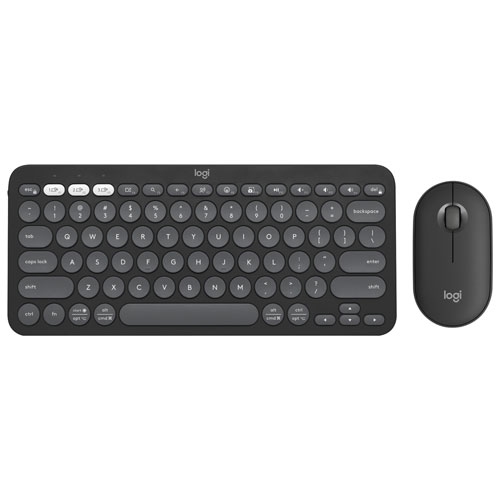
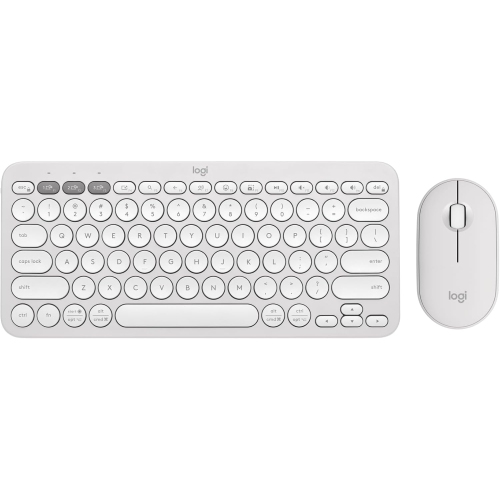
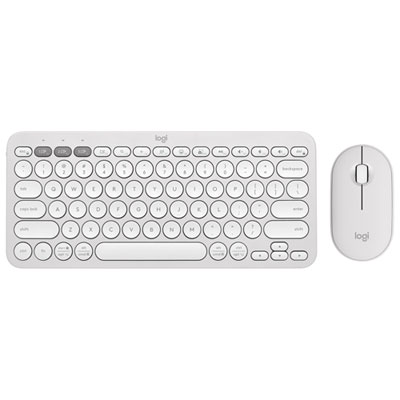
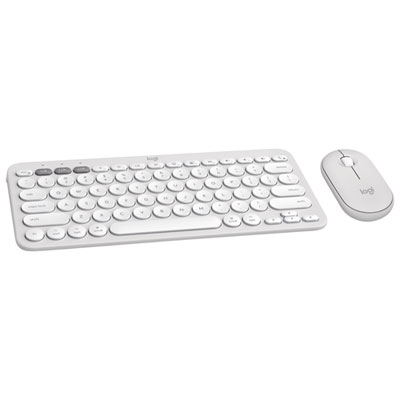
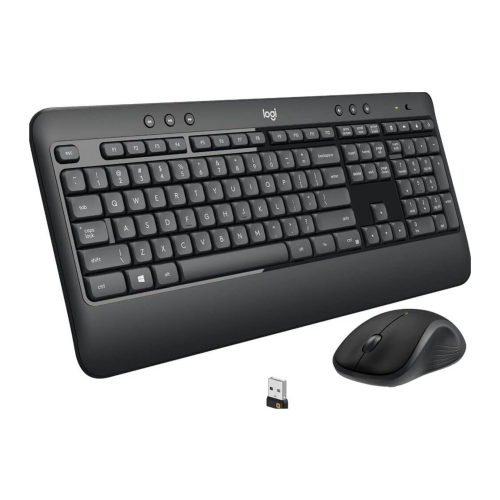
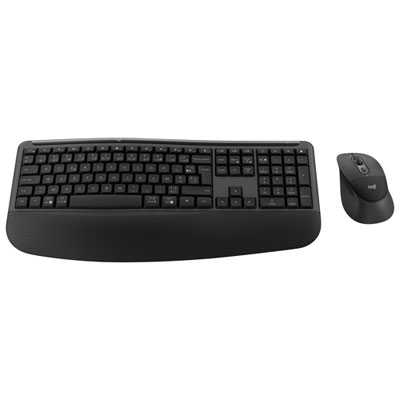
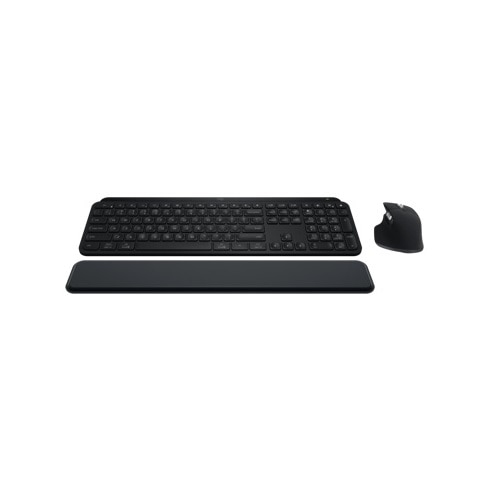
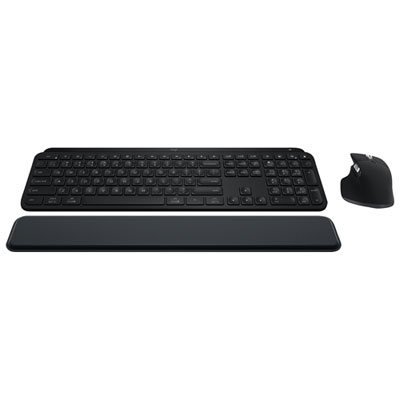
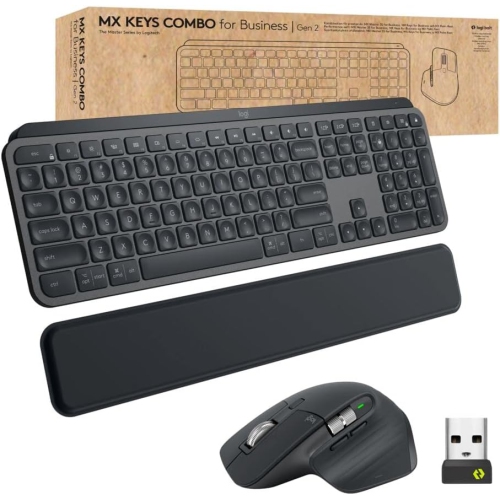
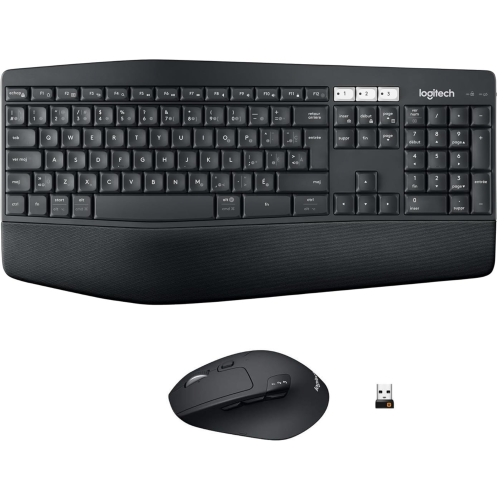

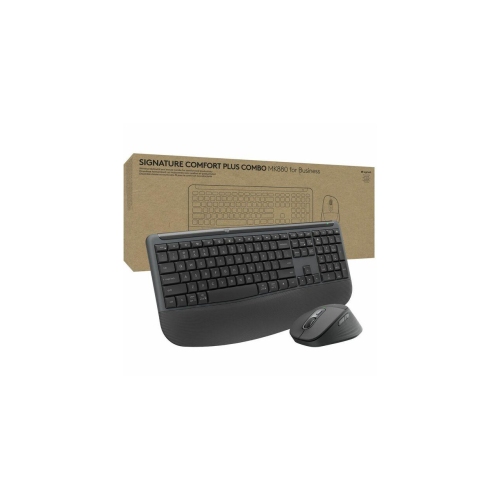
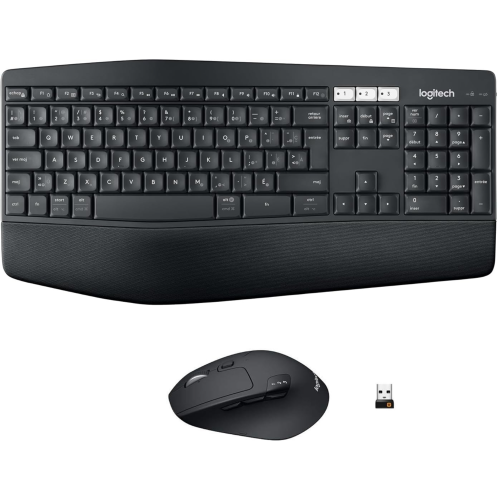
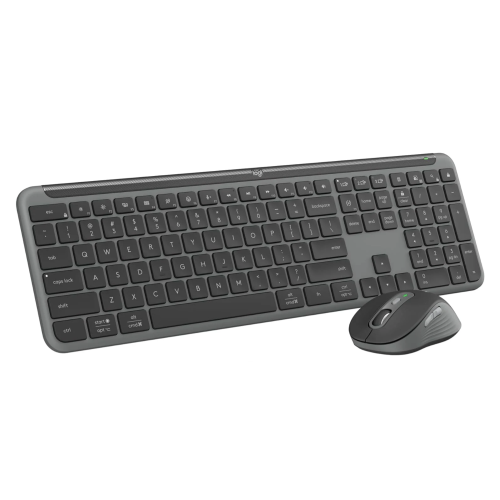
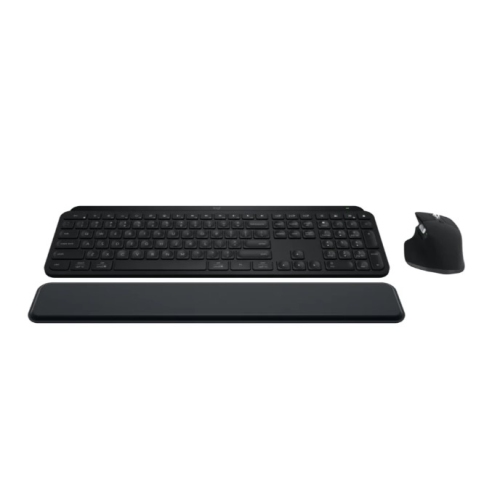
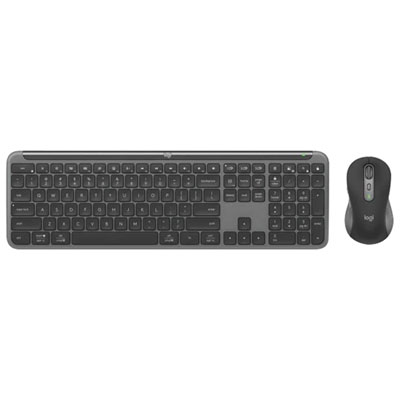

How keyboard shape and mouse grip influence comfort
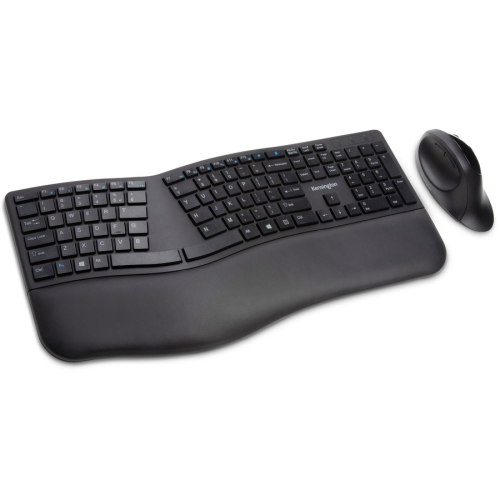
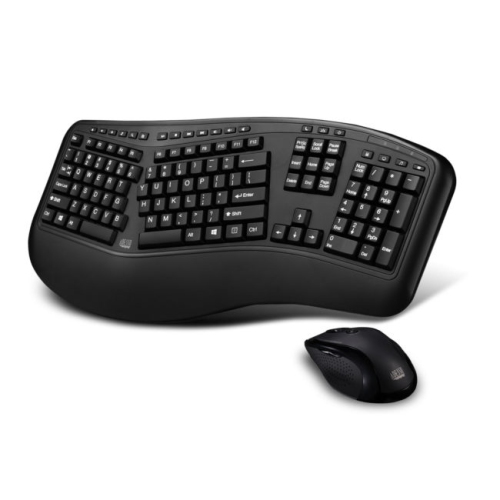
Ergonomic keyboards and mice use shaped layouts, supportive surfaces, and contoured grips to help hands rest in more natural positions during computer work. Their appeal is especially clear during tasks that involve repeated movements: entering figures into a spreadsheet, drafting a report, editing photographs, or moving between messages and documents throughout the day. An ergonomic keyboard may have a gently waved keyframe, a curved layout, or a split arrangement that separates the keys into left- and right-hand sections. These shapes serve different preferences rather than representing a single standard of comfort. A wave-shaped layout generally keeps the keys together while varying their height to suit the reach of different fingers. A split layout angles the two typing areas so the hands can approach from either side with less sideways wrist bending. Some designs have a raised centre, which changes the angle at which the palms face the desk. Familiar key placement, generous spacing, and clearly marked shortcuts also matter, particularly for someone who types without looking at the keys. A cushioned palm rest provides a broad surface for support between stretches of typing, although it should not force the wrists against a hard edge. Adjustments that lift the front edge of a keyboard can help accommodate different seated or standing positions, depending on the design. The right fit also depends on the space around the keyboard. A full-size layout with a number pad suits frequent numerical entry, while a more compact layout leaves additional room for the mouse beside the main typing area. On a narrow desk, that difference can make it easier to keep the pointing hand close to the body instead of reaching outward. Key feel is another everyday consideration: shallow keys, deeper travel, and different levels of resistance each create a distinct typing experience. Someone moving from a conventional keyboard may need time to settle into a curved or split layout, especially when reaching for punctuation, shortcuts, or keys near the centre.
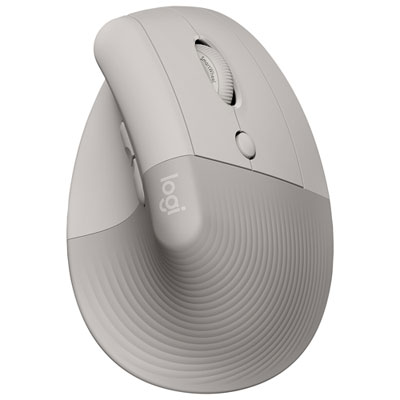
An ergonomic mouse complements the keyboard by changing how the hand grips the device and how the forearm is positioned during pointing and clicking. A vertical design holds the hand at an angle closer to a handshake, rather than requiring the palm to face flat toward the desk. A sculpted horizontal mouse takes a different approach, using a shaped body, thumb support, and a fuller palm area to distribute contact across the hand. Neither shape is automatically the best choice for every person. Hand size, grip style, handedness, and the amount of space available for movement all influence how a mouse feels over a working day. A smaller hand may struggle to reach the main buttons on a large body, while a larger hand may feel cramped around a narrow grip. The thumb should be able to settle into its resting area without stretching, and the fingers should reach the buttons without having to squeeze the mouse tightly. Right-handed and left-handed shapes are not interchangeable, so the intended hand deserves attention when comparing contoured designs. For detailed work, such as selecting cells in a dense spreadsheet or adjusting a small element in a presentation, pointer sensitivity and consistent tracking are useful alongside physical comfort. Adjustable sensitivity allows smaller movements to cover more screen space, though an overly fast pointer can make precise selection harder. Scroll-wheel feel also affects everyday use: distinct steps can help with controlled navigation, while faster scrolling suits lengthy documents. Additional buttons may support common actions such as moving back through pages or switching tools, depending on software and device compatibility. A vertical mouse can initially feel different when clicking or dragging, so familiar tasks may take a little practice. The surrounding setup matters just as much as the grip. Keeping the mouse beside the keyboard, providing enough clear surface for movement, and supporting the forearm without pressing it against the desk edge help create a more relaxed working position. Ergonomic equipment supports a considered workstation setup; it does not replace changes in position, regular breaks, or professional advice for persistent discomfort.
The practical details of ergonomic keyboards and mice become especially important when the same desk serves several purposes. A laptop used for video meetings, an external monitor used for spreadsheets, and a separate computer used for personal projects may call for different connection options. Bluetooth connections can reduce the need for a separate receiver, while a USB receiver may offer a straightforward connection to a compatible computer. Multi-device switching, where supported, lets a keyboard or mouse move between paired devices without repeating the pairing process each time. Operating-system compatibility should extend beyond basic typing and clicking to any features that matter, including custom buttons, shortcuts, and configuration software. Battery arrangements also differ: replaceable batteries and built-in rechargeable batteries have different maintenance routines, and charging does not always mean a device can be used through a wired connection. Materials and finish influence the experience just as noticeably. Rigid plastic housings provide structure, textured grip areas help fingers stay in place, and cushioned palm rests may use fabric or synthetic coverings that feel softer against the hands. Frequently touched surfaces benefit from straightforward care. A soft cloth, careful removal of loose debris, and cleaning methods suited to the manufacturer’s directions help keep key gaps, scroll wheels, and palm rests tidy without soaking internal components. Durability depends on construction, moving parts, and treatment as well as appearance; a keyboard that stays on a desk faces different demands from one carried regularly in a bag. Across the broader Ergonomic Keyboard and Mice category, the most useful combination is one whose layout, grip, and connection options suit the person using it. These accessories can make thoughtful gifts for a student writing assignments, a family member managing household paperwork, or someone who spends much of the workday at a computer. Because comfort is personal, a gift is better matched to known preferences such as hand size, dominant hand, number-pad use, and desk space than to appearance alone. A coordinated keyboard and mouse can bring a consistent feel to a workstation, but each should still fit its own task: comfortable access to the keys for typing, and a relaxed, controlled grip for navigating the screen.
Top selling and popular products
-
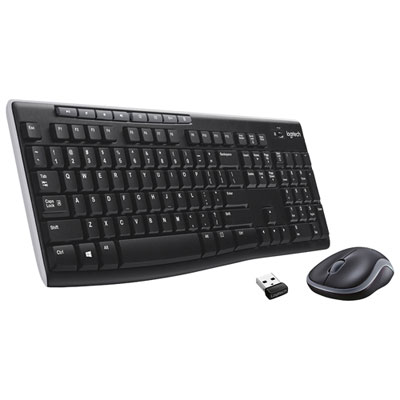 Your price for this item is $39.99
-
 Your price for this item is $50.49
-
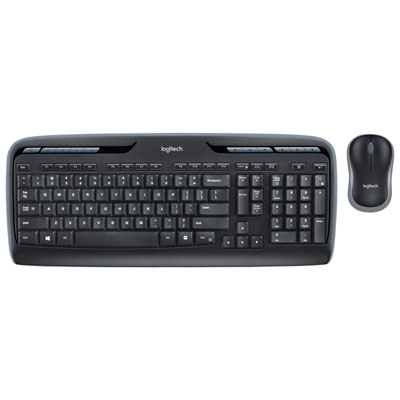 Your price for this item is $59.99
-
 Your price for this item is $59.99
-
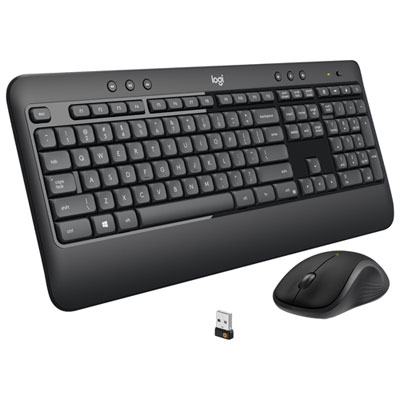 Your price for this item is $69.99
-
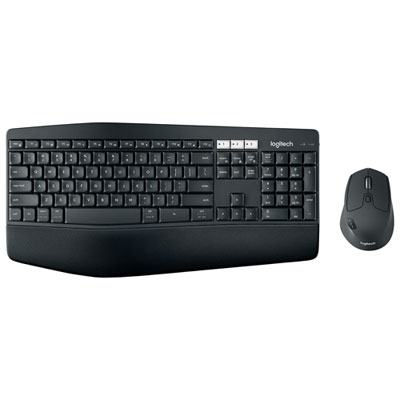 Your price for this item is $129.99
-
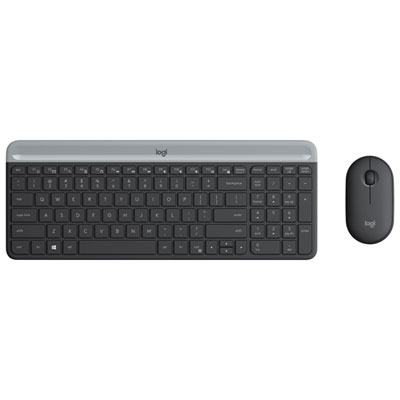 Your price for this item is $69.99
-
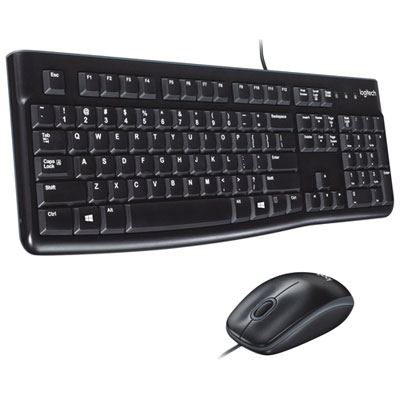 Your price for this item is $20.98
Discover more categories related to Logitech Ergonomic Keyboard and Mice
Top Collections:
Best Black Friday Deals This Year, Best Black Friday Deals On Electronics, Kindle Devices, Pokemon Centers, Best Black Friday Deals On Apple Products, Best Cameras for Sports Photography, Dyson Airwrap, Pokémon 30th Celebration Cards, Apple iPhone 17 Pro, Canon G7X Cameras
Some products may be subject to Environmental Handling Fees
(EHF) depending on your province.
Learn more about EHFs.