External Hard Drives for Videos
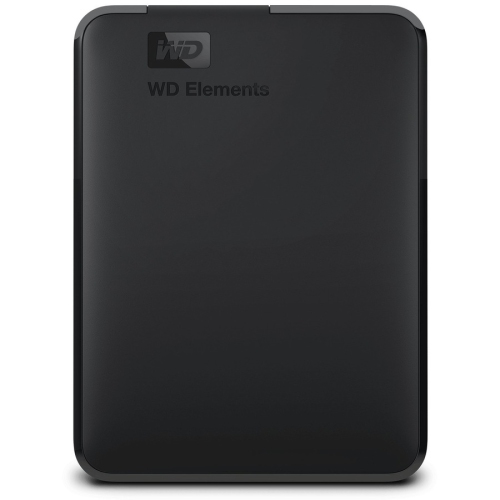
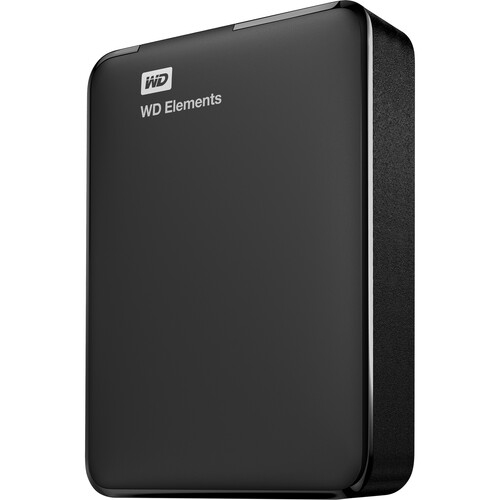
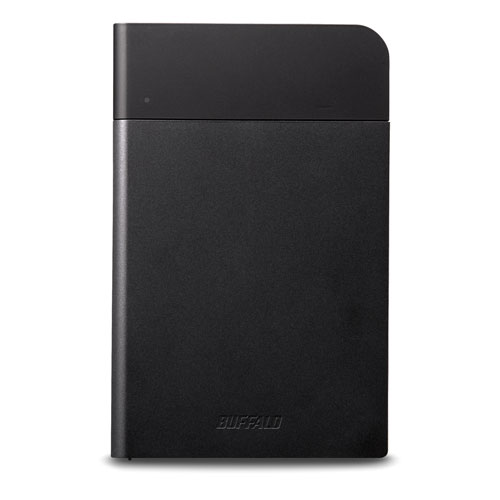
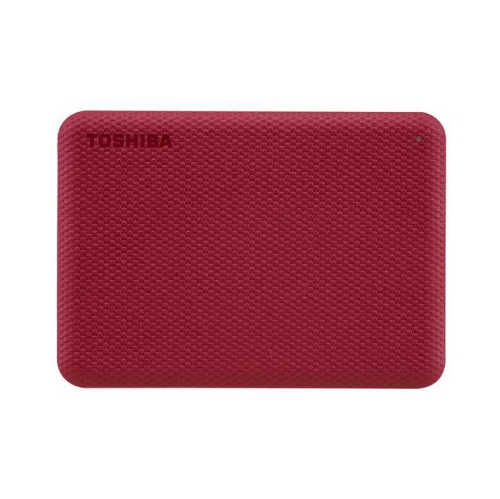
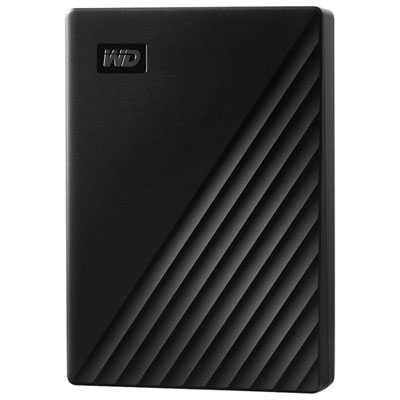
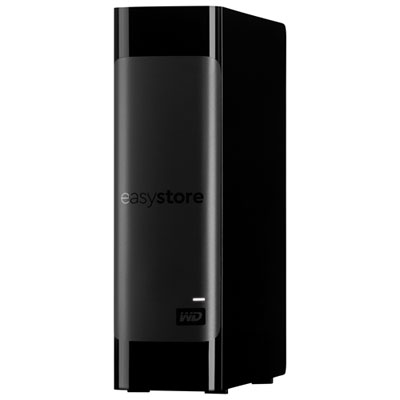
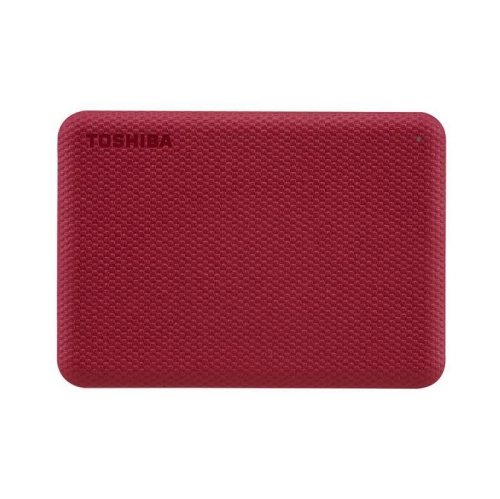
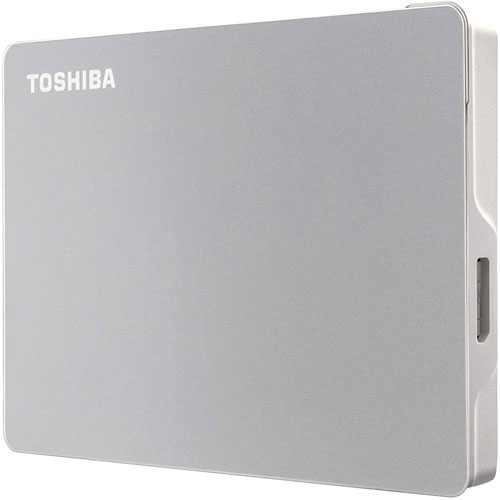
If you are a video enthusiast, you've probably got a lot of footage stored on your computer that needs a backup or extra storage for your photos and videos, these external hard drives are perfect for you. These hard drives have large storage capacities that are perfect for storing high-resolution and high-quality videos. These are also durable and portable. Here are some of the top choices for external hard drives available today.
Sort

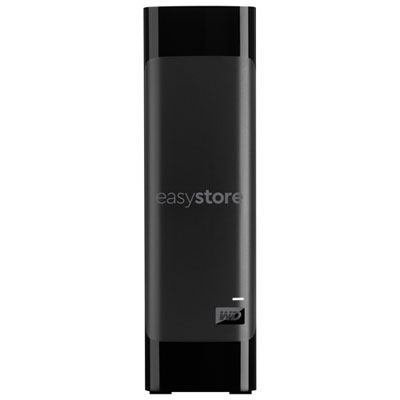
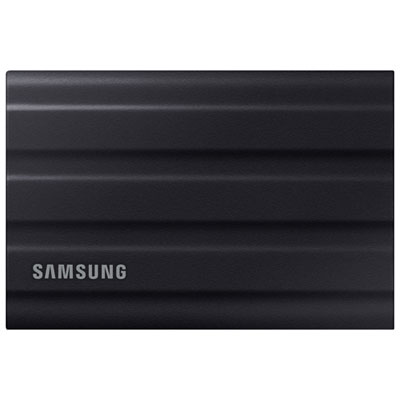
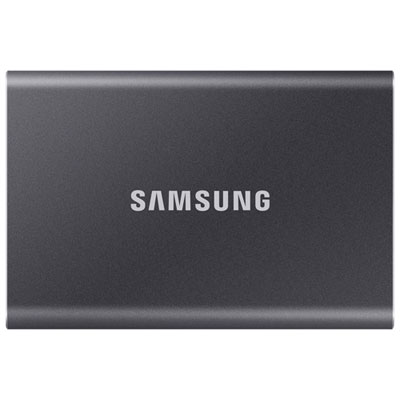
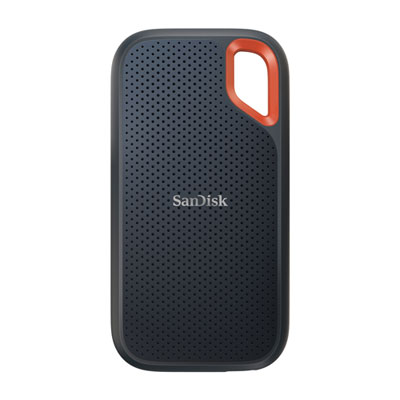

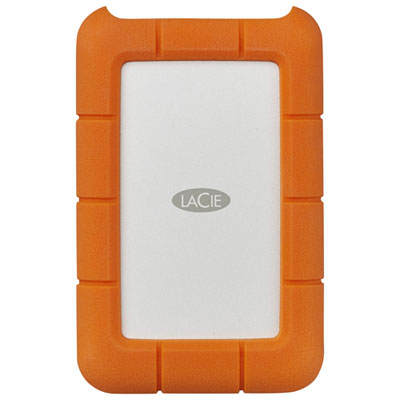
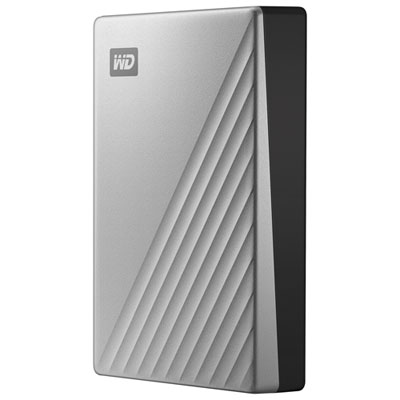
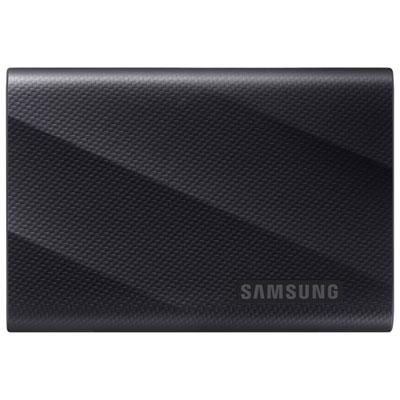
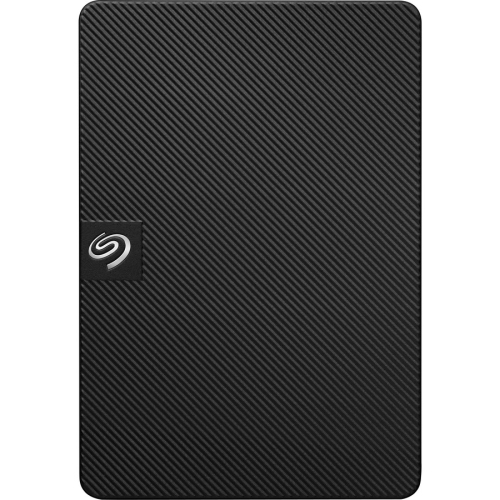


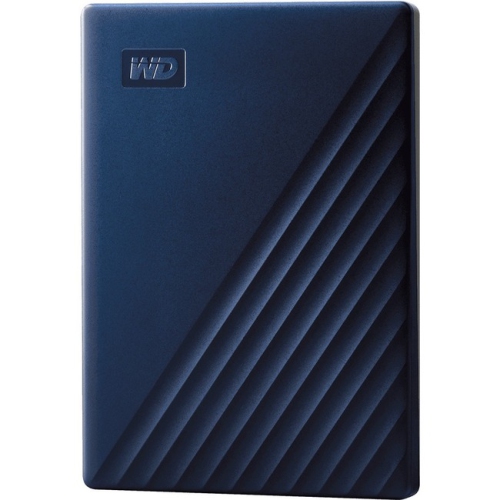
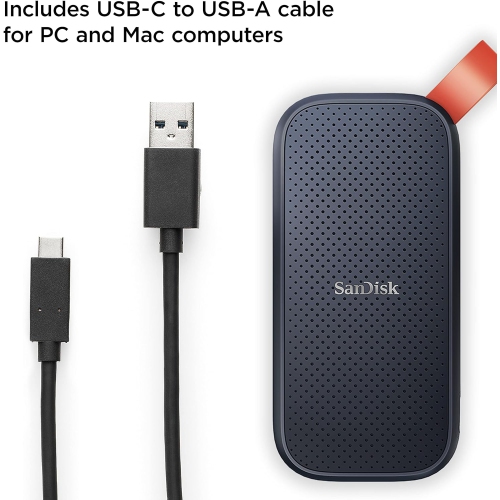
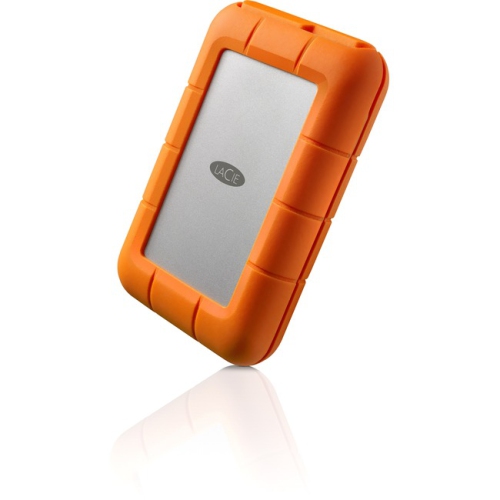
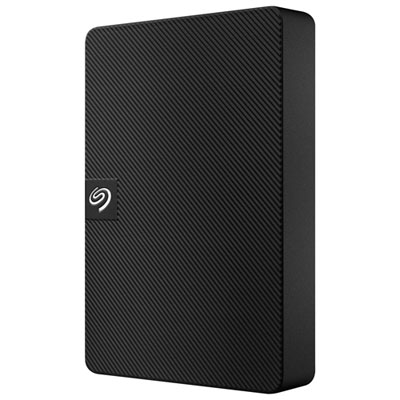
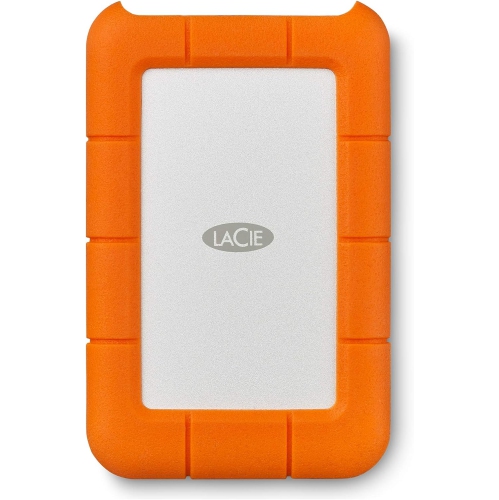
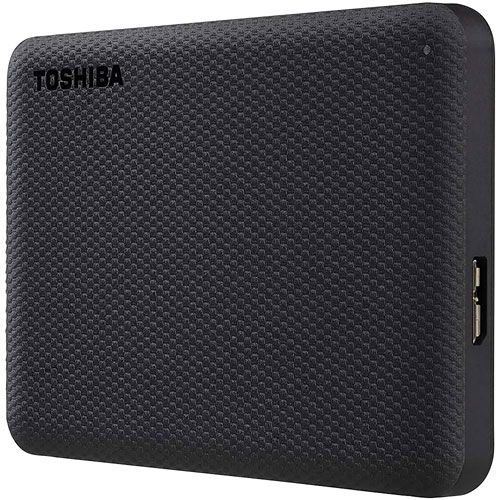
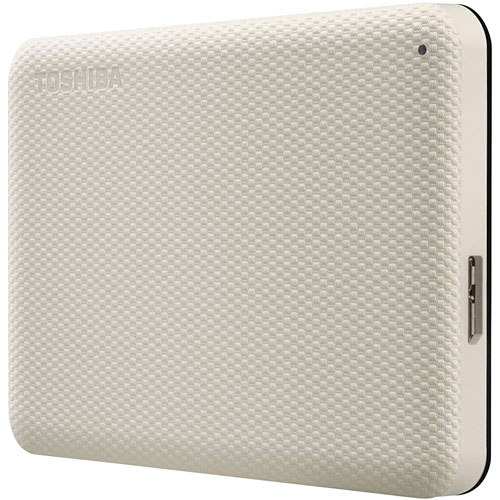

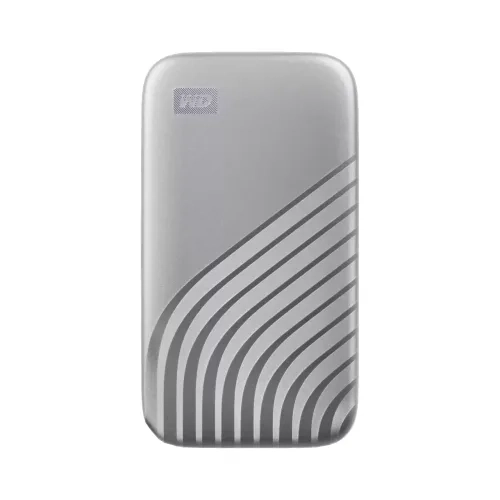



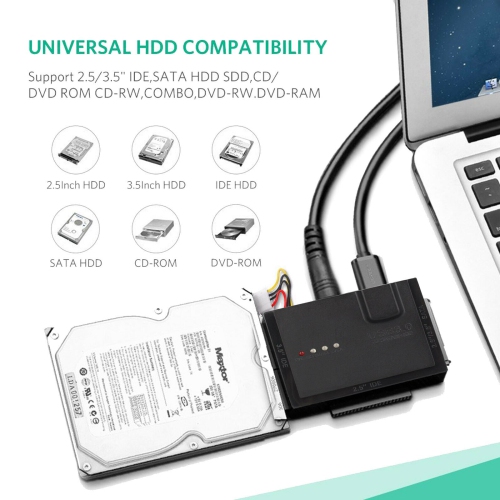
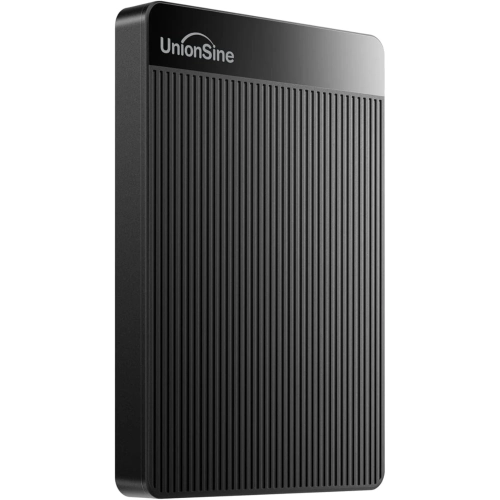
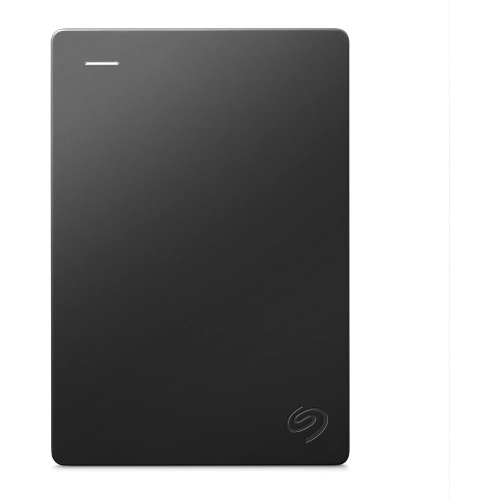
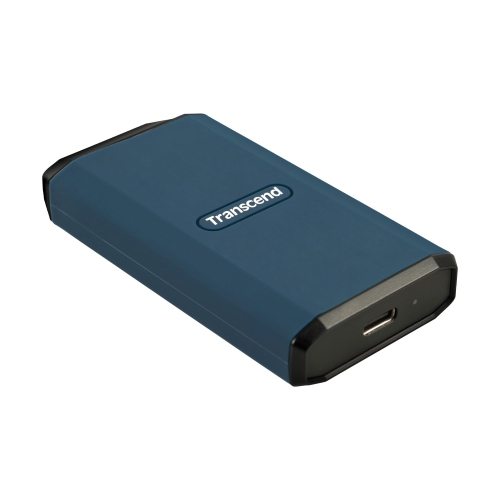




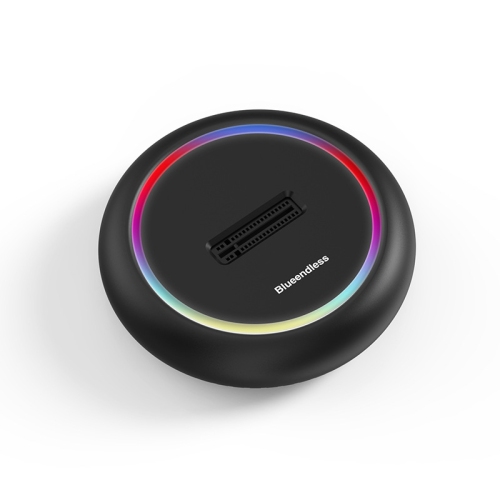
Storage guidance for editing and protecting video footage
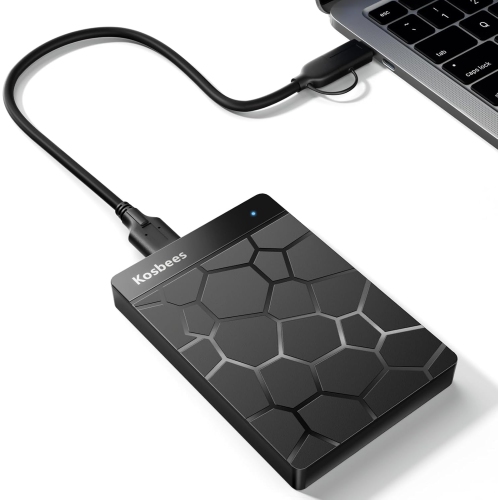
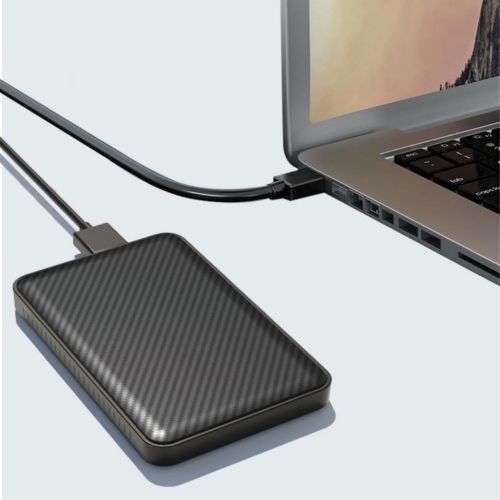
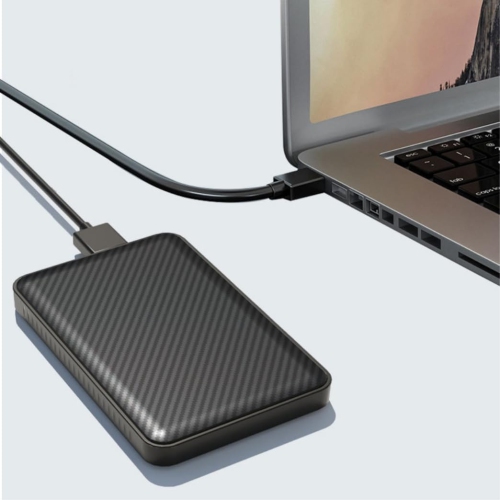
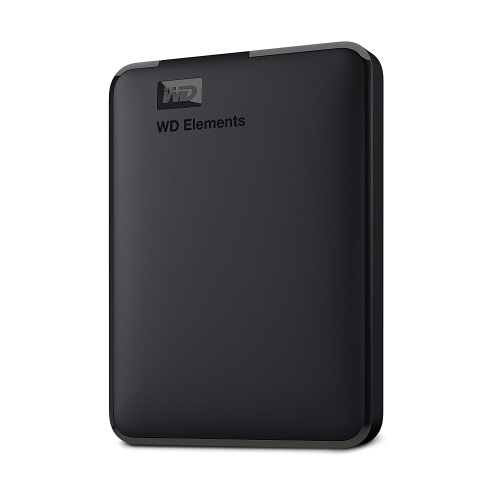
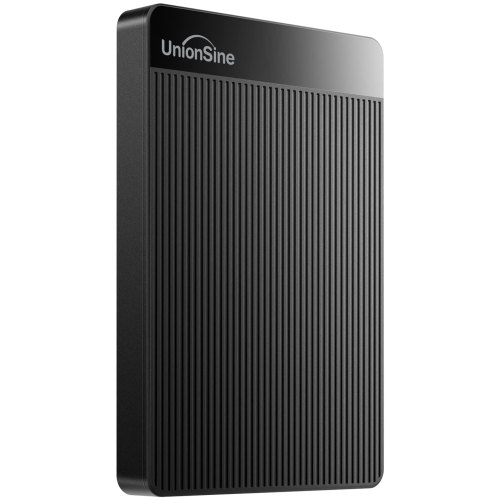
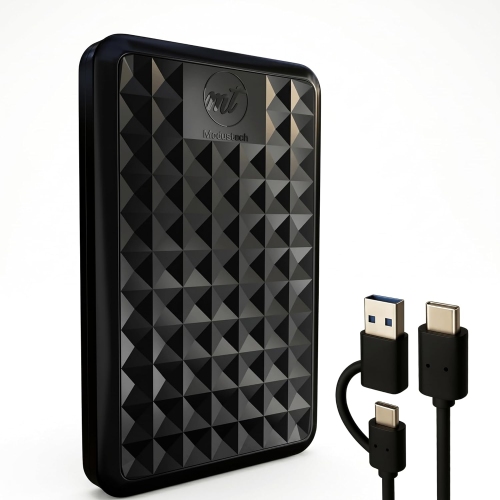
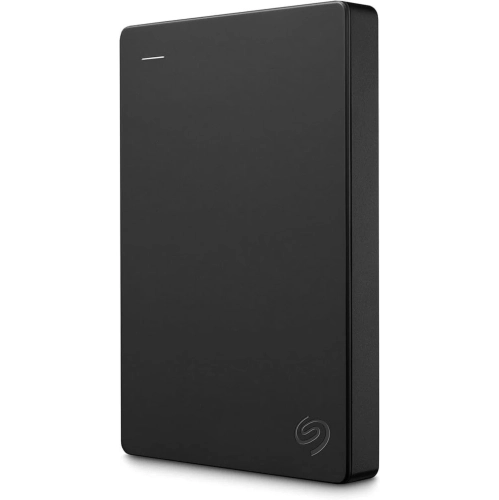
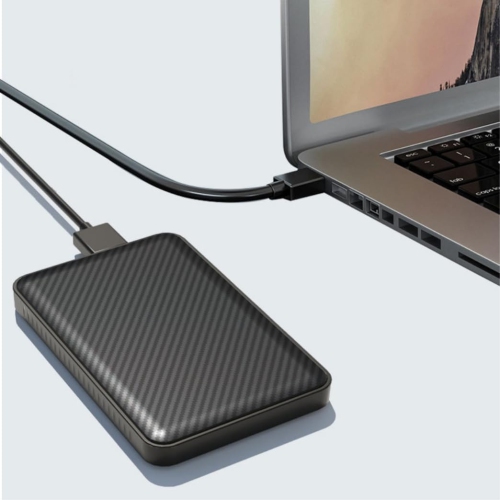
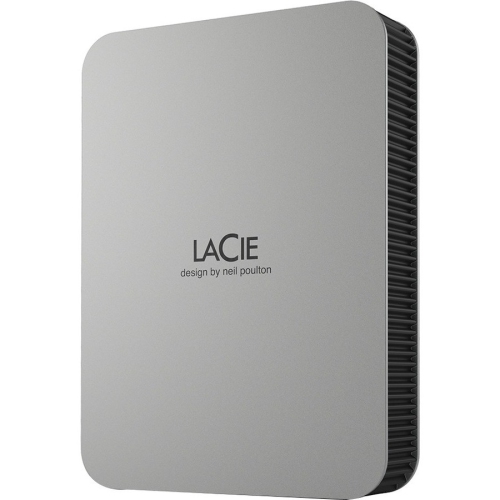
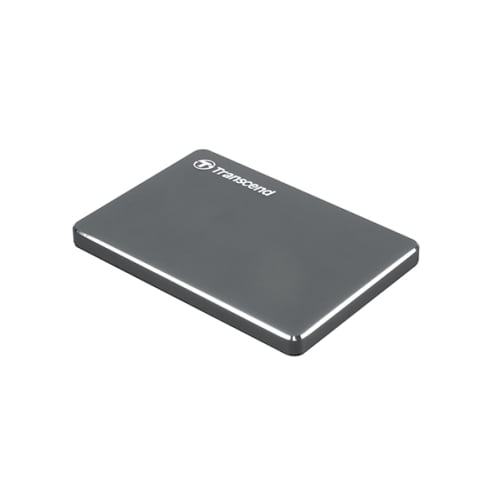
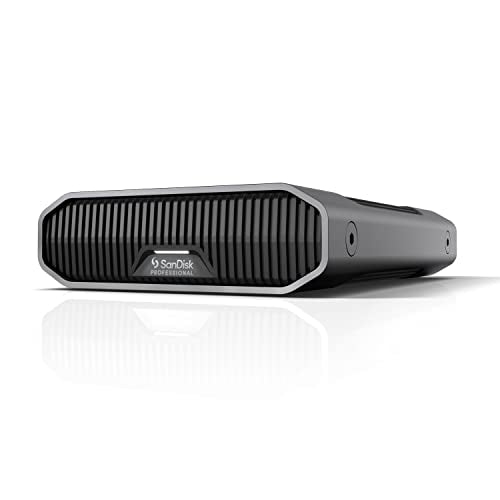
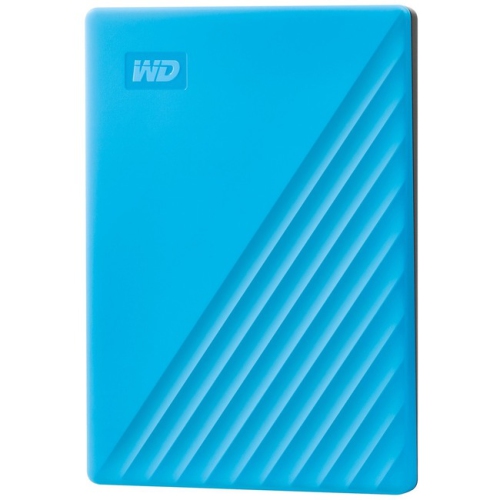
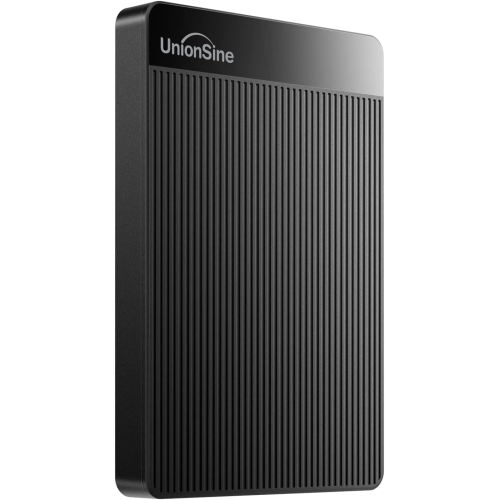
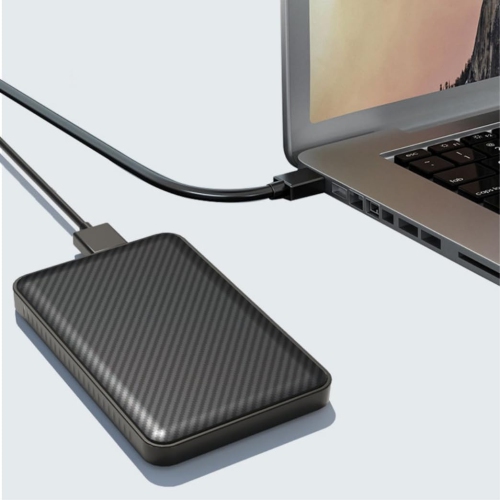
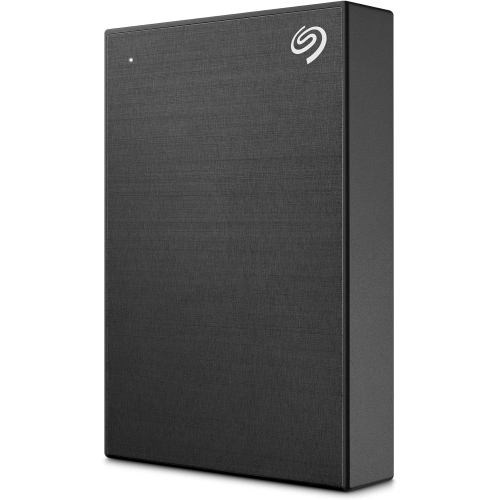
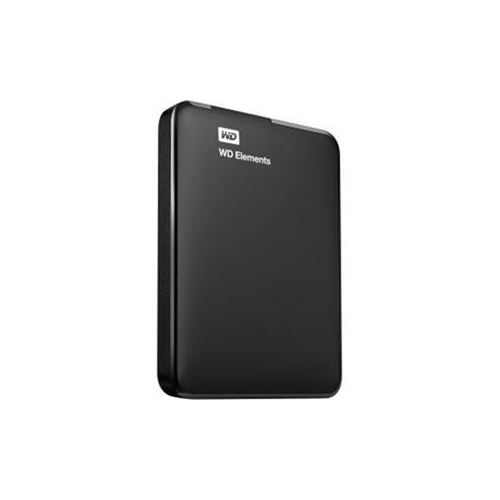
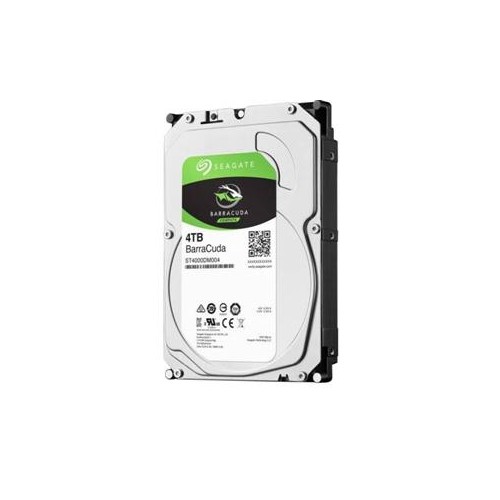
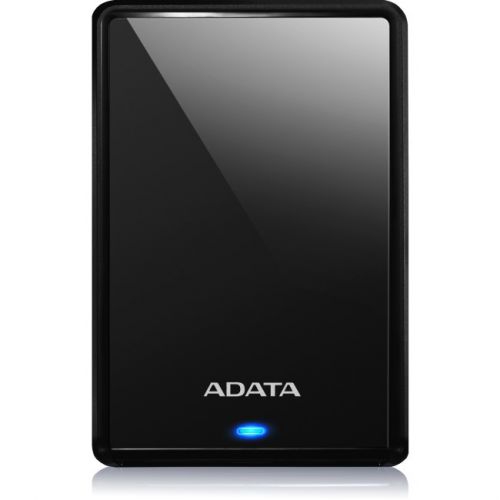
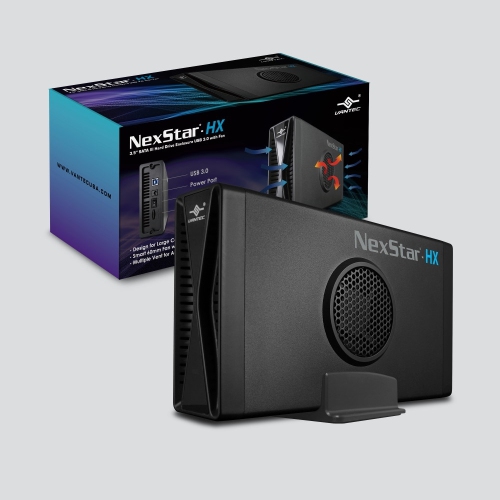
External hard drives for videos provide practical space for camera footage, home movies, downloaded content, screen recordings, and creative projects that can quickly outgrow a computer’s internal storage. A few minutes of high-resolution video can take up more room than an entire folder of photos, especially when recording in 4K or 8K, using high frame rates, or keeping several versions of the same project. An external drive gives you a dedicated place to move large files off your laptop or desktop without deleting the moments you want to keep. It can also make a thoughtful gift for a student learning video production, a photographer who records behind-the-scenes footage, a family member digitizing old tapes, or a frequent traveller who brings a personal film library on the road. Before choosing a drive, consider how the video will be used. Someone who simply wants to store finished movies and watch them occasionally may prioritize generous capacity and value, while someone editing footage directly from the drive will benefit from faster performance, dependable connections, and a design suited to frequent file transfers. It helps to think beyond the size of today’s library as well. New recordings, project files, exports, subtitles, music tracks, and duplicate backups can fill available space sooner than expected, so choosing additional capacity can reduce the need to reorganize everything later.
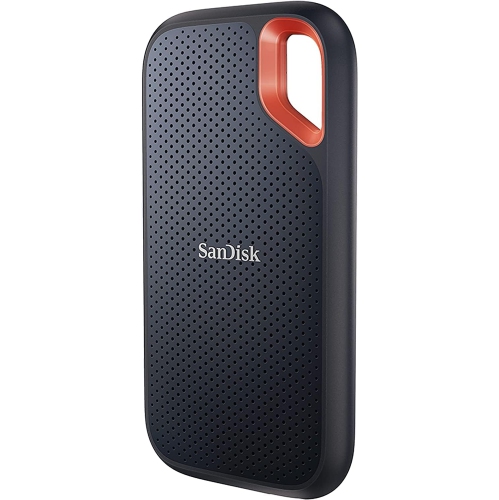
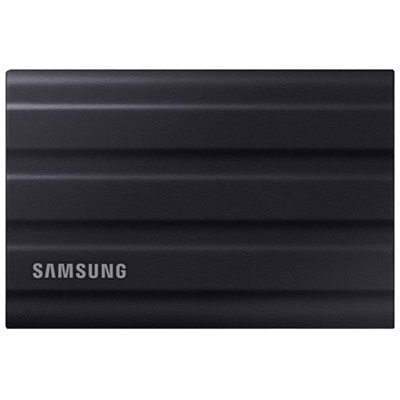
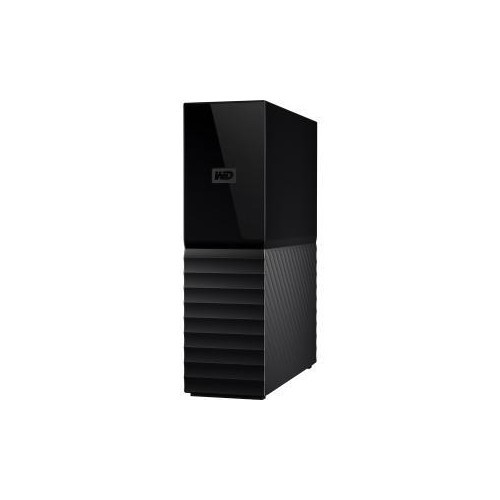
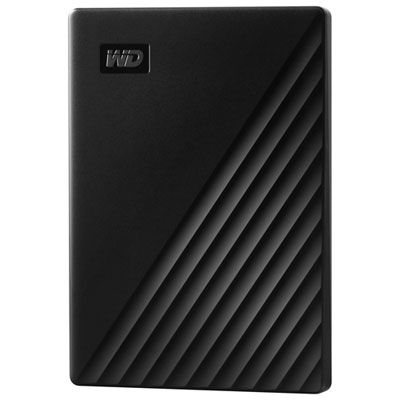
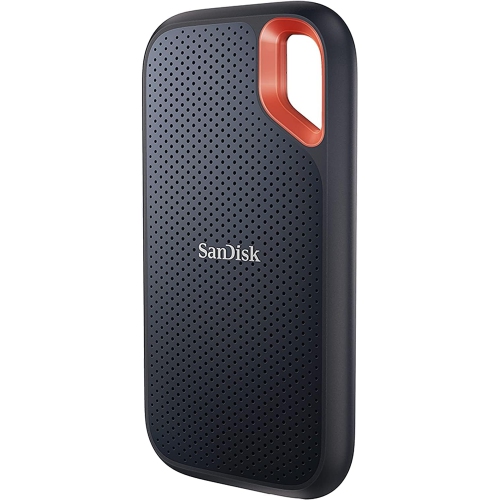
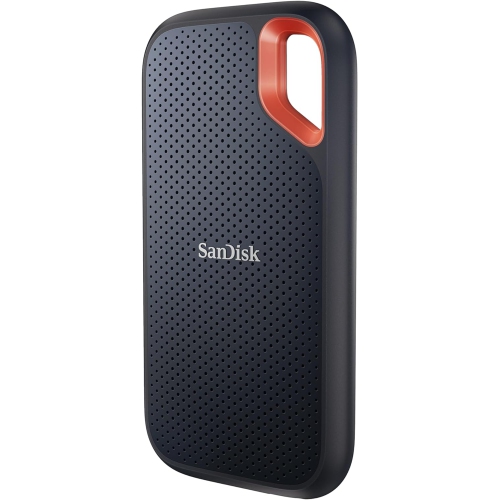
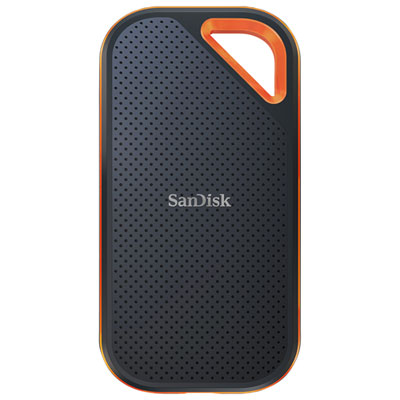
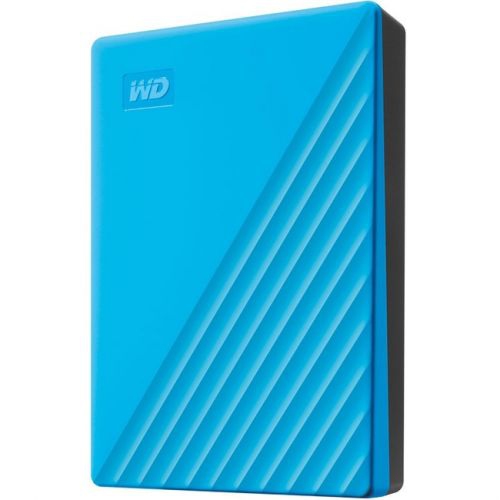
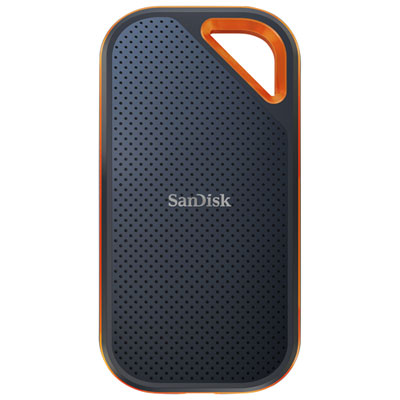
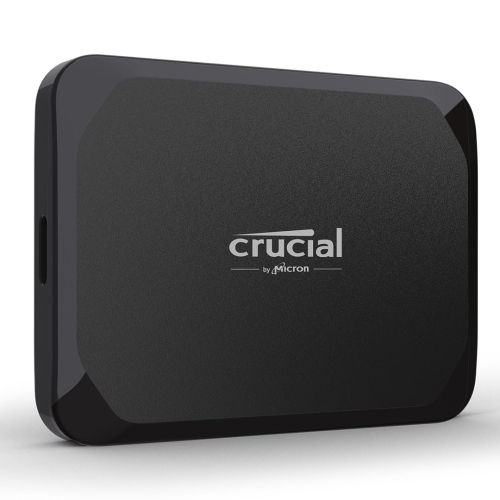
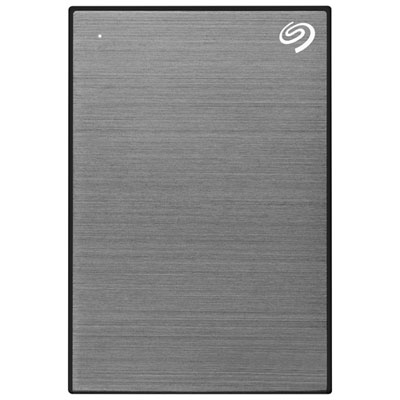
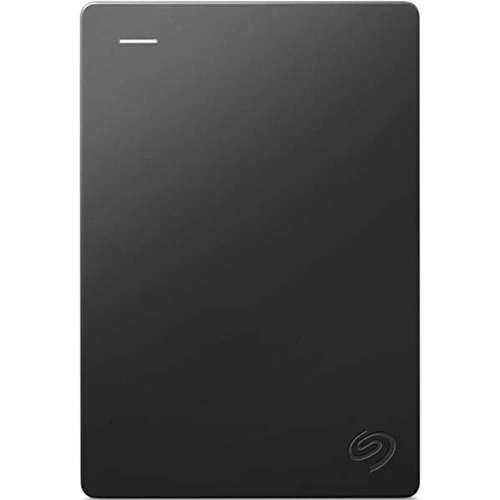
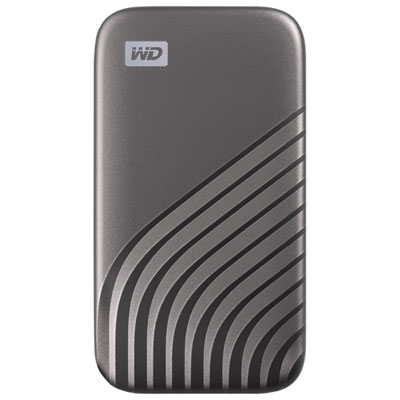
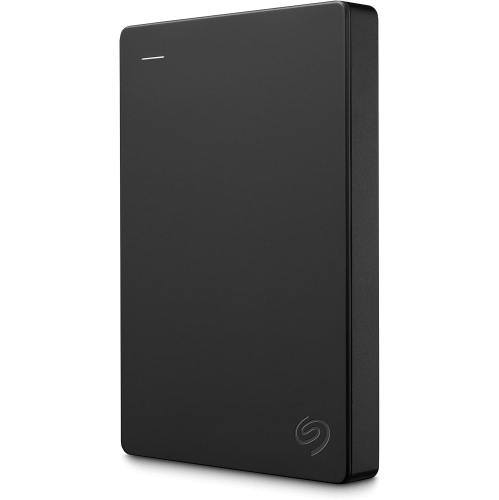
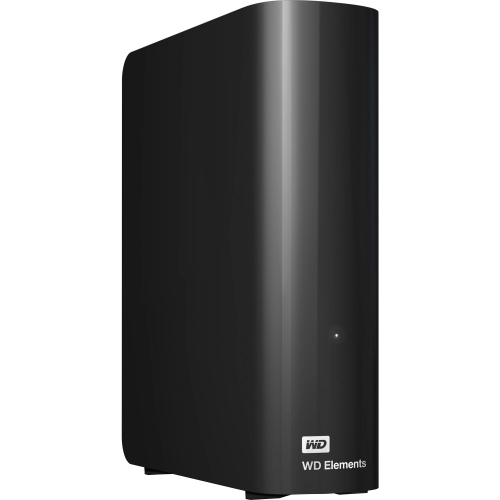
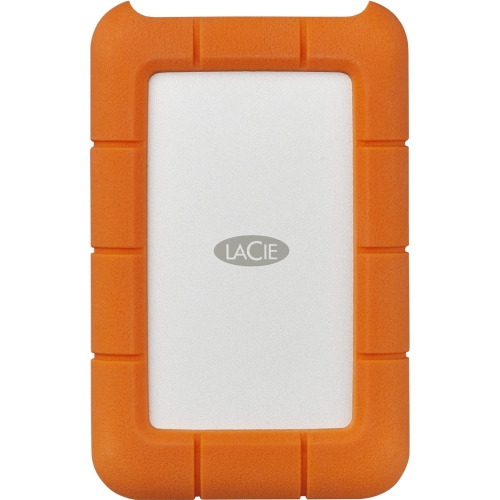
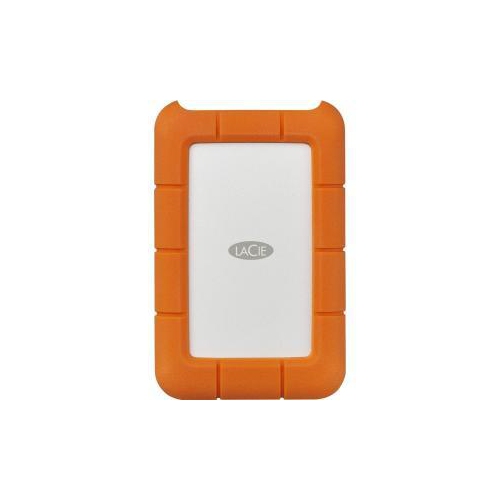
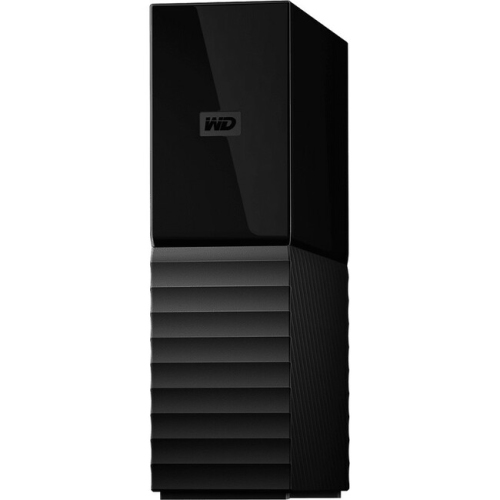
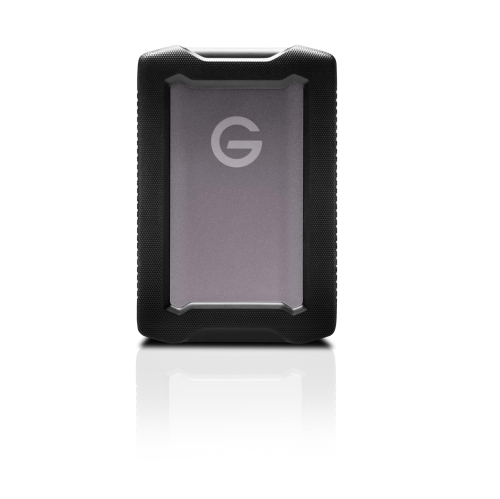
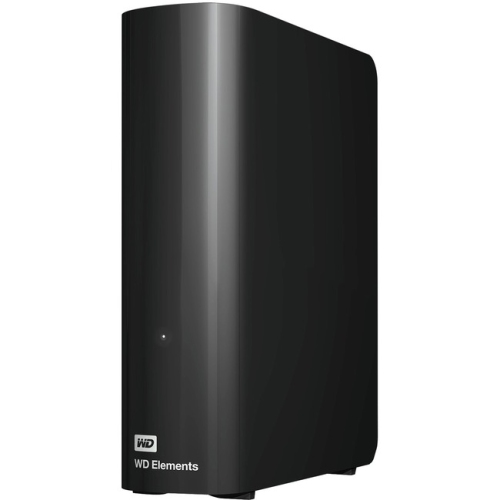
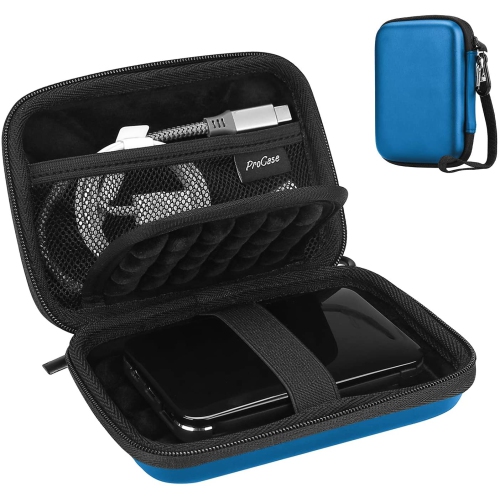
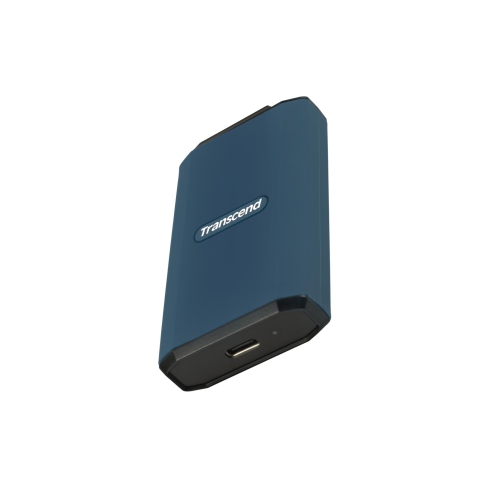
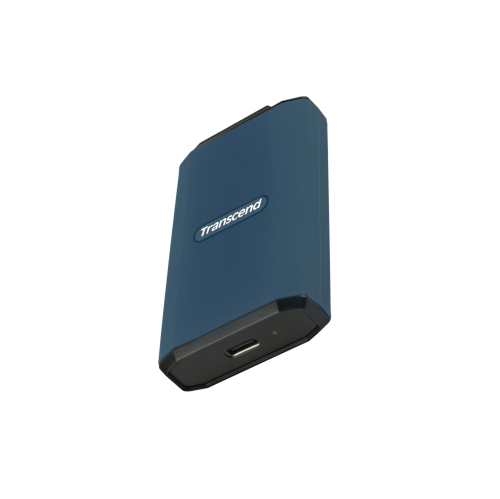
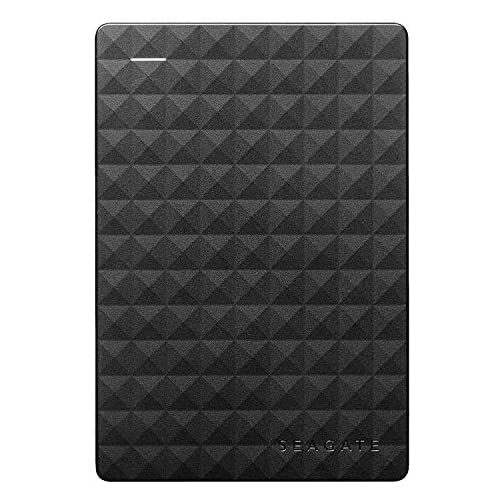
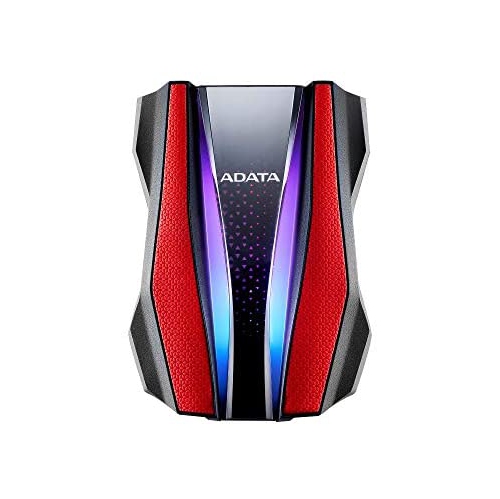
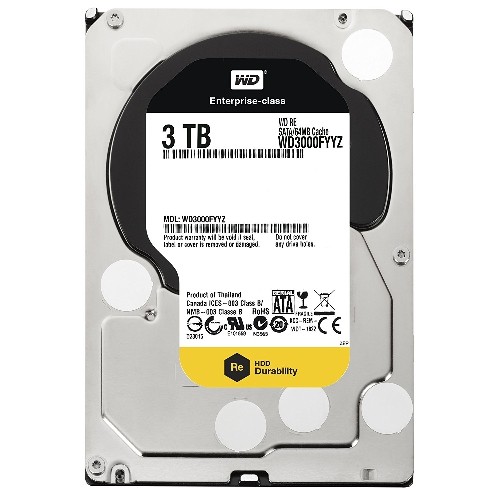
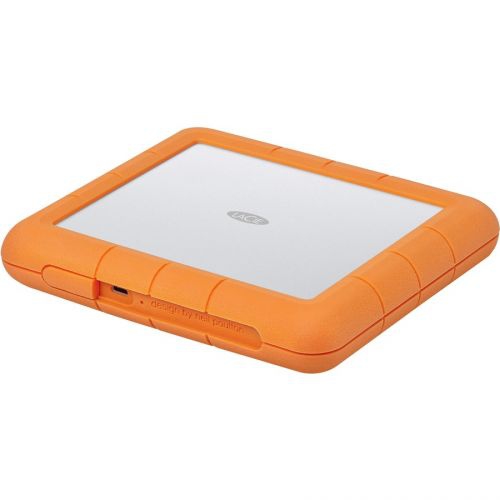
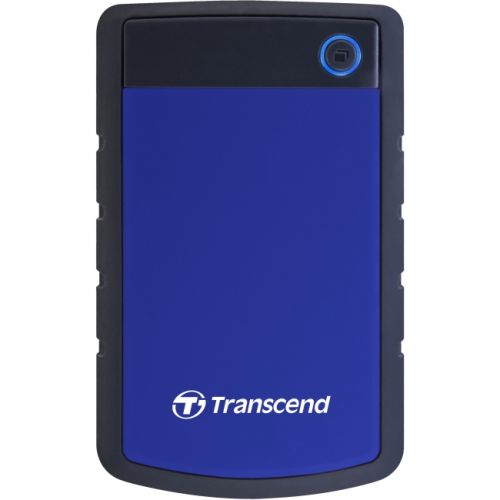
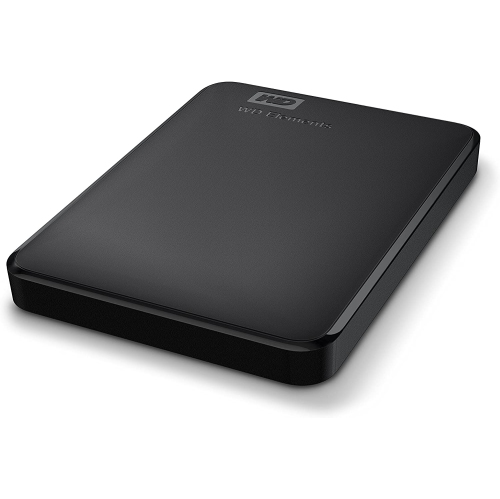
Solid-state drives, often called SSDs, are well suited to active video editing and demanding workflows. They use flash storage rather than spinning mechanical platters, which allows them to operate quietly and respond quickly when opening large video files, scrubbing through a timeline, or moving clips between folders. Their lack of moving parts can also make them a practical choice for mobile creators who carry a drive between a studio, classroom, office, or location shoot. This is particularly useful for 4K and 8K footage, where slower storage may make previews load gradually or cause interruptions while working with multiple files. Look at the advertised read and write speeds, but also check the connection used by your computer. USB-C, USB 3.2, and Thunderbolt connections can offer different levels of performance, and the drive will generally operate at the speed supported by the slowest component in the setup. A fast drive connected to an older port may not reach its maximum potential. HDDs, or hard disk drives, remain a sensible option for storing completed projects, maintaining a large movie library, and creating a second copy of important recordings. They generally provide more storage space at a lower cost per terabyte, making them useful when the priority is capacity rather than editing speed. Desktop HDDs are often designed to stay in one place and may require a power adapter, while portable models are easier to carry and may draw power directly from the computer. For travel, field recording, or use in busy households, features such as a compact enclosure, protective casing, and resistance to dust, splashes, or drops can add reassurance. These protections do not make a drive indestructible, so careful handling and safe storage are still important.
Compatibility is another central consideration when shopping for external hard drives for videos. Confirm that the drive works with the operating system and devices used for filming, editing, and playback, including laptops, desktop computers, gaming systems, smart TVs, and media players where applicable. File formatting can affect whether a drive can read and write files across different platforms, so checking the manufacturer’s compatibility information before transferring a full library can prevent avoidable problems. It is also worth considering the size and type of video files you plan to keep. A drive used for short social clips may have very different needs from one holding hours of high-bitrate footage, raw camera files, or several complete film projects. Password protection or hardware encryption can help restrict access when a drive contains personal recordings, client work, or private family events. Backup software may simplify regular copies, but no single external drive should be treated as the only home for irreplaceable memories. A useful arrangement is to keep working files on one drive, finished exports on another, and especially important recordings in a separate location when possible. For people who mainly want to collect and play finished films, a capacity-focused drive can keep a growing library organized by genre, family member, project, or year. Those storage needs overlap with the options found in External Hard Drives for Storing Movies. Whether the drive will sit beside an editing workstation or travel in a camera bag, compare capacity, speed, connection type, portability, durability, and backup features as a group. The right balance makes it easier to preserve footage, move projects between devices, and enjoy a well-organized video collection through changing routines and the cooler months ahead.
Solid-state drives, often called SSDs, are well suited to active video editing and demanding workflows. They use flash storage rather than spinning mechanical platters, which allows them to operate quietly and respond quickly when opening large video files, scrubbing through a timeline, or moving clips between folders. Their lack of moving parts can also make them a practical choice for mobile creators who carry a drive between a studio, classroom, office, or location shoot. This is particularly useful for 4K and 8K footage, where slower storage may make previews load gradually or cause interruptions while working with multiple files. Look at the advertised read and write speeds, but also check the connection used by your computer. USB-C, USB 3.2, and Thunderbolt connections can offer different levels of performance, and the drive will generally operate at the speed supported by the slowest component in the setup. A fast drive connected to an older port may not reach its maximum potential. HDDs, or hard disk drives, remain a sensible option for storing completed projects, maintaining a large movie library, and creating a second copy of important recordings. They generally provide more storage space at a lower cost per terabyte, making them useful when the priority is capacity rather than editing speed. Desktop HDDs are often designed to stay in one place and may require a power adapter, while portable models are easier to carry and may draw power directly from the computer. For travel, field recording, or use in busy households, features such as a compact enclosure, protective casing, and resistance to dust, splashes, or drops can add reassurance. These protections do not make a drive indestructible, so careful handling and safe storage are still important.
Compatibility is another central consideration when shopping for external hard drives for videos. Confirm that the drive works with the operating system and devices used for filming, editing, and playback, including laptops, desktop computers, gaming systems, smart TVs, and media players where applicable. File formatting can affect whether a drive can read and write files across different platforms, so checking the manufacturer’s compatibility information before transferring a full library can prevent avoidable problems. It is also worth considering the size and type of video files you plan to keep. A drive used for short social clips may have very different needs from one holding hours of high-bitrate footage, raw camera files, or several complete film projects. Password protection or hardware encryption can help restrict access when a drive contains personal recordings, client work, or private family events. Backup software may simplify regular copies, but no single external drive should be treated as the only home for irreplaceable memories. A useful arrangement is to keep working files on one drive, finished exports on another, and especially important recordings in a separate location when possible. For people who mainly want to collect and play finished films, a capacity-focused drive can keep a growing library organized by genre, family member, project, or year. Those storage needs overlap with the options found in External Hard Drives for Storing Movies. Whether the drive will sit beside an editing workstation or travel in a camera bag, compare capacity, speed, connection type, portability, durability, and backup features as a group. The right balance makes it easier to preserve footage, move projects between devices, and enjoy a well-organized video collection through changing routines and the cooler months ahead.
Top selling and popular products
-
 Your price for this item is $234.99
 -
 Your price for this item is $394.99
 -
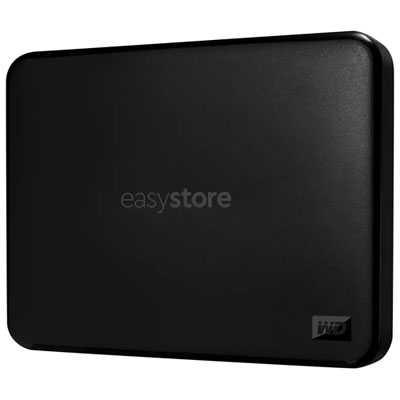 Your price for this item is $179.99
 -
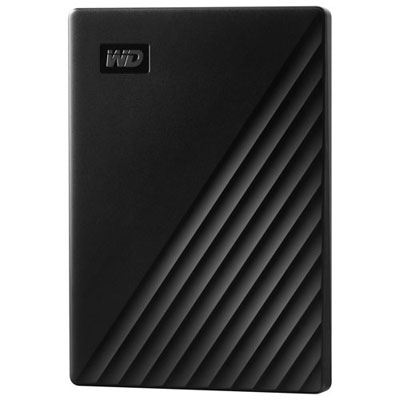 Your price for this item is $244.99
 -
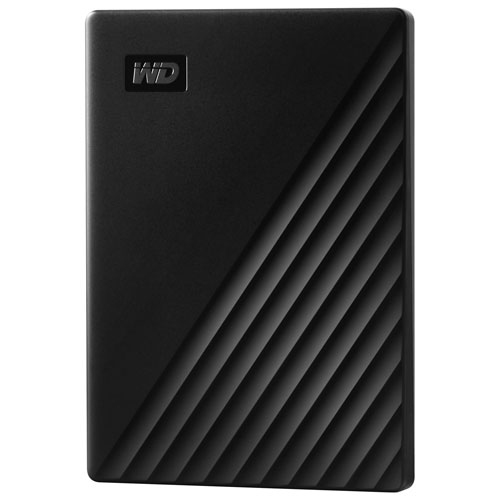 Your price for this item is $298.19
 -
 Your price for this item is $289.68
 -
 Your price for this item is $499.68
 -
 Your price for this item is $282.68
Discover more categories related to External Hard Drives for Videos
Top Collections:
Best Laptops for Video Editing, Pokemon Centers, Best Budget Office Chairs, Budget 4K TVs, Kindle Devices, Best Laptops for Writers, Apple iPhones 16, iPhone 15 Apple, Alarm Clock, Best Cell Phones Under $500
Some products may be subject to Environmental Handling Fees
(EHF) depending on your province.
Learn more about EHFs.