Best Laptops for Photoshop Under $1000
Find the best laptops for Photoshop under $1000 to bring your creative ideas to life without stretching your budget. Ranked by user review ratings, this selection is a starting point for comparing laptops for photo editing and design. Look for a capable processor, ample memory, and a sharp display, and check Photoshop’s system requirements to find the right fit for your workflow.
What to look for in laptops for Photoshop under $1000
1. Processor Performance
2. Memory and Graphics
3. Display Quality
4. Storage and Compatibility
-
1

LENOVO Refurbished (Excellent) - Thinkpad T490 14" Touchscreen Laptop - Intel Core I7-8665U - 16GB Ddr4 - 512GB SSD - Windows 10 Pro - In Black
About this product
A refurbished black laptop featuring an Intel Core i7 processor, 16GB RAM, and a 512GB SSD.
What customers like
(1,239)$499.68Your price for this item is $499.68SAVE $150 -
2

HP 17" Envy 17M-Cg0013Dx 17.3" Fhd (1920X1080P) Touchscreen Laptop, Core I7 10Th Gen, 16GB Ram, 512GB SSD, Windows 11 (Refurbished - Good)
About this product
A powerful touchscreen laptop featuring a 10th Gen Core i7, 16GB RAM, and 512GB SSD.
What customers like
(1,289)$869.99 Your price for this item is $869.99 -
3
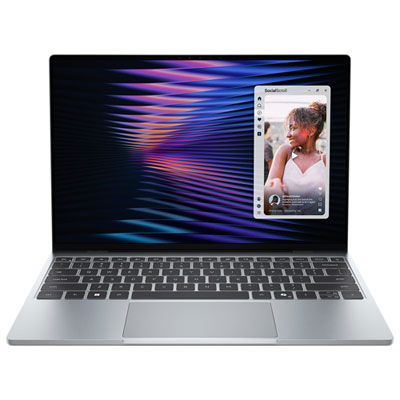
Dell XPS 13 13.4" Touchscreen Laptop - Sky (Intel Core 5 320/8GB RAM/512GB SSD/Windows 11 Home)
About this product
A sleek sky-coloured laptop featuring a 2.5K touchscreen, Intel Core 5 processor, and CNC aluminum chassis.
What customers like
(95)$1,149.99 Your price for this item is $1149.99 -
4
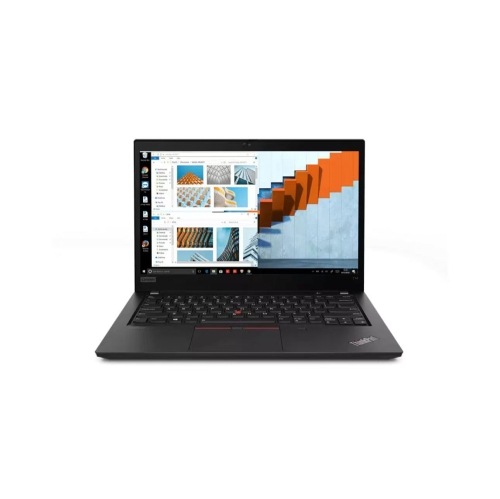
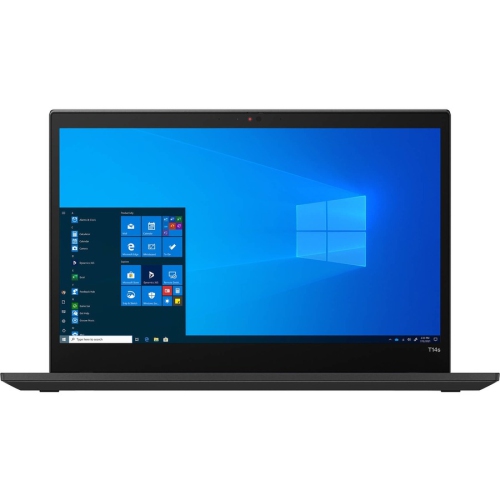
LENOVO Refurbished (Good) - Thinkpad T14 Gen 2 14" Touchscreen Business Laptop - Amd Ryzen 7 Pro 5850U - 16GB Ram - 512GB SSD - Radeon Graphics
About this product
A refurbished business laptop with AMD Ryzen 7 PRO 5850U, 16GB RAM, 512GB SSD, and touchscreen.
(301)$529.99Your price for this item is $529.99SAVE $170 -
5
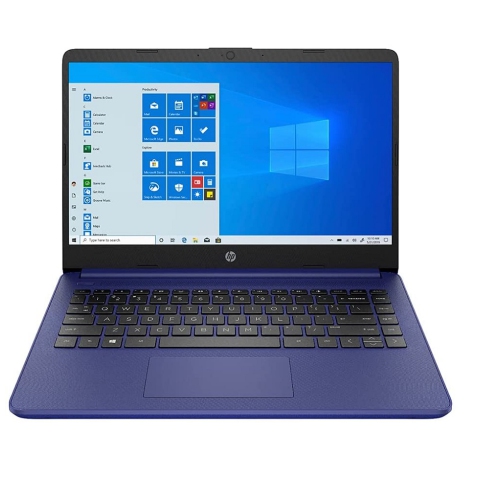
HP 14" Laptop - Intel Celeron N4020 - 4GB Ddr4 - 64GB SSD - Intel Uhd Graphics 600 - Windows 10 Home S Mode - - Gs HDMI Cable In Blue
About this product
A blue laptop featuring Intel Celeron N4020, 4GB RAM, 64GB storage, and Windows 10 Home S Mode.
What customers like
(498)$379.00Your price for this item is $379SAVE $120 -
6
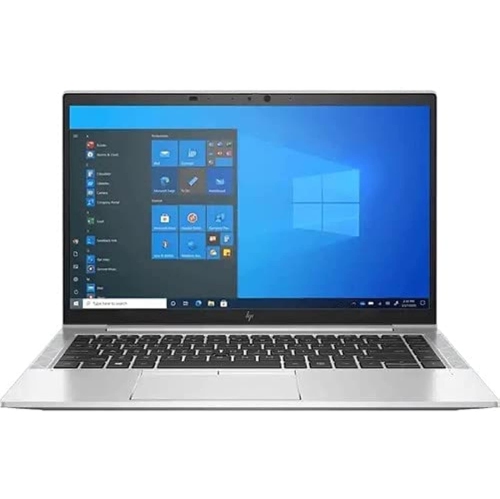
HP Refurbished (Excellent) - Elitebook 840 G8 14" Business Laptop - Intel Core I7-1185G7 - 32GB Ram - 512GB SSD - Windows 11 Pro - Certified
About this product
A refurbished business laptop with Intel Core i7, 32GB RAM, 512GB SSD, and Windows 11 Pro.
(2)$699.96Your price for this item is $699.96SAVE $500 -
7

HP Stream 14" Laptop - Intel Celeron N4120 - 4GB Ddr4 - 64GB Emmc - Windows 11 - - Includes Office 365 In White
About this product
A lightweight white laptop featuring an Intel N4120 processor, 64GB storage, and Windows 11 with Office 365.
What customers like
(2,847)$449.00Your price for this item is $449SAVE $56 -
8
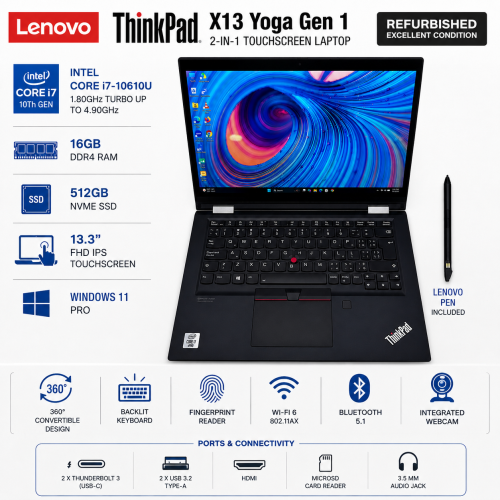
LENOVO Refurbished (Fair) Thinkpad X13 Yoga Gen 1 13.3" Fhd Touchscreen 2-In-1 Laptop w Built-In Stylus Pen - Core I7-10610U - 16GB Ram - 512GB
About this product
A refurbished 2-in-1 laptop with Intel i7 processor, 16GB RAM, 512GB SSD, touchscreen and rechargeable stylus.
(1)$379.99Your price for this item is $379.99SAVE $220 -
9

DELL Refurbished (Excellent) - Latitude 7420 14" Fhd Touchscreen Business Laptop - Intel Core I7-1185G7 - 32GB Ddr4 - 1Tb SSD - Windows 11 Pro -
About this product
A grey refurbished business laptop with touchscreen, Core i7, 32GB RAM, 1TB SSD, Windows 11 Pro.
(1)$849.00Your price for this item is $849SAVE $351
FAQ
Start with a recent multi-core processor, 16 GB of RAM and an SSD. Check Adobe’s current Photoshop system requirements for operating system and graphics compatibility. If you work with layered files or keep several creative apps open, consider whether the laptop’s memory can be upgraded.
Photoshop uses the graphics processor for certain tools and features, but a dedicated graphics card is not essential for every workflow. Compatible integrated graphics can support everyday photo editing, while dedicated graphics provide separate video memory for GPU-supported tasks. Check Adobe’s current graphics requirements before choosing.
Look for an IPS panel, wide sRGB colour coverage and accurate colour reproduction. A matte finish can reduce reflections, while display calibration helps establish consistent colour settings. Panel type alone does not guarantee colour accuracy, so review the display specifications.
Laptop storage holds your operating system, applications and files. A scratch disk is storage space Photoshop uses temporarily when working memory is insufficient. An SSD can serve both purposes, but it needs free space beyond what your saved photos and applications occupy.
USB-A and USB-C ports let you connect accessories such as drawing tablets, card readers and external drives. HDMI or a USB-C port with video output can connect an external monitor. An SD card reader is convenient for importing camera photos, though an external reader is another option. Check each port’s capabilities, since not all USB-C ports support video output.
Top selling and popular products
Discover more categories related to Best Laptops for Photoshop Under $1000

Some products may be subject to Environmental Handling Fees (EHF) depending on your province. Learn more about EHFs.