Best Laptops for Video Editing Under $1000
Find the best laptops for video editing under $1000, ranked by user review ratings to help you compare options with confidence. Whether you’re editing home videos or creating content for your channel, look for a capable processor, ample RAM, and fast SSD storage to keep your workflow moving. Explore the list to find a laptop that fits your editing needs and budget.
What to look for in laptops for video editing under $1000
1. Processor and Graphics
2. Memory and Upgrade Options
3. SSD Storage and Connectivity
4. Display Quality
-
1

Refurbished (Excellent) - HP EliteBook x360 1030 G8 14" Touchscreen 2-in-1 Business Laptop - Intel Core i7-1185G7 - 16GB - 1TB SSD - Windows 11 Pro - Silver - 1 Year Warranty
About this product
A versatile 2-in-1 laptop with a 14" touchscreen, Intel Core i7, 16GB RAM, and 1TB storage.
What customers like
(1,042)$789.00 Your price for this item is $789 -
2

DELL Inspiron 15.6" Fhd Touchscreen Laptop - Intel Core I5-1334U - 8GB Ddr4 - 512GB SSD - Intel Uhd - Windows 11 Home - In Black
About this product
A black touchscreen laptop featuring Intel i5-1334U, 8GB RAM, 672GB storage, and UHD graphics.
What customers like
(503)$949.00Your price for this item is $949SAVE $130 -
3
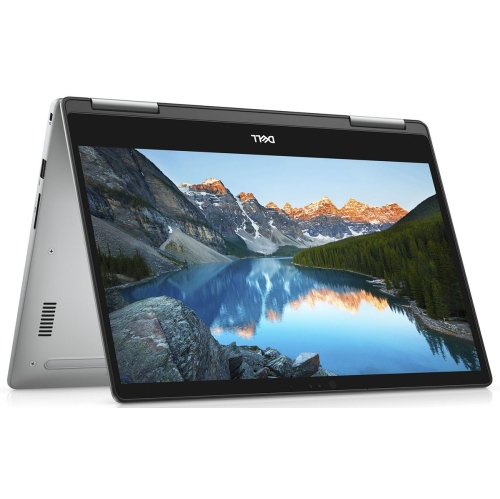
DELL (Refurbished - Good) - Inspiron 7573 15.6" Fhd Touchscreen 2-In-1 Laptop - Intel Core I5 8Th Gen - 12GB Ram - 256GB SSD - Windows 11
About this product
A versatile 2-in-1 laptop featuring a 1080p touchscreen, Core i7 processor, 16GB RAM, and 512GB SSD.
What customers like
(152)$499.95Your price for this item is $499.95SAVE $22 -
4
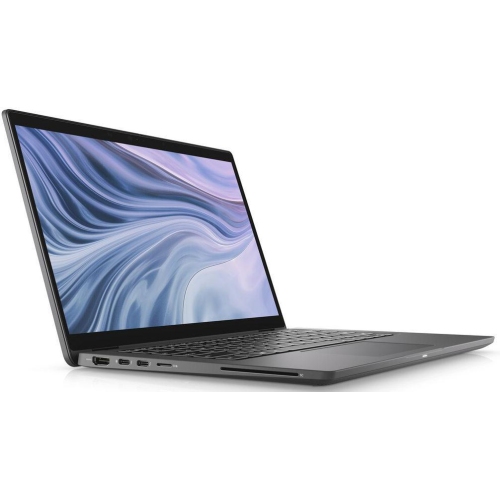
DELL Refurbished (Good) - Latitude 7410 Laptop - Intel Core I7-10610U - 32GB Ram - 512GB SSD - 14" Fhd - Wifi 6 - Bt 5.2 - Tb3.0
About this product
A refurbished Dell Latitude 7410 laptop with an i7 processor, 32GB RAM, and 512GB SSD.
(2)$529.99Your price for this item is $529.99SAVE $370 -
5
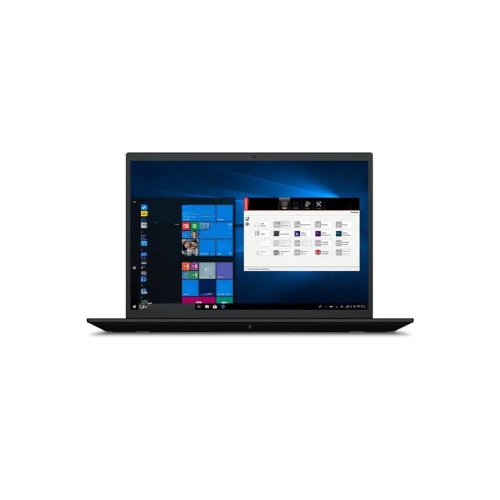
LENOVO Refurbished (Excellent) - Thinkpad P1 Gen 4 16" Business Laptop - Intel Core I7-11850H - 16GB Ram - 512GB SSD - Nvidia T1200 - Windows 10 Pro
About this product
A powerful laptop featuring a QHD+ display, Core i7 processor, 16GB RAM, and Nvidia T1200 graphics.
(1)$944.00Your price for this item is $944SAVE $305 -
6
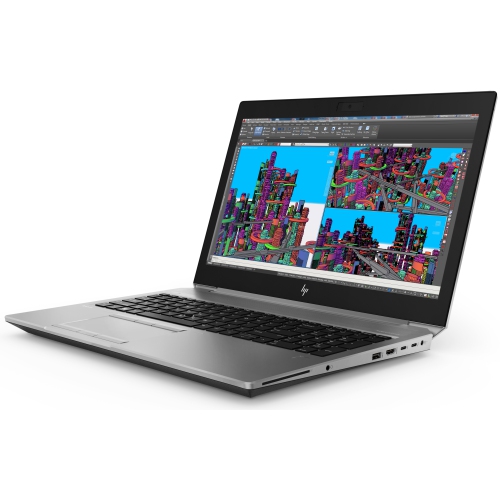
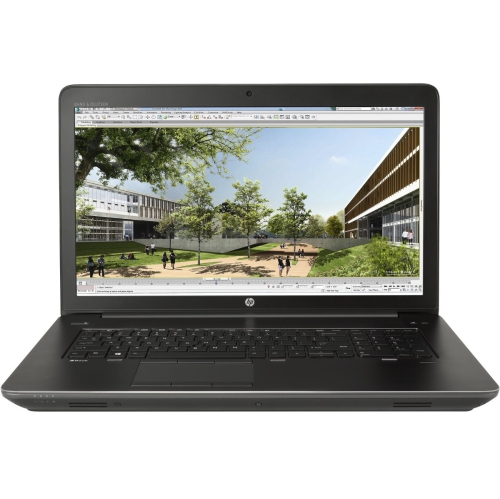
HP Refurbished (Good) - Zbook Studio G5 15.6" Workstation Laptop - Intel Core I7-8850H - 32GB Ram - 256GB SSD - Windows 10 Pro
About this product
A refurbished workstation laptop featuring an Intel Core i7 processor, 32GB RAM, 256GB SSD, and Windows 10 Pro.
(1)$699.00 Your price for this item is $699 -
7
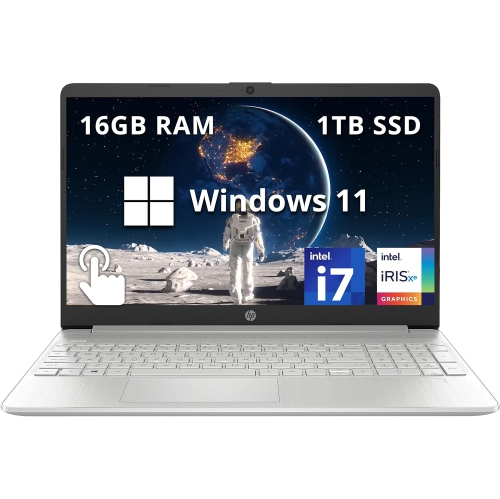
HP - 15.6" Fhd Touchscreen Laptop - Intel Core I7-1255U - 16GB Ddr4 - 1Tb SSD - Intel Iris Xe - Windows 11 - In Silver
About this product
A sleek silver laptop with a 15.6" FHD touchscreen, Intel i7 processor, and 1TB SSD storage.
What customers like
(0)$999.00Your price for this item is $999SAVE $190 -
8
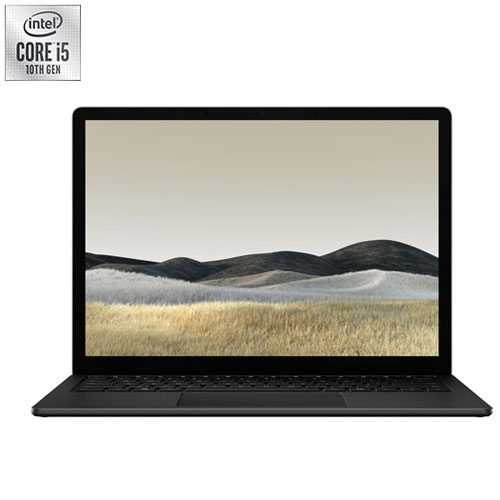
MICROSOFT Refurbished (Good) - Surface 3 13.5" Touchscreen Laptop - Intel Core I5-1035G7 - 8GB Lpddr4X - 256GB SSD - Windows 10 Home - Matte
About this product
A sleek black touchscreen laptop featuring an Intel Core i5 processor, 8GB RAM, and 256GB SSD.
What customers like
(519)$450.00 Your price for this item is $450 -
9
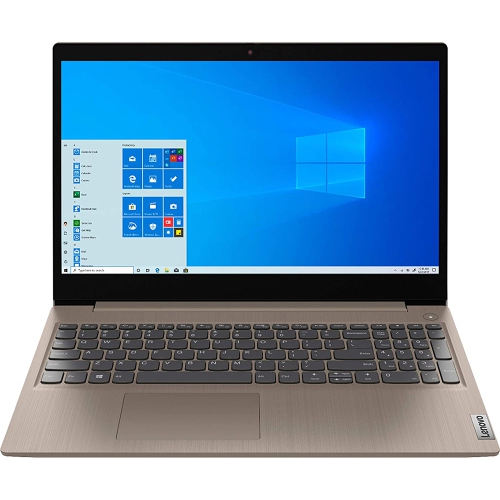
LENOVO Ideapad 3 15.6" Laptop - Intel Core I5-1035G1 - 8GB Ddr4 - 256GB SSD - Windows 10 Home - Almond
About this product
A versatile laptop featuring Intel Core i5, 8GB RAM, 256GB SSD, and Dolby Audio with Windows 10.
(14)$619.99 Your price for this item is $619.99 -
10
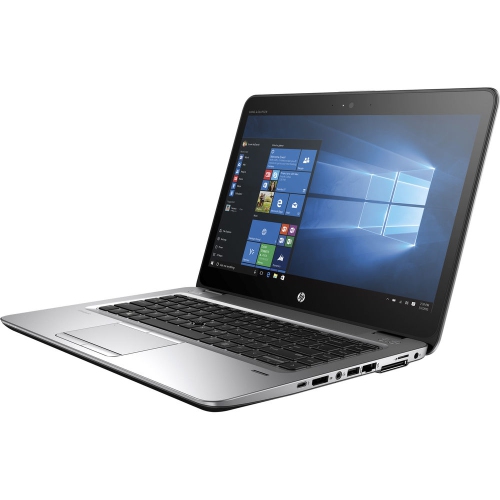
HP Refurbished (Good) - Elitebook 840 G3 14" Laptop - Intel Core I5-6300U - 8GB Ram - 256GB SSD - Windows 10 Pro - In Silver
About this product
A refurbished 14" laptop featuring an Intel Core i5, 8GB RAM, 256GB SSD, and Windows 10 Pro.
(12)$234.70Your price for this item is $234.70SAVE $163
FAQ
Look for a recent multi-core processor, 16GB of RAM and an SSD. A dedicated graphics processor is worth considering if your editing software uses GPU acceleration. Check the software’s system requirements and the formats you plan to edit before choosing a laptop.
Integrated graphics are built into the processor and share system memory, while dedicated graphics typically have their own video memory. Editing applications may use either type for supported tasks such as video decoding, effects and exporting. Support varies by application, graphics hardware and video format.
Consider resolution, colour accuracy and colour gamut coverage. Full HD resolution is a practical starting point, while broad sRGB coverage is useful for projects intended for online viewing. An IPS panel typically provides consistent viewing angles, and an external monitor can be part of a colour-focused editing setup.
USB-A and USB-C ports connect accessories and external drives, while HDMI or a USB-C port with video output can connect an external monitor. An SD card reader is convenient for importing footage from compatible cameras. Check each port’s specifications, as not every USB-C port supports the same features.
Review the application’s supported operating systems, processor requirements, memory requirements and graphics compatibility. Also check support for your footage’s codecs, resolution and bit depth. Some formats require additional software components or particular hardware features, even when the application itself can be installed.
Top selling and popular products
Discover more categories related to Best Laptops for Video Editing Under $1000


Some products may be subject to Environmental Handling Fees (EHF) depending on your province. Learn more about EHFs.