Best Laptops for Video Editing Under $500
Find the best laptops for video editing under $500, ranked by user review ratings to help you compare budget-friendly options. For basic edits, short clips, and smaller projects, look for enough memory to run your editing software, SSD storage for responsive performance, and a clear display. At this price, focus on everyday editing needs rather than demanding effects or high-resolution workflows.
What to look for in laptops for video editing under $500
1. Processor and Graphics
2. Memory and Upgrade Options
3. Storage and Connectivity
4. Display and Overall Value
-
1
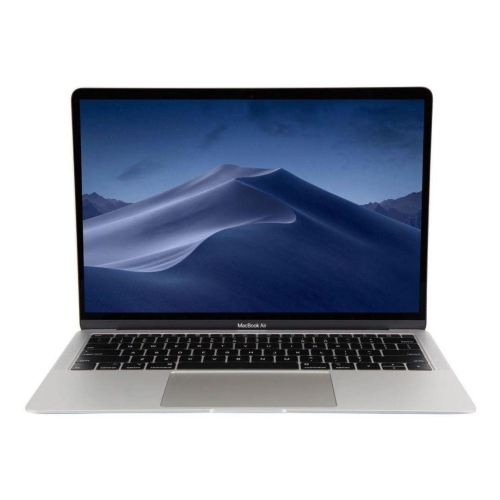
APPLE Refurbished (Good) - Macbook Air 13.3" W/ Retina - Space (Intel Core I5 1.6Ghz / 256GB SSD / 8GB Ram) - En (2018 Model) In Grey
About this product
A thin and lightweight MacBook Air with Retina display, Touch ID, and all-day battery life.
What customers like
(861)$499.00Your price for this item is $499SAVE $400 -
2
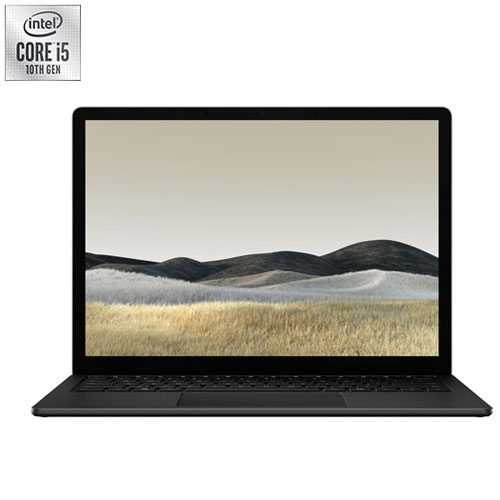
MICROSOFT Refurbished (Good) - Surface 3 13.5" Touchscreen Laptop - Intel Core I5-1035G7 - 8GB Lpddr4X - 256GB SSD - Windows 10 Home - Matte
About this product
A sleek black touchscreen laptop featuring an Intel Core i5 processor, 8GB RAM, and 256GB SSD.
What customers like
(519)$450.00 Your price for this item is $450 -
3

ACER Chromebook 315 15.6" HD - Intel Pentium N6000 - 4GB Lpddr4X - 128GB Storage - Chromeos - - Protective Sleeve Included In Silver
About this product
A lightweight silver laptop with a 15.6" HD screen, Intel Pentium processor, and Wi-Fi 6 connectivity.
What customers like
(396)$339.99Your price for this item is $339.99SAVE $360 -
4
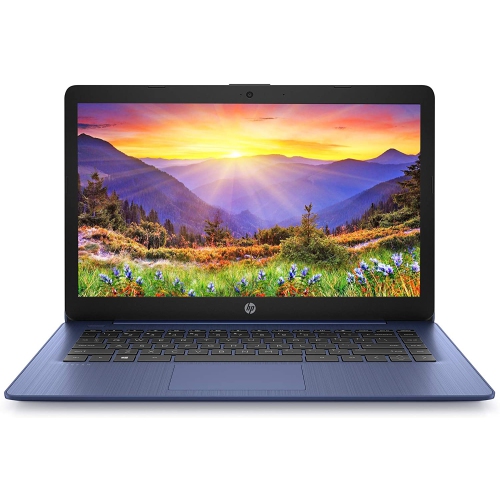
HP Stream 14" Laptop - Intel Celeron N4000 - 4GB Ram - 64GB Emmc - Windows 10 - Royal - Includes 1 Year Office 365 Subscription In Blue
About this product
A lightweight blue laptop featuring Intel Celeron N4000, 64GB eMMC storage, and Windows 10.
What customers like
(152)$320.00 Your price for this item is $320 -
5
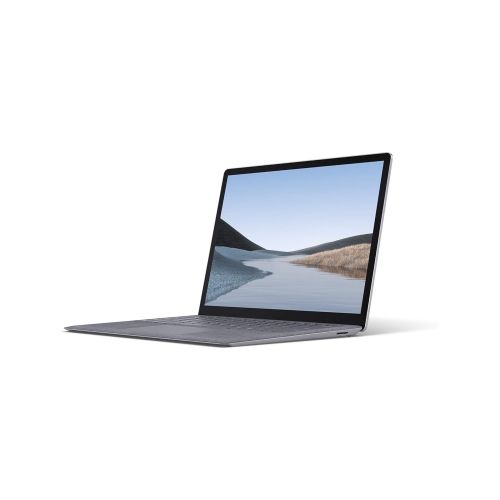
MICROSOFT Refurbished (Excellent) - Surface Laptop 3 13.5" Touchscreen Business Laptop - Intel Core I5-1035G7 - 8GB Lpddr4X - 256GB SSD - Windows 11
About this product
A platinum touchscreen laptop featuring an Intel i5 processor, 8GB RAM, 256GB SSD, and Windows 11 Pro.
(6)$489.00Your price for this item is $489SAVE $409 -
6
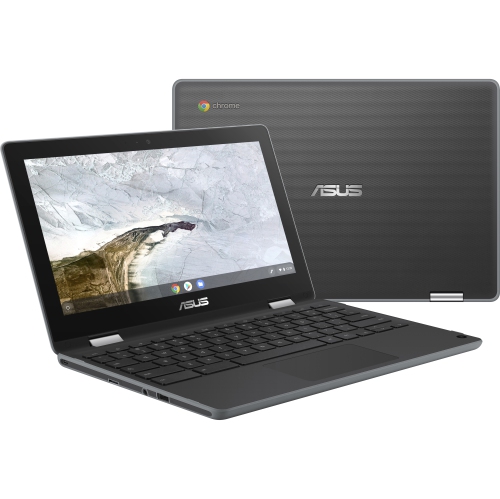
ASUS Chromebook Flip C214 11.6" Touchscreen Student Chromebook - Intel Celeron N4020 - 4GB - 32GB Flash - Chromeos - Dark In Gray
About this product
A versatile dark gray touchscreen Chromebook with Intel Celeron N4020, 4GB RAM, and 32GB flash storage.
(6)$439.52Your price for this item is $439.52SAVE $42 -
7
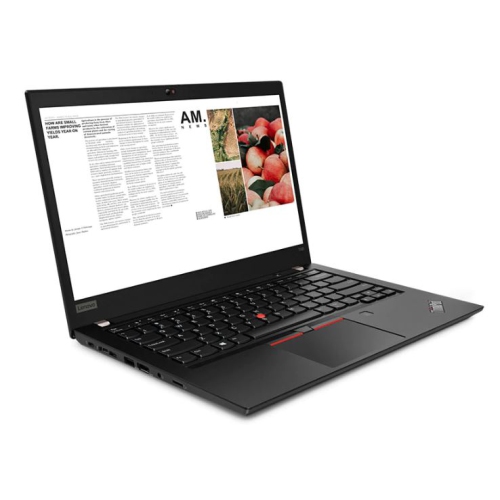
LENOVO Refurbished (Excellent) - Thinkpad T490 14" Fhd Touchscreen Business Laptop - Intel Core I7-8665U - 16GB Ddr4 - 256GB SSD - Windows 11 Pro -
About this product
A refurbished laptop with a 2K display, Intel Core i7, 16GB RAM, and 1TB SSD.
(4)$464.99Your price for this item is $464.99SAVE $535 -
8

LENOVO Thinkpad T14 Gen 1 14", I5-10210U, 24GB Ram, 256GB SSD, Windows 11 Pro, Business & School Laptop (Refurbished Excellent)
About this product
A refurbished business laptop with Intel Core i5, 24GB RAM, 256GB SSD, and Windows 11 Pro.
(4)$488.00Your price for this item is $488SAVE $11 -
9
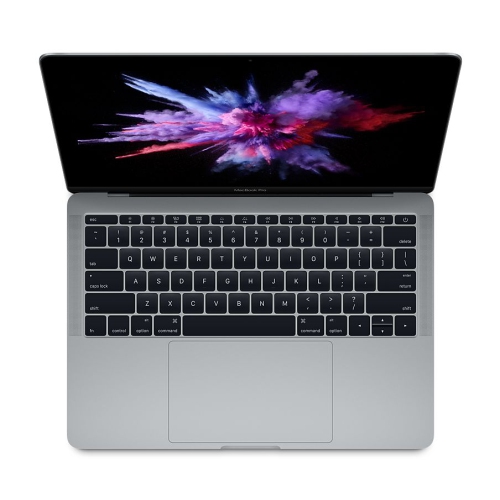
APPLE Refurbished (Good) - Macbook Pro 13" / 2017 / Intel Core I5 / 2.3Ghz / 8GB Ram / 256GB SSD
About this product
A refurbished laptop featuring an Intel Core i5 processor, 8GB RAM, and a 256GB SSD.
(3)$499.99Your price for this item is $499.99SAVE $200 -
10
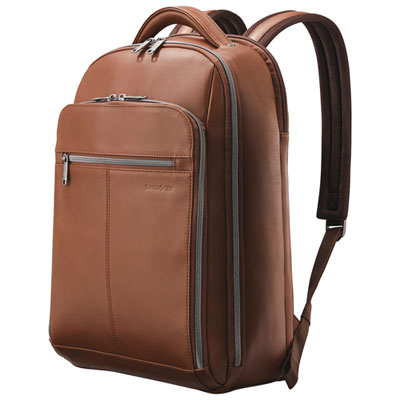
Samsonite Classic Leather 15.6" Laptop Commuter Backpack - Cognac
About this product
A cognac-colored leather laptop commuter backpack with ample storage and comfortable carrying features.
What customers like
(123)$244.98 Your price for this item is $244.98
FAQ
Check the editing software’s supported operating systems, processor requirements, graphics support and memory requirements. Some editors require a specific version of Windows or macOS, while browser-based editors may also work on ChromeOS. Confirm that the software supports your camera’s video formats.
USB-A and USB-C ports can connect external drives, cameras and other accessories. An SD card reader lets you import footage from compatible camera cards, while HDMI can connect an external display. Check each port’s specifications, as USB-C connections do not all support the same features.
An SSD uses flash memory, while a hard drive stores data on spinning disks. SSDs generally offer quicker file access and have no moving parts. A laptop can use its internal drive for software and active projects, with an external drive used for archives and backup copies.
Proxy editing uses lower-resolution copies of your original video files during the editing process. The editor links these copies to the source footage and uses the originals for the final export. Support and setup vary by application, so check whether your editing software includes a proxy workflow.
A format such as MP4 or MOV is a container that holds video, audio and other data. A codec, such as H.264 or H.265, determines how the video is compressed and decoded. When choosing laptop editing software, check support for both the container and codec used by your footage.
Top selling and popular products
Discover more categories related to Best Laptops for Video Editing Under $500



Some products may be subject to Environmental Handling Fees (EHF) depending on your province. Learn more about EHFs.