Laptop Stands
Laptop stands offer a practical solution for enhancing your workspace, whether you're working from home, studying, or gaming. Designed to help you create a more comfortable and organized environment, laptop stands can make it easier to find the perfect viewing angle and keep your desk tidy. Explore a wide selection of laptop stands to find the right fit for your needs and elevate your daily routine.
Sort
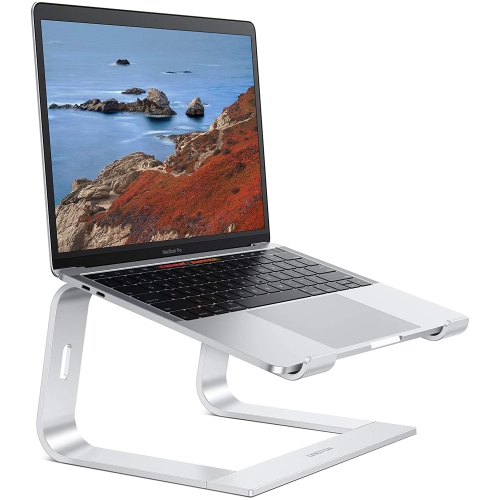
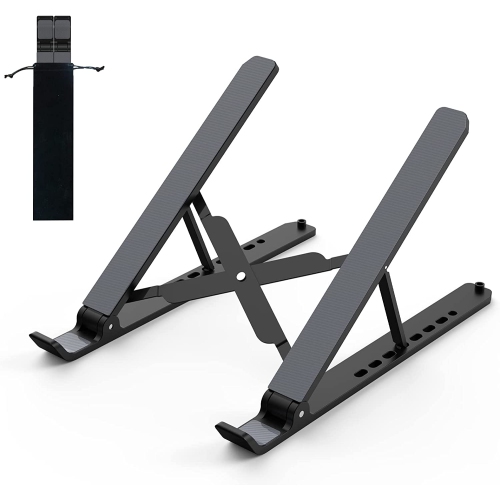
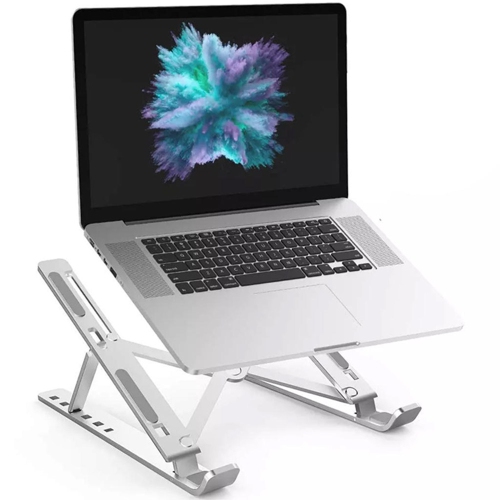
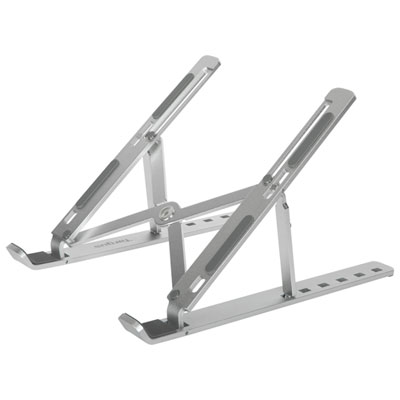
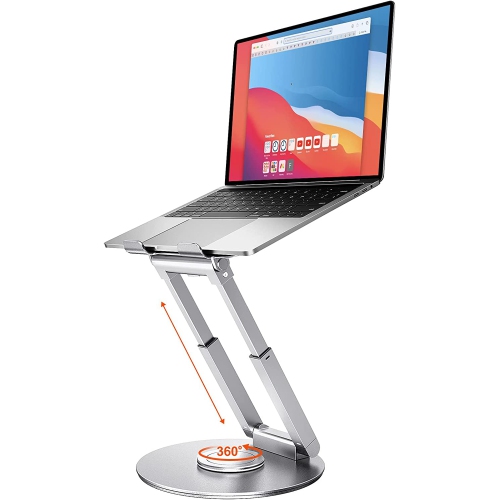
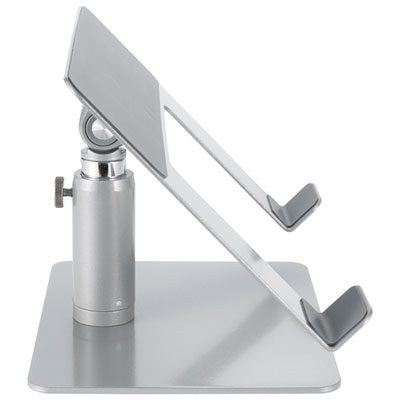
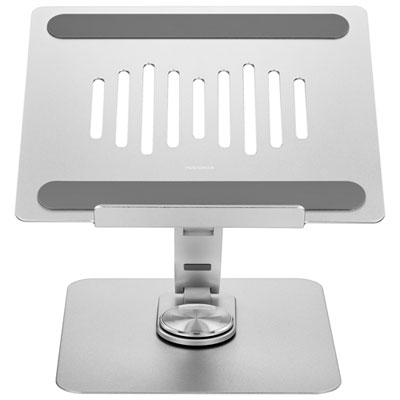
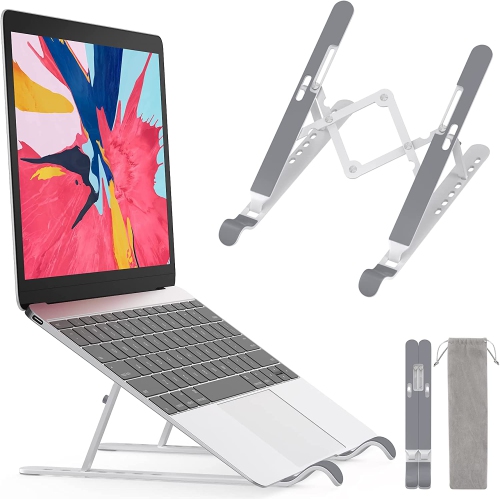
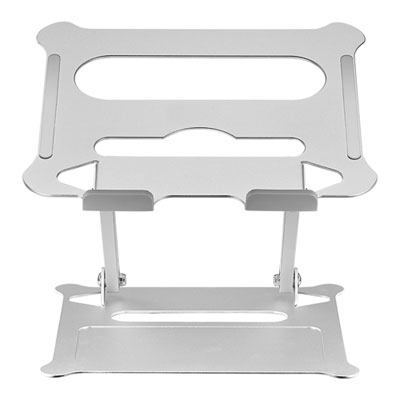
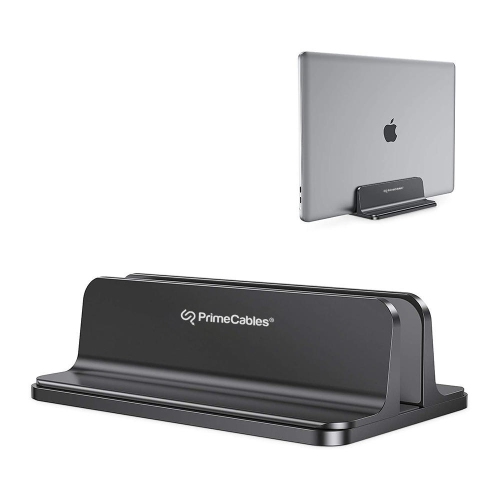
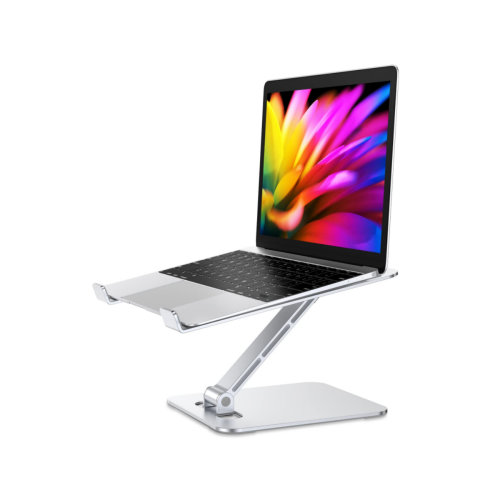
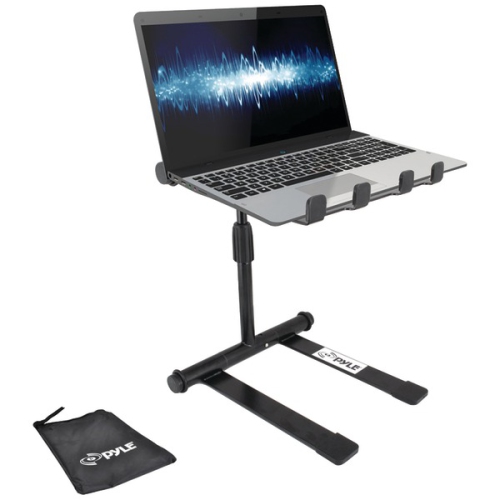

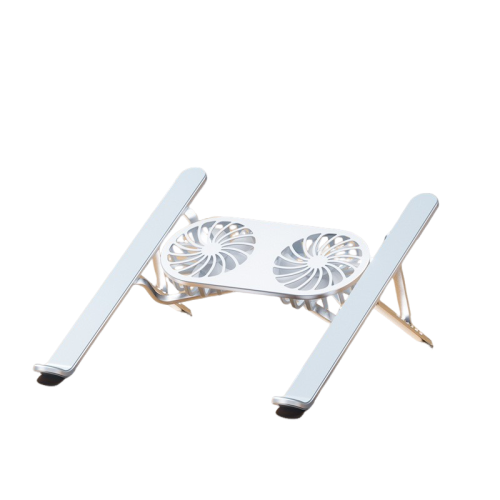
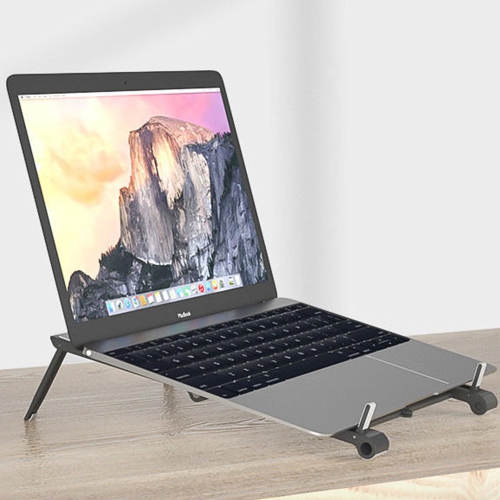
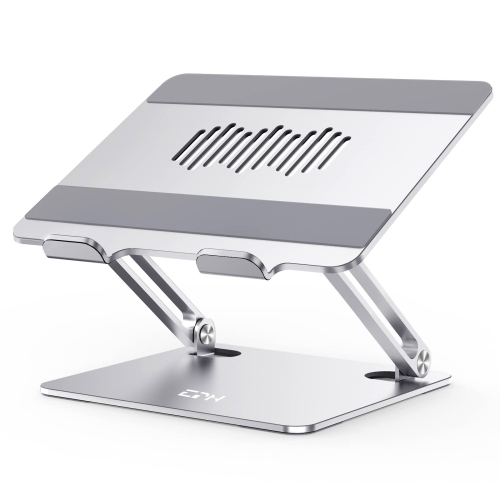
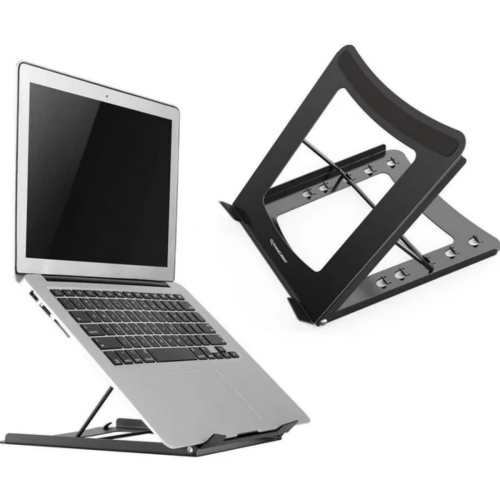
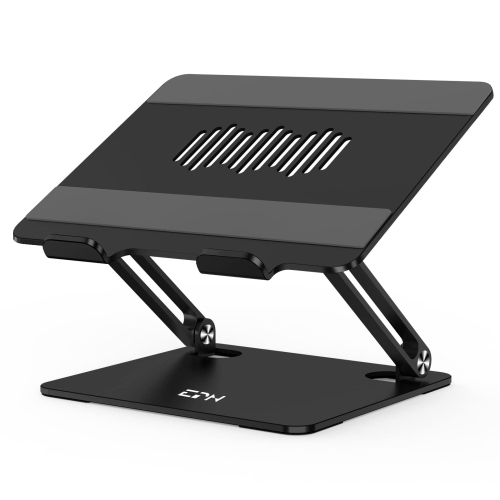
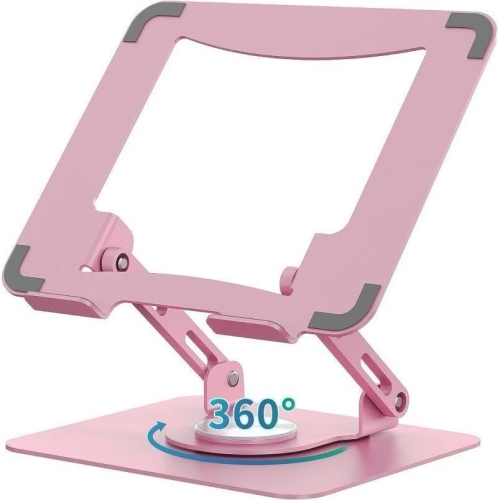
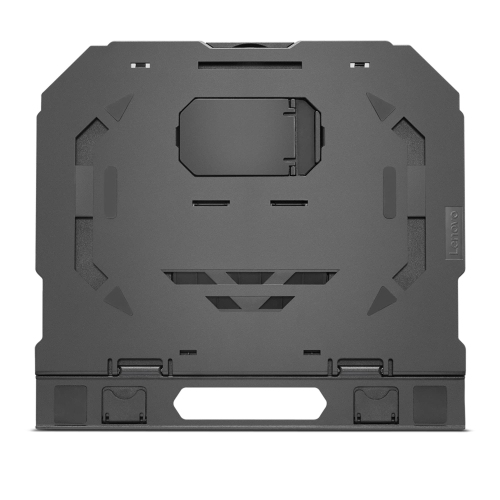
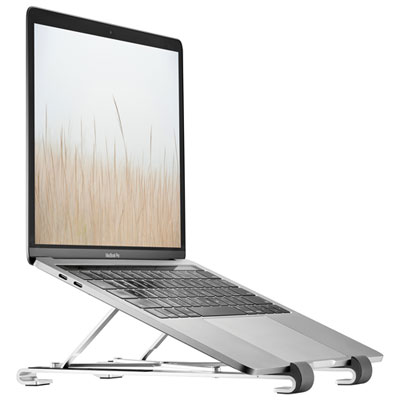
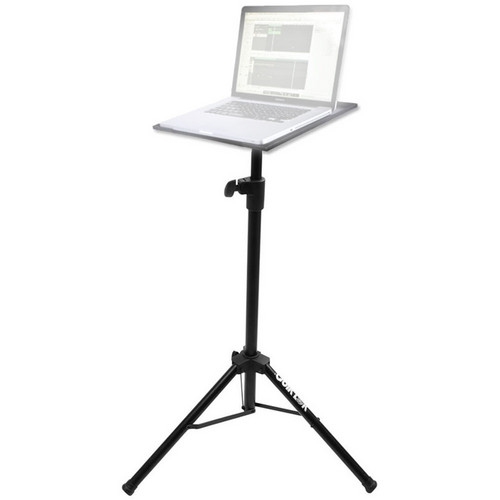
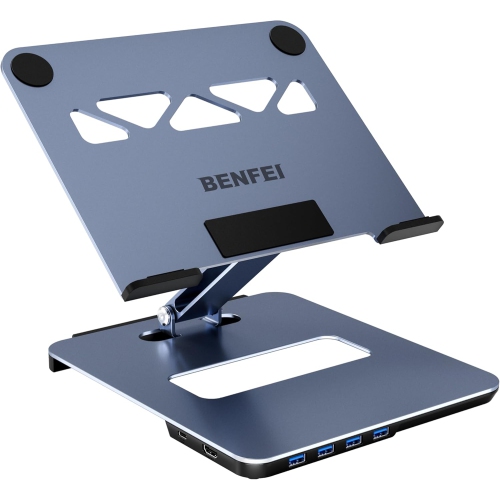
Higher screens, more comfortable posture and extra desk space
A laptop stand is a practical accessory that raises a notebook computer off a desk, table, sofa or other surface, helping bring the display closer to eye level. With the screen positioned higher, you may be able to sit more upright instead of leaning forward for long periods, which can help reduce neck, shoulder and upper-back strain during work, study, streaming or video calls. A raised laptop can also create more usable space beneath the computer for a keyboard, documents or small desk accessories. Some stands are designed as simple desk risers, while others offer adjustable height and viewing angles for a more personalised setup. Folding laptop stands can be useful for people who move between a home office, classroom, library and shared workspace, since they can pack away easily in a backpack or laptop bag. More substantial designs may suit a permanent workstation, giving a laptop a stable platform while leaving room for a separate keyboard and mouse. When choosing among laptop stands, consider the size and weight of the computer, the amount of desk space available and whether the stand will stay in one place or travel regularly. Check the stand’s dimensions against the laptop’s footprint, paying particular attention to the width of the base and the depth of the support ledge. A stand should hold the computer securely without covering important ports, blocking ventilation openings or allowing the device to slide when the viewing angle changes. Raised designs can improve airflow around the underside of a laptop, although they should never obstruct the computer’s own vents. Rubber or silicone contact points can help protect the computer and keep the stand from shifting on a smooth surface, while a wider base may provide added stability for larger laptops.
Different laptop stand styles serve different routines. A compact riser is well suited to a desk where the main goal is to lift the screen and create a more comfortable eye line. An adjustable model can be helpful when several people share the same workspace or when one person alternates between sitting and standing. If you use a laptop for virtual meetings, raising the camera can produce a more natural angle and help keep your face centred on screen, particularly when the computer is paired with an external keyboard. A portable folding stand is convenient for commuters, students and professionals who work in more than one location, especially during the cooler months when a comfortable indoor workstation becomes a regular part of the daily routine. For flexible use around the home, browse Laptop Table Stands, which can provide a different approach to positioning a computer beside a sofa, lounge chair or bed. These table-style designs may include a broader surface, folding legs or adjustable sections, making them useful for reading, browsing, writing and light computer work away from a conventional desk. A lap-friendly surface can help keep a laptop more stable than a soft blanket or cushion, while a stand with a separate mouse area may make navigation feel less cramped. Floor and sofa stands can also suit compact rooms, guest areas or reading corners where a full desk is not practical. Even with a bed or sofa stand, it is wise to keep the laptop on a firm, level platform and allow space around the vents. A laptop stand is not a replacement for an ergonomic chair, proper lighting or regular breaks, but it can be an important part of a more comfortable setup. Pairing the stand with a full-size keyboard and mouse is often the best way to take advantage of a higher screen, since typing for long periods directly on a raised laptop can leave the arms and wrists in an awkward position.
Laptop stands can make thoughtful gifts for students setting up a study area, remote workers refining a home office, frequent travellers, gamers who need a second-screen arrangement and family members who spend long stretches on a computer. They can also be useful for anyone preparing a workspace in a smaller home, where a foldable accessory can be stored when the table needs to serve another purpose. Before making a selection, consider adjustability, portability, construction, weight capacity and ease of storage. Height adjustment is valuable if the stand will be used by people of different heights, while angle adjustment can help reduce glare from windows and overhead lights. A stable, heavier base may be preferable for a permanent desk, whereas a lightweight folding design may be more convenient for commuting. If you plan to carry the stand with a laptop, charger and other accessories, look for a slim profile that will not add unnecessary bulk. A stand with open sides can make cables easier to route and may provide better access to USB, audio, display and charging ports. Think about the surrounding equipment as well: a larger laptop, external monitor or desktop microphone may require a wider footprint, while a small table may call for a narrower design. For a polished workstation, match the stand’s height with the position of a monitor so your eyes remain directed forward rather than constantly angled down or to the side. For occasional use on a kitchen table or dining surface, a stand that folds flat can be put away neatly after work or study is complete. Whether it becomes part of a dedicated office, a portable study kit or a relaxed viewing area, the right laptop stand can help organise the space, improve screen positioning and make everyday computer use feel more comfortable through changing routines and seasons.
Different laptop stand styles serve different routines. A compact riser is well suited to a desk where the main goal is to lift the screen and create a more comfortable eye line. An adjustable model can be helpful when several people share the same workspace or when one person alternates between sitting and standing. If you use a laptop for virtual meetings, raising the camera can produce a more natural angle and help keep your face centred on screen, particularly when the computer is paired with an external keyboard. A portable folding stand is convenient for commuters, students and professionals who work in more than one location, especially during the cooler months when a comfortable indoor workstation becomes a regular part of the daily routine. For flexible use around the home, browse Laptop Table Stands, which can provide a different approach to positioning a computer beside a sofa, lounge chair or bed. These table-style designs may include a broader surface, folding legs or adjustable sections, making them useful for reading, browsing, writing and light computer work away from a conventional desk. A lap-friendly surface can help keep a laptop more stable than a soft blanket or cushion, while a stand with a separate mouse area may make navigation feel less cramped. Floor and sofa stands can also suit compact rooms, guest areas or reading corners where a full desk is not practical. Even with a bed or sofa stand, it is wise to keep the laptop on a firm, level platform and allow space around the vents. A laptop stand is not a replacement for an ergonomic chair, proper lighting or regular breaks, but it can be an important part of a more comfortable setup. Pairing the stand with a full-size keyboard and mouse is often the best way to take advantage of a higher screen, since typing for long periods directly on a raised laptop can leave the arms and wrists in an awkward position.
Laptop stands can make thoughtful gifts for students setting up a study area, remote workers refining a home office, frequent travellers, gamers who need a second-screen arrangement and family members who spend long stretches on a computer. They can also be useful for anyone preparing a workspace in a smaller home, where a foldable accessory can be stored when the table needs to serve another purpose. Before making a selection, consider adjustability, portability, construction, weight capacity and ease of storage. Height adjustment is valuable if the stand will be used by people of different heights, while angle adjustment can help reduce glare from windows and overhead lights. A stable, heavier base may be preferable for a permanent desk, whereas a lightweight folding design may be more convenient for commuting. If you plan to carry the stand with a laptop, charger and other accessories, look for a slim profile that will not add unnecessary bulk. A stand with open sides can make cables easier to route and may provide better access to USB, audio, display and charging ports. Think about the surrounding equipment as well: a larger laptop, external monitor or desktop microphone may require a wider footprint, while a small table may call for a narrower design. For a polished workstation, match the stand’s height with the position of a monitor so your eyes remain directed forward rather than constantly angled down or to the side. For occasional use on a kitchen table or dining surface, a stand that folds flat can be put away neatly after work or study is complete. Whether it becomes part of a dedicated office, a portable study kit or a relaxed viewing area, the right laptop stand can help organise the space, improve screen positioning and make everyday computer use feel more comfortable through changing routines and seasons.
Top selling and popular products
-
 Your price for this item is $149.99
 -
 Your price for this item is $69.99
 -
 Your price for this item is $35
 -
 Your price for this item is $59.99
 -
 Your price for this item is $179.99
 -
 Your price for this item is $209.99
 -
 Your price for this item is $89.99
 -
 Your price for this item is $154.99
Discover more categories related to Laptop Stands
Top Collections:
Pokemon Centers, Kindle Devices, Best Budget Office Chairs, Apple iPhones 16, Best Laptops for Writers, iPhone 15 Apple, Canon G7X Cameras, Refurbished Apple Laptops, Alarm Clock, Motorola Razr Phones
Some products may be subject to Environmental Handling Fees
(EHF) depending on your province.
Learn more about EHFs.