Best Microphones for Zoom Meetings
Make your voice heard with the best microphones for Zoom meetings, ranked by user review ratings. Whether you’re presenting to clients, catching up with colleagues, or joining a virtual class, a clear-sounding microphone can help you communicate with confidence. Explore the options to find the right fit for your workspace and meeting needs.
What to look for in microphones for Zoom meetings
1. Voice Clarity
2. Connection and Compatibility
3. Room and Microphone Placement
4. Controls and Monitoring
-
1
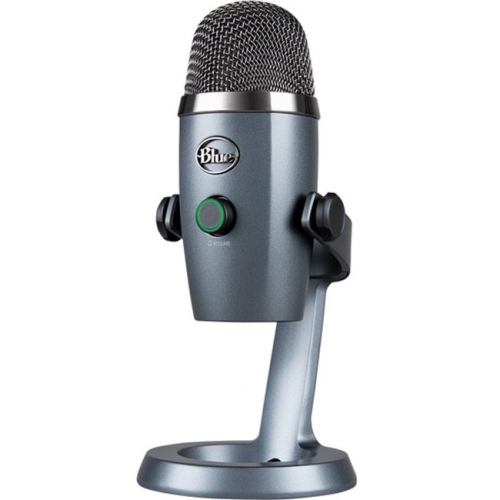
BLUE Yeti Nano Microphone 988-000400
About this product
A compact blue USB microphone delivering professional-quality audio for streaming, podcasting, and recording.
What customers like
(321)$162.68 Your price for this item is $162.68 -
2
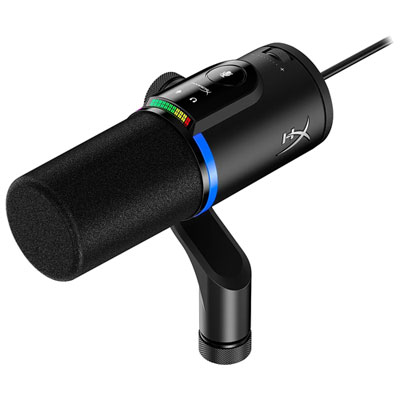
HyperX FlipCast USB Microphone - Black
About this product
A black USB microphone with dynamic capsule, built-in audio filters, and both XLR and USB-C connectivity.
What customers like
(25)$228.99 Your price for this item is $228.99 -
3
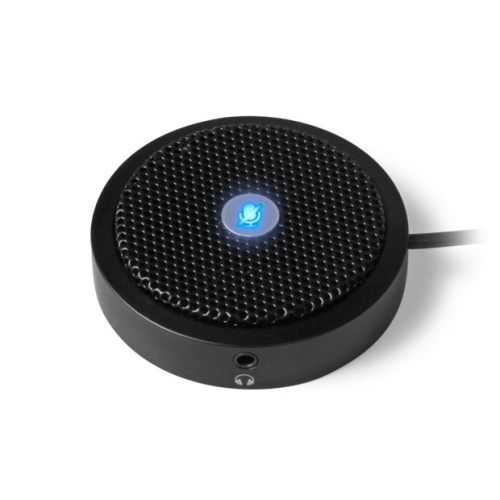
ALURATEK Aum01F USB Microphone W/ Mute Button
About this product
A USB microphone featuring a convenient mute button, ideal for recording and streaming applications.
What customers like
(60)$75.35Your price for this item is $75.35SAVE $7 -
4
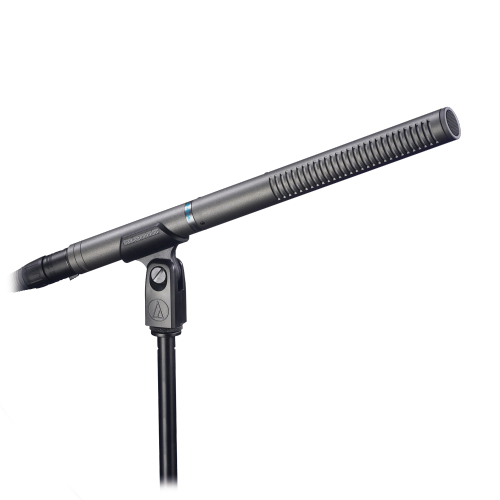
AUDIO TECHNICA Audio-Technica At897 Line + Gradient Condenser Microphone
About this product
A line and gradient condenser microphone designed for clear, focused audio capture in professional settings.
(7)$369.00 Your price for this item is $369 -
5
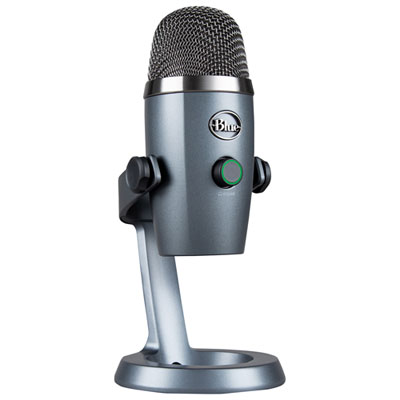
Blue Microphones Yeti Nano USB Microphone - Grey
About this product
A compact grey USB microphone delivering 24-bit sound quality and Blue VO!CE effects for professional audio.
What customers like
(995)$109.98Your price for this item is $109.98SAVE $20 -
6
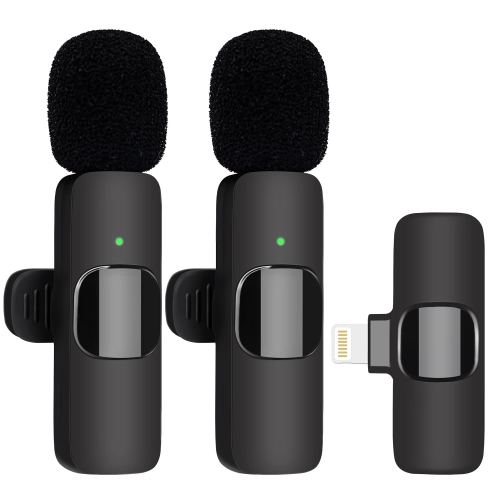
HLD Wireless Dual Professional Wireless Lavalier Microphone for Video Recording, Live Stream, Youtube, Facebook, Tiktok, Vlog
About this product
A plug-and-play dual wireless lavalier microphone delivering clear audio for video recording and live streaming.
(2)$29.89Your price for this item is $29.89SAVE $40 -
7
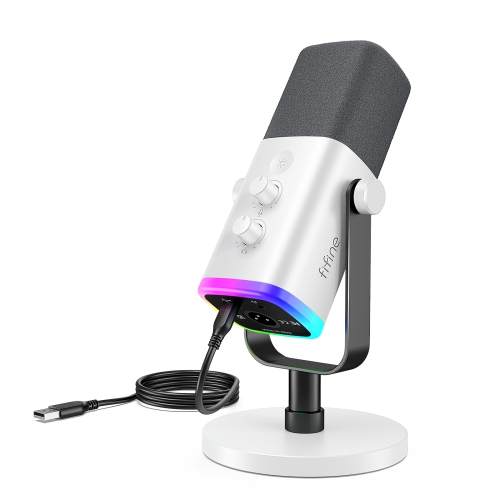
FIFINE Ampligame Am8W Xlr/USB Dynamic PC Mic for Gaming, Streaming- In White
About this product
A versatile white dynamic microphone with XLR/USB connectivity, customizable RGB lighting, and crystal-clear audio quality.
(5)$86.99Your price for this item is $86.99SAVE $26 -
8
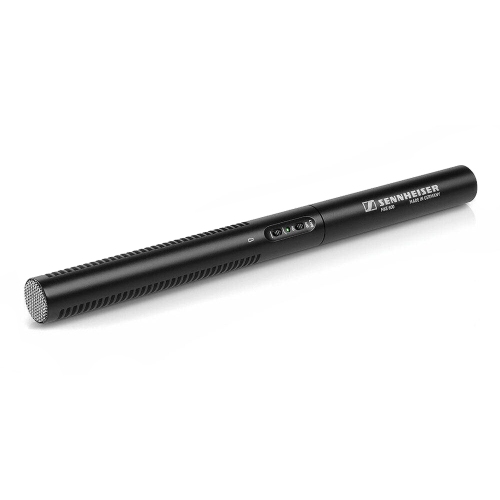
SENNHEISER Mke 600 Shotgun Microphone
About this product
A professional shotgun microphone designed for clear, focused audio capture in video and film production.
(6)$449.00Your price for this item is $449SAVE $80 -
9
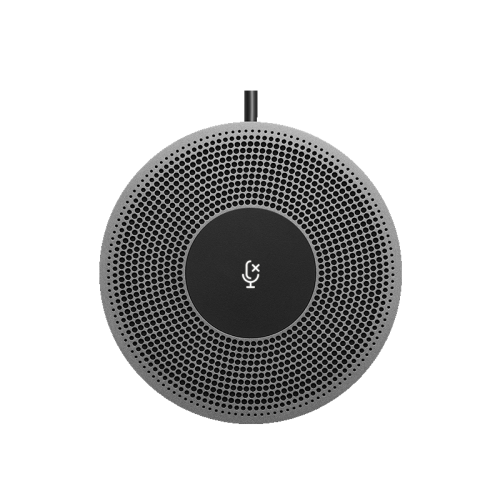
LOGITECH Expansion Microphone for Meetup - (989-000405)
About this product
An expansion microphone that extends audio pickup range for clear conversations in larger meeting spaces.
(5)$749.68 Your price for this item is $749.68
FAQ
Common options include desktop USB microphones, headset microphones, clip-on lavalier microphones and conference speakerphones. Desktop models sit on a desk or stand, headsets combine a microphone with headphones, lavalier microphones attach to clothing, and conference speakerphones combine a microphone with a speaker.
USB microphones connect to a compatible computer through a USB port and typically include built-in audio conversion. XLR microphones connect through an audio interface or mixer, which then connects to the computer. Your choice depends on your existing audio equipment and preferred setup.
Connect your microphone or audio interface to your computer, then open Zoom’s audio settings and choose it from the microphone menu. During a meeting, you can also select an audio input using the menu beside the microphone icon. Menu names may vary by app version and operating system.
A pickup pattern describes the directions from which a microphone captures sound. Cardioid microphones capture sound mainly from the front, omnidirectional models capture sound from all directions, and bidirectional models capture sound from the front and back. Some microphones let you switch between patterns.
Depending on the model, features may include a mute button, an input gain dial, a headphone jack and a headphone volume control. Some microphones also have a pickup-pattern selector or an indicator light. A microphone’s physical mute control may operate separately from Zoom’s on-screen mute button.
Top selling and popular products
Discover more categories related to Best Microphones for Zoom Meetings
Some products may be subject to Environmental Handling Fees (EHF) depending on your province. Learn more about EHFs.